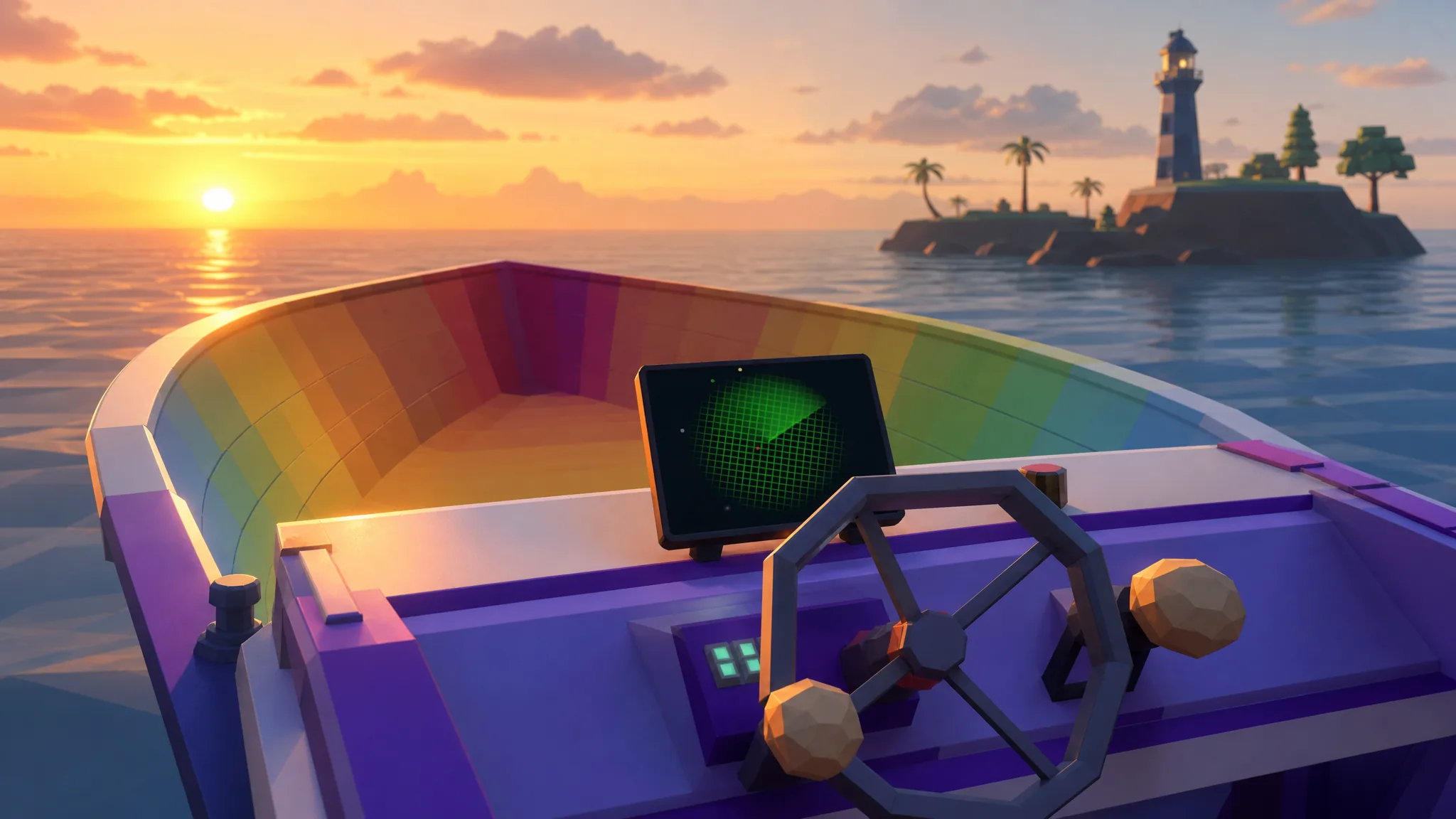
The Boat Radar is a permanent upgrade in How to Fish that fixes the navigation screen directly onto your boat’s dashboard, so you no longer have to hold the handheld radar in your hands while sailing. You buy it on the fourth island, The Rocks, before you start tackling that area’s boss chain.
Quick answer: Sail to the fourth island (The Rocks), enter the small red shack on the beach below the Lucky Bait Company building, and press [E] to buy the Boat Radar for $200. It installs on the dashboard automatically.
Where to find the Boat Radar shack
The upgrade is sold on The Rocks, the fourth island in the journey. Look along the shoreline for a small red shack sitting below the Lucky Bait Company building. The Boat Radar and the Dual Motors engine upgrade share this same shop counter, so you can pick up both in one visit if you have the cash.
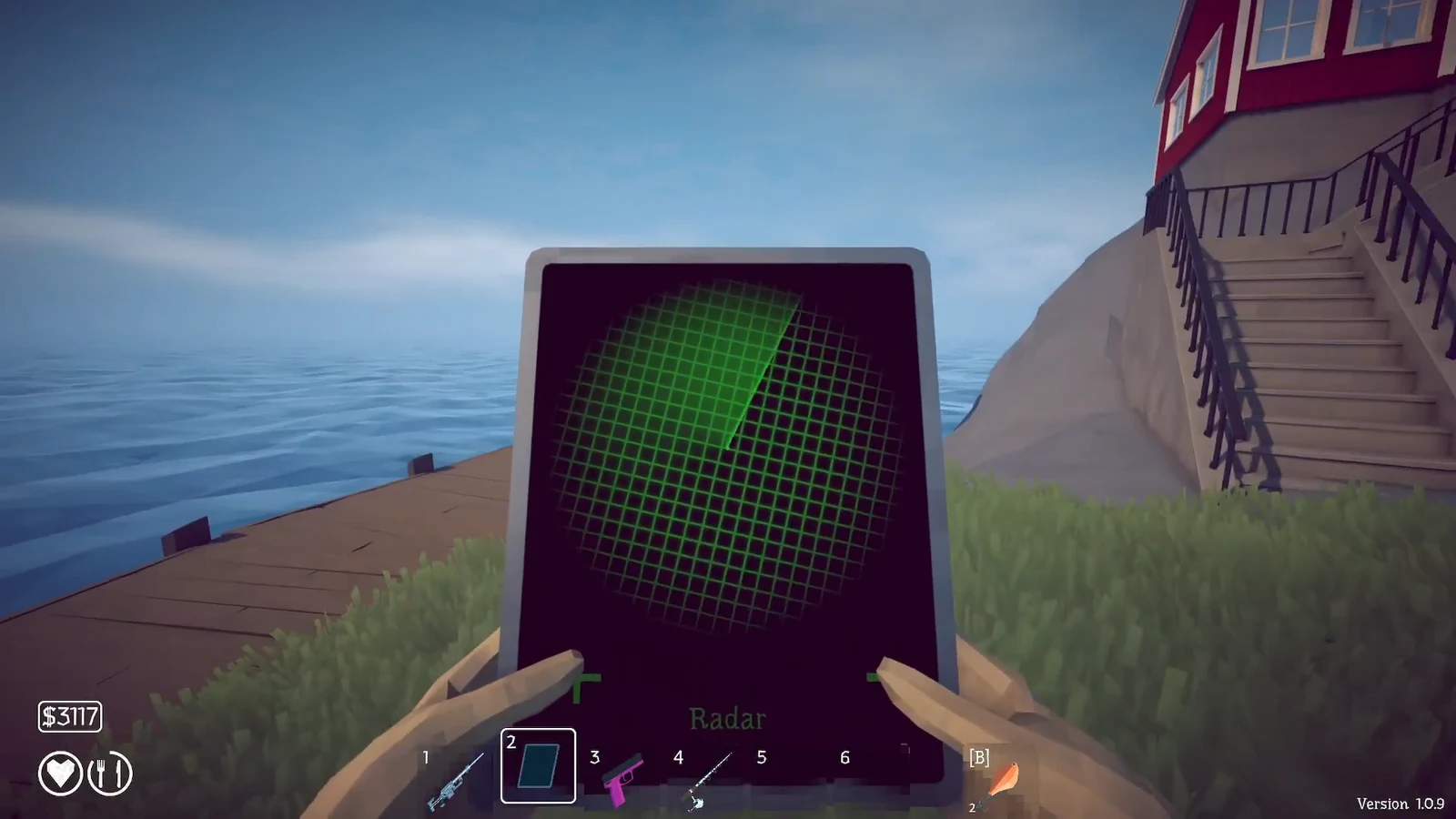
Note: You should already own the basic handheld Radar before this point. That earlier version costs $10 from the Lighthouse Keeper on the starting island, and it is what lets you follow island coordinates in the first place. The Rocks upgrade simply moves that display onto the boat.
How to buy and mount the Boat Radar
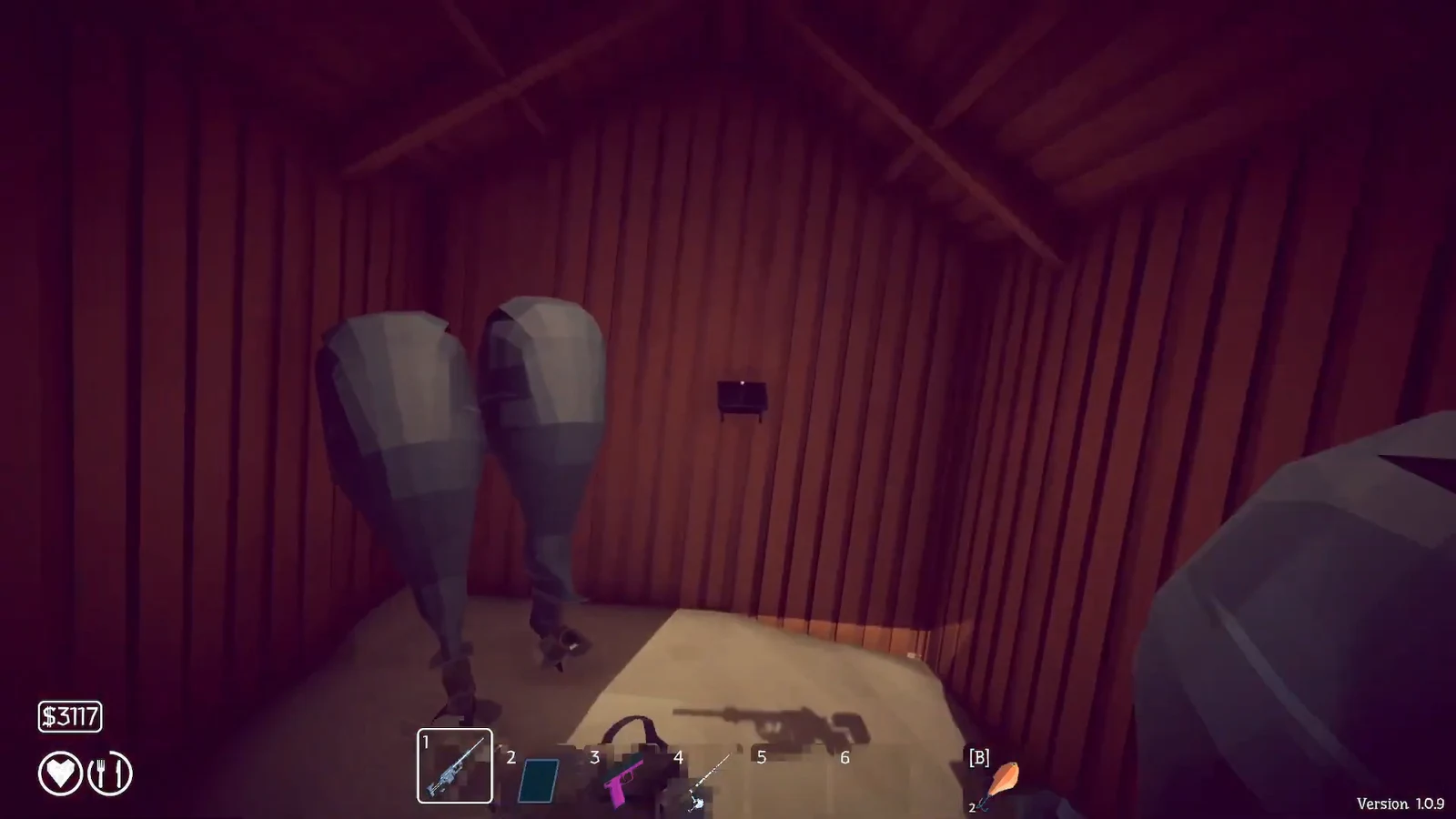
[E] to buy it for $200. If you also want the Dual Motors engine, press [E] on that listing to buy it for $860. Purchased items switch to Already Bought so you know the transaction went through.Boat Radar shack prices
| Upgrade | Cost | Effect |
|---|---|---|
| Boat Radar | $200 | Mounts the radar screen on the dashboard, freeing your hands |
| Dual Motors | $860 | Fastest boat engine setup, for quicker island travel |
The Boat Radar is the priority purchase here. The Dual Motors are optional and mainly worth it later when you are hopping between islands to finish collections.
How to confirm the radar is working
Sit at the boat’s steering wheel and press [E] to Drive. The green radar grid now appears live on the dashboard instead of in your hands, and you can steer while keeping a weapon or rod ready. That live dashboard screen is your confirmation the upgrade installed correctly.
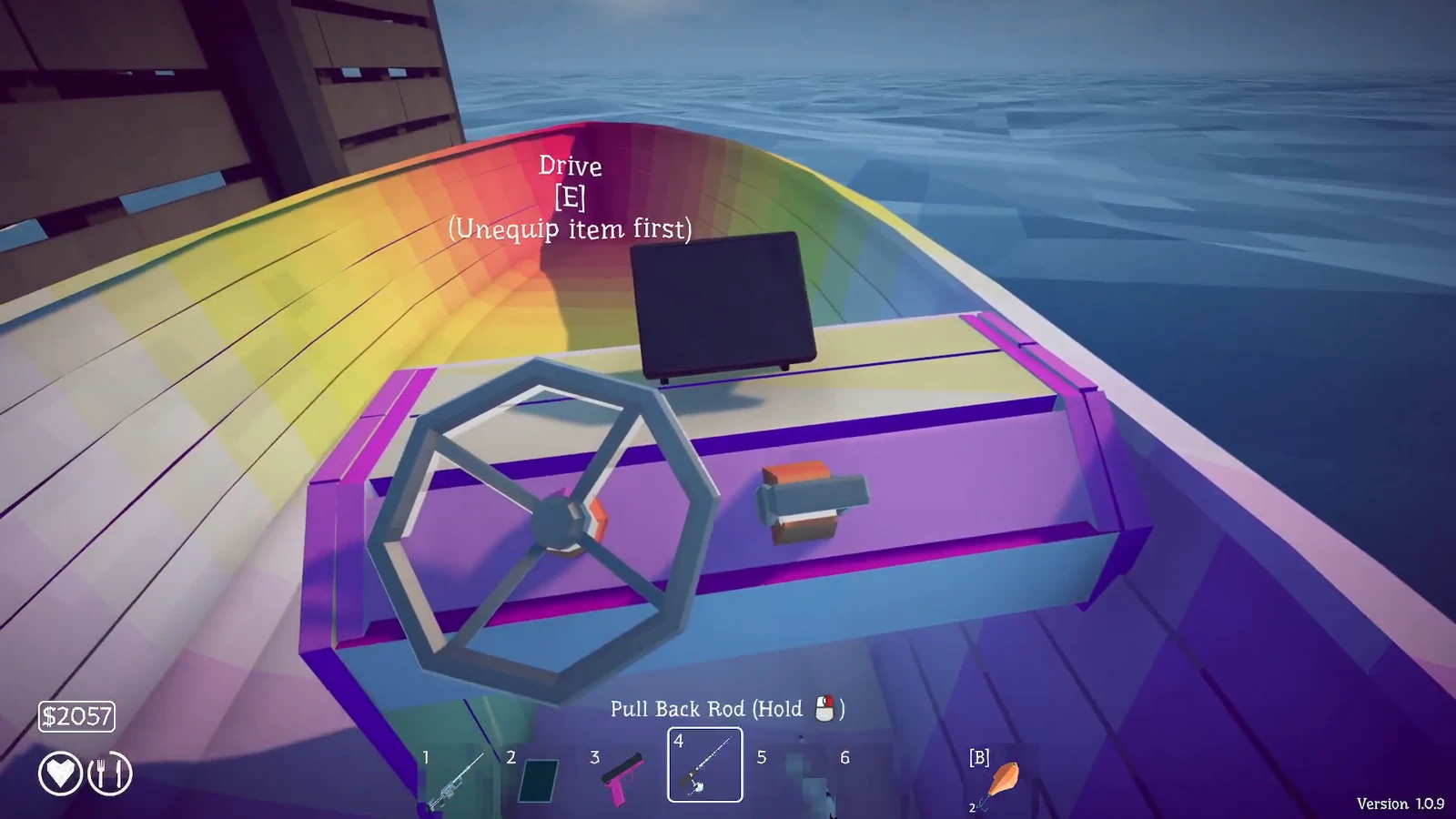
If the wheel will not let you drive, check that you have unequipped whatever you are holding. The boat shows an (Unequip item first) message when a rod or weapon is still active, since you cannot steer with an item in hand. Put the item away, then interact with the wheel again and the radar will stay on the dashboard as you sail.