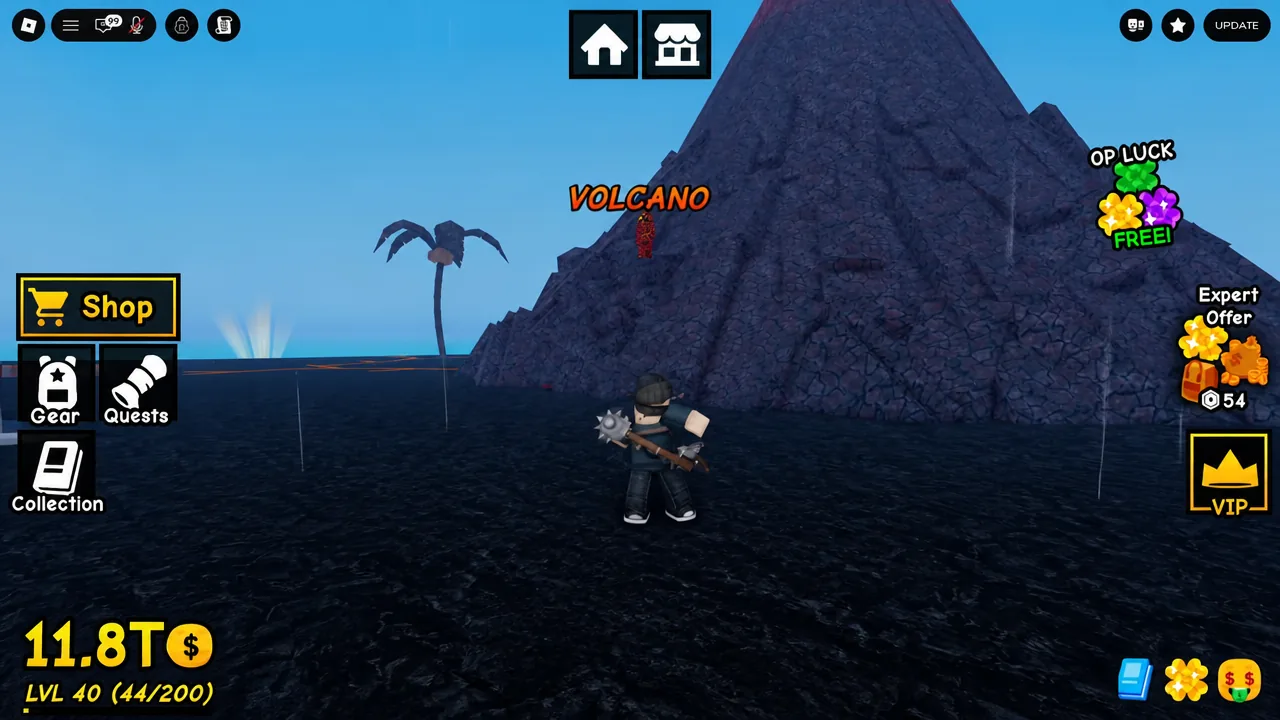
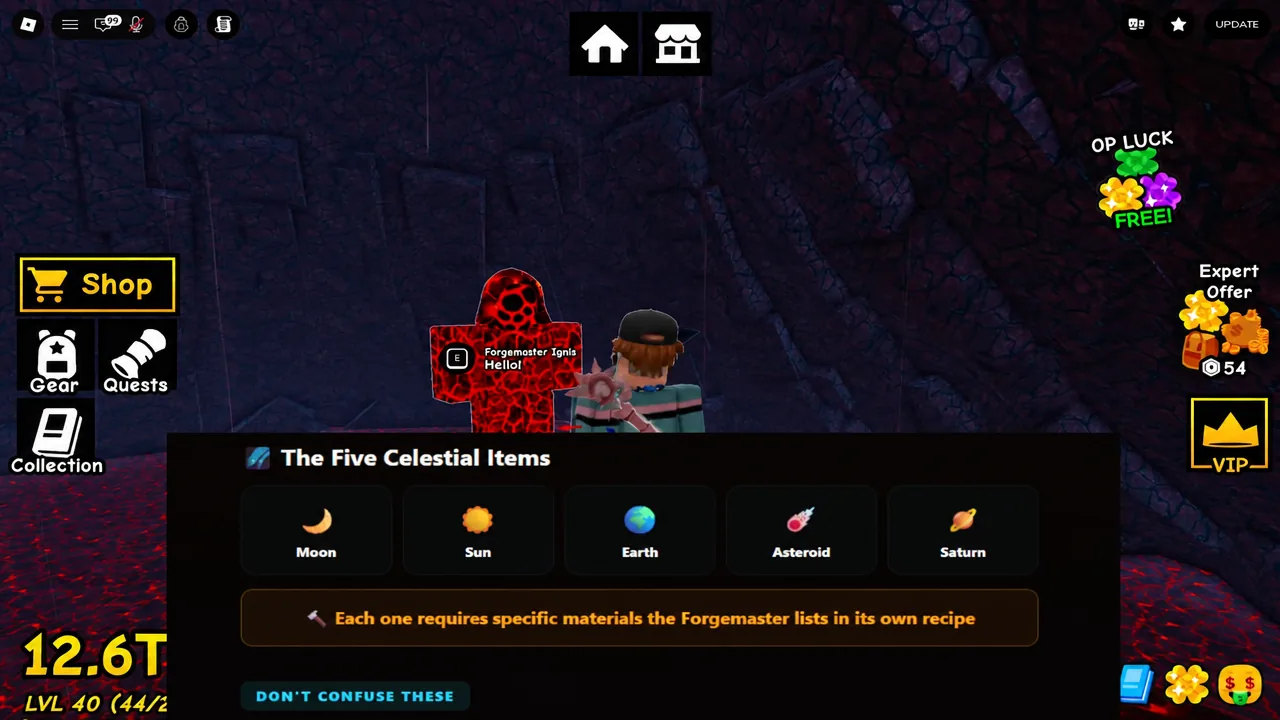
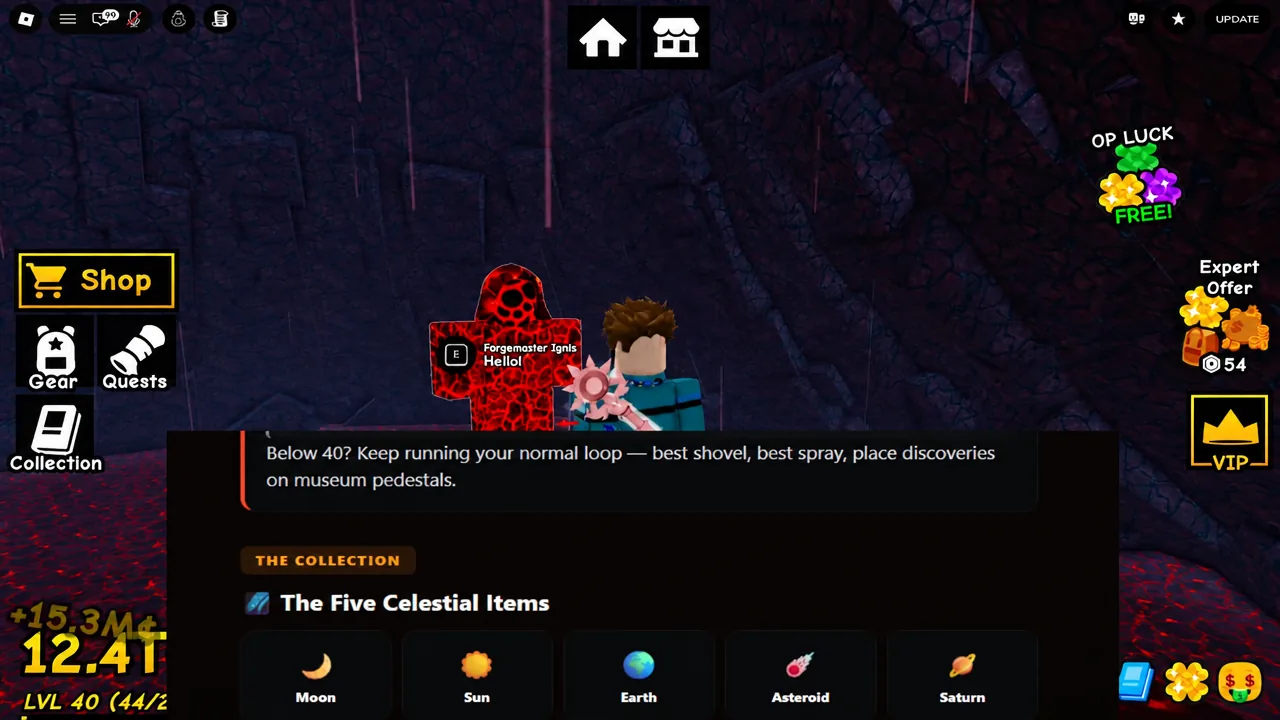
Five items in Dig & Clean will never show up on your detector no matter how much Luck you stack. The Moon, Sun, Earth, Asteroid, and Saturn are tagged Forge Only in the collection index, with the description spelling it out plainly: “Cannot be dug up. Forged by the Forgemaster inside the Volcano.” If you have been grinding for them with a maxed-out detector, you have been wasting your time.
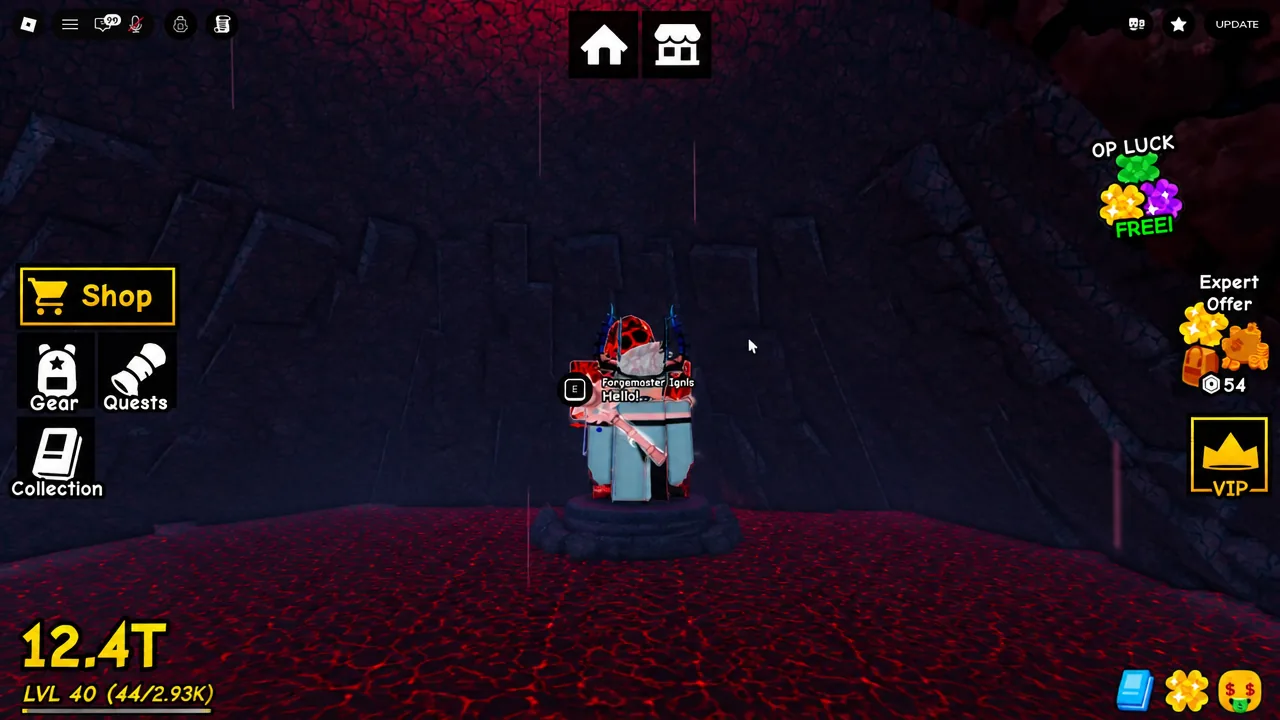
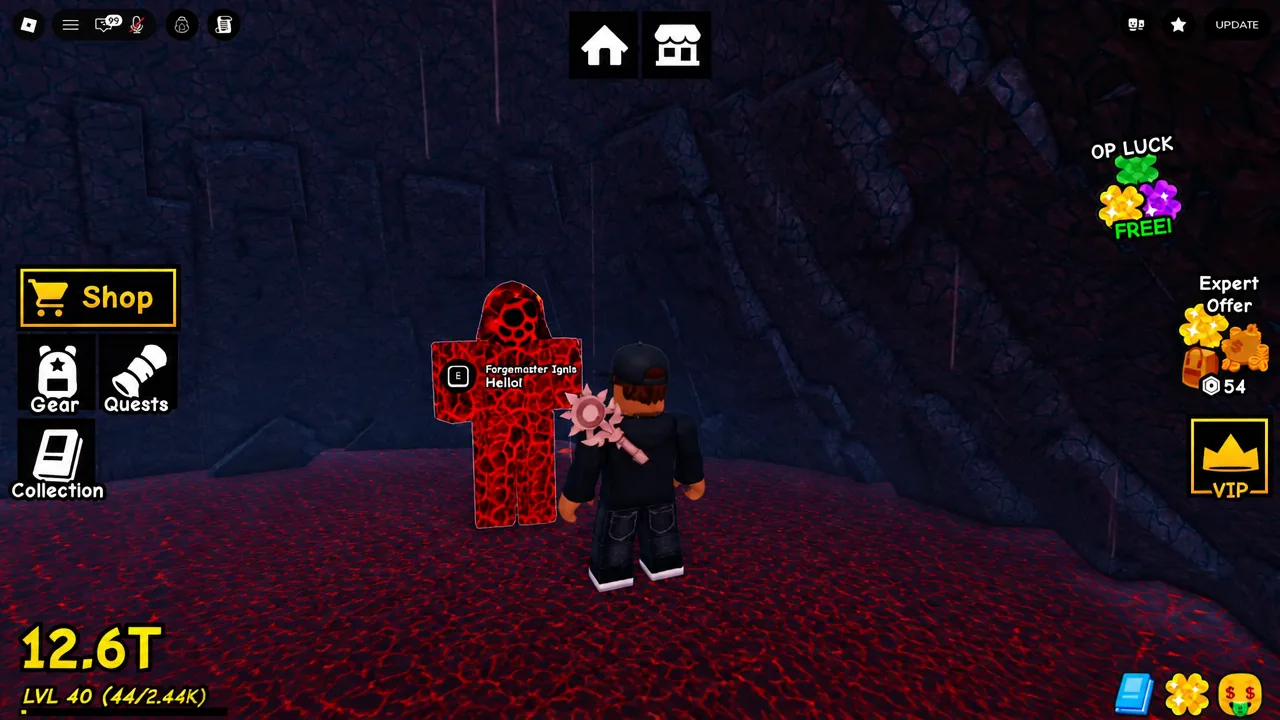
Quick answer: Reach Level 40, talk to the NPC blocking the volcano entrance to clear it, then walk inside and bring each recipe’s materials to Forgemaster Ignis, who crafts all five celestial items on request.
The five Forge Only celestial items
All five sit together in the collection index, and they all share the same acquisition rule. Nothing here drops from a dig site, a chest, or an island node.
| Item | Acquisition |
|---|---|
| Moon | Forged by Forgemaster Ignis |
| Sun | Forged by Forgemaster Ignis |
| Earth | Forged by Forgemaster Ignis |
| Asteroid | Forged by Forgemaster Ignis |
| Saturn | Forged by Forgemaster Ignis |
This is the single biggest point of confusion in the game right now. Singularity treasures are dug out of the ground like everything else. Volcano items are not. They are crafted, and the recipes are the only path to them.
Reach Level 40 to open the volcano entrance
Talk to Forgemaster Ignis and read every recipe first
Redeem the UPDATE4 code before you start farming
The code UPDATE4 is live and gives a free reward, and it is worth entering before you begin the material grind rather than halfway through. Codes are redeemed from the Shop menu once you have finished the tutorial.
Tip: keep an eye on your collection index while you work. The index tracks your total finds and hands out a +30% Luck bonus at 40 items, which speeds up everything else you dig for on the side.
Mistakes that stop the forge from working
Most failed attempts come down to a handful of avoidable errors, and one of them permanently sets you back.
- Selling unusual materials. If you cash in an odd-looking find before checking the recipe list, you have to farm it again. Check the recipes first, then sell.
- Trying to dig the celestial items. Luck multipliers, better detectors, and boosts do nothing here. These five cannot spawn in the ground.
- Mixing up Singularity and Volcano items. Singularity treasures come from digging. Volcano items come from the forge only.
- Not holding the material. The Forgemaster asks you to hold the item out in your hands before he will take it.
How to confirm an item was forged
A successful forge ends with the finished celestial item in your possession and its entry filled in on the collection index, where it previously showed only the Forge Only tag. From there, place each one on a museum pedestal so it counts toward your display and pulls in visitor income like any other treasure.
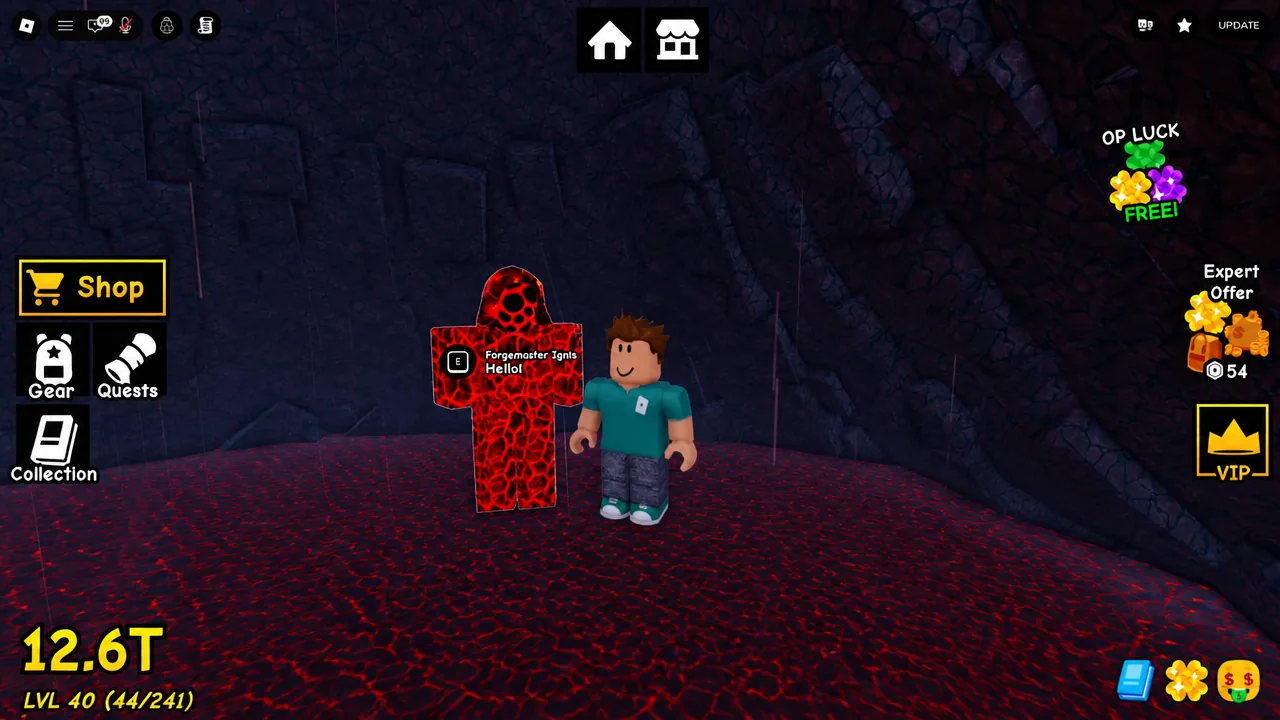
Repeat the same loop for each of the five. Read the recipe, gather what it asks for, hold the material out, and hand it over. The Forgemaster sums up the whole system better than any menu does: “I feed the lava. It gives back things no shovel will ever find.”