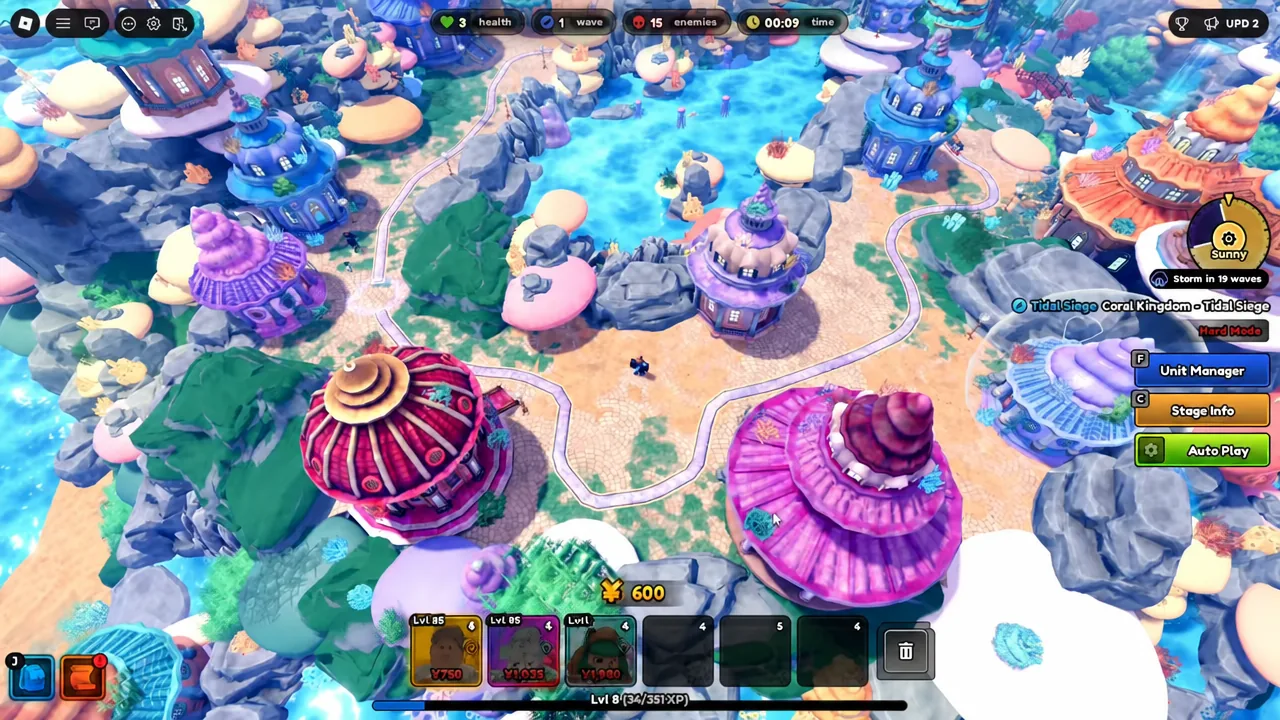
The Auto Rod is the one fishing rod in Anime Expeditions that does the work for you. Cast it into any body of water and it catches fish on its own, no bar alignment, no timing, no minigame. There is exactly one way to get it, and it has nothing to do with fishing.
Quick answer: Reach Wave 150 in the Tidal Siege event’s Infinite & Fishing gamemode. The Auto Rod is awarded automatically the moment that wave is cleared, and it then appears in your fishing rod menu.
What the Auto Rod does
The rod’s passive is listed in-game as a “Bad Passive,” which is the game being honest about the tradeoff. You get a much faster lure in exchange for losing the minigame entirely, which means you also lose the ability to steer what you catch. Fish arrive at random.
| Stat | Auto Rod | Normal Rod |
|---|---|---|
| Lure Speed | 12–24 | 6–12 |
| Control | 0.7 | 0.5 |
| Control Zone | 0 | 0.3 |
| Passive | Increased Lure Speed in exchange for skipping the Fishing Minigame | None |
A Control Zone of 0 is not a bug. There is no zone because there is no bar to align, which is why the rod cannot be used to target a specific fish for your index. Keep the Normal, Advanced, Lucky, or Recycling rods for that work and switch to the Auto Rod when you only care about volume.
Before you queue: what you need
Wave 150 is deep into an infinite mode, so the run is decided mostly by your roster and loadout, not by anything you do in the first ten minutes. Bring your strongest and most upgraded units. Evolved units with equipment and decent traits will hold far longer than a wide bench of unevolved ones.
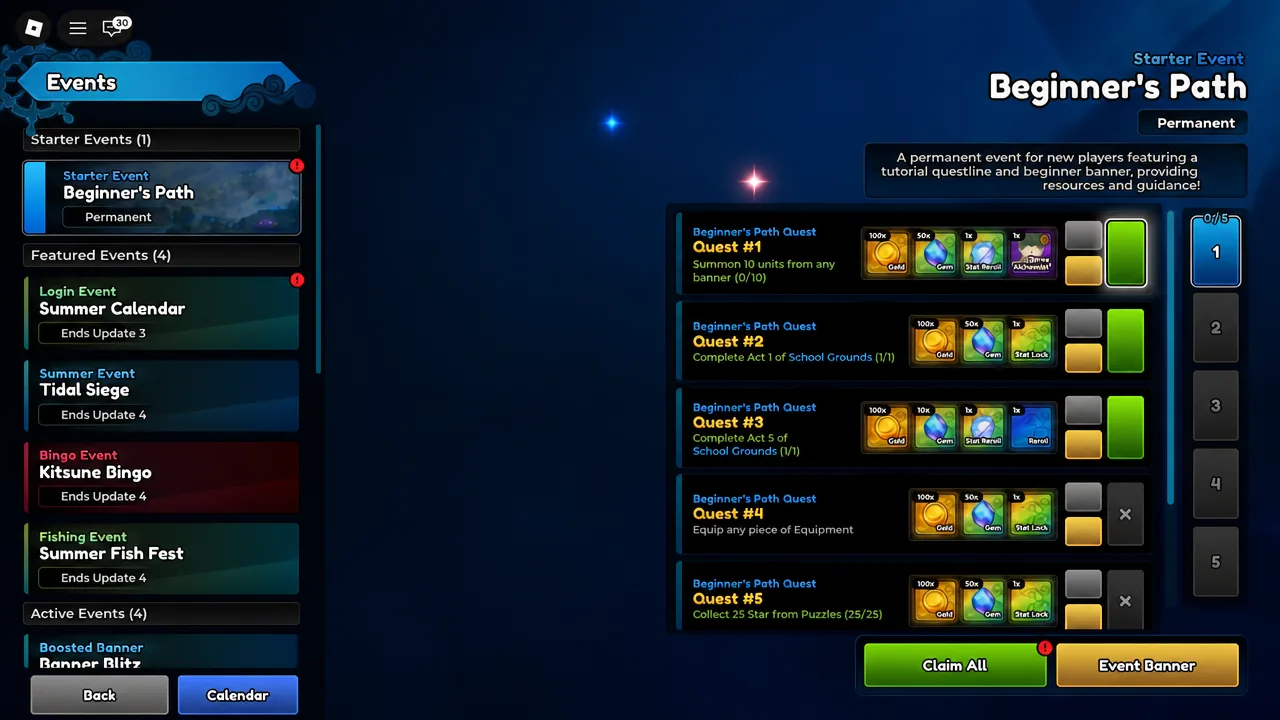
There is no shortcut, purchase, or code that grants the rod. The unlock text is fixed to a single condition, and the event quest list mirrors it with separate objectives for clearing Wave 100, Wave 150, and Wave 200.
How to start the Tidal Siege run
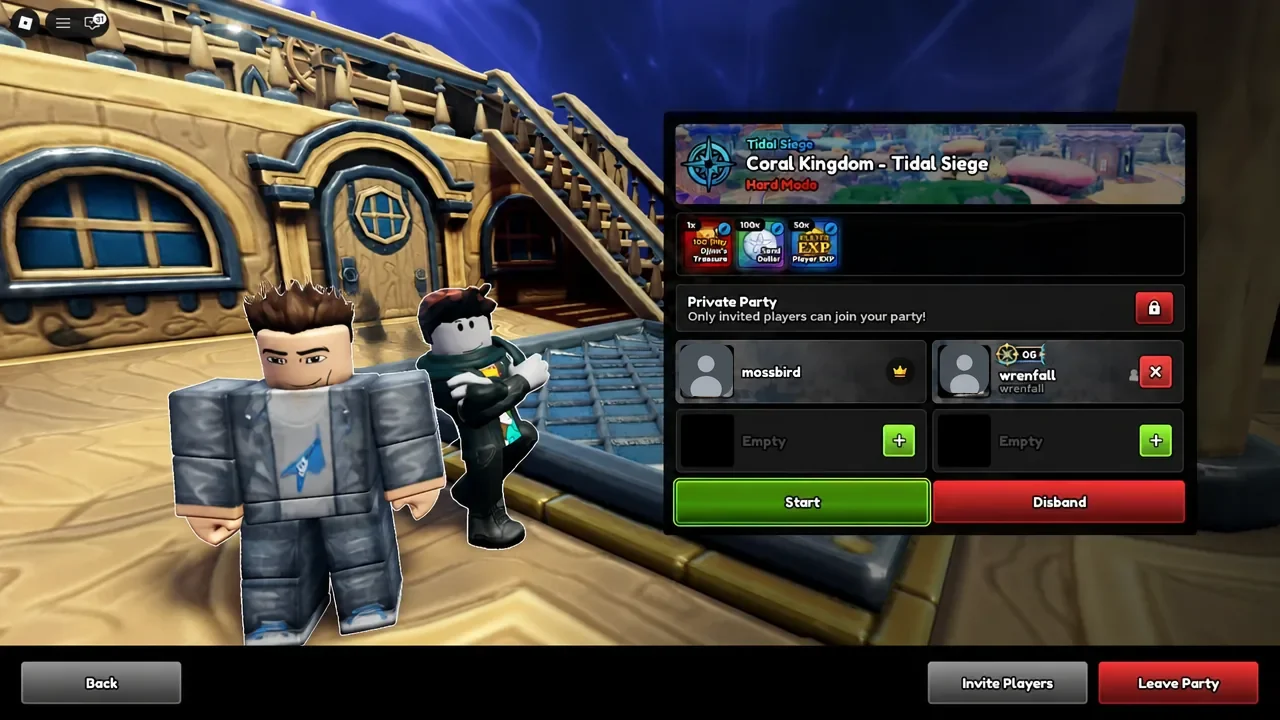
Note: you can fish inside gamemode maps, but only after the waves have started. The water is inactive until you hit Start at the beginning of a level.
Confirming the unlock and equipping the rod
Clearing Wave 150 grants the rod on the spot, and the matching Survive 150 Waves event quest completes at the same time. Back in the lobby, press the fishing rod icon at the bottom left of the screen to open your rods and select the Auto Rod. If it is not listed there, the wave was not cleared.
To use it, equip the rod and click on the water. From there the rod handles the cast and the catch by itself, with a lure time of roughly 12 to 24 seconds per fish depending on the roll.
Why the run usually fails before Wave 150
- Queuing into the wrong mode. Only the Event Mode under Event Gamemode is the Infinite & Fishing version that scales to Wave 150.
- Leaving the left path open. Storm-weather bosses use it, and they will walk through an empty lane.
- Spreading units evenly across both paths instead of loading the right side, which is where the bulk of enemies arrive.
Tidal Siege is flagged in-game as ending with Update 4, so the Auto Rod is on a clock along with the rest of the Summer Event content. If you want it, the Wave 150 run needs to happen while the event is still live.