The AirCraftGun is one of the more approachable unlocks in Tiny Universe Roleplay, the Roblox PvP and roleplay game from Giant Universe Studio built around collecting morphs. There is no quest chain, no win requirement, and no PvP grind attached to it. The badge is a single touch pickup hidden inside a cave, and the morph unlocks the moment you collect it.
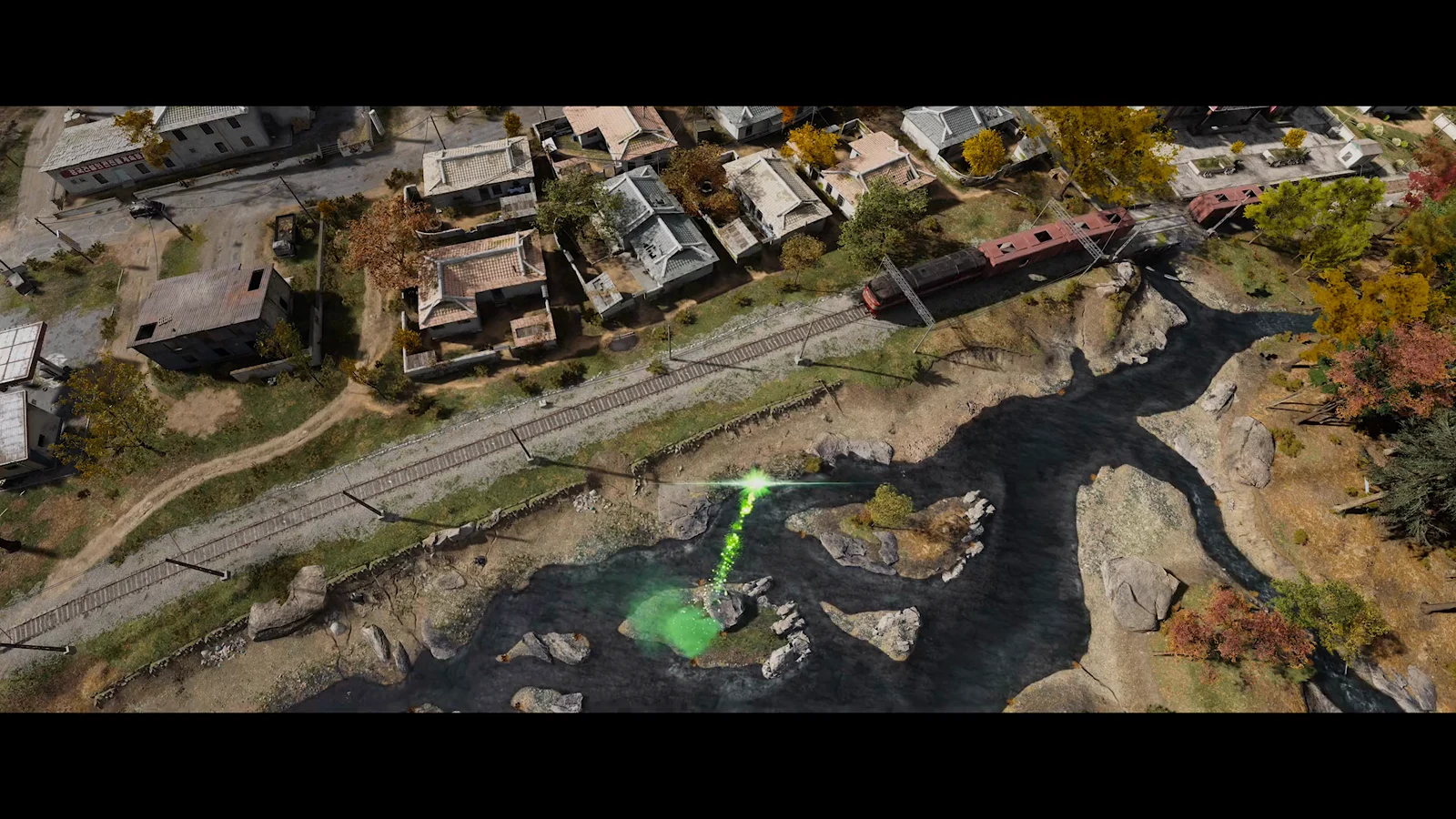
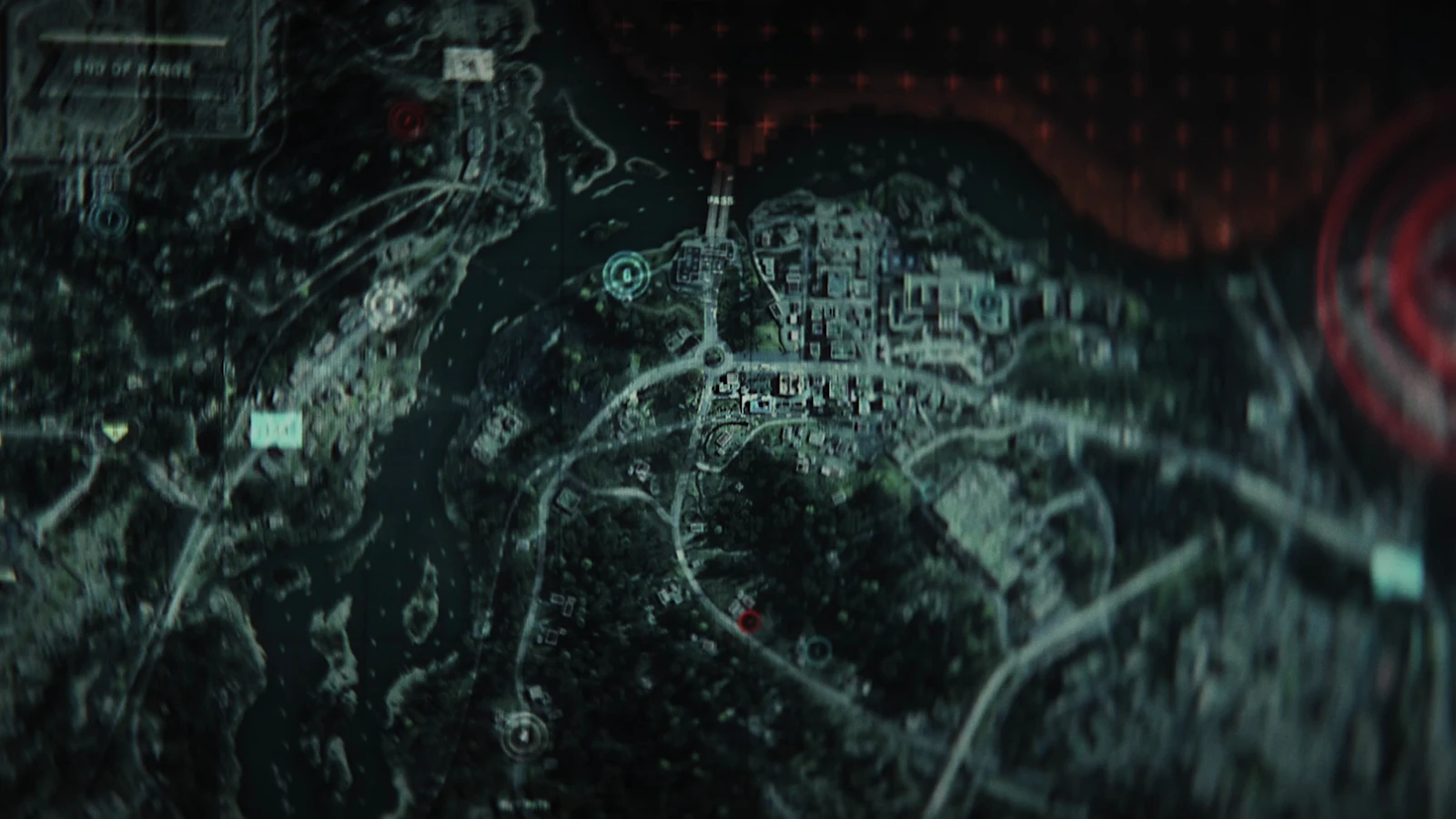
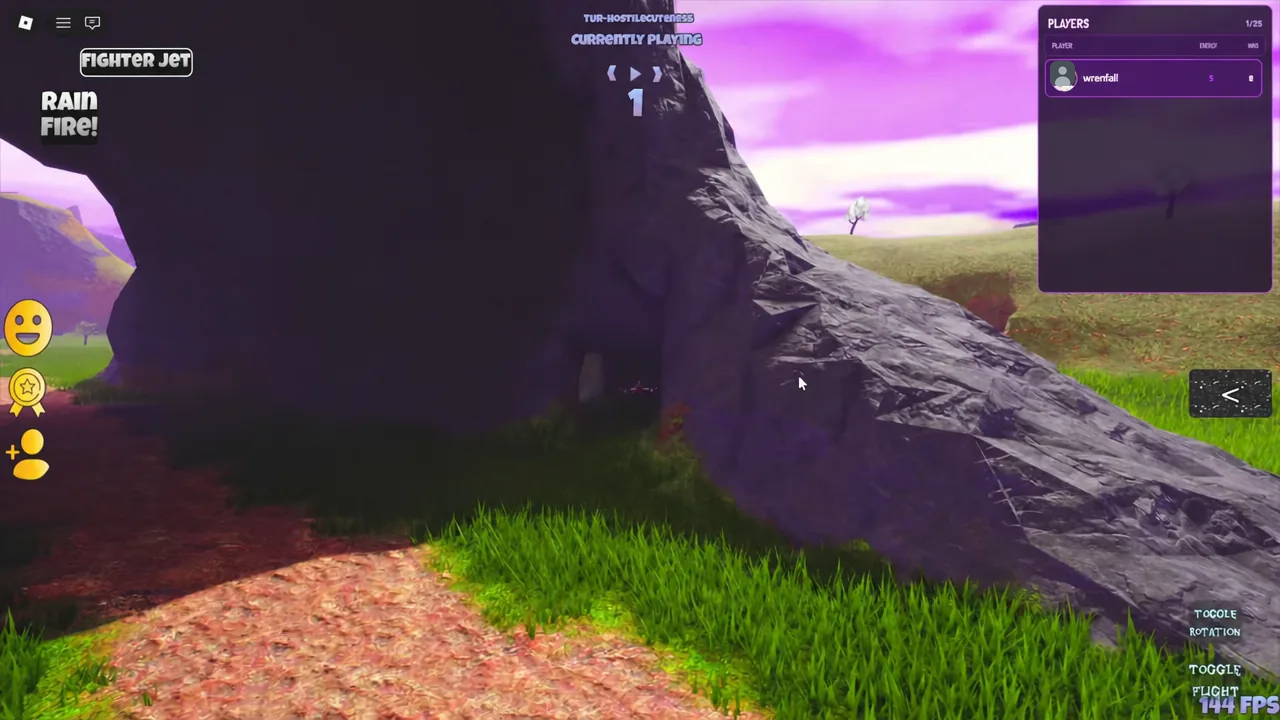
Quick answer: Equip a fast morph such as the Fighter Jet, fly to the large stone archway cave near the waterfall and city, go inside, and touch the tall black gun-shaped figure with white eyes. The AirCraftGun badge awards on contact.
AirCraftGun badge details
The badge sits at the easy end of the collection, which is worth knowing before you spend time on it. Tens of thousands of players clear it daily, so if you cannot find the pickup, the problem is almost always the location rather than the difficulty.
| Field | Value |
|---|---|
| Badge name | AirCraftGun |
| Description | “As if a gun isnt dangerous enough. Imagine a kaiju sized one..” |
| Rarity | 69.7% (Easy) |
| Won yesterday | 32,032 |
| Unlock type | Touch pickup, no combat or quest required |
How to reach the cave and collect the badge
The pickup is on the ground, but the cave is far enough from spawn that walking there in a default avatar wastes several minutes. Flying is the practical route.
Confirming the unlock and equipping the AirCraft Gun morph
Two things tell you the badge registered. The first is the standard Roblox badge award popup naming AirCraftGun. The second, and the one that actually matters for gameplay, is that the AirCraft Gun becomes selectable back in the lobby.
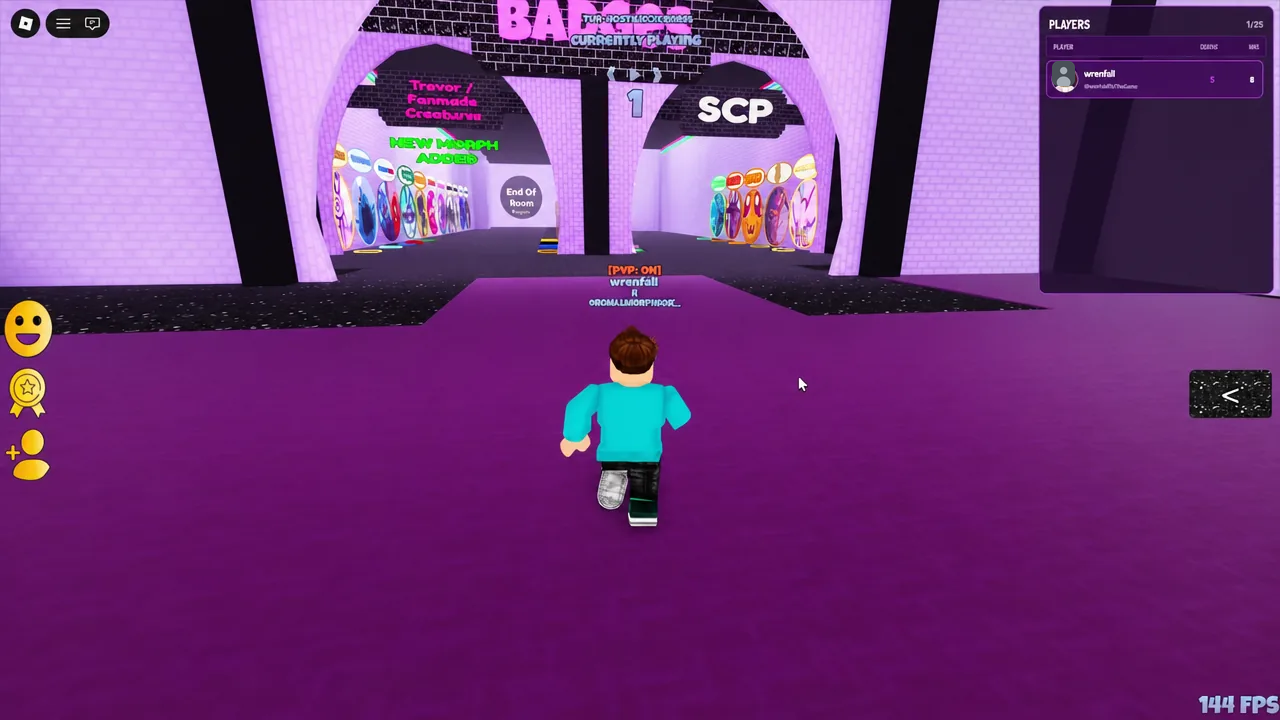
Return to the morph room and look along the wall of morph portals. The AirCraft Gun entry will now be available to touch, and selecting it swaps your character into the morph. If it is still missing, the touch did not register and you need to make contact with the entity again.
Note: badges award once per account. Touching the entity again on a later session will not re-trigger the popup, so use the morph wall as your check rather than waiting for a second notification.
AirCraft Gun morph abilities and controls
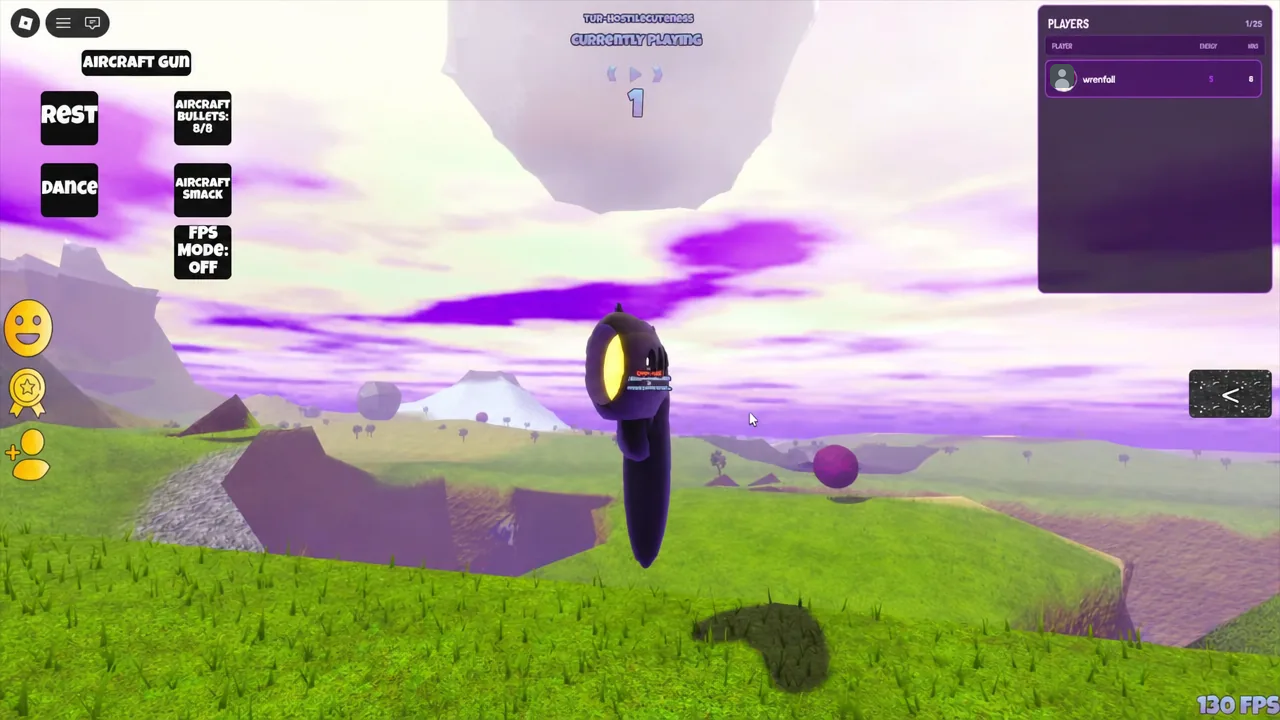
The morph is a kaiju-scale weapon rather than a melee bruiser, so most of its kit is built around ranged fire and posing.
| Button | What it does |
|---|---|
| REST | Idle resting animation |
| DANCE | Emote animation |
| AIRCRAFT BULLETS | Fires projectiles, six shots before a cooldown |
| AIRCRAFT SPACE | Secondary movement and attack input |
| FPS MODE | Toggles a first-person camera for aiming |
The six-round magazine is the main constraint in a fight. Once you burn through it you have to wait out the cooldown before firing again, which makes FPS MODE useful for lining up shots instead of spraying them from the third-person camera.
Why the badge sometimes does not trigger
- You flew over the archway instead of into it. The entity is inside the cave interior, and passing across the top of the rock formation will never put you in contact with it.
- You got close but never touched the model. Proximity does nothing here. Your character has to collide with the entity.
- Your morph was too large to fit through the entrance. If a bulky morph is blocking your path inside, revert to a smaller form and enter on foot.
Start to finish, the run takes under a minute once you know which cave to aim for, and the Fighter Jet you borrow to get there is free from the same wall you will pick the AirCraft Gun off afterward. If the badge popup does not appear, fly back to the archway and make contact with the entity directly rather than trying to trigger it from the cave mouth.