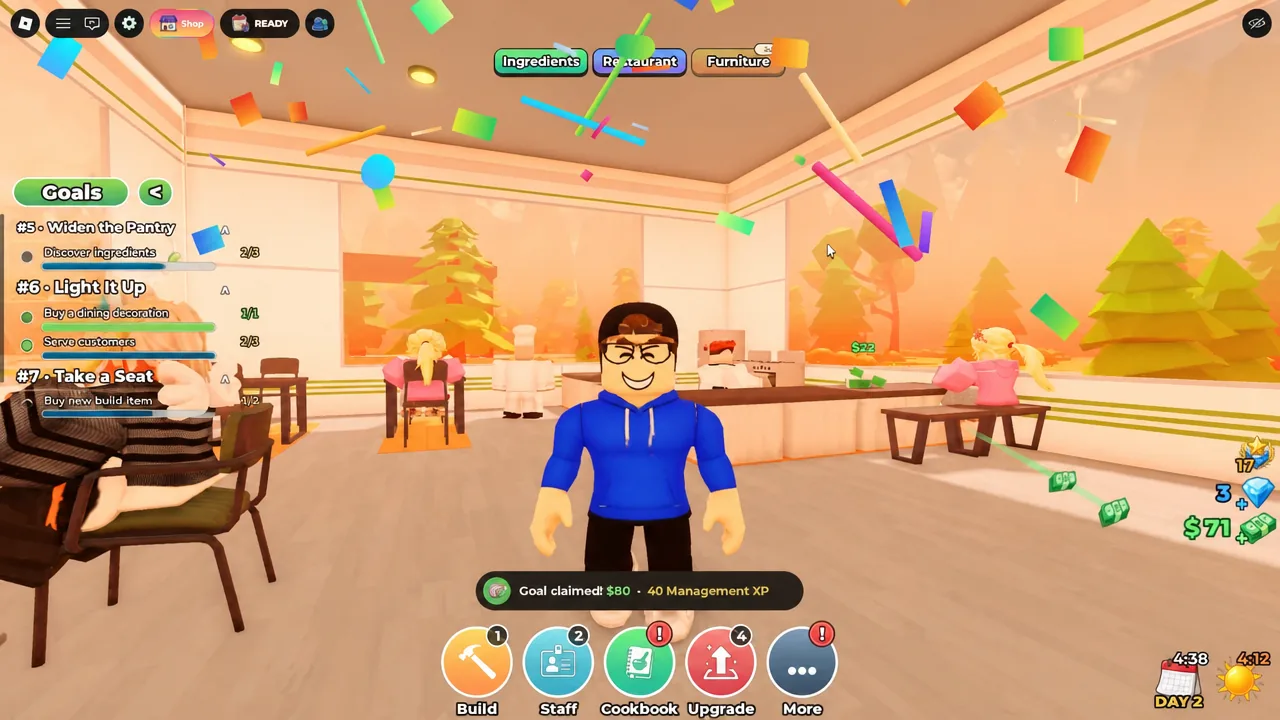
Day 1 in Restaurant Empire on Roblox is a tight loop. You take orders, cook on the stoves, run plates to tables, and wash up, all while a numbered Goals list ticks along in the corner. The trick is knowing which of those goals unlock money and which unlock automation, because the first two staff hires are what let you stop doing everything by hand.
Quick answer: Serve your first counter order to close out Goal #1 Grand Opening, then hire a waiter for $500 and a cook for $500 to clear Hired Help. Once you have roughly $250 spare, buy Chicken from Otis’ General Store to unlock the Skewers recipe.
What you can cook and serve on Day 1
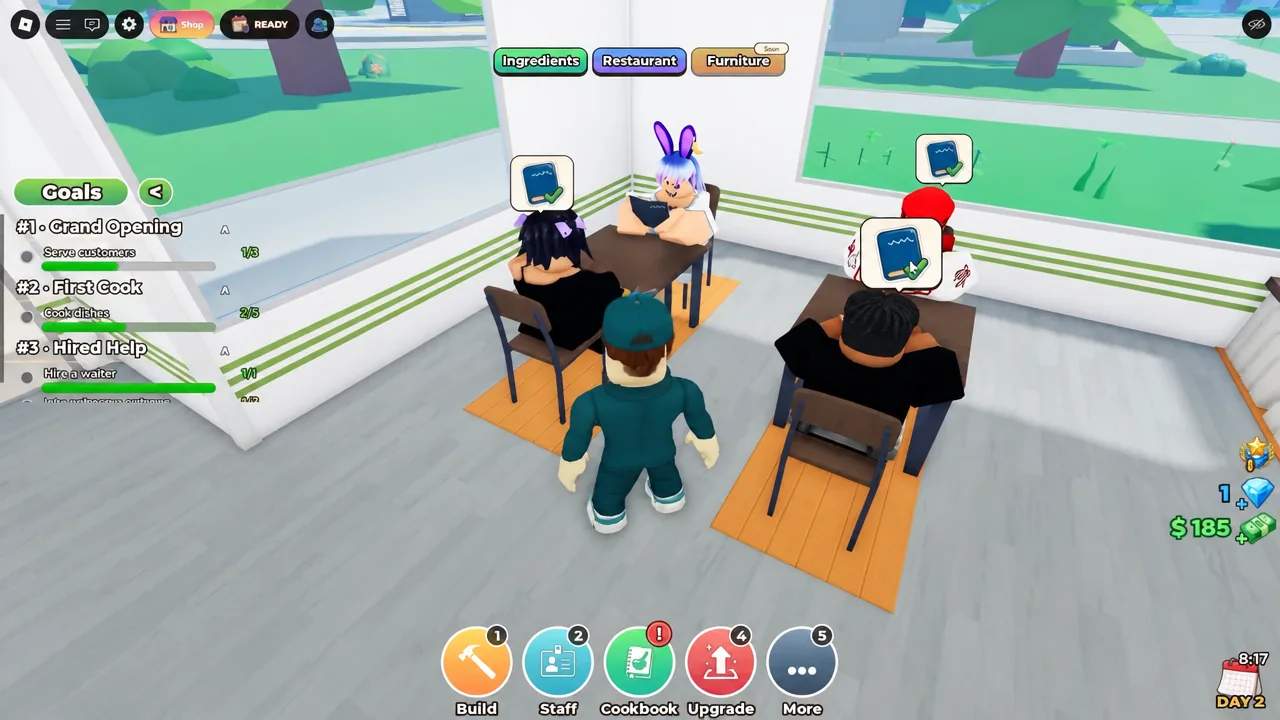
The opening menu is short. Baguettes and Frosted Cookies are what customers ask for first, and both are cooked on the stoves in your kitchen. Customers arrive either seated at tables or standing at the counter, and both order types count toward early goals.
The full manual cycle is take the order, cook the dish, deliver it to the customer, then collect and clean the dirty plate. Plates get washed at the sink. That last step matters more than it looks, because dishwashing is its own goal.
The first ten goals, in order
Goals are numbered and appear in a fixed sequence. You do not have to finish them one at a time, and several complete on their own while you are working through service.
| # | Goal |
|---|---|
| 1 | Grand Opening |
| 2 | First Cook |
| 3 | Hired Help |
| 4 | Squeaky Clean |
| 5 | Widen the Pantry |
| 6 | Light It Up |
| 7 | Take a Seat |
| 8 | Table Service |
| 9 | A Real Menu |
| 10 | Kitchen Crew |
Grand Opening closes once you have handled a counter order alongside your first table service. First Cook completes around cooking and clearing plates. Squeaky Clean requires you to wash dishes at the sink yourself. Hired Help and Light It Up both close out as you start spending money on staff and the room itself.
Note: rewards are not automatic. Open the Goals panel and claim each completed goal, otherwise you are leaving payouts sitting there while you are short on cash for furniture.
Hiring your first waiter and cook ($500 each)
Staff are the single biggest quality-of-life change on Day 1. Both a waiter and a cook cost $500, and you hire them from the Staffing screen. Marco is the first waiter available, and Pierre is the first cook. The wider roster you will see across the game includes Jade, Jack, Penny, Darcy, Cleo, Gustav, Poppy, and Remy.
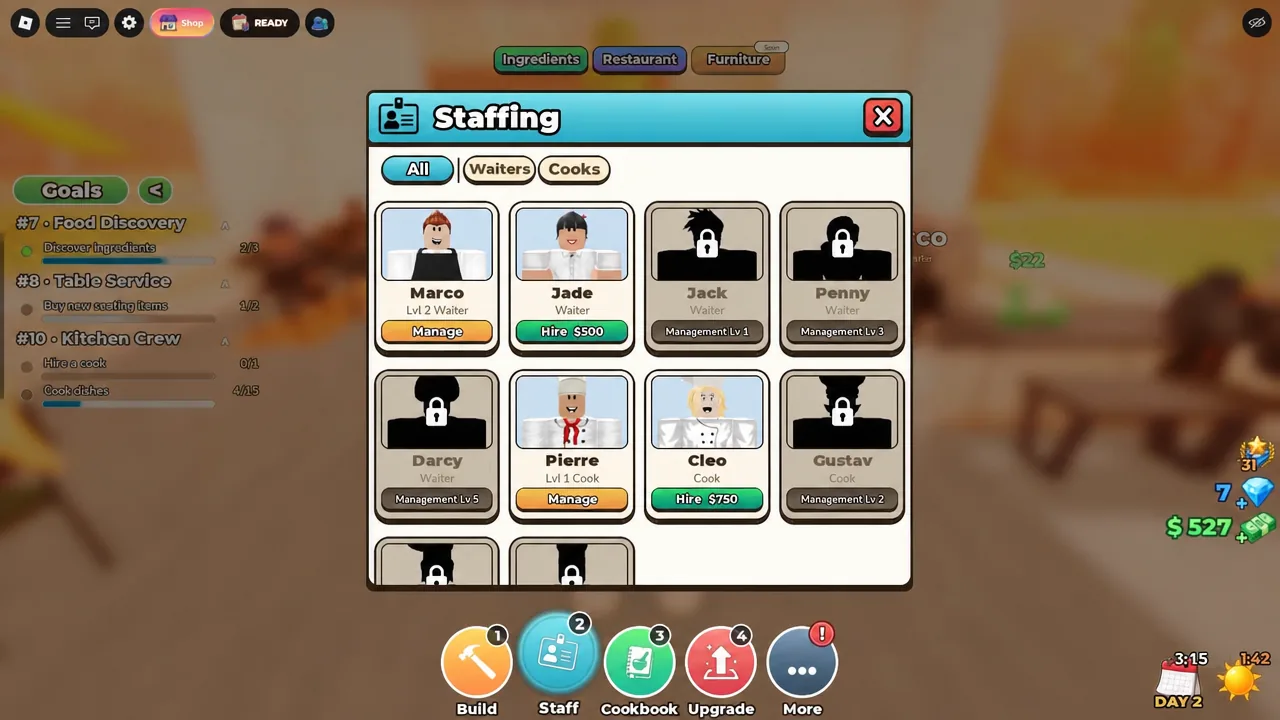
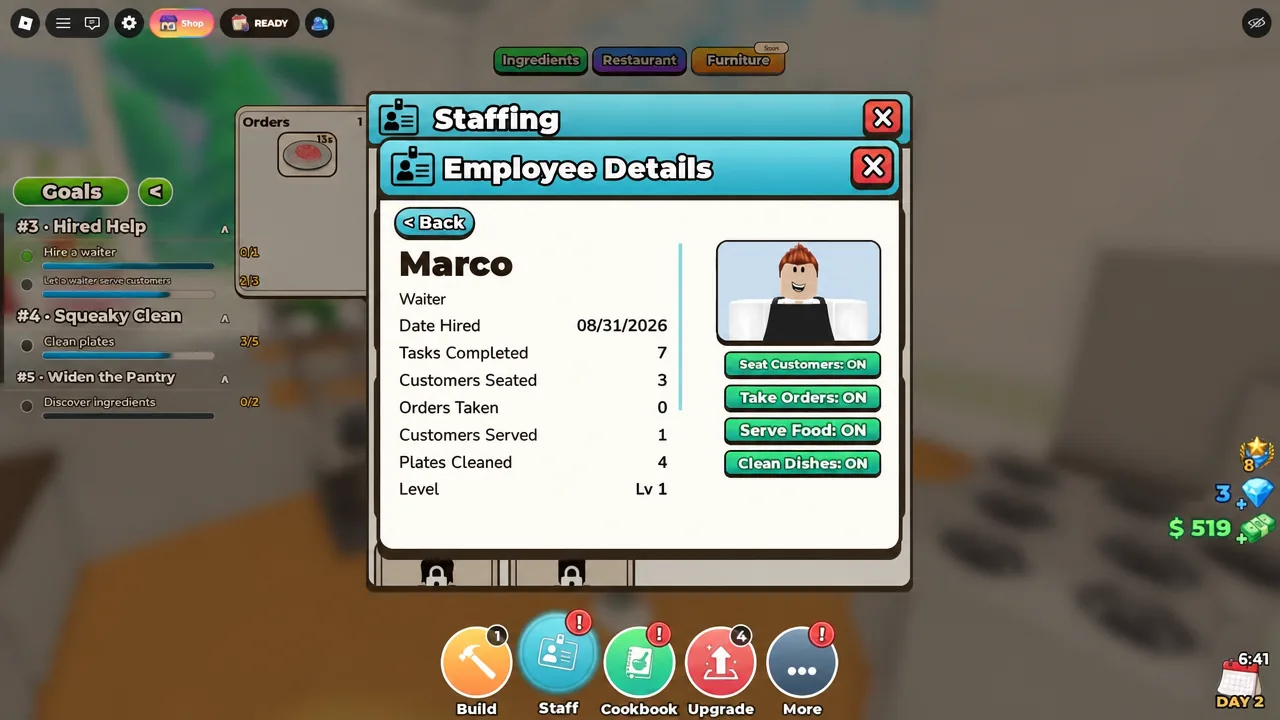
You will know the hires registered because the employee card flips from Hire to Manage, and the Hired Help goal marks as complete in the Goals panel.
The Bronze mutation and what it pays
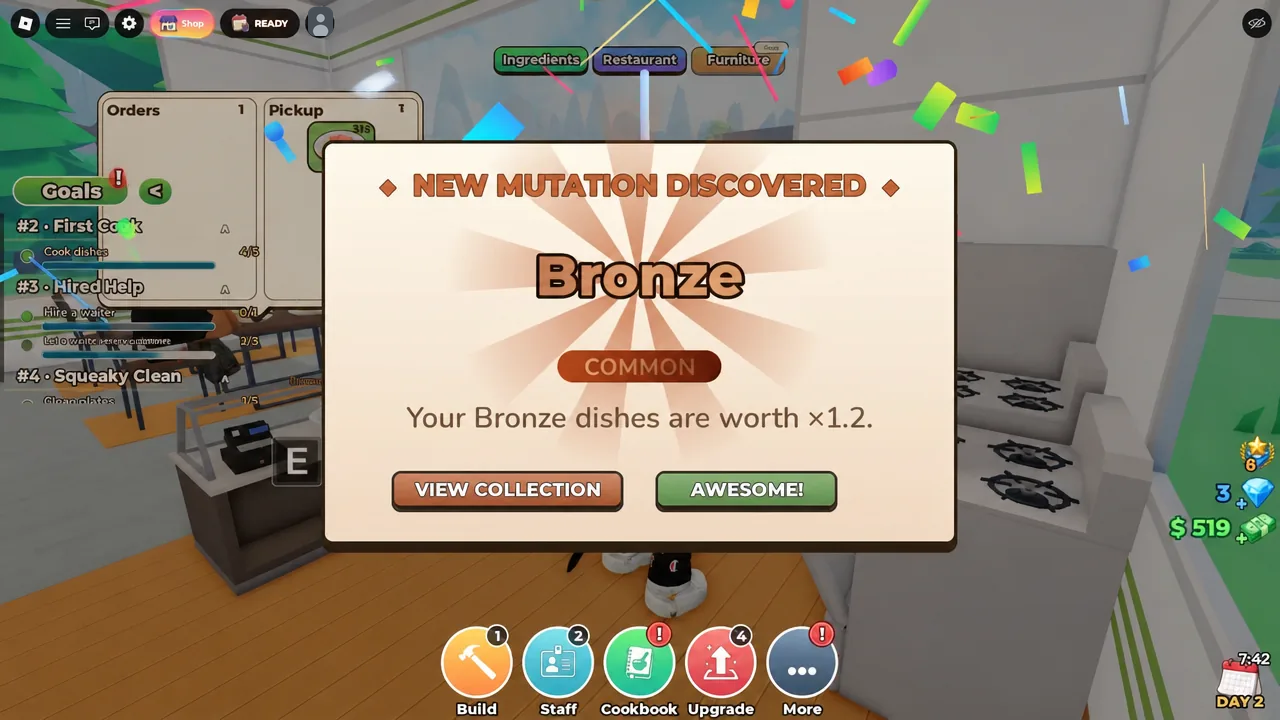
Dishes can roll mutations, and Bronze is the first one you are likely to see. A bronze dish is worth 1.2x its normal value. The unlock is announced with a New Mutation Discovered dialog that offers View Collection or Awesome. Neither button changes the reward, so tap through and keep cooking.
Unlocking Skewers at Otis’ General Store
New recipes come from ingredients, not from the cookbook. Otis’ General Store is the ingredient shop, and buying Chicken there for $250 unlocks Skewers on your menu. That is the fastest way to move past Baguettes and Frosted Cookies on your first day.
The store stocks a wider ingredient list you will draw on later, including BBQ Sauce, Basil, Beef, Broth, Butter, Carrot, and Cheese. Those feed into dishes such as Onigiri, Fried Egg, Toast, Basil Soup, and Croissant. Check the cookbook, recipes, and pantry menus after any purchase to confirm the new dish appeared.
Day 1 costs and what each purchase does
Money is the bottleneck early on. Furniture purchases will simply fail if your balance is too low, so it is worth knowing what each spend is actually buying you.
| Purchase | Cost | Effect |
|---|---|---|
| Waiter (Marco) | $500 | Seats guests, takes orders, serves food |
| Cook (Pierre) | $500 | Handles cooking on the stoves |
| Chicken | $250 | Unlocks the Skewers recipe |
| Industrial Chair | $70 | Adds seating capacity |
| Small Potted Plant | $20 | Decoration that feeds early goal progress |
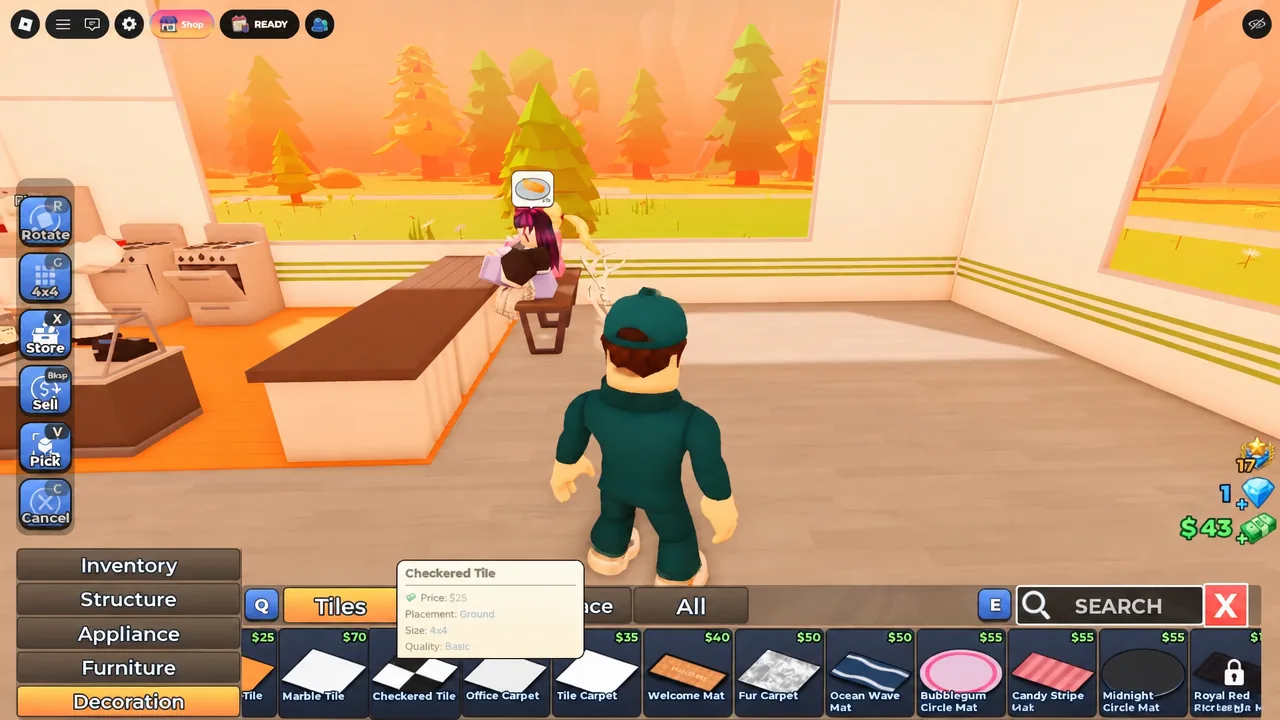
Decorations are the cheapest way to keep goal progress moving when you are broke. A Small Potted Plant at $20 costs almost nothing and still counts toward the early decorating requirements.
Upgrades worth noting before Day 2
The upgrade list you will be saving for covers Left Expansion I, Right Expansion I, and Back Expansion I for floor space, Tier 2 Appliance Unlock for better cooking equipment, and Gratuity I for tips. None of these are urgent on Day 1, but they are where your money goes once the two $500 hires are paid for.
Once Marco and Pierre are both working with the right task toggles enabled, the restaurant will keep serving while you stand back and watch. That is the point where Day 1 stops being manual labour and the goal list starts clearing itself.