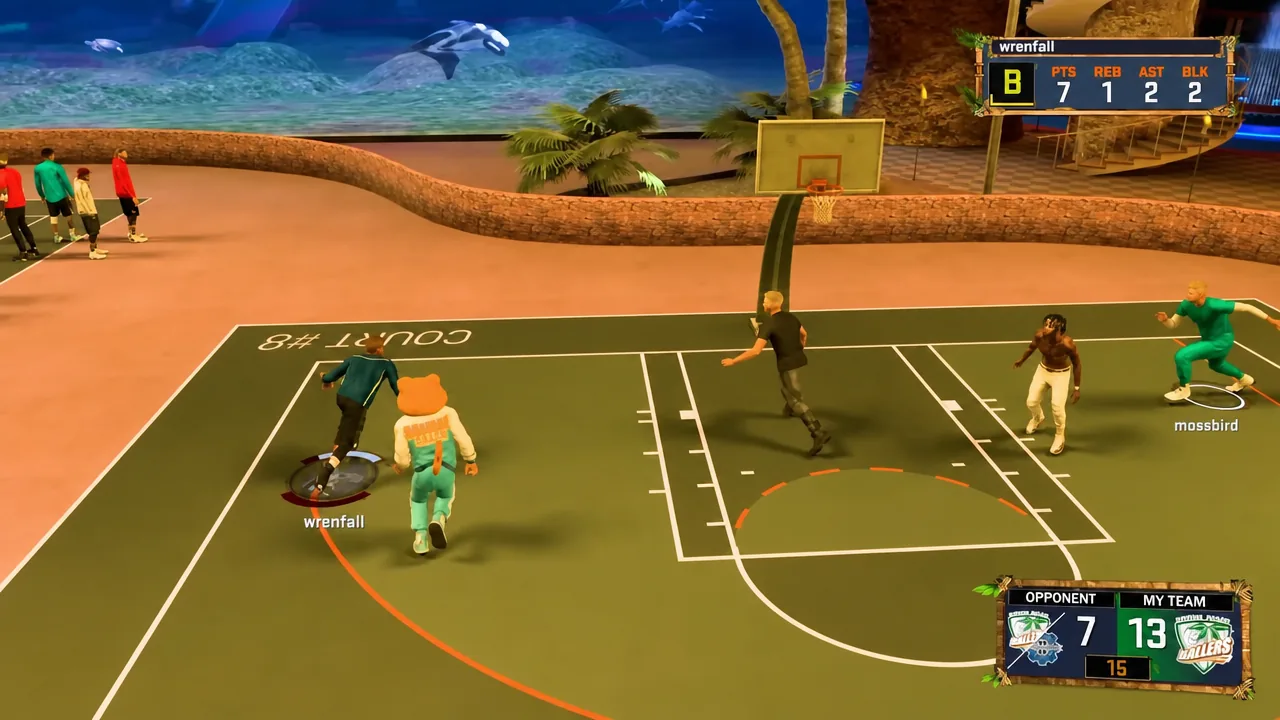
NBA 2K27 keeps most of its control scheme familiar, but it adds a short list of new offensive and defensive moves, and it reassigns the inputs for a few older ones. If you played last year’s game, the changes are small enough that you can carry over your muscle memory. The list below covers exactly what each move does and the button you press to trigger it.
Quick answer: The new moves run through the right stick (RS), the triggers (LT/RT), and the right bumper (RB). Practice each one in a scrimmage, which you open from the Learn2K tab on the main menu, since there is no shot clock and no defensive pressure there.
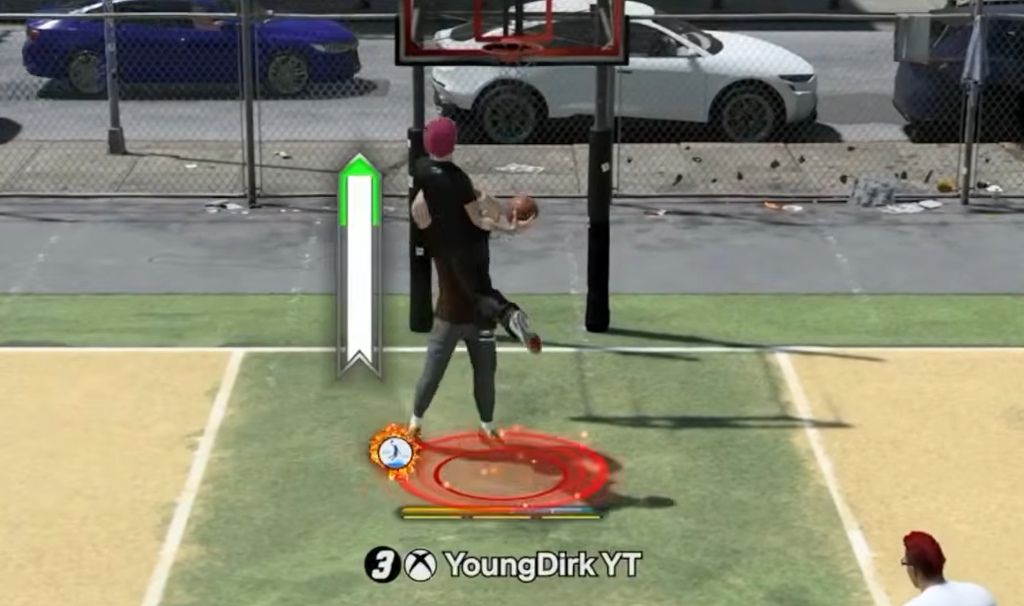
All new NBA 2K27 controls in one table
Here is every new or reassigned input, grouped by what it does on the court. Button names use the Xbox layout.
| Move | Input | What it does |
|---|---|---|
| Step Through | Hold and move RS | Move and finish after your dribble ends |
| Flashy Pass | RB + aim RS | No-look and behind-the-back passes |
| Cut Off Move | Hold LT + tap RS | Burst laterally to cut off a drive or pass |
| Aggressive Hands Up | Hold RS up | Strongly deter shots and layups |
| Conservative Hands Up | Hold RS down | Deter shots and layups |
| Face Match Up | Hold LT + hold RS up | Face the player you are guarding |
| Face Ball | Hold LT + hold RS down | Face the ball to jump passing lanes |
| Adjust Screen Facing | Hold B + tap LT or RT | Rotate the screen angle gradually |
| Flip Screen | Hold B + press LS | Flip the screen 180 degrees instantly |
New offensive moves: Step Through and Flashy Pass
How to use the Step Through
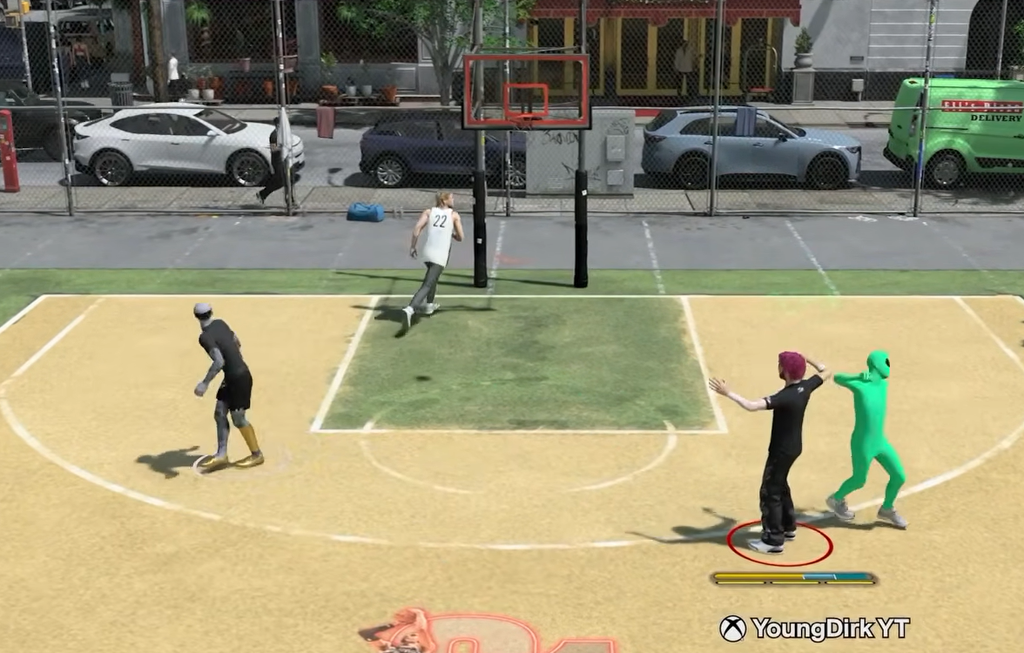
When you end your dribble by faking a shot or a pass, you only have a couple of steps before a travel is called. In that gather, press the right stick and move it in the direction you want to go. Your player steps through into open space, either drifting away from a defender or driving toward the rim.
The finish depends on where you are. Step through from range and you get a jump shot. Step through close to the basket and it turns into a layup. This is the up-and-under move that guards like Shai Gilgeous-Alexander use to create separation.
How to throw a Flashy Pass
Flashy passes are not new, but the input changed. Press RB and aim with the right stick. That is different from a normal pass, which you aim with the left stick.
The category covers no-looks, over-the-shoulder feeds, and behind-the-back passes. Beyond the highlight value, a flashy pass can catch a defender leaning the wrong way and open an easy basket.
New defensive moves: cutoffs, hands up, and off-ball facing
Cut off a dribbler or a passing lane
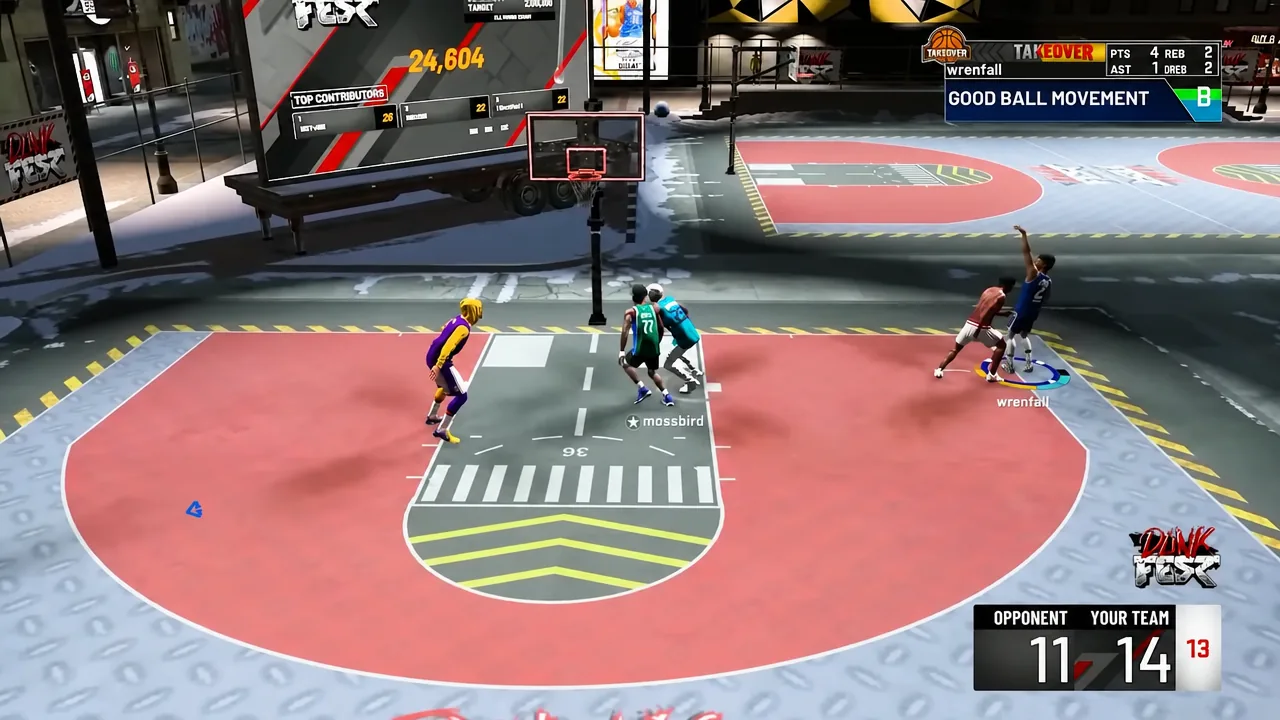
Hold LT to get into a defensive stance, then tap the right stick in any direction for a quick burst of lateral movement. Aim it at a driver to wall off the lane, or at a passing lane to jump the read. Time it wrong, or point it the wrong way, and you give the ball handler a clear path to the rim.
Put your hands up to deter shots
You can now raise your hands to discourage a shot or layup attempt. There are two versions, and the trade-off is the same for both: while your hands are high, you are more open to a pass around either side.
- Hold RS up for an aggressive contest.
- Hold RS down for a conservative contest.
This works best with tall rim protectors such as Victor Wembanyama, where the raised reach actually changes the shooter’s decision.
Face your matchup or face the ball
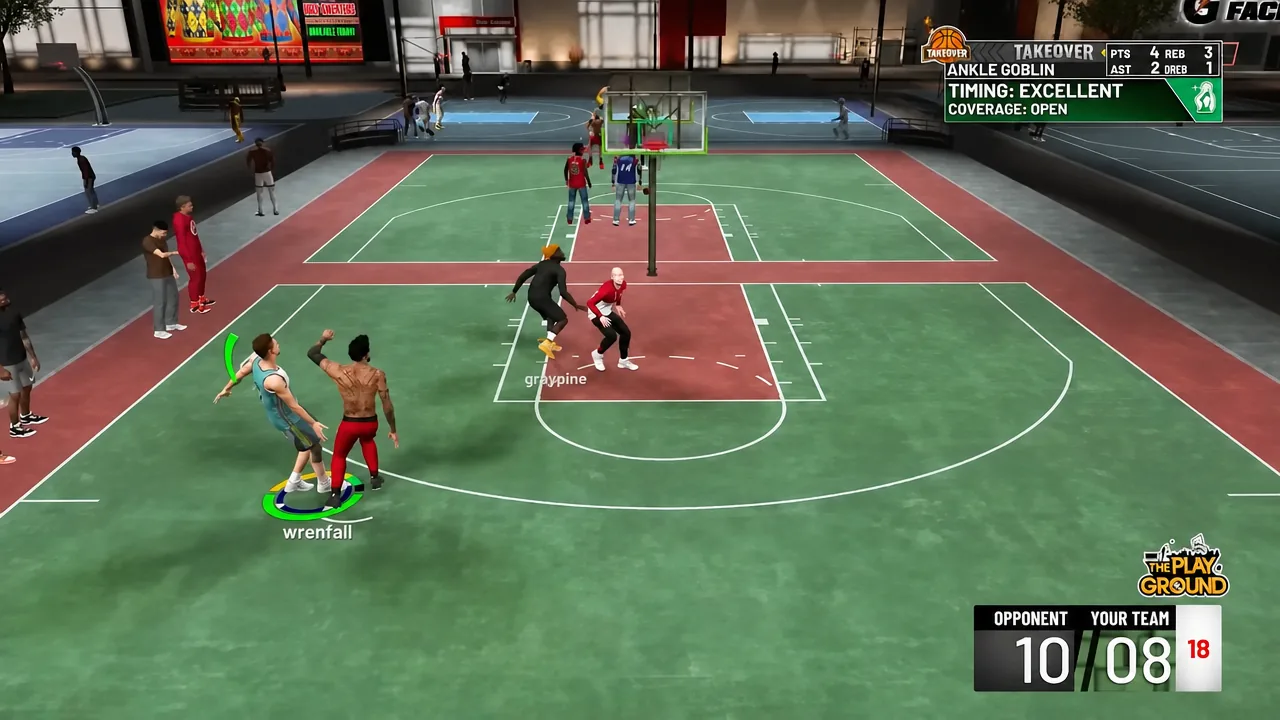
Guarding off the ball gives you more control now. You can keep your eyes on your man to react to a quick shot or drive after he catches, or you can turn toward the ball carrier and gamble on the incoming pass.
- Hold LT and hold RS up to face your matchup.
- Hold LT and hold RS down to face the ball.
Change a screen’s direction
When a screen sets at the wrong angle, you have two ways to fix it, and both are done while holding B to call for the screen.
For an instant 180-degree flip, press the left stick. To fine-tune the angle instead, tap RT to turn the screen clockwise or LT to turn it anti-clockwise. The flip is faster; the tap gives you precise control over where the screener’s body ends up.
Where to practice the new moves
A scrimmage is the cleanest place to drill these inputs. There is no shot clock and no urgency, so you can repeat a step-through or a hands-up contest until the timing feels natural. Open one from the Learn2K tab on the main menu.
None of these changes overhaul how you play, so returning players can pick them up in a single session and get back to running their usual game on offense and defense.