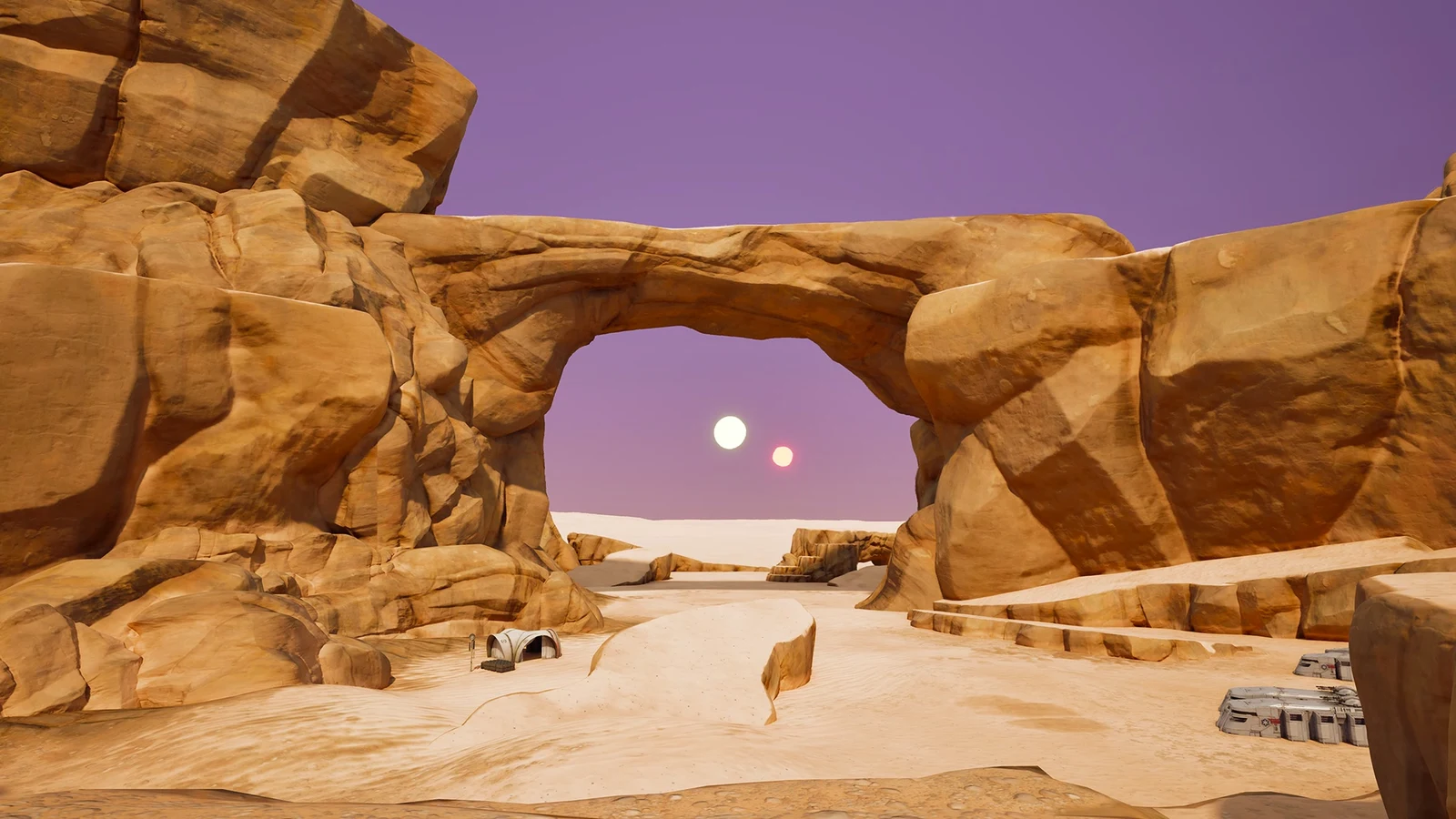
Star Wars Droid Tycoon, the Fortnite Creative map set at the Droidsmith Outpost on Tatooine, has had two updates close together. Version 1.29 cleaned up the interface. It put prices on the Nova Shop, added a droid spawn alert and made the crafting timer readable. The newer Gonk-O-Ween update goes further. Droids can now carry rolled passive perks called Droid Traits. The Droid Lounge gains a second floor, CB-23 missions pay out much more, and Sarlacc Fishing becomes a button-prompt minigame.
Quick answer: Droid Traits are rolled at the new Trait Scanner terminal for Nova Crystals, which cost 55 to 200 per droid in testing. v1.29 earlier added Droidex Notifications for 20 Nova Crystals.
Droid Traits and the Trait Scanner terminal
A new terminal at the outpost lets you scan a droid and give it a trait. A trait is a passive stat bonus that stays attached to that droid. The terminal has two actions, DISCOVER TRAIT for a droid’s first roll and REROLL TRAIT to replace it. Both cost Nova Crystals, and the price depends on the droid. Its built-in Trait Guide sorts every perk into five rarity tiers: Common, Gold, Diamond, Rainbow and Iconic.
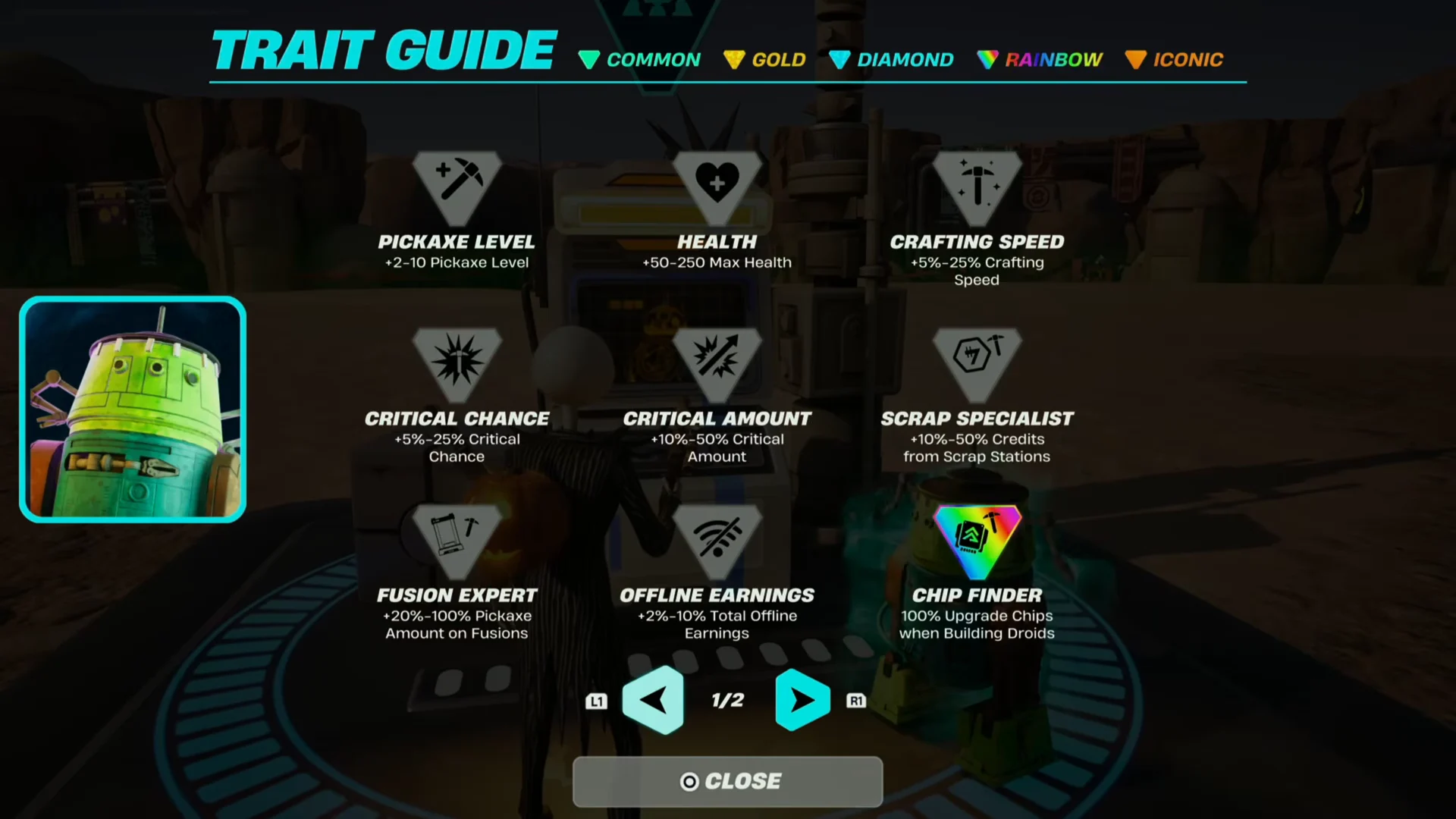
Most traits come with a value range, and a higher rarity pushes the roll toward the top of that range. A few traits are flat effects that change how a droid behaves rather than adding a percentage.
| Trait | Effect |
|---|---|
| PICKAXE LEVEL | +2-10 Pickaxe Level |
| HEALTH | +50-250 Max Health |
| CRAFTING SPEED | +5%-25% Crafting Speed |
| CRITICAL CHANCE | +5%-25% Critical Chance |
| CRITICAL AMOUNT | +10%-50% Critical Amount |
| SCRAP SPECIALIST | +10%-50% Credits from Scrap Stations |
| FUSION EXPERT | +20%-100% Pickaxe Amount on Fusions |
| OFFLINE EARNINGS | +2%-10% Total Offline Earnings |
| CREDIT PER SECOND MULTIPLIER | +10%-50% Credits Per Second |
| UPGRADE CHIP BONUS | +20%-100% Upgrade Chips |
| MISSION EFFICIENCY | +5%-25% Astromech Mission Speed |
| CHIP FINDER | 100% Upgrade Chips when Building Droids |
| PASSIVE CREDITS | 25% Credits/Sec as Companion |
| OVERCLOCKED | Doubles Companion Bonus |
| FUSION PRESERVATION | Droid kept if used in fusion, then trait locks |
| GOLDEN SPLASH REFILL | Gold Splash every 2 min while hitting Depot |
| CRIT EXPERT | +1 Multi Crit |
Fusion Preservation is the oddest perk on the list. A droid with it survives being used in a fusion, but its trait then locks in place. Passive Credits and Overclocked only matter for the droid you have equipped as a companion.
What the first trait rolls looked like
Early rolls show how much prices differ from droid to droid. Chopper and Mister Bones each cost 200 Nova Crystals to scan, while Axi-Pod cost only 55. Most results came back at the Default tier with the low end of a trait’s range.
| Droid | Scan cost | Result |
|---|---|---|
| Chopper | 200 Nova Crystals | Default, +5% Critical Chance |
| Axi-Pod | 55 Nova Crystals | Default, +20% Pickaxe Amount on Fusions |
| DJ R-3X | Not shown | Pickaxe Level trait |
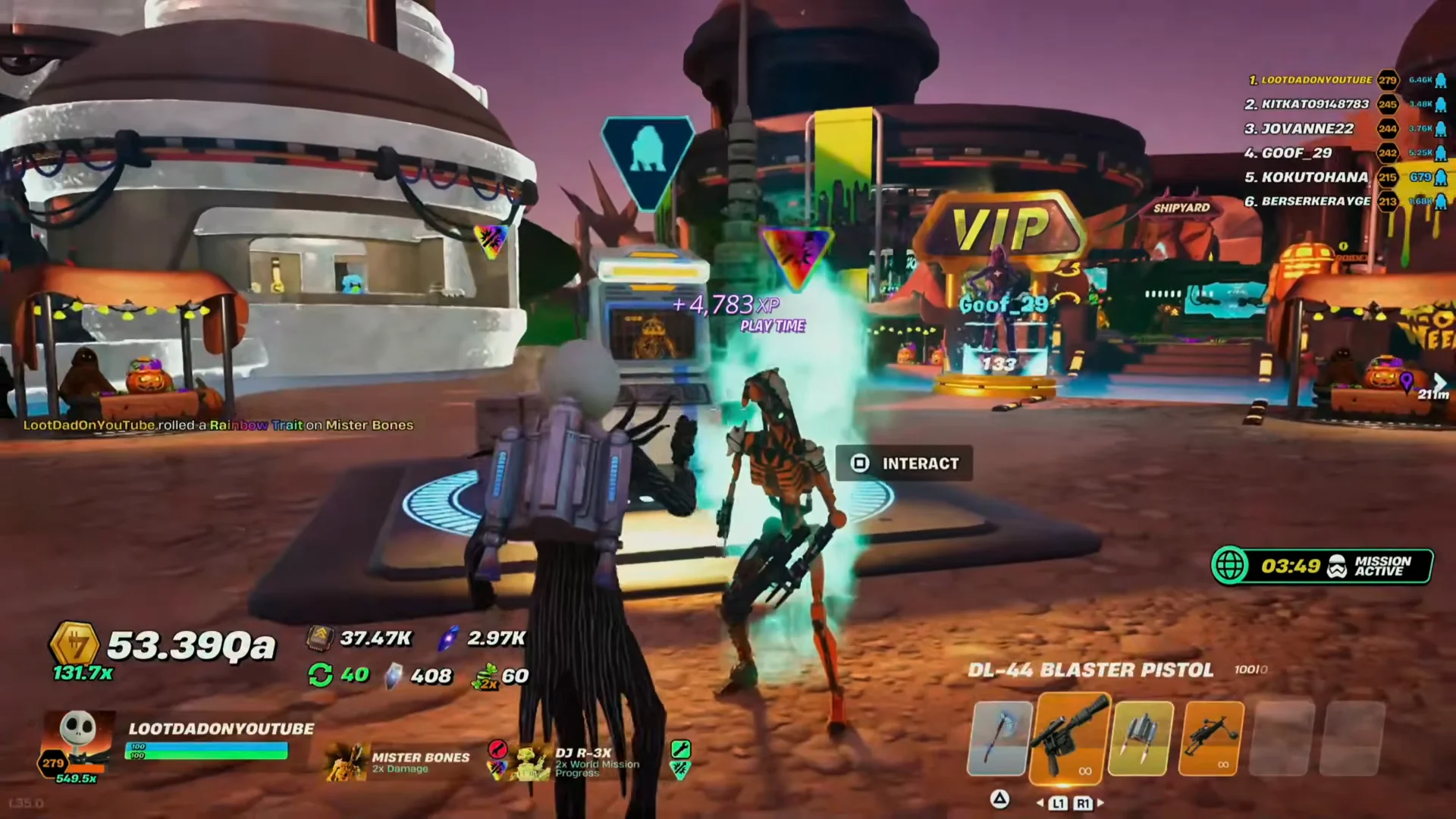
| Mister Bones | 200 Nova Crystals | Rainbow, +50% Critical Amount |
A successful scan announces itself on screen with the tier and the bonus, as in “DEFAULT TRAIT! +5% CRITICAL CHANCE”. After that, the trait shows up on the droid itself.
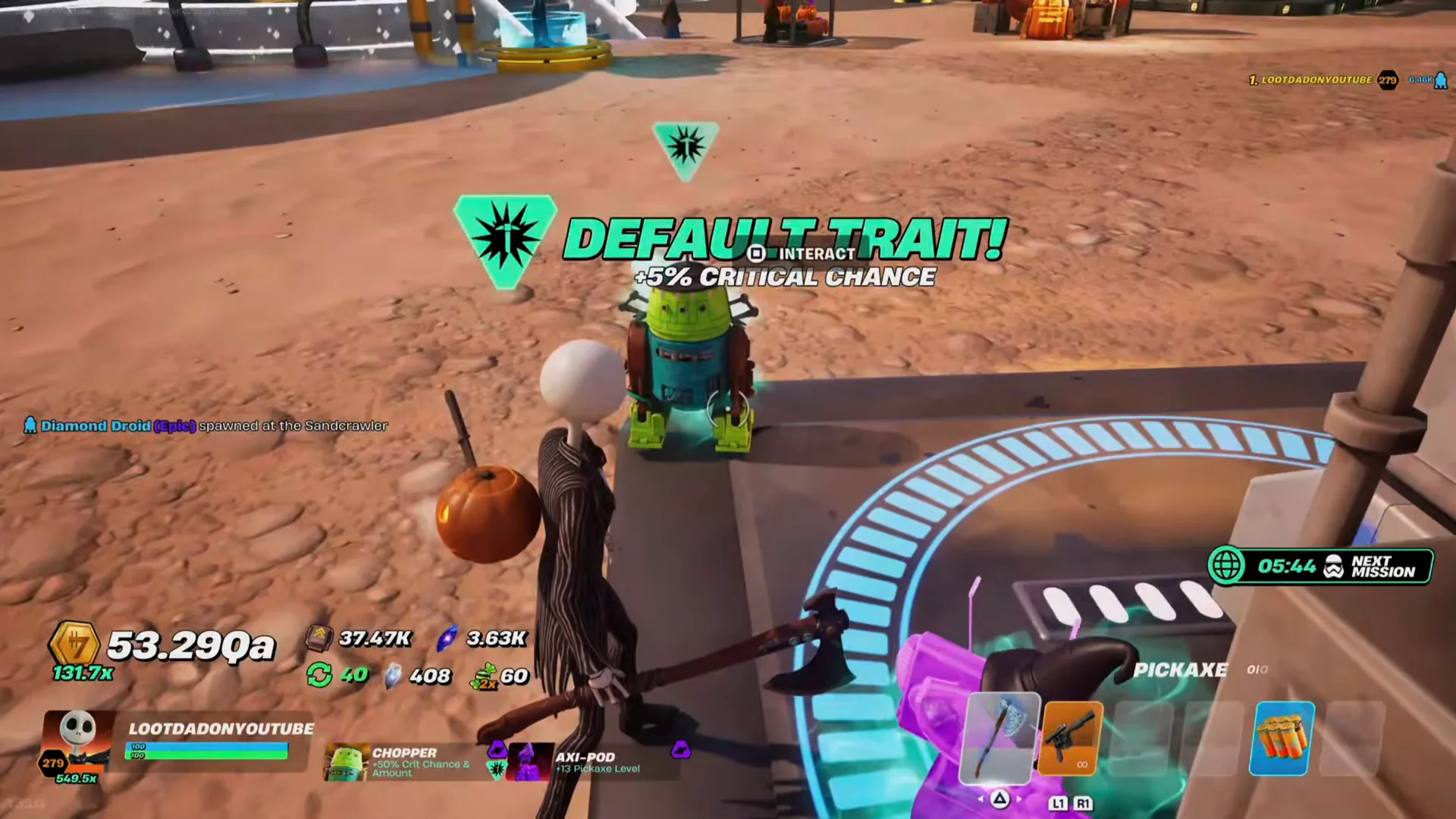
Luck still decides the higher tiers. One roll also came back as a Default +10% Critical Amount. Mister Bones, by contrast, landed a Rainbow trait at +50% Critical Amount, which is the top of that trait’s range.
Storage & Lounge Pack and the two-story Droid Lounge
The Nova Shop’s WORKSHOP tab now has a higher cap for the Lounge Slot upgrade. The Cantina Shop also sells a new bundle, the Storage & Lounge Pack, for 1,000 V-Bucks. If you already bought some of those upgrade levels, the pack refunds Nova Crystals for any levels past the max. The refund on display was 3,550 Nova Crystals.
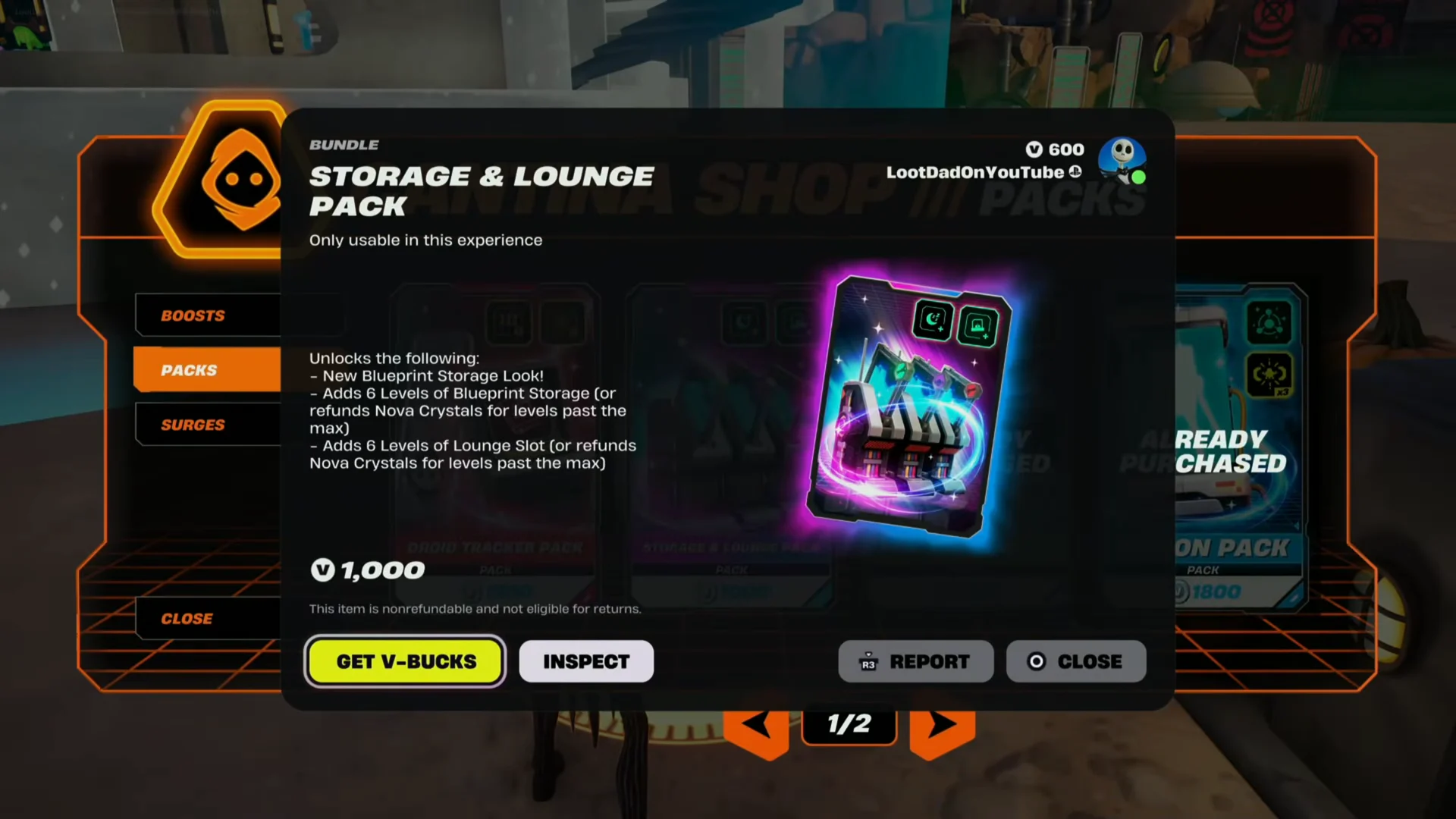
- A new look for Blueprint Storage
- 6 levels of Blueprint Storage, refunded as Nova Crystals past the max
- 6 levels of Lounge Slot, refunded as Nova Crystals past the max
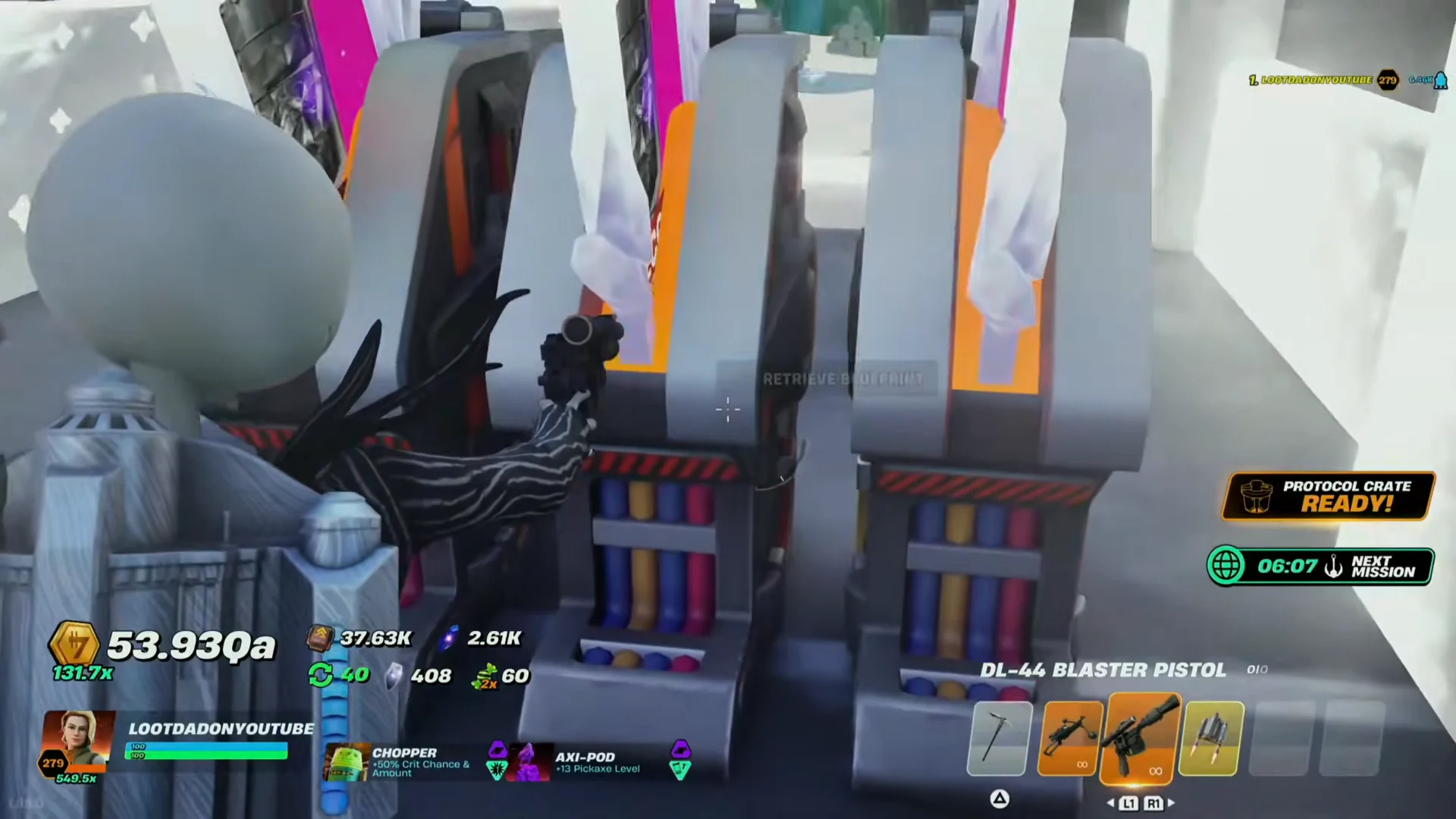
The extra lounge capacity also changes the building itself. The Droid Lounge now has a staircase up to a second floor, where the additional droid slots sit.
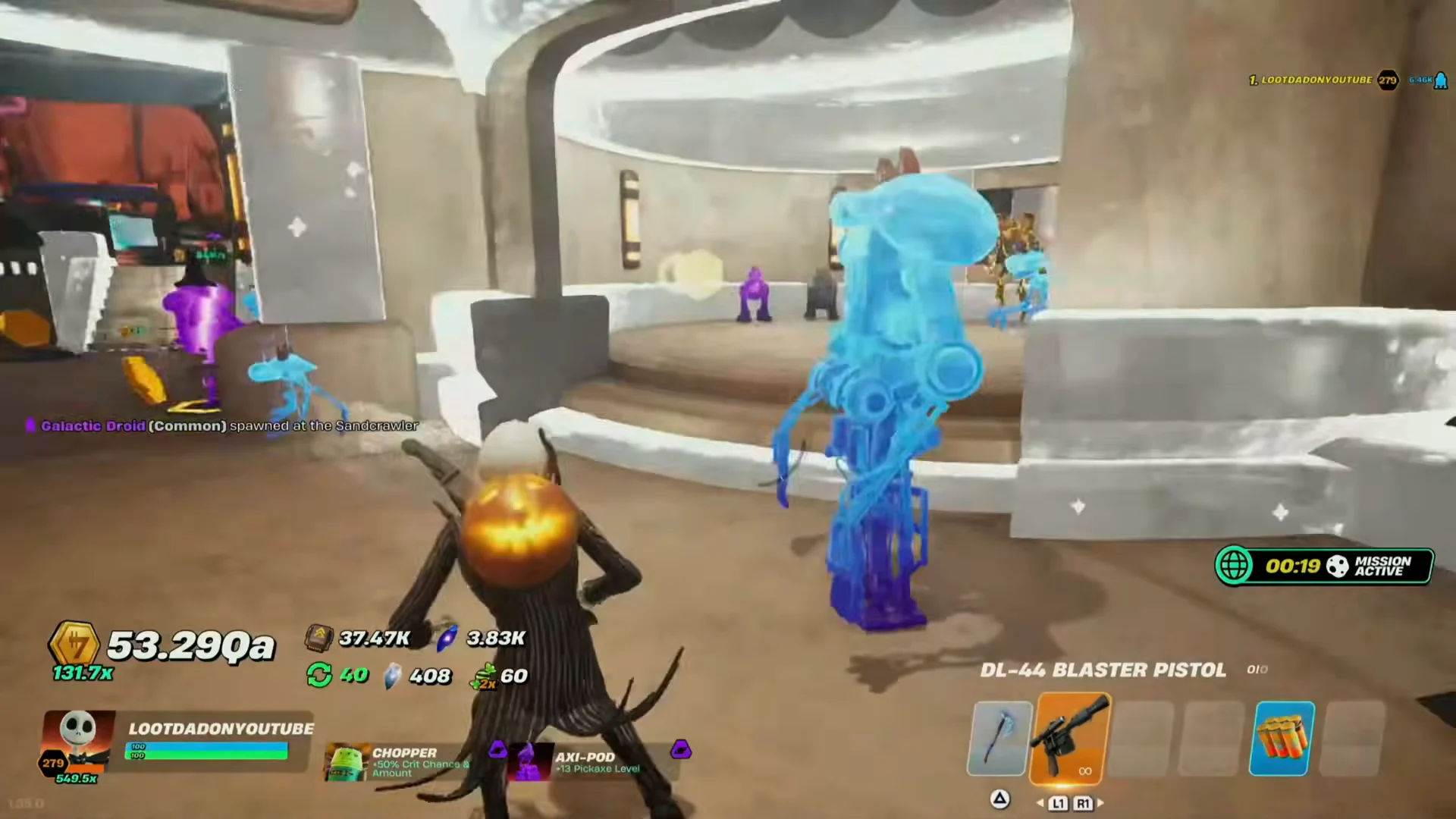
The new Blueprint Storage look is purely cosmetic. It leaves bundles of multicolored wiring exposed, which looks a lot like the unfinished C-3PO from The Phantom Menace.
CB-23 mission rewards and World Mission changes
The patch notes say that CB-23 has had its Nova Crystal and Upgrade Chip amounts “significantly increased.” The astromech’s mission menu still works the same way. You choose a destination, such as Elphrona, and the droid comes back with a crate.
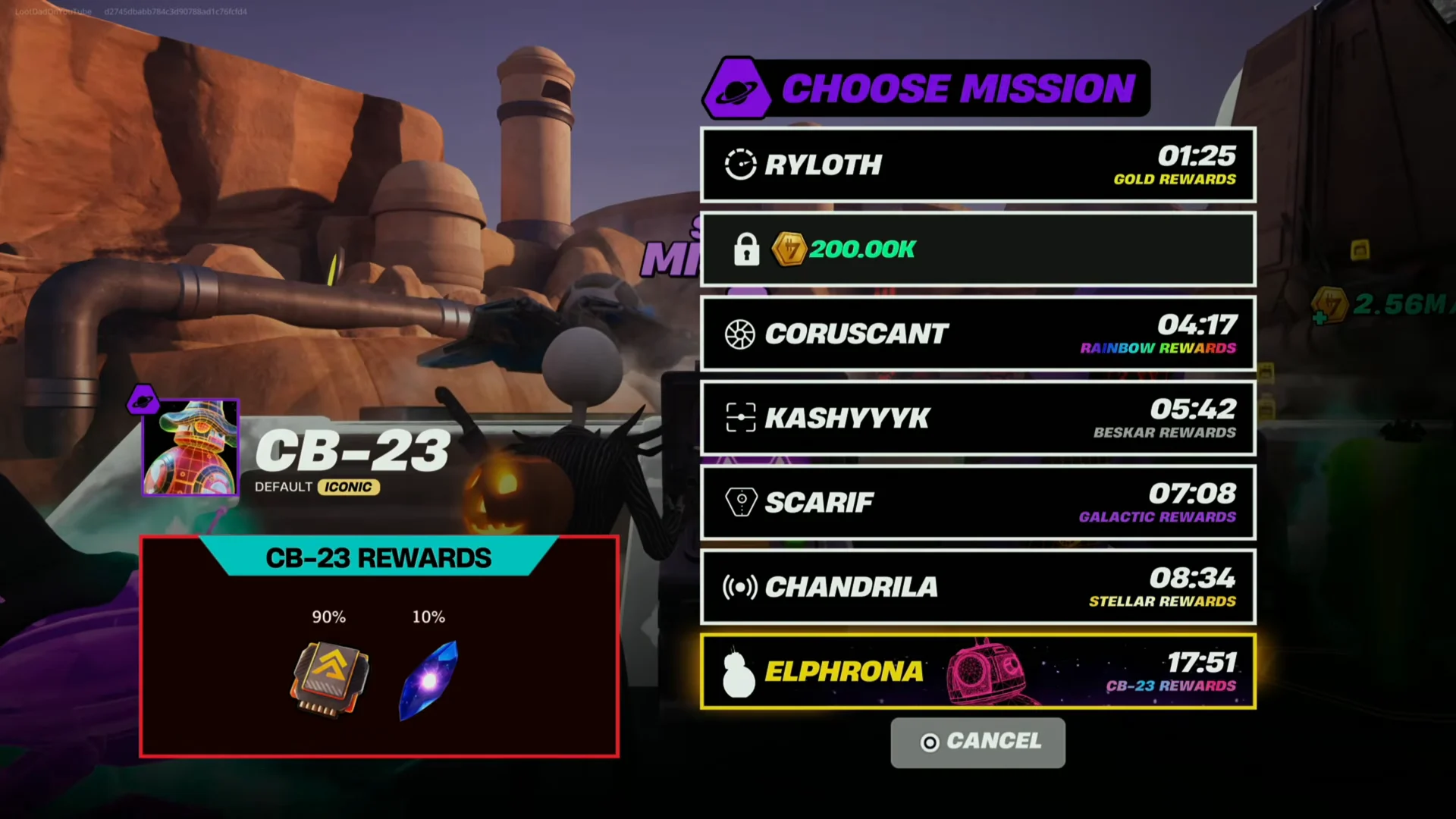
One return trip from Elphrona paid out 40 Nova Crystals. That alone covers a scan on a cheap droid like Axi-Pod at the Trait Scanner.
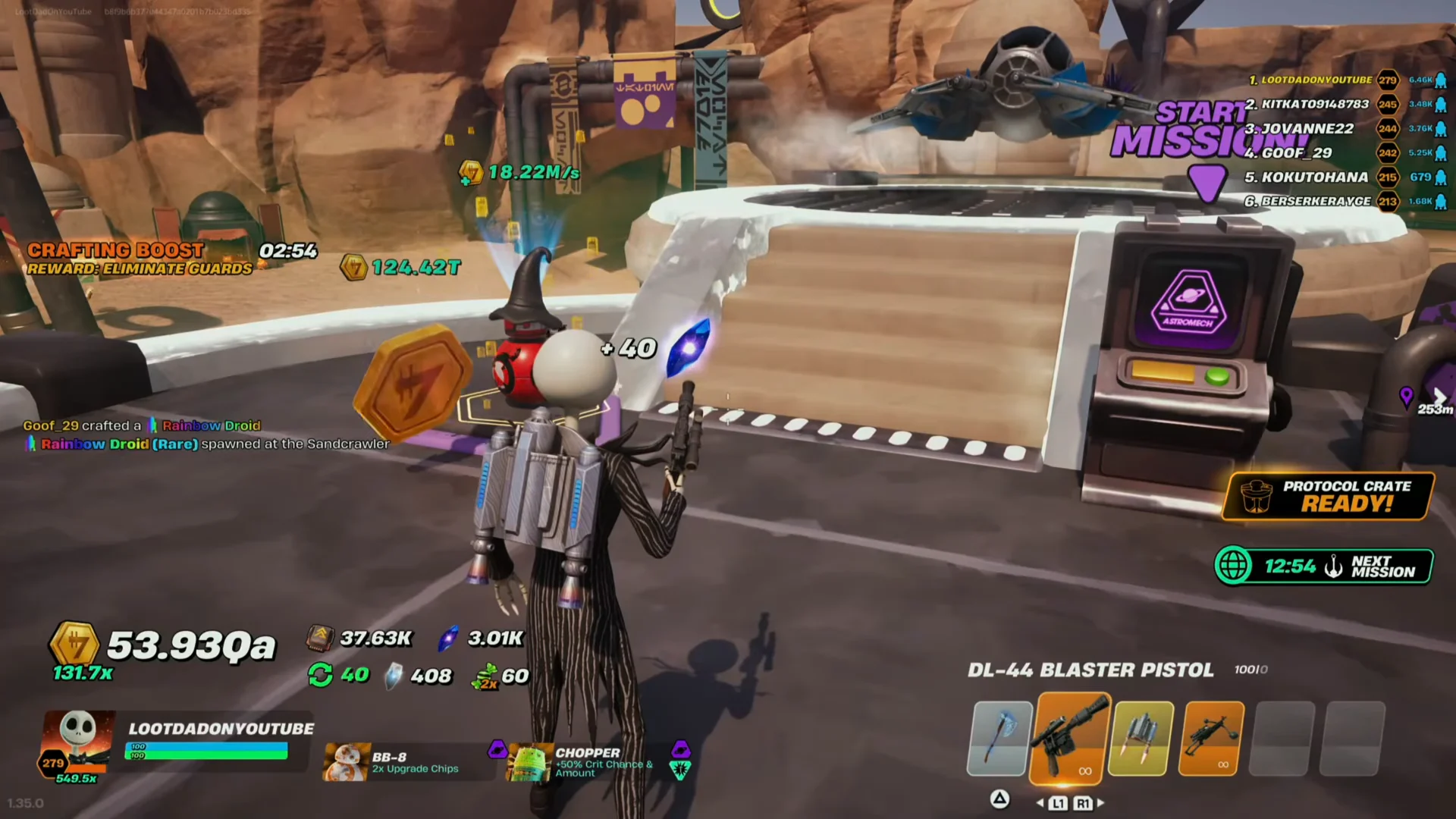
World Missions, the server-wide objectives such as the Imperial Guard elimination, now track how each player performs. When a mission ends, a leaderboard ranks everyone who took part and gives an MVP tag to the top scorer. The reward table changed as well. A 4-star World Mission completion now grants Kyber Surges instead of Stellar Surges.
Sarlacc Fishing, Base Paint menu and the Sandcrawler structure
Sarlacc Fishing no longer uses a slider bar that you stop at the right moment. The station now runs a timed sequence of controller prompts, mixing directional, shoulder and face buttons. Its reward ladder runs DEFAULT, GOLD, DIAMOND, RAINBOW, BESKAR, GALACTIC and STELLAR.
The Base Paint menu has been rebuilt into five paginated pages. Each paint style now shows its unlock requirement and your progress toward it, so you no longer scroll one long list.
Behind the Sandcrawler, a structure has new textures and banners with crossed symbols. It looks set up as a future battle area, but no opening date has been confirmed.
Gonk-O-Ween event fixes and Rebirth Path 6
The same patch fixes several rough spots in the Gonk-O-Ween event and the rebirth system.
- Gonks and Power Droids sitting in Lounge slots can be turned in to WG-22 directly, with no swap into the active inventory first.
- The conveyor runs at normal spawn rates during the Gonk Army Conveyor Boost.
- Rebirth Path 6 has been reworked to follow the same structure as every other Rebirth Path.
v1.29 patch notes: Nova Shop prices, Droidex Notifications and crafting UI
Version 1.29 came before the traits update. It added no new grind systems and focused on showing information more clearly.
| v1.29 change | Result |
|---|---|
| Nova Shop UI | Crystal cost printed on each perk icon |
| Droidex Notifications | New 20-crystal perk for spawn alerts |
| Droid Crafting UI | Live Estimated Time and seconds readout |
| Cantina fusion trades | 5x the previous reward |
Nova Shop continues to have six sections: FEATURED, CORE UPGRADES, WORKSHOP, COSMETIC, LOBBY BOOSTS and ICONIC DROIDS. On the main screen, each perk’s price is displayed next to its icon, letting you compare costs without opening the entries one by one.
Droidex Notifications sits in the FEATURED tab for 20 Nova Crystals. Its description reads “Enable notifications for droid spawns by selecting them in your Droidex. Track up to 1 at a time.” You pick the tracked droid at the Droidex terminal. Any entry works, including B1 BATTLE, GONK, PIT, R5, WHL-EX and IG. Selecting a new droid replaces the old one. When the tracked droid appears on the conveyor belt, a Jawa notification pops up on screen. If no alert ever shows, either the perk was never bought or no droid is selected in the Droidex.
The Crafting Station’s Estimated Time countdown now changes with your crafting speed percentage and with how fast you are pickaxing the station. If you stop hitting it, the estimate grows longer. A current seconds / total seconds counter under the progress meter shows exactly how far along a build is. That matters on long crafts, where the total can pass 78,000.
Fusion droids traded to NPCs in the Cantina through the TRADE NOW prompt pay five times the old rate. The bonus applies only to fusion droids. Version 1.29 also launched alongside a Mega Crate Mini Event, which paid 2 Nova Crystals for each crate broken, and it fixed bugs in the D-O Event.
The two patches build on each other. Version 1.29 made the Nova Shop and crafting screens easier to read. The Gonk-O-Ween update adds new ways to spend Nova Crystals, chiefly trait scans, and makes CB-23 missions a steadier source of them. The next step looks like the battle area behind the Sandcrawler, which is built but still closed.