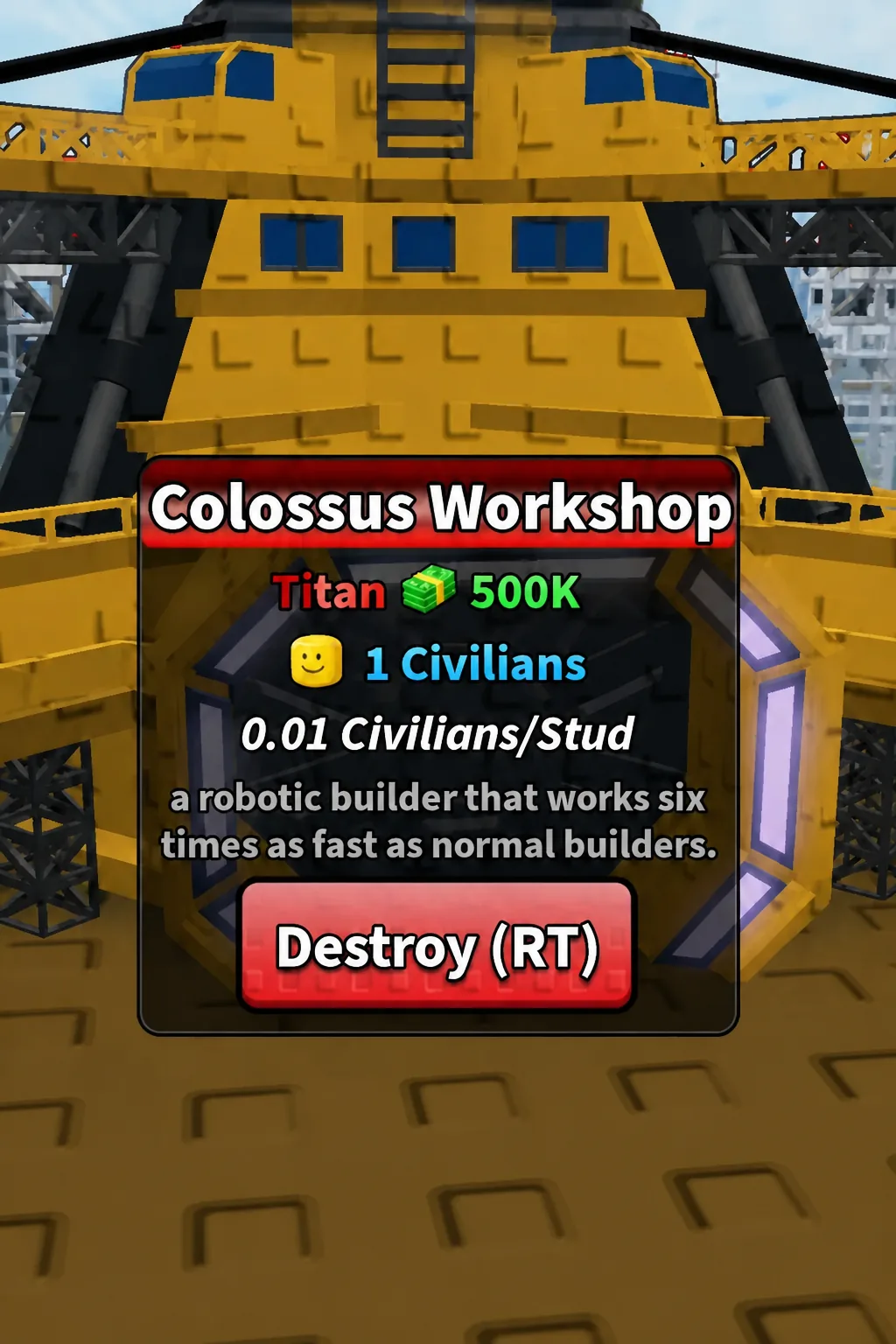
The Colossus Workshop is the top end of Mini War’s builder chain, a limited Titan-class structure that replaces the slow human builder with a large yellow mech that drills through construction timers. It is expensive, it takes a civilian slot, and it exists for one reason: cutting the multi-hour build times that late-game factories and housing pile onto your queue.
Quick answer: Place the Colossus Workshop for 500,000 cash, then place any building — its robotic builder works six times as fast as a normal builder, turning a 35-hour timer into under three hours.
Colossus Workshop stats and cost in Mini War
The building’s info card lists everything that matters before you commit the cash. It is tagged as a limited item, and its rarity band is Titan, which sits above the standard shop tiers used by ordinary Special buildings.
| Stat | Value |
|---|---|
| Rarity | Titan (limited) |
| Cost | 500K cash |
| Civilians required | 1 |
| Civilian density | 0.01 Civilians/Stud |
| Effect | Deploys a robotic builder that works six times as fast as normal builders |
Like every workshop variant, it adds one builder to your roster rather than boosting the builders you already have. Owning two Colossus Workshops gives you two Titan-speed mechs working in parallel, which is why the item stacks in your inventory as a counted entry.
Builder speed ladder: Workshop, Upgraded, Titan, Colossus
Mini War runs four workshop tiers, and each one spawns a visually distinct builder unit. The base Workshop sends out a human builder. The upgraded versions send out robots that get physically larger as the multiplier climbs — the Colossus mech towers over high-rise buildings when parked next to them.
| Workshop | Builder speed | Notes |
|---|---|---|
| Workshop | Normal (1x) | Rare, $10K or 39 Robux from the Special tab |
| Upgraded Workshop | 2x | Sold in the Black Market for 1K gems |
| Titan Workshop | 4x | Robotic builder, larger unit |
| Colossus Workshop | 6x | Titan rarity, 500K cash, limited |
The Black Market only accepts gems and rotates its stock, so the gem-priced workshops are not always on the shelf. It appears near your shop as a limited-time merchant, alongside items like the Construction Yard at 2.5K gems.
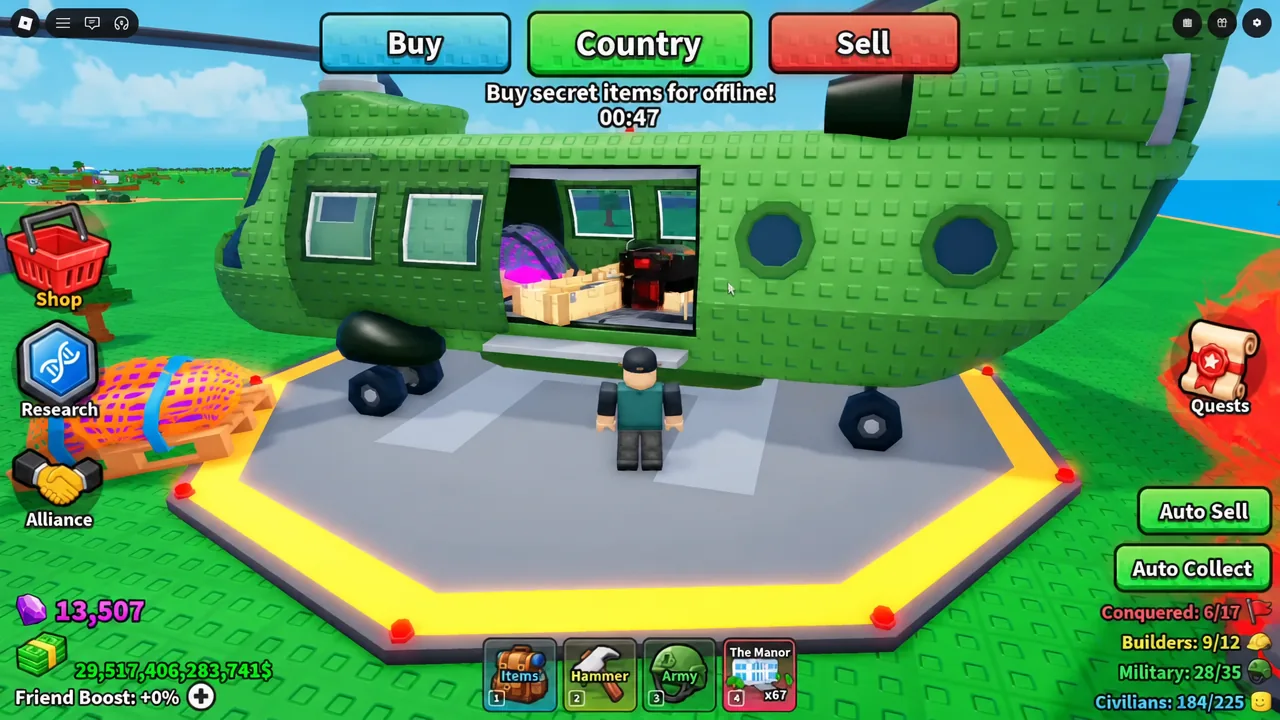
How to use the Colossus Workshop and confirm the 6x speed
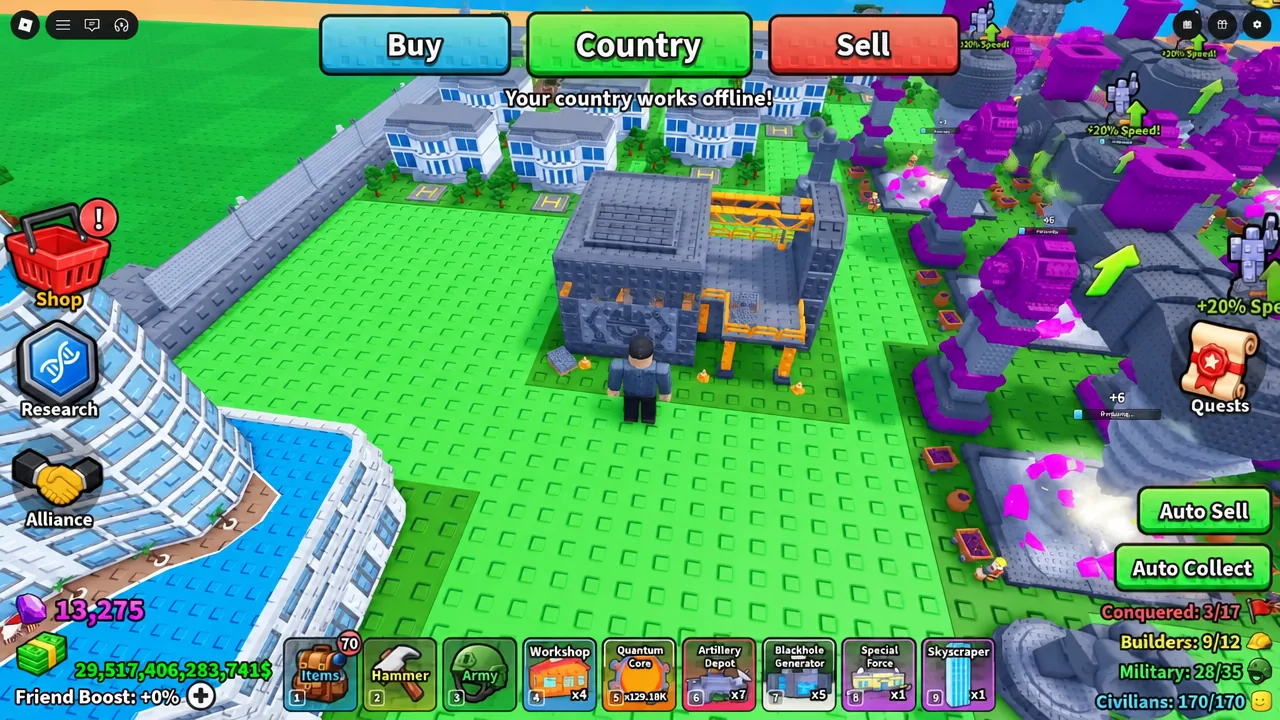
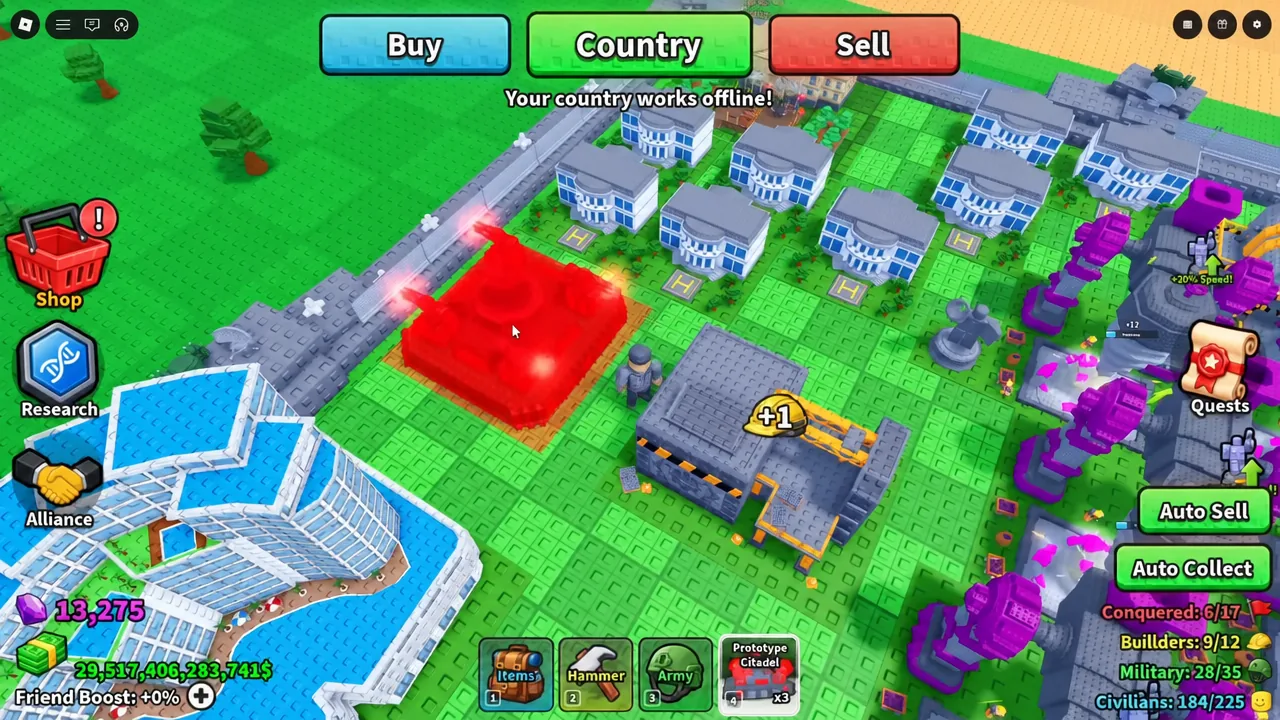
INSTANT BUILD <3H once the Colossus builder is on the job.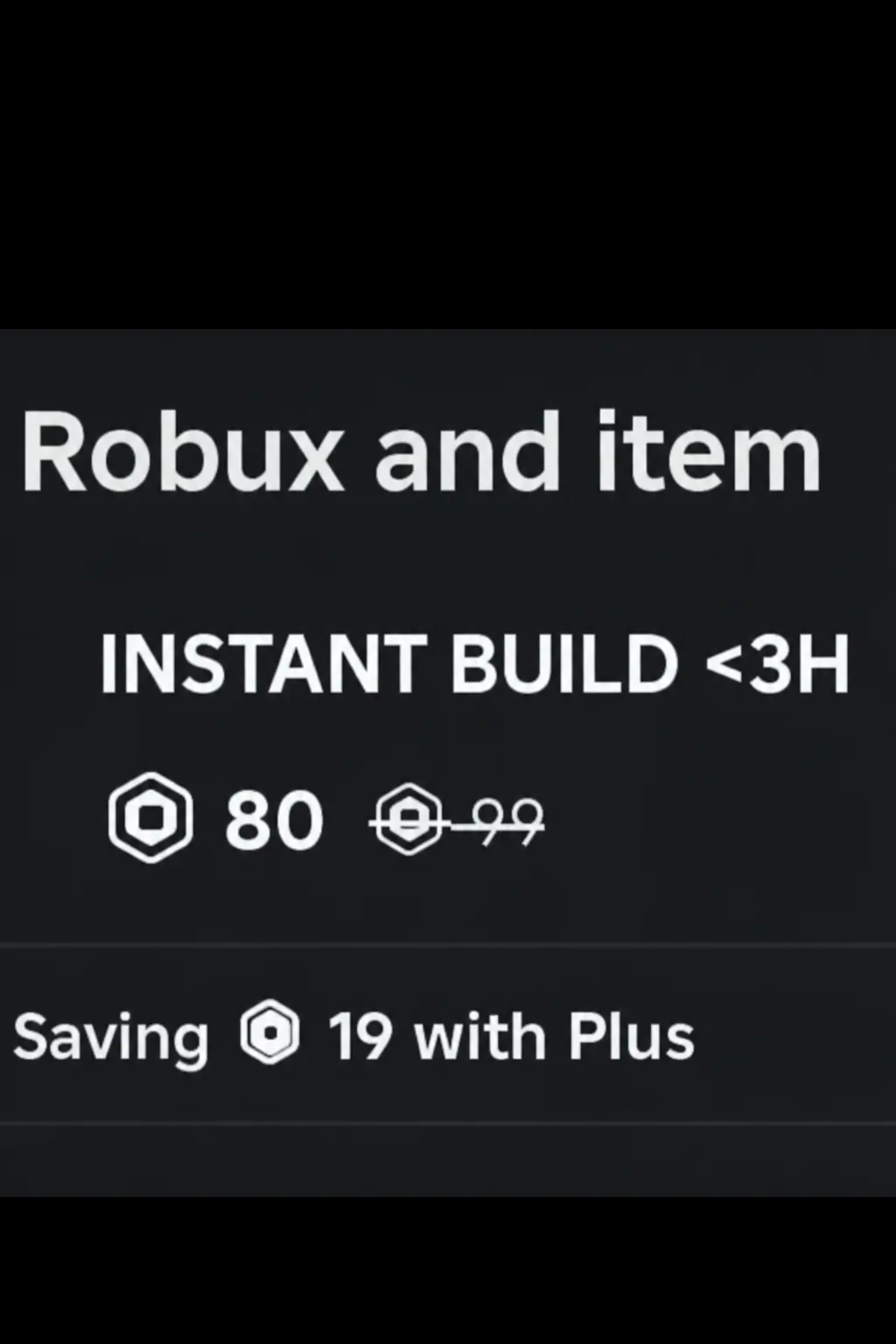
That prompt is the cleanest confirmation available, since it always reflects the current remaining time rather than the building’s base timer. You do not have to spend the Robux — reading the number is enough.
When the Colossus Workshop does not speed anything up
The mech is a single builder, not a global buff. If it is already assigned to another structure, your new placement waits in the queue at whatever speed the next free builder runs at, which is why players who own a Colossus still keep lower-tier workshops around.
Space is the other limit. Workshops take up plot area that could hold factories or housing, and every extra one still costs a civilian slot. Past a handful of builders, most bases run out of room before they run out of things to build.
Note: server-wide construction bonuses and the 2x Building gamepass apply on top of builder speed, so a timer you measured during a double building speed window will not match what you see on a normal server.
At 500K, the Colossus Workshop is a mid-to-late game purchase rather than an opening move — a first Workshop for $10K still does more for a new country than anything else on the Special tab. Its value shows up once your build queue is full of billion-dollar factories that would otherwise sit under a day-long timer, at which point six-times speed is the difference between logging off mid-build and finishing before you leave. You can check current stock and prices inside Mini War on Roblox.