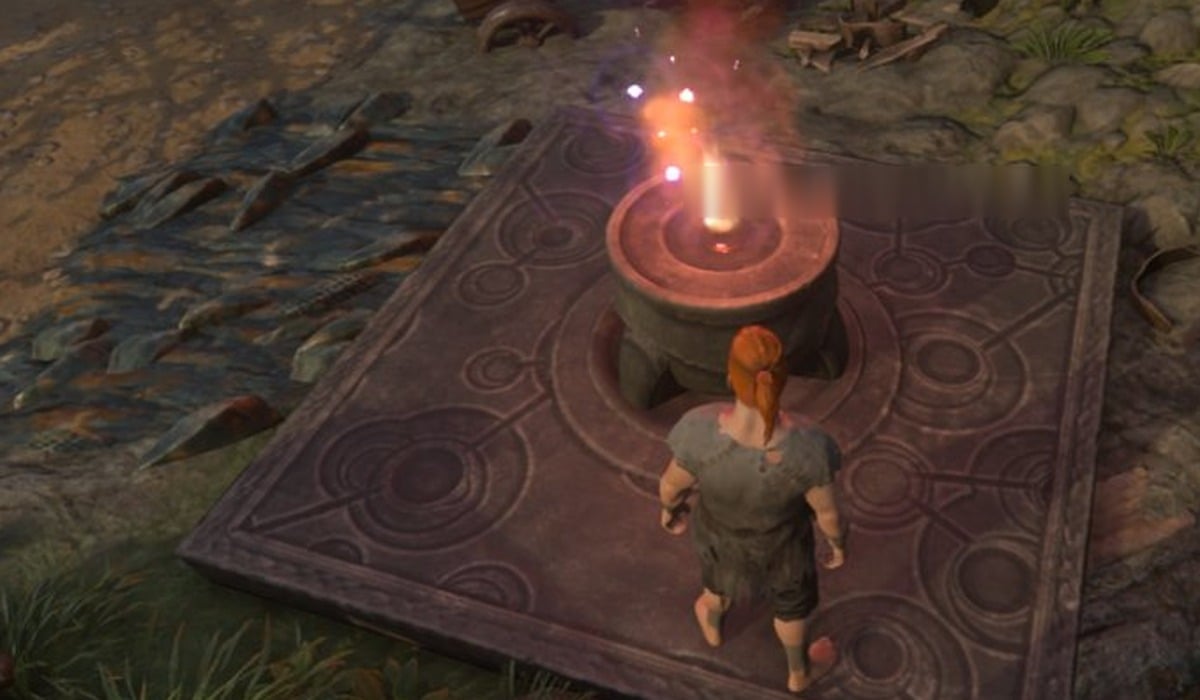
A second Flame Altar in Enshrouded uses the same recipe as your first one, and it needs no workbench. We built ours away from our first base and set it down at a mine camp in a ravine to the west, along the road out of the base. It was lit the moment it went down.
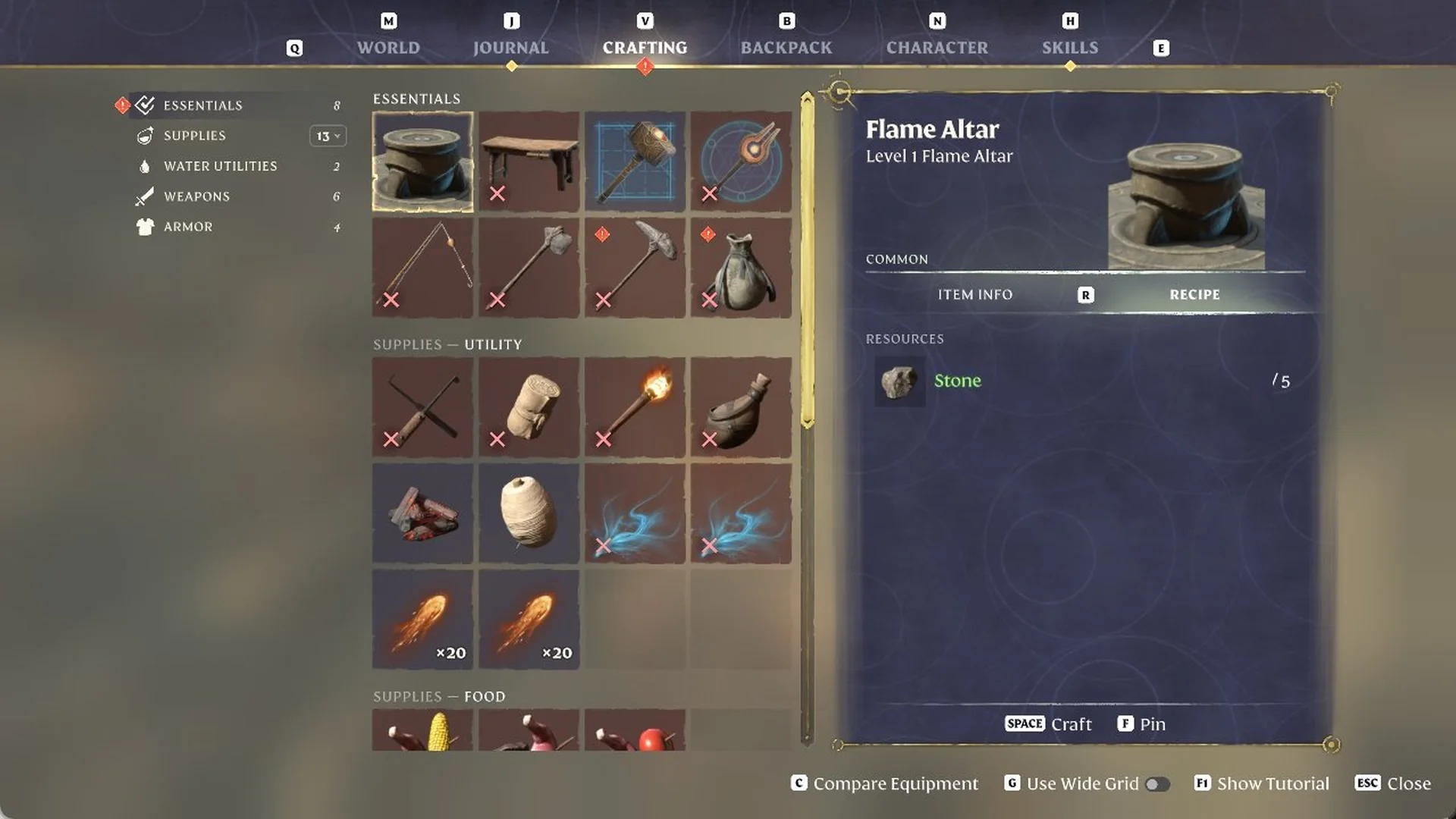
Quick answer: Craft it from Crafting (V) > Essentials > Flame Altar for Stone x5. Select it on your ALT action bar, aim at flat ground until the preview turns blue, then left-click Place.
Craft and place a second Flame Altar
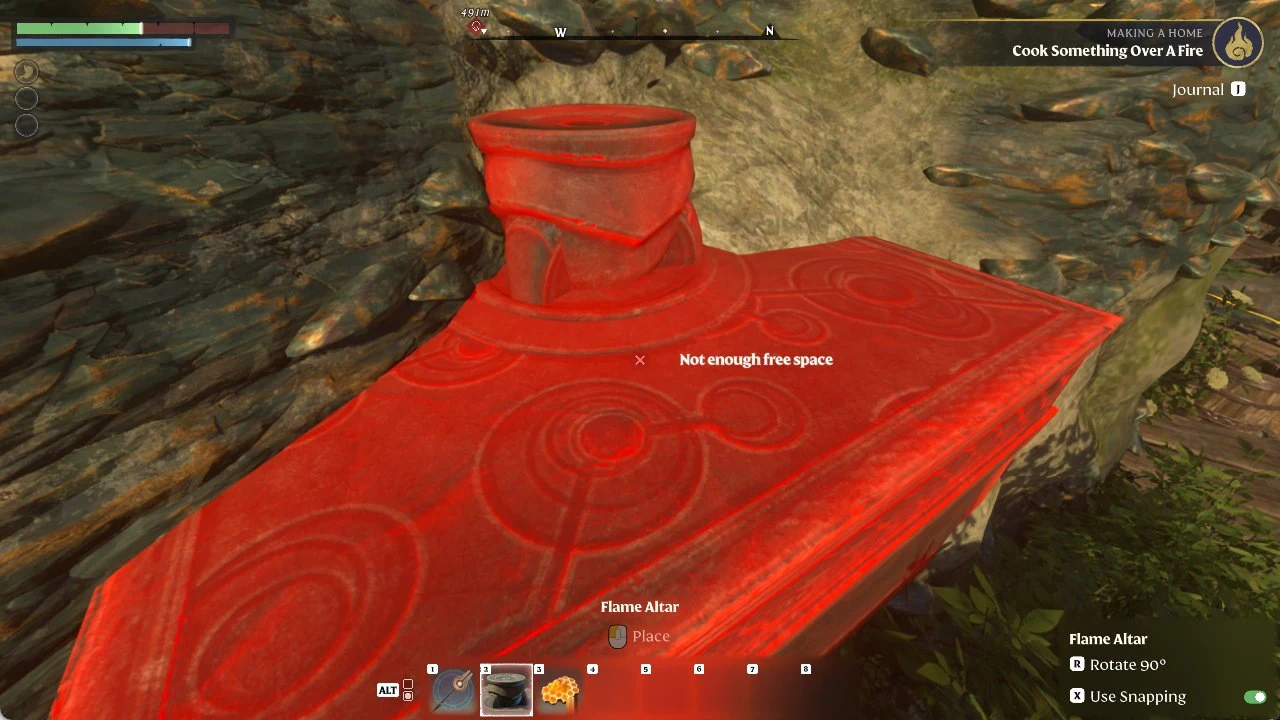
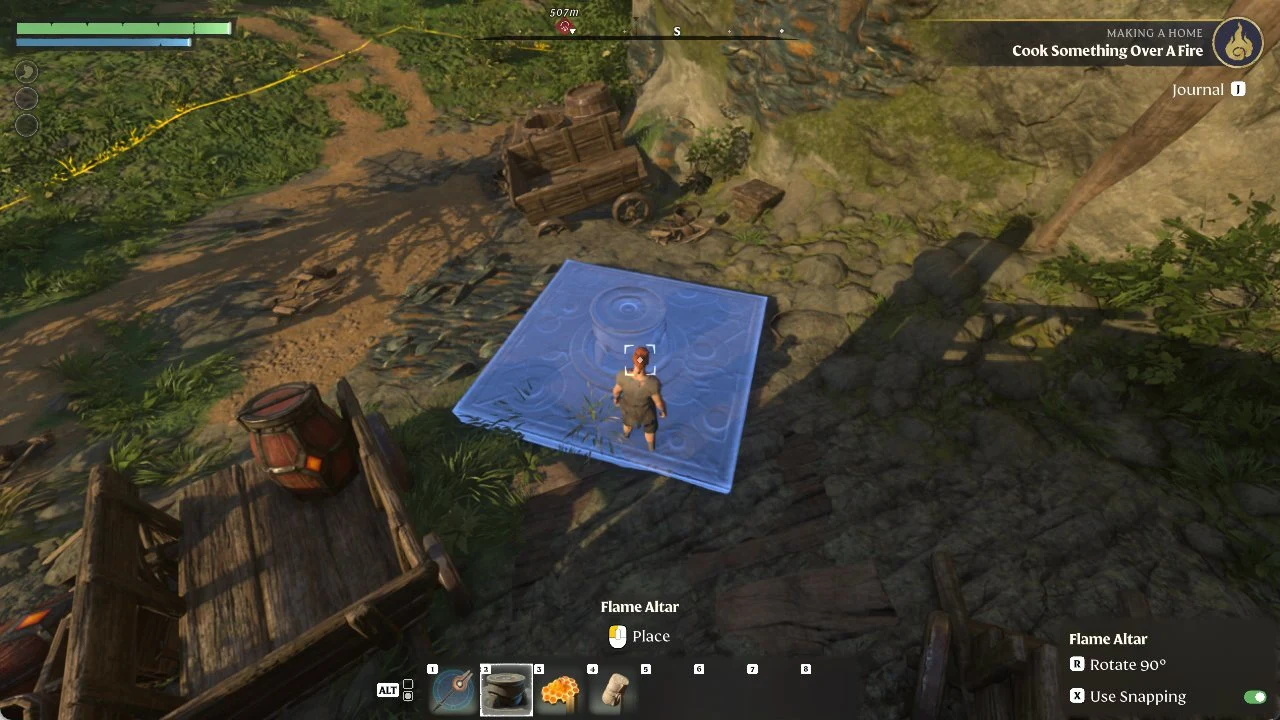
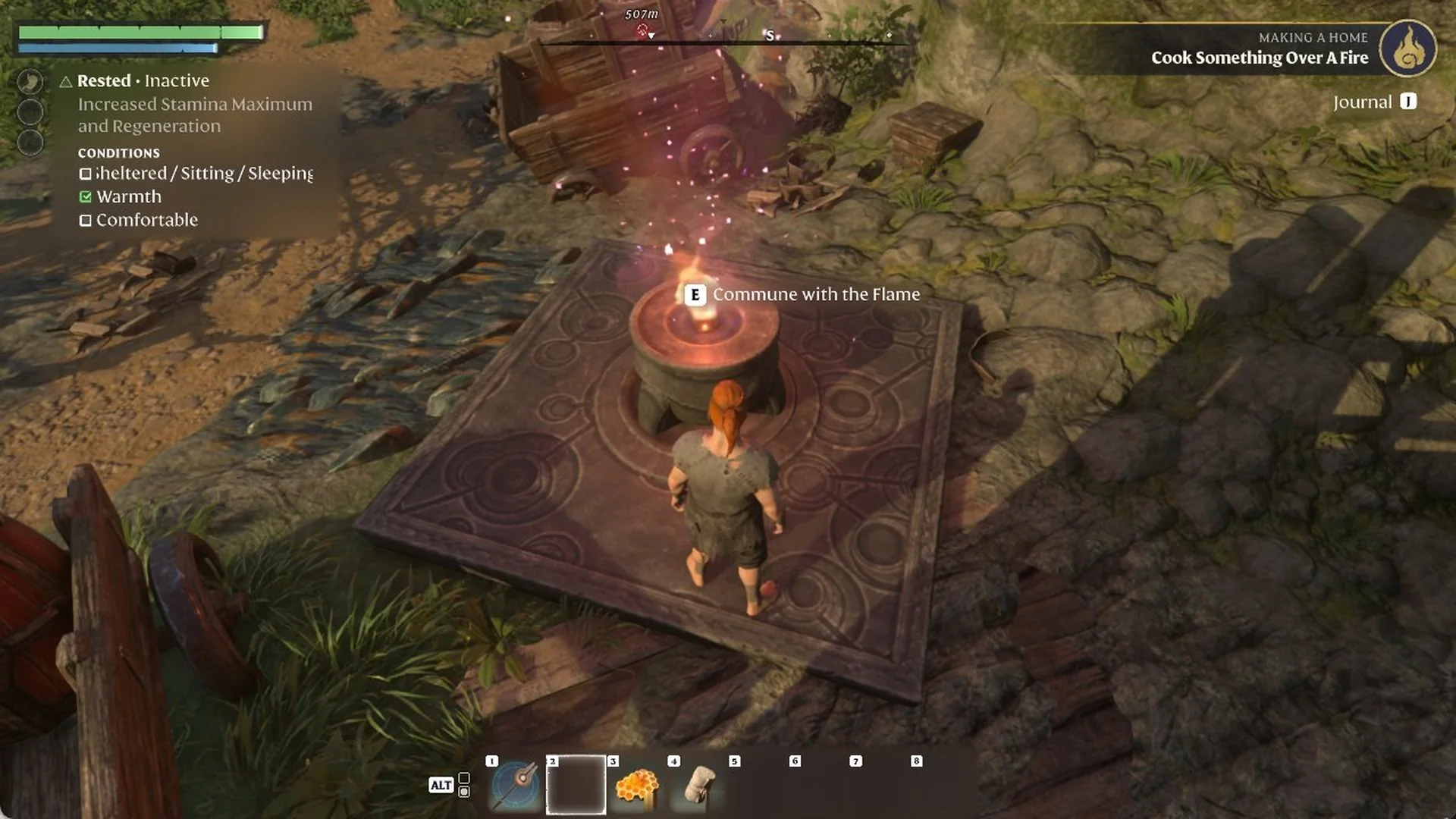
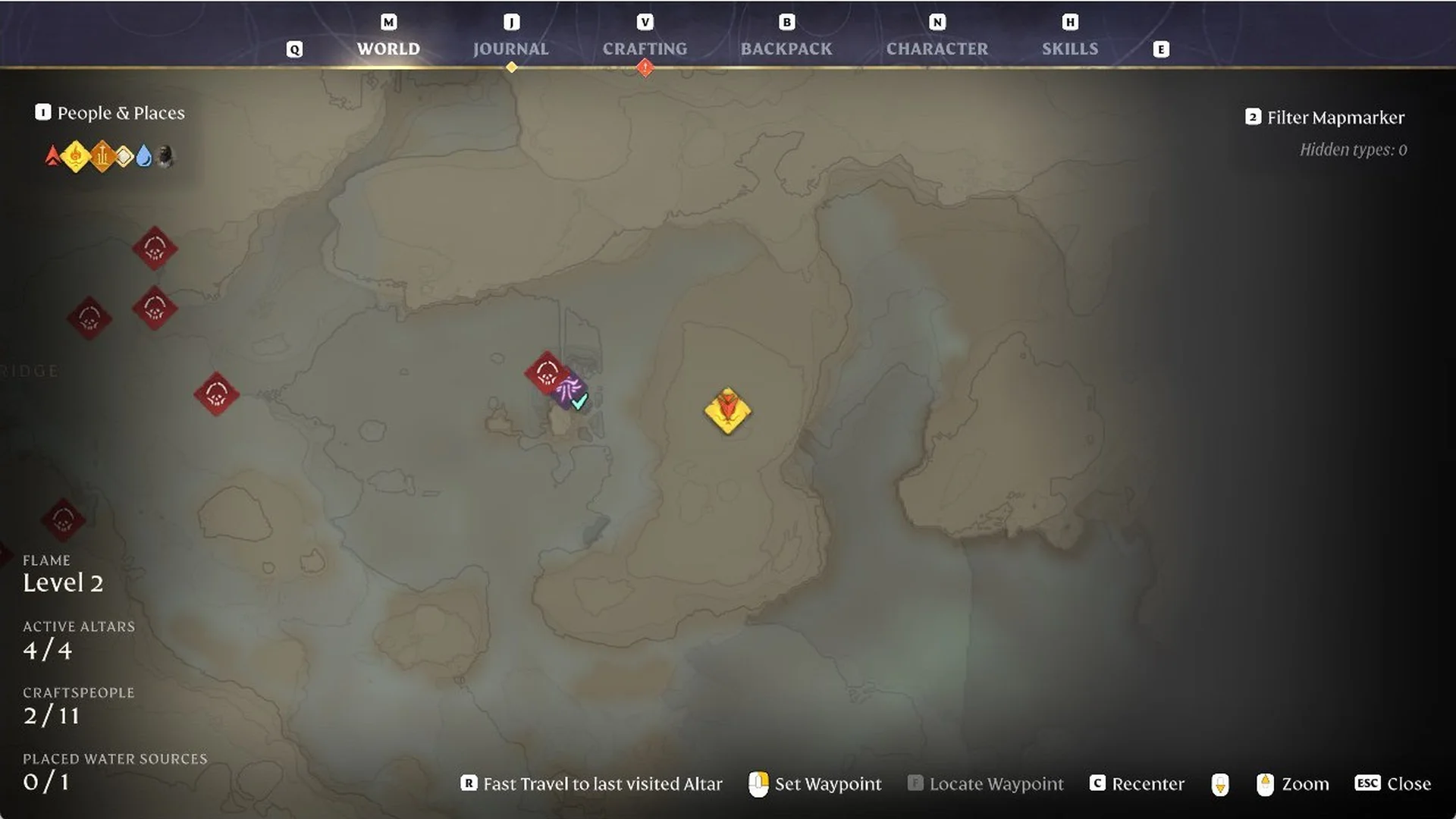
Open the World Map with M to check it counts: on our Flame Level 2 world the Active Altars counter went from 1/4 to 2/4. For getting back to an altar quickly, see how to fast travel to your Flame Altar.
Placing a Flame Altar on a hillside
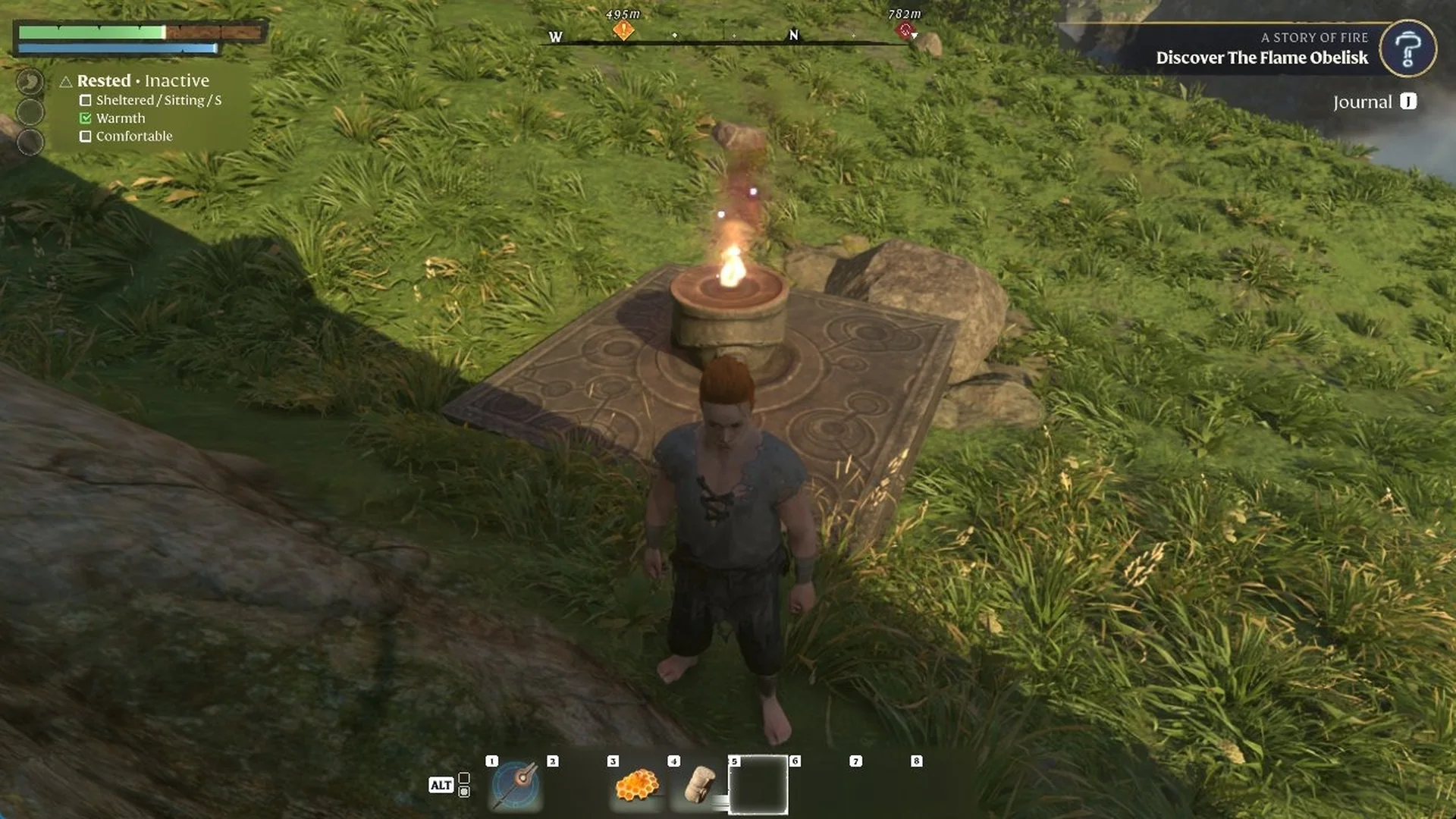
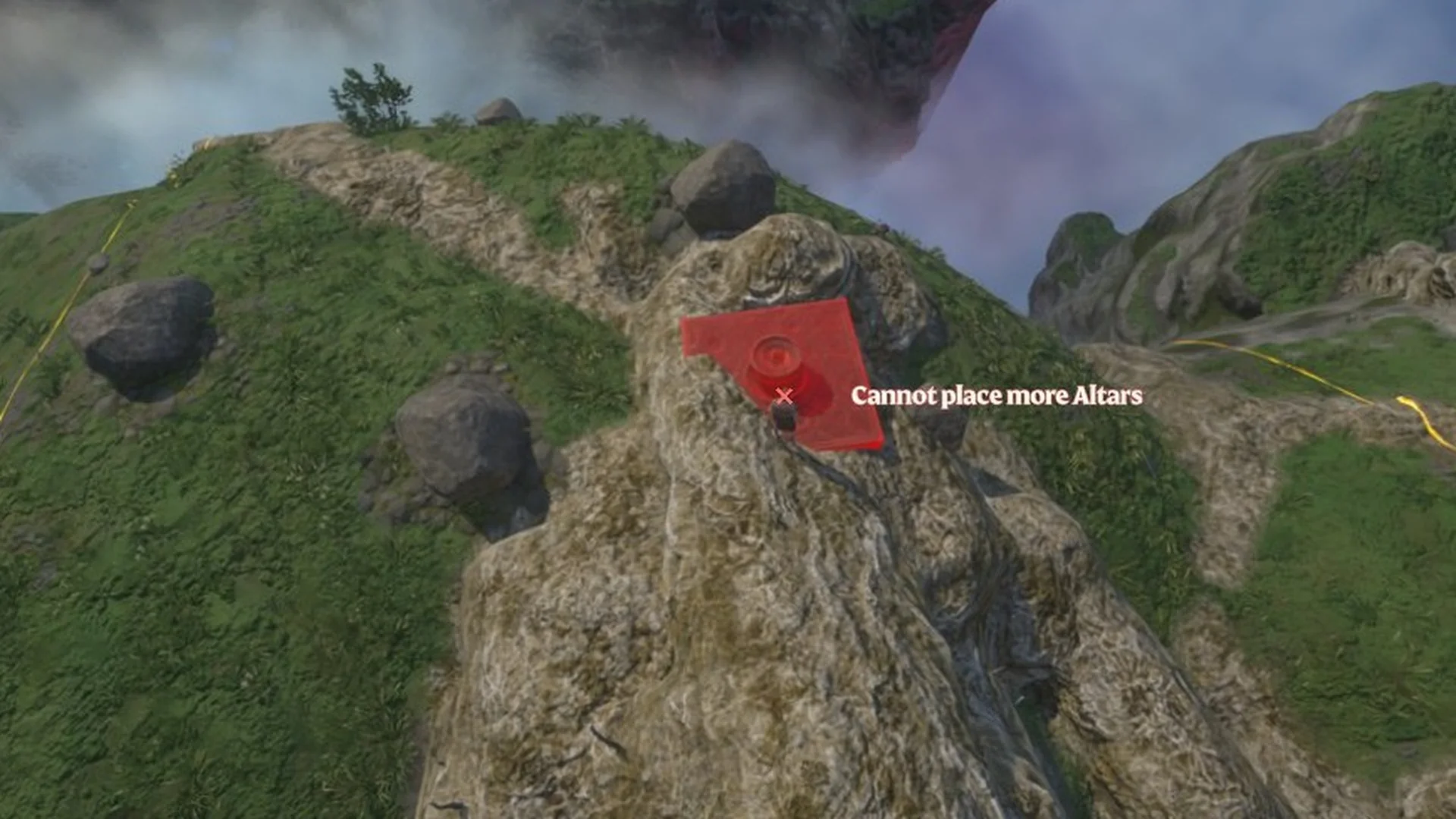
Select the Flame Altar on the ALT bar and the placement preview appears right at your character’s feet, while the camera pulls back to a high, top-down view of the spot. On our grassy hilltop and its slopes, every spot we tried showed the red preview with “Not enough free space”, even with nothing on the ground.
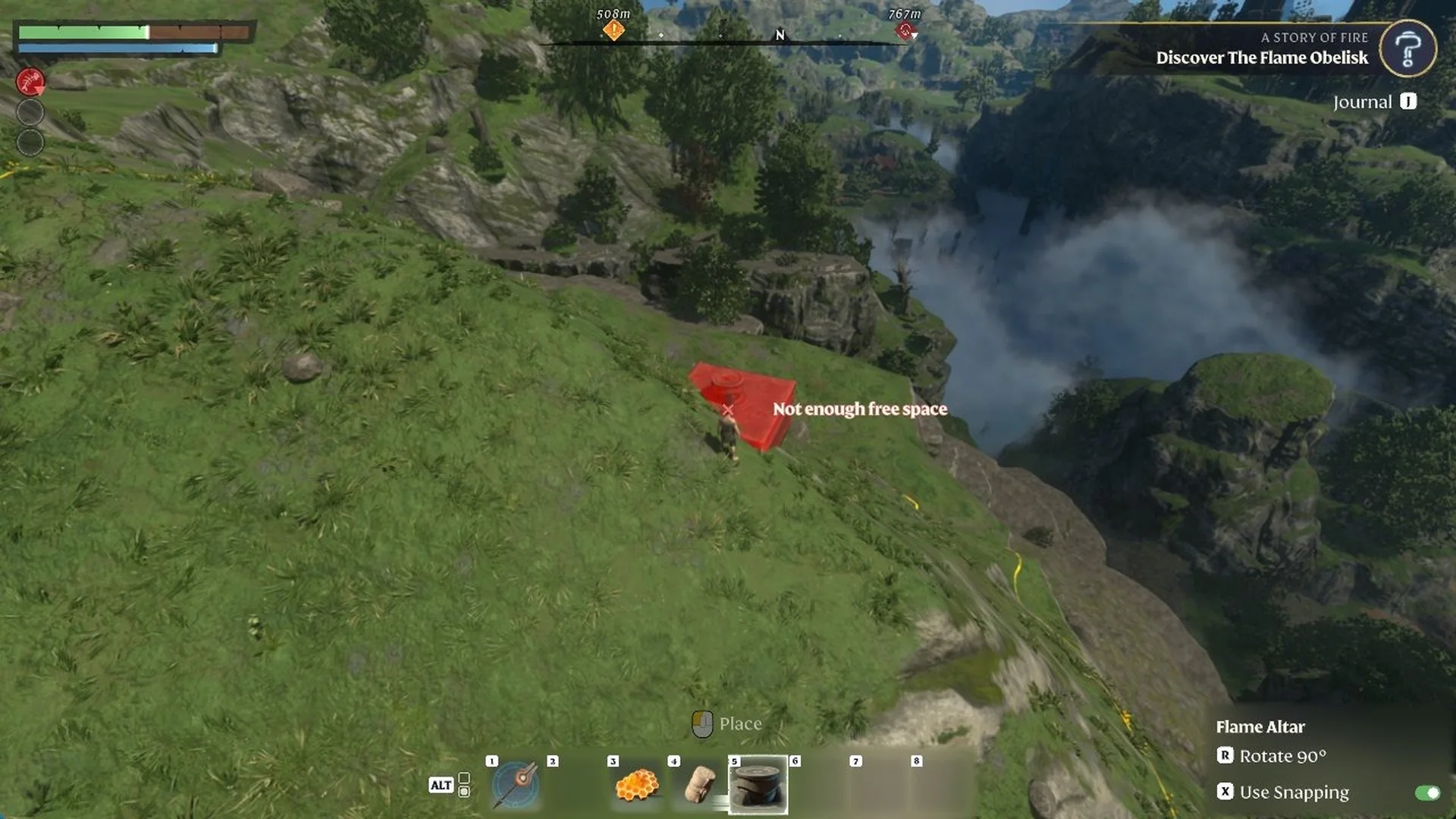
A little lower down, we found a flatter patch of grass beside a rock, and the preview turned blue there. A left-click placed our third Flame Altar on that patch, and its flame lit at once. If the preview stays red on a slope, try moving to flatter grass nearby.
Placing a Flame Altar Out in the Wild
When we tried to place the altar in the wild, north of a Scavenger camp, the preview showed “Enemies nearby” with enemies around, and at night Fell and Shroud creatures kept coming. On foliage and on the road, it showed “Cannot build here”. On a slope, it showed “Not enough free space”.
The preview turned blue on open grass on the valley floor, a few steps from a rock face.
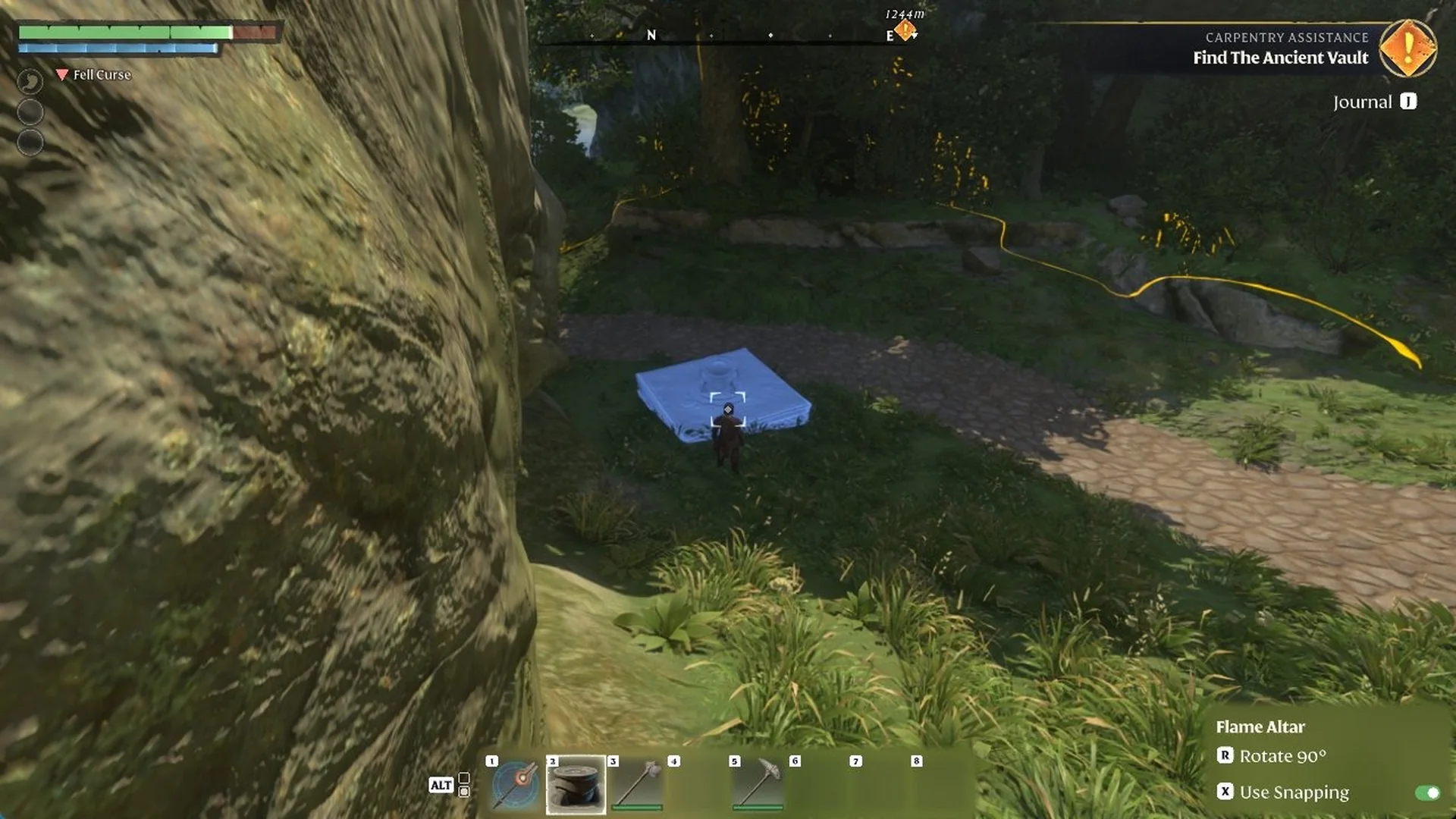
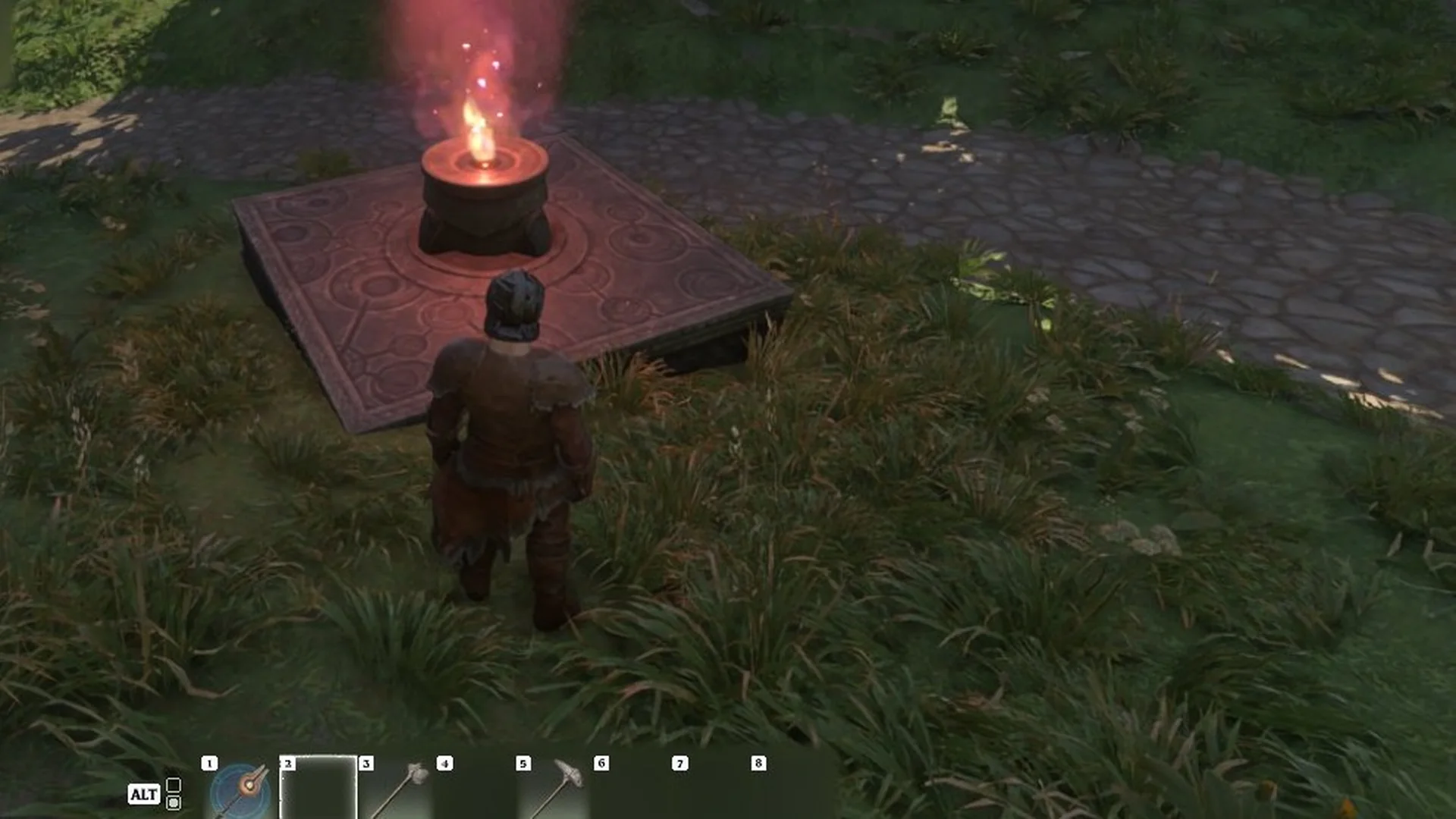
Left-click places the altar, and ours was lit at once on grass beside a cobbled road, becoming our fifth active altar with the World Map’s Active Altars counter reading 5/6. The altar menu offers “F Rename Altar”, and we named it after the camp.
Flame Altar limit by Flame Level
How many altars you can have active is set by your Flame Level. The Strengthen the Flame screen lists it as Altar activation capacity. The values for every later level are in the Flame Level requirements list.
| Flame Level | Altar activation capacity |
|---|---|
| Flame Level 1 | 2 |
| Flame Level 2 | 4 |
Flame Level 1 still allows placement of a second altar. To place the third and fourth, upgrade the Flame to Level 2.
Building around the new Flame Altar
The ground around the new altar becomes a Flame protected area, so you can build there right away. Pick a building block such as Rough Stone Block, and the side panel reads “Flame protected area”. Left mouse sets the block and right mouse removes it. The game also suggests the Construction Hammer with a hint: “You can build bigger structures effectively with the Construction Hammer.”
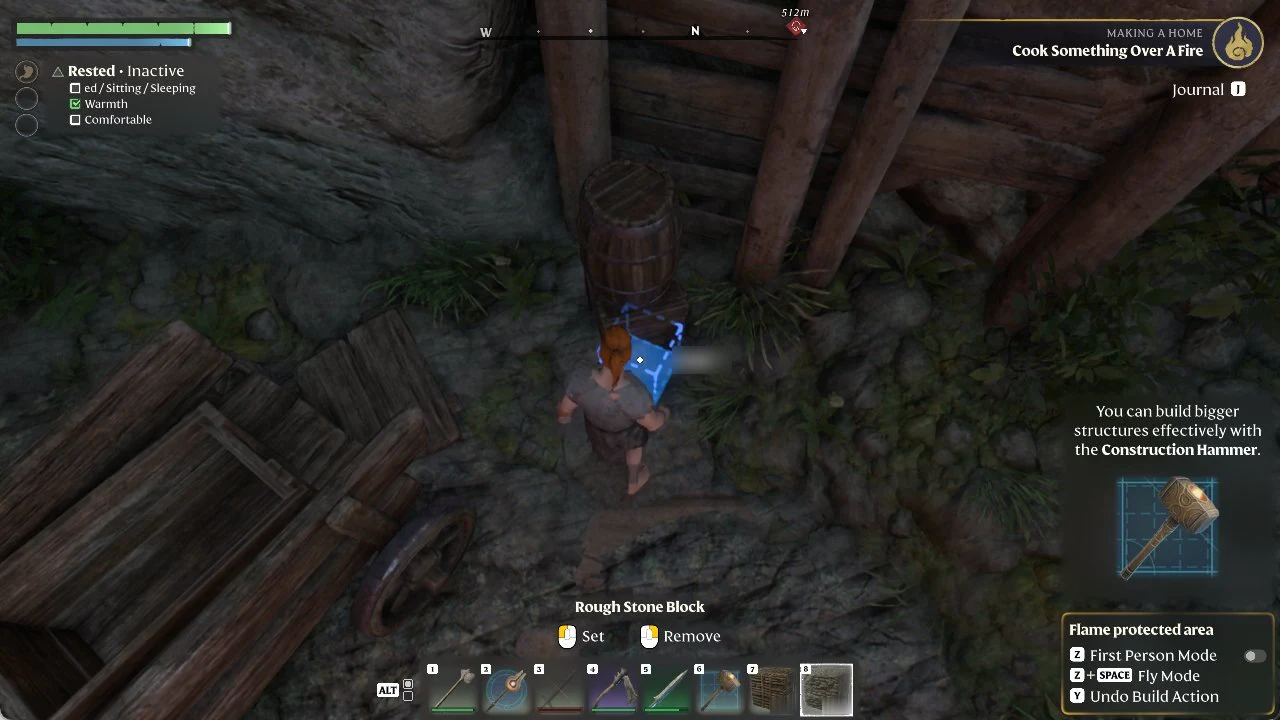
These build controls also show up in the side panel while you work inside the area:
- Z for First Person Mode
- Z+SPACE for Fly Mode, which comes from the Airborne Architect skill
- Y to Undo Build Action
You can’t build on the altar’s own stone slab. Aim a block at it and the preview turns red with “Cannot build here”. The building area itself grows with the altar’s level, covered in how to upgrade the Flame Altar.