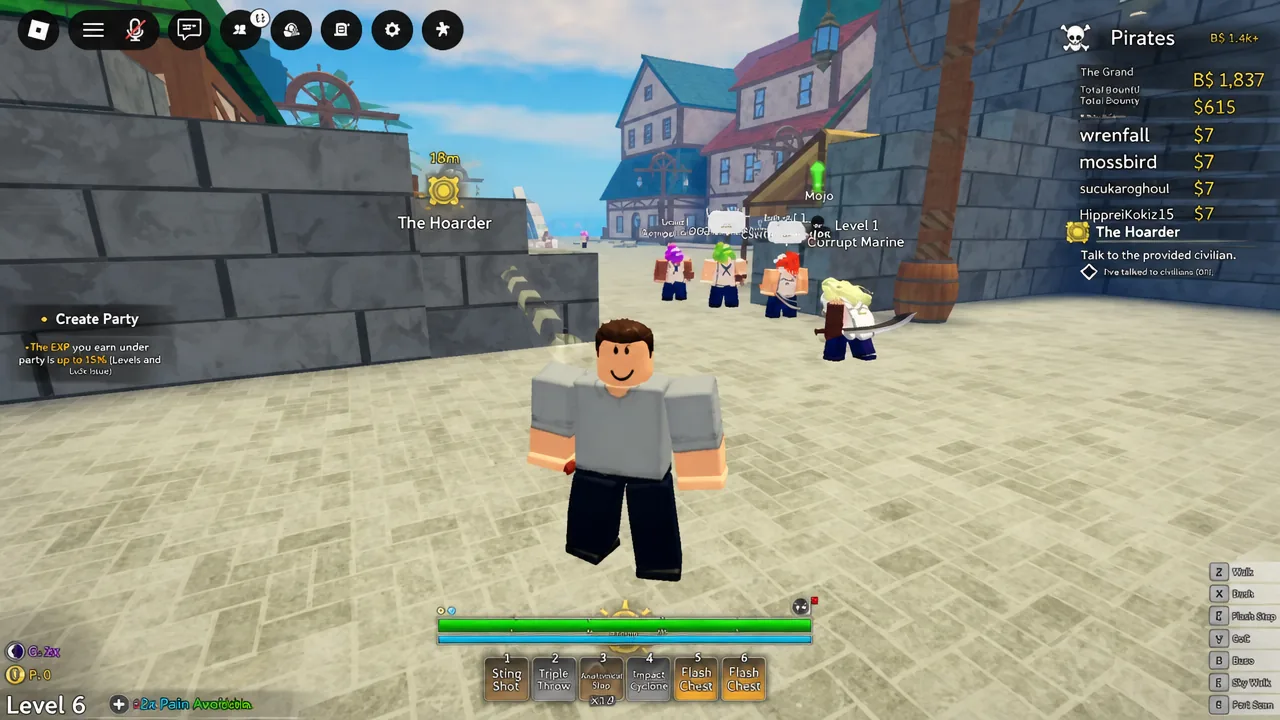
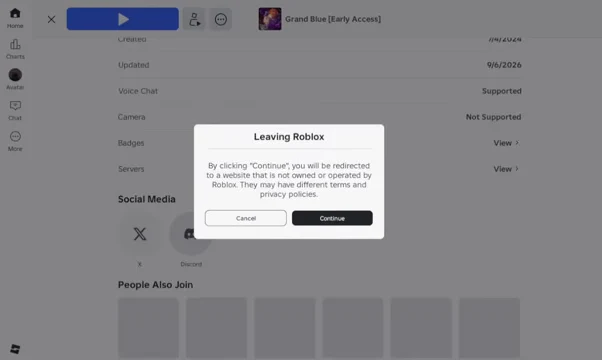
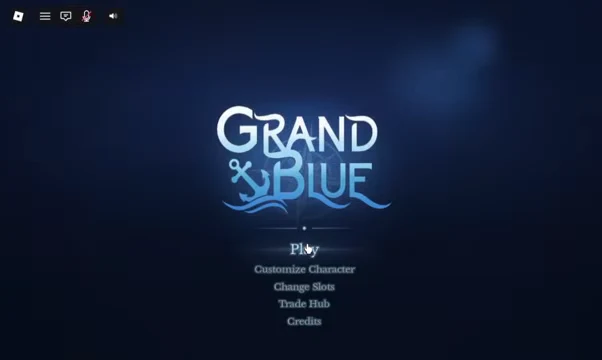
The Discord invite for Grand Blue [Early Access] lives on the game’s own Roblox page, under the Social Media row. That makes it the safest route in, since the link is published by the developers themselves rather than pulled from a server list. The whole thing takes under a minute, and you can be back in Anchor Town right after.
Quick answer: Open the Grand Blue [Early Access] page on Roblox, scroll to the Social Media section, click the Discord icon, press Continue on the “Leaving Roblox” prompt, then accept the invite in Discord.
Before you start: What you need
Have Discord already installed and signed in on the same device you are browsing Roblox with. When the invite link opens, it will hand off to the app, and an account that is already logged in means you go straight to the accept screen instead of a login wall.
| Requirement | Why it matters |
|---|---|
| Roblox account signed in | Needed to open the experience page and rejoin afterwards |
| Discord app open and logged in | The invite hands off to the app, skipping a sign-in step |
| Browser access to the game page | The invite is only shown on the Roblox page, not inside the game |
Join the Grand Blue Discord from the Roblox game page
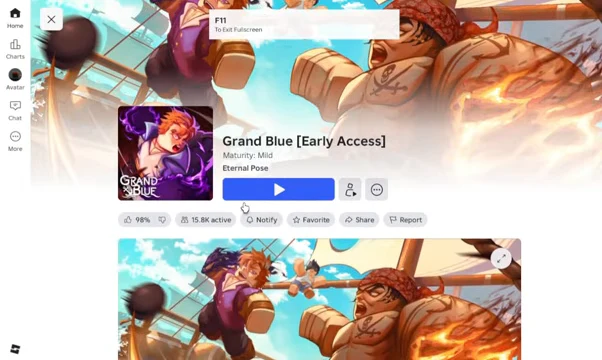
![Backing out of the session returns you to the Grand Blue [Early Access] experience page.](https://static.allthings.how/wp-content/uploads/2026/09/how-to-join-discord-server-in-grand-blue-roblox-339417341.webp)
Alternative: Add the server manually inside Discord
If you would rather stay inside Discord, you can add the server without touching the Roblox page at all. The flow uses the same invite, just typed in by hand.
grandblueofficial invite, so you can paste the official Grand Blue Discord invite or enter the code on its own.
How to confirm you joined the right server
You have joined successfully when the server icon appears in your Discord sidebar and you can see its channel list. Most new members land first on a verification channel, which gates the rest of the channels until you complete it.
Name confusion is the main thing to watch for. Several unrelated servers share the “Grand Blue” name, including anime and manga fan communities built around the works of Inoue Kenji and Yoshioka Kimitake. Those are not the Roblox community. The Roblox one describes itself around gameplay discussion, updates, giveaways, and finding people to play with.
Pulling the link from the Social Media section of the game page removes the guesswork entirely, because that link is controlled by the people who run the game.
Why the invite fails to open
| What happens | Fix |
|---|---|
| Nothing loads after clicking the Discord icon | You closed the prompt with Cancel; click the icon again and choose Continue |
| The link opens in a browser instead of the app | Open and sign in to the Discord app first, then retry the link |
| Only a verification channel is visible | Complete the verification step to unlock the remaining channels |
| You cannot find the Discord icon | Scroll further down the game page to the Social Media row; it sits near the bottom |
Once you are in, the server functions as the fastest place to catch update announcements, trading activity, and event or giveaway posts tied to the game. Rejoining the Roblox session afterwards costs you nothing beyond a load screen, so it is worth doing the whole loop in one sitting.