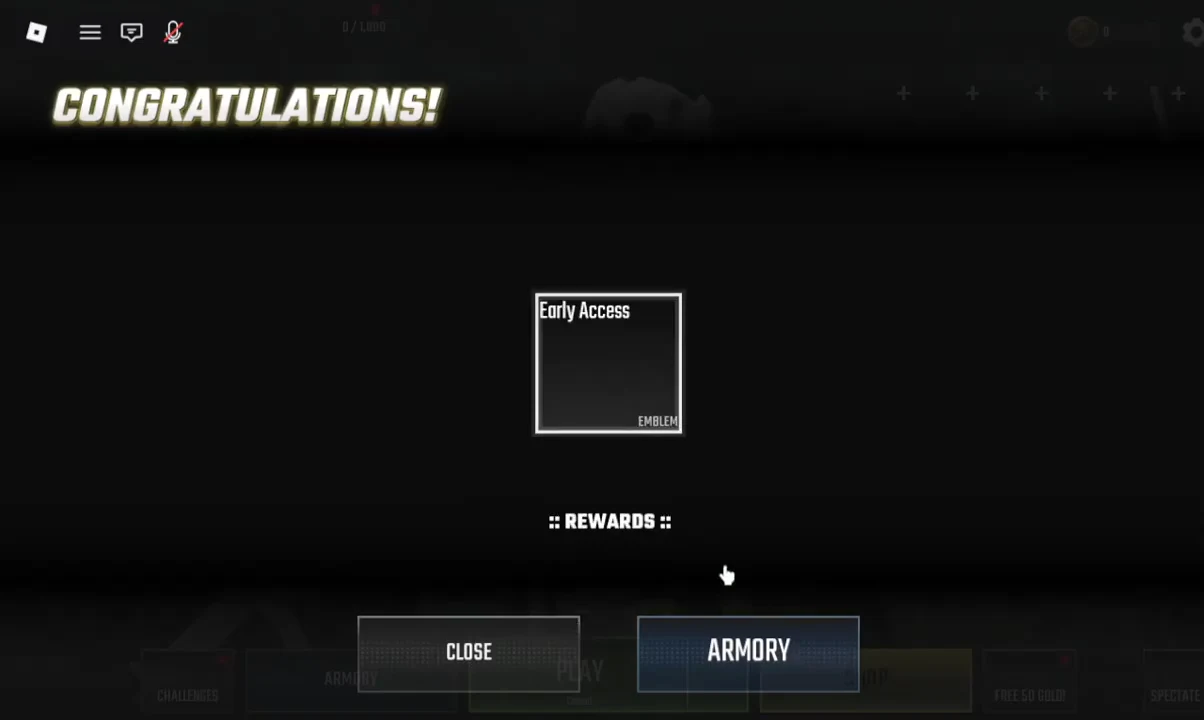
Global Anarchy is an arcade modern warfare shooter on Roblox built by C:\Games\, and it plays like a compact take on early-2000s military FPS design. Matches cap at twelve players, the time-to-kill is short, and the whole progression system is split between your account level and the individual guns you keep using. It has been in Early Access since June 12, 2026, so menus move, weapons get tuned, and defaults occasionally shift between patches.
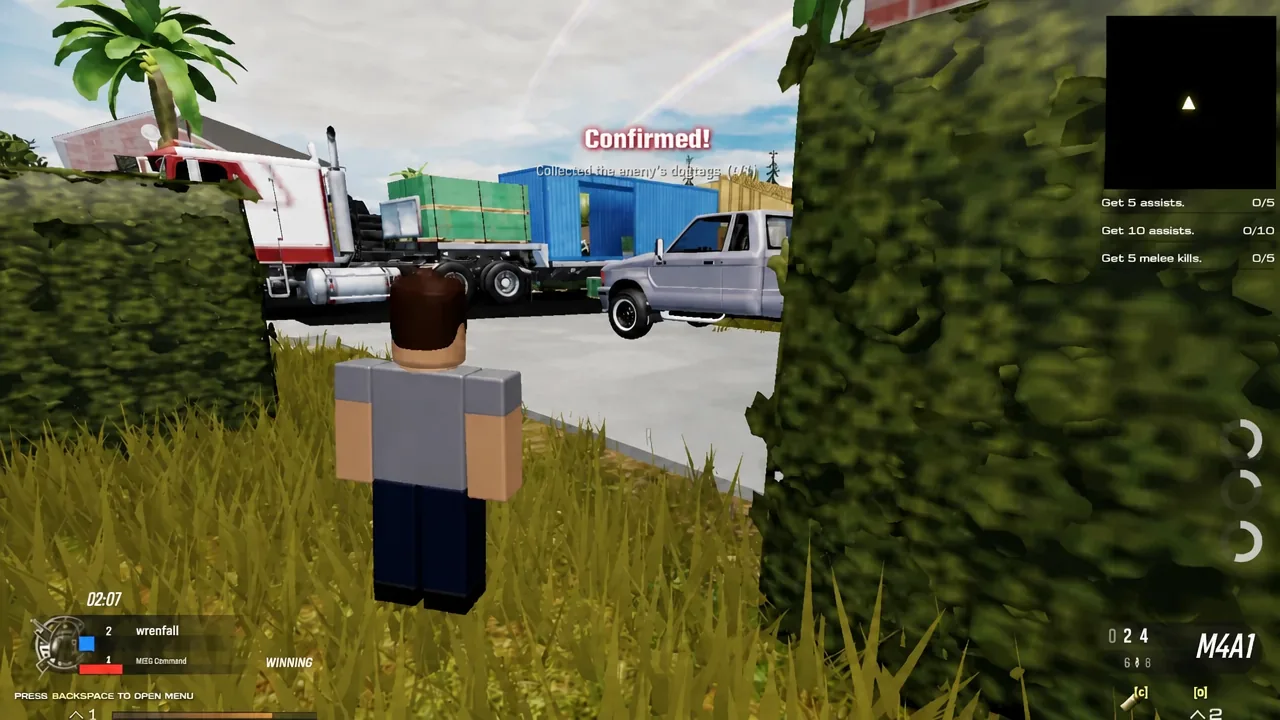
Quick answer: Launch the experience on Roblox, dismiss the welcome and rewards popups, then spawn in with the M4A1. Shoot an enemy, walk over the dog tags they drop, and wait for the on-screen banner reading “CONFIRMED! Collected an Enemy’s dog tags (+50)” — that pickup, not the kill itself, is what scores.
What a Global Anarchy match looks like
Teams are split between U.S. Marines and KGB Spetsnaz, and servers are small enough that you will run into the same three or four opponents repeatedly in a single round. That is deliberate. With twelve players on a compact map, lanes get contested constantly and respawns come fast, which makes it a decent place to practice one habit per match instead of chasing highlights.
| Detail | Current state |
|---|---|
| Developer | C:\Games\ |
| Platform | Roblox (PC, mobile, console) |
| Status | Early Access since June 12, 2026 |
| Server size | 12 players |
| Genre | Deathmatch shooter |
| Maturity rating | Moderate — light blood, repeated violence |
| Voice chat / camera | Not supported |
| Most recent update | August 23, 2026 |
Start your first match
Dog tags: How kills are confirmed and denied
Downing an enemy does not put points on the board by itself. The body drops a set of dog tags, and someone has to physically walk over them. Pick up an enemy tag and you bank the kill for your team with a “+50” award. Pick up a fallen teammate’s tag instead and you deny the enemy the confirmation they were waiting on.
That single rule changes how fights end. After a kill you have a choice — push into open ground to grab the tag, or hold your angle and let it expire. Interior kills are usually worth collecting because the pickup is short and covered. Tags dropped in the middle of a street or beside a vehicle are the ones that get people traded.
You know it worked when the confirmation banner appears on screen along with the score increment. If no banner shows, the tag was either still on the ground or an opponent reached it first.
Controls on PC and mobile
The keyboard layout follows standard Roblox FPS conventions, with one addition worth memorizing straight away — Backspace opens the in-game menu at any point during a match, including mid-round. Treat the binds below as the expected defaults and confirm them in the settings menu, because Early Access patches have moved options around before.
| Action | Bind |
|---|---|
| Move | WASD |
| Jump | Space |
| Sprint | Shift |
| Crouch | Ctrl or C |
| Fire | Left mouse |
| Aim down sights | Right mouse |
| Reload | R |
| Melee | V or F (verify) |
| Lethal | G or Q (verify) |
| Tactical | T or E (verify) |
| Swap weapon | 1 / 2 or scroll wheel |
| Killstreak | Number row or dedicated key (verify) |
| Open menu | Backspace |
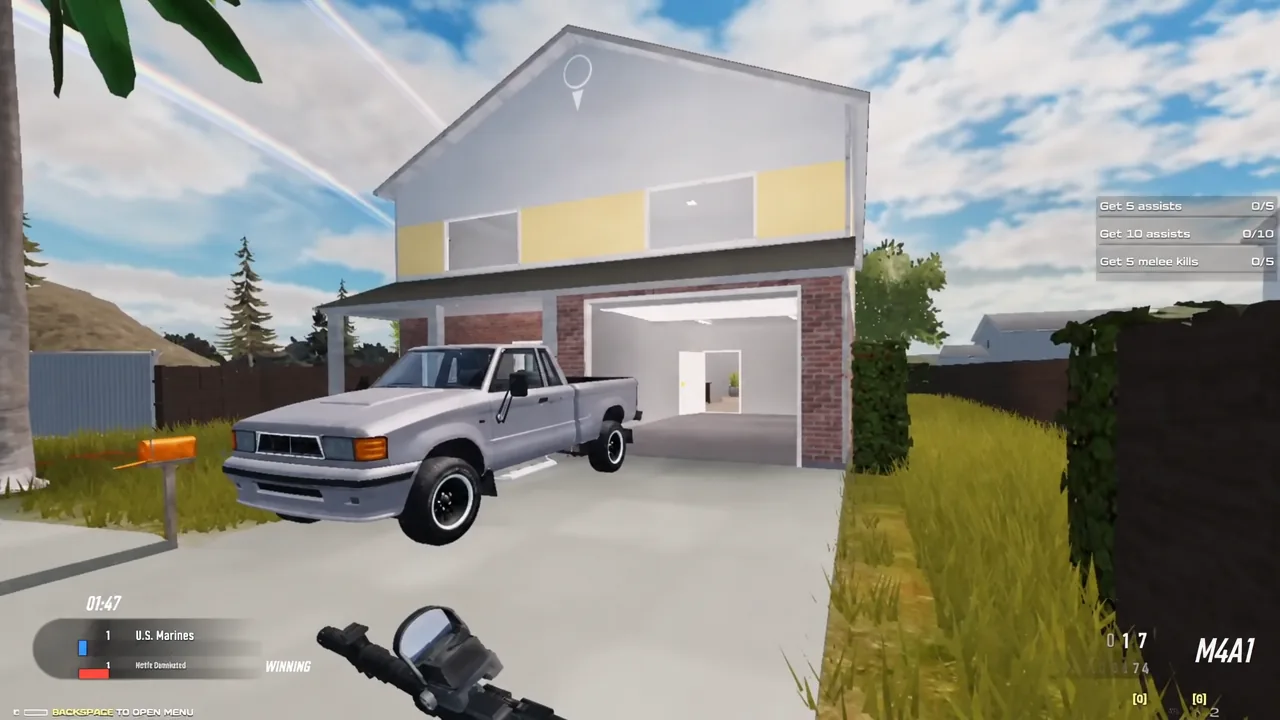
Touch players get a virtual joystick, a fire button, and an ADS toggle. Start look sensitivity low, around 20 to 30 percent, and raise it only once you can track a target across a single lane without overshooting. Scale the UI so the weapon swap and killstreak buttons are large enough to hit under pressure without covering your sightlines. Auto-fire, where offered, changes your shot timing and can burn ammo on partial exposures.
Note: controller support is not guaranteed. Only commit to a pad if the experience shows controller prompts in your session.
How XP and weapon progression work
Two tracks run at the same time and they do not feed each other. Eliminations and objective plays earn account XP, which unlocks perks, new guns, grenades, and killstreaks as your level climbs. Separately, each individual weapon gains its own progress as you use it, opening attachments, proficiencies, and skins for that gun only.
The practical consequence is that swapping guns every life stalls the second track entirely. Pick one primary and stay on it for several matches so the attachment path actually completes. Objective XP also stacks on top of kill XP, so playing the markers is faster than hunting for a high kill count.
Weapons, perks, and streaks in the roster
The arsenal spans the usual military-shooter categories. You start with the M4A1 and a C9 sidearm, and everything else arrives through account levels.
| Category | Entries |
|---|---|
| Assault rifles | M4A1, SCR, MDX, Famas, HBR |
| SMGs | MP5, MP7, AKS-74U, UMP-45, UZI |
| Shotguns | M1014, AUTO-12 |
| Sniper rifles | M82, Intervention |
| Handguns | C9, M9, B93R, MKX, M1911, Makarov |
| Machine pistols | G-18, KG-9 |
| Launchers | RPG-7 |
| Lethals | Frag Grenade, Throwing Knife, Claymore |
| Tacticals | Flash Grenade, Concussion Grenade |
| Perks | Hardline, Marathon, Flack Jacket, Cold Blooded, Scavenger, Rampage, Juggernaut |
| Scorestreaks | UAV, Advanced UAV, Predator Missile |
| Deathstreaks | Voltage, Heavy Shield |
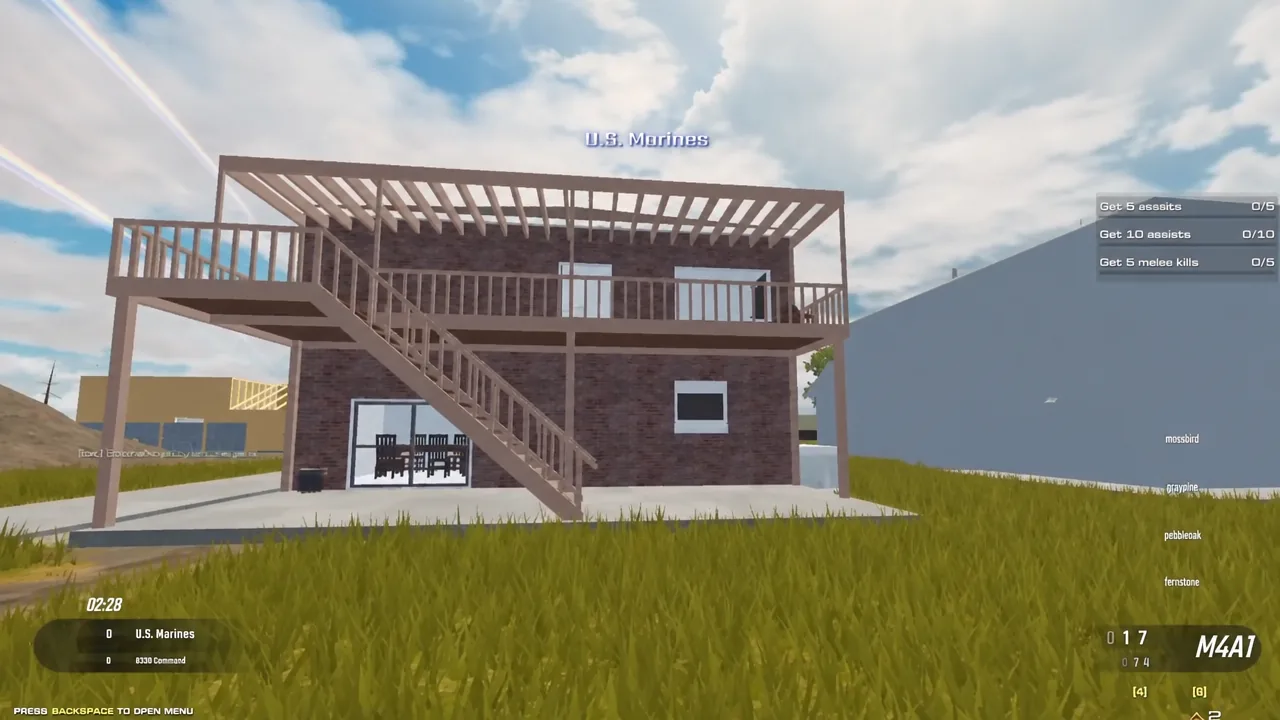
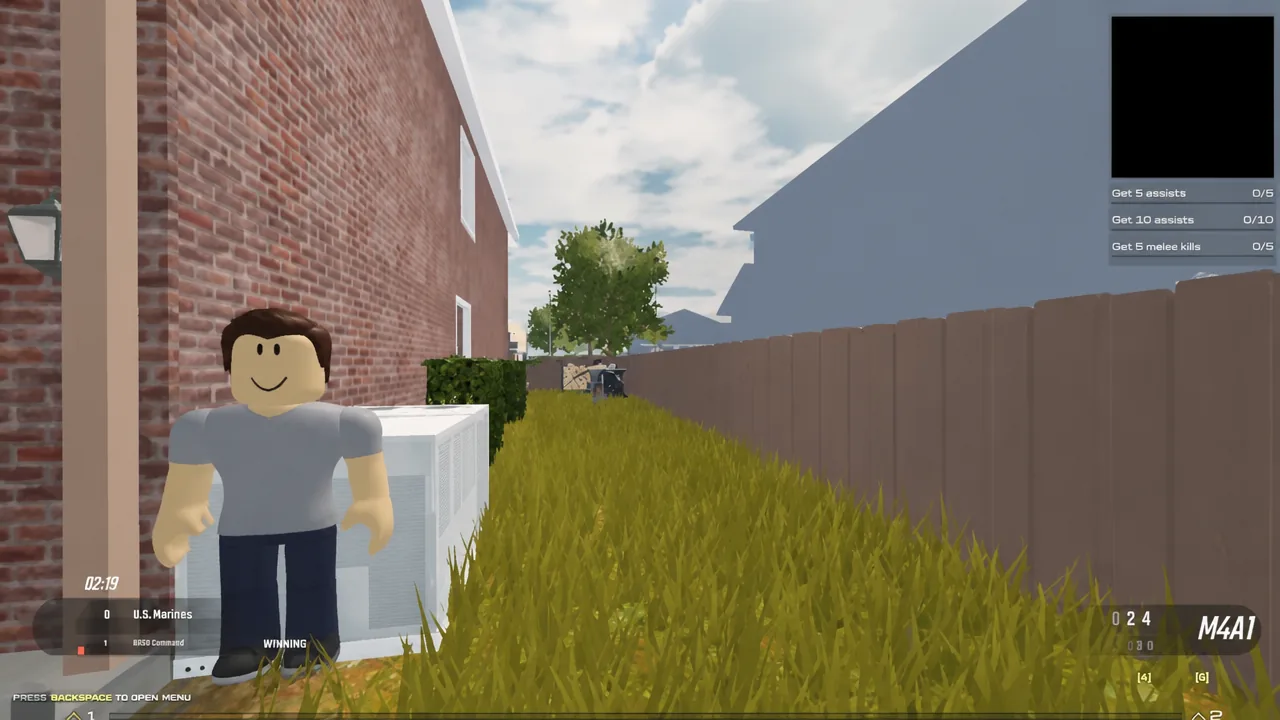
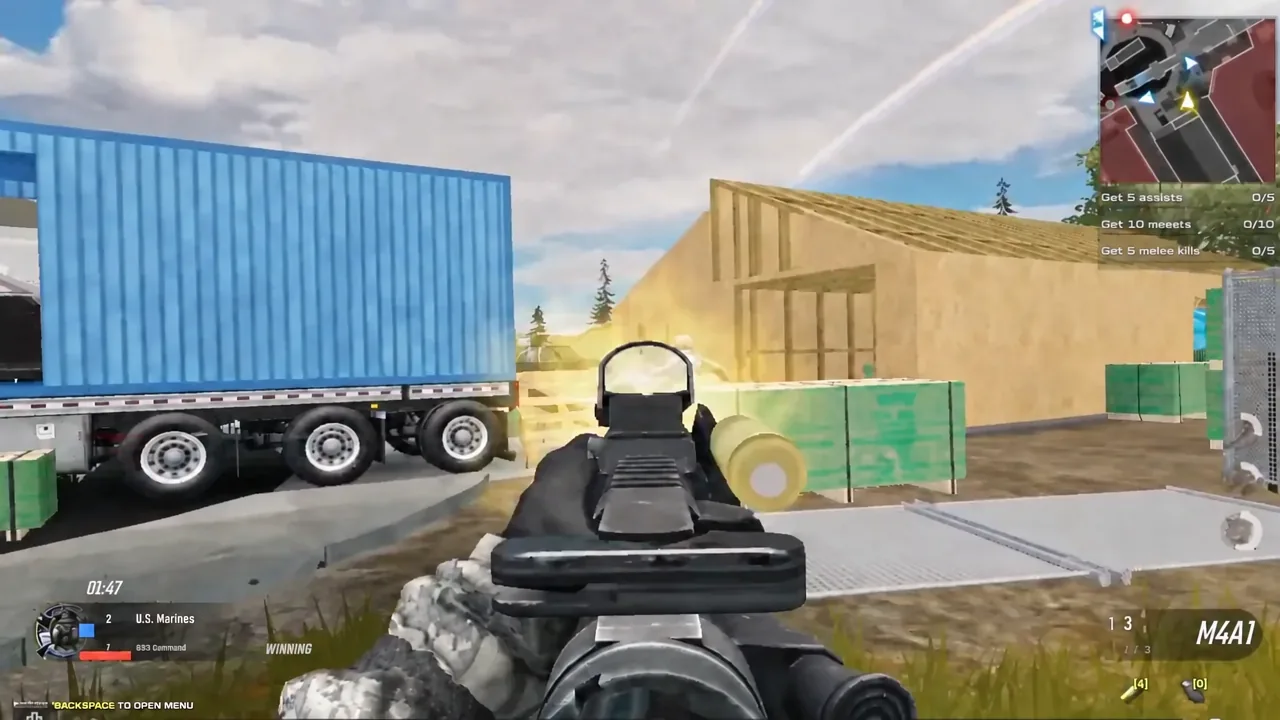
Map rotation covers Mill, Reactor, Glitch, Harbor, and Suburbs. Suburbs is the one most new players meet first — a tight residential layout of houses, backyards, shipping containers, and half-built wooden frames, with sightlines that reward checking corners after every reload rather than sprinting through open lanes.
Settings worth changing before your second match
Defaults are not tuned for competitive play. Set graphics mode to manual rather than automatic so quality does not shift mid-gunfight, and keep the quality slider low enough that player models stand out against simplified backgrounds. Play fullscreen — windowed mode adds input latency on most systems.
For aim, start horizontal look speed around 40 to 50 percent and adjust in single increments across three full matches before deciding. If separate ADS sensitivity exists, set it lower than your hipfire value, typically 60 to 80 percent, since precision matters more than flick speed once you are scoped.
Audio is the cheapest advantage available. Drop music to 10 to 20 percent or mute it, keep sound effects near maximum, and use headphones rather than speakers. Footsteps at doorframes, reload sounds from the next room, and grenade pins are all audible cues that decide close-quarters fights.
Tip: re-open settings after every patch. Early Access updates have reset or relocated options before, and silent rebinds are a common explanation for a sudden bad session.
Codes, third-party software, and ban rules
There are no working promo codes in circulation right now. Posts claiming otherwise generally recycle codes from unrelated Roblox titles, and the official Discord at discord.gg/c-games is where any genuine drop would be announced first.
The enforcement policy is unusually blunt. External software that manipulates the game — cheats, hacks, injectors, and Bloxstrap specifically — is prohibited, and detection results in an immediate, permanent, and unappealable ban. No settings adjustment or unlock shortcut requires any of it. If you run into someone who is obviously cheating, report them through Roblox’s own tools rather than trying to match them.
A first session goes well if you survive long enough to learn spawn distances, touch the objective a couple of times, and finish with a clear sense of which weapon role reads best for you. Negative K/D on day one is fine. The dog tag rule, one primary weapon, and a settings pass will move you further than any loadout copied off a tier list.