Playing Cards are small collectible items in Don’t Starve Together that come from a single place in the world, not from a crafting menu or a boss drop. If you have been sweeping the map hoping one turns up in a tumbleweed, you are looking in the wrong spot.
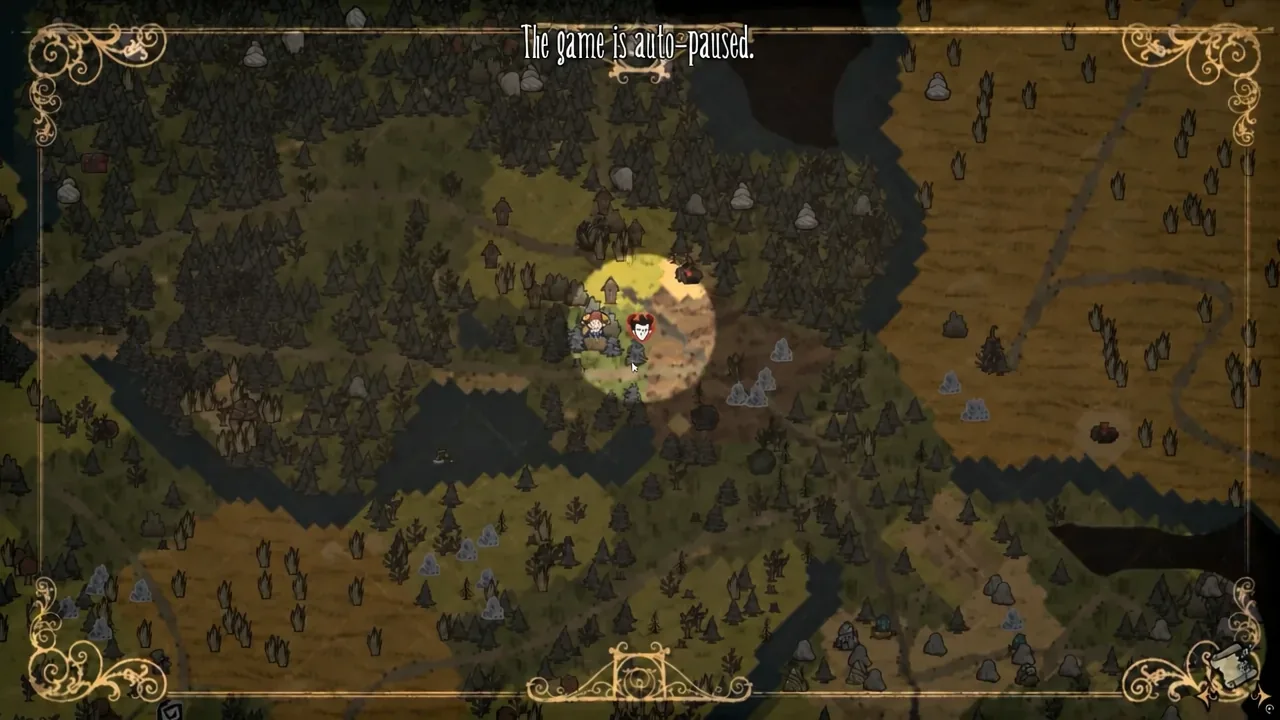
Quick answer: Locate the “Play with JOKER” point of interest — a randomly placed structure marked on your map by a joker’s hat icon — and pick the Playing Card up off the ground directly in front of it.
Playing Card source: the Play with JOKER stand (JIMBO)
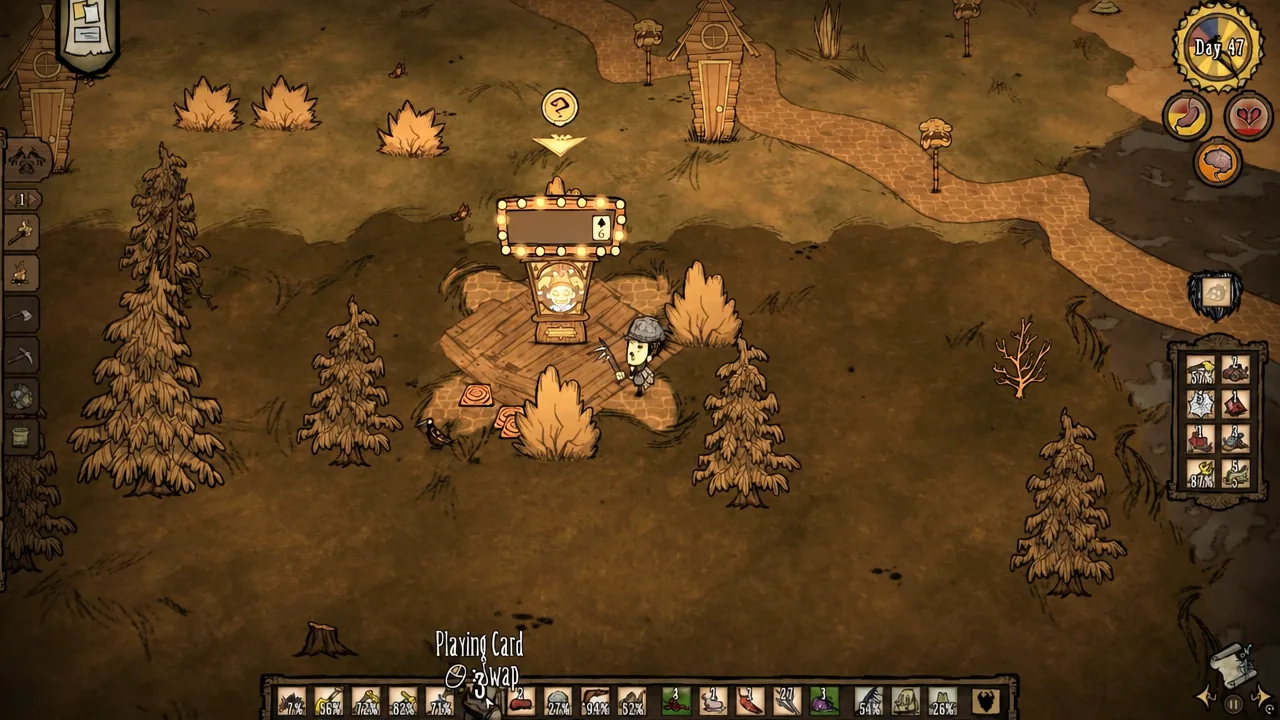
Every Playing Card traces back to the same structure. It is labeled “Play with JOKER” when you walk up to it, and the card stand itself belongs to JIMBO. Cards appear on the ground around the stand as you play, and you collect them by hand like any other loose item.
The stand has no fixed biome or set piece it belongs to. It can generate anywhere on the surface, so two worlds will almost never have it in the same place. There is no way to force it to appear closer to base.
| Detail | Value |
|---|---|
| Item name | Playing Card (for example, Ace of Clubs) |
| Source | “Play with JOKER” point of interest / JIMBO card stand |
| Spawn location | Completely random position on the map |
| Map icon | Joker’s hat |
| Where the card sits | On the ground in front of the structure |
| Action after pickup | Flip |
How to find the Play with JOKER icon on your map
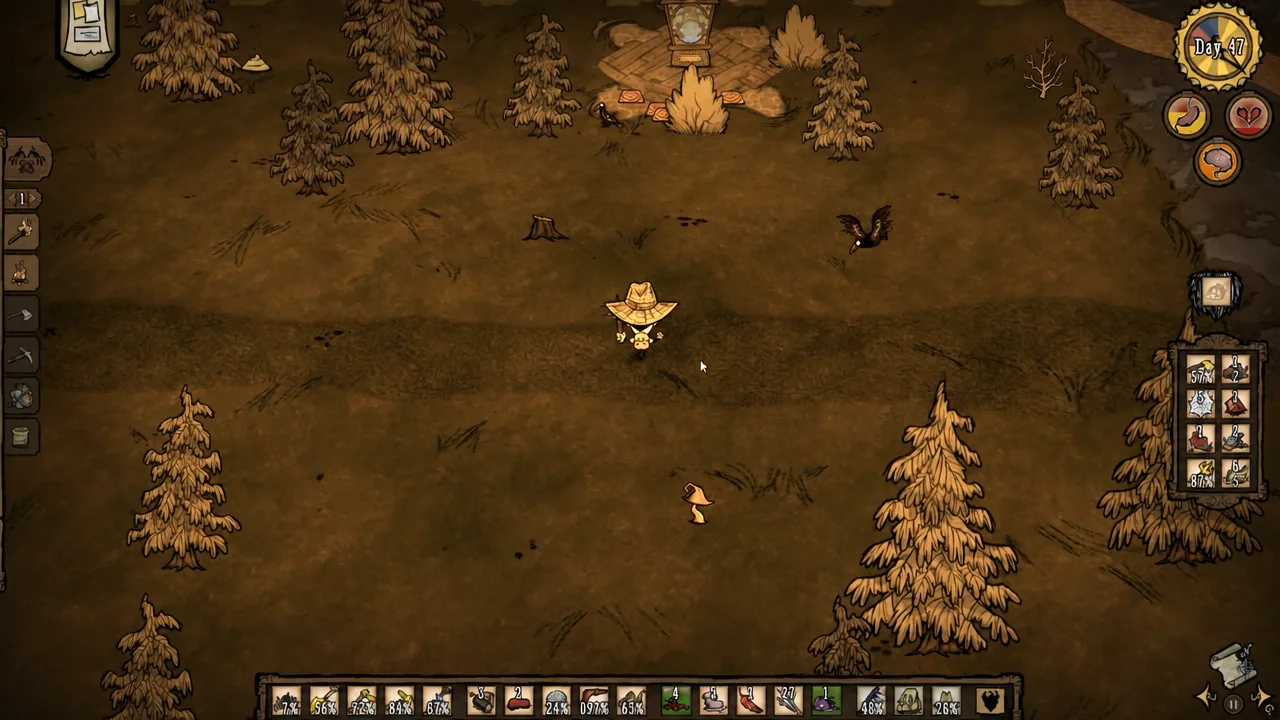
Picking up the Playing Card and using Flip
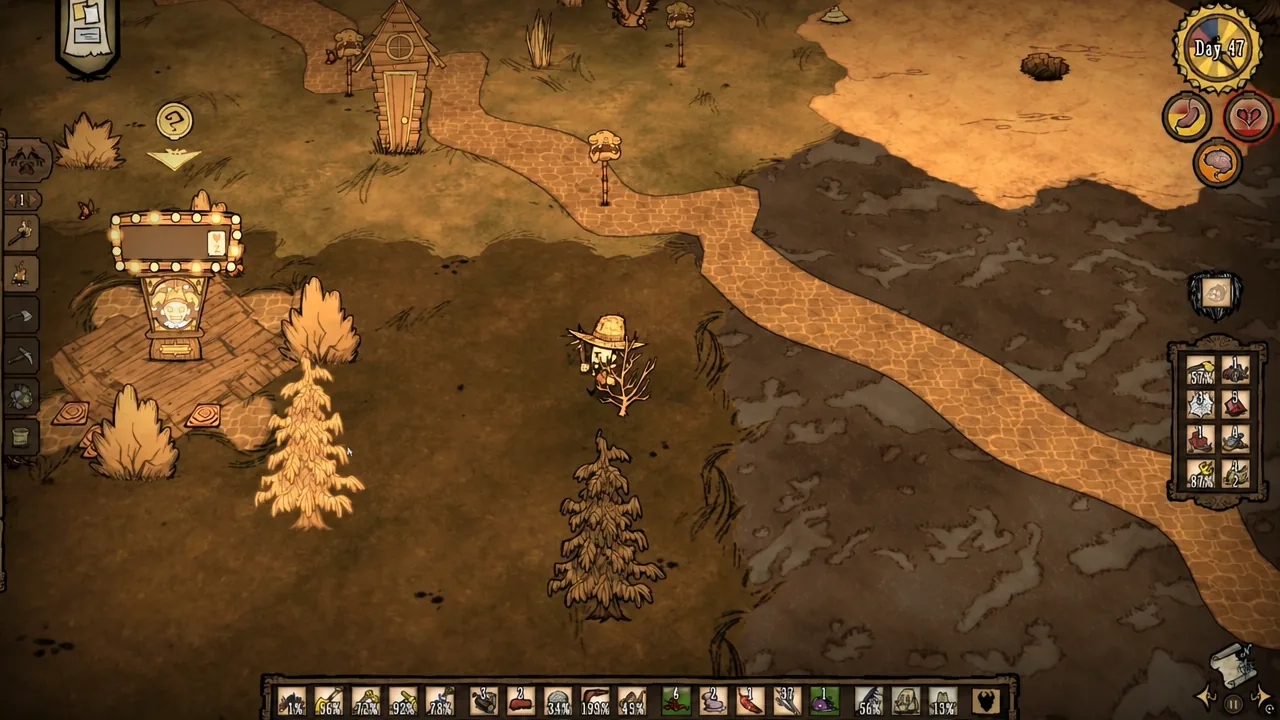
Keep playing at the stand and you will accumulate more cards. Winning at the JIMBO card stand is what produces them, and a full 52-card deck is achievable if you keep at it.
Control where the cards land while you play
The loot does not scatter randomly around the stand. Cards and other rewards drop on the side you are standing on when you interact with JIMBO. Play from the east side and everything lands to the east.
Approach from one consistent angle every session and the whole pile stays in one predictable spot instead of ringing the structure. That single habit is the difference between a tidy stack and a carpet of cards you have to walk through.
Playing Cards are not flammable, so you cannot burn away a large pile. Planting a Lureplant nearby is the practical cleanup option, since its Eyeplants will absorb the loose items. Paving the surrounding ground with turf that Eyeplants cannot grow on keeps their growth focused on the area where the cards actually sit.
Spawn a Playing Card with the console command
If you have console access in your world, you can skip the search entirely. Press the tilde key (~) to open the console and enter the give command for the card prefab.
c_give("playing_card")
c_give("playing_card",15)
The first line hands you a single card. The second gives you fifteen at once — swap the number for whatever quantity you need. This is the fastest way to assemble enough cards for a full deck if you want to run card games with other players rather than grind the stand.
Why the Playing Card is not in your inventory
Two things stop the pickup from registering. If your character says “I can’t carry any more stuff!”, every slot is full and the card stays on the ground — drop something or stash it in a chest and try again.
The other cause is looking in the wrong place. Playing Cards do not come from graves, tumbleweeds, or sunken chests. Those spots yield Recipe Cards, which are an entirely separate item that reads out cooking ingredients when examined. If a card in your inventory lists four Crock Pot ingredients, it is a Recipe Card, not a Playing Card.
Once a world’s joker icon is on your map, the supply is effectively permanent. Mark the route, pick a fixed side to stand on, and the deck fills itself over a few visits.