Valheim leaves Early Access on September 9th, 2026, and the 1.0 update brings the Deep North, the eighth and final biome. It does not wipe saves. Your world file, your base, and your character all survive the patch. The catch is smaller and stranger than a wipe, and it decides whether your five-year-old world can show you the new content at all.
Quick answer: Keep your world if nobody has ever loaded terrain in the far north — the Deep North will generate there correctly. Start a new world if you or anyone on your server has sailed through or built in the northern snow, because those zones stay frozen as the old, empty placeholder ground.
How Valheim locks terrain to a game version
A Valheim world starts as nothing more than a seed. The game builds the map in chunks, and a chunk’s terrain, biome contents, and structures are written into your .db file the first time a player physically loads it. Once that happens, the game never rolls it again — not on a restart, and not after a major update.
That single rule explains everything. Zones you have never loaded are still just seed data, so they generate using whatever version is installed when you finally get there. Zones you have already visited keep the version they were baked with, forever.
Map fog is not the same as generated terrain
Plenty of experienced players get this backwards. Clearing fog on your minimap, or picking up shared map data at a Cartography table, only changes what you can see on the map screen. It does not bake anything. Terrain gets written when a player’s game actually streams the zone in, which means someone walked or sailed close enough for it to load around them.
On a shared or dedicated server, this is collective. If one person takes a longship up past the snow line, the ground bakes for everyone on that world. Staying out of the north has to be a group agreement, not a personal one.
Why this keeps happening with every Valheim update
Mistlands, Ashlands, and Bog Witch all ran into the same wall. Players who had already explored those regions before the patch landed found stretches of empty, old-version ground where the new content should have been, while anyone arriving fresh got the full version.
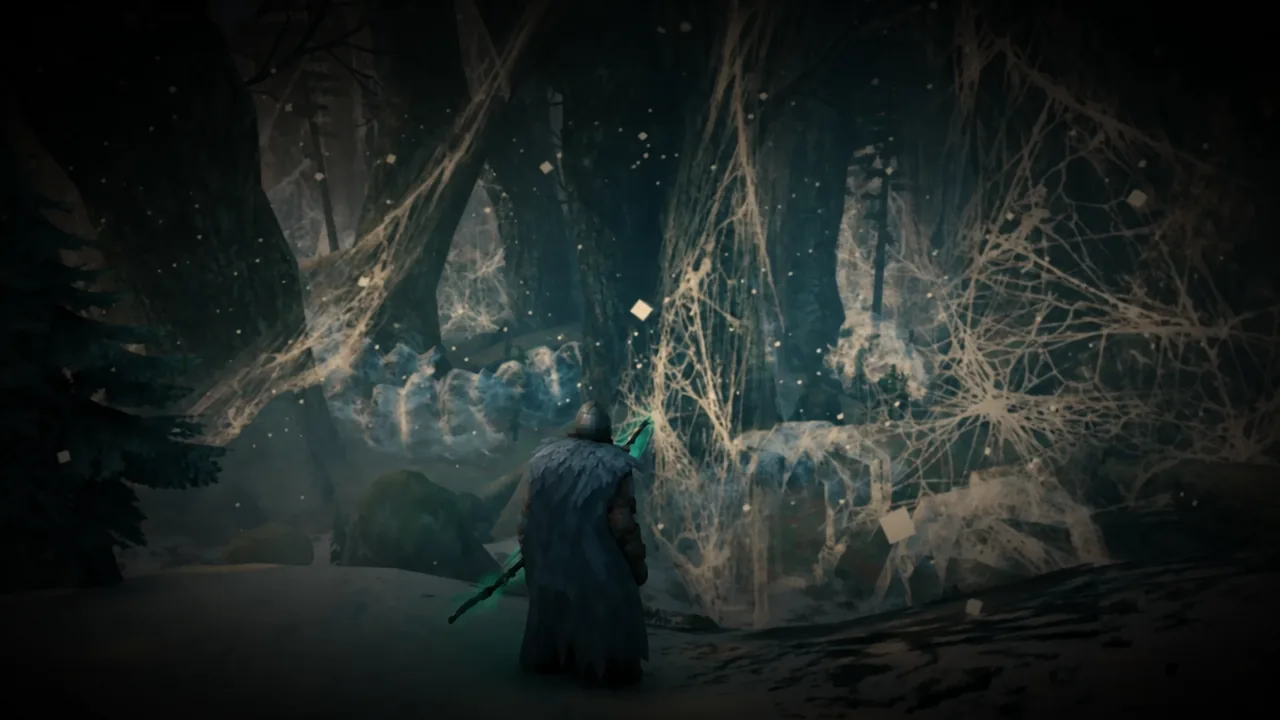
The Deep North has been a blank snowfield placeholder for the entire Early Access period, so most players have had no reason to go up there. If that describes your world, you are in the best possible position and you can keep it.
1.0 adds content outside the Deep North too
If the update only touched the far north, the answer would be simple. It does not. Iron Gate has said there is new material spread across the rest of the game, and some of it changes how the world itself generates in outer regions.
| What 1.0 adds | Why it matters for old worlds |
|---|---|
| Alternative biome forms, such as Rocky Birch Meadows and Deforested Black Forest | These generate further from the world center, so they only appear in zones you have not loaded yet |
| Two Deep North dungeons, the Winding Tunnels and the Gates of Mörkhalla | They spawn with the Deep North terrain, so baked northern ground will not contain them |
| New creatures, weapons, armour, building pieces, and a reworked crafting menu | Mostly available on any save, since these are not tied to terrain generation |
| Expanded inventory, new boss cinematics, and performance work on large builds | Applies to existing worlds immediately after updating |
A fresh run is the only way to meet the new early-game additions in progression order, at the point where they are actually a threat rather than something you clear in maxed gear. That is a preference, not a requirement.
Achievements start tracking when you install 1.0
Valheim 1.0 ships with more than 50 achievements, and none of them look back at what you have already done. Tracking begins the moment 1.0 is installed. Loading a world where you cleared every boss years ago will not retroactively unlock anything.
In practice that means killing a boss again on an old save if you want its achievement. Console commands are not a shortcut here — the update blocks achievement progress when cheats or certain world modifiers are active.
Check how much of your world is already generated
Guessing is a bad idea, especially on a server where several people have sailed off on their own. Online Valheim map viewers let you upload your world file and see exactly which zones have been generated, including the far north.
.db and a .fwl.Note: generation reaches slightly past the edge of your map fog, so treat anything close to the snow line as potentially baked.
Back up your world and character files first
Do this regardless of which way you go. Big biome updates are exactly when terrain and world-load problems show up, and an old save carries more accumulated risk than a new one. Copying the whole folder takes a couple of minutes.
Windows: %USERPROFILE%/AppData/LocalLow/IronGate/Valheim
Linux:   ~/.config/unity3d/IronGate/Valheim
Inside, worlds_local holds the .db and .fwl pairs, and characters_local holds your .fch character files. Back up both. Characters are stored independently of any world, so a fully levelled Viking can walk into a brand-new 1.0 world with every skill, recipe, and item intact.
For a dedicated server, back up the world named by your -world flag along with your configuration files. If you run mods, check compatibility before updating — Iron Gate does not officially support mods, and anything built for an older build may need an update before it works with 1.0.
Keep or restart: What to do by situation
| Your situation | What to do |
|---|---|
| Old world, far north never loaded | Keep it. Stay south of the snow line until you have updated, and the Deep North will generate correctly. |
| Old world, north already explored or built in | Start a new world and bring your existing character, or regenerate the region with a world-editing mod. |
| Huge base you do not want to leave | Keep the world, back it up, and run a second 1.0 world alongside it. |
| Returning after months or years away | Start fresh. You get the reworked progression and the achievements in order. |
| Brand-new player | Start fresh. A normal run to Ashlands takes long enough on its own. |
| Shared or dedicated server | Decide as a group before anyone sails north, and back up the server world. |
If you have already generated northern terrain and cannot face a restart, mods are the middle path. Tools like UpgradeWorld can regenerate biomes that have already been explored, and the vanilla genloc command redistributes unplaced locations, though it mainly affects areas you have not explored. Neither is officially supported, and both should only be pointed at a backed-up copy.
Running the old world and a new one together
Nothing forces you to pick. Valheim lets you keep as many worlds as you want, and your character moves freely between them. The cleanest approach for most long-running groups is to archive the old save, keep it playable, and spin up a fresh 1.0 world for the full run north.
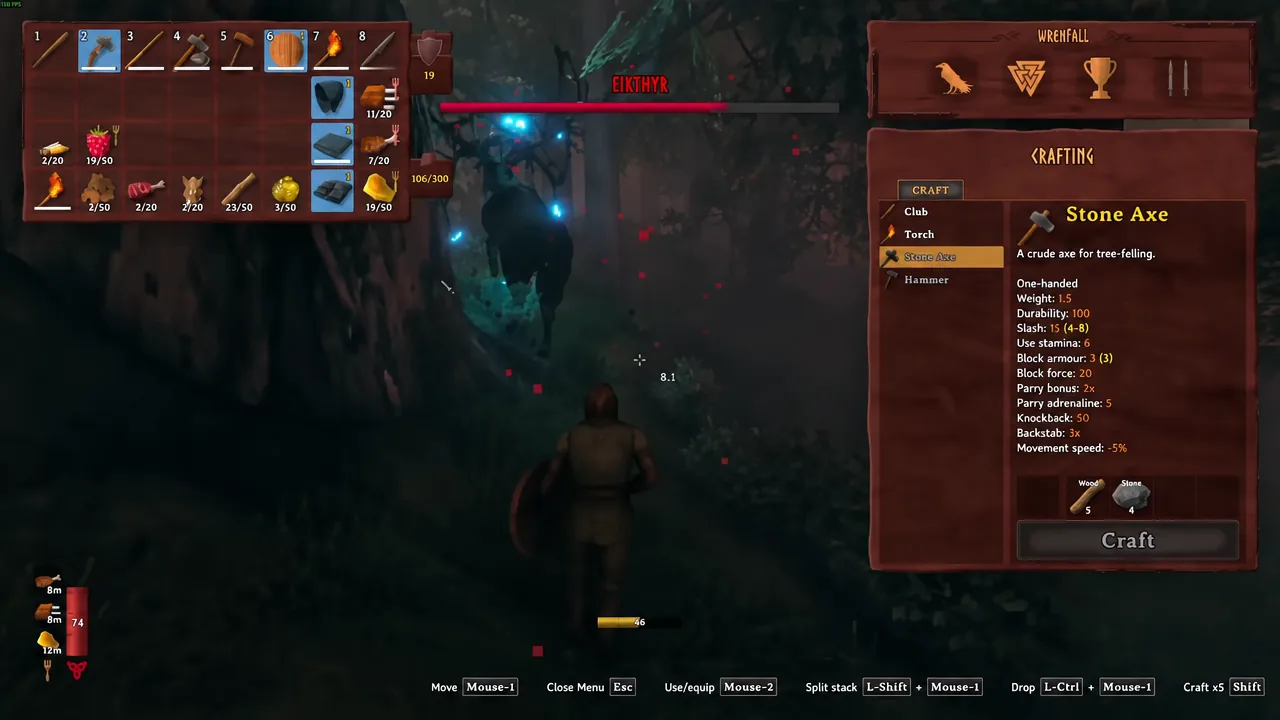
You will know the generation worked when you reach the north and find dense snow-covered forest, large villages with wandering ghosts, and dungeon entrances rather than flat, empty snowfield. Blank ground means that zone was baked before the update, and no amount of reloading will change it in vanilla.
The decision really is that narrow. Everything else — bases, gear, skills, the hundreds of hours you already sank into a world — carries forward regardless. Copy your save folder, check your map, and keep the longships pointed south until you have installed the update.