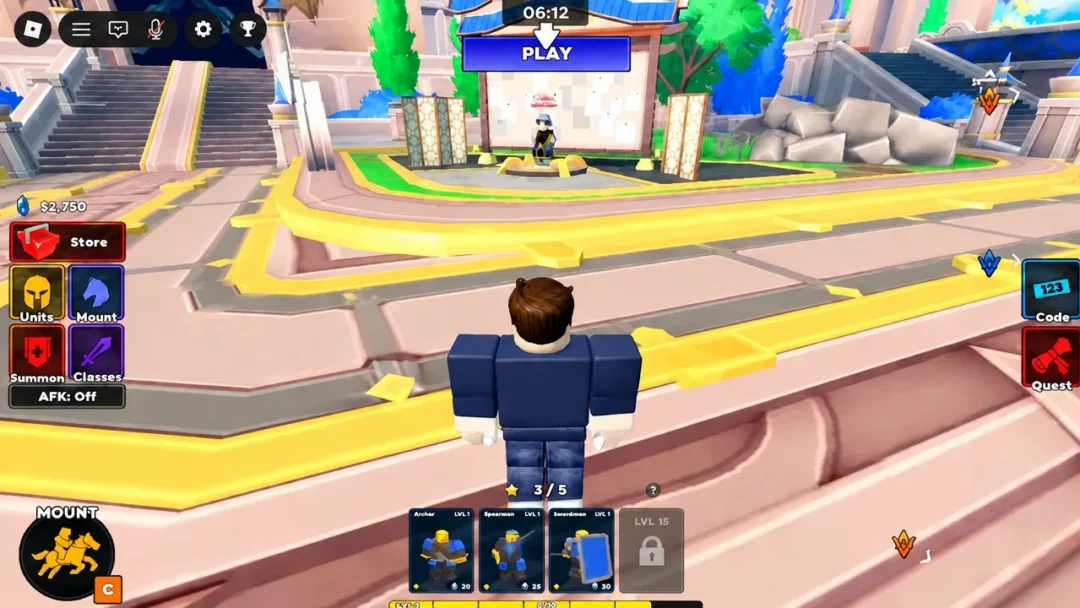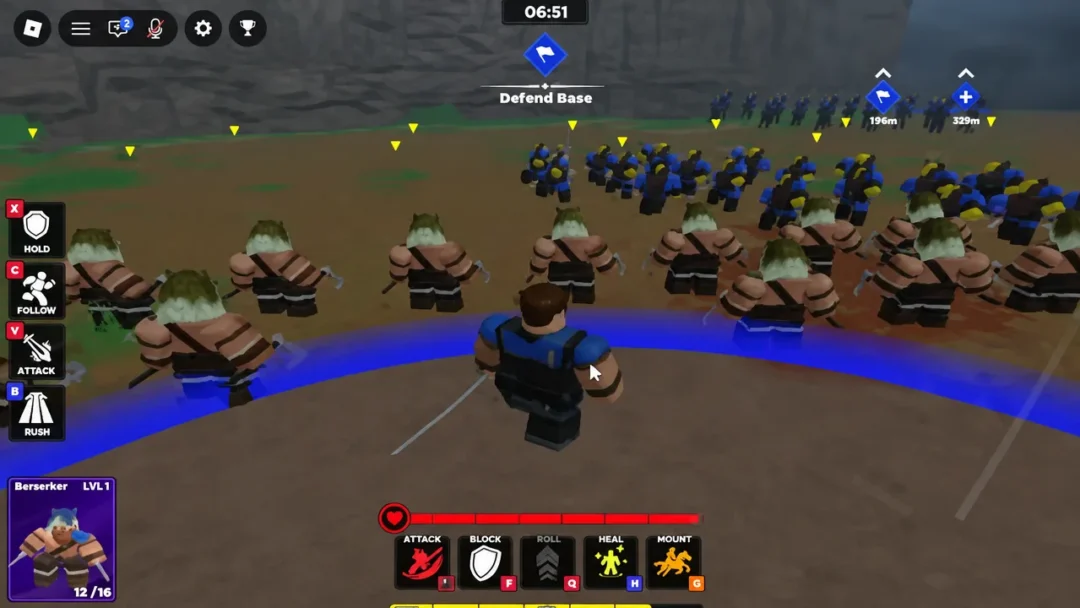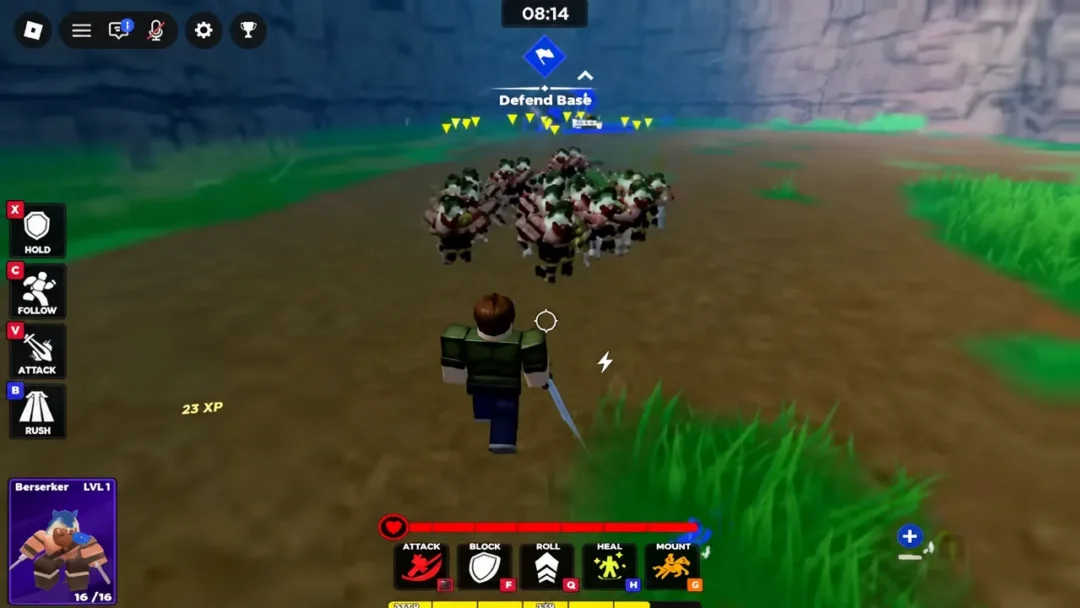
Your character is only half of a match in Command An Army. The other half is the small squad of AI troops that follows you onto the capture points, and that squad is only as good as the units you own and can actually field. Getting new troops is easy. Fitting them into your loadout is the part that trips people up.
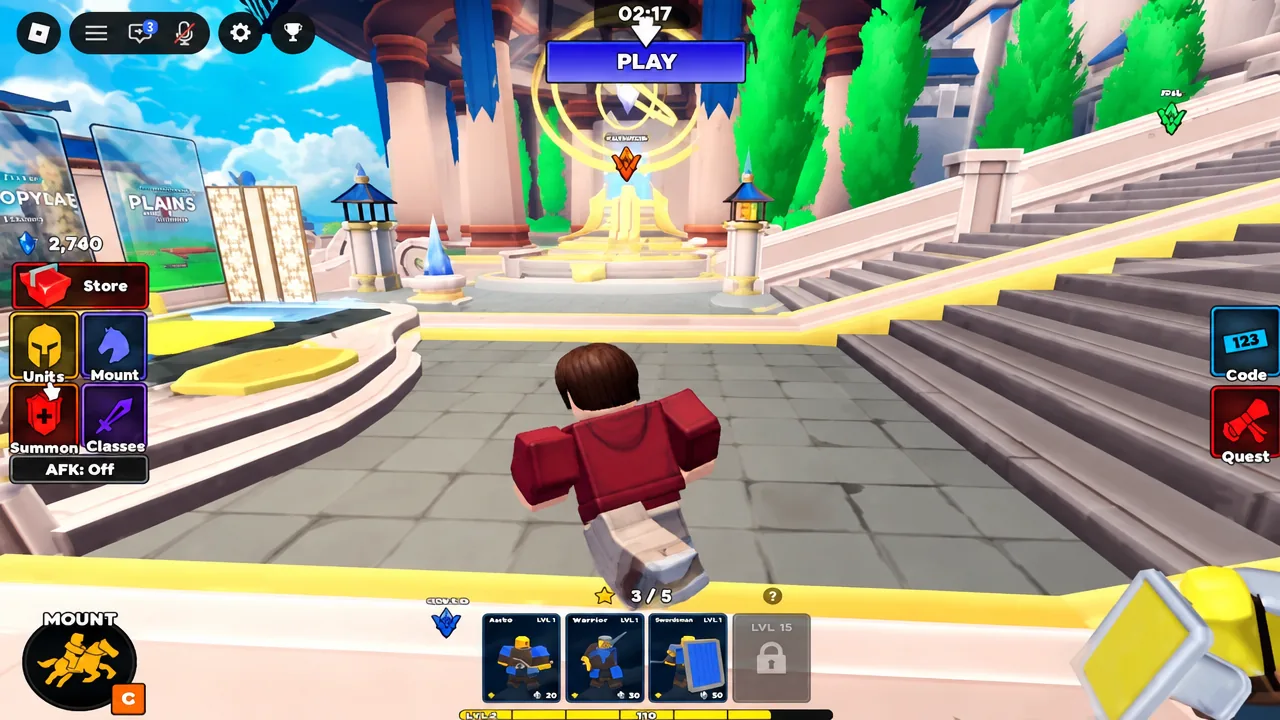
Quick answer: Finish the tutorial to claim your starter troops, spend Gems at the golden Open Summons portal on the Standard Banner, then open the Units menu and equip what you pulled — your combined star total has to stay under your account’s Star Limit.
Where Gems come from before you summon
Gems are the summoning currency, and there are three reliable taps for them. Codes are the fastest, quests are the steadiest, and match wins pay out roughly 75 Gems each. A ten-pull costs 500 Gems, so a fresh account usually needs all three before the banner is worth touching.
| Source | What to do |
|---|---|
| Codes | Open the code entry screen, type a code exactly as written, press Claim |
| Quests | Complete Daily Quests for XP and Gem payouts |
| Match wins | Win a round as attacker or defender for about 75 Gems |
The codes floating around at launch are RELEASE, BUGFIX and REBALANCE. Codes are case-sensitive, so copy them exactly and strip any trailing space before you hit Claim. New ones are announced through the game’s official Discord server and the Fight, Fight, Fight! Roblox group rather than third-party lists.
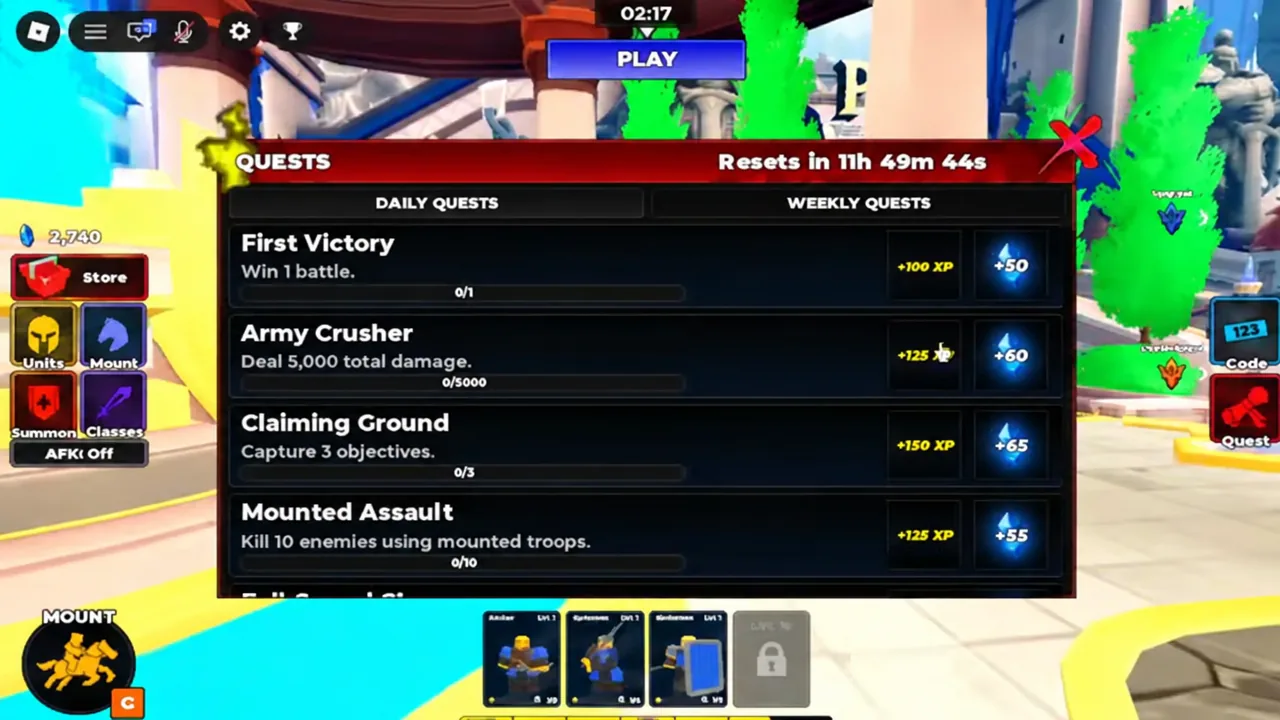
Quests sit in their own menu with a Daily Quests tab. Each entry shows a progress bar and its reward, and most of them tick over during normal matches, so check the list before you queue instead of after.
Your first units come from the tutorial
You don’t have to summon anything to build a working squad. Finishing the tutorial hands you a starter selection, and those four troops cover the roles that matter early — a body, a shield, reach against cavalry, and something that shoots. The Knight also shows up during the tutorial sequence as the unit that smashes a defended gate.
| Unit | Type | Role |
|---|---|---|
| Mercenary | Melee | All-round frontline body |
| Shieldman | Shield | Holds ground, blunts frontal pushes |
| Spearman | Polearm | Reach against cavalry, defensive line |
| Archer | Ranged | Damage from behind the front line |
| Knight | Shock | Breaks structures and charges gates |
Pick the group that suits how you like to fight. The choice isn’t permanent in any meaningful way, because the summon pool will hand you more troops long before your starter squad stops being useful.
How to summon new units on the Standard Banner
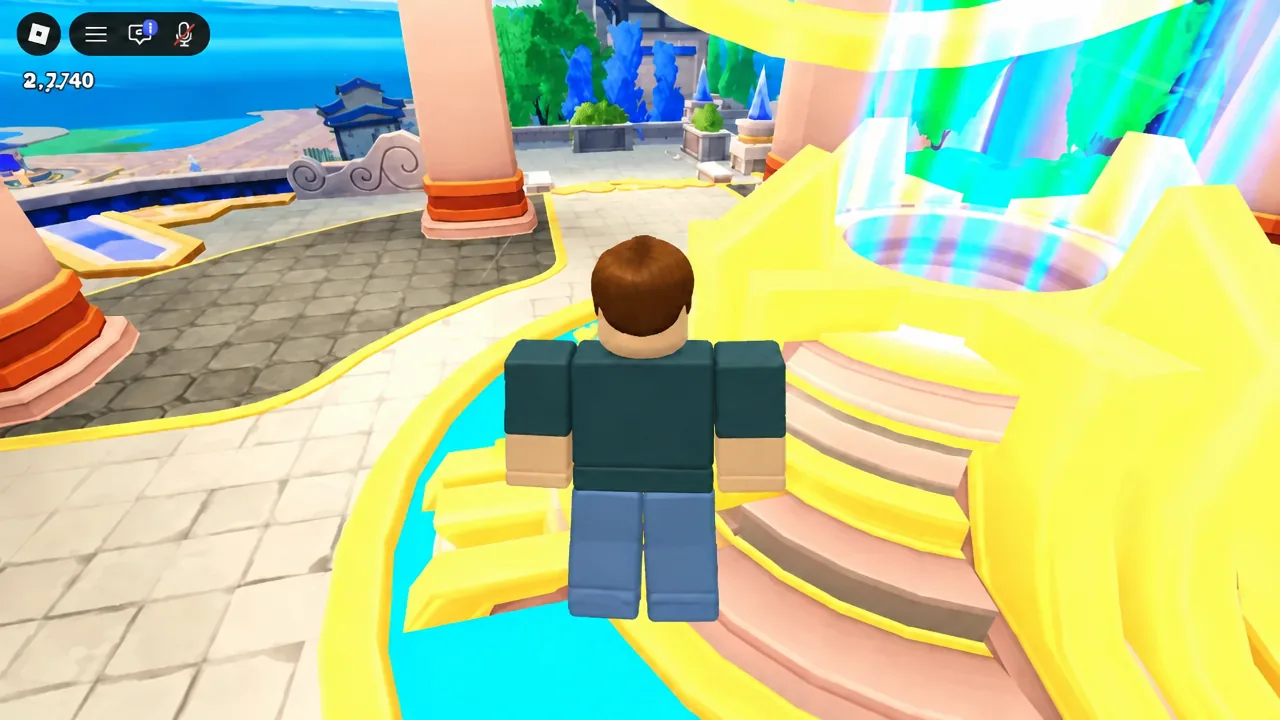
Note: pulling a unit and being able to use it are two different things. Anything you summon lands in your collection immediately, but it stays on the bench until it fits under your Star Limit.
Equipping units and the Star Limit rule
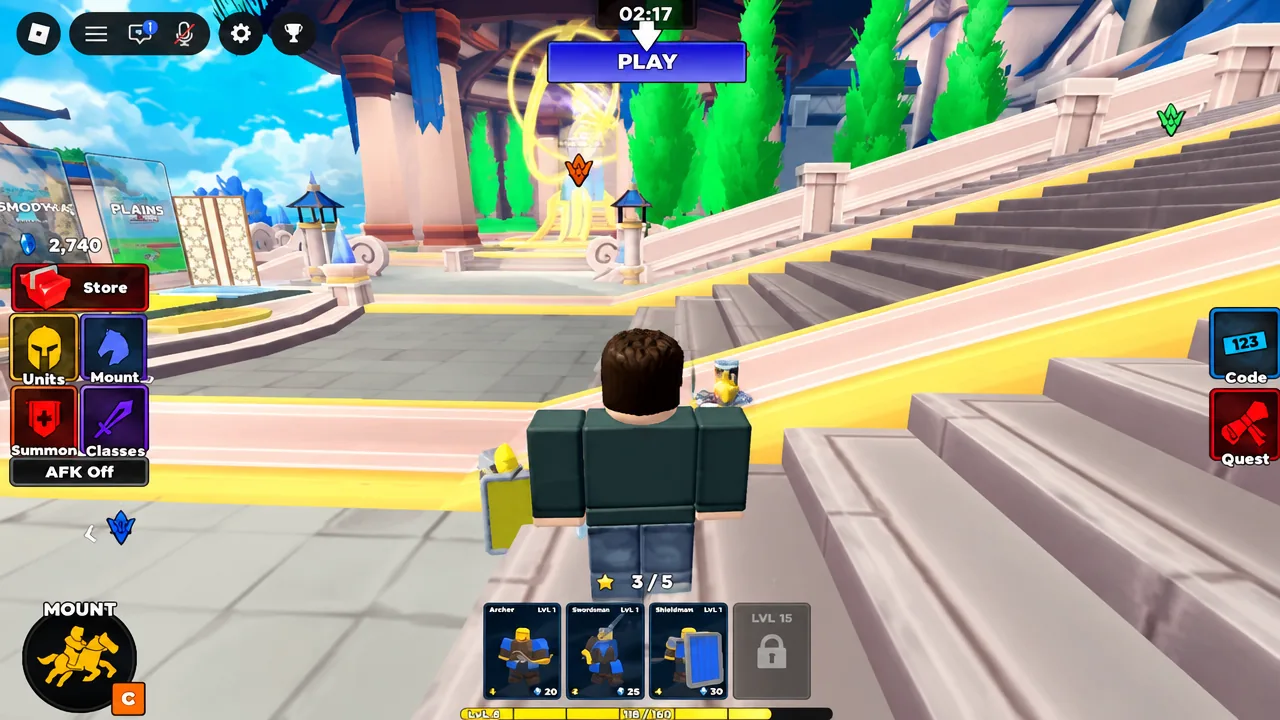
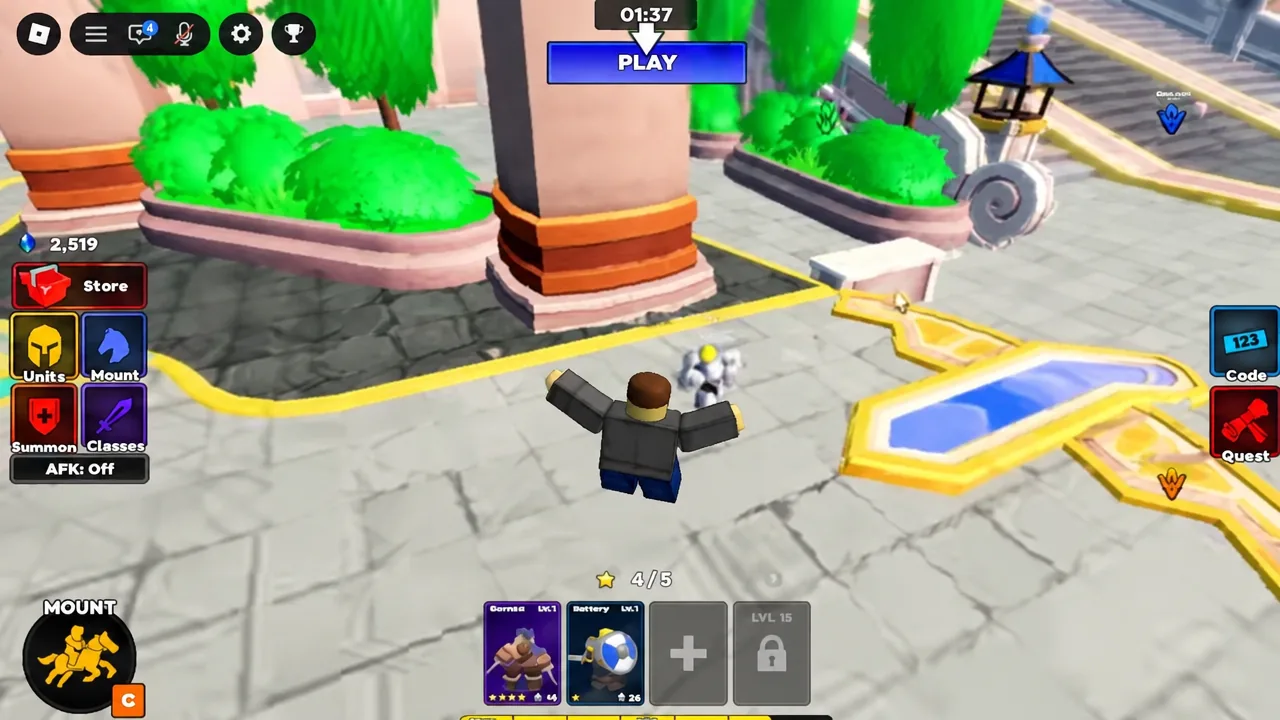
A loadout holds up to four units, and every troop carries a star value. Your account has a Star Limit that caps the combined star total of everything equipped at once, and that cap rises as you level up. Early on it’s low enough that one expensive summon eats most of your budget — around Star Limit 6 is where there’s room for an extra body alongside your main squad.
Why a unit won’t equip
If the game refuses a troop, it’s almost always the cap. Equipping is blocked outright when the addition would push your combined star total past the Star Limit, so a fresh four-star summon frequently sits unusable until your account level catches up. Unequip a cheaper troop to free stars, or keep playing to raise the cap.
The other two reasons are simpler. All four loadout slots may already be full, in which case you swap rather than add. Or the troop isn’t actually yours yet — banner units only enter your collection after a successful pull, not from seeing them on the banner art.
What to do with duplicate units
Duplicates aren’t wasted pulls. Ascension combines two copies of the same troop and raises its Ascension level, which makes the unit stronger without costing you any extra stars in your loadout. Head into the Ascension section, select the matching pair, and confirm the merge.
That matters more than star ratings suggest. A two-star Scout Rider with several ascensions and upgrades behind it can outperform a four-star Immortal you pulled ten minutes ago, and it costs less of your cap to field. Because the Star Limit means you’re only ever running a handful of troops, pouring resources into two or three units you genuinely use beats spreading upgrades across the whole collection.
Once your squad is set, the rest is command work. Every troop answers the same four orders — Follow, Hold, Attack and Rush — and formations like the Shield Wall or a Triangle charge decide whether that loadout holds a capture point or evaporates on the way to it. You can start building from the Command An Army experience page on Roblox.