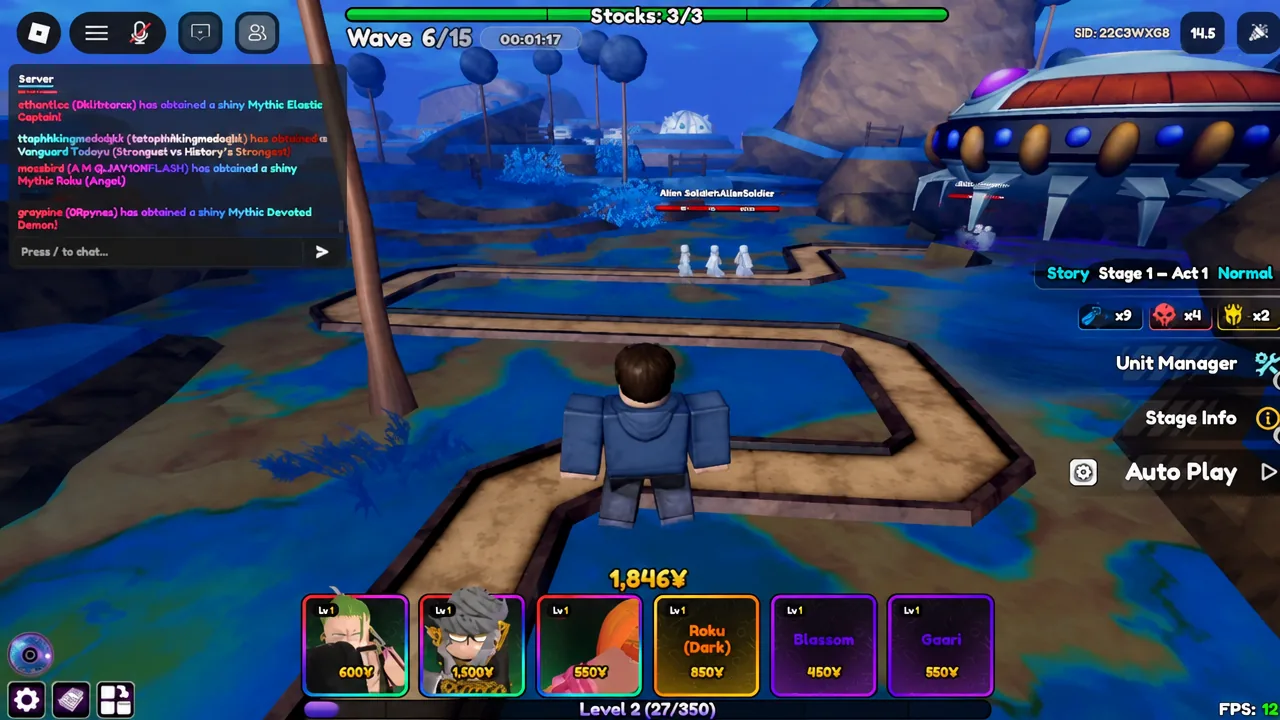
Waiting between waves is the slowest part of any run in Anime Vanguards, and the game has a built-in switch that removes that wait entirely. It lives in the settings menu, it takes about five seconds to flip, and once it is on, the wave counter climbs on its own while you focus on placing and upgrading units.
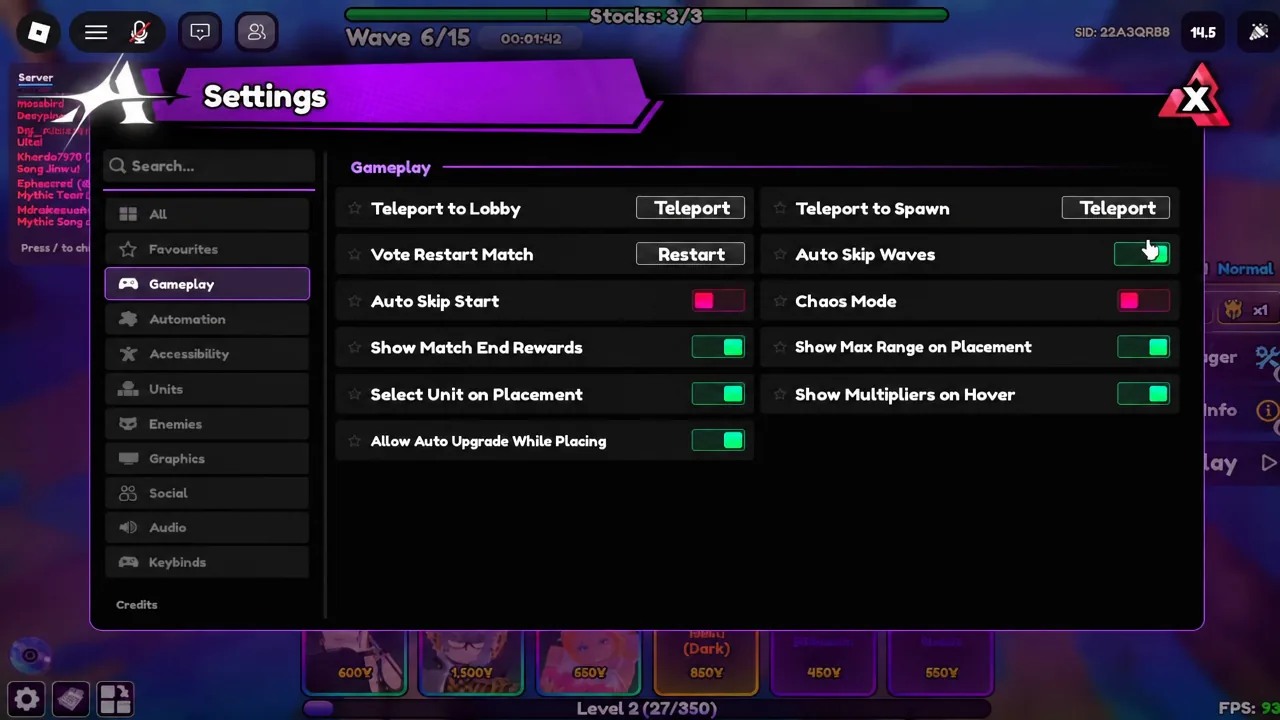
Quick answer: Open Settings with the gear icon on the left of the screen, select the Gameplay tab, then toggle Auto Skip Waves so the switch turns green. Waves advance automatically from that point in the match.
Turn on Auto Skip Waves in the Gameplay tab
How to confirm Auto Skip Waves is working
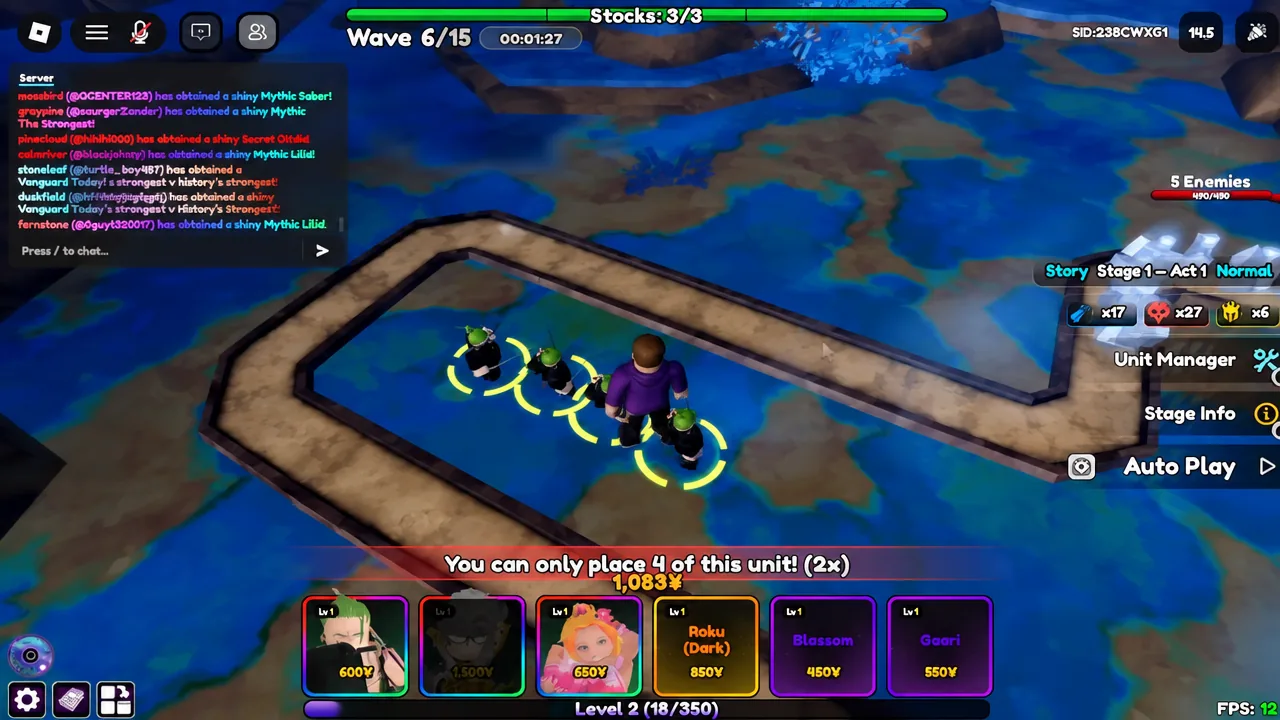
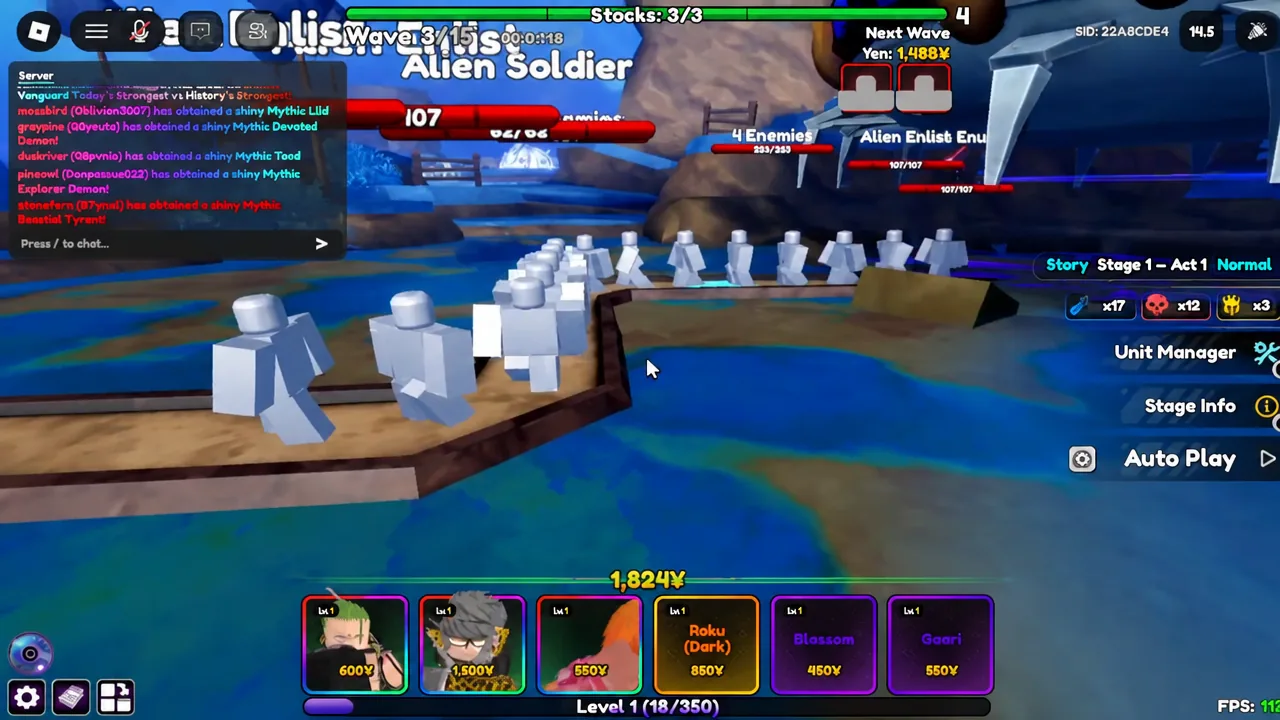
Close the Settings panel and watch the wave counter at the top of the screen. Each time the field clears, a Wave Completed! banner appears and the counter rolls straight over, so a run sitting at Wave 3/15 moves to 4/15, then 5/15, then 6/15 with no input from you.
If the counter stalls after a clear, the toggle did not register. Reopen the Gameplay tab and check the switch colour again before assuming something else is wrong.
Three ways waves move faster
The toggle removes the pause between waves, but the wave itself still lasts as long as the enemies do. These are the levers that actually shorten a run.
| Method | Where | Effect |
|---|---|---|
| Auto Skip Waves | Settings → Gameplay | Removes the manual wave start between rounds |
| Gate stacking | Inside any match | Enemies die near the spawn, so waves end sooner |
| Limitless Odyssey | Game mode | Waves can be skipped directly, cutting runs to 30–60 seconds |
Gate stacking is the practical one. Place your damage units right in front of the enemy gate so nothing survives long enough to walk the path, then keep buying and upgrading farms early so you can afford to flood the lane. Every enemy killed at the spawn point is time you are not spending watching them travel.
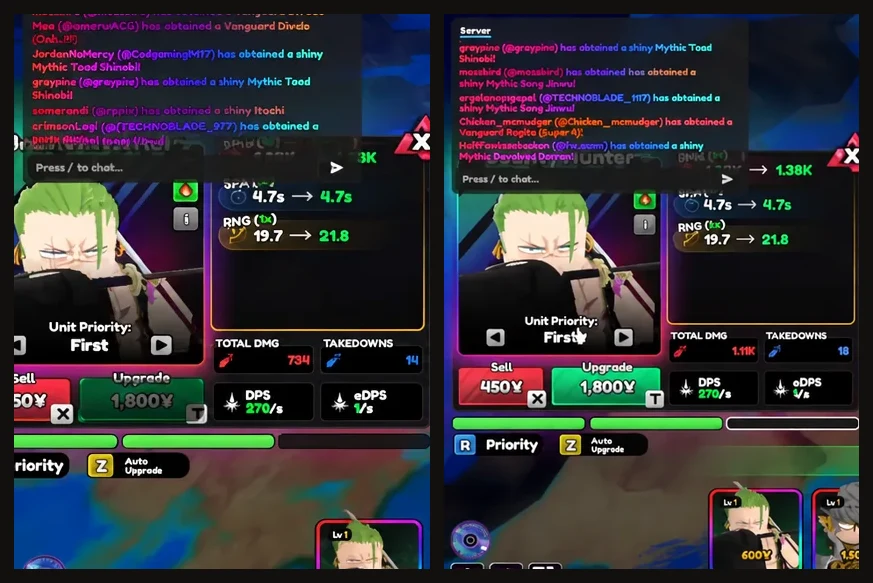
Checking a unit before you commit to it helps here too. Tapping into the Unit Manager or a placed unit’s panel shows its Passives, attack range, damage, takedowns, and sell value, which is enough to tell whether it can hold the gate on its own.
Limitless Odyssey and manual wave skipping
Unlike standard stages, Limitless Odyssey lets you skip waves outright. Skip aggressively and a match can be over in 30 to 60 seconds, with 100 intensity reachable in roughly two to four minutes for a 500 Gems payout. It is the fastest wave loop in the game if Gems are what you are after.
Other toggles sharing the Gameplay tab
Auto Skip Waves is not alone on that screen, and a few of its neighbours are worth a look while you are already there.
- Auto Skip Start
- Chaos Mode
- Show Match End Rewards
- Show Max Range on Placement
- Select Unit on Placement
- Show Multipliers on Hover
- Allow Auto Upgrade While Playing
The same Settings panel also carries Teleport to Lobby, Teleport to Spawn, and Vote Restart Match at the top, which is useful when you are looping a short stage over and over for XP.
Pair the toggle with Auto Play and a stage you can already clear comfortably, and the loop becomes close to hands-off: units go down, waves roll over, and the run ends without you tapping through a single wave prompt.