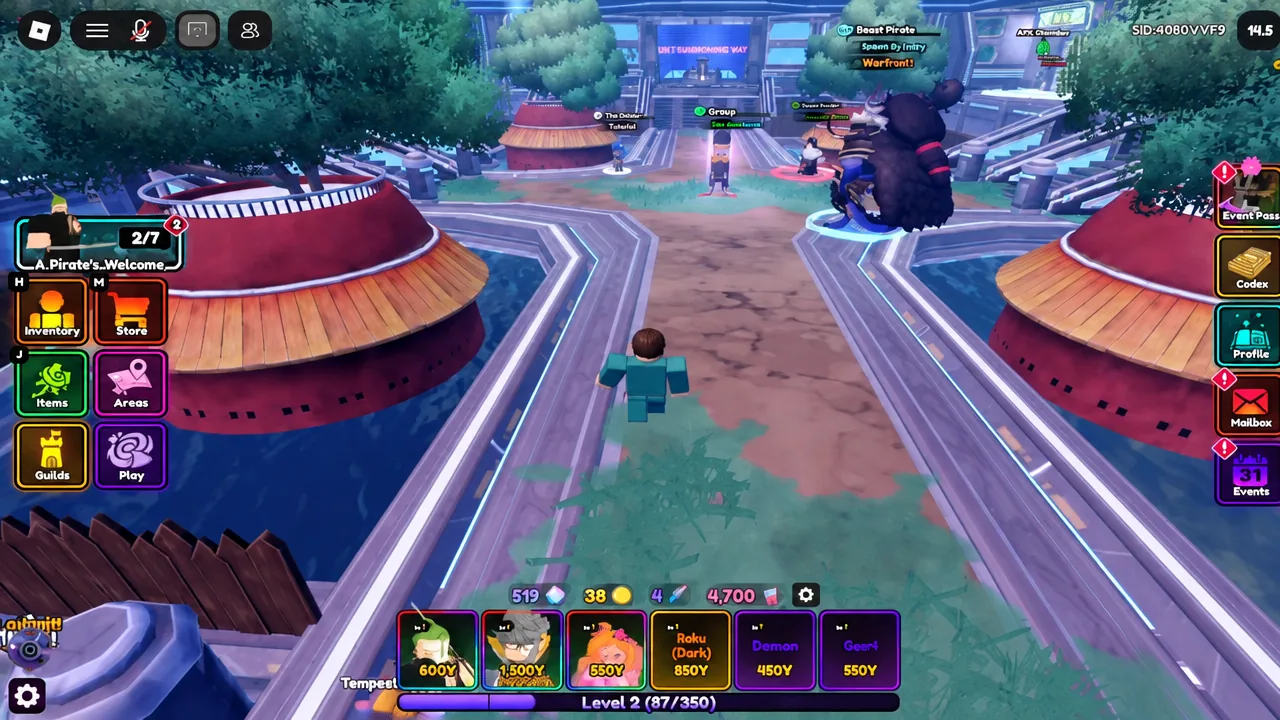
Guilds turned Anime Vanguards from a solo grind into something closer to a team sport. Added in Update 12.0, they pool players into a single roster that levels up together, donates together, and fights other guilds for Guild Coins. The setup takes about a minute once you meet the level requirement, and the rules around names, icons, and join permissions are strict enough that it’s worth knowing them before you start typing.
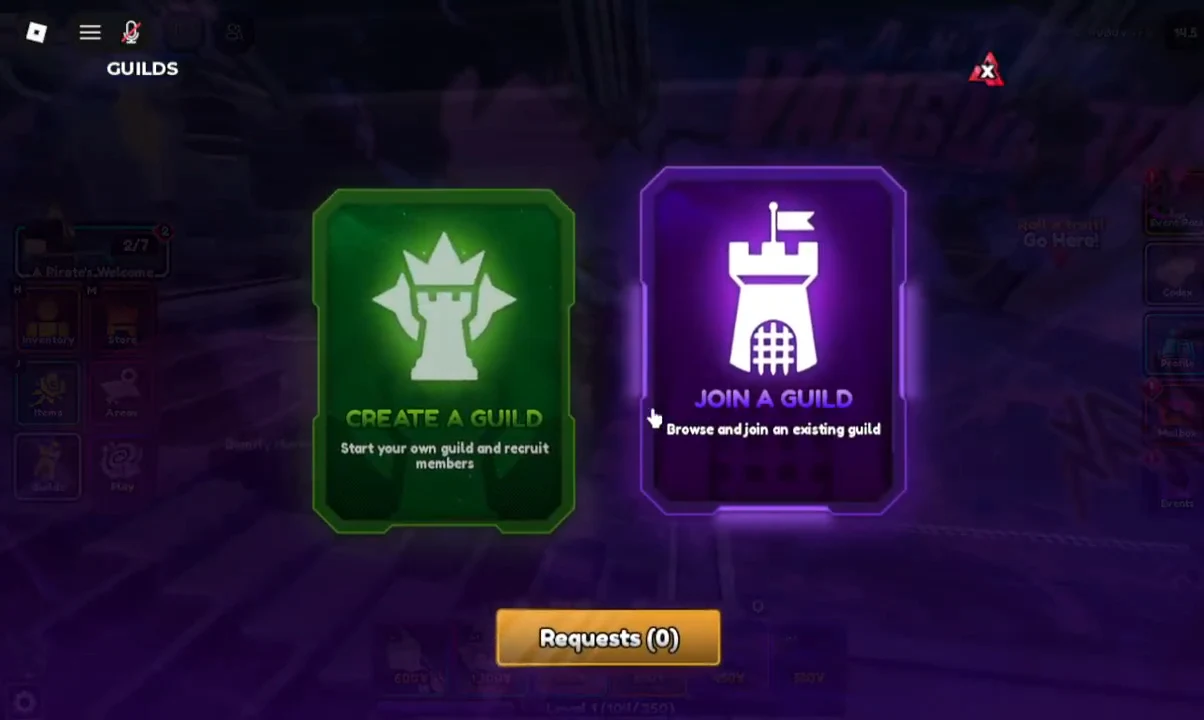
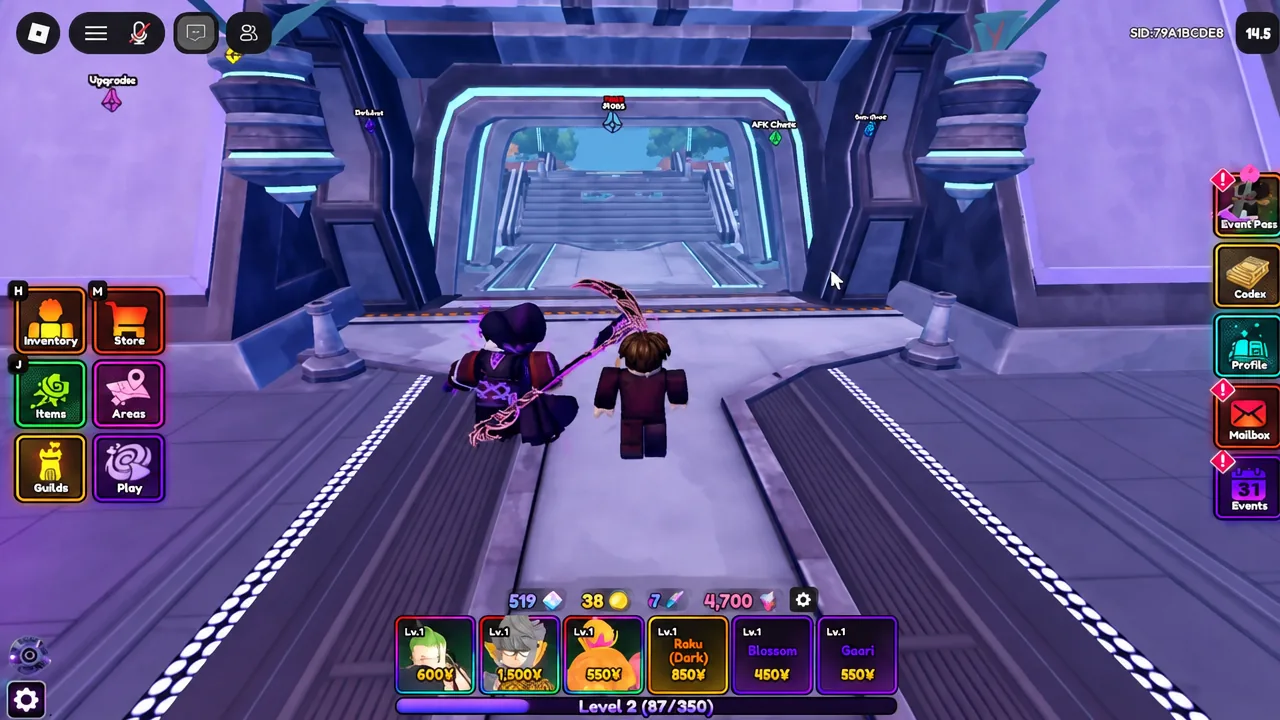
Quick answer: Reach Level 30, open the Guilds button on the left-side menu, then pick Create a Guild (enter a 3–24 character name and hit the green Create button) or Join a Guild and select an Open guild from the browser.
Level 30 requirement and the 20-member cap
Creating a guild requires account Level 30. Until you hit it, the Create button in the Create A Guild menu stays unavailable. There’s no separate level gate on joining an existing guild — whether you can get in depends entirely on the status the guild owner picked.
The other hard limit is size. A guild holds a maximum of 20 members, and that count is visible on the info panel as Members 1/20 the moment you create one. If a guild you’re eyeing is full, you can’t request your way in.
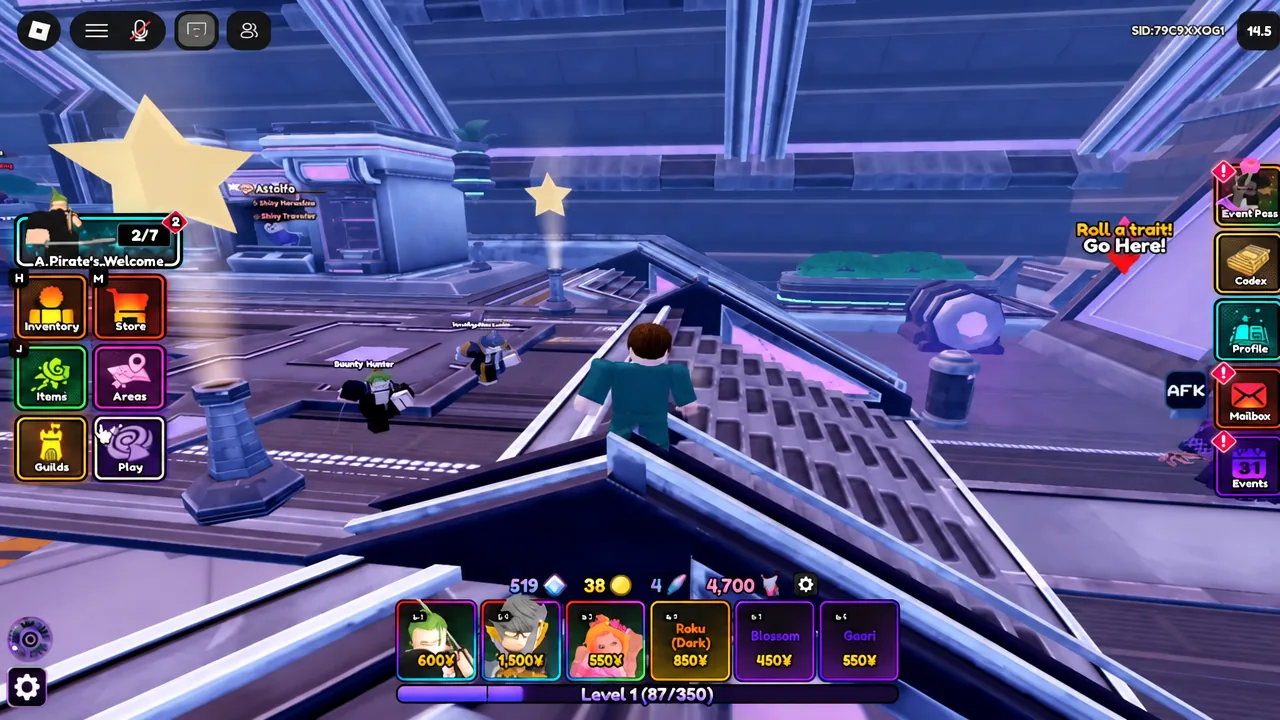
How to create a guild in Anime Vanguards
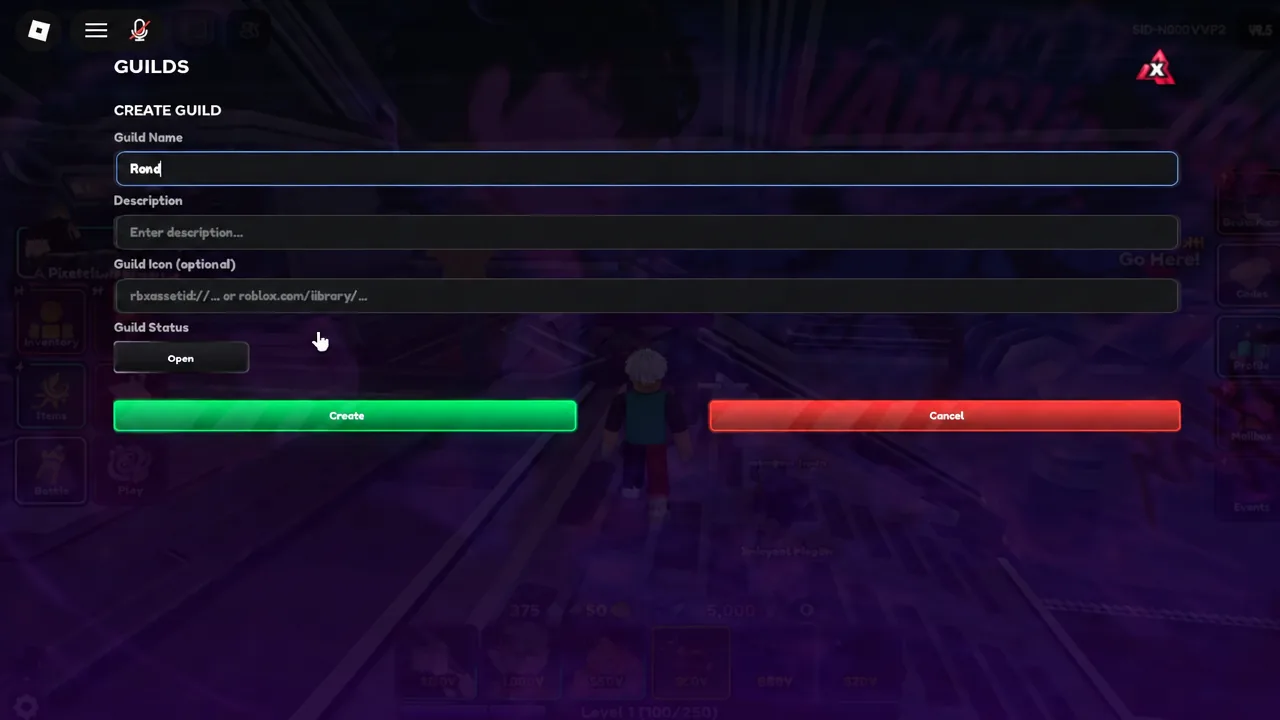
Guild name, description, and icon rules
| Field | Requirement |
|---|---|
| Guild Name | Required. Between 3 and 24 characters. |
| Description | Optional. Up to 200 characters, shown on the guild info panel. |
| Guild Icon | Optional. An image entered as a rbxassetid:// URL or a roblox.com/library/ URL. |
Guild Status: Open, Request, and Invite Only
| Status | Who gets in |
|---|---|
| Open | Anyone can join freely, no approval needed. |
| Request | Players apply, and an Officer or higher approves them. |
| Invite Only | Members join only through a direct invite. |
How to join an existing guild
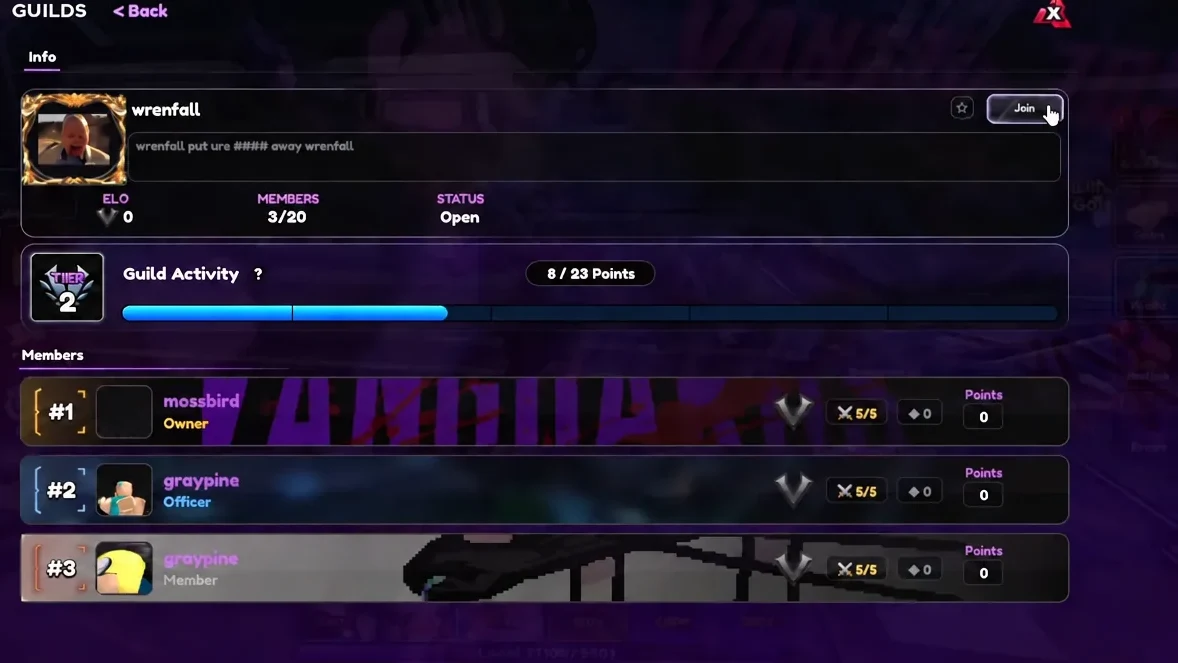
Invite Only guilds can’t be joined from the browser at all. You’ll need the owner or an officer to send you a direct invite, which usually means asking in the guild’s own Discord or in-game.
How to confirm it worked, and why it sometimes doesn’t
A successful creation drops you straight onto the guild info panel with ELO, Status, and Members 1/20 populated, and your guild icon starts displaying next to your name. A successful join gives you the full Guild panel, including the Levels tab and the Guild Shop.
If nothing happens, the reason is almost always one of a short list.
- You’re under Level 30, so the Create button is inactive.
- Your guild name is shorter than 3 characters or longer than 24.
- The guild is already at 20 members.
- The guild is set to Request and no officer has approved you yet.
- The guild is Invite Only and you haven’t received an invite.
What guild membership unlocks
Membership opens the Guild Shop, where Guild Coins buy Trait Rerolls, Memoria Shards, Phoenix Shards, Essence Stones, and other materials. Coins come from four places: guild level rewards, weekly activity tiers, the weekly Guild Boss leaderboard, and Guild Wars.
Activity is the easiest track. Every stage clear gives your guild +1 Activity Point, capped at 10 per player per day, and hitting each of the five weekly tiers pays out 5, 10, 30, 55, and 100 Guild Coins. The tier thresholds scale with guild size, so a 20-person roster needs more clears than a small one.
Guild Levels run from 1 to 20 and climb through weekly Donation Goals. There are three donation tracks per week — Gold, Gems, and Guild Coins — with personal weekly caps of 500,000 Gold, 50,000 Gems, or 30 Guild Coins. Only one track can be completed each week; finishing one cancels the other two, and an Officer or higher then picks a single weekly buff for the guild. Level-up rewards queue as Pending Guild Coins under the Levels tab, and three milestones grant a permanent currency boost to everyone.
| Guild Level | Permanent reward |
|---|---|
| 5 | +2% currency gain |
| 10 | +2% currency gain |
| 15 | +1% currency gain |
Guild Wars are the competitive end of it. Only Officers and above can declare one, wars run seven days across a 19-tile elemental map, and each member gets 5 attempts per day. Winning a tile stage captures that tile for +1 point that day, and the first guild to take four days wins. Everyone who took part earns 100 Guild Coins on a win and 50 on a loss.
War eligibility is locked at declaration. If you join a guild mid-war, you can’t participate in that war, and wars can’t start on Mondays — the earliest a new one can begin is Tuesday at 00:00 UTC.
If you’re joining rather than founding, the practical advice is to check the member count and activity points on the info panel first. A guild sitting near 20 members with high activity is already clearing donation goals and boss runs, which is where most of the Guild Coins actually come from. Founding your own is fine too, but you’ll be doing the recruiting before the weekly tiers start paying anything meaningful.