Protocol Droids are the automation layer of Star Wars Droid Tycoon. They are handed out through a dedicated event that runs in the map, and the only way to collect them is by leaving your base, clearing World Missions out in the world, and then claiming the crates those missions leave behind for you.
Quick answer: Finish any World Mission marked by a green beam of light during the Protocol Droid Event, then return to your base and open the yellow Protocol Crate that appears beside your scrap station to receive a random droid blueprint.
Where the Protocol Droid Event starts in Droid Tycoon
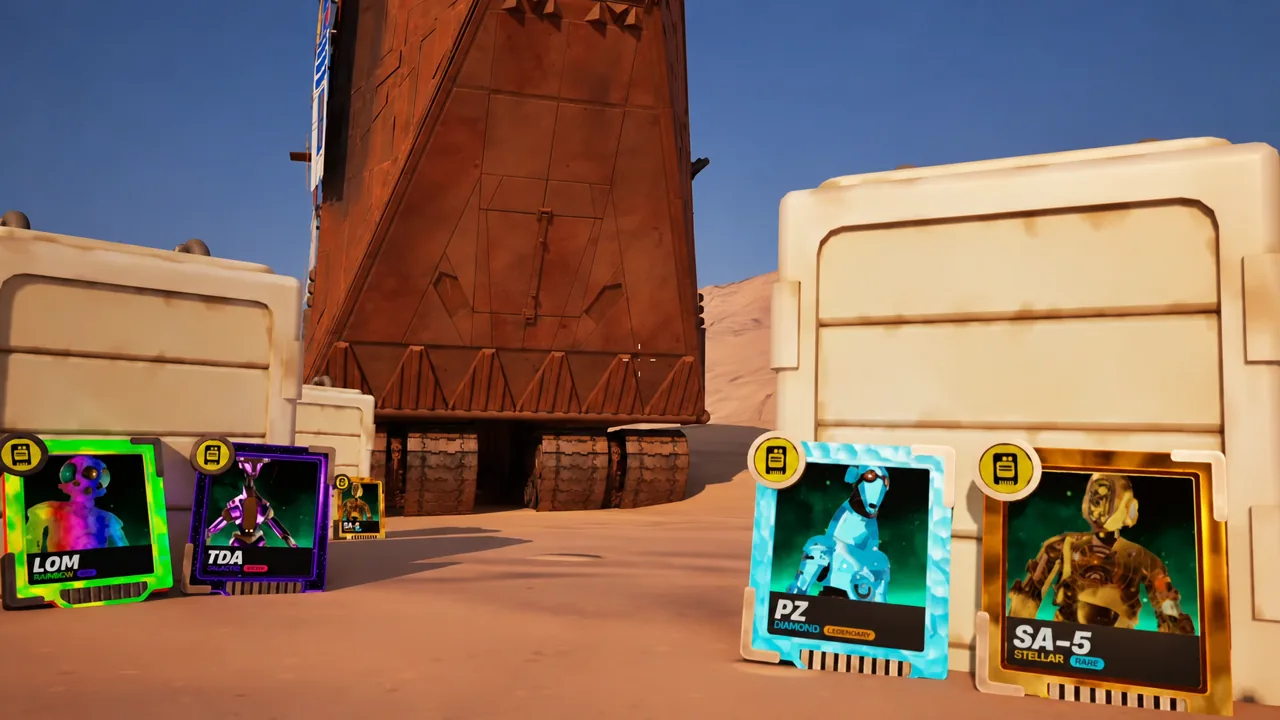
The event kicks off at the Sandcrawler area with a short countdown on screen labeled “PROTOCOL DROID EVENT.” When the timer hits zero, droid blueprints drop onto the ground and a Jawa named Dru Dru appears. Talking to him gives you the one instruction that matters: complete World Missions to get Protocol Droids.
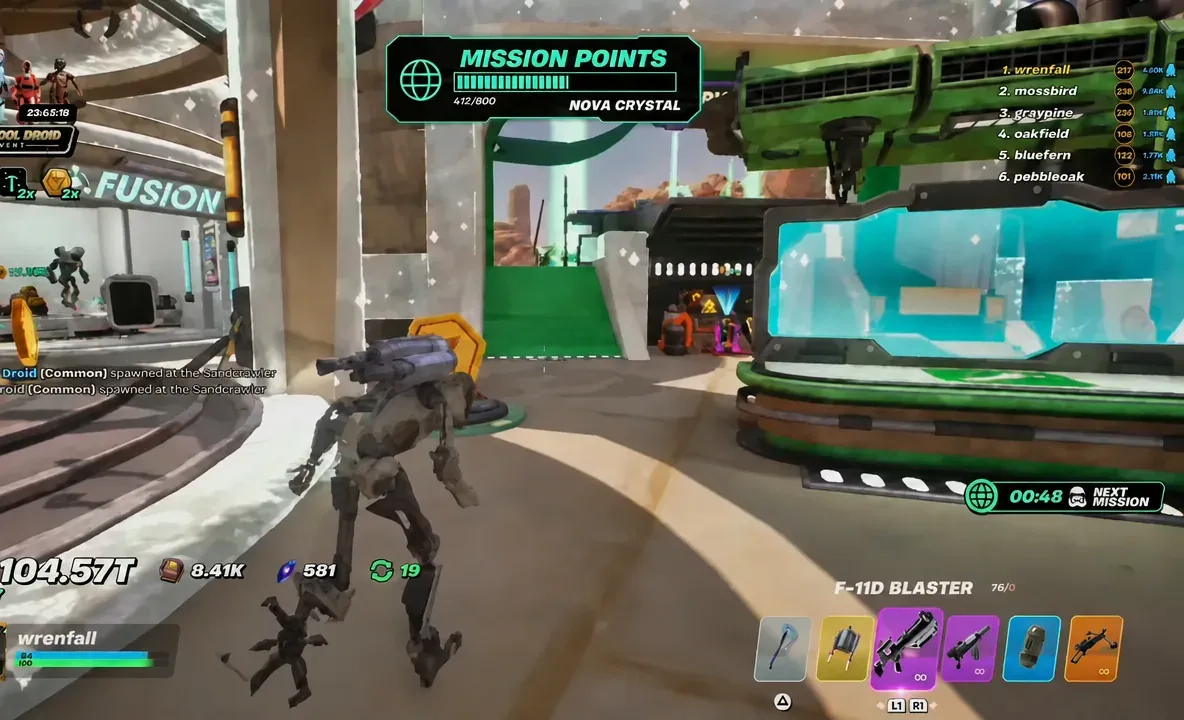
From that point, green beams of light mark active mission sites across the map. A Mission Points counter tracks your progress on a 900-point bar tied to Nova Crystal, and a countdown shows when the next mission opens. You can walk to the beacons, but the Enhanced Mandalorian Jetpack — unlocked at 7 Rebirths — makes the trip fast enough that you rarely miss a start timer. The map itself runs under island code 7865-8305-9184.
The four World Missions that award Protocol Crates
Each World Mission is short, self-contained, and scored out of four stars. You do not need a perfect score — a two-star finish still triggers “WORLD MISSION COMPLETE!” and still queues a crate — but higher star ratings come from clearing more of the objective inside the timer.
| Mission | What you do |
|---|---|
| Mine Rocks | Break the glowing colored rocks with your pickaxe inside a five-minute timer. Pays out cash, XP, and mission points per rock. |
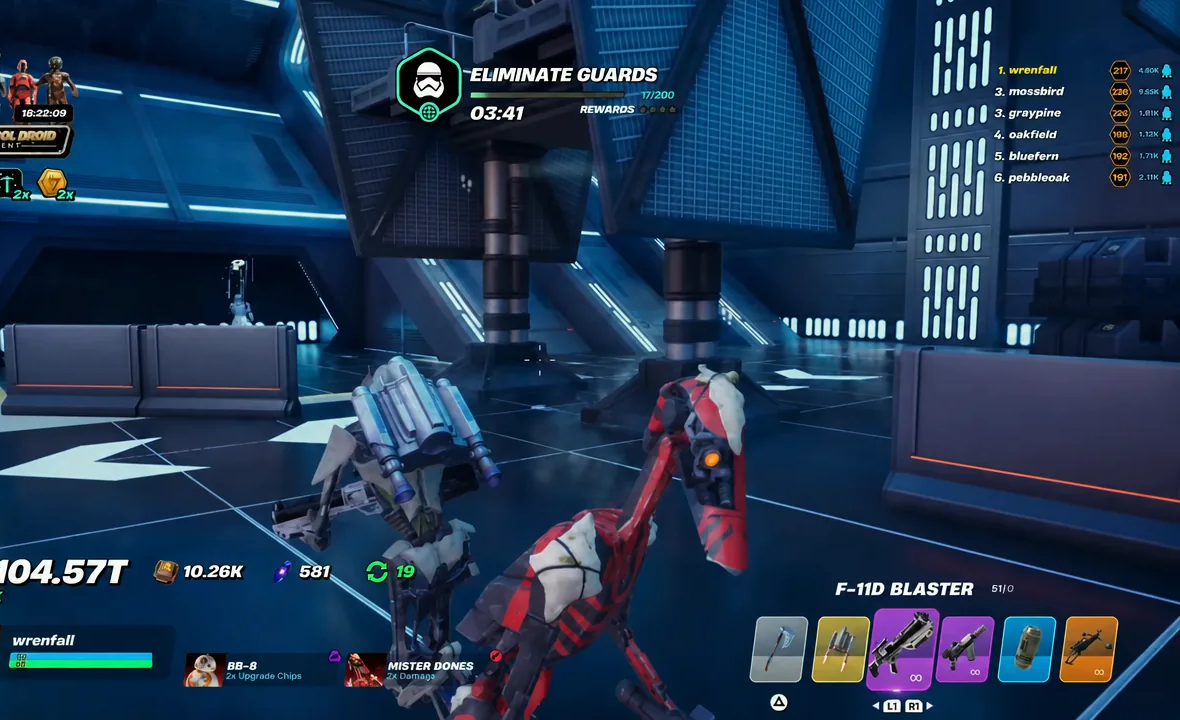
| Eliminate Guards | Clear waves of Stormtroopers in a TIE Fighter hangar. Blasters like the F-11D and the Wookiee Bowcaster handle the waves quickly. |
| Fish for Scrap | A timing minigame called Sarlacc Fishing. Press “Fish” as the moving indicator crosses the higher reward bands. |
| Defend Terminals | Hold the marked terminals and destroy incoming hostile droids before they can damage them. |
The Sarlacc Fishing bands run from Default up through Gold, Diamond, Rainbow, Beskar, Galactic, and Stellar. The higher bands are narrow slivers on the meter, so treat Gold and Diamond hits as the reliable outcome and Beskar or better as a bonus.
For the two combat missions, bring a loadout you already trust. The Wookiee Bowcaster and the F-11D Blaster both clear waves fast, and combat companions such as Mister Bones and BB-8 add damage while you focus on the objective.
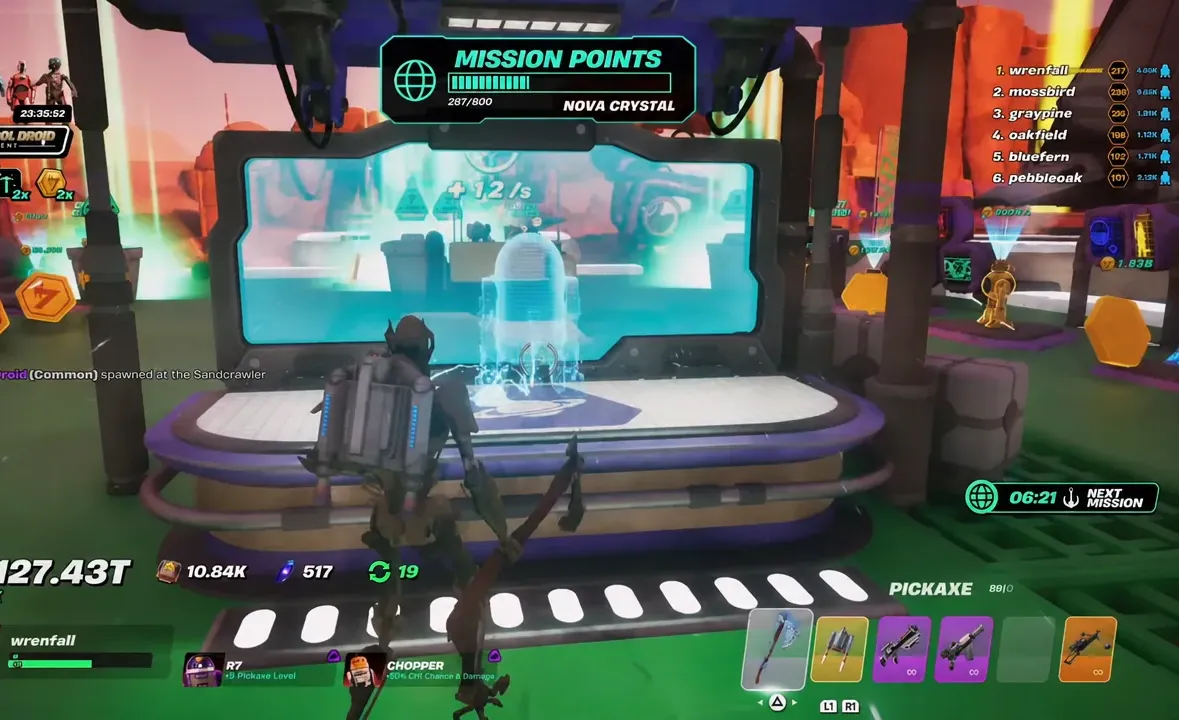
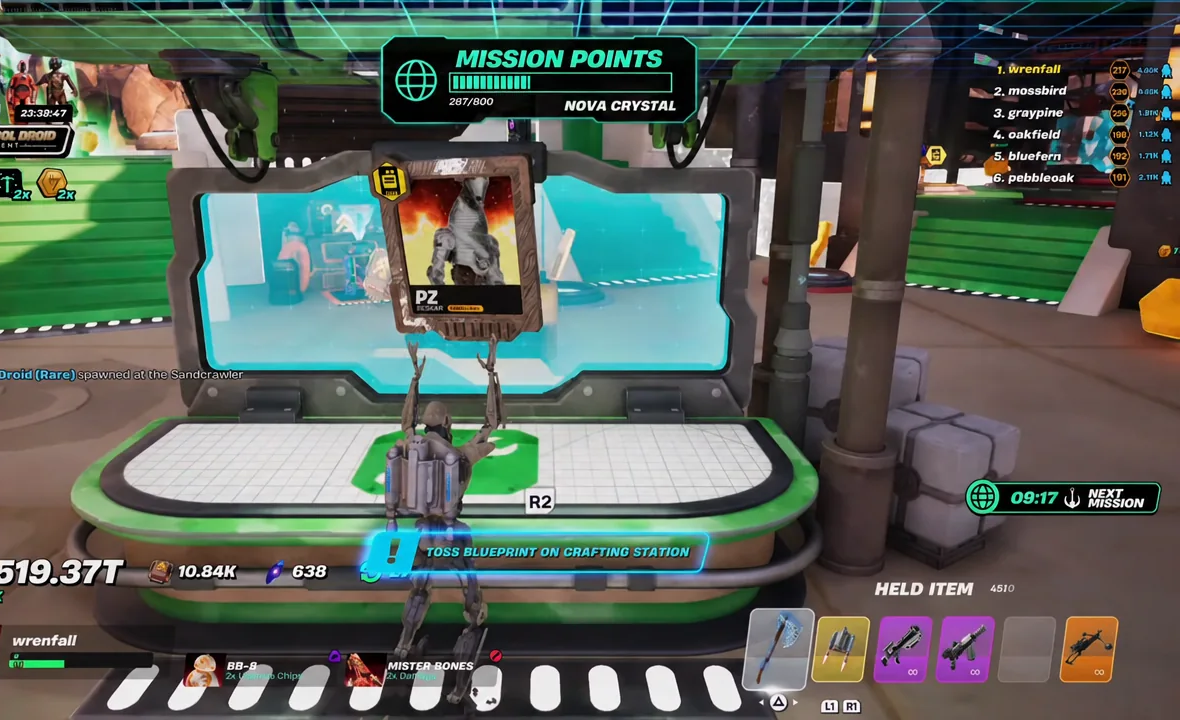
Open the Protocol Crate and craft the droid
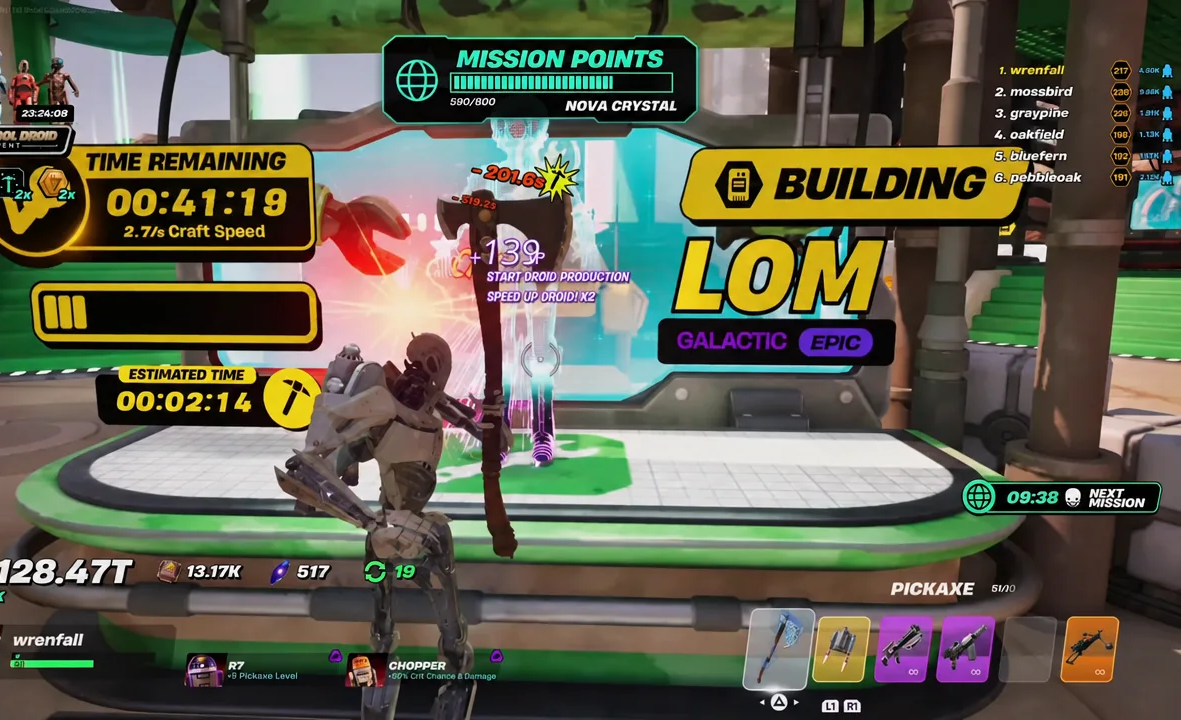
Note: a “SPEED UP!” option appears on the crafting interface as well, so you do not have to stand there swinging if you would rather spend to skip the wait.
Assign Protocol Droids to a Protocol Station
A finished droid sitting in your menu does nothing on its own. Protocol Stations at your base are the slots that turn it into a passive bonus. Assigning a PZ adds a flat +12/s to crafting speed, while a Galactic R7 pushes the station to 36.4/s and keeps crafting running without you pickaxing at all.
Droid cards list two numbers that matter: a credit multiplier and a protocol rate. Those scale sharply with rarity and quality tier.
| Droid | Quality | Output |
|---|---|---|
| SA-5 | Default Rare | 400% credit multiplier, 14/s protocol |
| LOM | Galactic Epic | 5.46K/s protocol |
| PZ | Beskar Legendary | +12/s crafting speed when stationed |
| R7 | Galactic Legendary | 36.4/s craft speed, fully automated |
Quality tiers climb from Default through Gold, Diamond, Rainbow, Beskar, and Galactic, up to Stellar. A Stellar droid in a station is the visible end state other players show off at their bases, and the jump between tiers is large enough that upgrading one droid often beats crafting three low-tier ones.
How to confirm the droid is working
There are three confirmations to watch for, in order. “WORLD MISSION COMPLETE!” with a star rating means the crate is earned. “DROID COMPLETE!” means the blueprint has finished building. Once the droid is placed, the Protocol Station displays its per-second bonus directly on the station.
If a droid’s card still reads “Protocol Bonus: Inactive,” it has not been assigned to a station yet — crafting it is only half the process. Likewise, a crate that never appears usually means the mission was abandoned before the completion banner fired, since leaving the mission area early forfeits the reward.
Because crates roll randomly, the fastest way to build a usable set of Protocol Droids is simply volume. Keep cycling through whichever World Mission is currently lit up, bank the crates, and let a high-speed droid in a Protocol Station chew through the build queue while you are out on the next run.