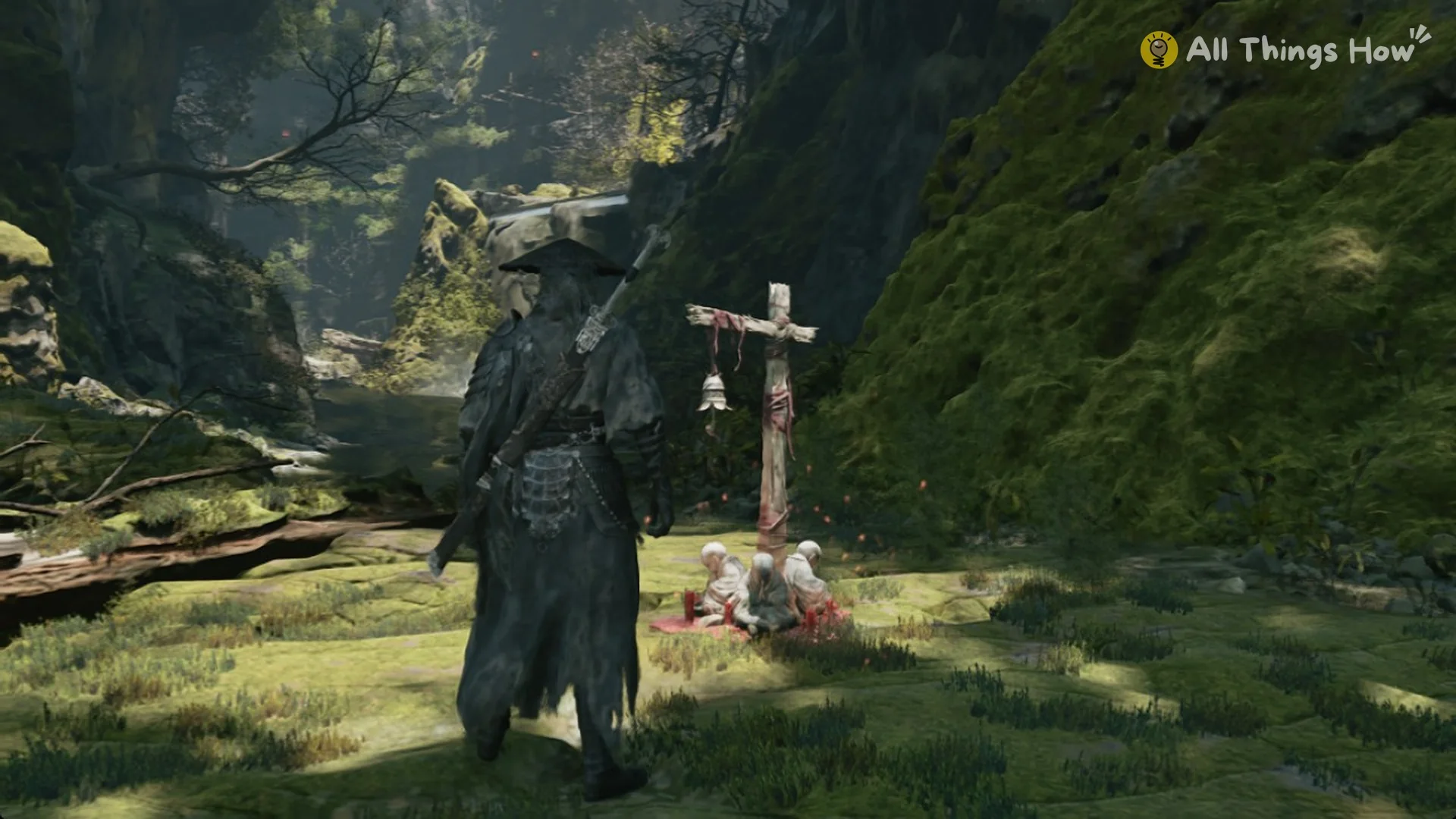
Bells are the rest points of Phantom Blade Zero. You find the first one early in Chapter 1, “AGAINST THE FLOW”, and it handles healing, map reveals, saving, and ability training.
Quick answer: Touch a bell with E to restore your HP and Medicine. The first touch also reveals new areas on the map. After that, the bell menu offers Train Abilities, Save, and Leave.
Where the first bell is in Phantom Blade Zero
The first bell is called The Beginning, and it sits in Weeping Creek Valley. There is no bell in the prologue, so don’t go looking for one there.
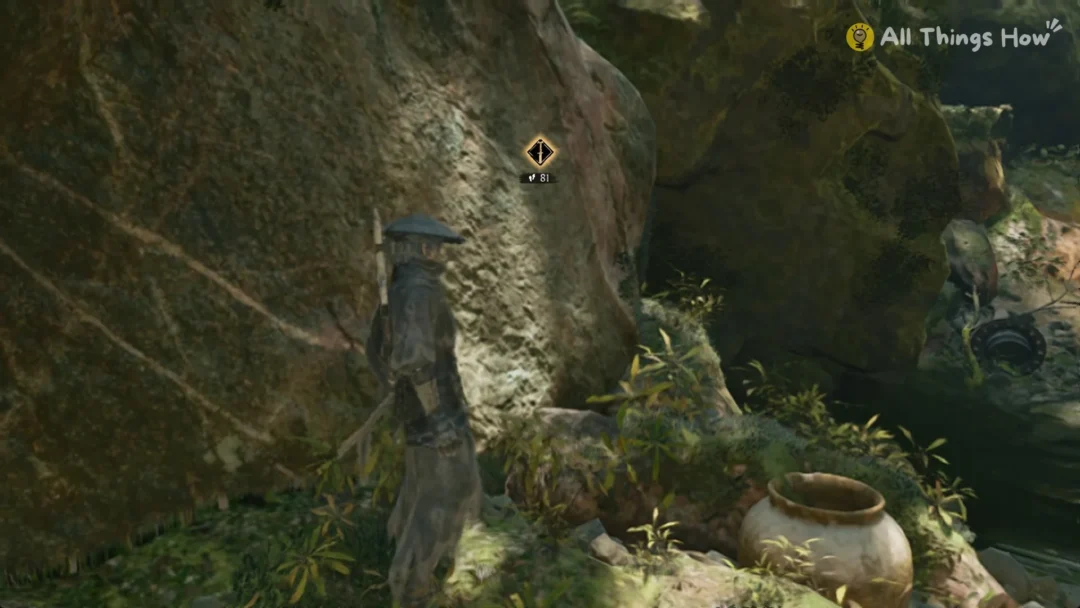
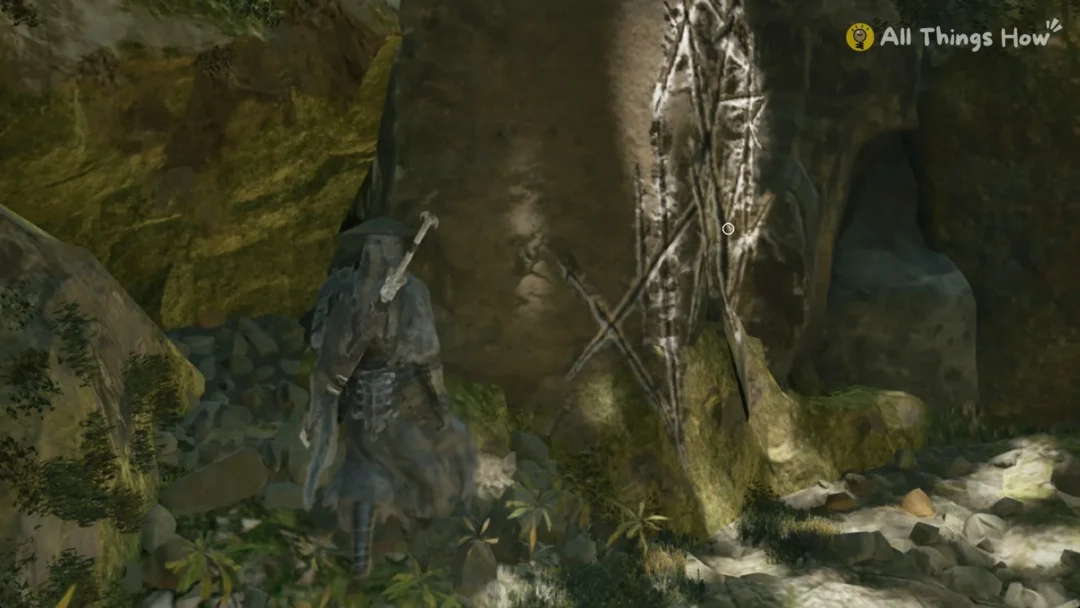
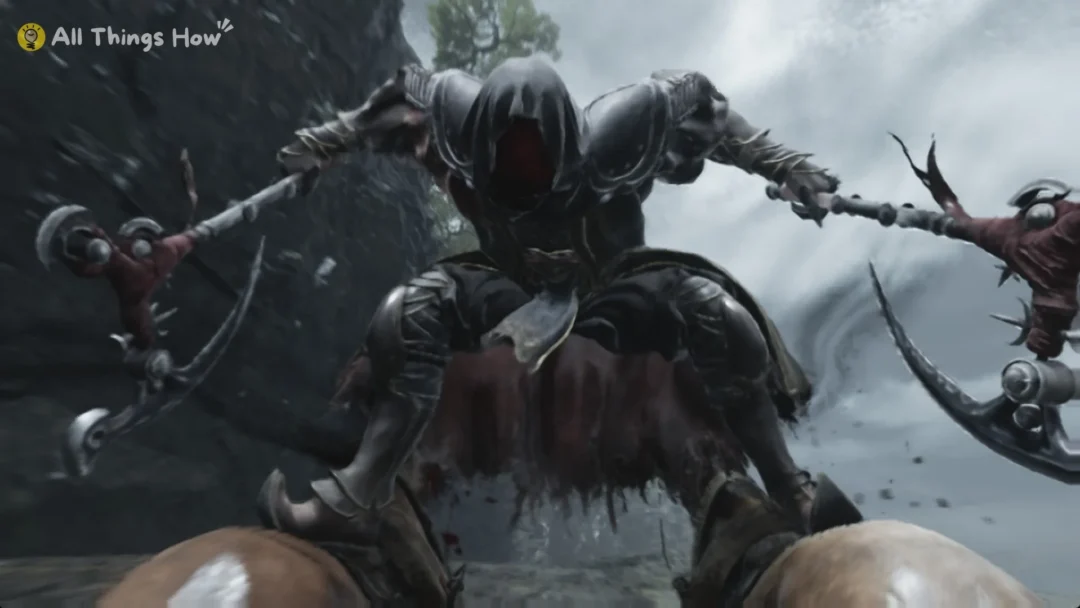
Chapter 1 starts by a waterfall. Above it is a rock face with white scratch marks. Climb it, then deal with the masked brutes who ambush you at the top. The Beginning is past that fight.
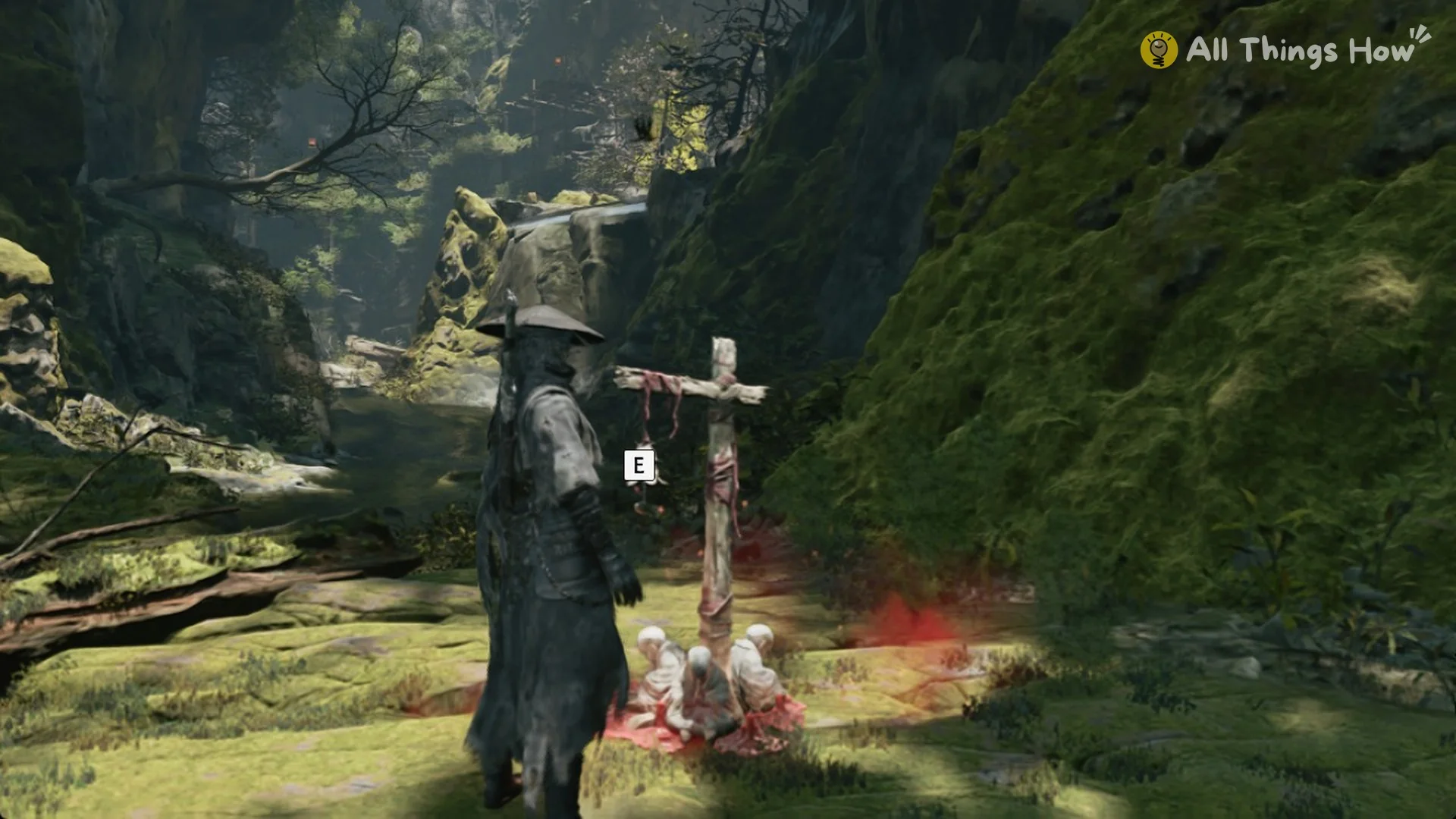
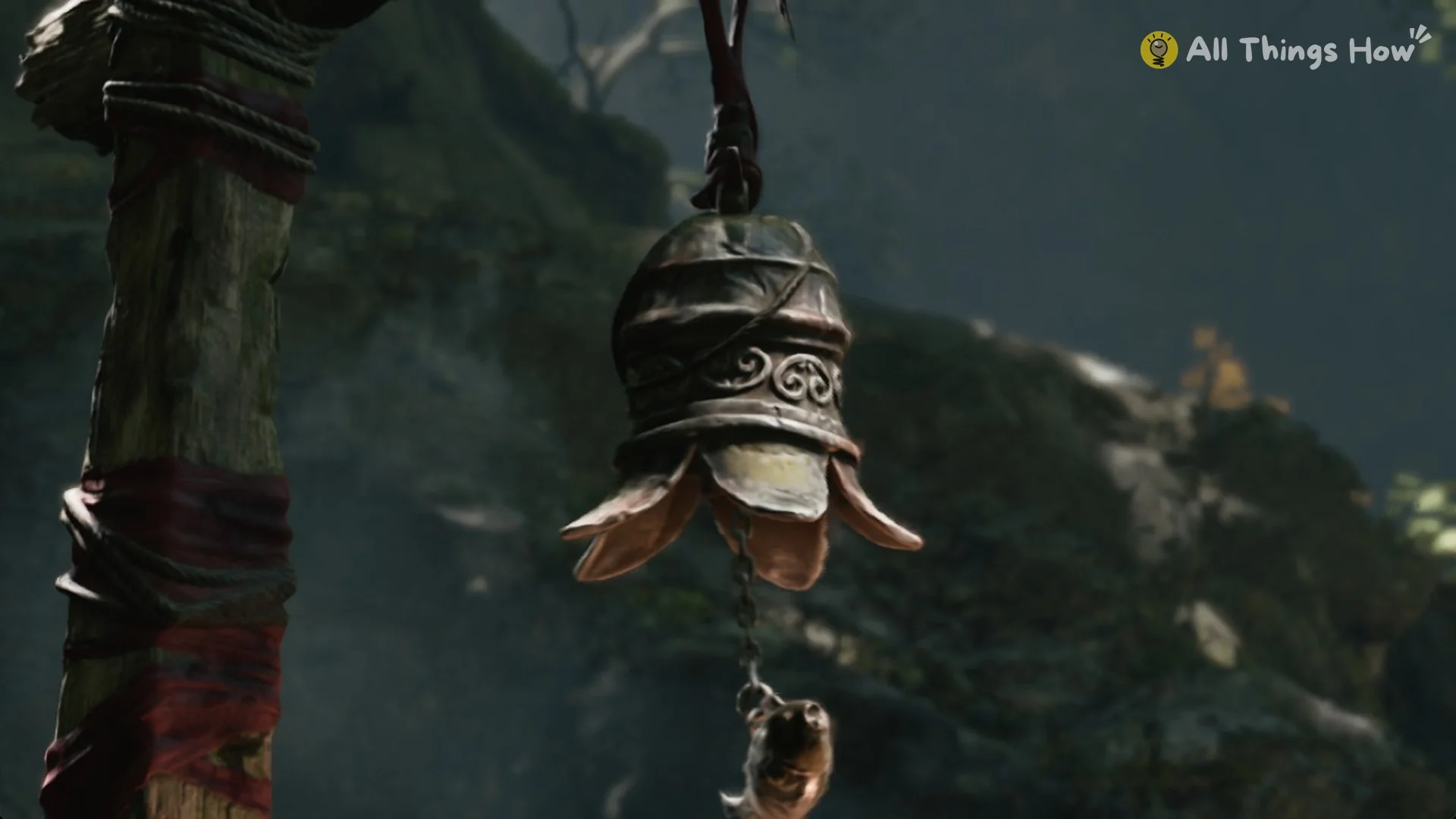
Bells are recognizable by their distinctive design: a post of wood supports a little bronze bell and dangling red fabric, while white figures kneel below.
What happens when you touch a bell for the first time
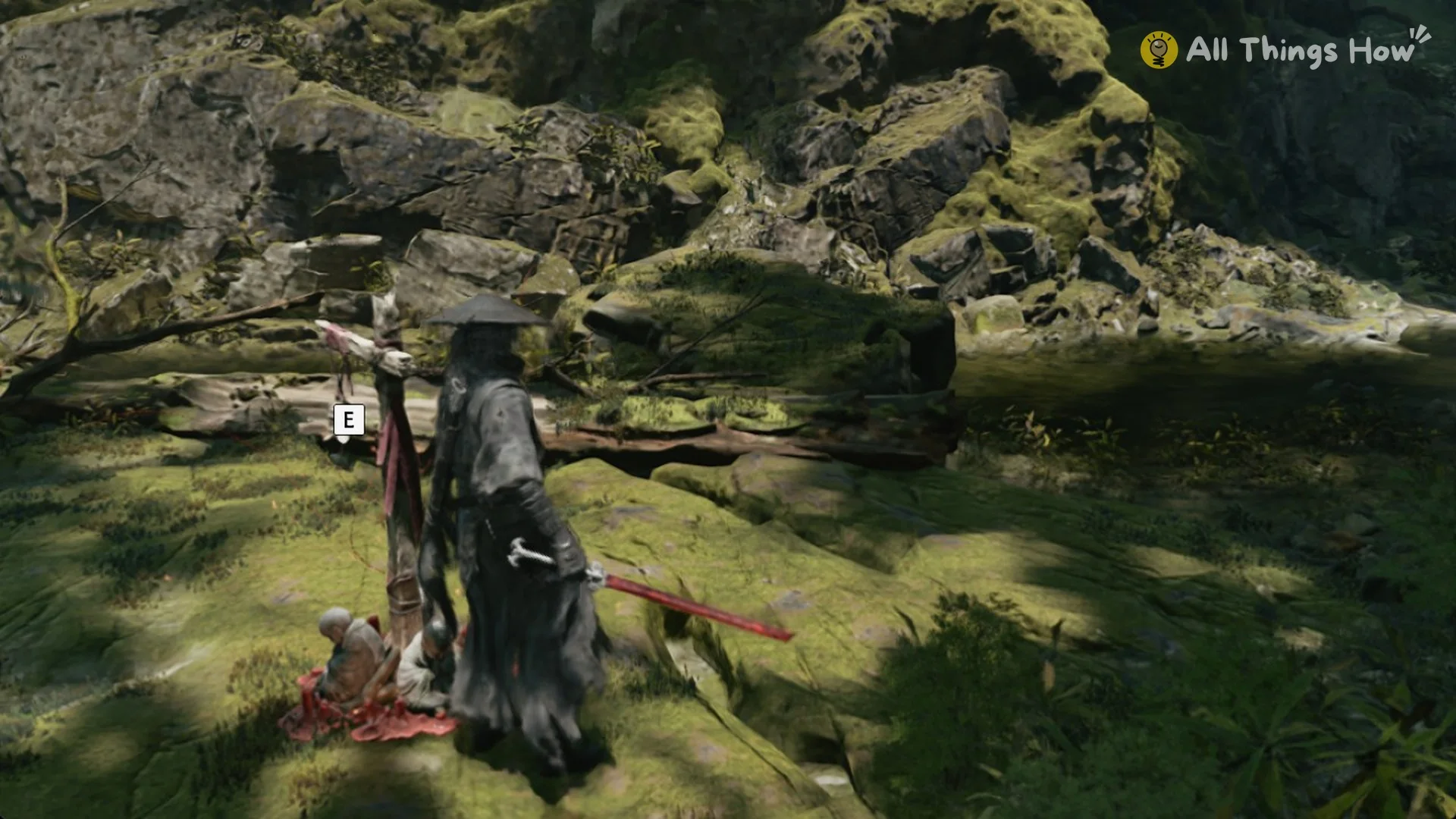
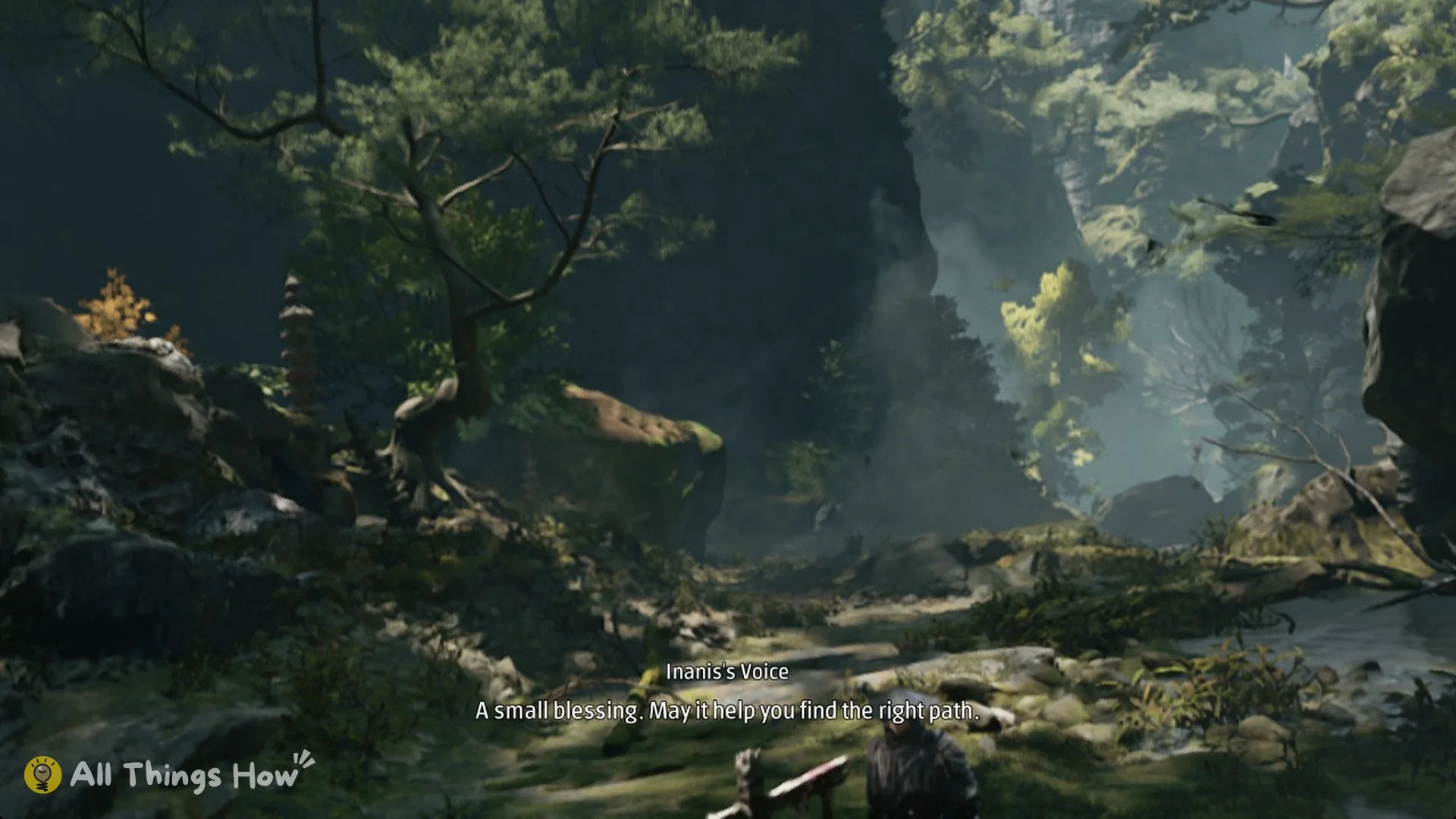
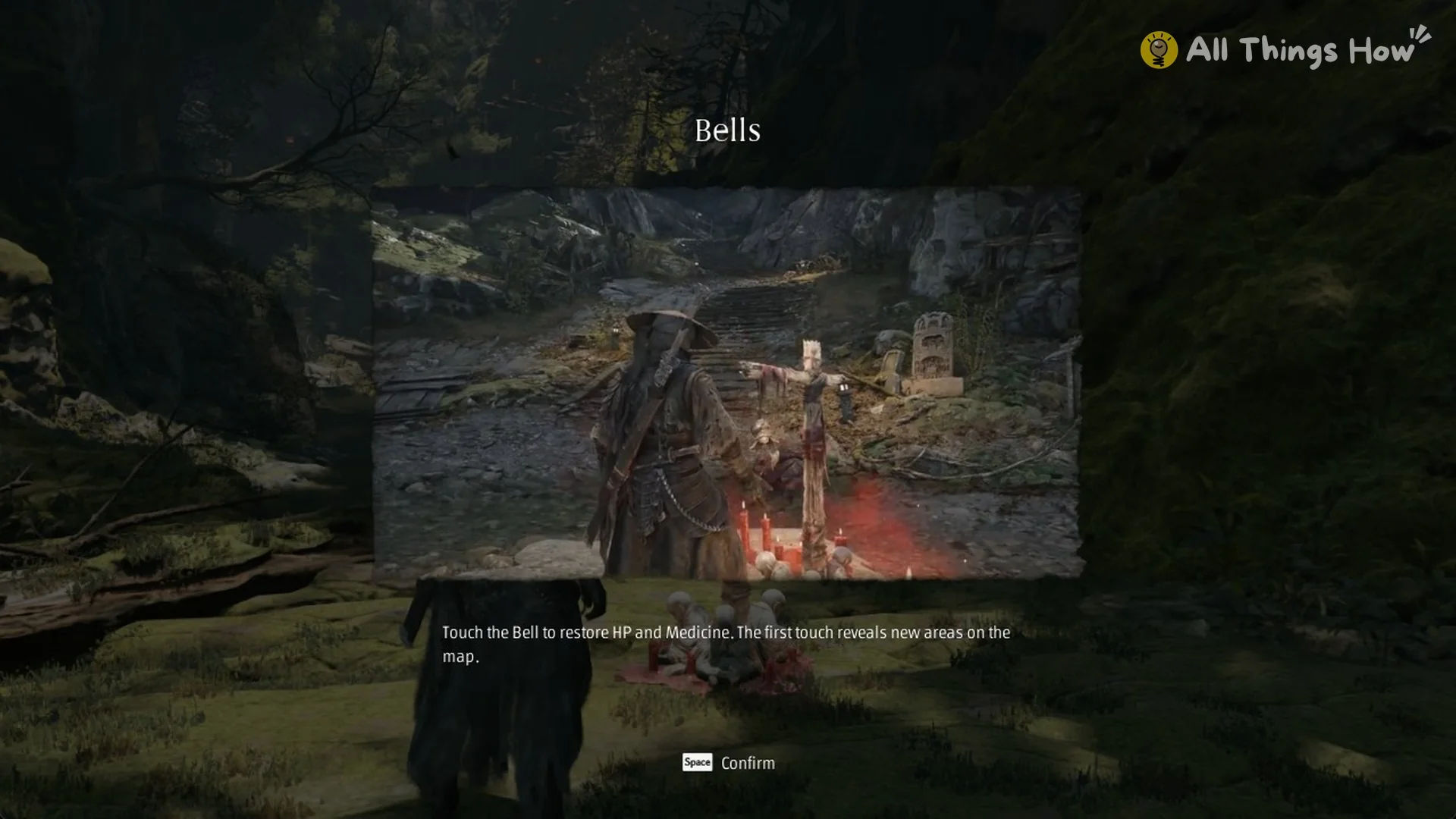
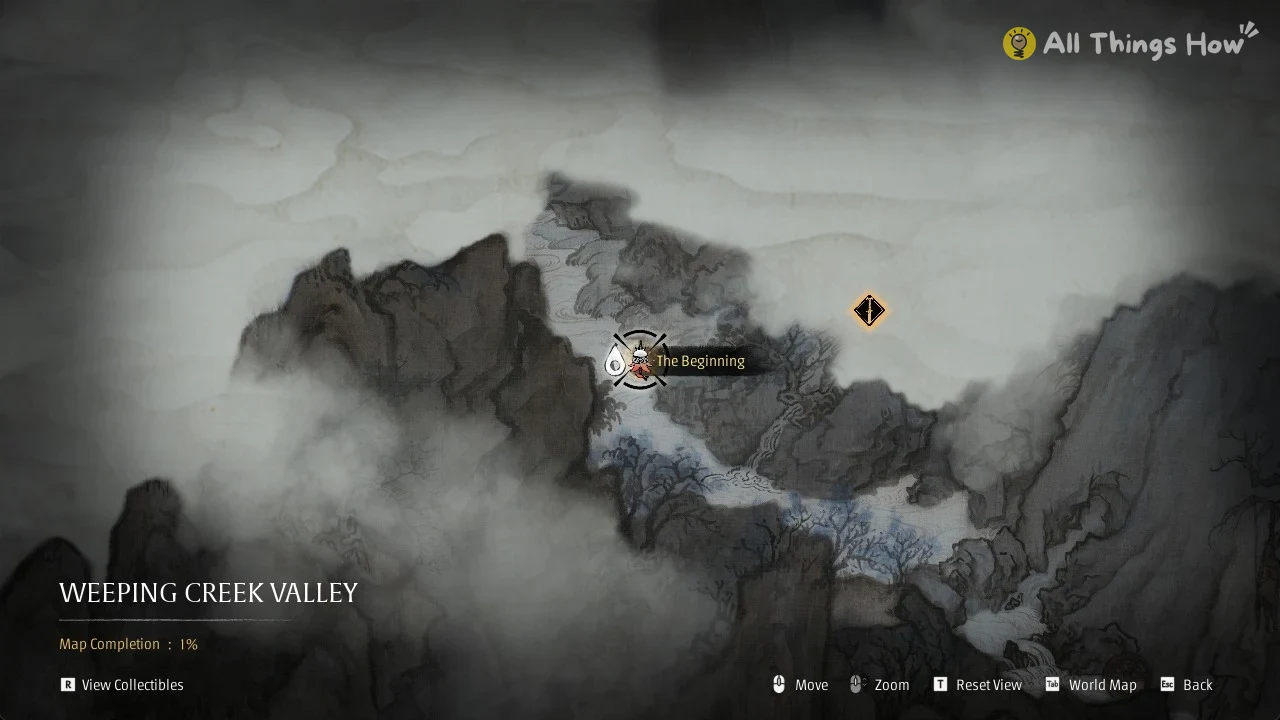
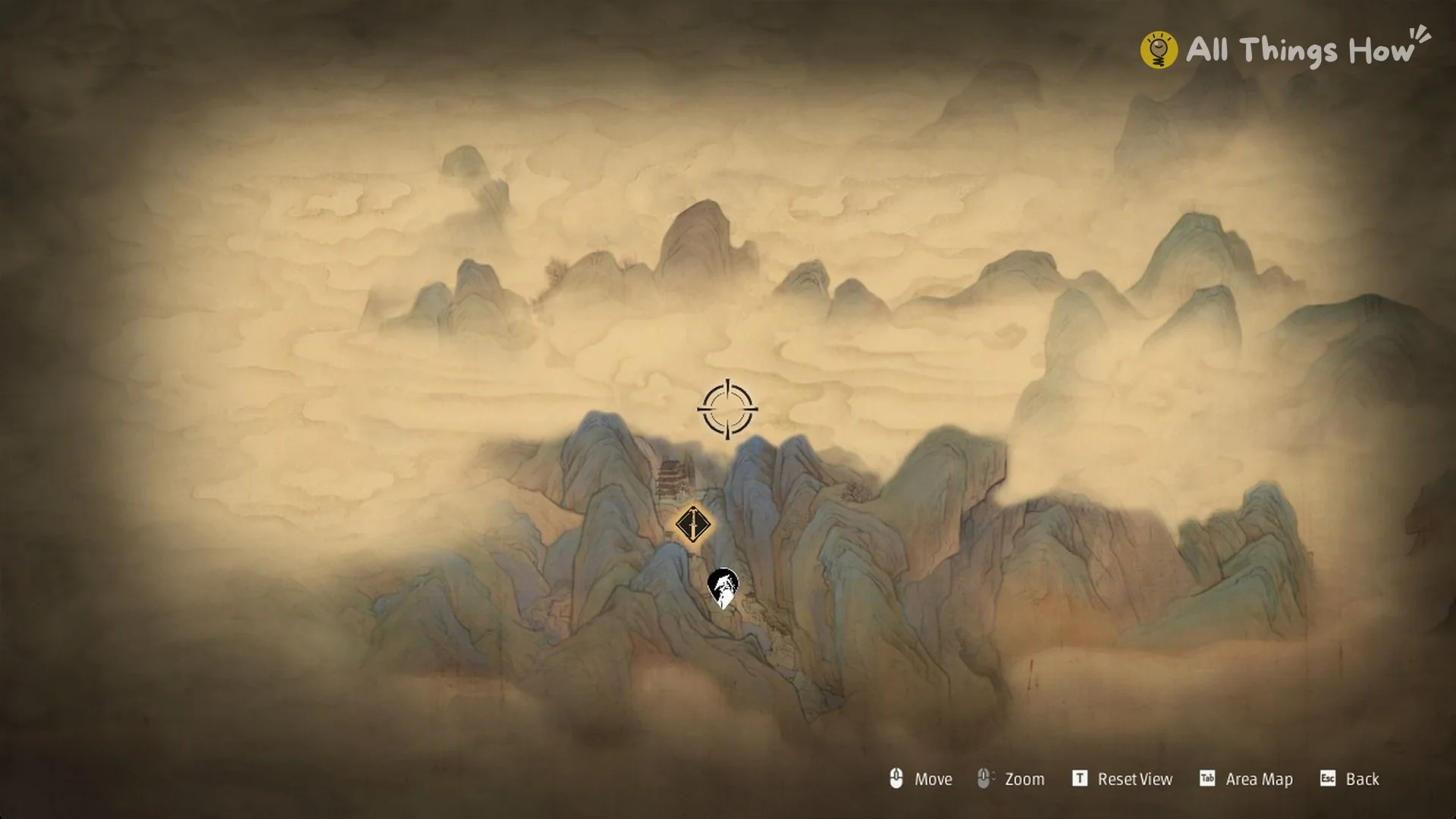
The Beginning appearing by name on the map and the Map Completion counter ticking up confirm the bell is registered. Your HP and Medicine are topped up at the same time.
Bell menu options: Train Abilities, Save, and Leave
You see the cutscene just once. After that, using the bell brings up a menu; its name, “The Beginning”, appears in the lower-left corner. On PC, press Enter to choose the highlighted row.
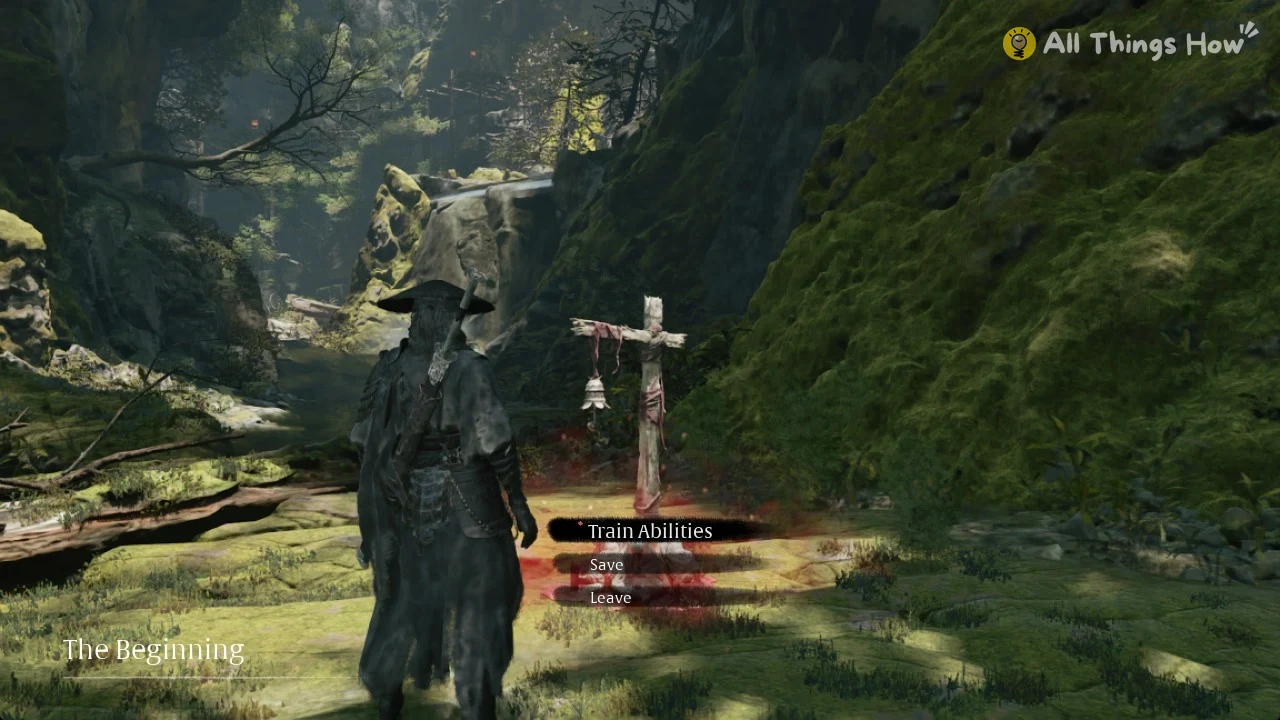
- Train Abilities opens the ability tree.
- Save
- Leave closes the menu.
Bells also serve as fast travel points. The Beginning’s menu has no travel row, though, so those three options are all you get at the first bell.
How Train Abilities works at a bell
The Train Abilities screen presents a tree of linked nodes arranged in three rows. An item icon and its count appear at the start of each row on the left; in Chapter 1, every count is x0. Your Remnant Dust amount is displayed at the upper right.
The tree runs on two kinds of resources. The game explains it this way, “Collect Blackstones, Sha-Chi Ambers, and other items to increase attributes and unlock abilities.” and “Use Remnant Dust to activate abilities you’ve unlocked!” Items unlock nodes, and Remnant Dust activates what you’ve unlocked.
FLUID FORM is the first unlocked node. Its description reads, “After Perfect Dodging a Red-flash Attack, Parrying a Blue-flash Attack, Guard Breaking or defeating an enemy, press [Left Mouse] or [F] within a short time to perform a Quick Pursuit on a distant enemy.”
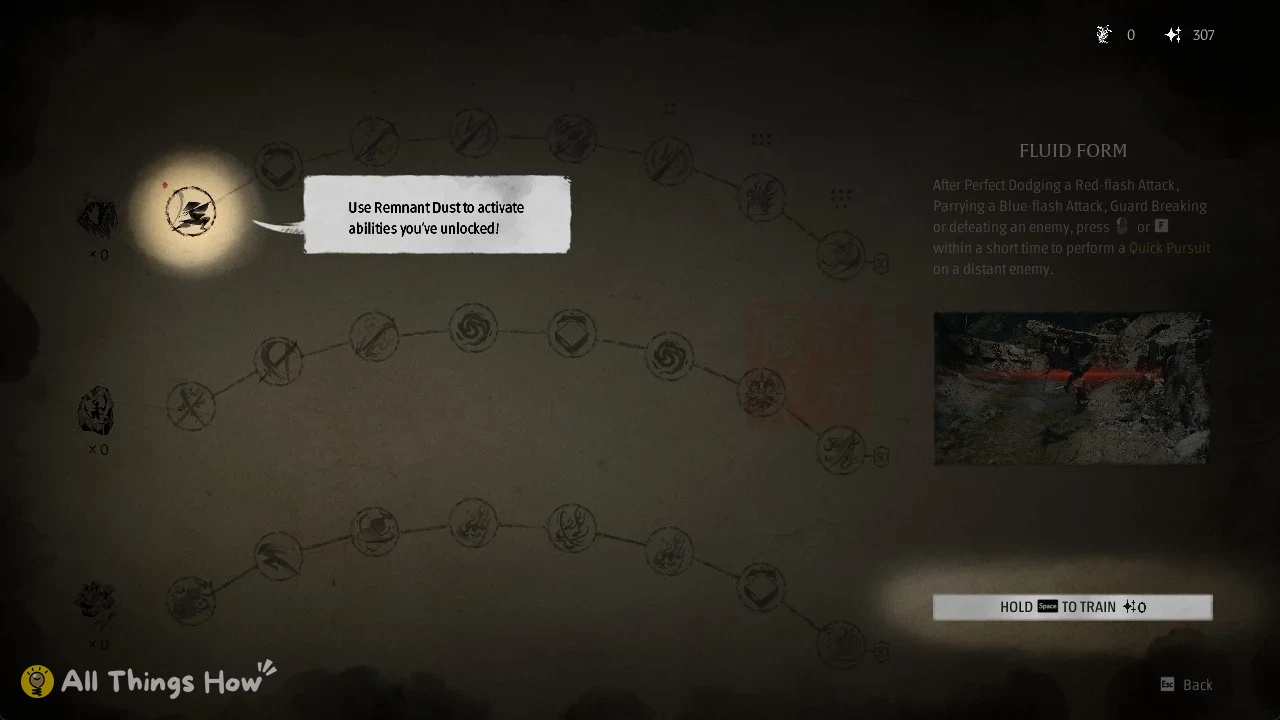
Training FLUID FORM costs 0 Remnant Dust. Select it and the prompt reads “HOLD [Space] TO TRAIN”.