Phantom Blade Zero does not let Soul climb any surface you like. Climbing is called Terrain Traversal, and it works only at specific marked spots. The prompt appears only when you stand in the right place, and it can show up next to rock that won’t take you anywhere.
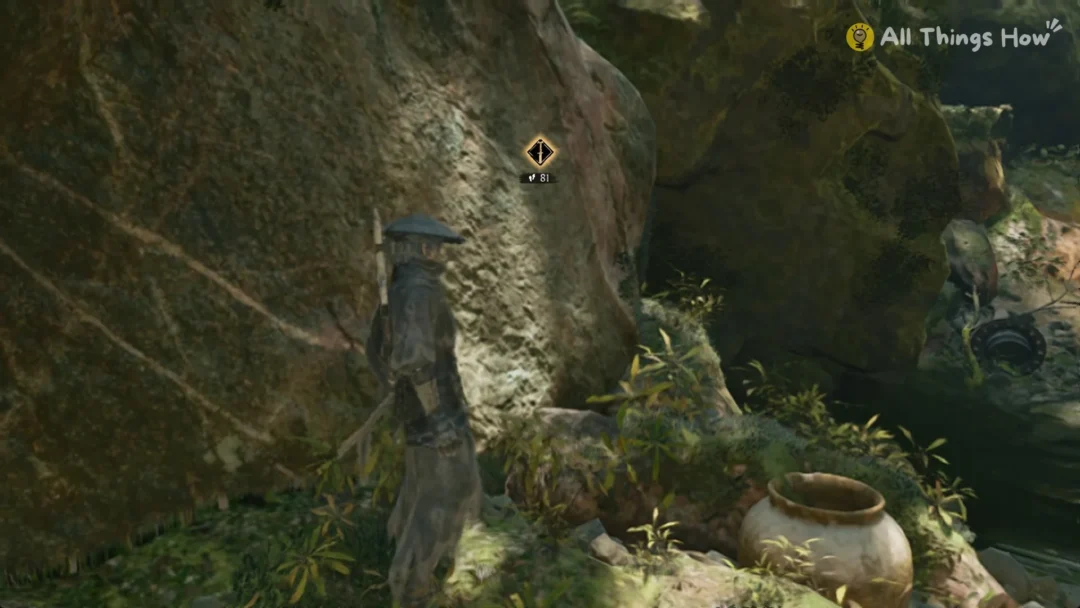
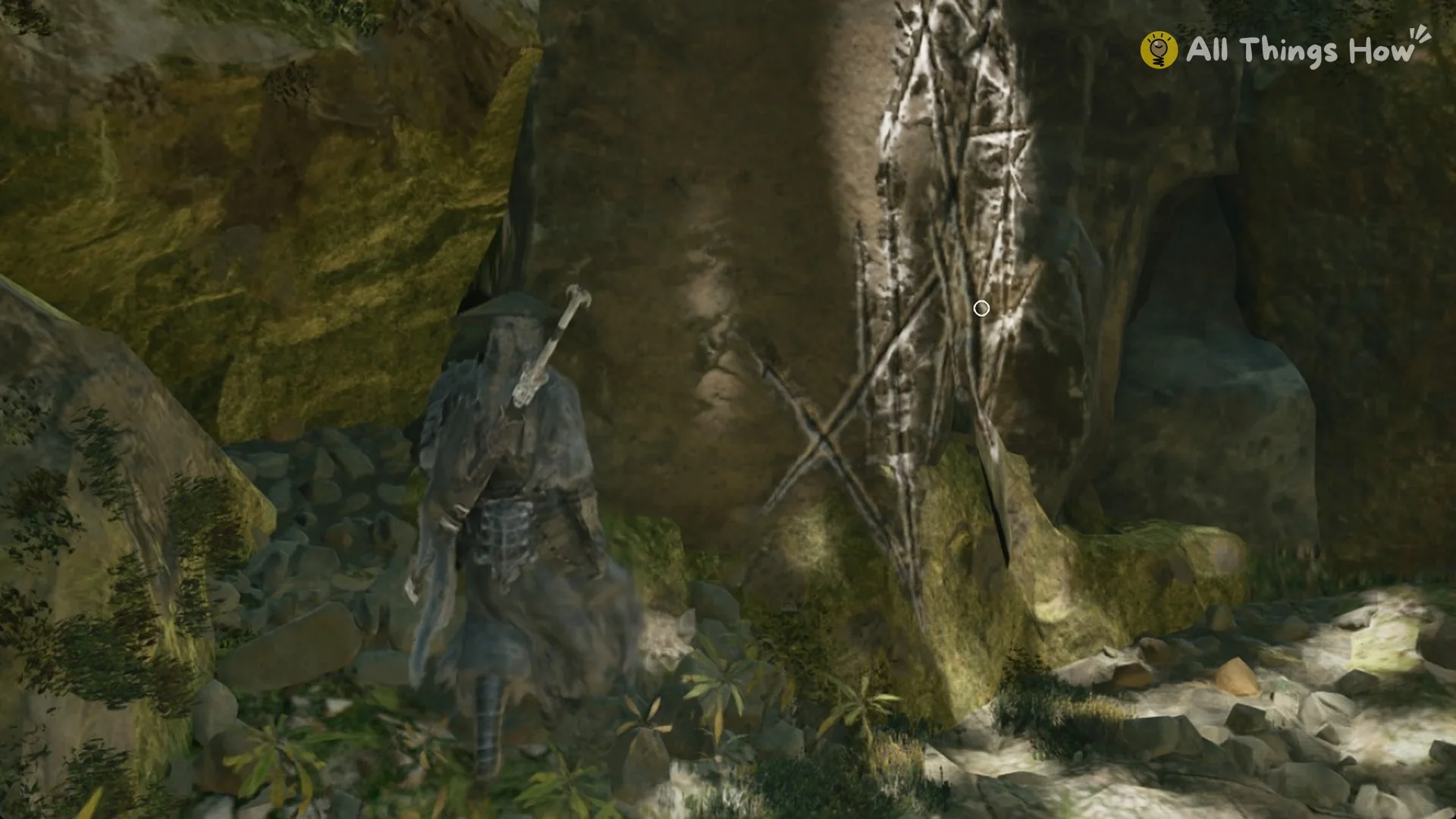
Quick answer: Walk up to a wall marked with bright white crossed scratches until the Space prompt sits on the marks, then tap Space and Soul vaults up. Faint brown marks nearby can show the prompt without working.
How to climb a wall in Phantom Blade Zero
On PC (see the full controls list), Terrain Traversal uses Space, the same key as Jump. You don’t need to sprint or hold anything else.
| Action | Default PC key |
|---|---|
| Terrain Traversal (climb) | Space |
| Jump | Space |
| Sprint | Left Shift (hold) |
| Mind’s Eye | V (hold) |
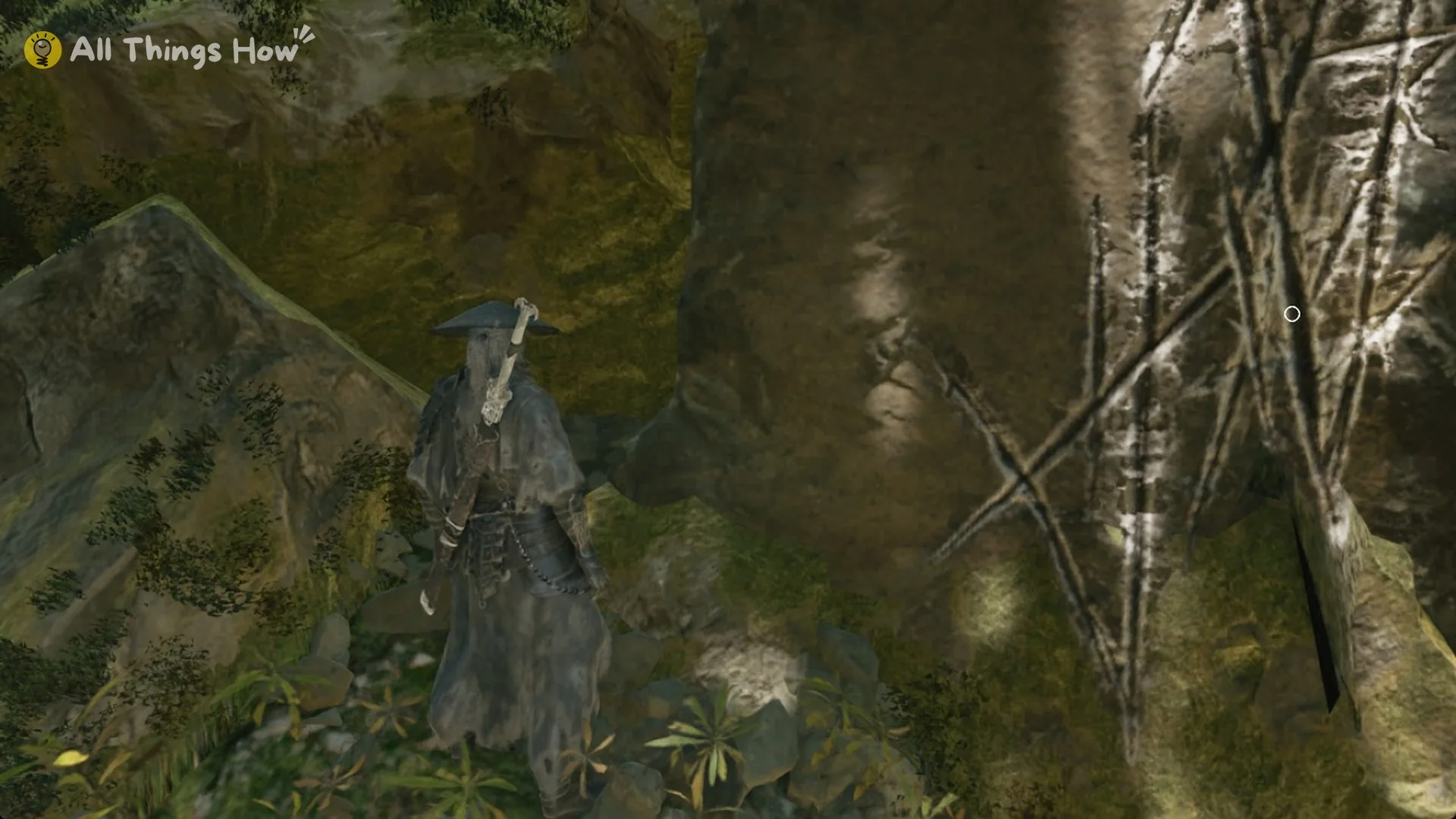
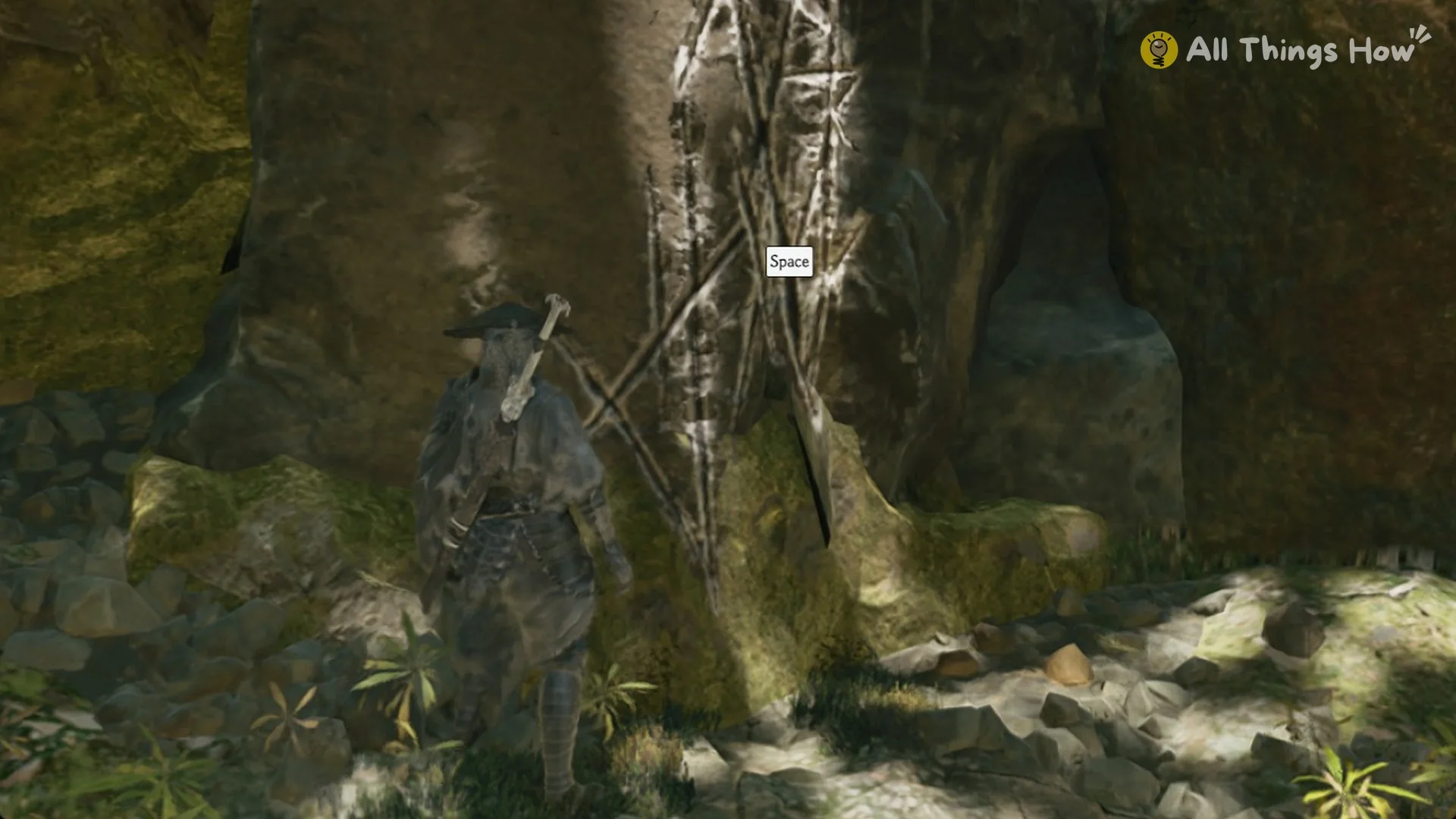
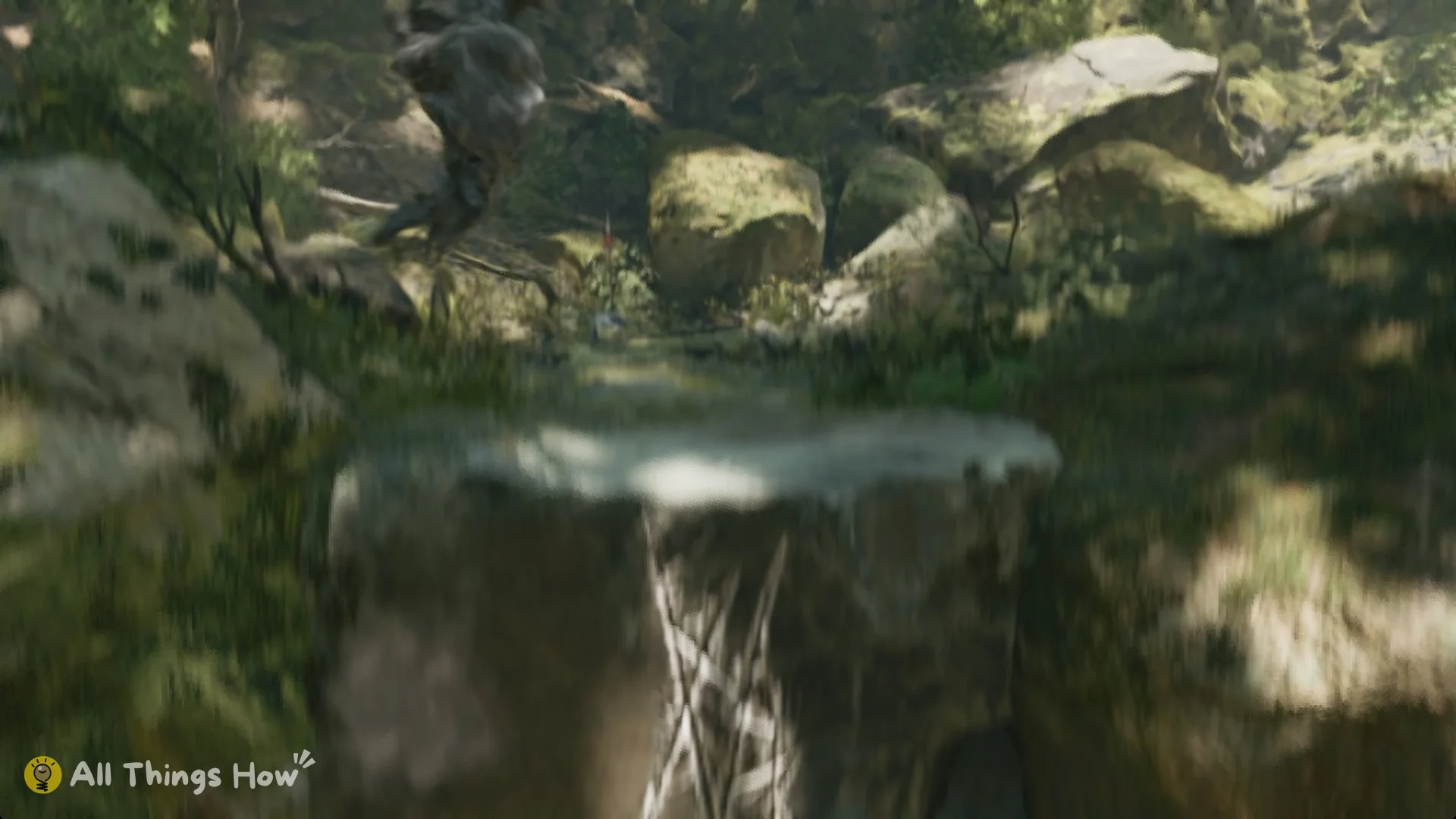
You know it worked when Soul is standing on the upper level instead of at the foot of the wall.
Why the Terrain Traversal prompt doesn’t work
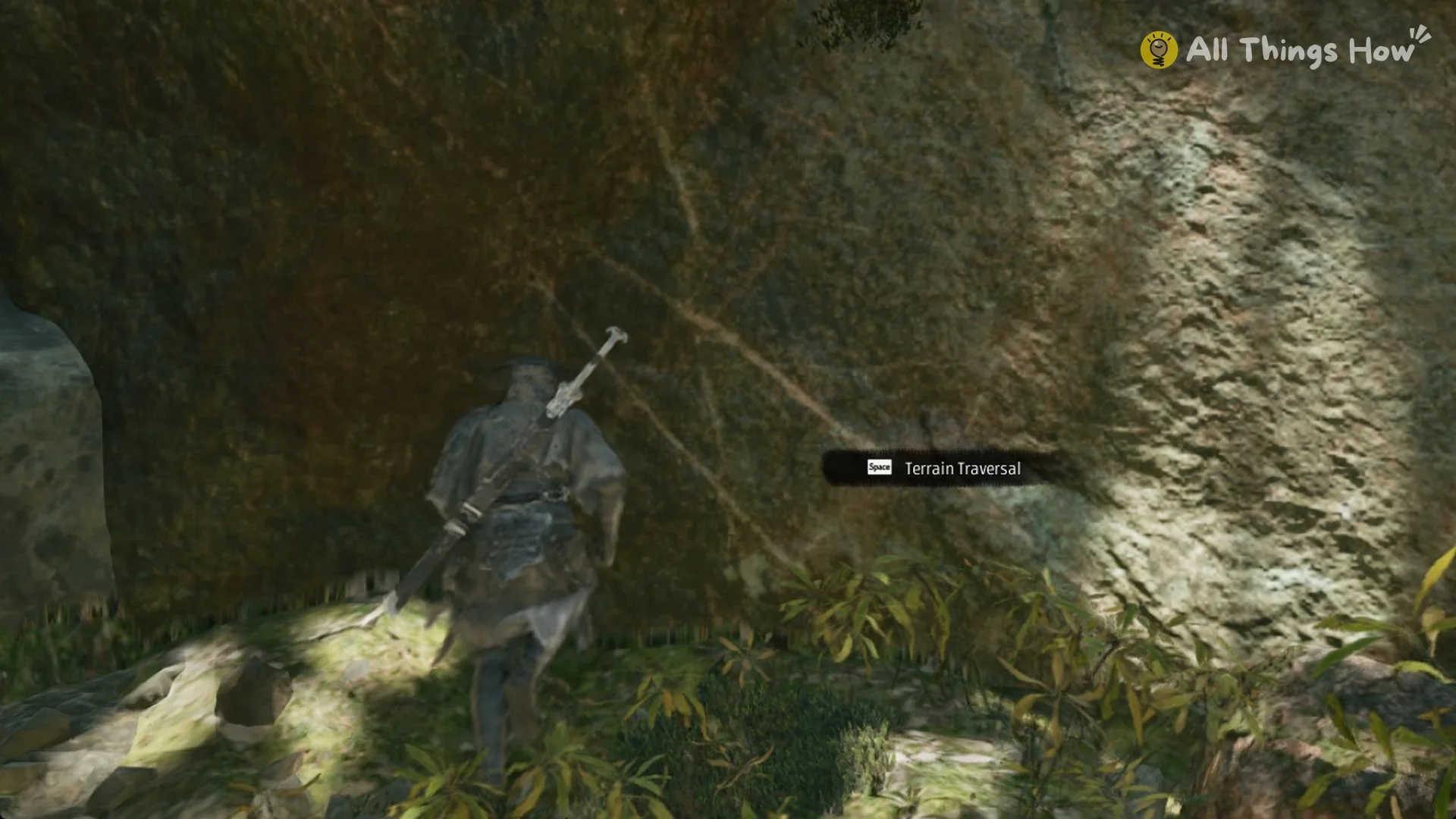
In Chapter 1, a large boulder sits a few steps to the left of the real climb. It has faint brown scratch marks, and standing beside it brings up a “[Space] Terrain Traversal” prompt. From that spot, Soul stays on the ground no matter how you press the key:
- Tapping Space
- Holding Space
- Pressing Space while walking forward
- Pressing Space while sprinting with Left Shift
Continue around the rock until you reach the face bearing the bright white scratches. The prompt appears over that spot; press Space once to climb.
When the prompt is visible but Soul does not move, find the crossed white scratches nearby and position yourself directly before them.
Where you first need Terrain Traversal
The game introduces the move in the prologue. A “[Space] Terrain Traversal” prompt appears beside a narrow gap next to a burning fire basket.
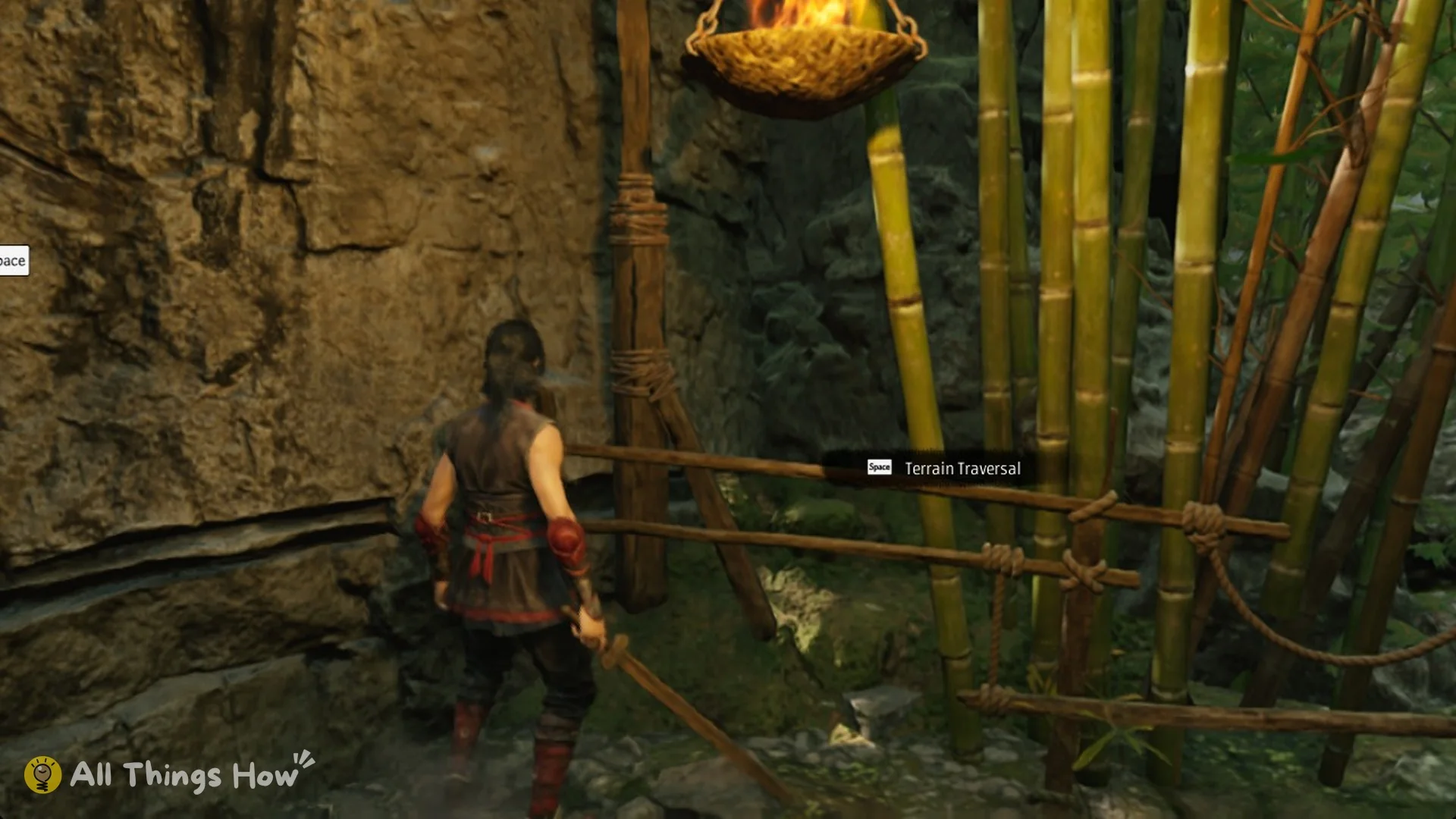
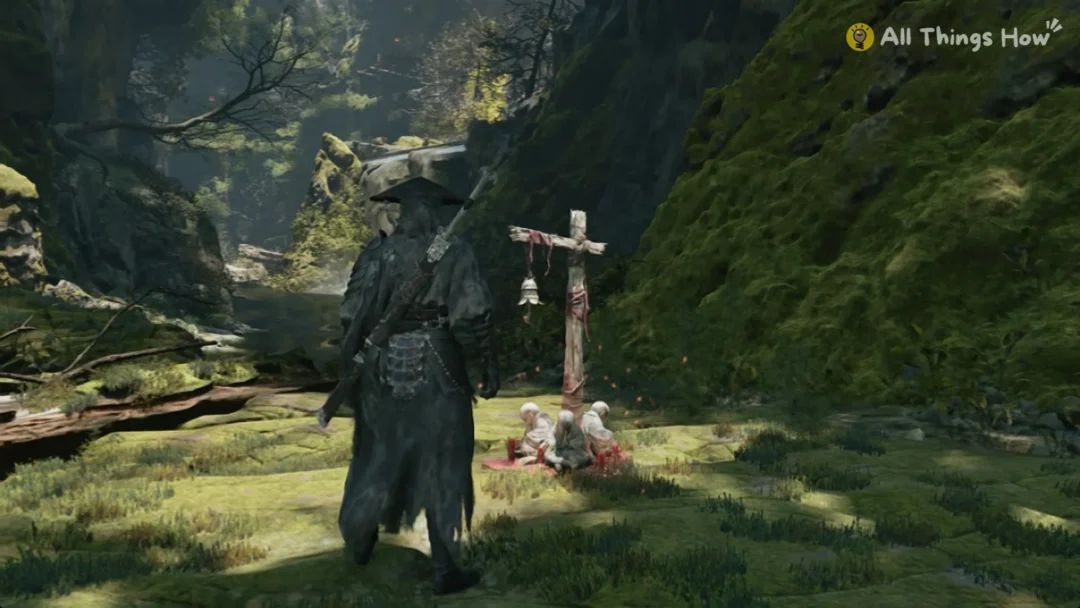
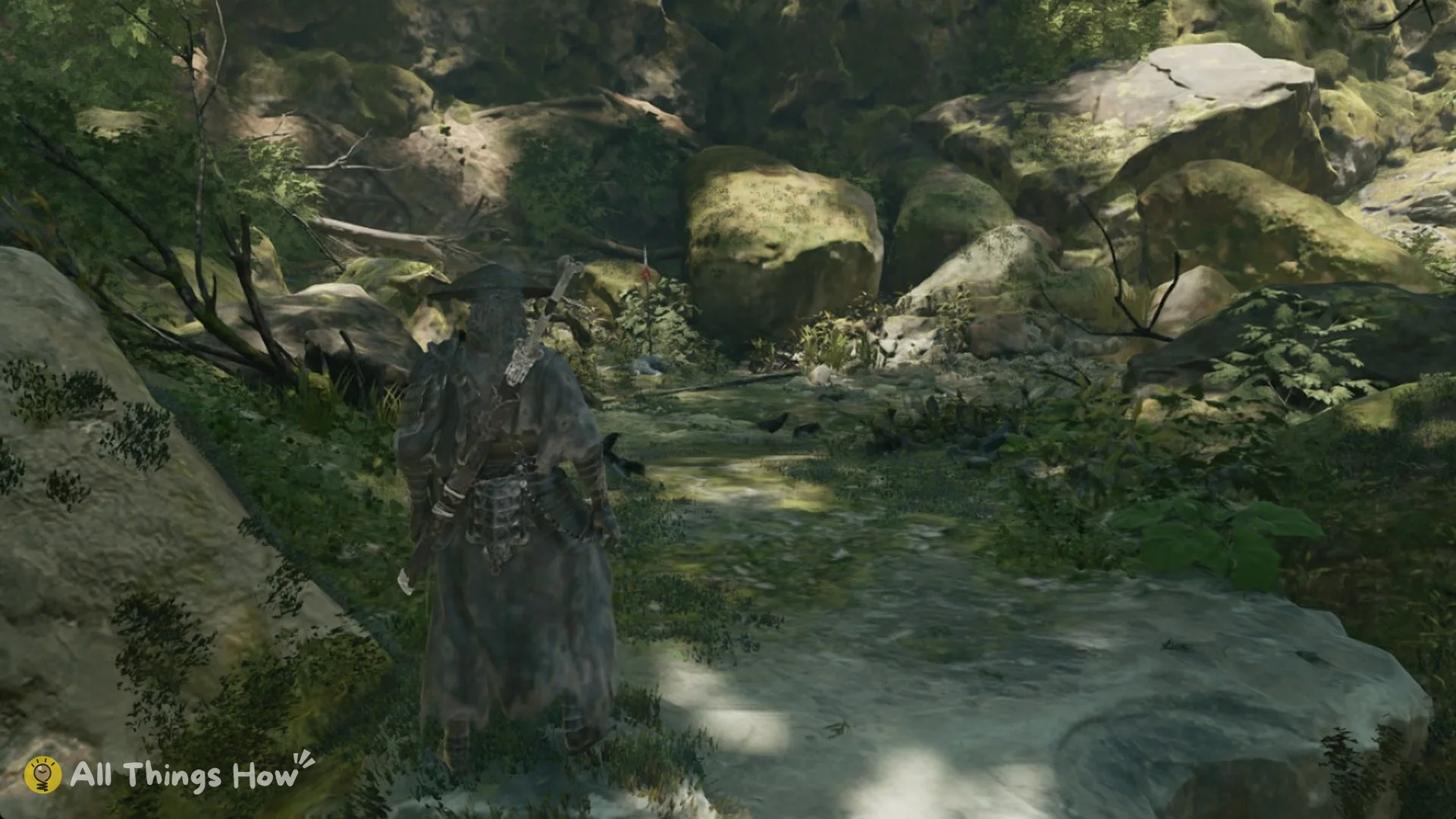
This climb becomes necessary early in Chapter 1, “AGAINST THE FLOW”, at Weeping Creek Valley. Soul wakes beneath the waterfall in the forest gorge; hold V to use Mind’s Eye. The tracked story quest marker is above the white-marked rock face, making this climb the route forward.
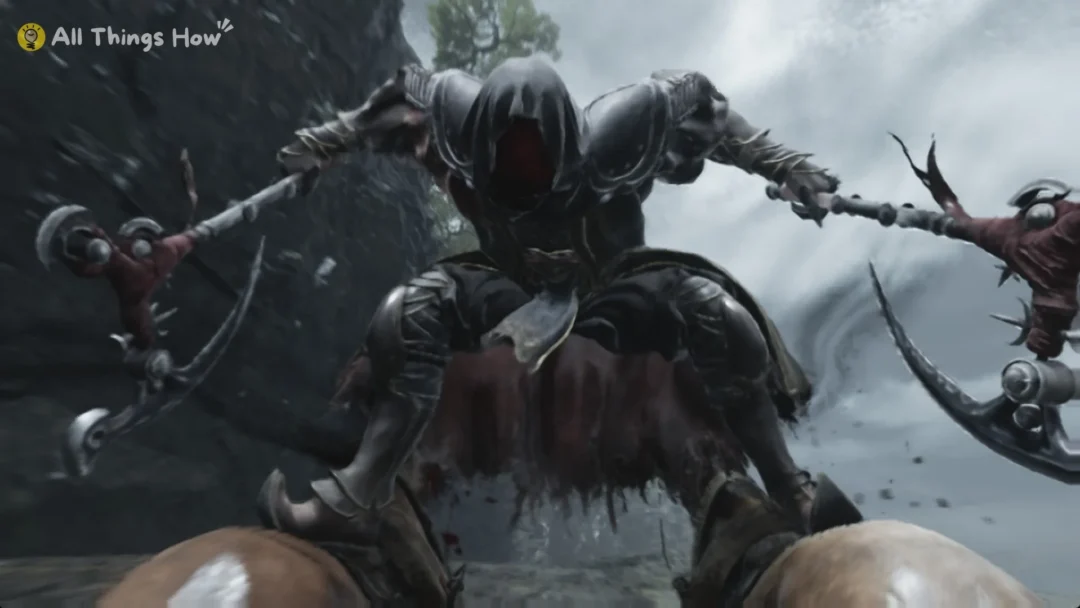
A fight starts as soon as you land. If your health is low, heal with R before you climb.
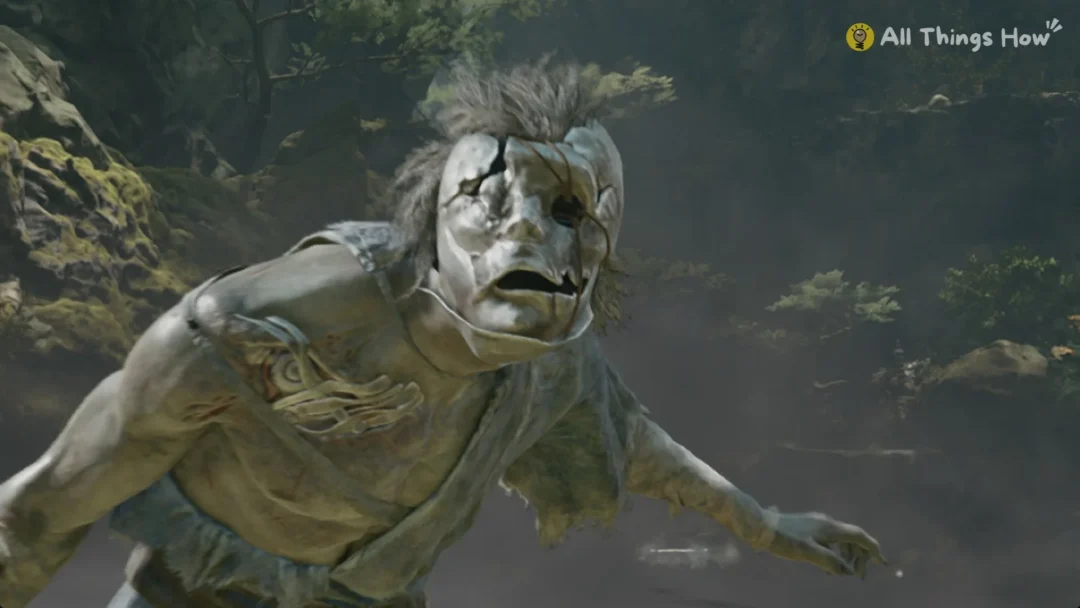
At the top, a cutscene plays in which Soul says, “This place has been overrun by the Transcended.” A masked brute with a cleaver then leaps in to attack.