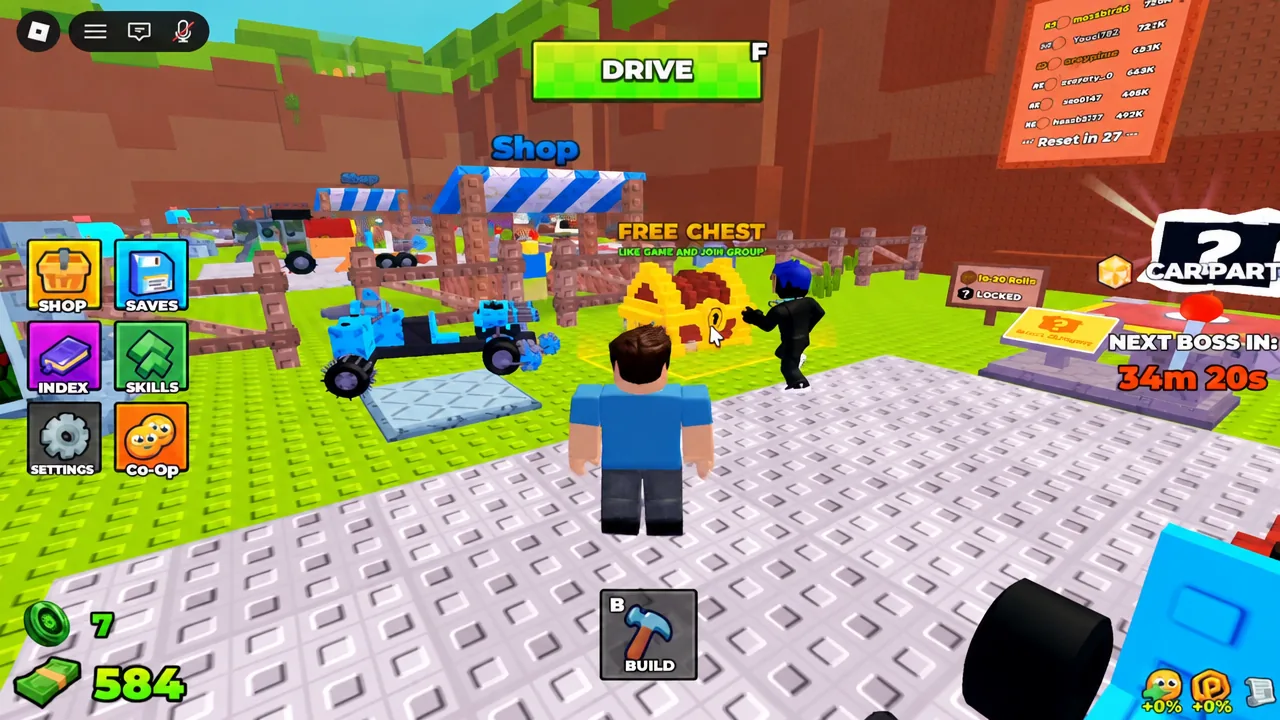
The FREE CHEST sitting in the lobby of Build and Kill Zombies is not a purchase and not a drop rate. It is a two-condition unlock, and the game checks both conditions when you load in. Walk into the yellow square before you meet them and you get the same rejection message every time.
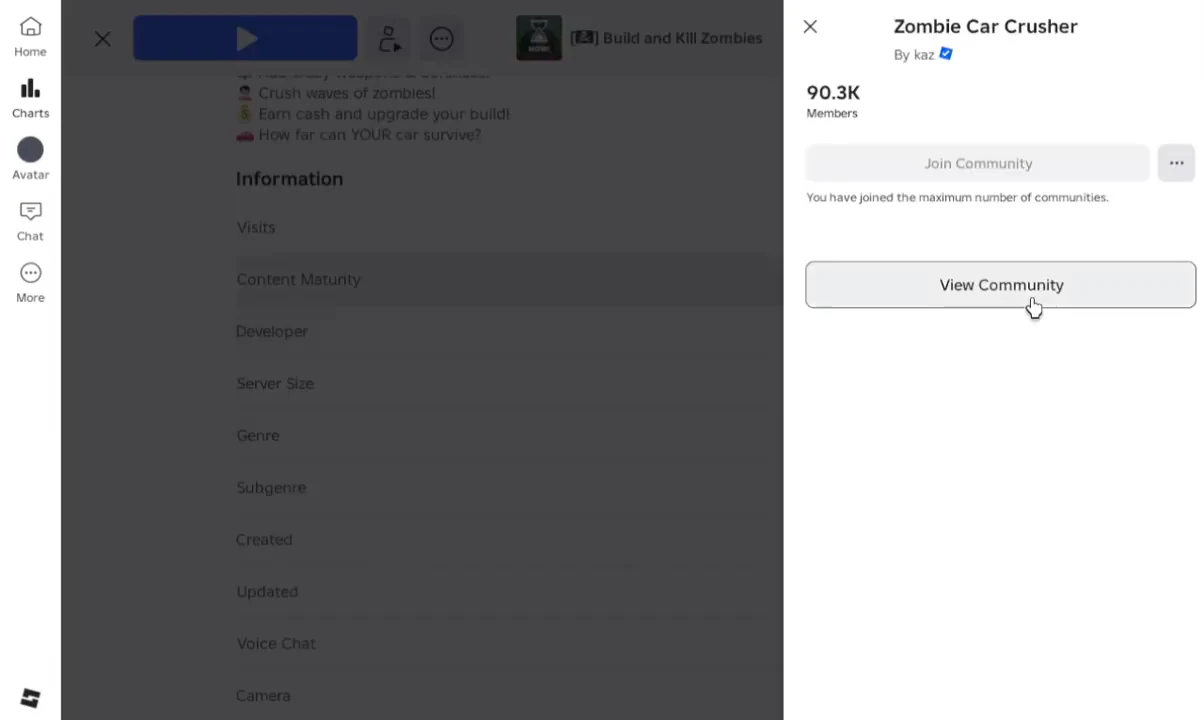
Quick answer: Like the game on its Roblox page, join the Zombie Car Crusher community, then rejoin the server and step into the yellow zone marked “FREE CHEST” to claim it.
Free Chest requirements in Build and Kill Zombies
Both conditions are tied to your Roblox account, not to your in-game progress. Neither one costs Robux, and neither one can be done from inside the server, which is why the chest trips up so many players.
| Requirement | Where you do it |
|---|---|
| Like the experience | Thumbs-up icon on the Build and Kill Zombies game page |
| Join the developer community | Zombie Car Crusher group page, via “Join Group” or “Join Community” |
| Reload the check | Re-launch the game after doing both, then enter the yellow zone |
Note: Roblox renamed groups to Communities, so the button wording differs depending on where you are in the site and on which device. Both do the same thing here.
How to unlock the Free Chest
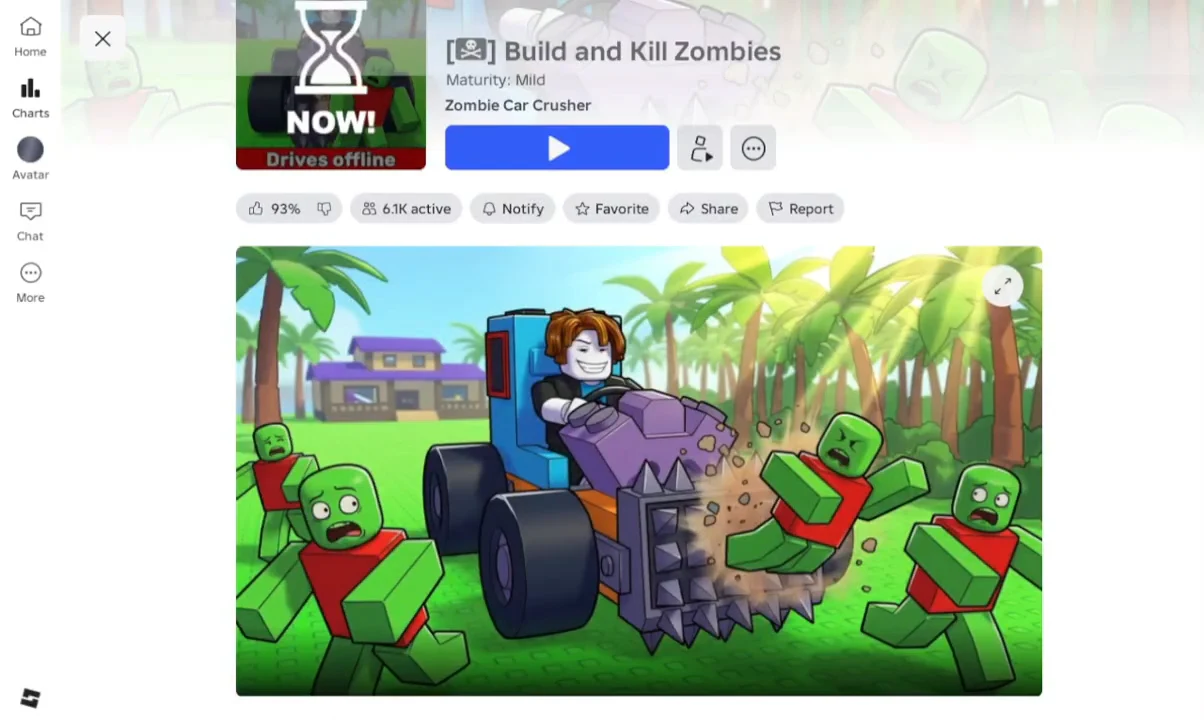
How to tell the unlock worked
The confirmation is the absence of the lock prompt. Before you meet the conditions, stepping into the zone throws up “You need to like & join the group!” and nothing is awarded. After a successful unlock, that message stops appearing and the chest simply opens when you stand in the outline.
From there you are free to go back to the rest of the hub, where the BUILD, DRIVE, SHOP, SAVES, INDEX, SKILLS, Co-Op and CAR PARTS options live around the garage.
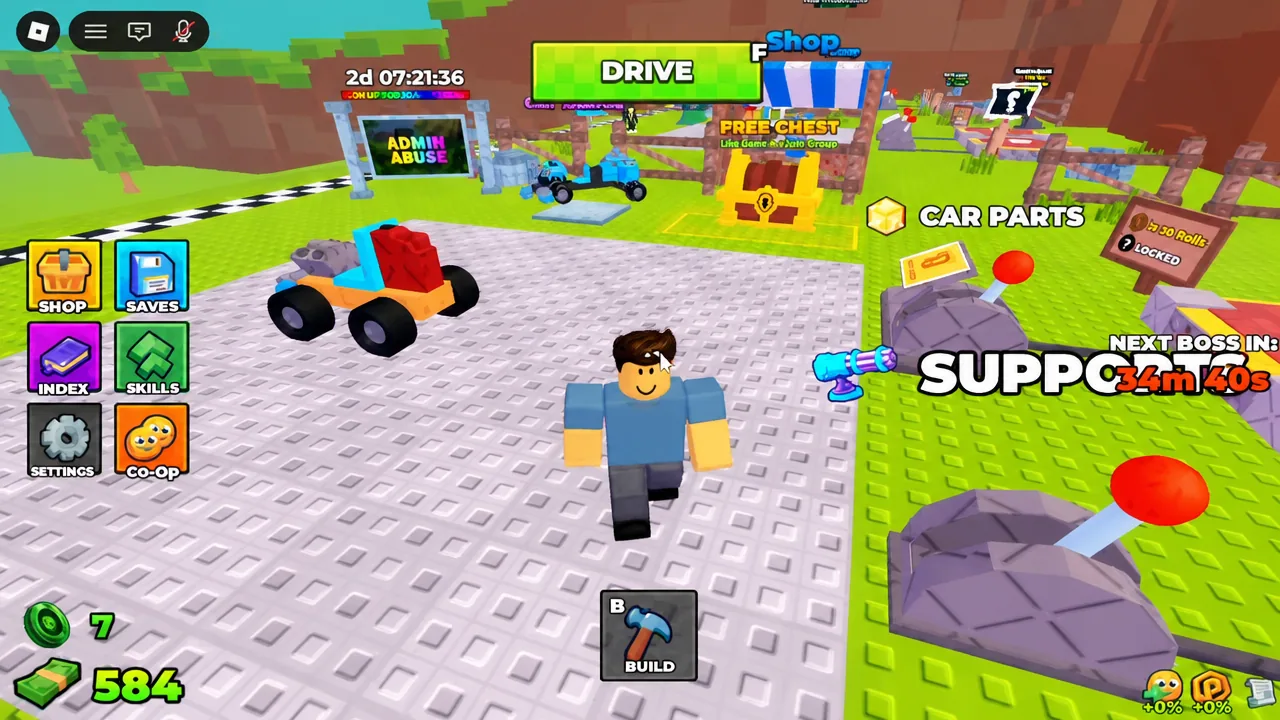
The CAR PARTS menu is where the build side of the game sits, with categories you cycle through using the Select prompt.
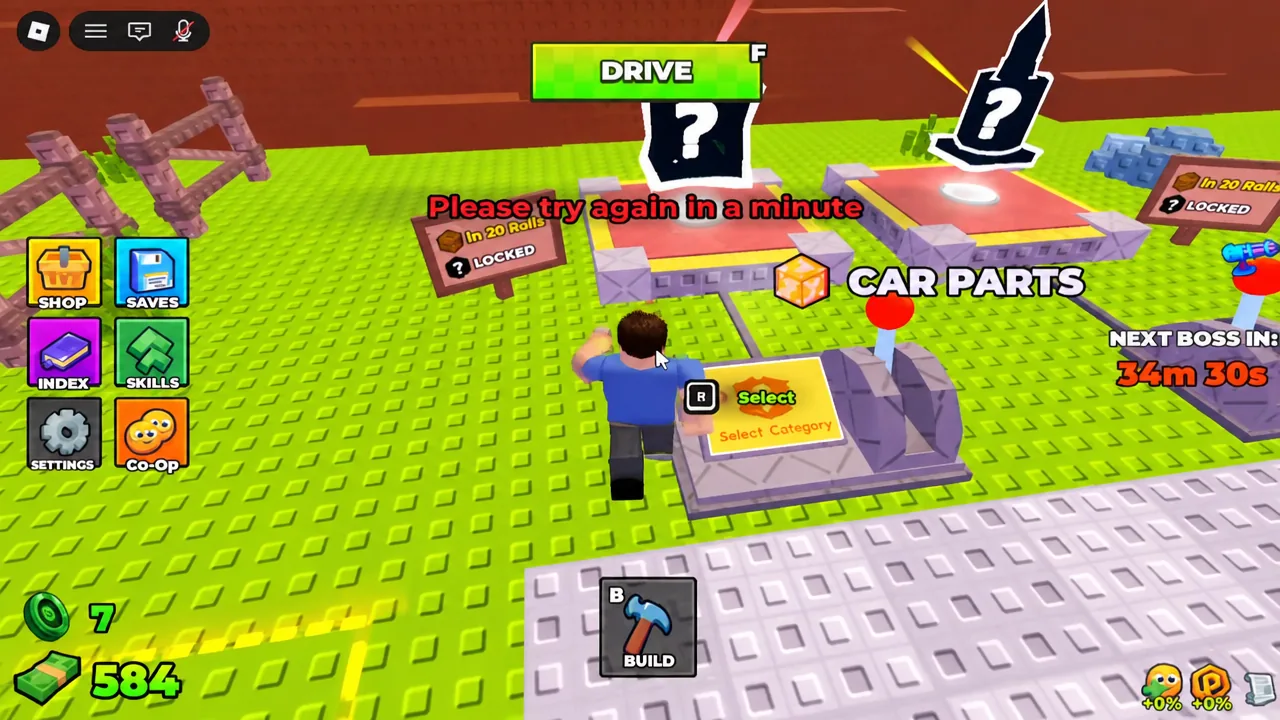
Why the chest still says it is locked
There are only a few reasons the prompt keeps returning, and all of them are fixable in under a minute.
- Only one condition was met. Liking without joining, or joining without liking, leaves the chest sealed.
- You never rejoined. Doing both steps in a browser tab while the game is still running does not re-run the check, so leave and re-launch.
- The like or join did not register. Reload the experience page and confirm the thumbs-up is filled in and the group shows you as a member.
- You see “Please try again in a minute.” That is a cooldown, not a failure. Wait it out and step back into the zone.
Daily claim after the first unlock
The unlock is permanent, but the reward is not a one-off. The chest can be claimed once every day, so the routine after the first time is simply to load in, walk into the yellow outline, and collect. Leaving the community or removing your like would put you back behind the same gate, so keep both in place if you plan on claiming it regularly.