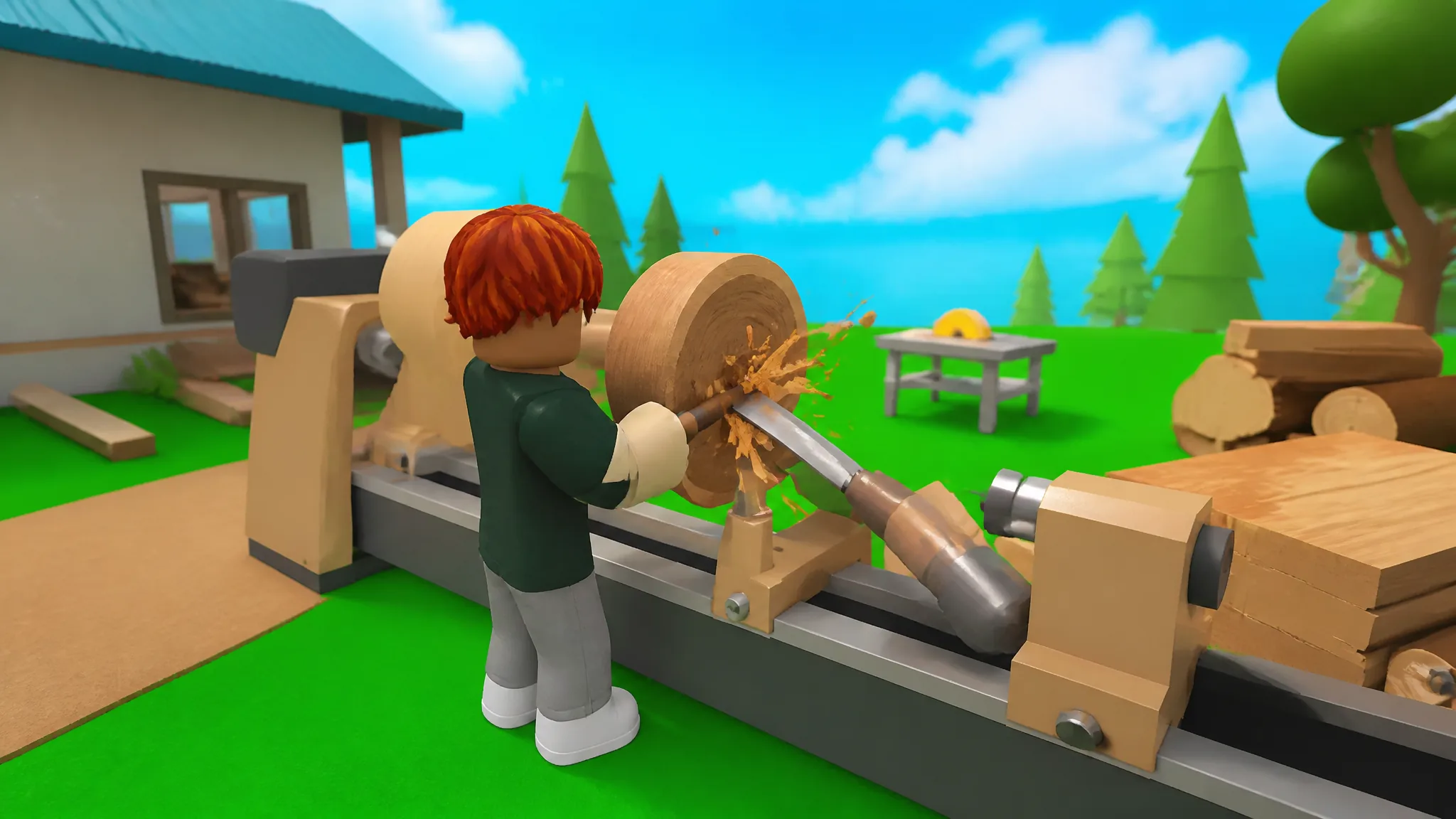
Employees in Carve Wood handle the repetitive work of stocking logs and closing sales, so you can spend your time planting rarer trees and expanding the tycoon. You can only bring them on after your business reaches a specific milestone, and the whole system is tied to one purchase.
Quick answer: Keep upgrading your tycoon with Wood Chips until the Robot Lathe button appears, then buy it for 15,000 Wood Chips. This adds the Stocker and opens the Employees menu.
Earn the 15,000 Wood Chips you need
Wood Chips are the currency that gates the entire Employee System. You collect them by chopping down trees, so a steady growing cycle is the fastest way to build up the total you need.
Plant seeds in your seedbeds, wait for them to mature into full trees, then cut them down with your axe to receive both lumber and Wood Chips. Rarer trees pay out more Wood Chips per harvest, so prioritizing higher-rarity seeds shortens the grind toward the Robot Lathe.
Your lumber yard keeps growing trees while you are offline, so leaving seeds planted before you log out means more to harvest and more Wood Chips waiting when you return.

Unlock the Robot Lathe to hire your first employee
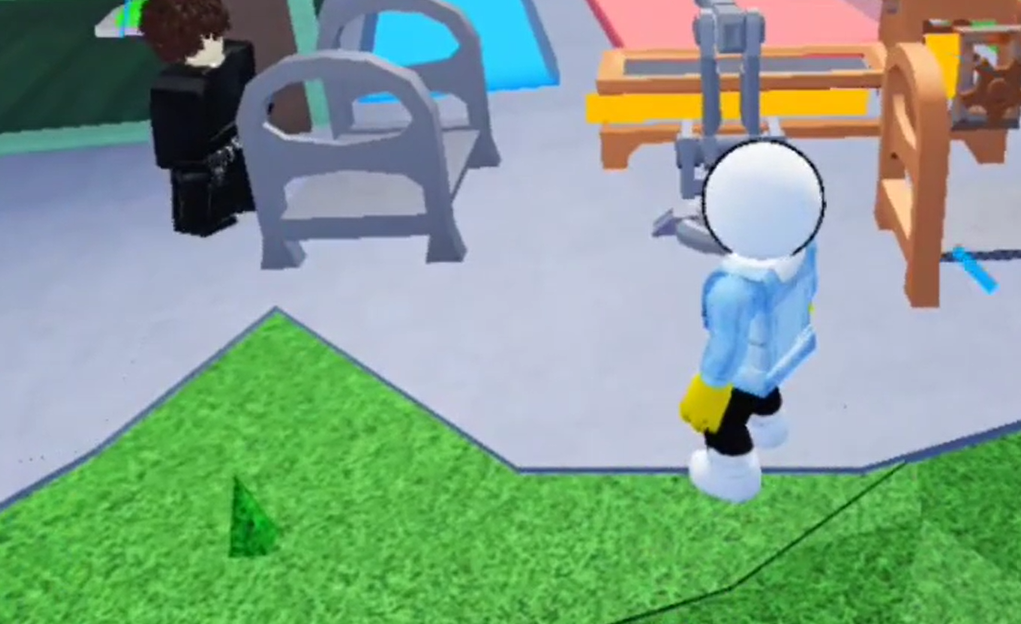
The Employee System is locked until you reach the Robot Lathe upgrade. It does not appear from the start, so you have to work through earlier upgrades first.
You know it worked when the Employees button is visible in that left-side menu and the Stocker is listed inside it. If the button is missing, the Robot Lathe has not been purchased yet.
Employee types and what they do
Carve Wood uses two main worker roles, and each one automates a different part of the tree-to-sale loop. The Stocker comes with the Robot Lathe, while the Cashier arrives through later upgrades.
| Employee | Role | How you get it |
|---|---|---|
| Stocker | Stocks logs into the carving station and other machines | Included with the Robot Lathe (15,000 Wood Chips) |
| Cashier | Accepts or declines offers from NPC customers on your displayed sculptures | Unlocked through later tycoon upgrades |
Making further upgrades after the Robot Lathe unlocks more machines and workers, including the Cashier. The Cashier handles transactions on your finished pieces, deciding which customer offers to take.
Upgrade employees from the Employees menu
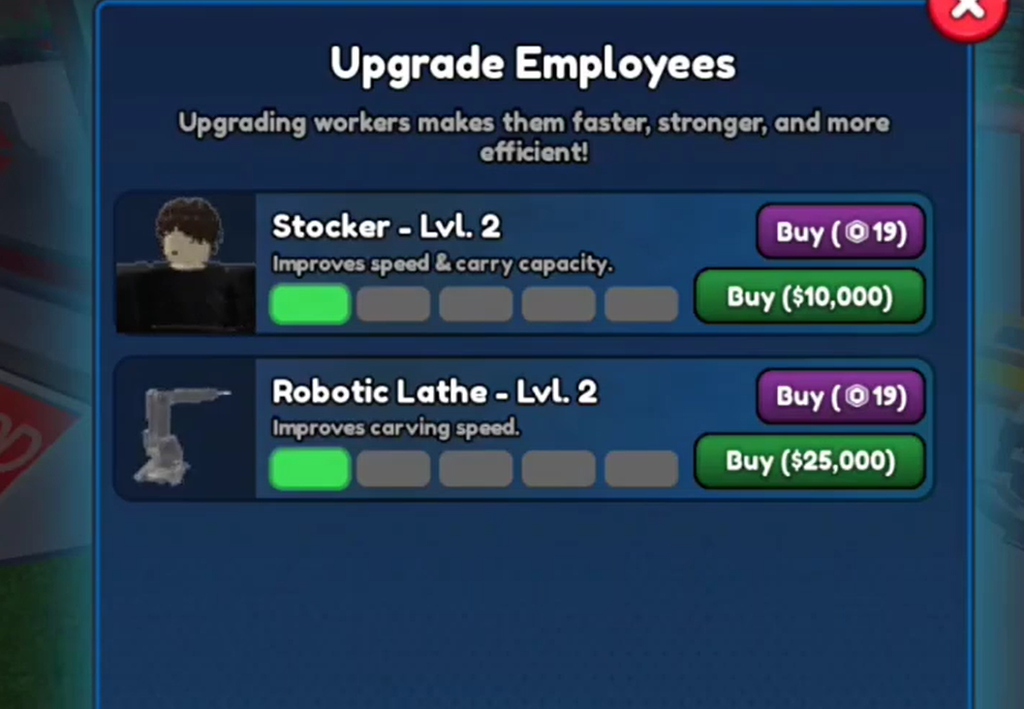
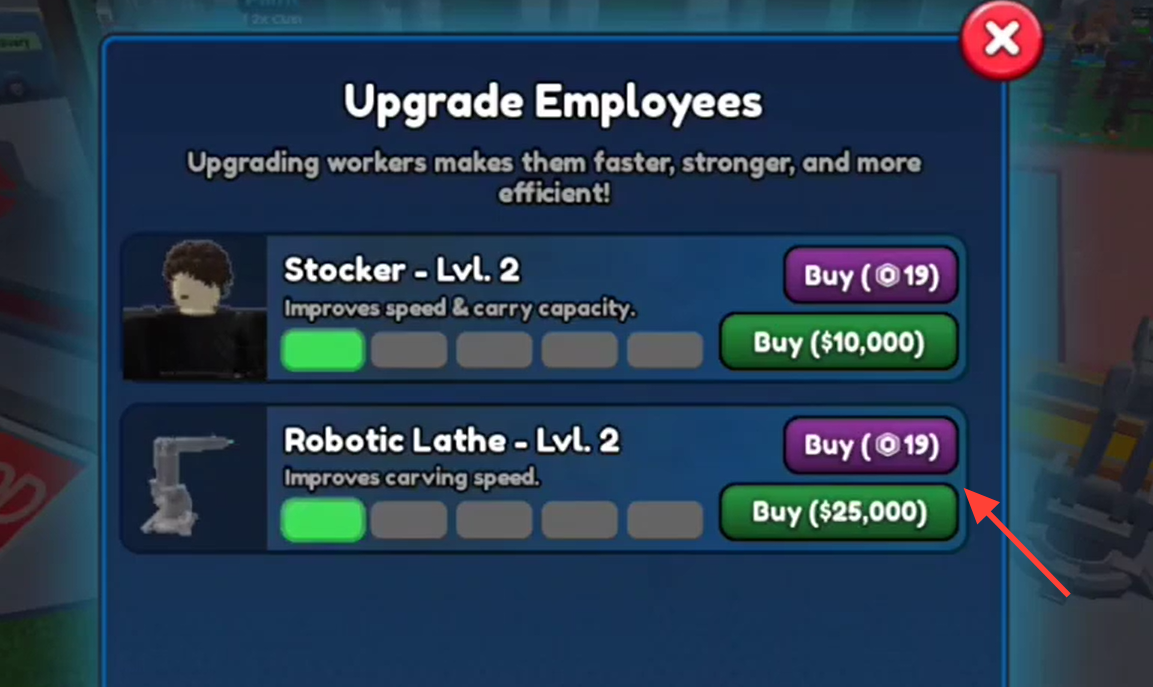
Every worker can be improved from the Employees menu, and upgrading makes them faster, stronger, and more efficient at their job. Each employee has 10 upgrade levels, and the cost climbs with every step.
- Upgrading the Stocker increases its working speed and lets it carry more lumber into the machines.
- Upgrading the Cashier improves its chance of agreeing to better deals and negotiating with customers.
- The final five upgrades cost significantly more Cash than the first five.
Cash is the standard currency for these upgrades, but you can also spend Robux. Early Robux upgrades cost less than 10 Robux each. Once a worker becomes a Prestige Employee, the price for further upgrades rises to over 100 Robux.
Since upgrade costs increase each time, the most efficient path is to keep your harvest cycle running and steadily pour Cash into whichever worker is currently slowing your production down. That keeps logs moving from your trees to paying customers with as little manual input as possible.