The Loudspeaker is one of the quieter entries in the Wardogs build menu, and one of the few that does nothing for your defenses. It is a climbable tower that carries your voice a long way across the map, and it takes a Support hammer, a bit of open ground, and a short trip up a ladder to get running.
Quick answer: Equip the hammer, hold right-click and press F for the radial build menu, choose LOUDSPEAKER for 80 supplies, place the blueprint, then climb up and press E to talk.
What you need before building a Loudspeaker in Wardogs
Everything here hangs on one item. Without a hammer in your hands, the radial build menu does not open at all, and the Loudspeaker stays locked away.
- The hammer tool, unlocked at Support level 8.
- A hammer handed over by a teammate if you are not there yet — spares often sit inside FOBs.
- 80 supplies in the pool you are building from.
- Construction happens inside a FOB’s build area, so stand within range of one.
- Enough clear ground, or an existing tall structure, for the tower to sit on.
Building it also pays Support XP, so this counts toward the same progression that unlocked the hammer in the first place.
Clear the ground with the hammer first
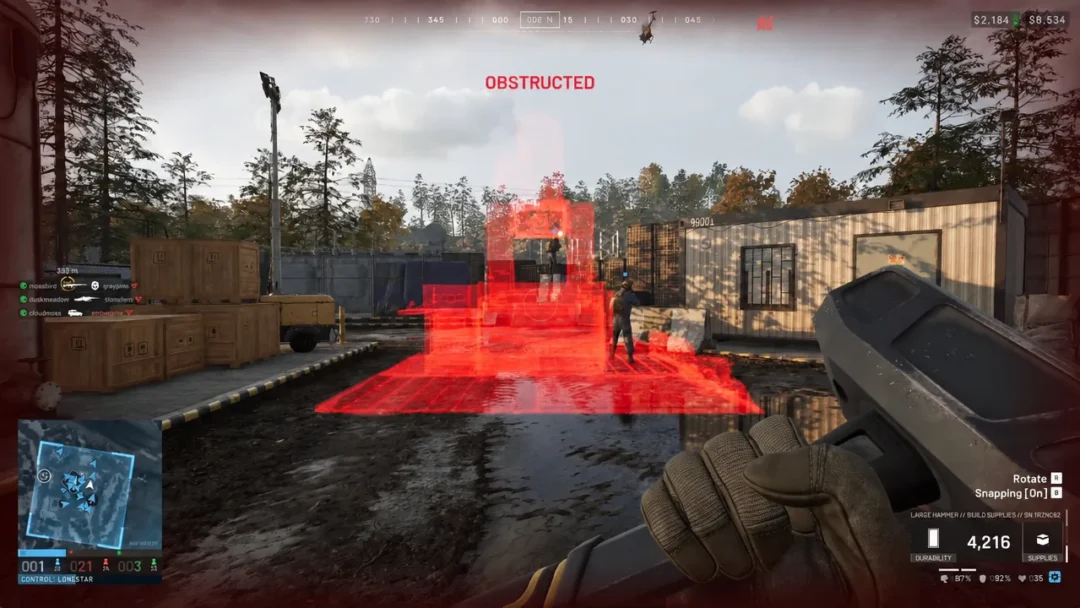
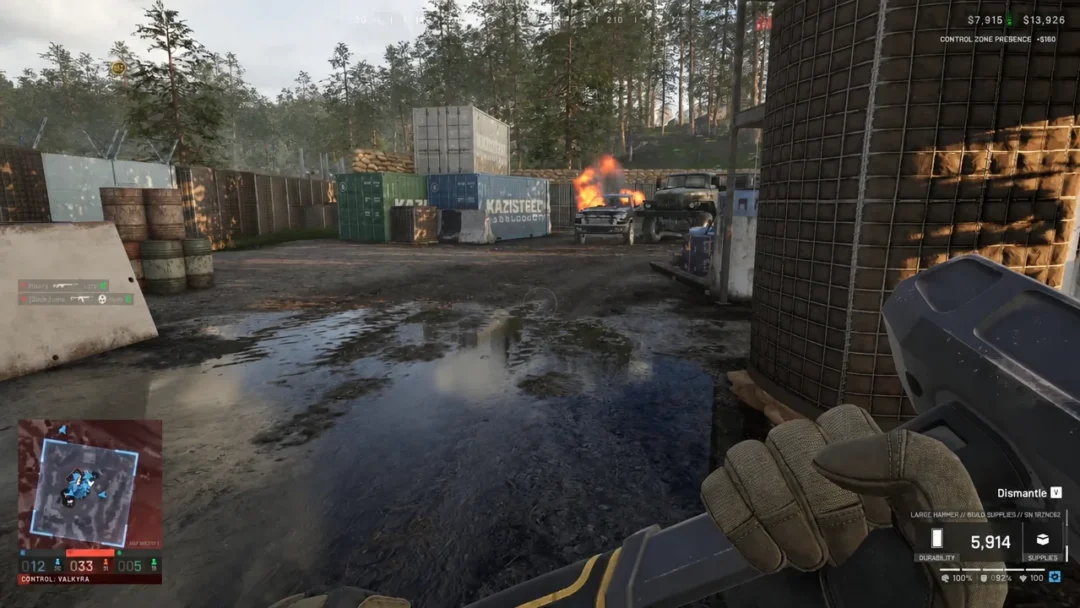
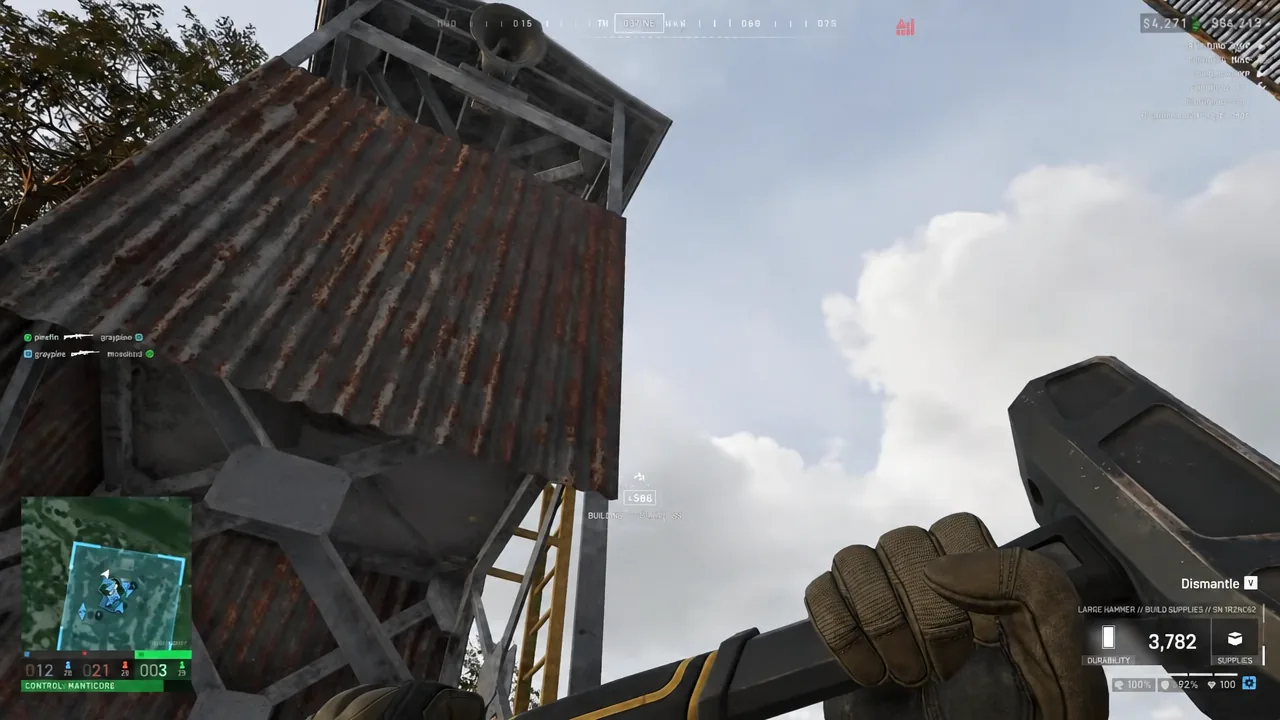
The Loudspeaker is a tall piece with a real footprint — 3×3×8.77 m — so it will refuse to place if junk is in the way. The same hammer that builds also takes things apart.
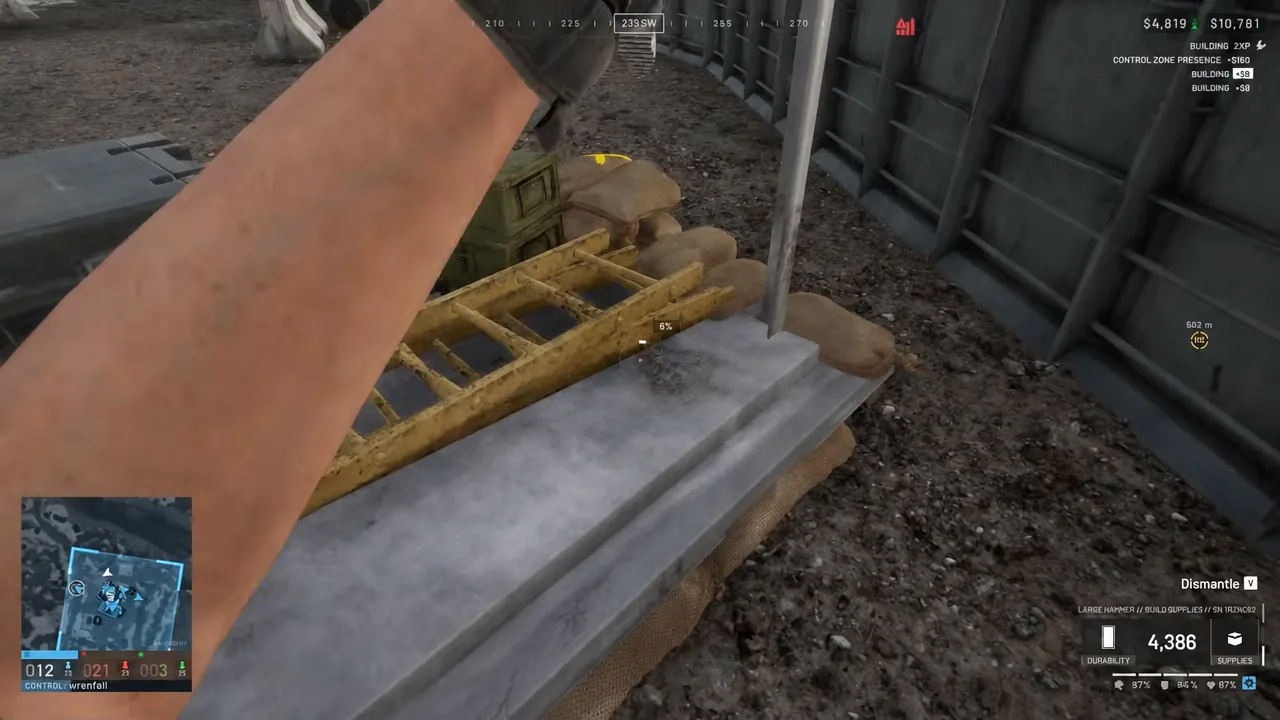
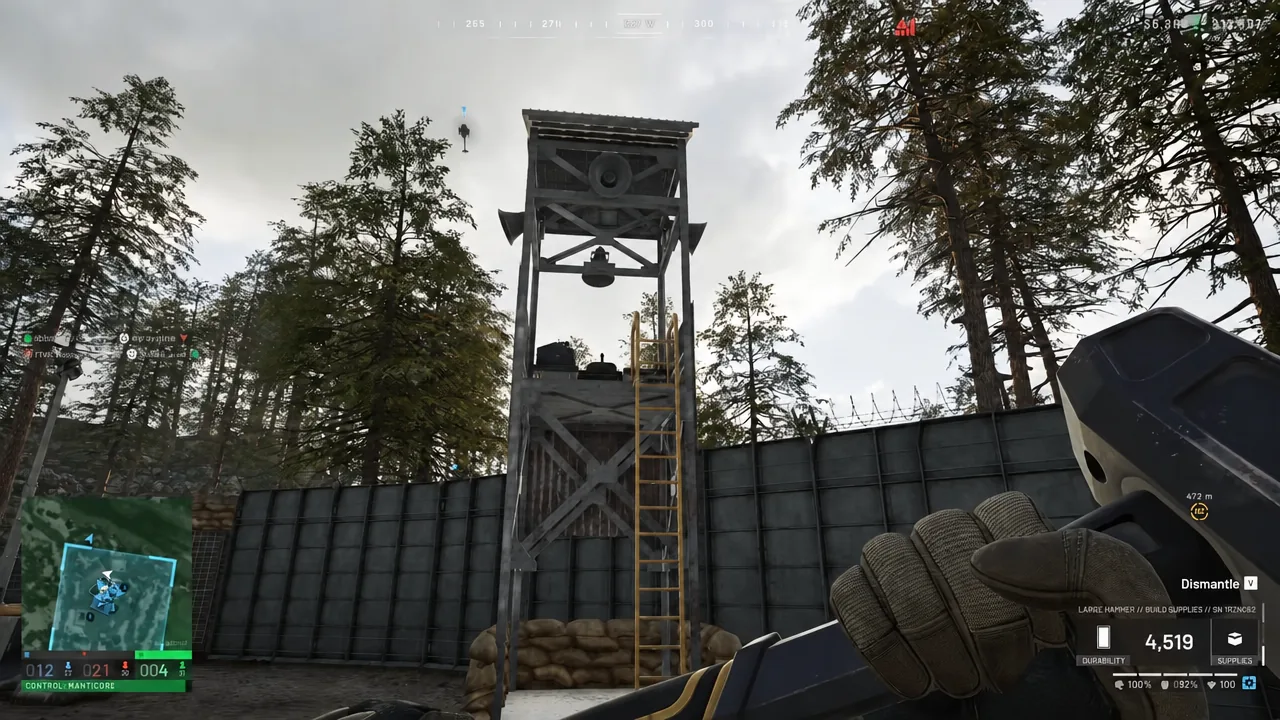
A tall metal tower already standing in your position is a good host for the Loudspeaker, since it gives you the height without any extra building.
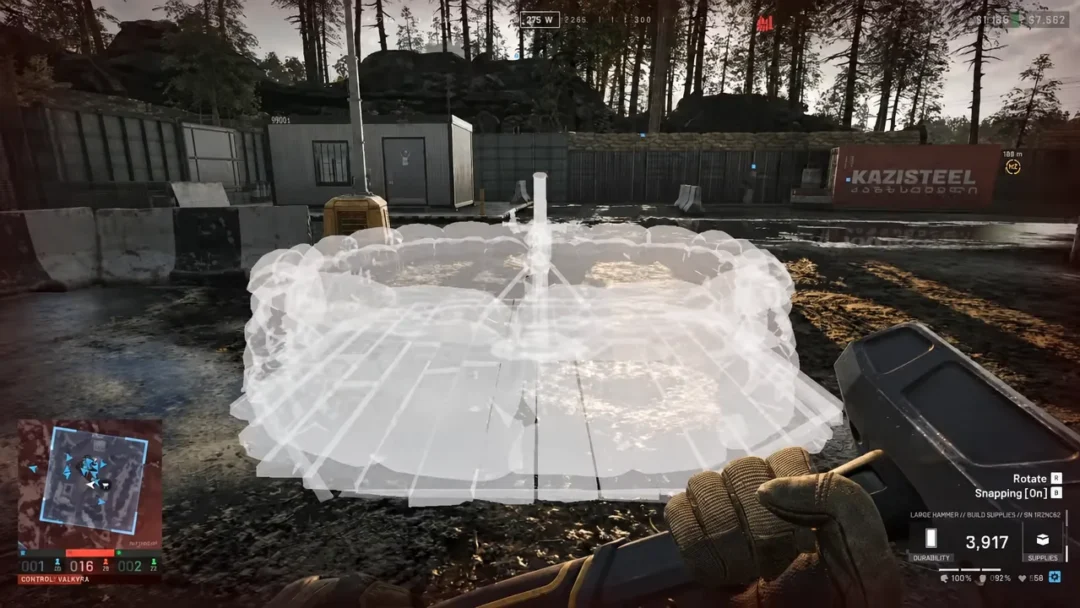
Place the Loudspeaker from the radial build menu
F. The radial construction wheel opens with every buildable you have access to, from Hesco blocks and the Indirect Fire Shelter through to the Drill Rig and Refuel Station.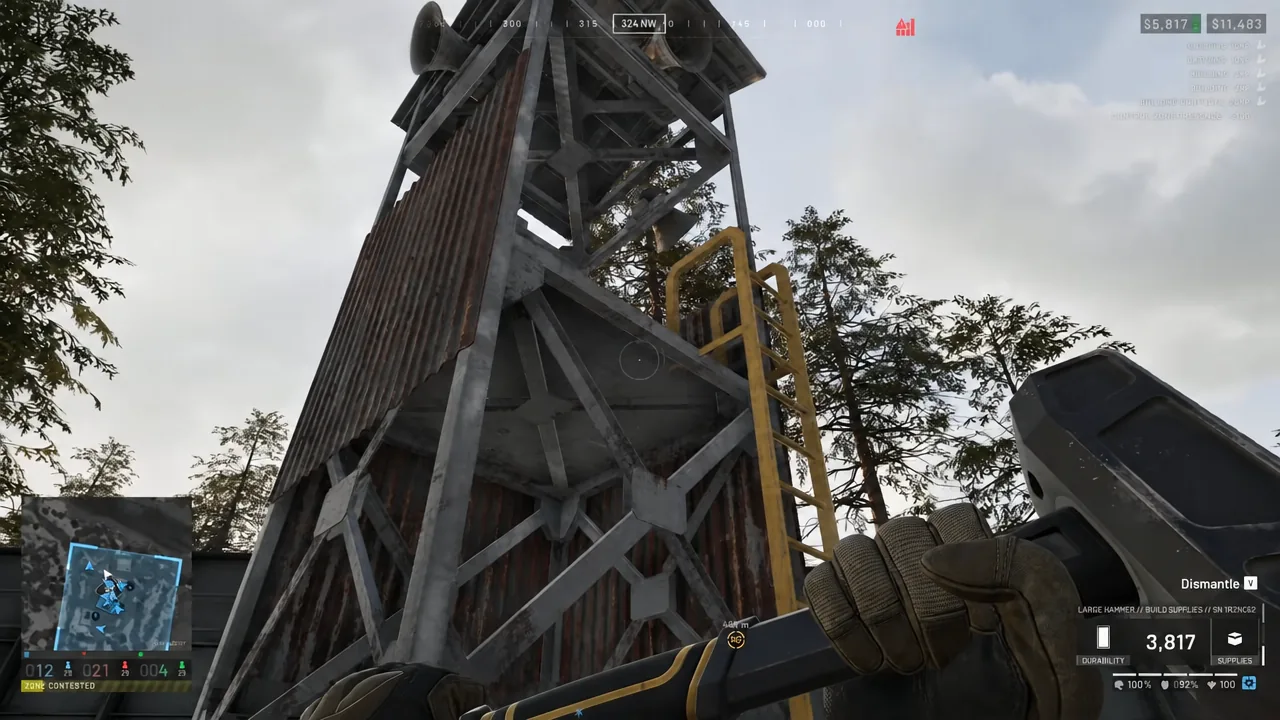
How to use the Loudspeaker and confirm it is working
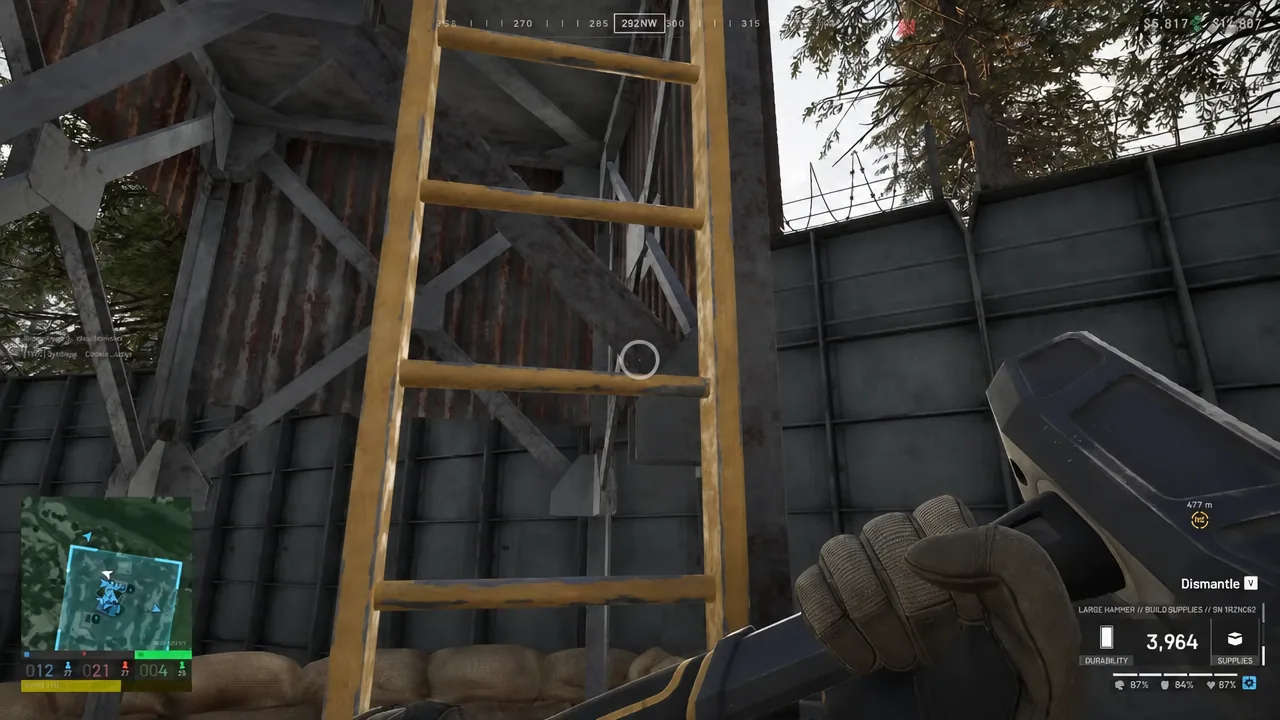
Climb the ladder to the top of the tower and look at the speaker itself. An interact prompt appears when you are in position. Press E and your voice goes out over the tower rather than just to the people standing next to you.
You know the build landed when three things line up. The blueprint has turned into a solid structure, the durability readout sits at 100%, and the interact prompt shows up at the top of the ladder. If the prompt never appears, you are either not fully at the top or the structure has not finished being hammered in.
Loudspeaker stats in Wardogs
| Attribute | Value |
|---|---|
| Category | Utilities (buildable) |
| Role XP | Support |
| Build cost | 80 supplies |
| Durability | 1,000 HP |
| Footprint | 3×3×8.77 m |
| Stacking | None |
At 1,000 HP it is roughly as fragile as the Builder’s Radio, which is worth remembering when you decide where it goes. It does not stack, so one per position is the practical limit.
Other structures on the same build wheel
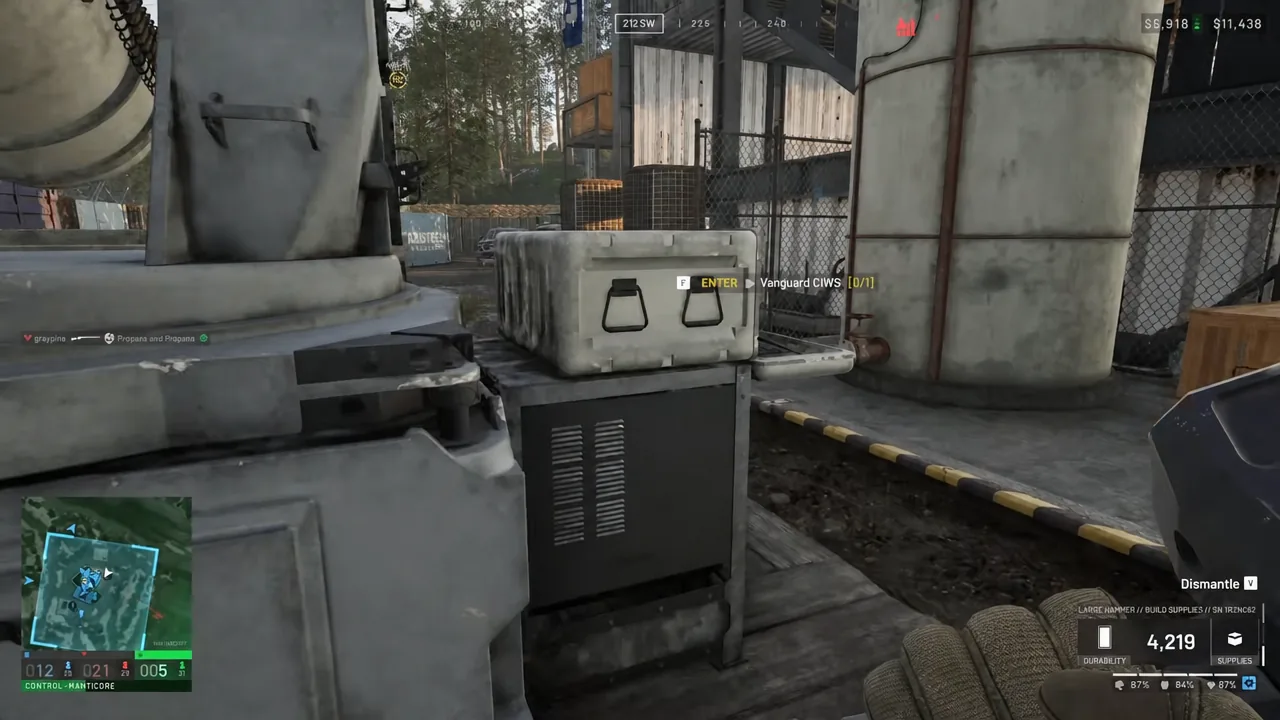
The wheel you used for the Loudspeaker is the same one that puts down Hesco walls, bunkers, recon towers and emplacements. Anything you build that has a seat can then be manned — walk up to a Vanguard CIWS, take the enter prompt, and you are on the gun tracking helicopters overhead.
Once the tower is up it stays part of the position for the rest of the match, so put it somewhere your squad passes through rather than out on an exposed flank. Eighty supplies is cheap next to a Drill Rig or a Refuel Station, and the only real cost is the ladder climb every time you want to use it.