Emotes in WARDOGS are not bound to their own key. They live inside the same radial wheel you use to talk to your squad, which is why plenty of players never find them. Once you know where the wheel hides them, raising your hands to surrender or pumping your fists takes about a second.
Quick answer: Hold the middle mouse button, move the cursor down to EMOTES, then hover the emote you want and release the button to play it.
Emote controls in WARDOGS on PC
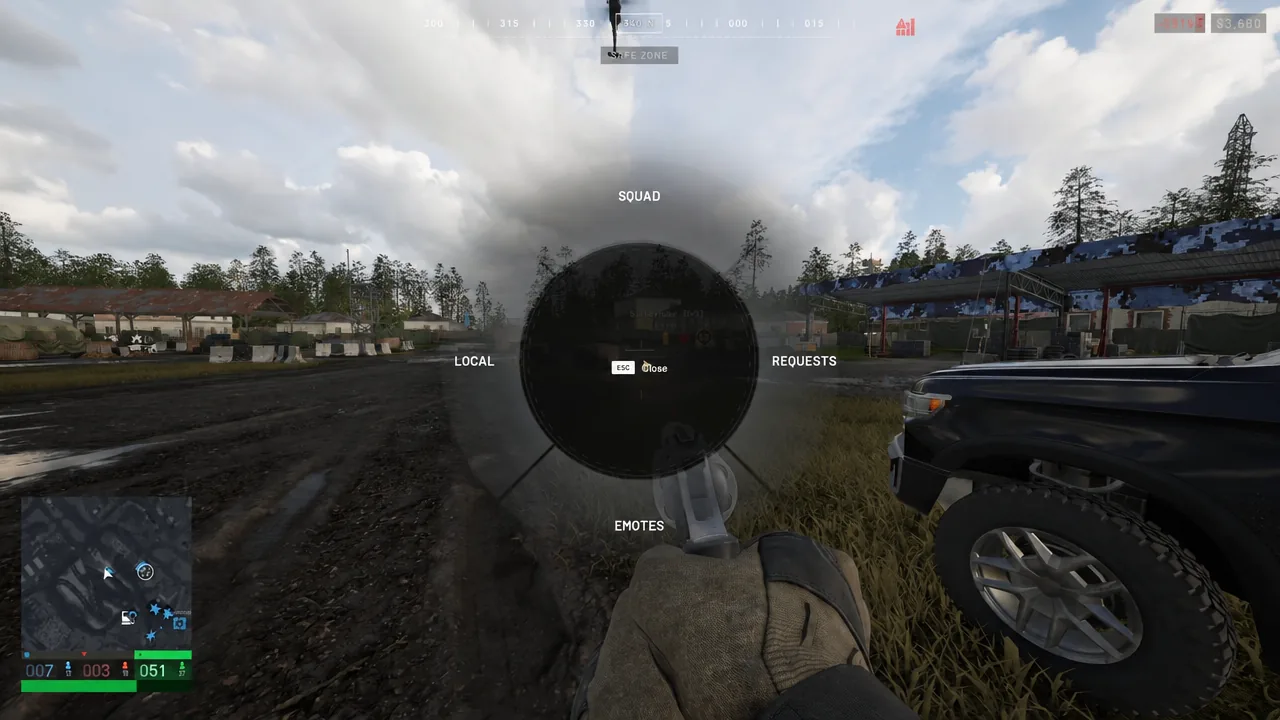
Holding the middle mouse button (MMB) brings up the main radial menu. The wheel is split into four sections, and emotes are one of them:
- SQUAD
- LOCAL
- REQUESTS
- EMOTES
The wheel itself shows an MMB Close prompt while it is open, so you can back out without firing off a gesture you did not mean to send. There is no separate standalone emote key to hunt for in the options menu — the radial menu is the only route in.
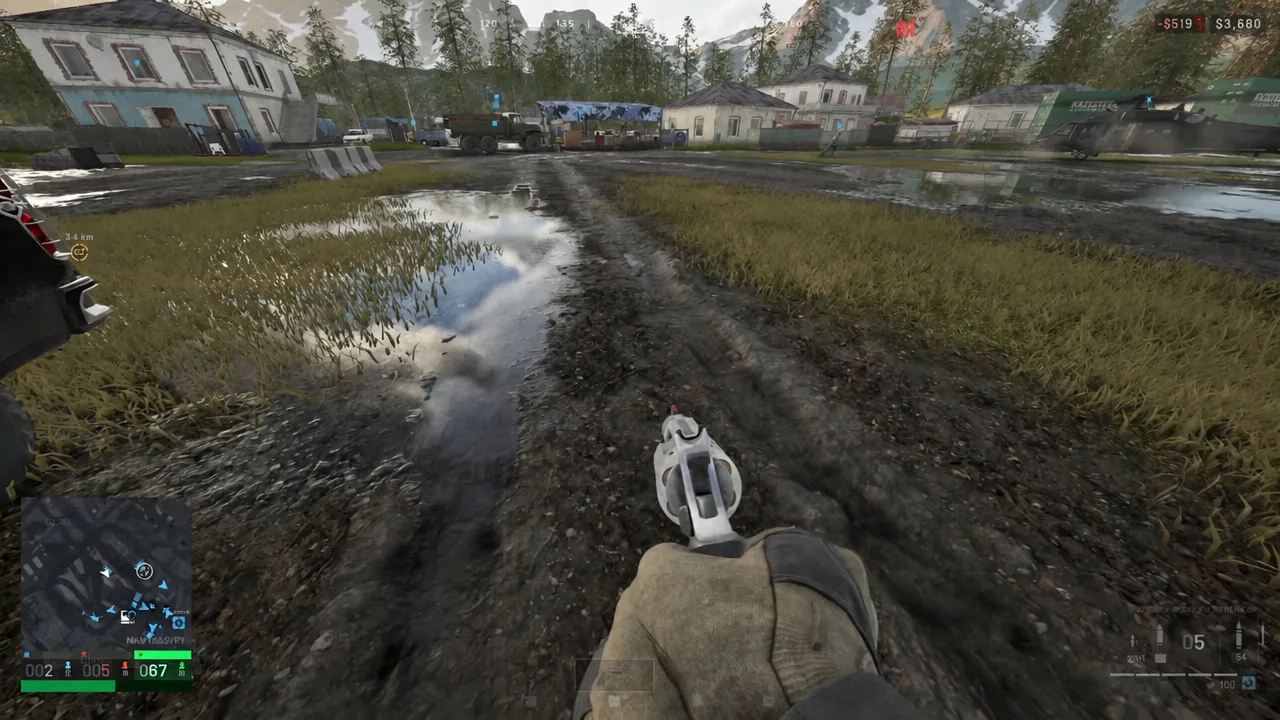
You do not need empty hands to do any of this. The wheel opens and the emote plays while your primary weapon or sidearm is still equipped.
How to open the emote wheel and play an emote
Running the sequence twice in a row is the fastest way to learn the wheel positions, since the emote sub-menu keeps the same layout every time you open it.
Which emotes are in the wheel
The emote sub-menu carries three tactical gestures:
- HALT
- SURRENDER — both hands go up above the head
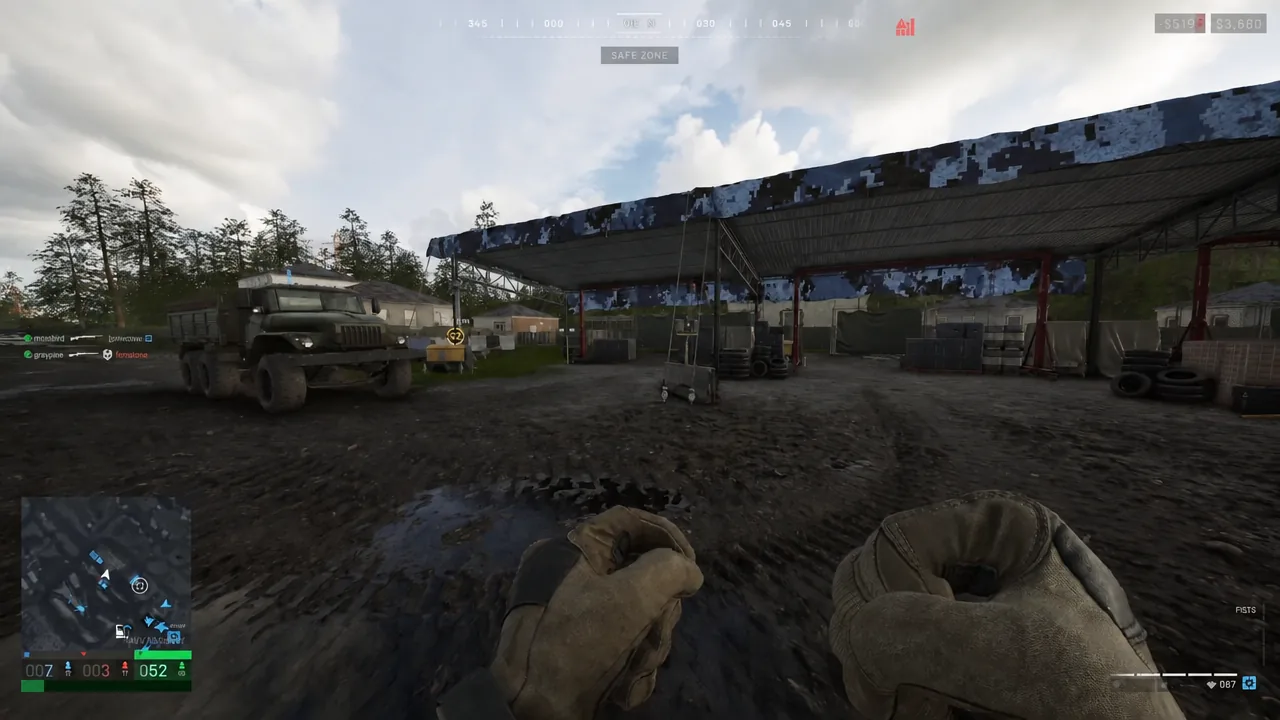
- ASSAULT — the character pumps their fists
Separate from those, WARDOGS also carries cosmetic emotes as their own item line, including Middle Finger, Rock Paper Scissors, and Shh. Those are cosmetics rather than squad signals, so treat the three gestures above as the ones every player can reach straight out of the wheel.
How to confirm the emote actually played
WARDOGS is first-person, so the only proof you get is your own arms moving in front of the camera. With a weapon in hand, the gesture can be hard to read. Dropping the weapon with F clears the view entirely and leaves you watching bare hands, which makes the animation obvious.
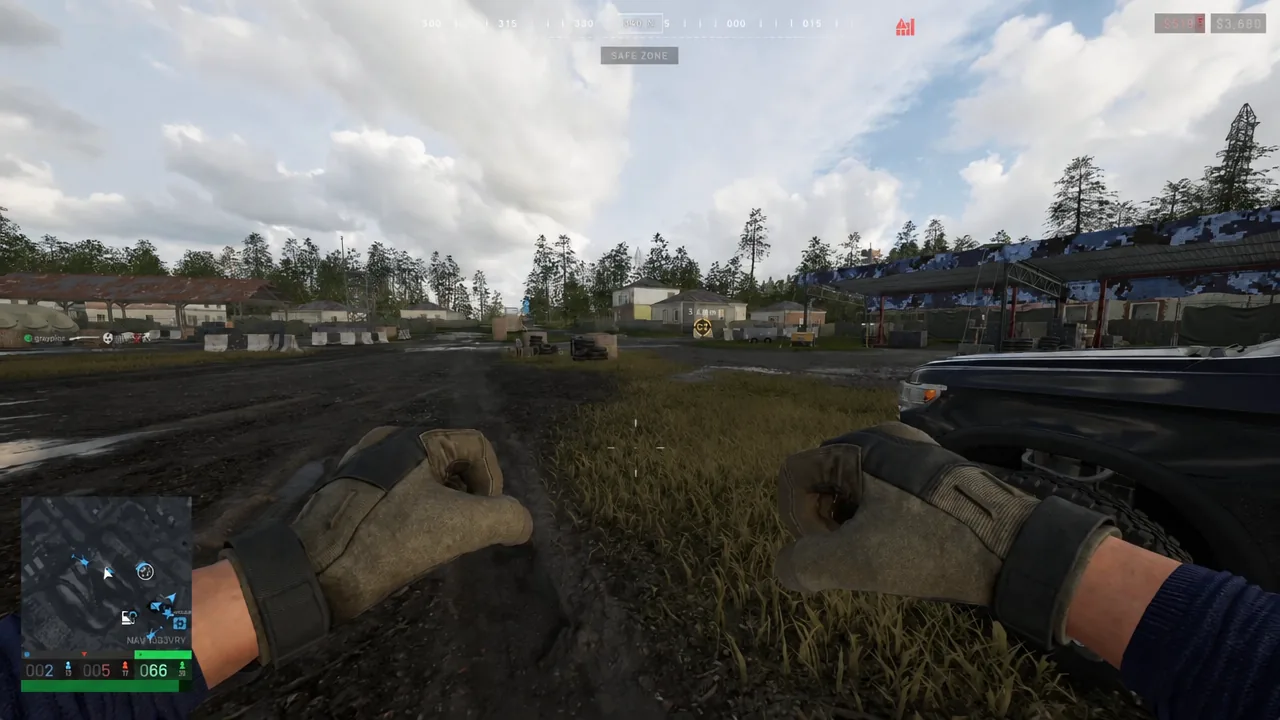
Picking the weapon back up is the same key. Stand over it and the [F] EQUIP - Judge prompt appears, naming whichever gun you put down. Press F and you are armed again with nothing lost.
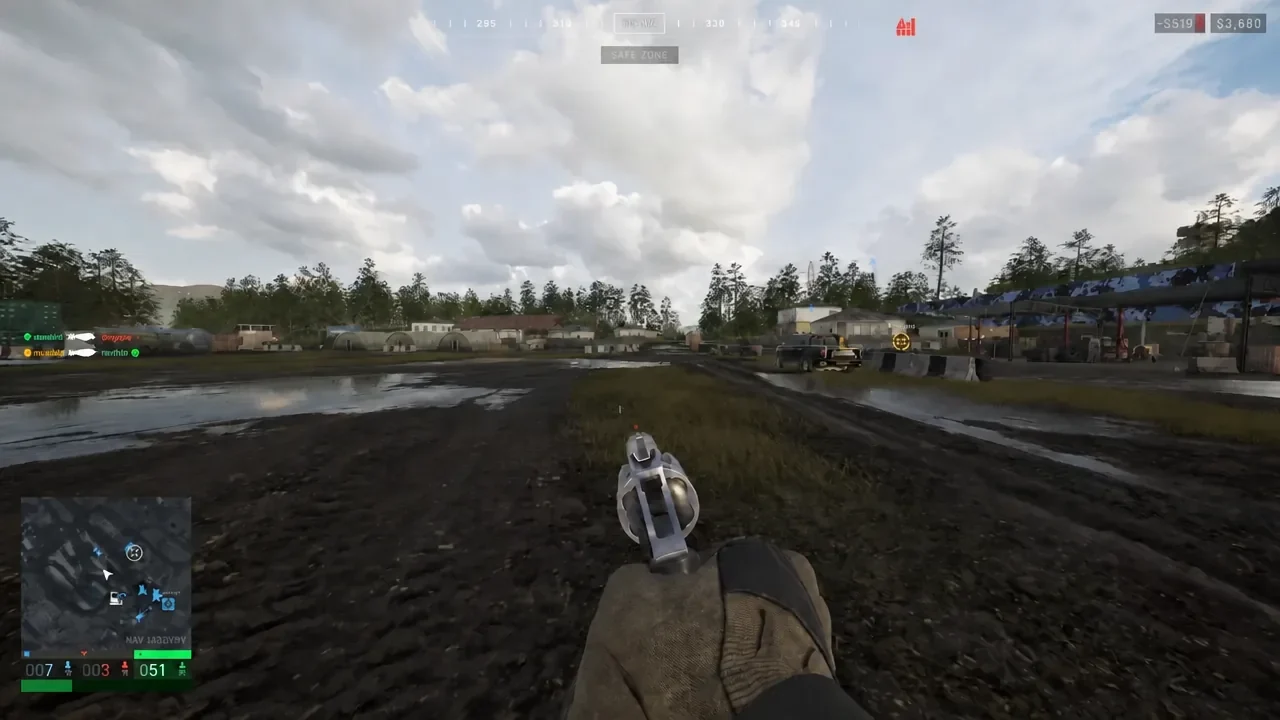
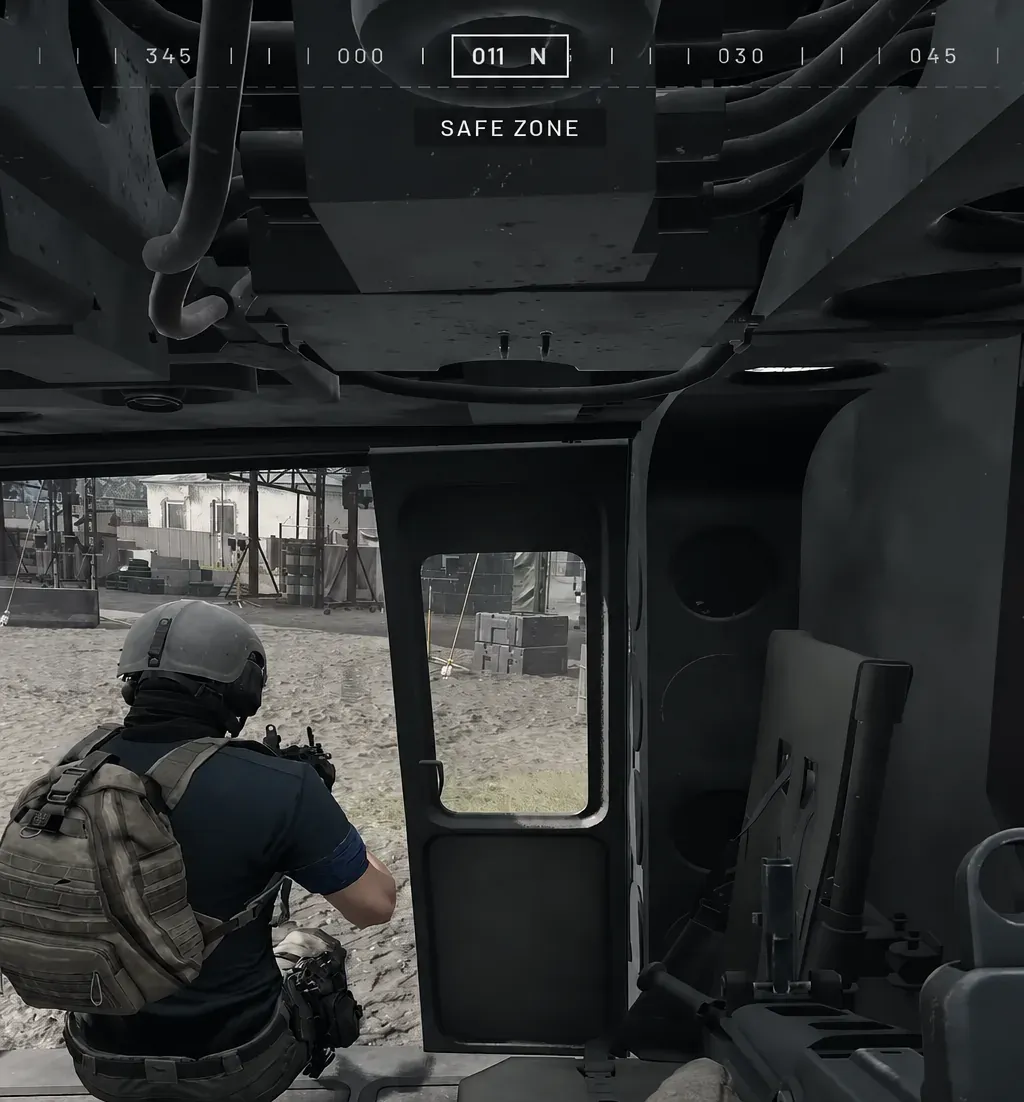
Do not practice the drop-and-emote routine in contested ground. Run it inside your faction’s safe zone, where the SAFE ZONE banner is showing on the HUD, so a few unarmed seconds cost you nothing.
Rebinding the radial menu key
If the middle mouse button is awkward on your mouse, the binding lives under Settings > Controls > Keybindings. Change one input at a time rather than reworking the whole page in a single pass.
Manually assigning a key can strip it from another infantry or vehicle action, and the menu will not always make that obvious. After any change, check your movement, sprint, jump, and weapon inputs still respond, then restart the game once and confirm the new binding stuck.
Once the wheel becomes muscle memory, emotes stop being a novelty. Surrender is the clearest signal you can send to an enemy squad without voice chat, Halt keeps a stack from walking into an ambush, and Assault works as a quick go-signal when proximity voice is not an option.