
The World of Warcraft: Forever beta is live now, running from September 17 through October 21, 2026, ahead of the full launch on November 4. There is no standalone “key” you buy on its own. Instead, guaranteed access is bundled into specific pre-purchase editions, and everyone else can try their luck through a free opt-in.
Quick answer: Buy the Skyborne Epic Pack ($59.99) or the Warcraft Forever Collection ($79.99) for guaranteed beta access, or submit a free opt-in on the official site for a chance to be picked. The Skyborne Heroic Pack does not include the beta.

Every way into the WoW Forever beta
Beta access is tied to your Battle.net account. Two digital editions flag your account automatically, the physical Collector’s Edition sends a redeemable code, and the free opt-in is a selection lottery. The one edition that catches people out is the Heroic Pack, which gives the new race and cosmetics but no beta.
| Option | Price | Beta access |
|---|---|---|
| Skyborne Heroic Pack | $29.99 | No |
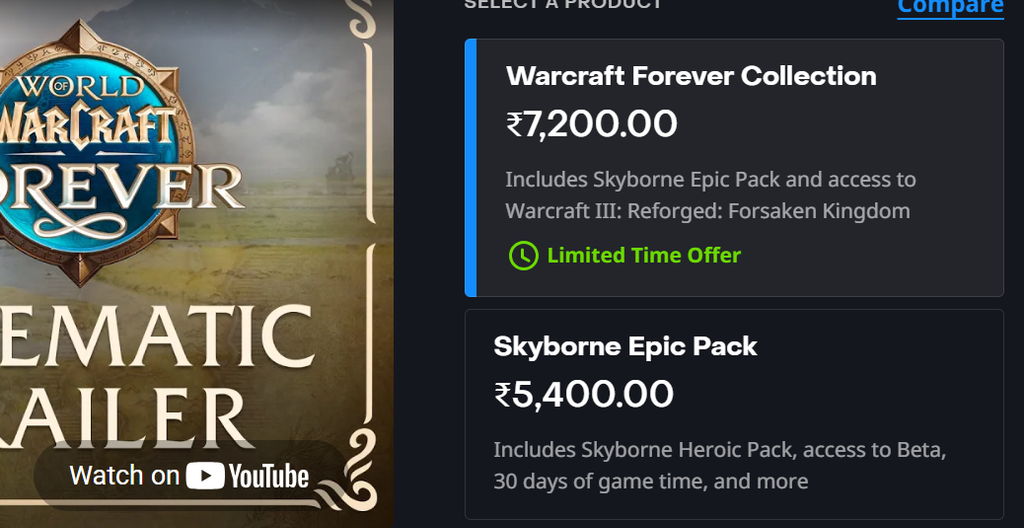
| Skyborne Epic Pack | $59.99 | Guaranteed |
| Warcraft Forever Collection | $79.99 | Guaranteed |
| Collector’s Edition (physical) | $150 (US) | Guaranteed (code by email) |
| Beta Opt-In | Free | Chance only |
If your only goal is the beta, do not buy the $29.99 Skyborne Heroic Pack. The cheapest guaranteed path in is the Skyborne Epic Pack at $59.99.
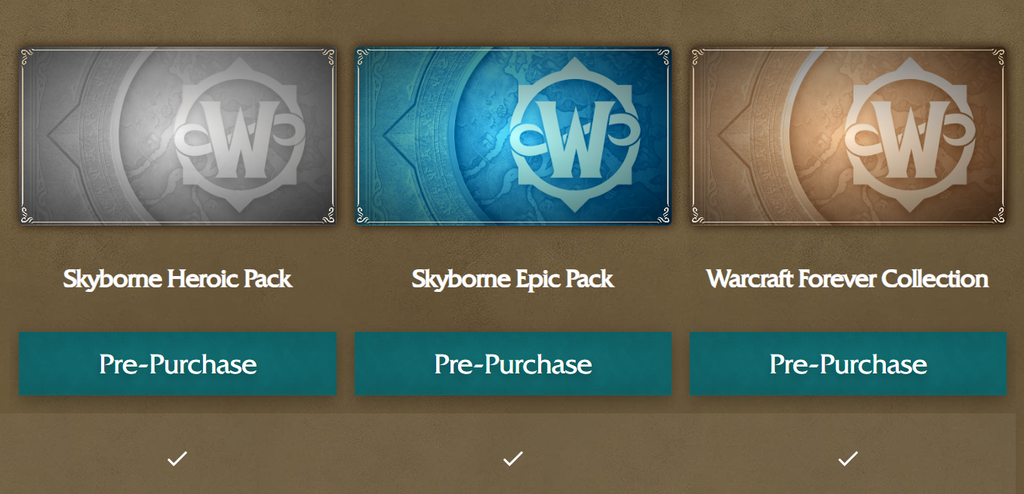
Get guaranteed beta access with a pre-purchase
Owners of the physical Collector’s Edition receive their beta code by email. Redeem it on your WoW account, one code per account, then install the beta client the same way through the Battle.net app.
Try the free beta opt-in
If you would rather not pay, you can enter the selection pool for free. This route is a chance only, and there is no way to improve your odds beyond signing up. Blizzard picks participants from the opt-in, historically leaning toward older, more active accounts.
Confirm you actually have beta access
You know your access has applied when World of Warcraft: Forever Beta shows up as an installable version in the Battle.net app. Open the app, go to Games, select World of Warcraft Classic, and check the game version drop-down for the Forever Beta entry.
Selected opt-in players also receive an email with a subject along the lines of “Welcome to Forever Beta” from [email protected]. Blizzard will never ask you to click a link or hand over anything in that email, so always confirm access inside the Battle.net app rather than through any link. If the beta does not appear right away, restart the client, or log out and back in.
If you bought a qualifying edition and the entitlement still is not showing after a few hours, check the Blizzard support workflow instead of buying a second pack.
What the beta does and does not include
A subscription is not required for the beta itself, only the beta access flag, so a lapsed sub still lets you play if you qualified. Do keep in mind that beta access is not early access to the November launch realms. You start on a fresh test character, and nothing you unlock in the beta carries over to the live game.
The test opened with a level 20 cap that rises to 30 later in the run, covering the Skyborne race, the Zephras Isle starting zone, and the Hall of Thanes and Ruins of Lordaeron dungeons, with more content added as the beta progresses. Treat it as a hands-on preview, then plan your real start for launch on November 4, 2026, at 3:00 p.m. PST.