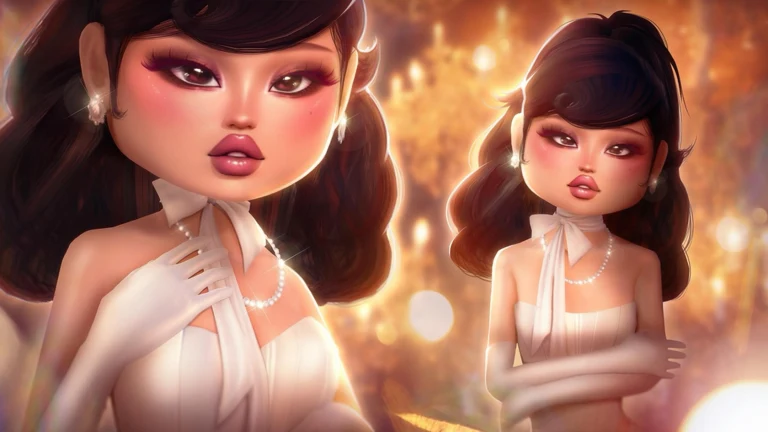
The Runway Sunhat is the Roblox-made accessory tied to Dress To Impress in The Hunt: Roblox 20, the anniversary event that walks players through one Roblox year at a time. Dress To Impress represents 2024, and the objective attached to it is one of the least demanding on the whole list. There is no hidden NPC, no collectible sweep, and no scoring requirement — only a specific server you have to be sitting in.
Quick answer: Open the server menu in Dress To Impress, join the 2024 Rewind limited event server, finish two full rounds, then return to The Hunt: Roblox 20 hub to claim the reward.
What the Dress To Impress Hunt quest asks for
The in-game pop-up spells the task out plainly. Roblox turned 20, and the celebration quest asks you to play two rounds of the 2024 version of Dress To Impress, which the game keeps in a separate limited-time server rather than the current fashion lobby. That distinction is the whole quest. Two rounds in a normal Casual, Regular, Pro, Master, or VIP server will not register, no matter how many you play.
- The mode is called 2024 Rewind and is labelled as a Limited Event in the server list.
- You need two rounds completed, not won — placement and star count do not matter.
- Rounds can be played actively or spent idle, since there is no performance threshold.
- Progress must be made on the same Roblox account you are using for The Hunt.
Because there is no win condition, the safest approach is to build any valid look, sit through the runway, and let the round end on its own. Leaving mid-round risks that round not counting, which is the most common way people end up thinking the quest is broken.
How to join the 2024 Rewind server
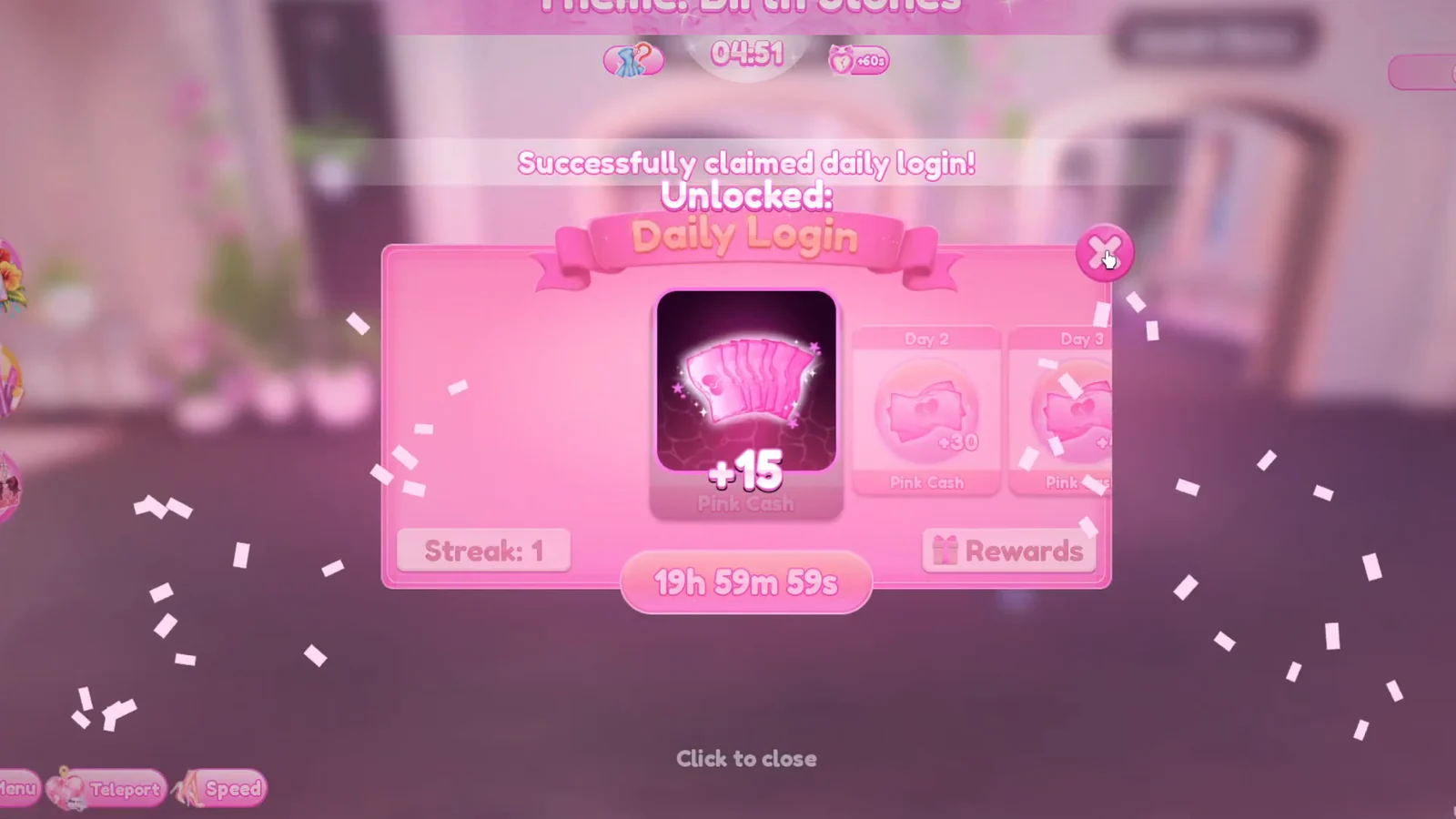
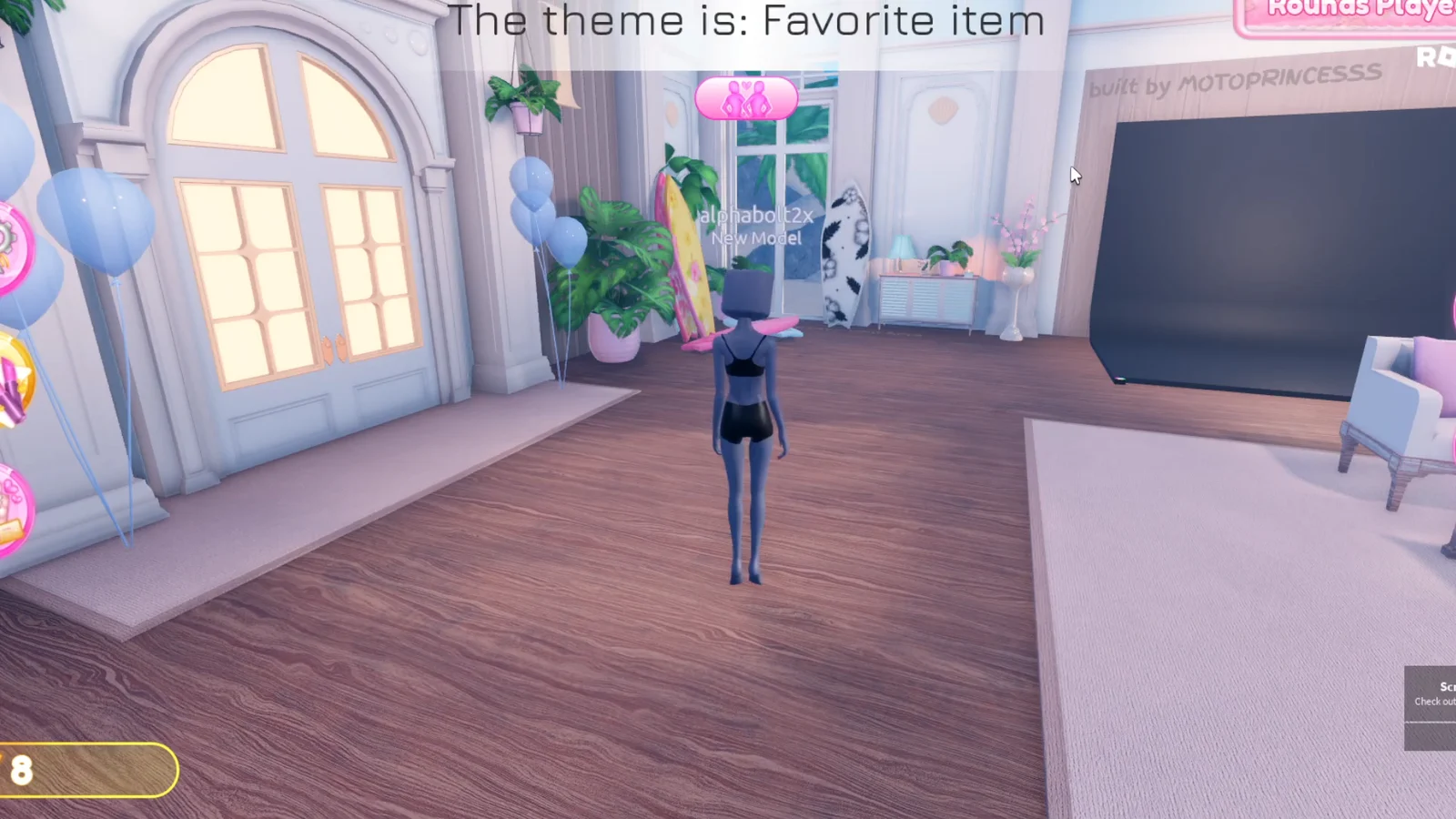
If you are not sure whether the first round registered, stay in the same server and run another complete round rather than leaving to check.
Claiming the Runway Sunhat and confirming it worked
Completing the rounds in Dress To Impress alone will not award the hat. After the quest registers, use the same account to travel to The Hunt: Roblox 20 hub and wait for the 2024 stage to load. The hub contains the reward layer, where the Runway Sunhat becomes claimable after 2024 is recorded as complete.
You know it worked when the hub shows 2024 as a finished year and the reward becomes claimable. Give the hub a moment to refresh before assuming something failed — the state does not always update the instant you arrive. The hat is currently off sale on the Marketplace, so the event route is the only way to add it to your inventory.
If nothing registers, the first thing to check is whether you were actually inside 2024 Rewind. Two rounds in a normal modern server look identical from the player’s side but do not count toward the anniversary objective.
Where 2024 sits in The Hunt: Roblox 20 progression
Dress To Impress is the second-to-last historical year in the anniversary run. Clearing it leaves Grow a Garden as the 2025 stage before the chronological path is finished. Completing every year from 2006 through 2025 is what unlocks Year Infinity, so reaching the Dress To Impress stage means the finish line is close.
Compared with the objectives attached to earlier years, this one costs little more than the length of two rounds. The only real trap is the server menu, and once you have joined 2024 Rewind, the rest is a matter of sitting still until both rounds close out.