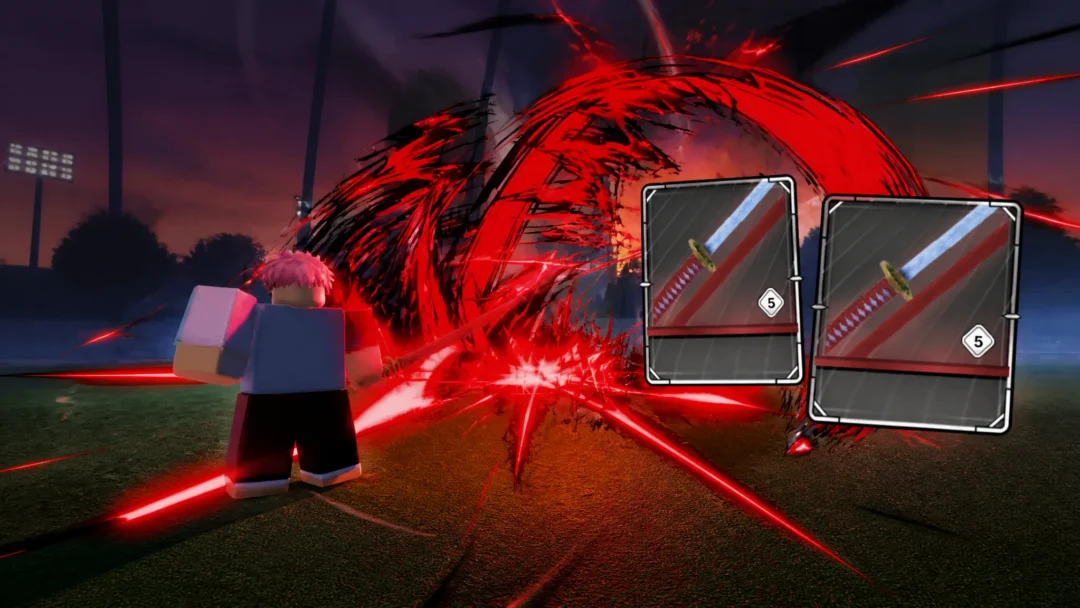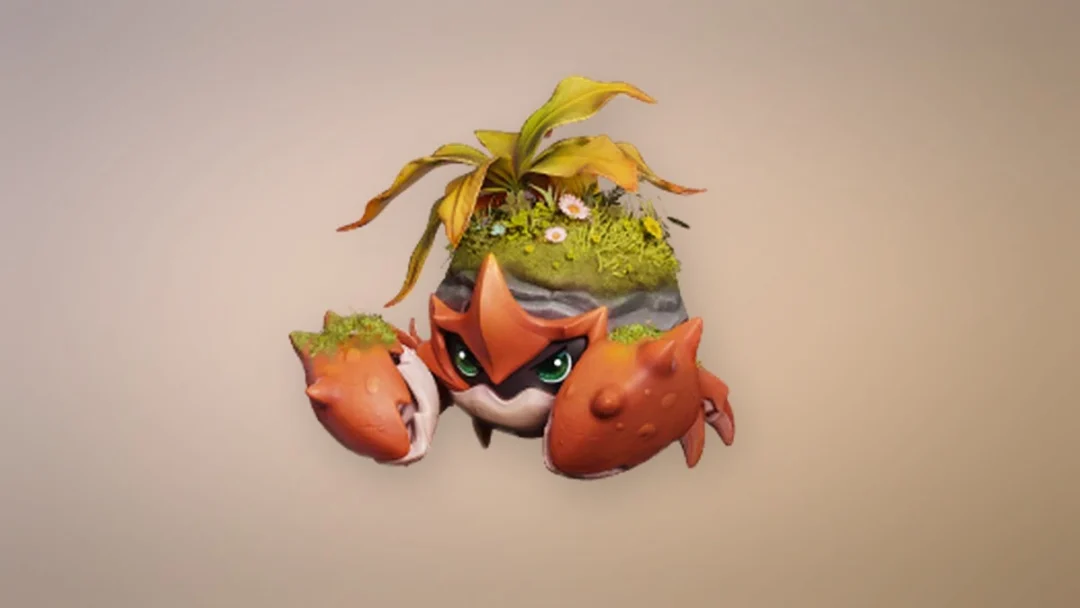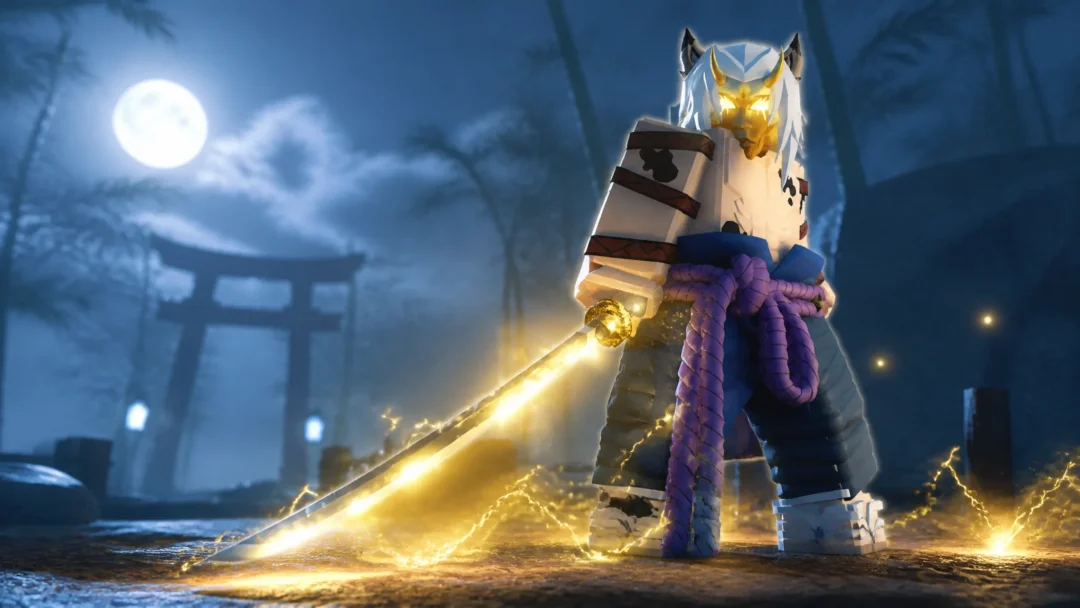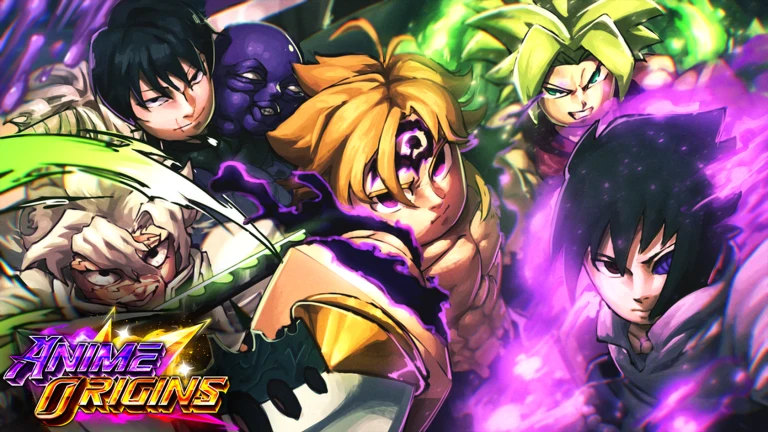
The Fate update, labeled Update 2, is the biggest content drop Anime Origins has had since launch. It brings a batch of Fate-flavored units, new evolutions, shiny models, and two separate game modes that sit outside the normal stage progression. Most of what you want from it comes down to two things: pulling the new Mythics on the banner, and learning how the Endless Labyrinth node map works before you spend a run on it.
Quick answer: Roll Banner 1 for the new Mythics Scathy and Sunji, then enter the Endless Labyrinth portal, pick a starter unit, and clear rooms to earn gems and King’s Tokens.
Every new unit in Anime Origins Update 2
The Update Log in the lobby is the fastest way to see the full Fate roster. Seven new units are listed there, alongside the new evolutions, the shiny models, and the two new modes.
| Unit | Where it comes from |
|---|---|
| Scathy | Banner 1 (Mythic) |
| Sunji | Banner 1 (Mythic) |
| Ishtar | Holy Grail War reward |
| Gilgamesh | Added in Update 2 |
| Arturia | Added in Update 2 |
| Psychy | Added in Update 2 |
| Clown Guy | Added in Update 2 |
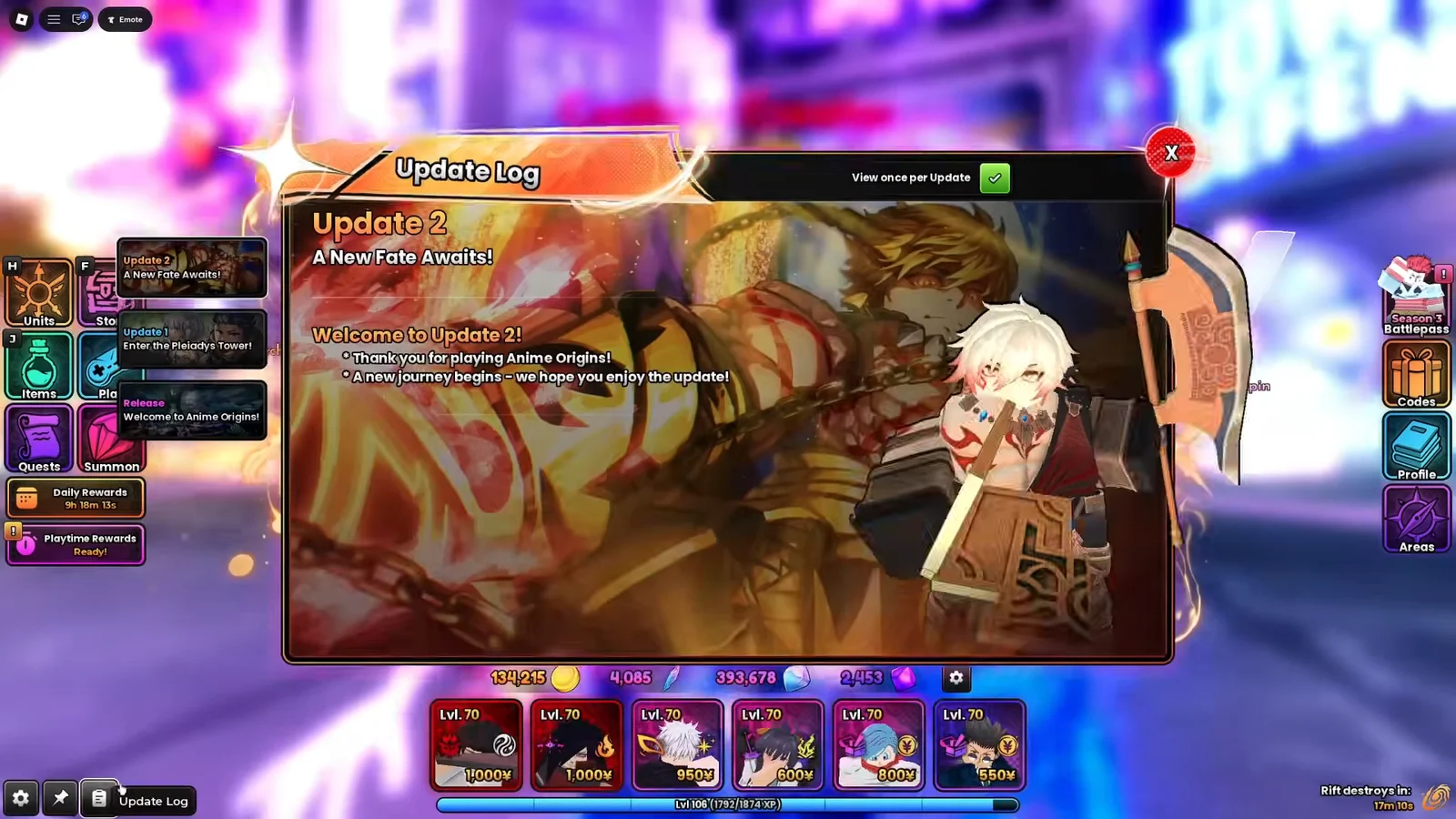
Reopen the Update Log after you finish rolling. It doubles as a checklist for the evolutions and shiny variants that arrived with the same patch.
How to summon Scathy and Sunji on Banner 1
Both new Mythics share the same banner, so a single gem stockpile covers them. Multi-pulls are the practical way to build duplicates for upgrades rather than stopping at one copy each.
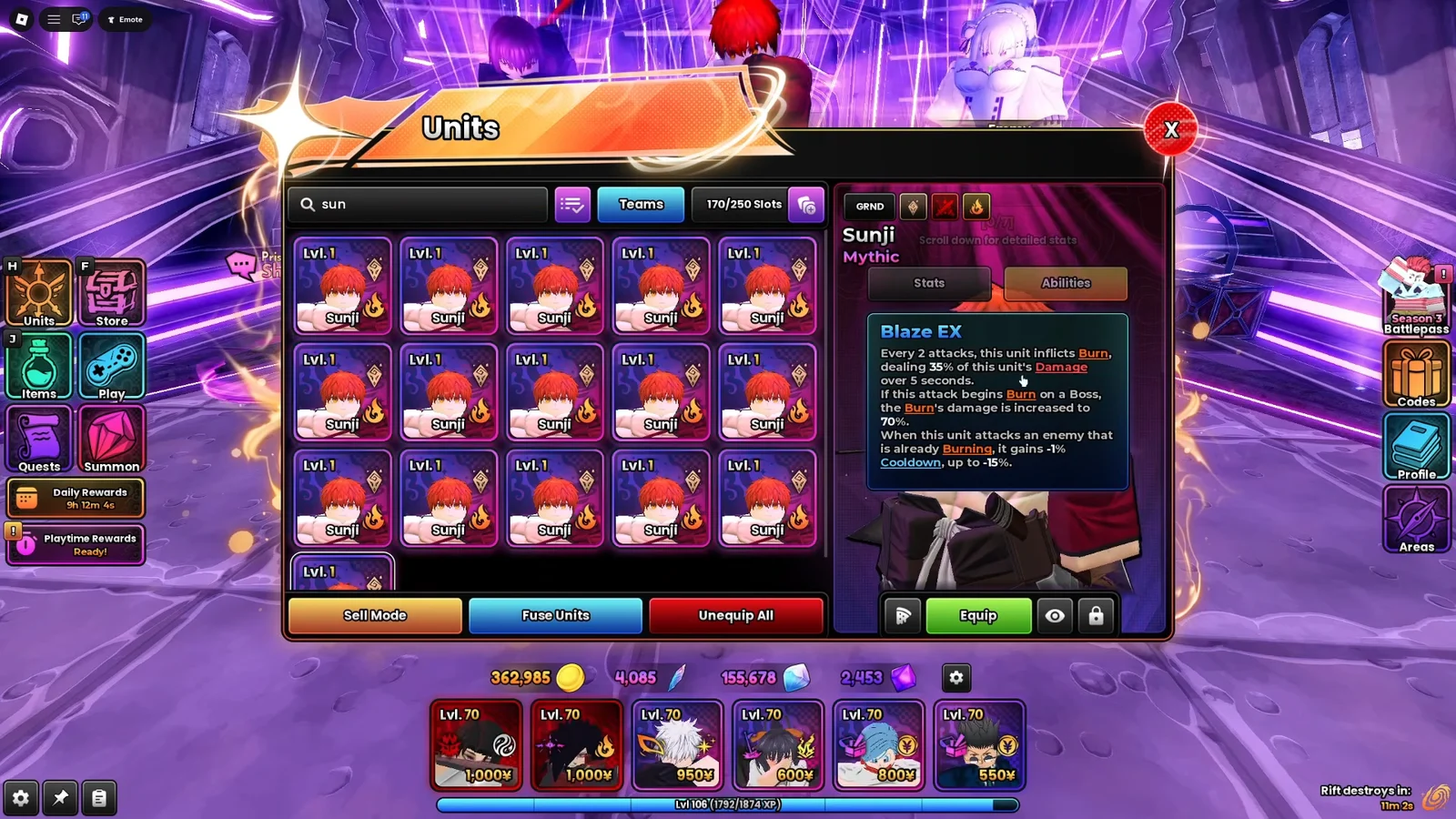
A pull worked when the unit appears in the Units tab with a copy count above zero. Duplicates do not create separate entries, so watch the number next to the unit rather than looking for extra cards.
Endless Labyrinth: How the node map and rooms work
Endless Labyrinth is not a normal stage. You enter through its own portal, and instead of one fixed map you get a branching node tree. Each node is a room, and clearing one opens up whichever nodes connect to it. Milestone rewards sit further along the tree, so the deeper you push in a run, the better the payout.
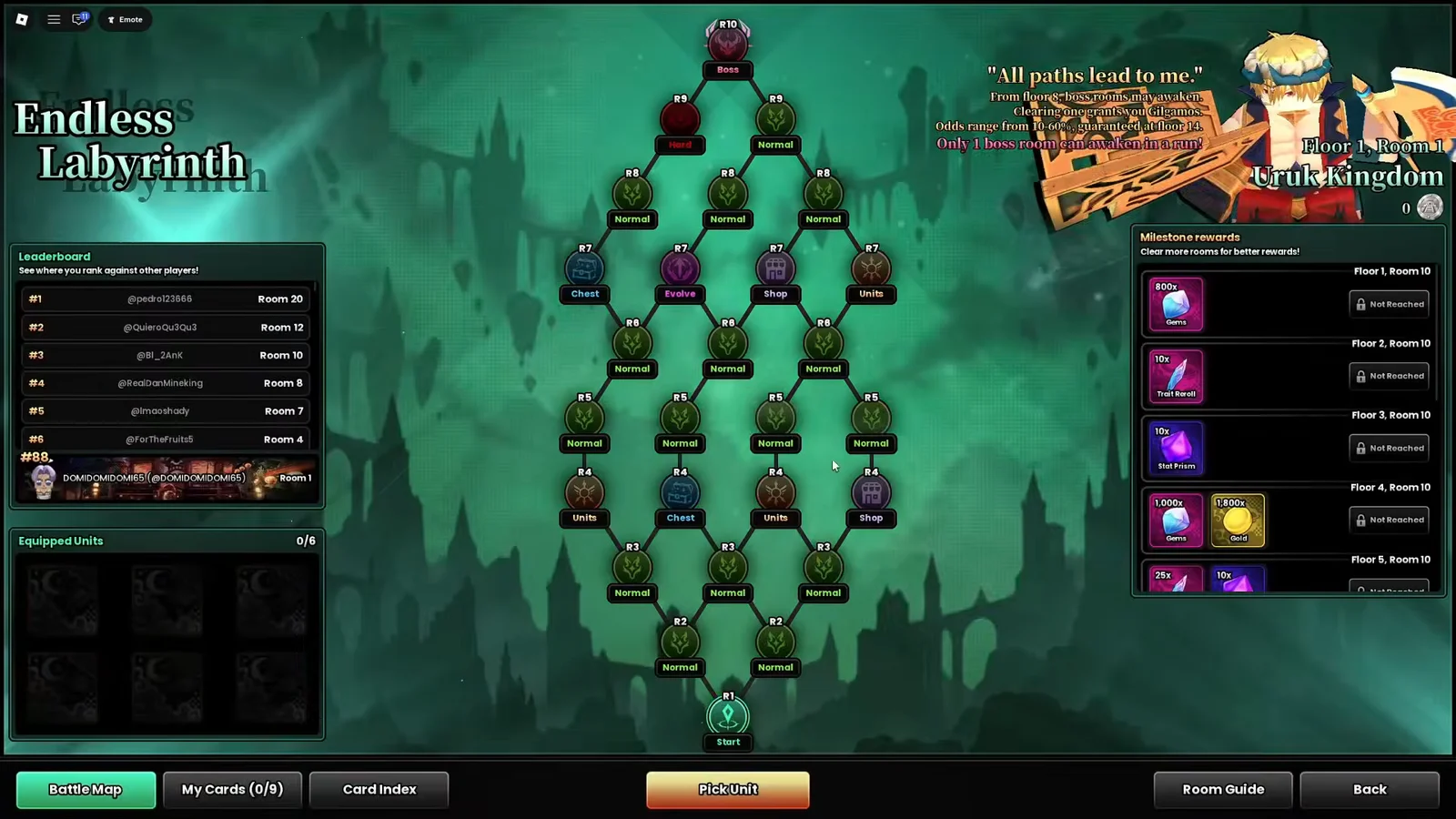
Starting a labyrinth run
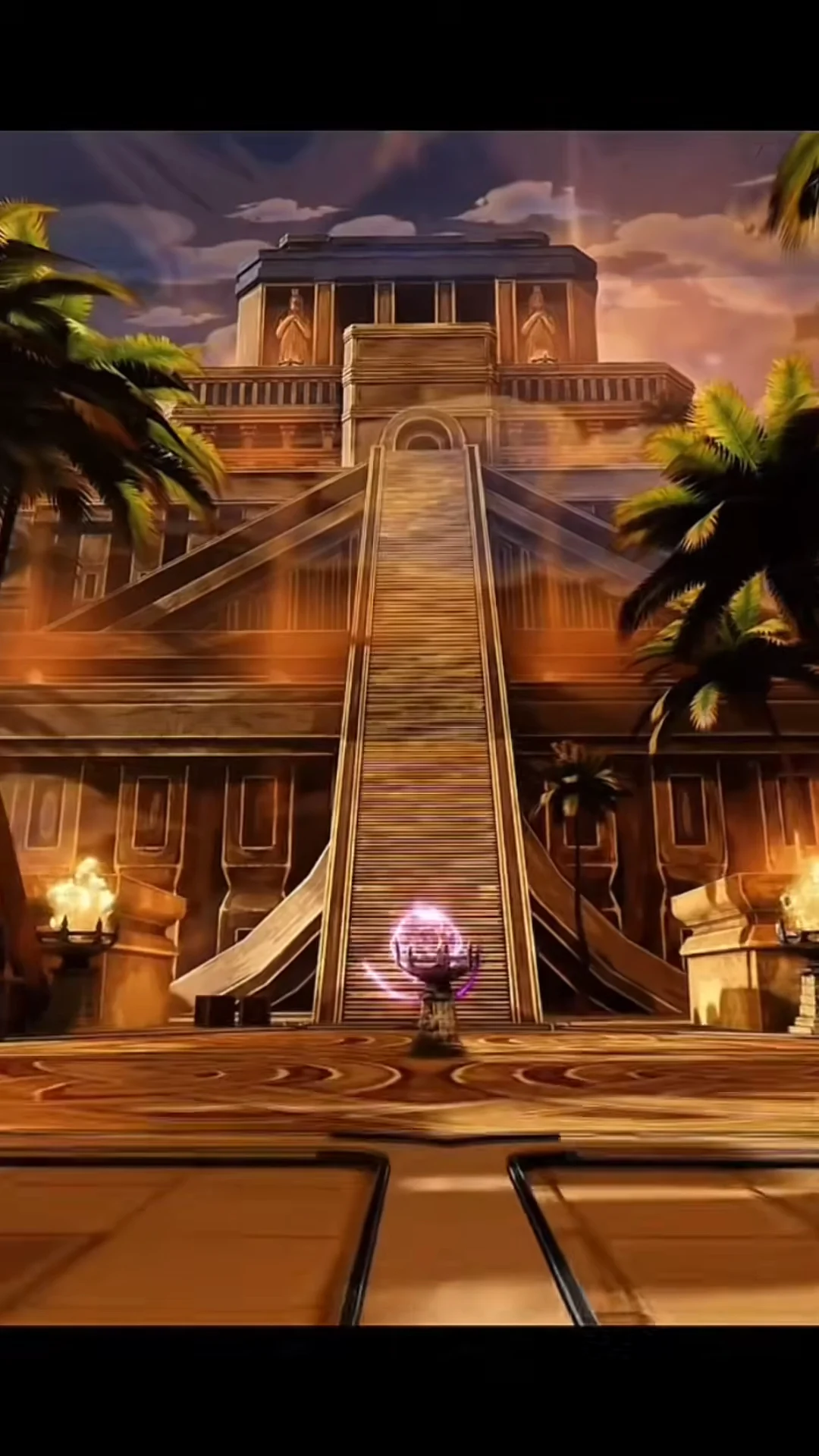
Clearing a room
Combat inside a room follows the standard tower-defense loop. You place units along the enemy path, then spend income on upgrades as the waves scale. A room runs through waves 1 to 10, and surviving all ten ends the node.
You know the node is complete when the victory screen appears. It hands out gems and a King’s Token, and the node map then highlights the next connected rooms you can move into.
Holy Grail War and the Ishtar reward
The second new mode shipped in the same patch and is reached from its own menu. Holy Grail War is built around Class Contracts, and Ishtar is listed inside that menu as a reward, which makes it the one Fate unit you work toward rather than roll for.
Between the two modes, the split is fairly clean. Banner 1 covers Scathy and Sunji, Holy Grail War covers Ishtar, and Endless Labyrinth is where King’s Tokens and milestone rewards come from. Check the Update Log once more before a long session, since the evolutions and shiny models added alongside the Fate units change what your existing roster can become.