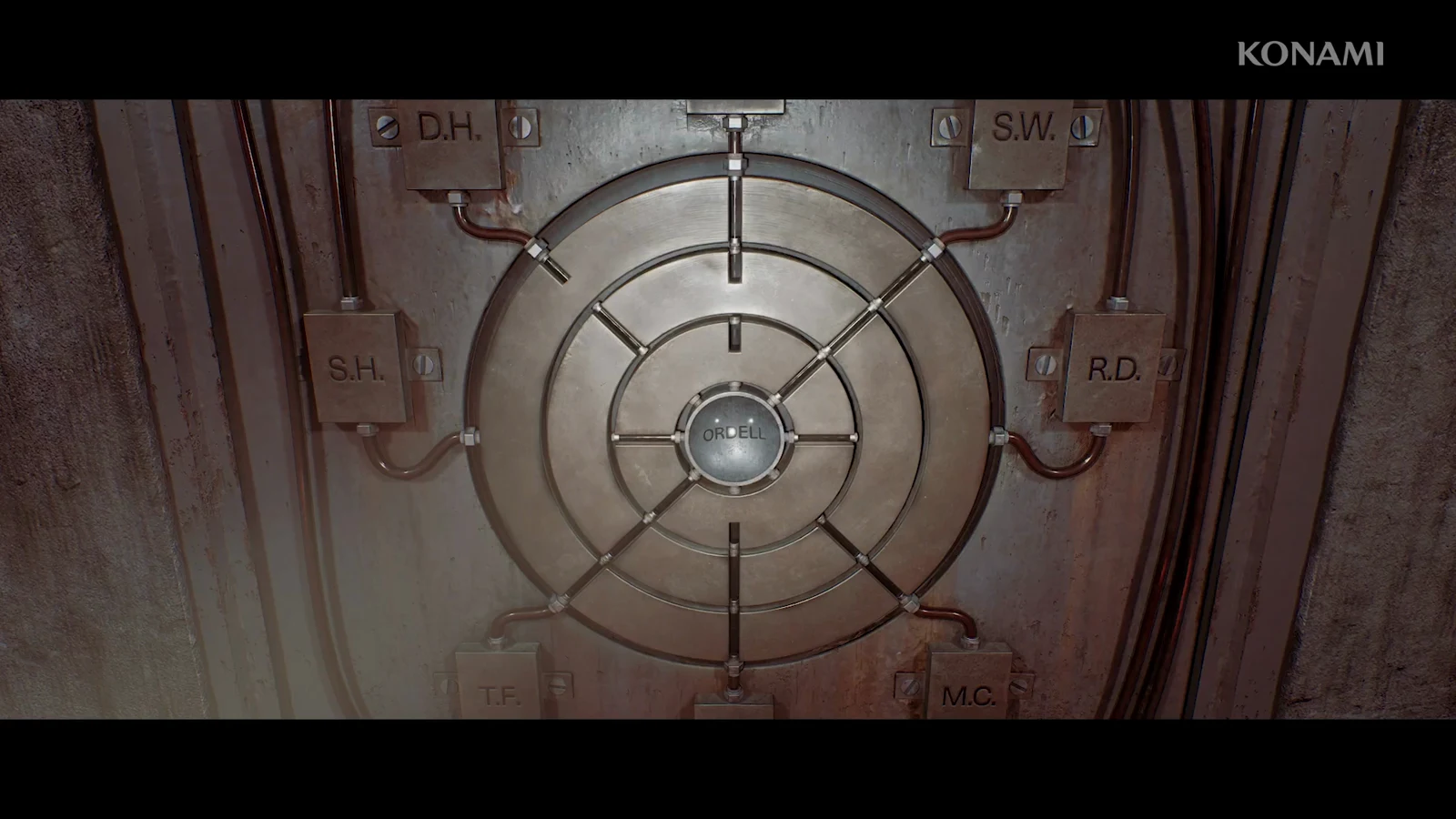
In the control room of Silent Hill: Townfall, you must free a shipping container by disengaging its clamps. The printer provides only the Clamp Release Procedure note, but its wording obscures the proper console arrangement. Set every control-board component to the required position, and finish by pressing Release.
Quick answer: Match all panel settings to the table, then use the flashing green Release button located in the board’s bottom Activate section.
Clamp Release control panel settings
The panel model shown in the upper-left corner of the board is 920CEG, which confirms you are reading the correct controls. Work through each section and match the position listed here.
| Panel | Location on board | Setting |
|---|---|---|
| Pressure Control | Bottom left | Dial down to Set |
| Notify | Top | Self and All to On |
| Balance | Center | Tension (L) and Tension (R) to Intermediate |
| Run Off | Center | Switch down to Disengaged |
| Intubate Flow | Bottom | None |
| Clamp Connection | Center | Press D71 |
| Report | Center | Only first, third, and sixth switches lit |
| Battery One | Center | B (up) |
| Battery Two | Center | C (right) |
| Protection | Center | SO, ZE, or RS |
For the Report panel, flip switches until exactly three lights are on: the first, the third, and the sixth. Any other lit switch will leave the board in the wrong state.
The Protection choice does not change the outcome. SO, ZE, and RS stand for the three central characters, Simon, Zoe, and Richard, but selecting any of them lets the puzzle complete.
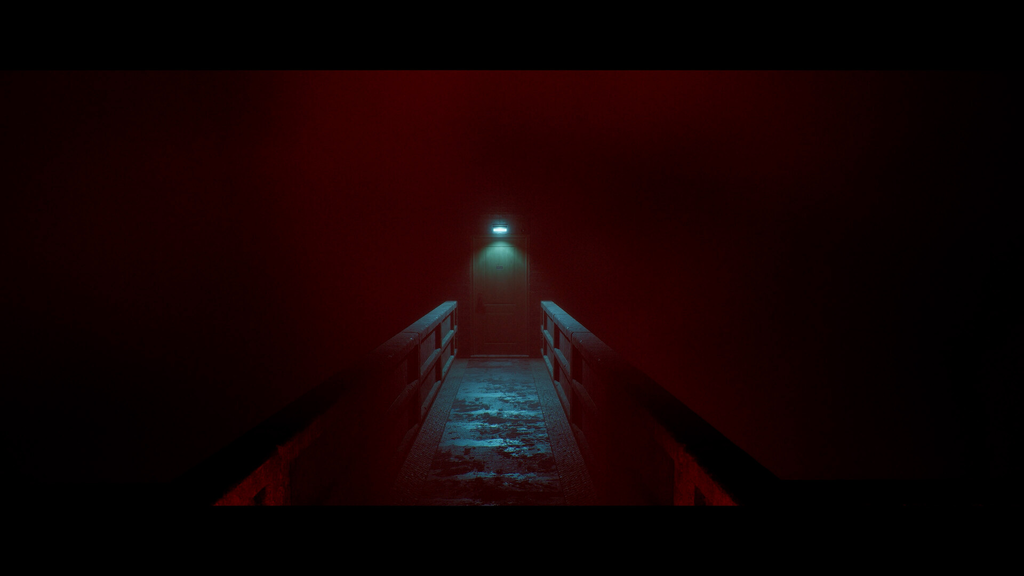
Press Release and confirm the clamps are free
Once every section matches the values above, look at the Activate panel at the bottom of the board. The green Release button will start flashing, which is your signal that the configuration is correct. If it is not flashing, recheck the Report switches, the battery positions, and the D71 clamp connection code, since those are the settings most likely to be off.
Press the flashing Release button to complete the procedure. The shipping container is now unclamped, so you can leave the control room and head to it.
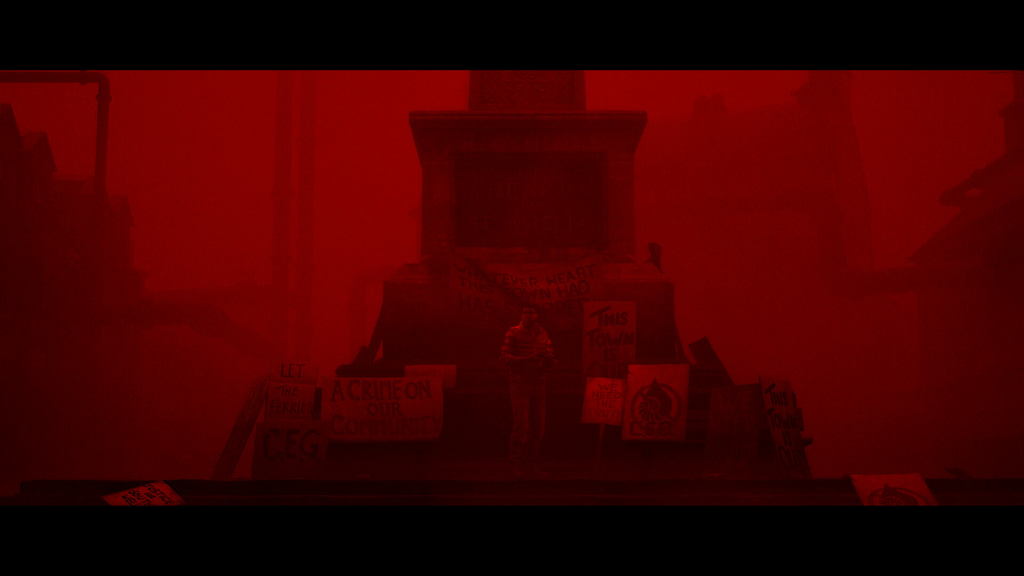
What to do after the clamps release
Exit the room and walk over to the container you just freed. A red valve sits beside it, and interacting with that valve is how you continue past this section. There are no enemies during this part, so you can move straight to the valve without preparing for a fight.