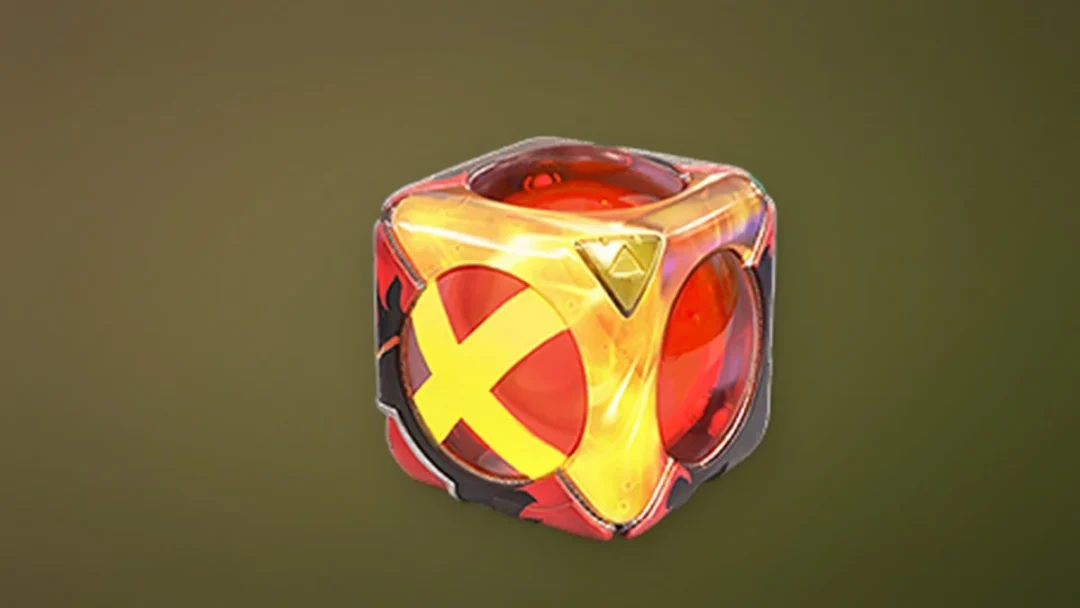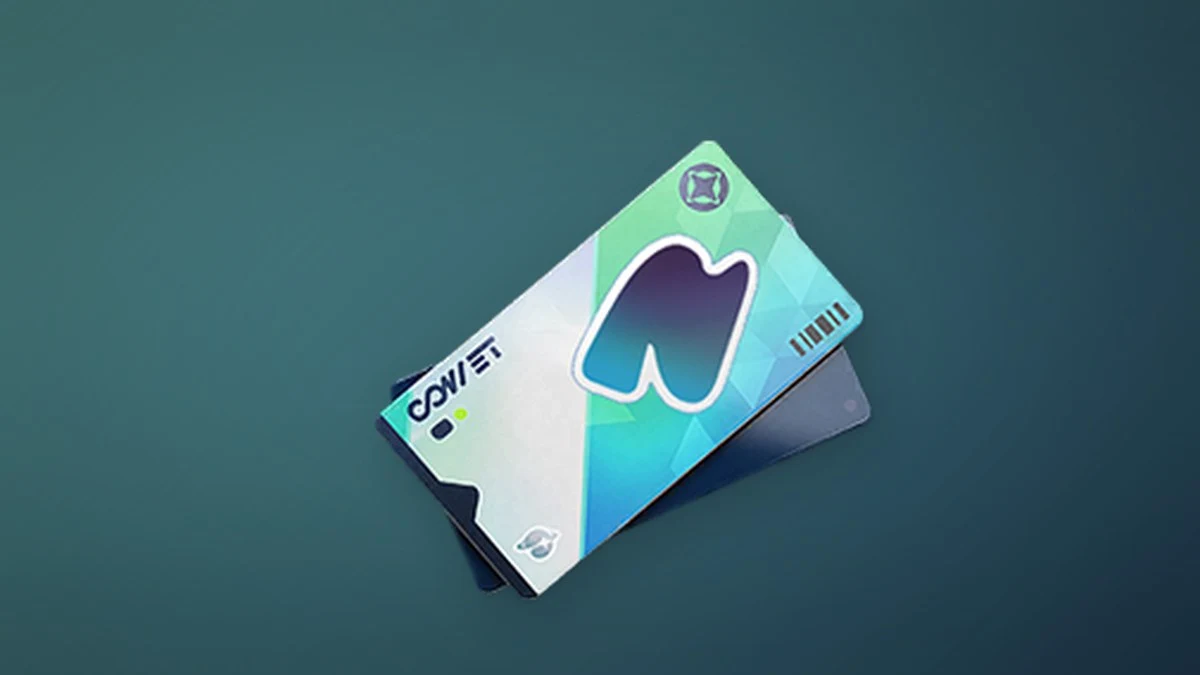
Changing your Pathfinder’s hair color, reworking their face, or picking a new nickname in Aniimo all run on the same three appearance items: the Hair Saloon Card, the Redesign Card, and the Name Change Card. Each one is a consumable you buy with Glimmer, the free currency you pick up from ordinary play, and each one is spent inside a different customization menu.
Quick answer: Open Shop, go to the Item tab, select the Glimmer sub-tab, and buy any of the three cards for 300 Glimmer each. Only the Name Change Card has a weekly cap of 1.
Cost, weekly limit, and what each card does
All three cards share the same 300 Glimmer price, but they behave differently once you own them. Two are Legendary appearance items with no purchase cap, and one is a Rare item locked to a single copy per week.
| Card | Cost | Weekly limit | Used for |
|---|---|---|---|
 Hair Saloon Card Hair Saloon Card | 300 Glimmer | None | Dyeing hair color |
| Redesign Card | 300 Glimmer | None | Changing face and body type |
 Name Change Card Name Change Card | 300 Glimmer | 1 | Changing your nickname |
Buy the cards from the Glimmer shop
All three cards sit in the same corner of the store, so a single trip covers whatever you need.

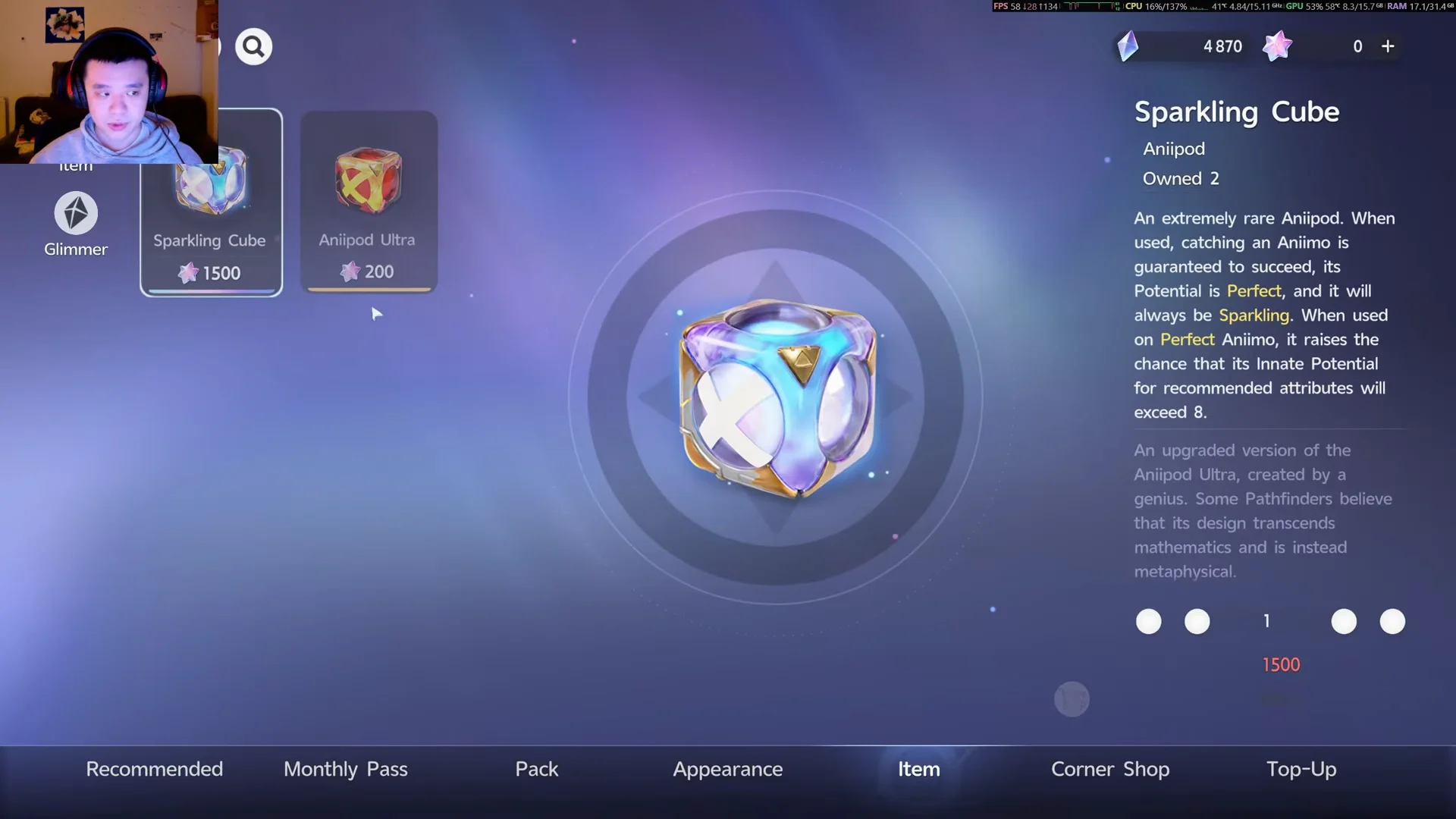
The Hair Saloon Card and Redesign Card have no weekly cap, so you can stock up on as many as your Glimmer allows. The Name Change Card resets its single purchase each week.
Where Glimmer comes from
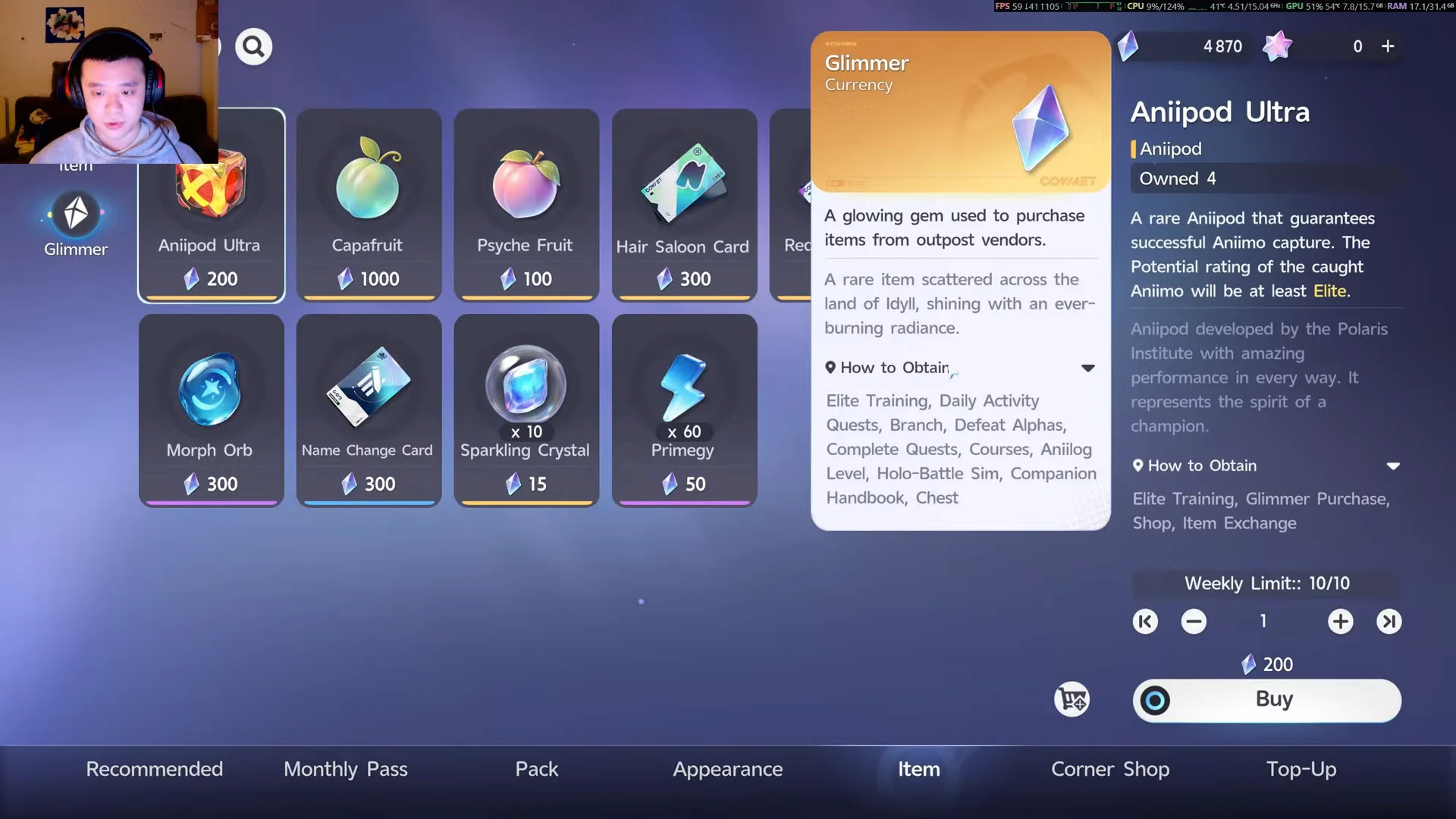
Glimmer is a rare currency earned entirely through normal play, so you never have to spend real money on these cards. Hovering over the Glimmer icon in the shop lists every activity that pays it out.
- Elite Training
- Daily Activity Quests
- Branch and Courses
- Defeating Alphas
- Completing Quests
- Anilog Level, Holo-Battle Sim, and the Companion Handbook
- Chests
Spend each card in the right menu
Owning a card is only half the job. Each one is consumed inside a specific customization screen, and some edits nearby are free.
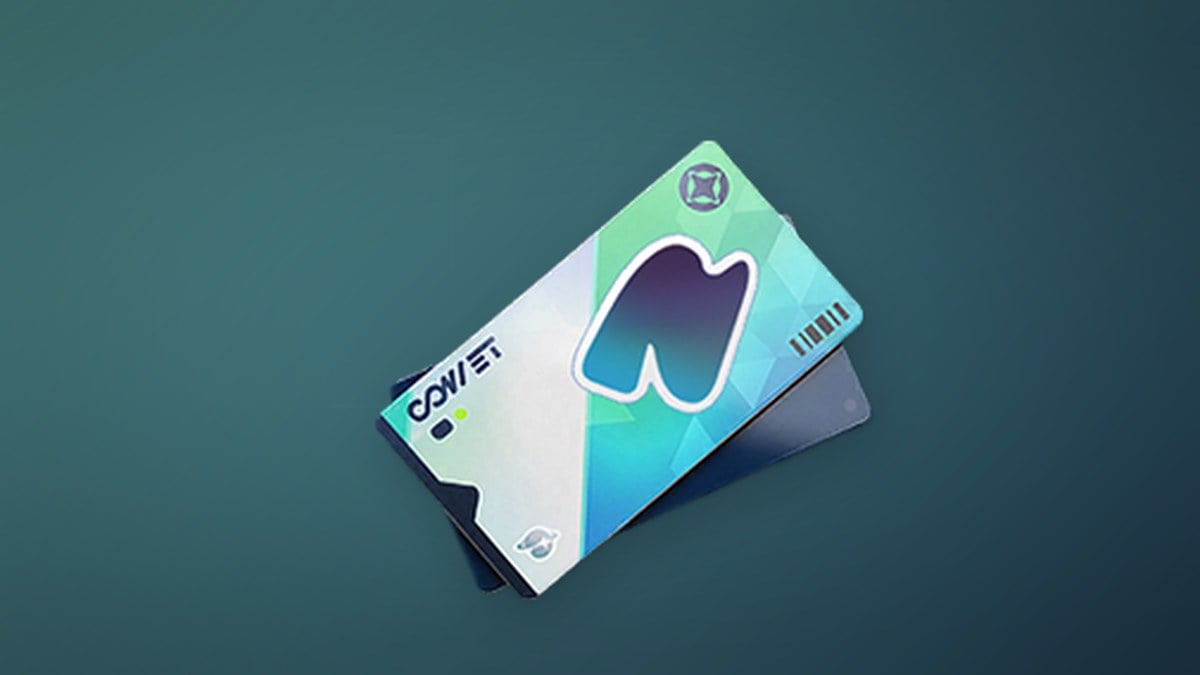
Hair Saloon Card
Open the pause menu, choose Appearance, then the Design tab, and select Hairstyle. Switching between hairstyles you already own costs nothing. The card is only spent when you use the Dyeing option to change your hair color, which takes one Hair Saloon Card per dye.
Redesign Card
Under Appearance, go to Design and then Change Appearance to rework your character’s physical look. Editing the Face (shape, eyebrows, eyes, nose, mouth, ears) costs one Redesign Card, and changing your Body Type costs another. Makeup edits such as skin color, eyelashes, blush, and face tattoos are free.
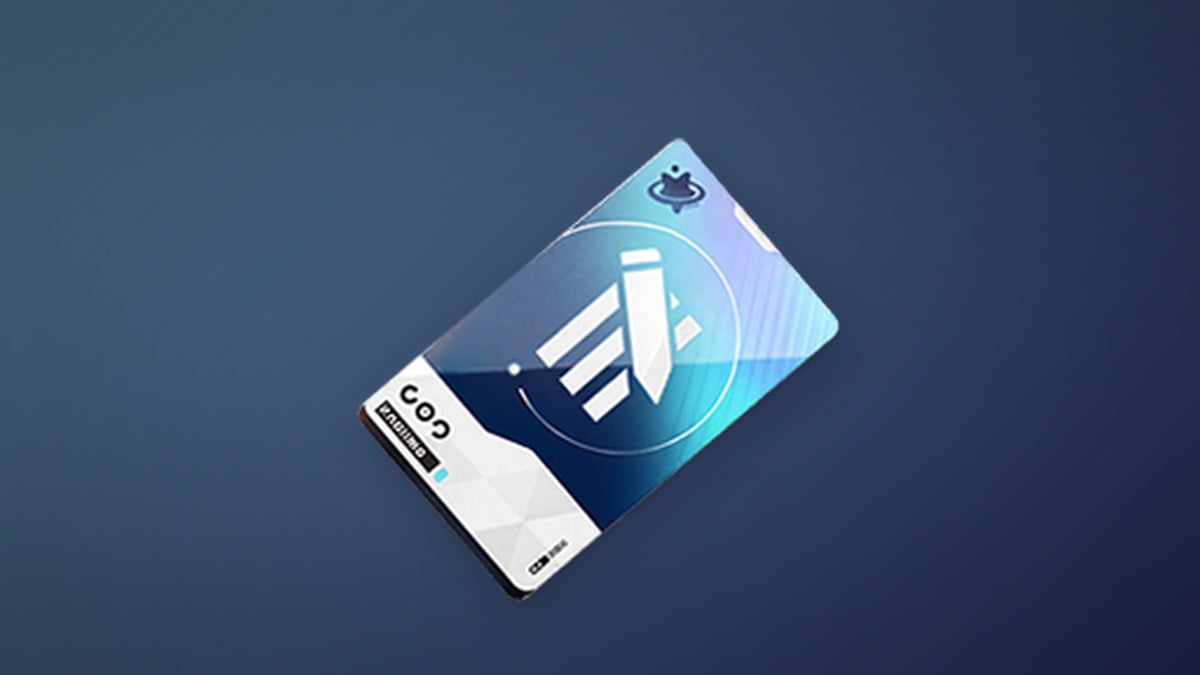
Name Change Card
The Name Change Card is applied from your Profile, where it updates your Pathfinder nickname. Because you can only buy one per week, plan the name you want before spending it.
Confirm the change went through
After a purchase, the card appears in your inventory and your Glimmer balance drops by 300. When you apply one, the edit takes effect immediately: your new hair color, face, or body updates on the character model, and a fresh nickname shows on your Profile. If you bought the Name Change Card, its shop counter reading 1/1 confirms you have used your single weekly allowance until the next reset.