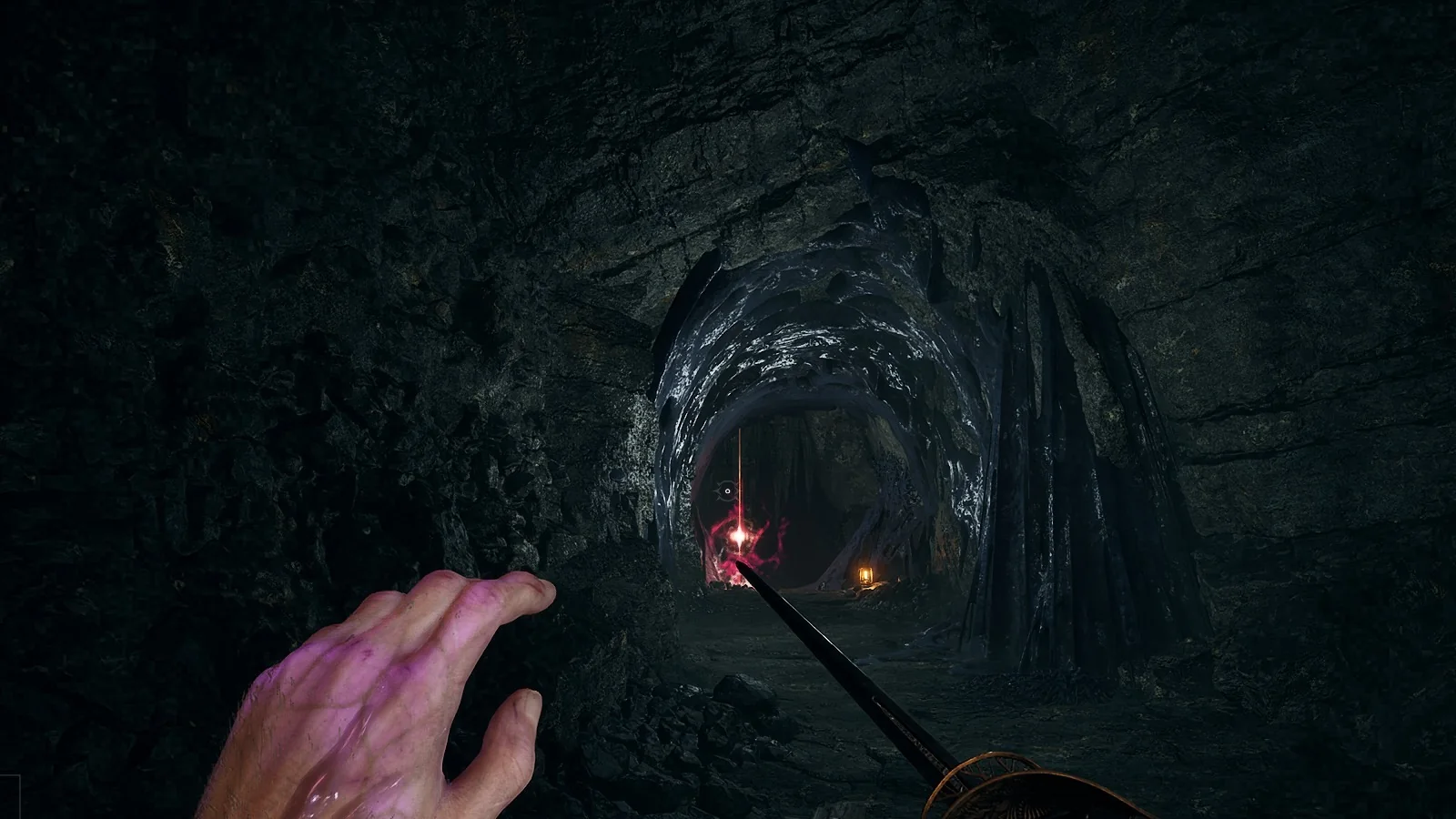
Dying in Valor Mortis strips you of every Catalyst you are carrying, the currency you spend to level up. The loss is not permanent on its own. The game drops the Catalysts where you fell and returns you to your last checkpoint, and you can walk back to collect them. The one hard rule is that a second death before you reach the spot erases them.
Quick answer: Hold R to respawn at your last checkpoint, then return to the red glow on the ground where you died and walk into it to recover every dropped Catalyst.
What dying costs you
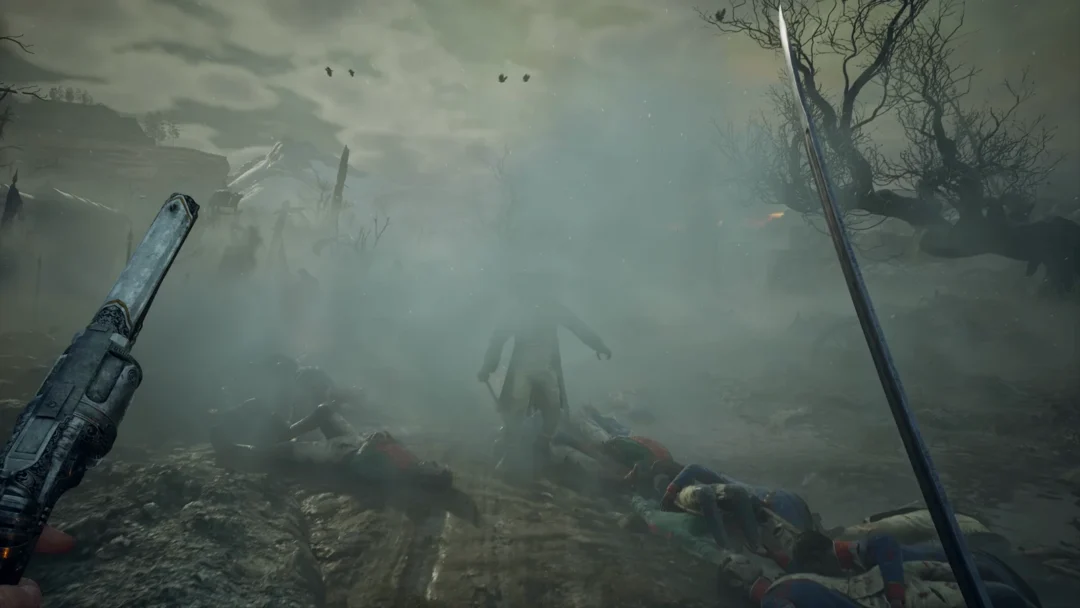
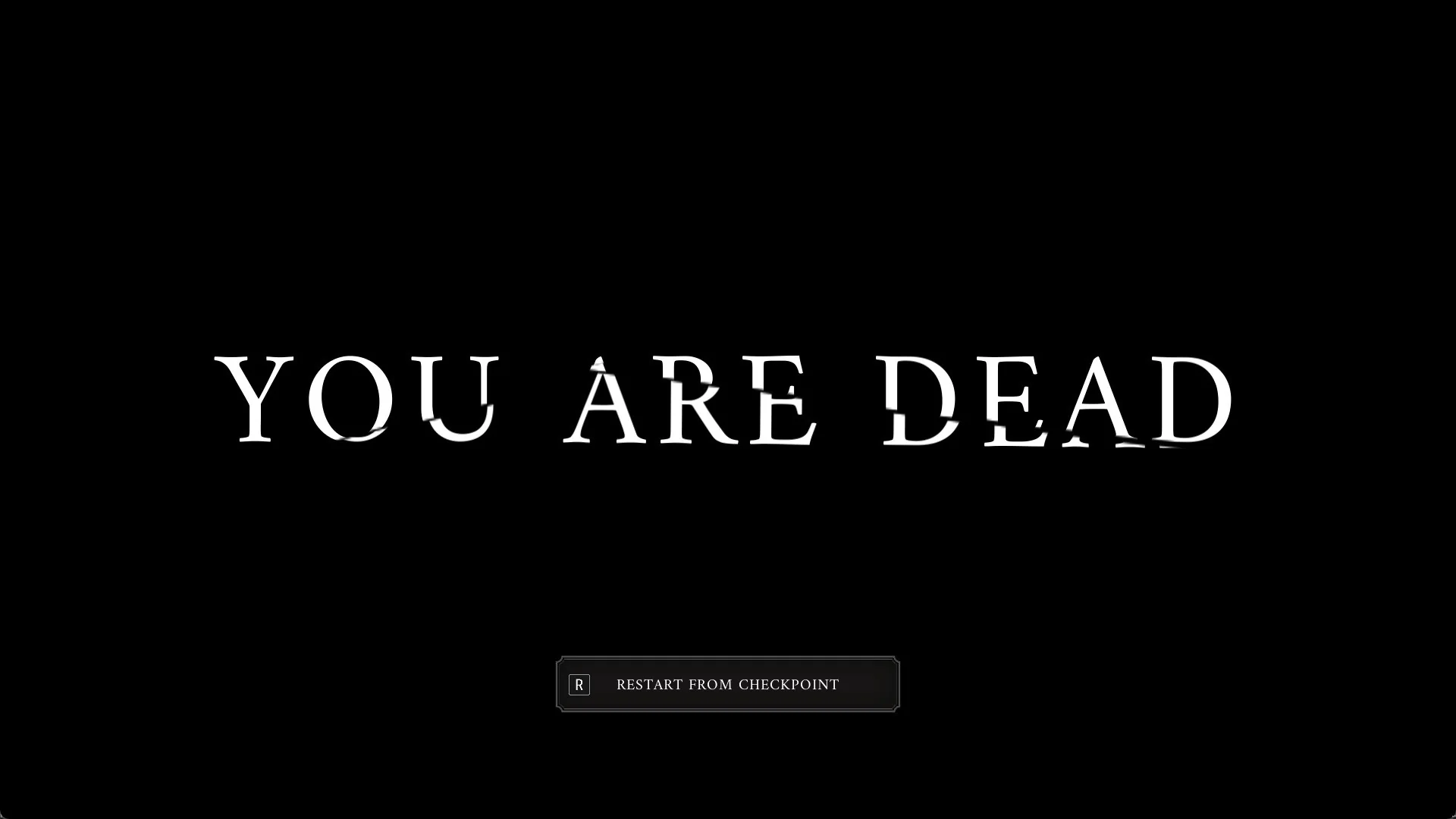
After death, the screen displays “YOU ARE DEAD” and offers just one choice: “R RESTART FROM CHECKPOINT”. Hold R for a moment (a quick tap may not register) to return to the most recent Lantern where you rested. Until you reach your first Lantern, restarting takes you to the game’s opening point: the place where you woke among the bodies on the Battlefield.
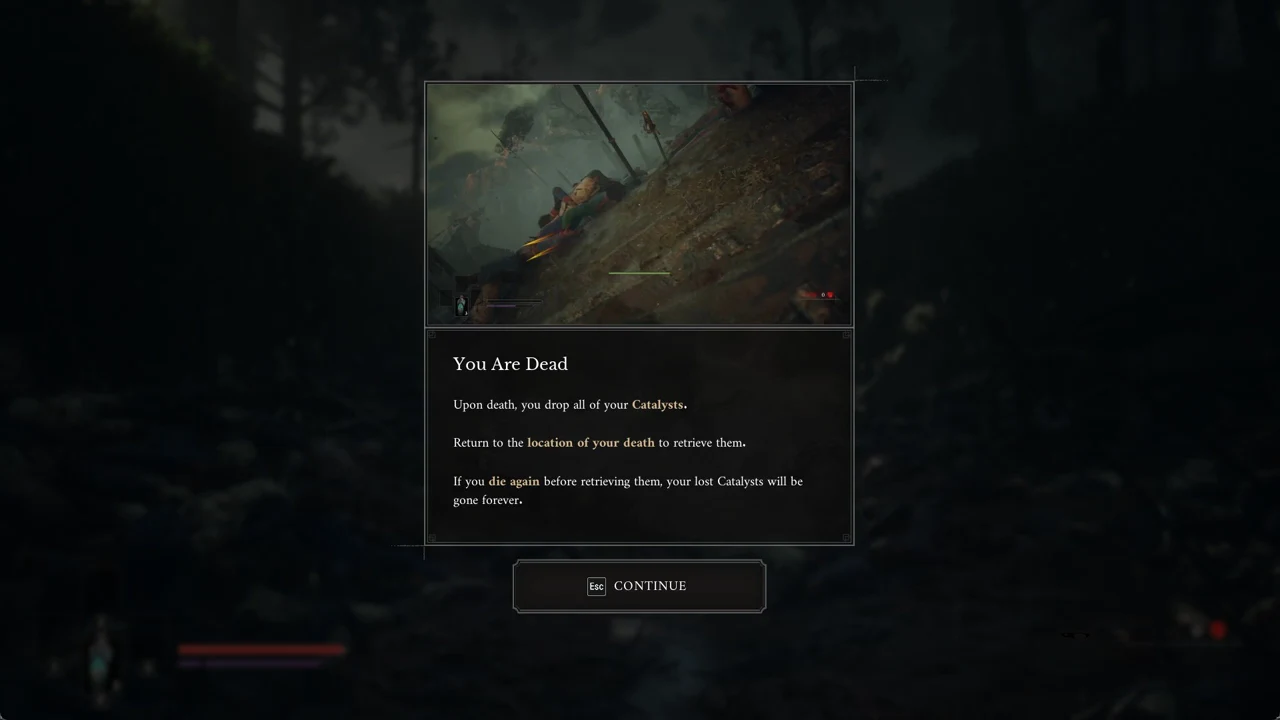
The first time this happens, a tutorial panel titled “You Are Dead” opens with an image of a red marker on the ground. It spells out the rule in three lines: “Upon death, you drop all of your Catalysts.” / “Return to the location of your death to retrieve them.” / “If you die again before retrieving them, your lost Catalysts will be gone forever.” Press Esc, shown as CONTINUE, to close it.
Your healing supply comes back intact. Ferrofluid Flasks return to full after you restart, so you set off toward the recovery spot with a complete supply.
How to recover your lost Catalysts
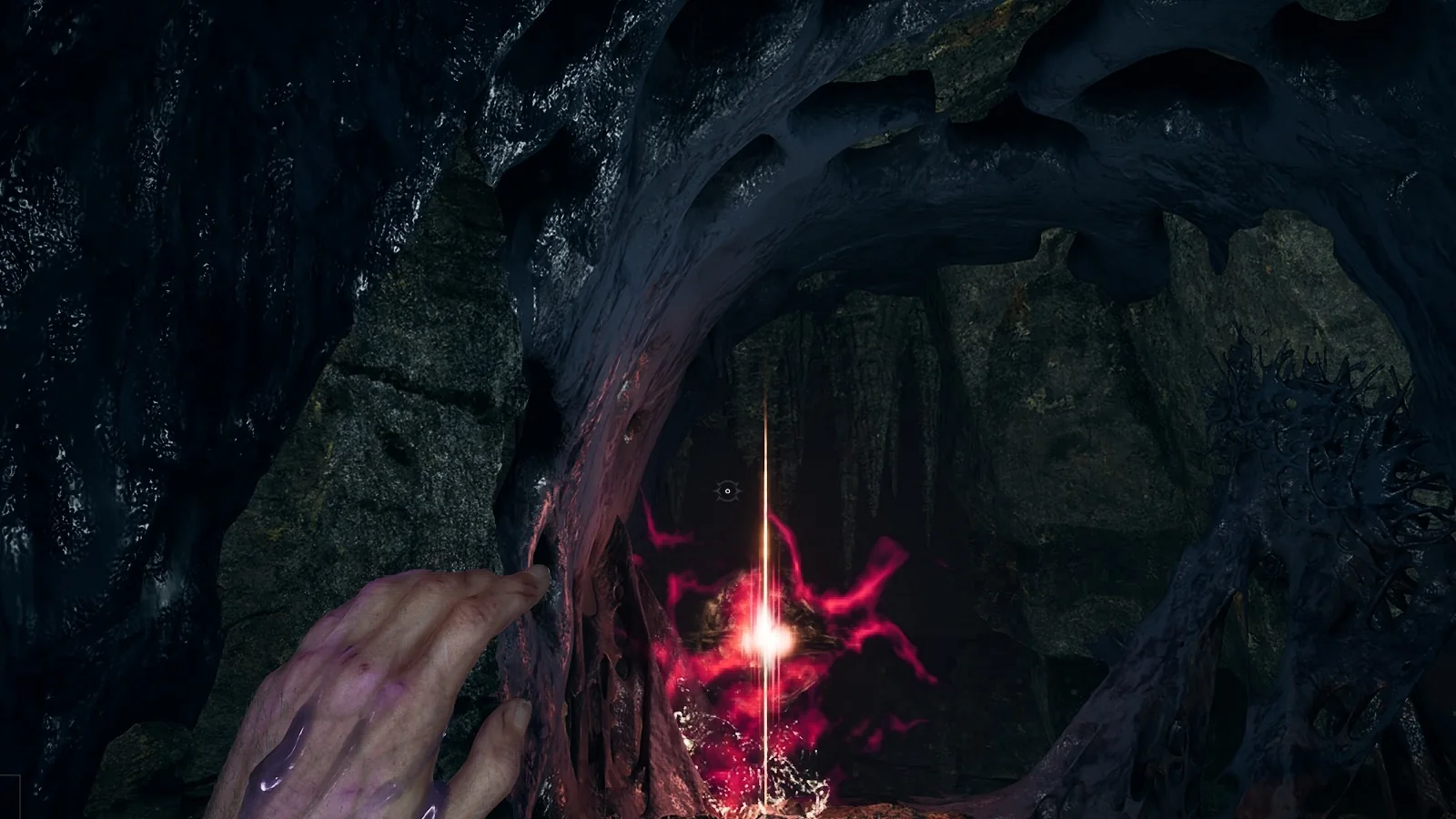
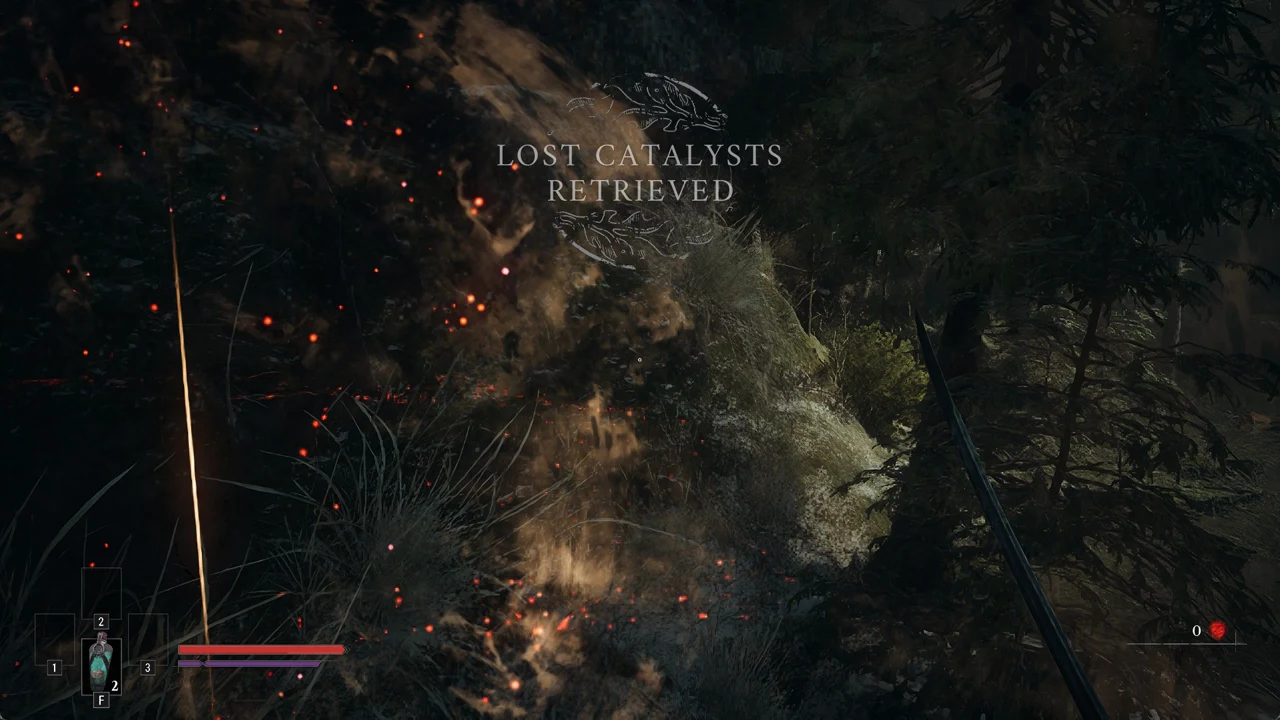
The “LOST CATALYSTS RETRIEVED” banner appears even when zero Catalysts were dropped, so the message alone does not tell you how many you got back.
Avoid losing Catalysts for good
Two simple habits keep your Catalysts safe from the permanent-loss rule.
- Spend your Catalysts at a Lantern before you enter an unknown area or take on a boss, so dying there costs you nothing.
- On the trip back to the glow, play carefully, because a second death before you reach it loses those Catalysts permanently.
Using Surrender to reset to a Lantern
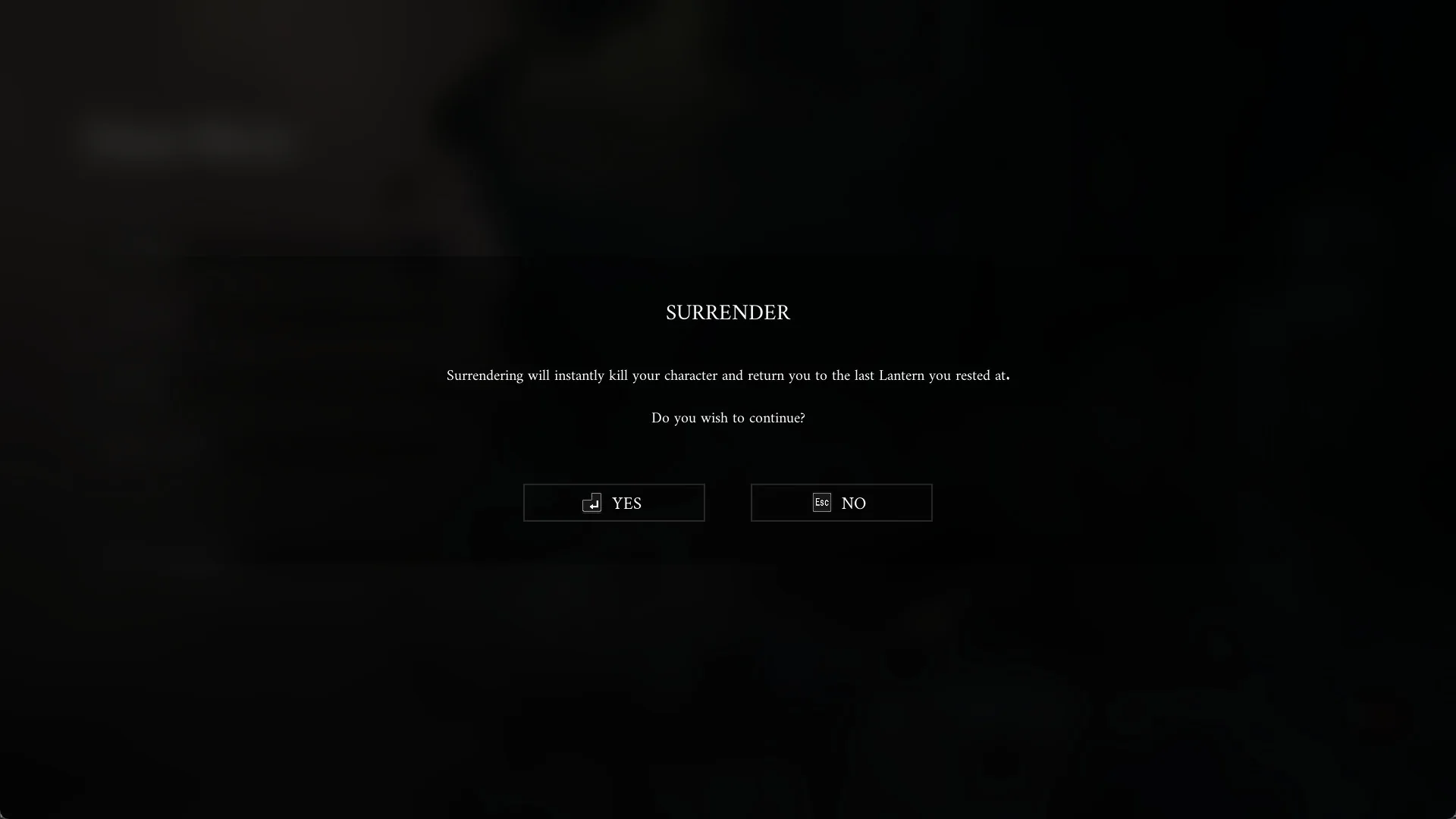
When you have no way out, select SURRENDER in the Pause Menu. The confirmation box explains that your character will die immediately and return to the most recent Lantern where you rested. This lets you leave a dead end and get back to a familiar checkpoint. The Surrender guide covers the option in full.