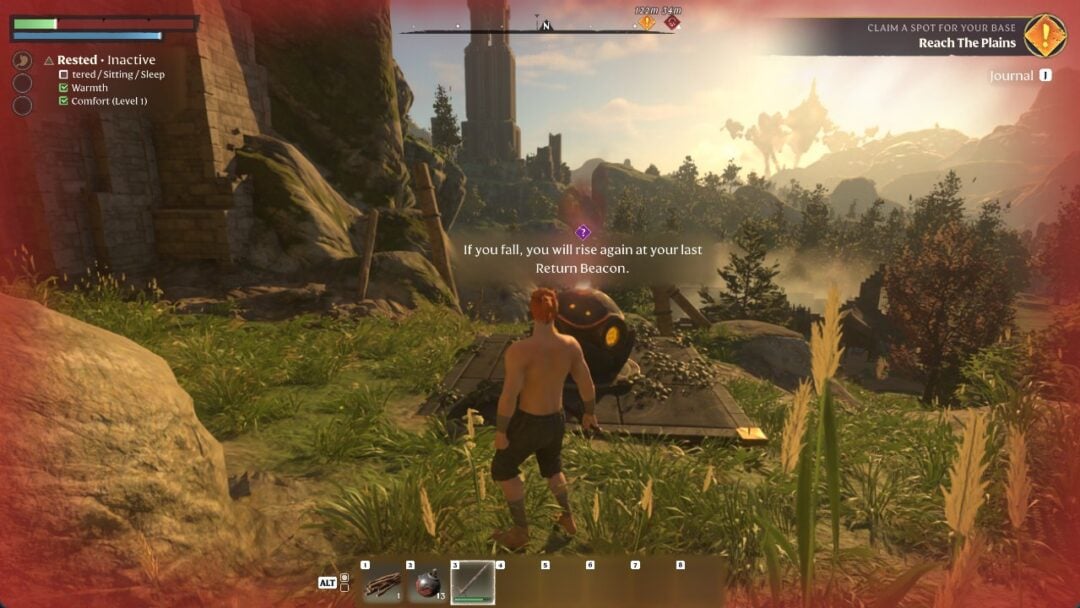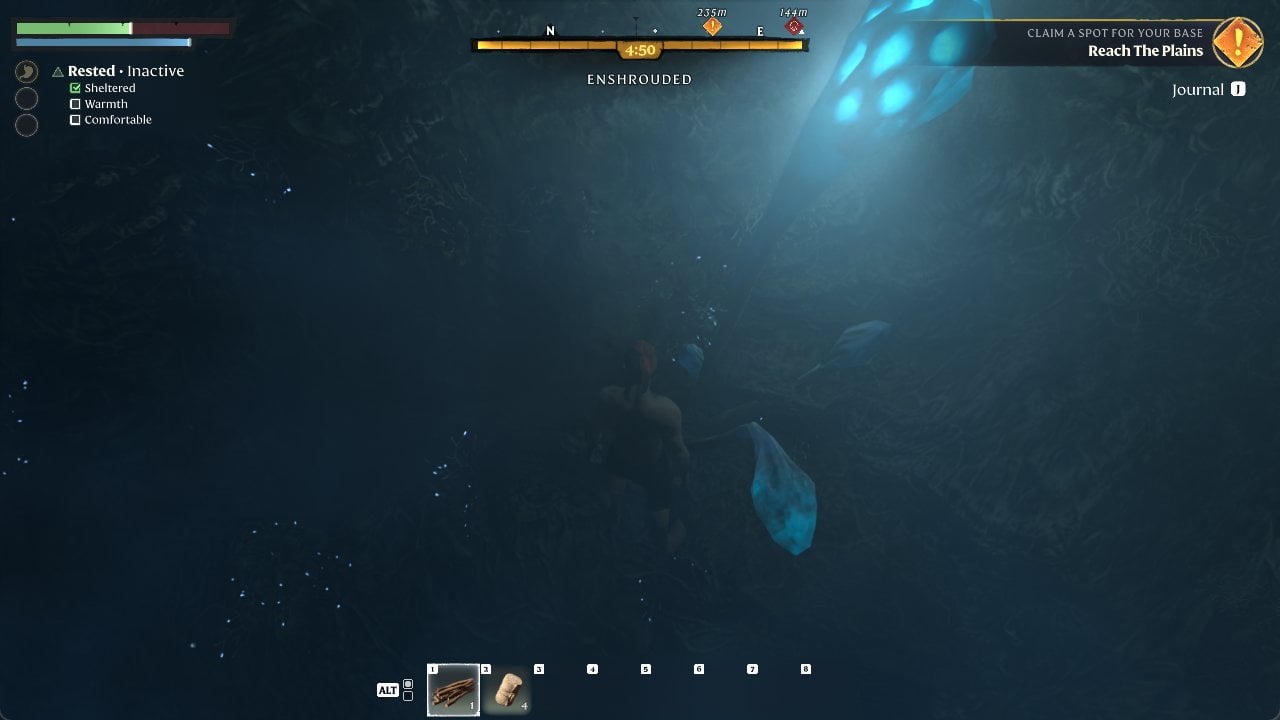
Step into the Shroud fog in Enshrouded and a clock appears under the compass, labelled ENSHROUDED. At Flame Level 1 it starts at 5:00; at Flame Level 2 it starts at 6:00. The clock counts down in real time, and you top it back up by leaving the fog or standing near a Return Beacon. Raising your Flame Level is how you earn a longer base.
What the ENSHROUDED timer shows on screen
The clock tracks your Time in the Shroud. The game explains why it matters right at the edge of the fog: “Your inner Flame allows you to resist the Shroud — but if you linger, you will perish. Escape the Shroud to replenish your Time in the Shroud.” The tutorial puts the same rule plainly: “Your inner Flame protects you from the Shroud, but not indefinitely. Watch your remaining time whilst enshrouded and leave to recover. When your time runs out, you perish.”
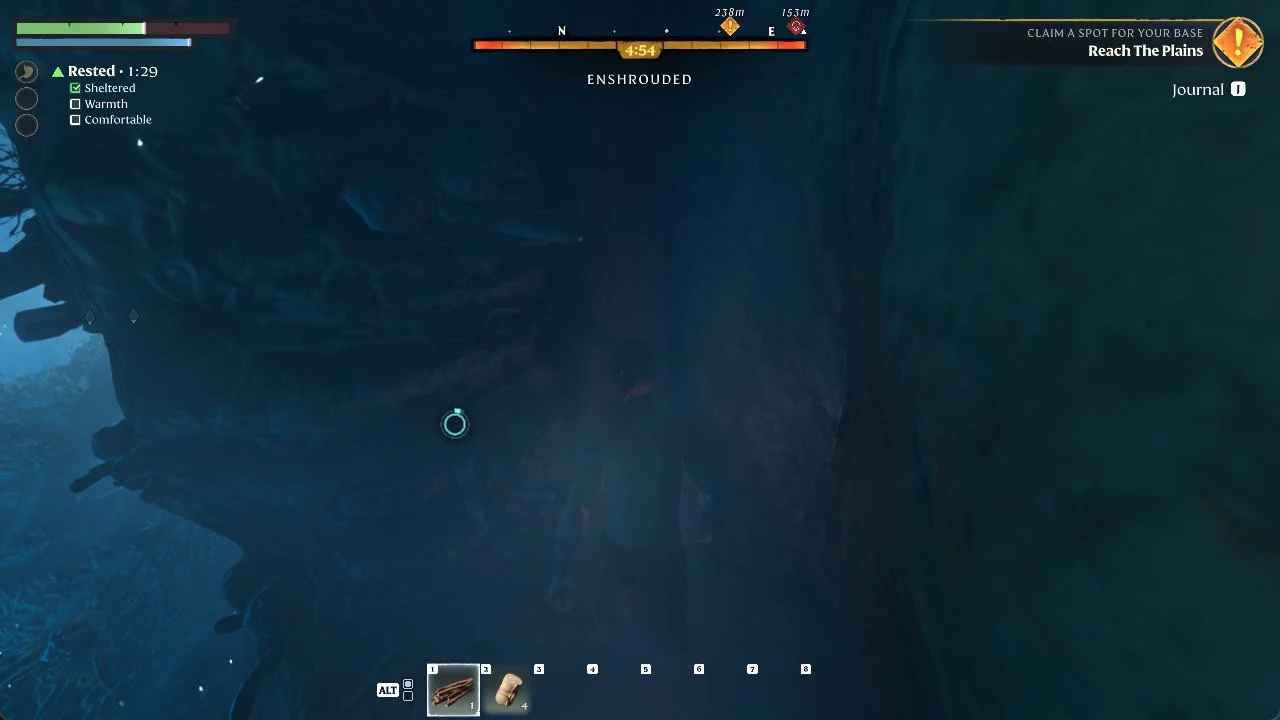
The countdown loses a second at a time. As your remaining time decreases, the bar closes in from both sides toward the clock at its center; a shorter bar means you have less time left.
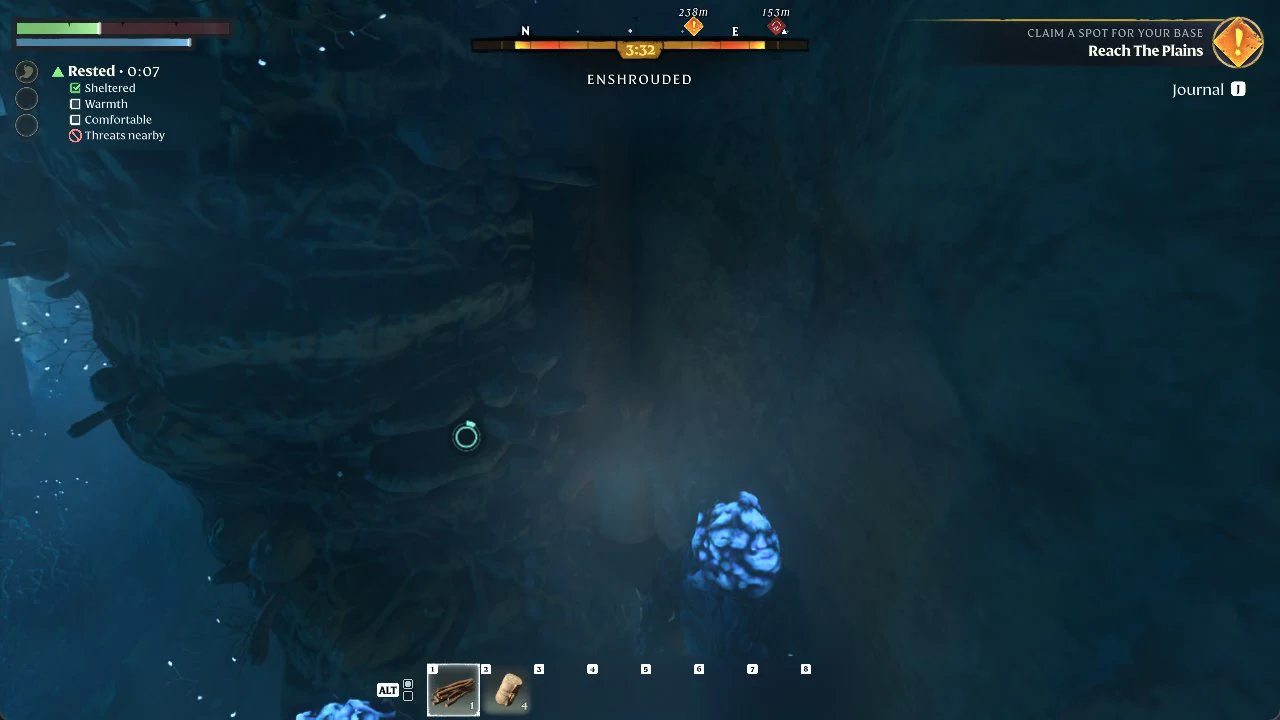
When fewer than two minutes remain, the status switches to ENSHROUDED · CAUTION, and CAUTION turns red. Take this as your cue to begin leaving the fog.
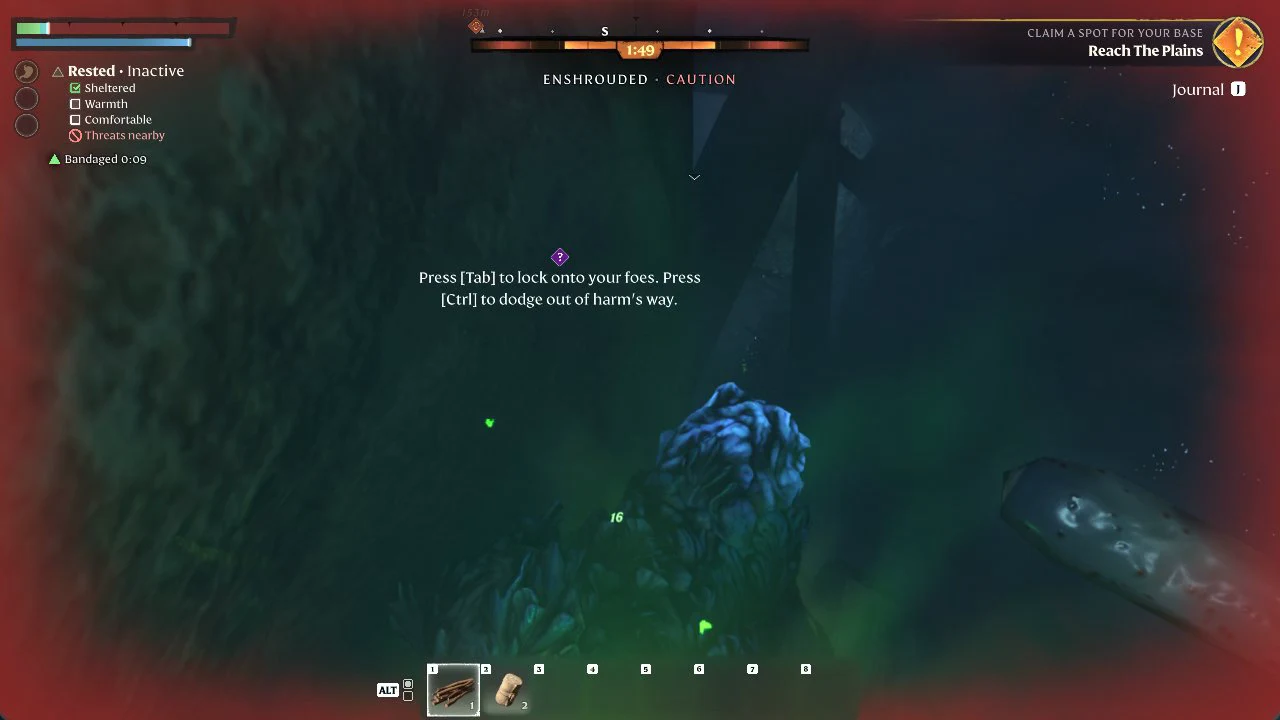
Fell creatures move inside the fog. When they are close, “Threats nearby” appears in the status list on the left, and the game offers its combat prompt: “Press [Tab] to lock onto your foes. Press [Ctrl] to dodge out of harm’s way.”
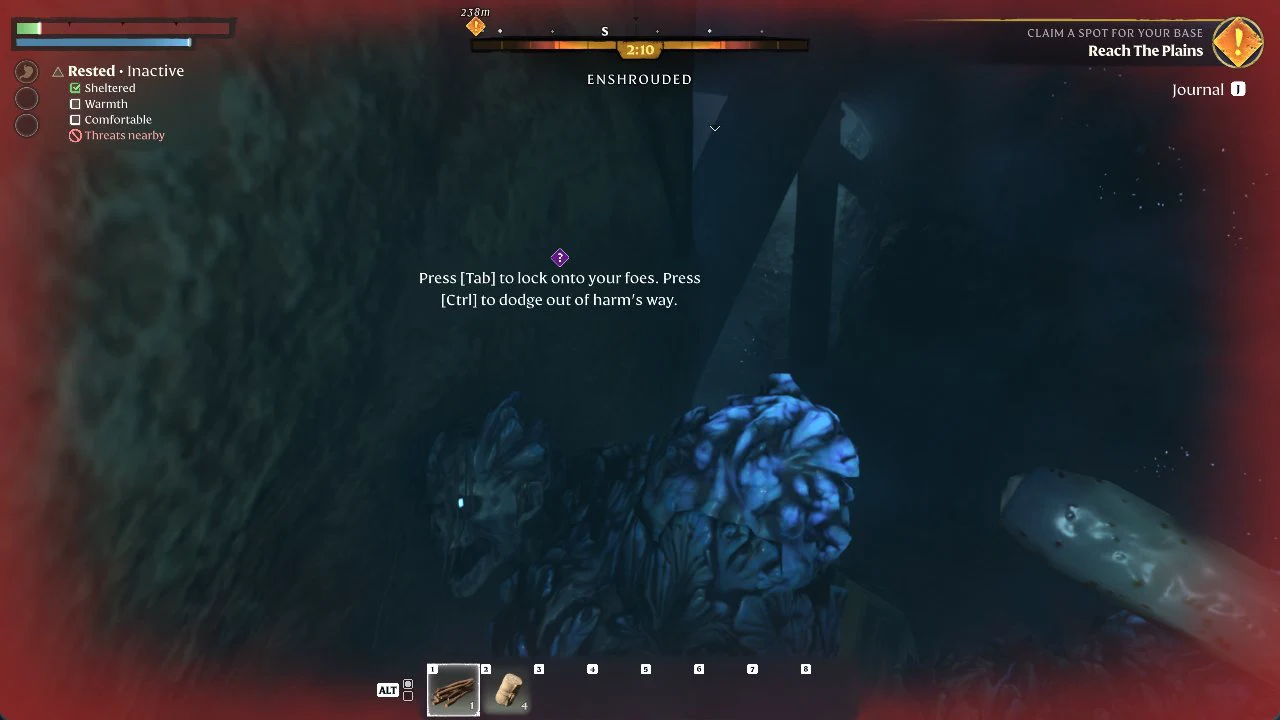
The bar vanishes once you exit the fog. The timer isn’t the only risk: a fight can drain your health before time runs out, and a fall in the Shroud can kill you while minutes remain. After dying and respawning, your next entry into the fog starts the clock over from the beginning.
“Fast Travel is not possible while in the Shroud.” Plan a route to the edge or to a Return Beacon rather than counting on a quick jump out.
What happens when the Shroud timer runs out
The warnings get louder as the clock drops. Under 0:48 the whole bar turns red and the label changes to ENSHROUDED · LEAVE NOW!, the last warning before your Shroud protection is gone.
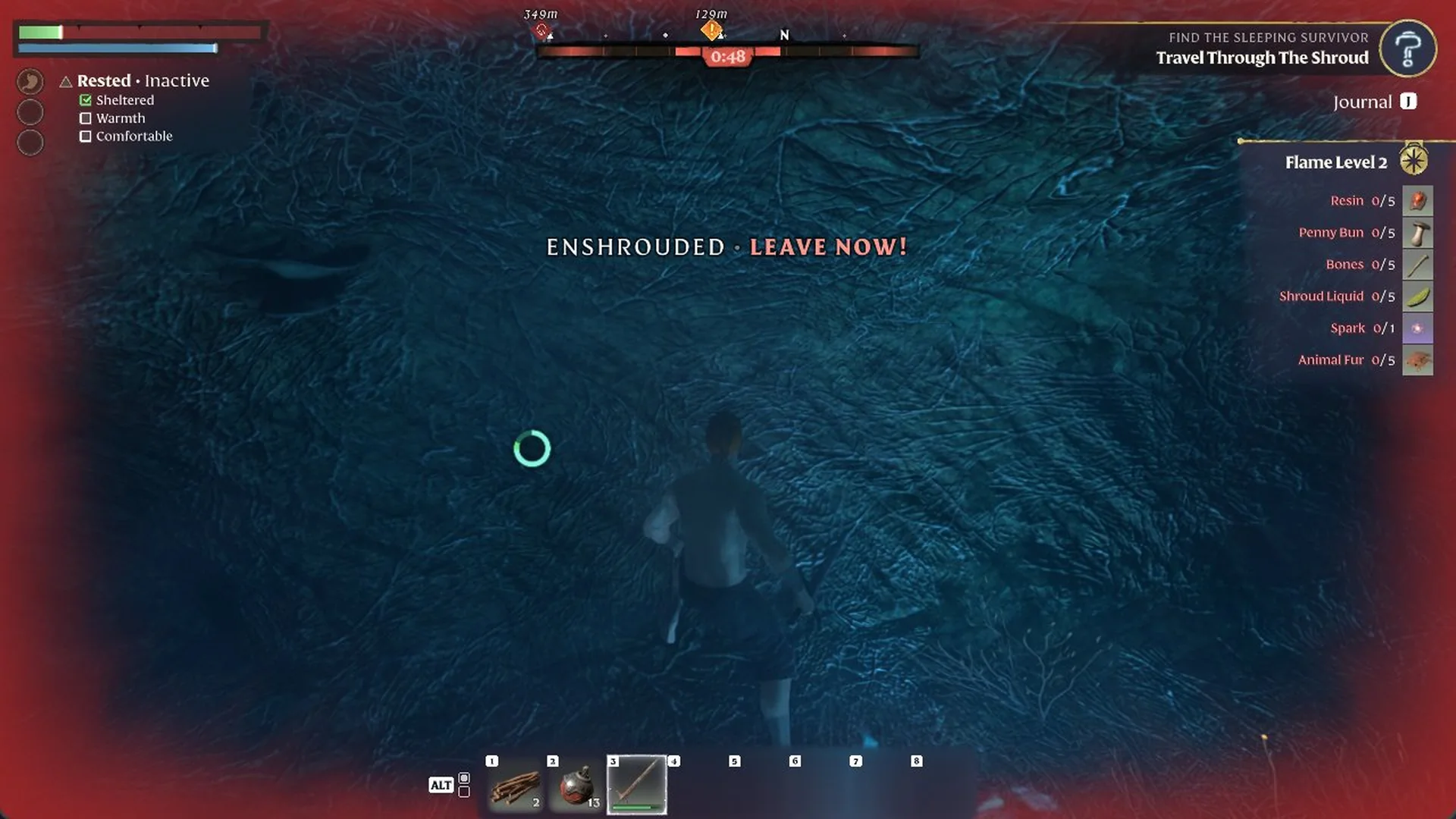
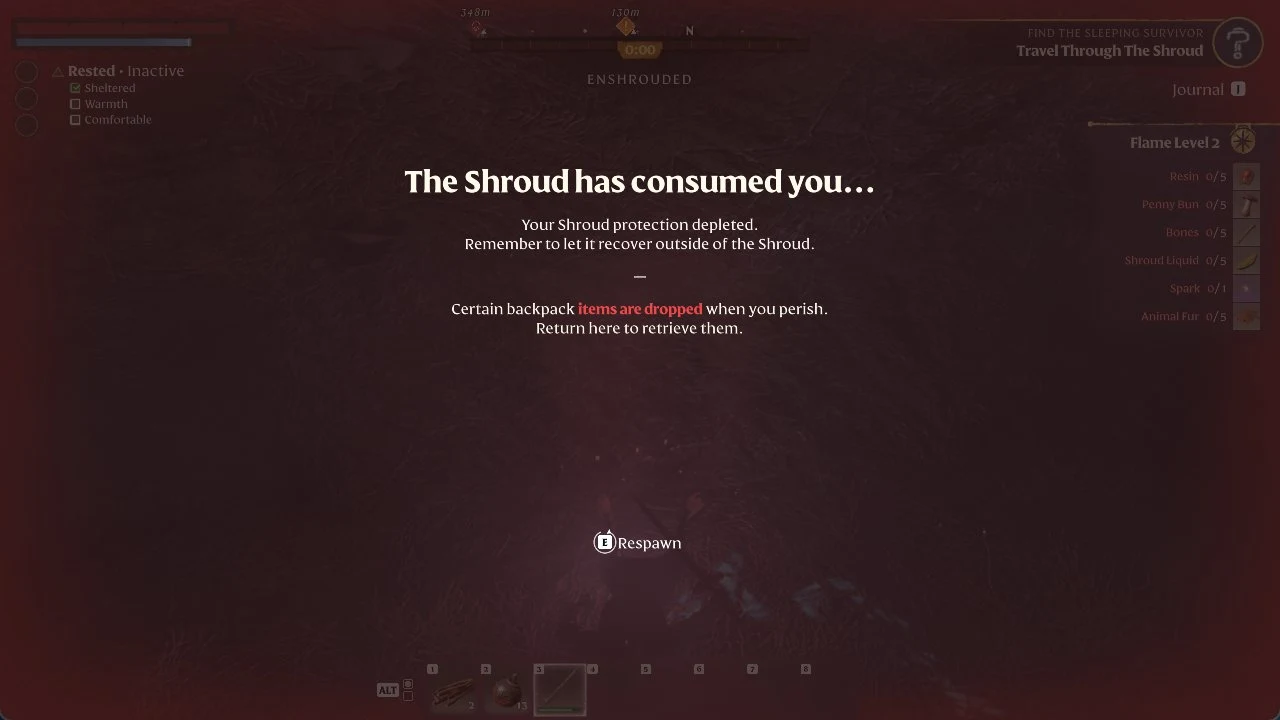
If the clock reaches zero while you are still in the fog, your character dies on the spot. The screen reads “The Shroud has consumed you…” followed by “Your Shroud protection depleted. Remember to let it recover outside of the Shroud.” and the usual “Certain backpack items are dropped when you perish. Return here to retrieve them.” Hold E to respawn, then go back for the dropped items once your time has recovered.
Raise your Flame Level for more base time
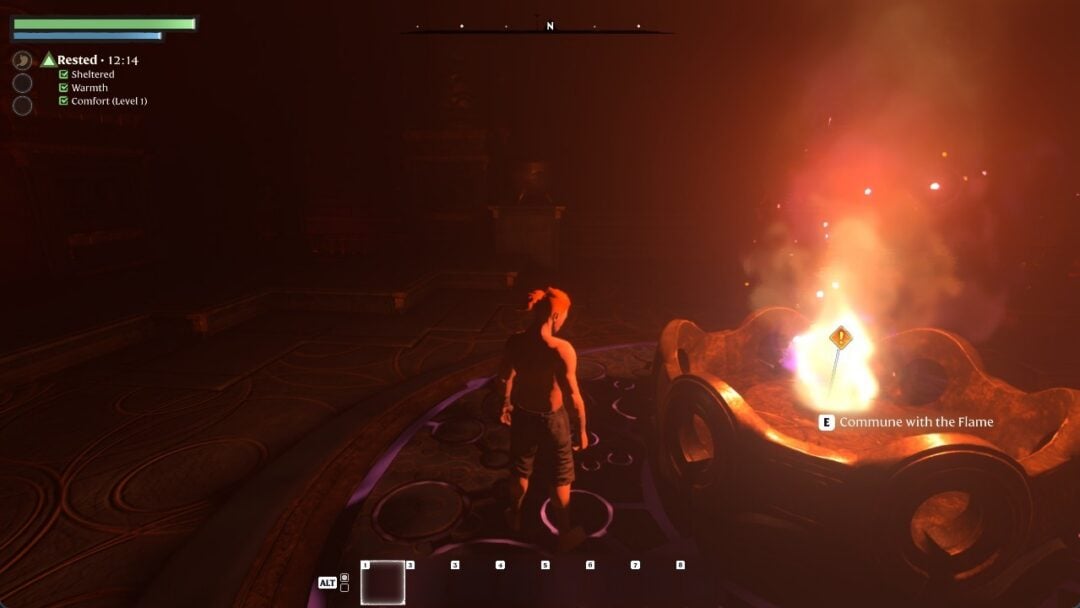
Strengthening the Flame is done at a Flame Altar. Going from Flame Level 1 to 2 raises your base Time in the Shroud from 5 minutes to 6 minutes, alongside other gains shown on the “Strengthen the Flame” screen.
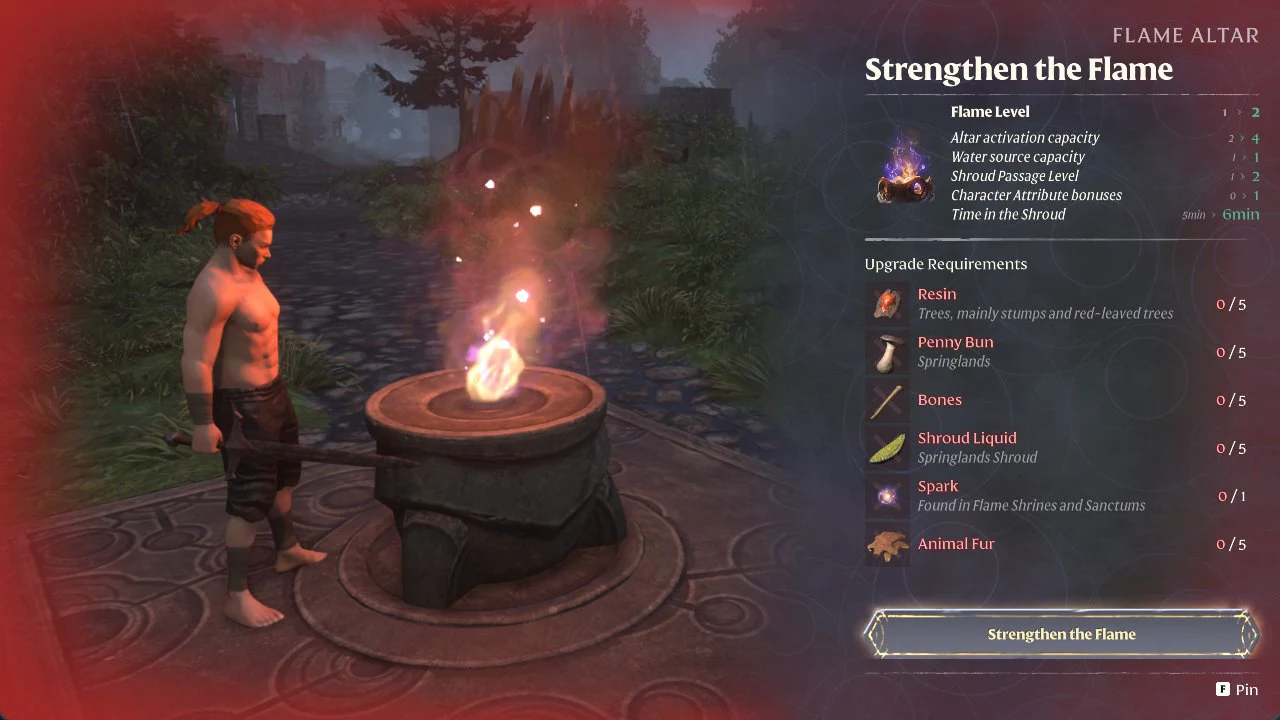
| Effect | Level 1 | Level 2 |
|---|---|---|
| Time in the Shroud | 5 min | 6 min |
| Altar activation capacity | 2 | 4 |
| Shroud Passage Level | 1 | 2 |
| Character Attribute bonuses | 0 | 1 |
Reaching Level 2 costs the following. Gather it all first, then interact with a Flame Altar and choose Strengthen the Flame.
| Material | Quantity | Where to find |
|---|---|---|
| Resin | 5 | Trees (especially stumps and trees with red leaves) |
| Penny Bun | 5 | Springlands |
| Bones | 5 | — |
| Shroud Liquid | 5 | Springlands Shroud |
| Spark | 1 | Flame Shrines and Sanctums |
| Animal Fur | 5 | — |
You will know it worked when the “Strengthen the Flame” screen advances to the next Flame Level and your Time in the Shroud reads 6 minutes.
Refill and extend your time inside the Shroud
You do not have to leave the fog to recover time. Several items, structures, and skills top up or stretch the clock while you are still enshrouded.
Hourglass capsules
The tutorial describes them directly: “Search for glowing hourglass capsules inside the Shroud for a momentary boost and replenishment. Hourglass capsules are consumed upon interaction to restore 5 minutes of Time in the Shroud but cannot be picked up or carried around.” The 1.0 update made them far more common, and large Fell can drop them too.
Return Beacons
“Return Beacons replenish your Time in the Shroud. Stand near them to feel their effect.” Treat these as safe points to recover before pushing deeper.
Flasks and food
The Shroud Survival Flask reads: “Must be taken before entering the Shroud. Extends the Time in the Shroud by 2 minutes. This effect will last for 45 minutes.” The Greater Shroud Survival Flask does the same with 4 minutes. Glimmer Gentian Tea and Calla Luna Soup also extend your time. There is also an item that “Instantly restores 2 minute of your remaining time in the Shroud”.
Skills
Several skills add or restore time. Skill points come from levelling up and from destroying Shroud Roots, so these are worth planning for:
- Inner Fires (1 point): “Time in the Shroud is increased”.
- Purification (Warrior): Kill a Shroud-infested foe using an axe, club, hammer, sword, or greatsword to regain seconds of Time in the Shroud.
- Survival Instinct (Ranger): the same, with a bow or dagger.
- Shroud Mitigation (Mage): Magic damage may ignite a flame burst, adding time in the Shroud for you and nearby allies.
What cuts your Time in the Shroud
A few effects shorten the clock, so watch for them if your time seems to drain faster than usual.
- Fell Curse: “You’ve been cursed by the Fell. Your Time in the Shroud is reduced significantly. This long-term debuff affects you permanently until removed with a cleansing tonic.” The Fell Curse Cleansing Tonic removes it and blocks the curse for an hour.
- Shroud spells such as Shroud Beam and Shroud Meteor: “This spell results in a debuff that reduces your Time in the Shroud”.
- Elixir of the Shroud: more damage, less Time in the Shroud.
Change the timer per world
If you want the fog to be more or less forgiving, the “Time in Shroud” difficulty setting “Scales how long player characters can remain within the Shroud.” You can change it for each world from that world’s Edit screen, under Difficulty. Leaving it at Default is what gives the 5:00 start at Flame Level 1.