Free spins in Cat Battles come from one place, the Alien Wheel in the lobby. You don’t have to grind or pay for them. The game adds spins to your balance on a fixed timer, and you cash them in at the wheel between matches.
Quick answer: Play Cat Battles and you earn 1 free spin every 15 minutes. Walk to the green Alien Wheel next to Dr. Whiskers in the lobby, open it, and press Spin.
Alien Wheel location in the Cat Battles lobby
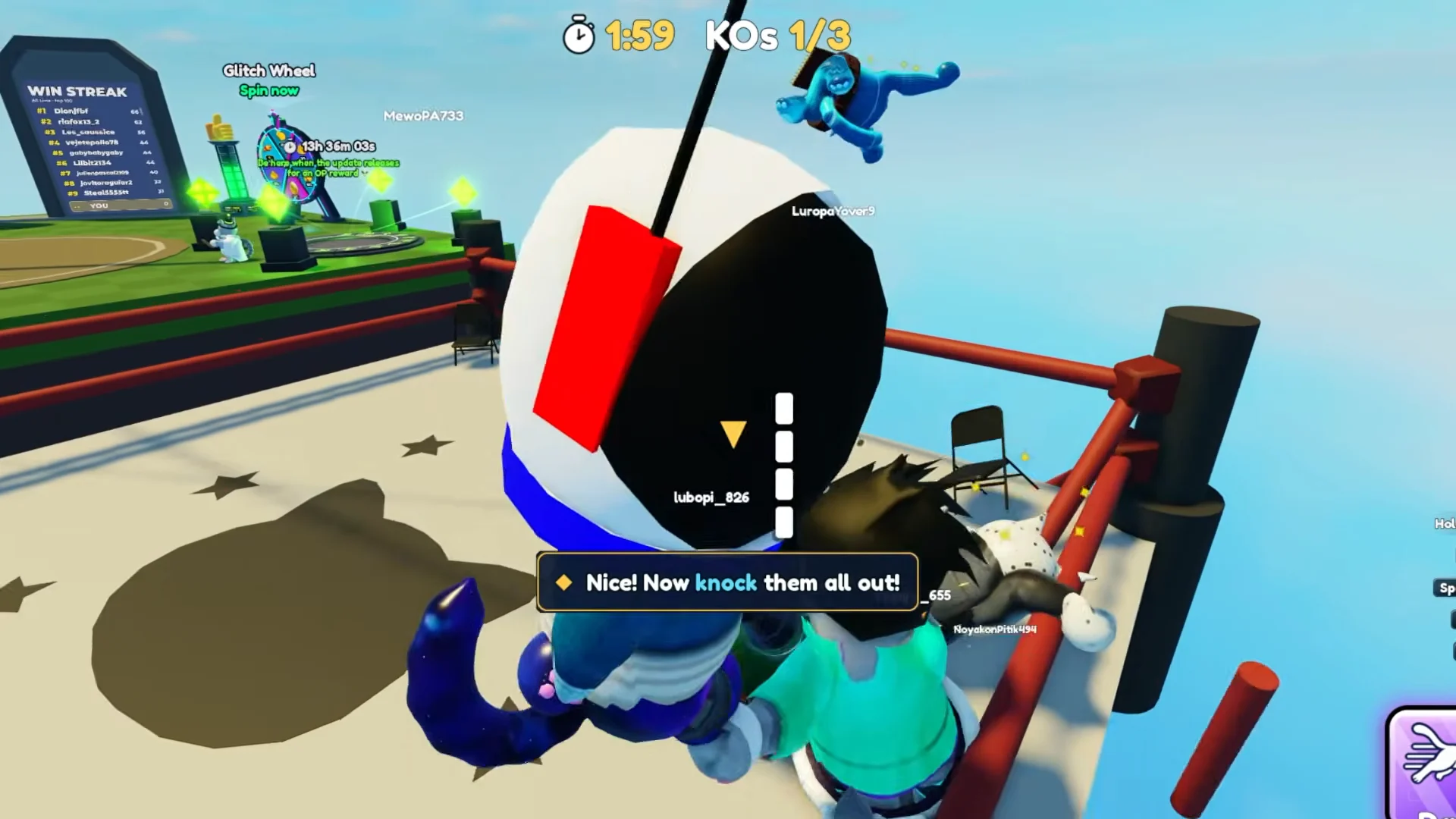
In the main lobby, where players wait between rounds, the green Alien Wheel stands near the circular ring at the center. The Dr. Whiskers NPC and green beam platform are beside it. Approach the wheel to bring up its spin menu. Dr. Whiskers has a separate “[E] Talk” prompt, so interact with the machine instead of the NPC.
How the Cat Battles free spin timer works
Free spins build up on their own. The wheel gives you 1 free spin every 15 minutes of playtime, and there’s nothing to claim and no quest to finish. The menu tracks it all for you.
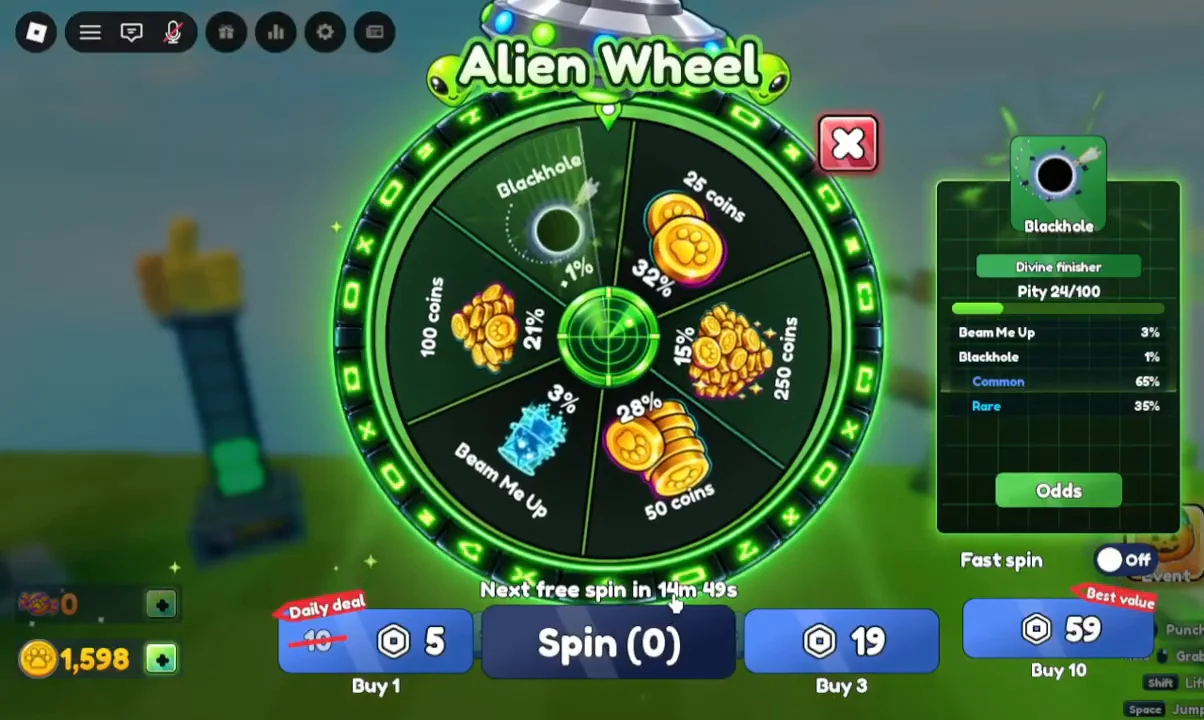
- A countdown sits directly under the Spin button and shows the time until your next free spin.
- Unused spins stack. The button shows how many you’re holding, such as “Spin (3)”.
- The timer keeps running while you hold spins. Once you have at least one, the label reads like “2 free spins • next in 14m 58s”.
- When you have none left, the label switches to “Next free spin in” followed by the remaining time.
How to use free spins on the Alien Wheel
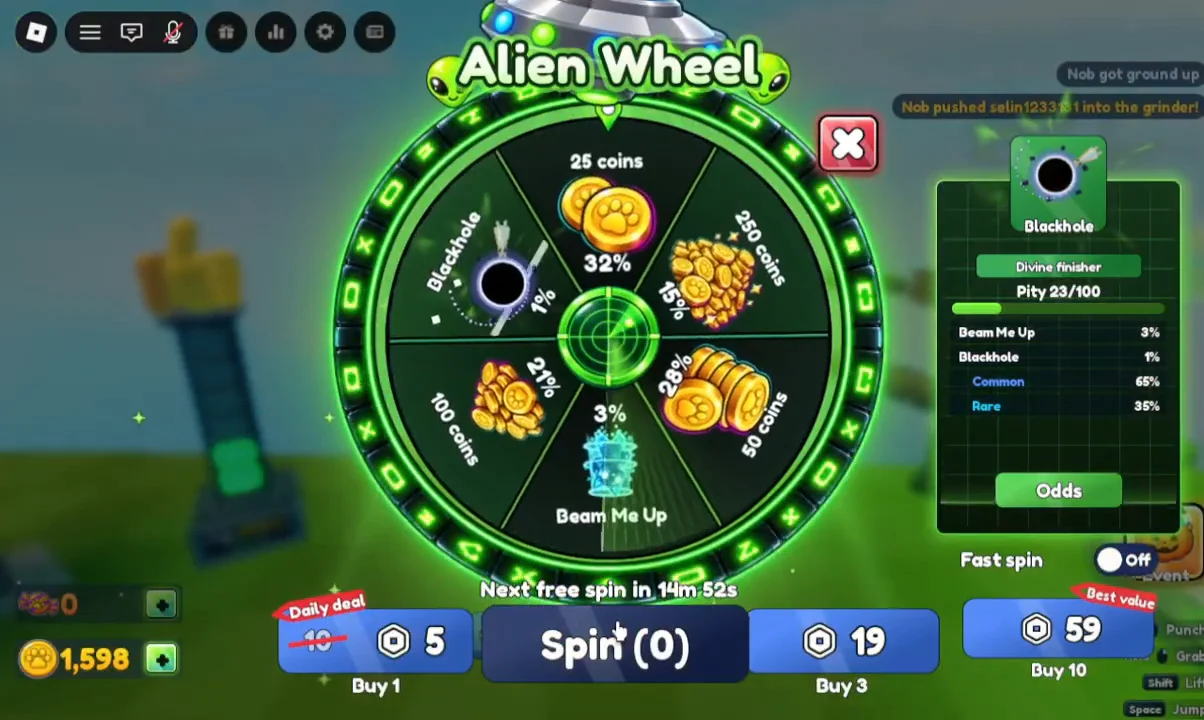
You can confirm each spin went through in three places. The number on the button drops by one, the pity counter goes up by one (for example from “Pity 21/100” to “Pity 22/100”), and your reward appears after you press Claim. When the button reads “Spin (0)”, your free spins are gone until the timer runs out again.
The wheel menu closes when a match begins. If the lobby counts down and picks a map, finish any remaining spins after the round.
Alien Wheel prizes and odds
Most spins pay out coins. Two slices are much rarer. Beam Me Up has a 3% chance, and Blackhole, a Divine Finisher, has a 1% chance.
| Prize | Chance |
|---|---|
| 25 coins | 32% |
| 50 coins | 28% |
| 100 coins | 21% |
| 250 coins | 15% |
| Beam Me Up | 3% |
| Blackhole (Divine Finisher) | 1% |
The Odds panel also groups the wheel by rarity tier. It lists Common at 65%, Rare at 34% and Divine Finisher at 1%.
The pity counter shown on the menu counts every spin toward a guaranteed reward, out of 100. Free spins count toward it just like paid ones do. Each 15-minute spin you claim brings you one step closer, even if it only lands 25 coins.
Free spins vs. Robux spins
The timer is the only free source of Alien Wheel spins. Cat Battles codes give coins, not spins. The same menu also sells spins for Robux, so the options below show up next to the free Spin button.
| Option | Spins | Cost |
|---|---|---|
| Daily deal | 1 | 5 Robux |
| Spin | 1 | 19 Robux |
| Best value | 10 | 59 Robux |
If you only want free spins, ignore the Robux buttons and press Spin while it shows a count above zero. Check back roughly every 15 minutes during a play session and the spins will keep coming.