The Halloween update in Anime Dice added a Trick or Treat system to the new Halloween world. Walk up to a house’s front door and it pays out random rewards, including Candy, Candy Pots, and the rare Pumpkin and Witch’s Jackpots. You trigger it by walking, not by clicking. That makes it a good fit for TinyTask, a small free macro recorder that saves your keyboard and mouse input and plays it back on a loop.
Quick answer: Click Shop, start recording in TinyTask, walk through the fire portal and past every house door, then click Shop again and stop. Turn on Continuous Playback and play it back.
How Trick or Treat pays out in the Halloween world
Anyone can reach the Halloween world through the fiery portal in the main world’s hub. The event map is a neighborhood lined with houses. When you get close to a door, the prompt Trick or Treat! Walk up to the door appears, and walking into it is enough to collect the reward.
Every door has its own cooldown. You can’t stand at one house and farm it, so a macro has to move along the street and hit many doors on each pass. A full loop gives earlier doors time to come off cooldown before you reach them again.
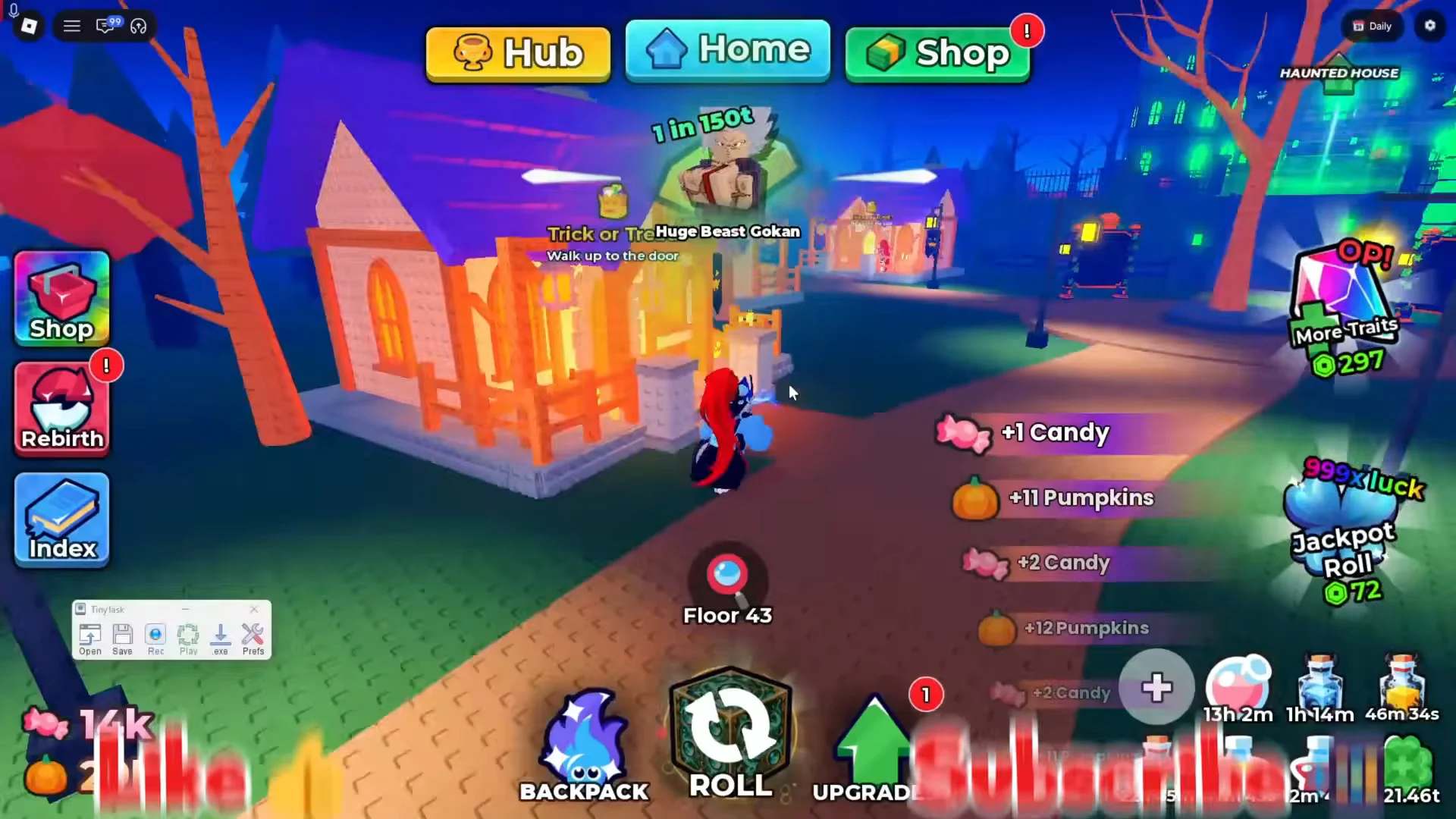
Possible drops include Candy, Pumpkins, Candy Corn, a Treat Bag, and potions such as Candy Pot I, Candy Pot II, and Pumpkin Pot II. When the Haunted Night has started! banner appears, Haunted Night is running, with 2× Candy and 2× Pumpkin Luck. That’s when an AFK loop earns the most.
TinyTask settings for an Anime Dice loop
TinyTask has five buttons, Rec, Play, Open, Save, and Prefs. Open Prefs and set the following before you record anything.
| Setting | Value | Why |
|---|---|---|
Continuous Playback | Checked | Repeats the loop forever |
Recording Hotkey | F8 | Start and stop recording without clicking |
Playback Hotkey | Print Screen | Start and stop the loop |
Always on Top | Checked | Keeps recording status visible over Roblox |
The hotkeys don’t have to be F8 and Print Screen. Use any keys that Anime Dice doesn’t need. If you use a hotkey instead of the Rec button, no stray click toward the TinyTask window ends up at the start or end of the recording. Leave Play Speed at its default so the playback matches your real movement.
Pick a teleport anchor: Shop vs. Home
TinyTask replays keystrokes blindly. It can’t tell where your character is standing. Every loop has to begin from the exact same spot, and the only reliable way to get there is a teleport button on the HUD. The macro ends by pressing that button, so the next pass starts from the same place.
| Anchor | Where it drops you | Consistent across servers? |
|---|---|---|
Home | Your own base plot | No |
Shop | In front of the DICE SHOP | Yes |
Home sends you to your own base plot. That works as long as you stay in the same server. If you reconnect or change servers, you get a different plot, so the path from Home to the portal changes and an old recording walks the wrong way.
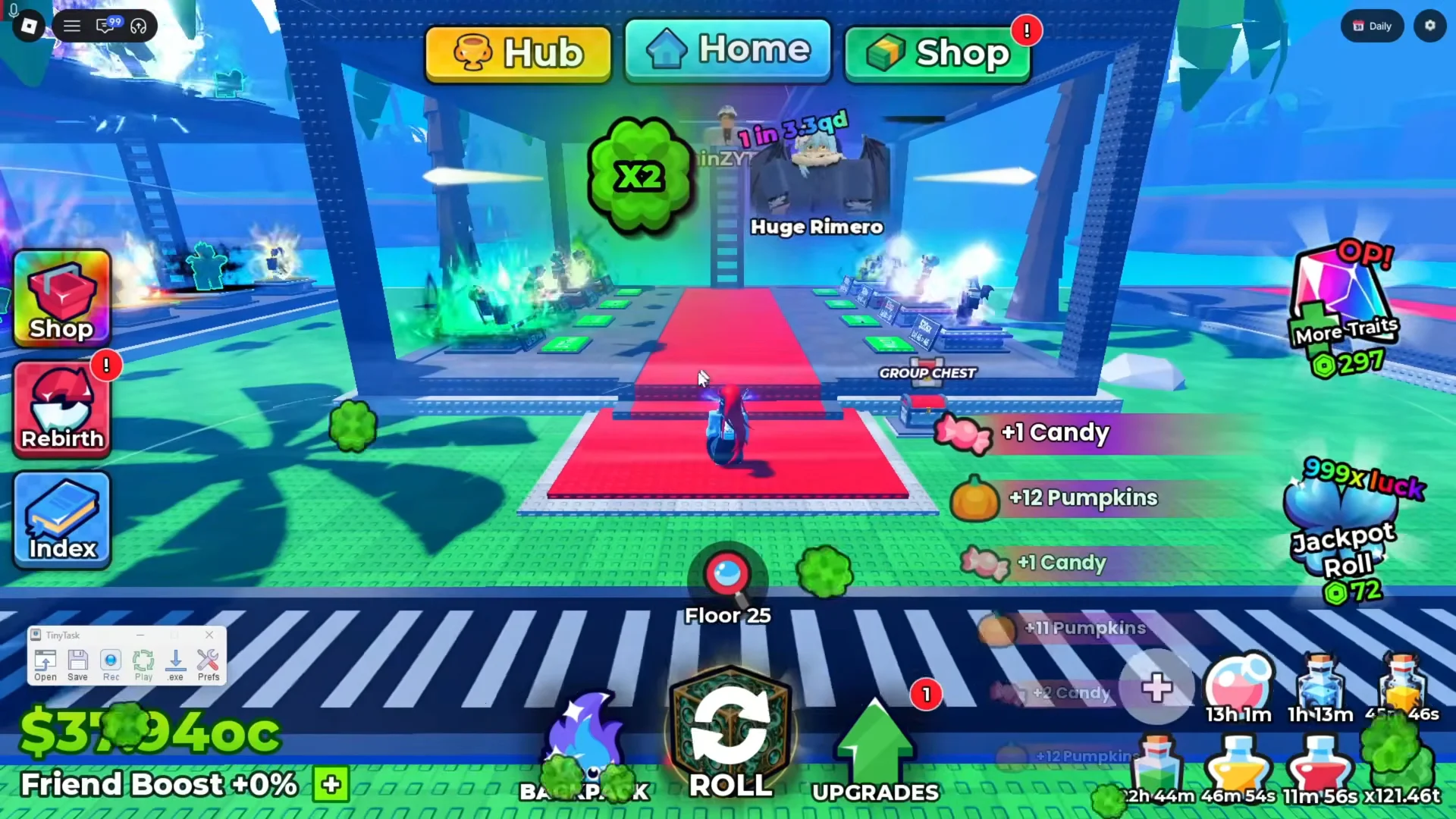
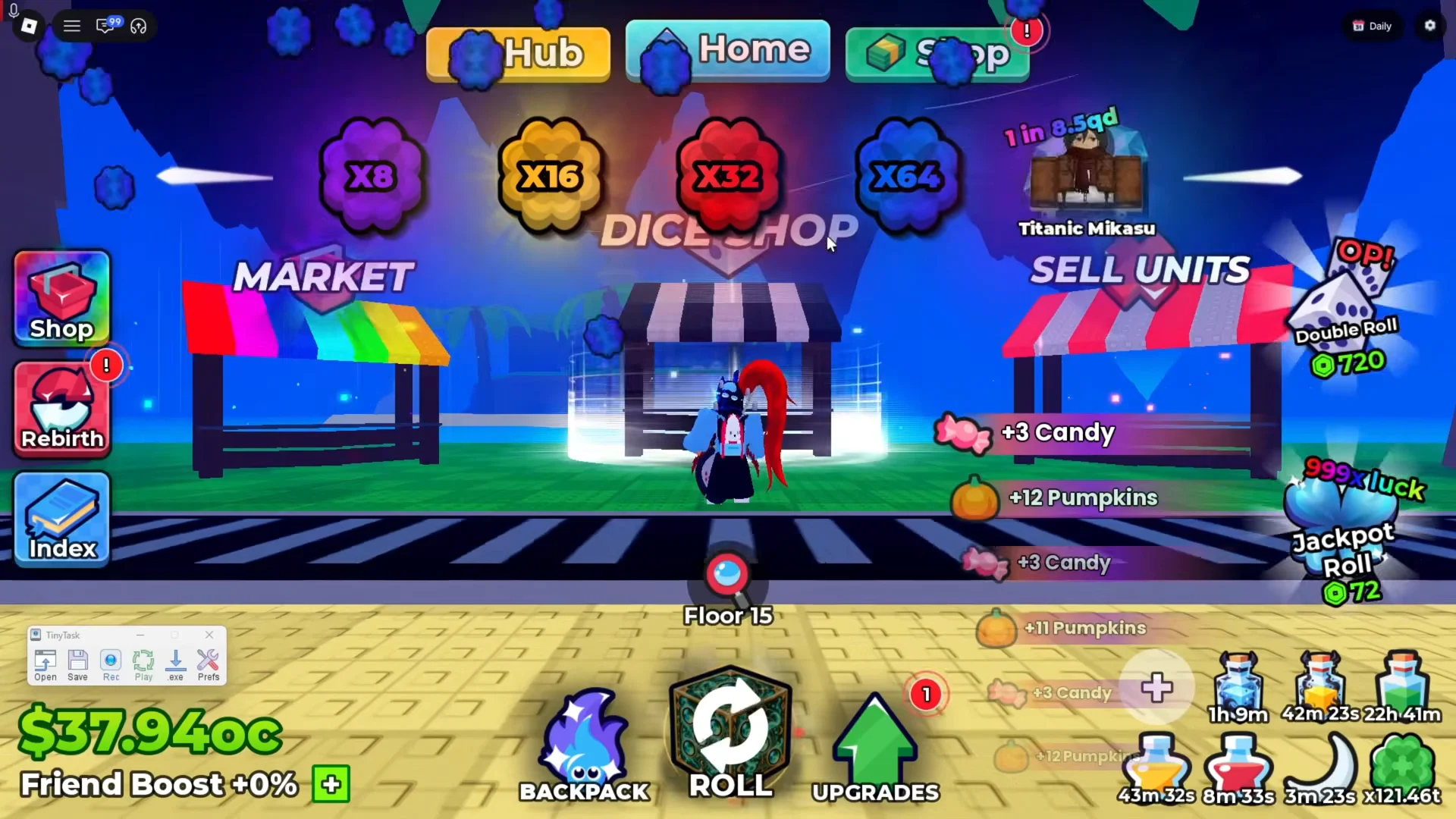
Shop puts you in front of the Dice Shop, between the MARKET and SELL UNITS stalls, in every server. A route recorded from there keeps working after a rejoin. Use Shop unless you’re sure you’ll stay in one server the whole session.
Record the Trick or Treat route
Don’t move the camera during the recording, whether by right-click dragging or with Shift Lock. TinyTask doesn’t restore your camera angle, so any turn you make while recording throws off the playback and the route breaks.
Shop button on the HUD to teleport to the Dice Shop. Wait until the area has fully loaded and your character is standing still.Always on Top turned on, you can see that it’s recording.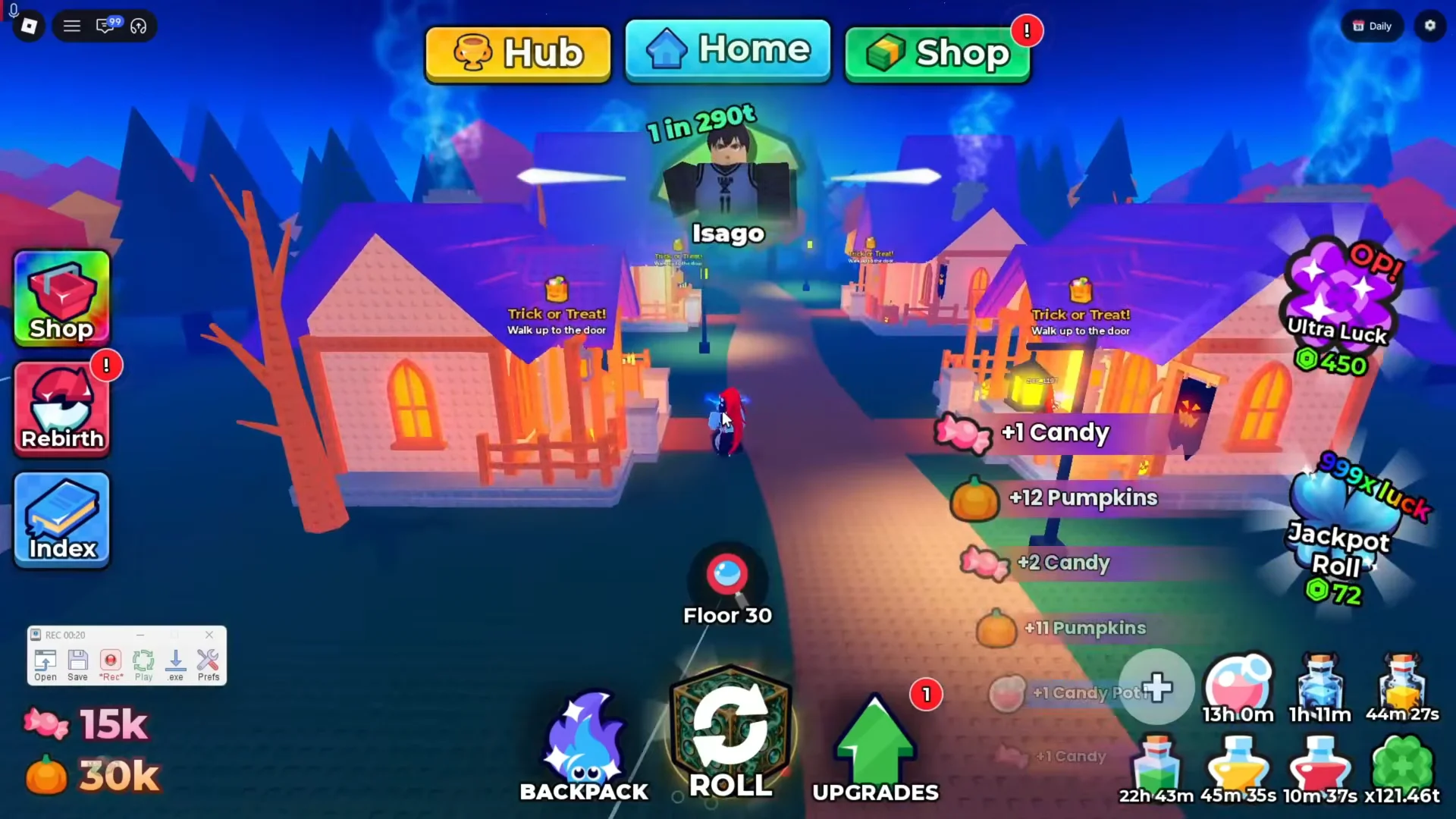
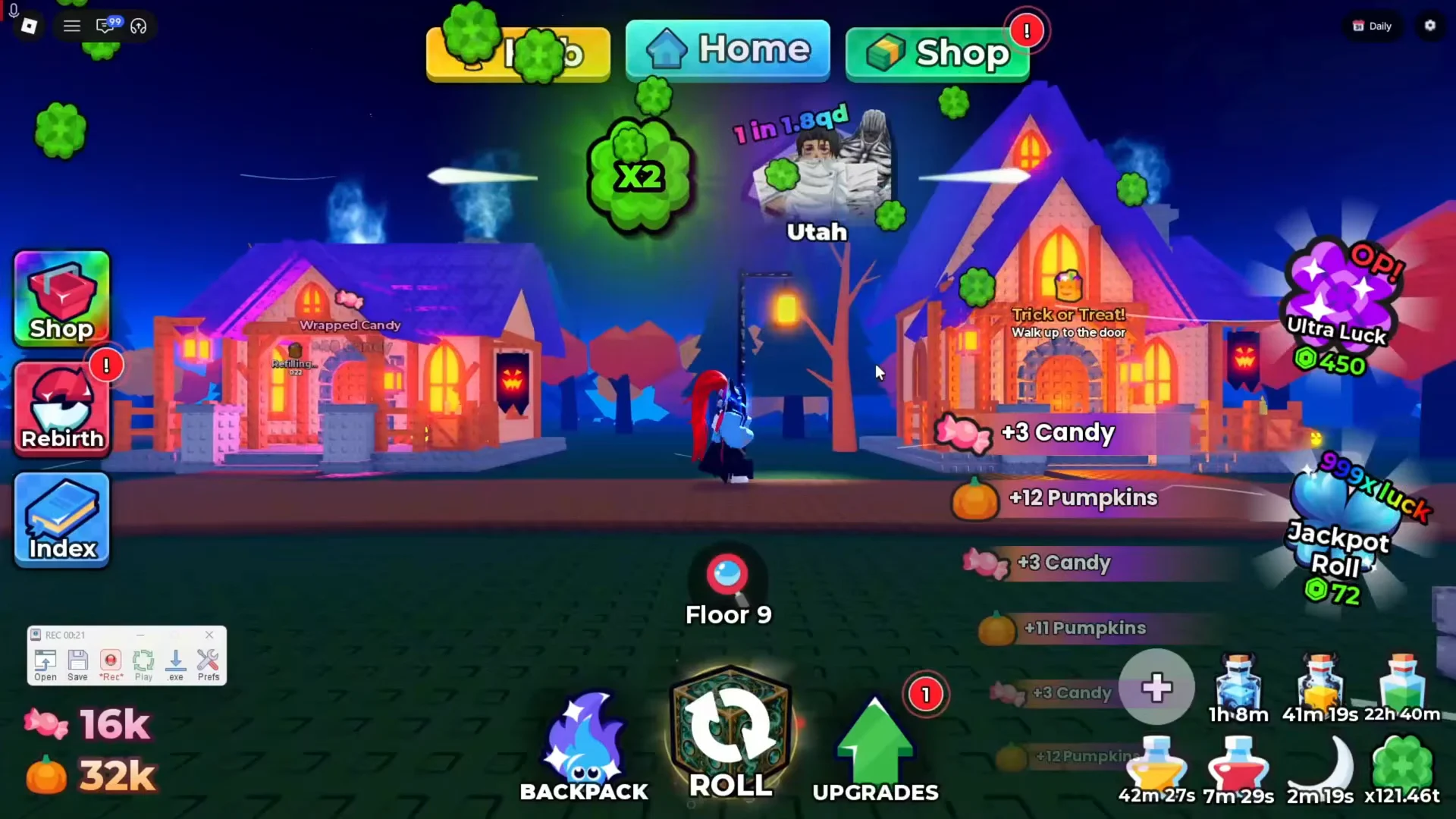
Shop to teleport back to the starting point. Use Home instead only if you began the recording from Home.Continuous Playback is checked, the route repeats until you press the hotkey again.Confirm the AFK macro is farming
Watch the first two full loops before you walk away. If it’s working, your character teleports to the Dice Shop, goes through the portal without touching the camera, and collects Candy and Pumpkins at every door on the route. Then it teleports back and starts again from the same spot.
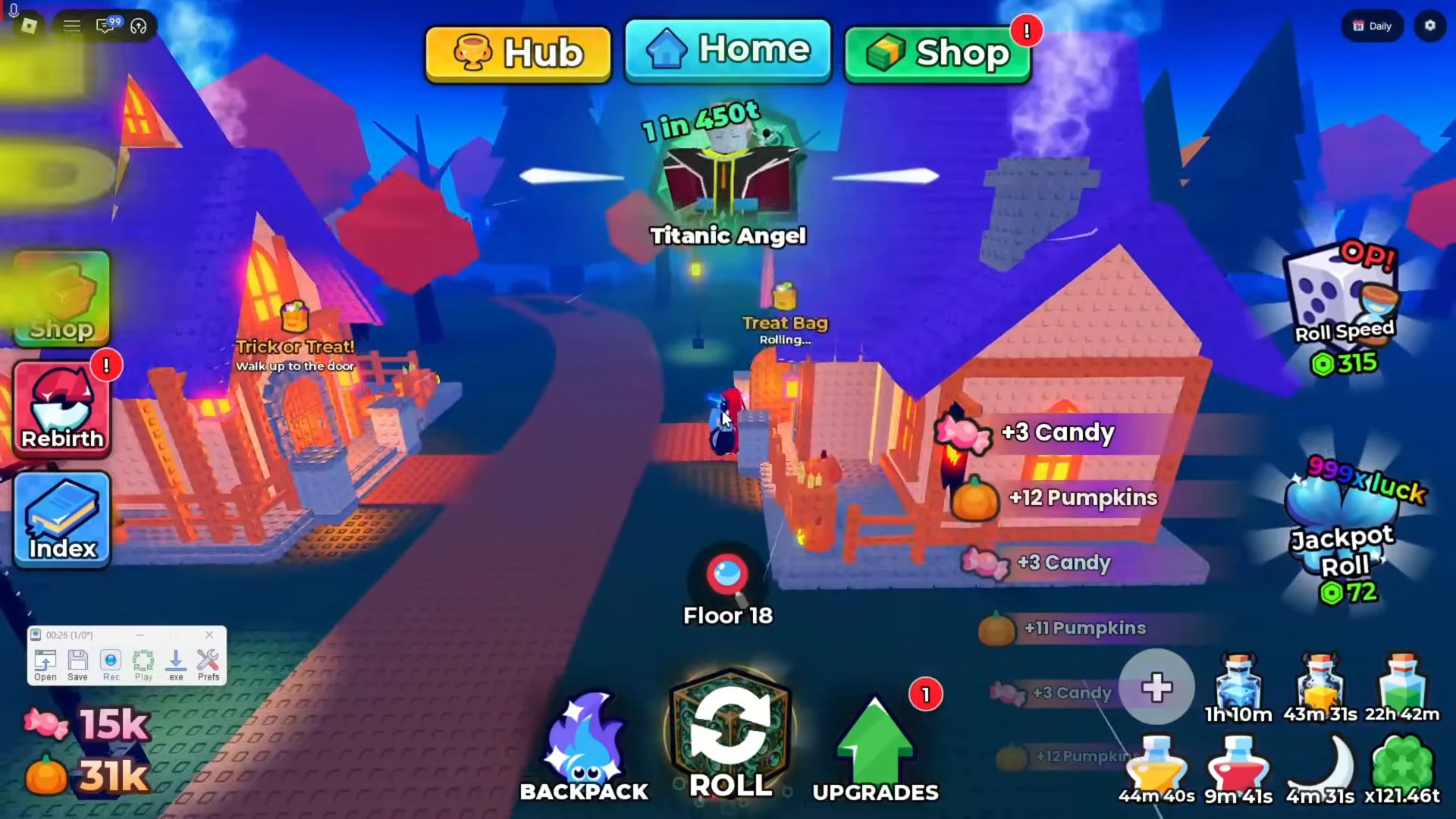
If your character drifts off the path or stops against a lamp post or fence, record the route again. Give that obstacle more room or face a different direction around it, and keep the camera still. If you switched servers and recorded from Home, re-record from Shop so the route works after future rejoins too.