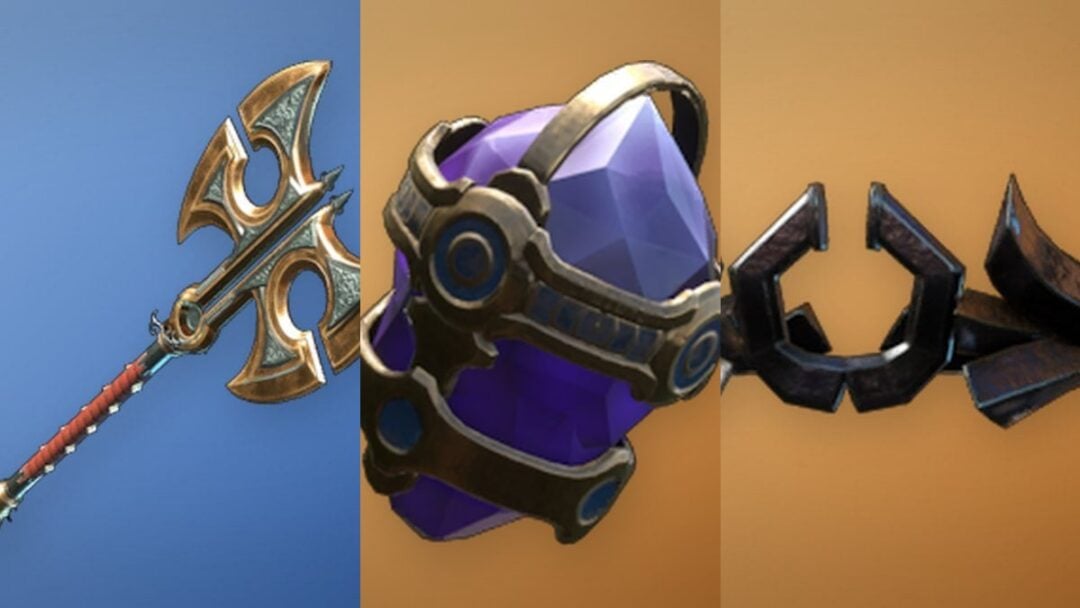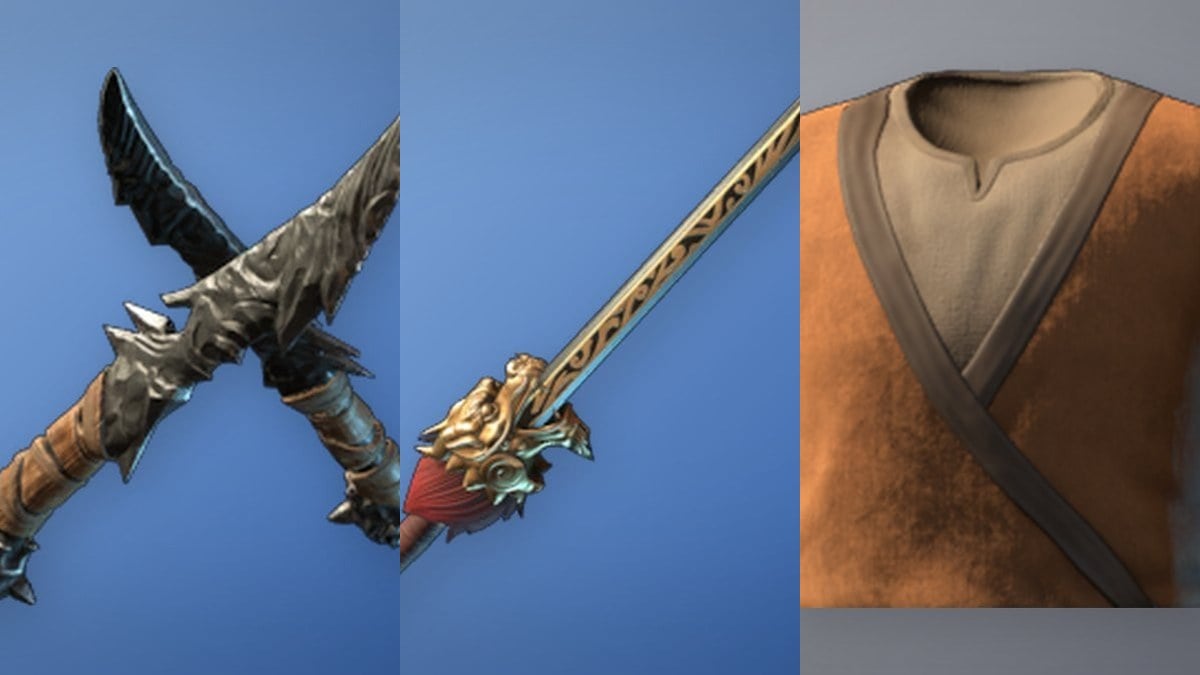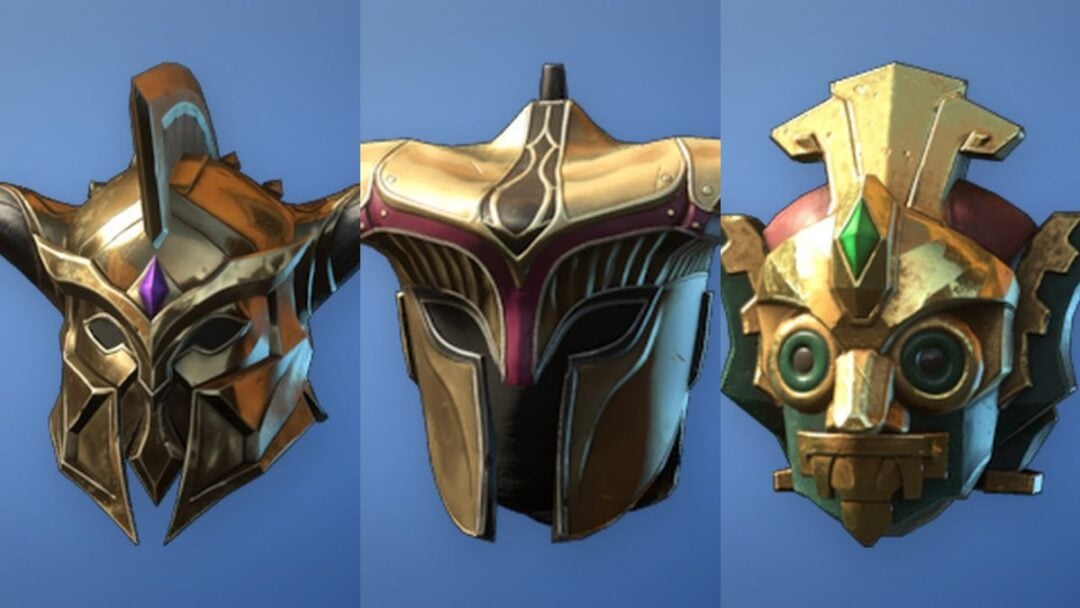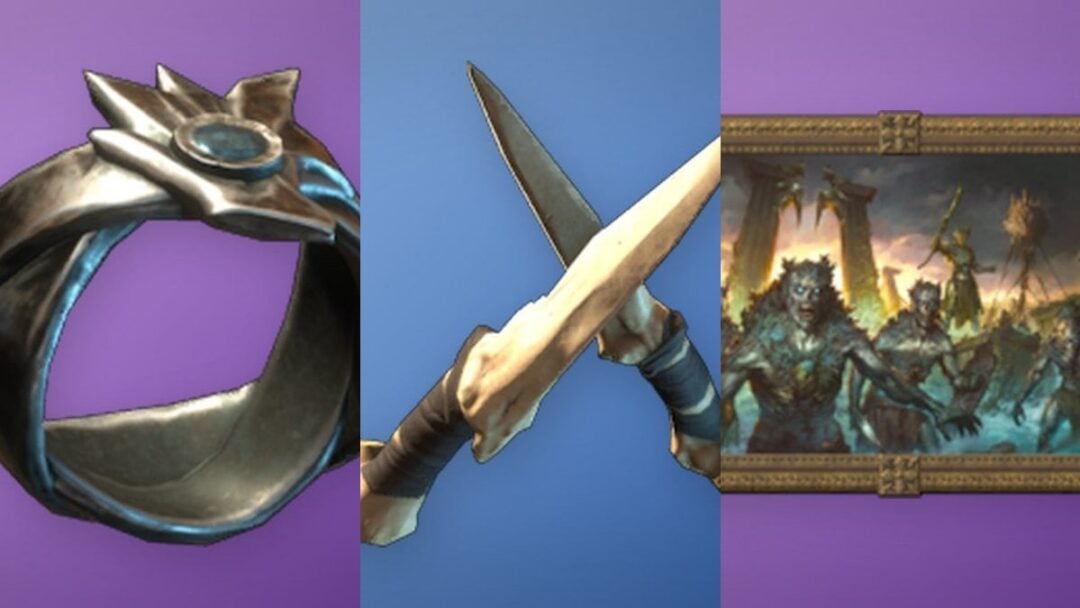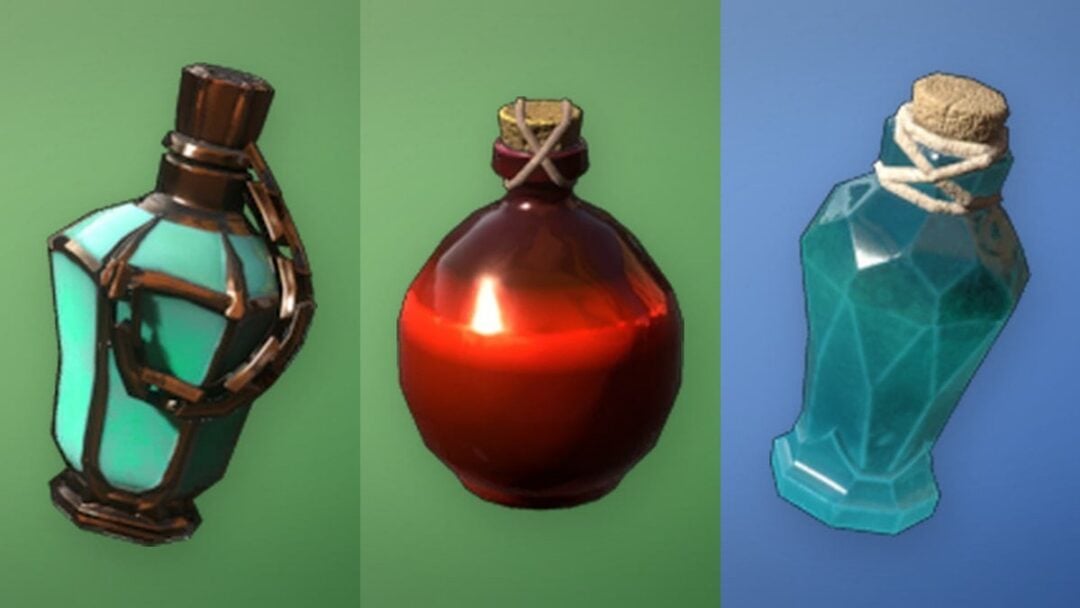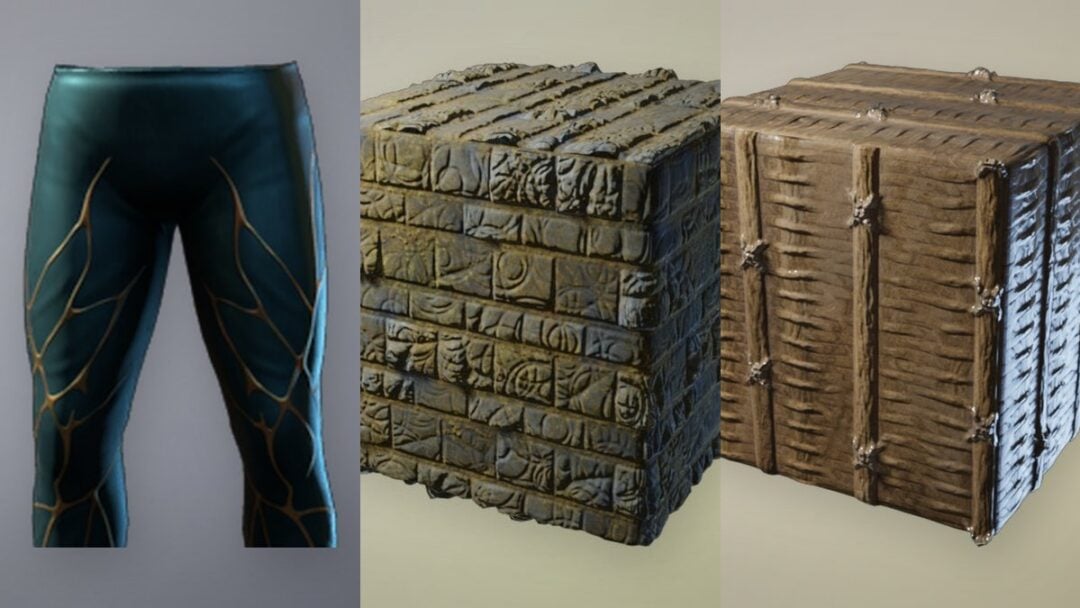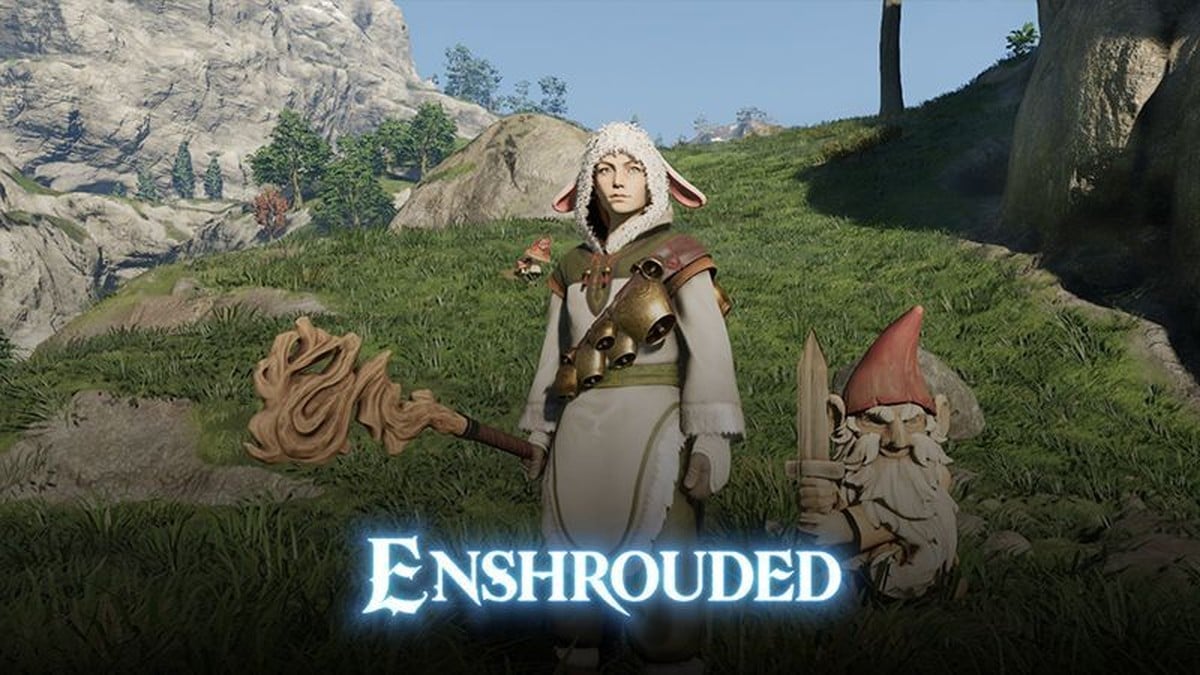
The Garden Gnome in Enshrouded came from the “Fluffy Drops” Twitch campaign, which ended on 18 November 2024 at 22:00 UTC. Watching streams will no longer earn it.
Quick answer: The Twitch route is closed, but Keen Games says all Twitch drop rewards are part of the game and can be acquired through quests, achievements, or discovery.
Which Twitch Drops campaign gave the Garden Gnome
The Gnome was part of Fluffy Drops, a campaign built around a set of fluffy cosmetics. Viewers earned it after 3 hours of watch time, which put it fourth in the reward ladder. Here is the full list:
| Fluffy Drops reward | Watch time |
|---|---|
| Fluffy Boots and Pants | 1 hour |
| Fluffy Mittens | 1 hour 30 min |
| Fluffy Tunic | 2 hours |
| Gnome | 3 hours |
| Fluffy Hood | 4 hours |
No Twitch Drops campaign is running for Enshrouded right now. The official drops page lists the next one only as “Coming soon”, and the most recent campaign, “Efflorescent Hope Drops”, ended on 5 May 2026.
Can you still get the Garden Gnome?
Yes, just not from Twitch. Keen Games answers the question directly in its drops FAQ:
Don’t worry, Flameborn. You can obtain the Twitch drop rewards during regular gameplay through quests, achievements, exploration, and similar activities.
Keen Games hasn’t revealed the Gnome’s location or the quest or achievement that grants it. What has been confirmed is that the reward remains available after the campaign ends.
How Enshrouded Twitch Drops work when a campaign is live
For each reward in a future campaign, the account requirements stay the same: you need a Twitch account, but not Twitch Prime, plus either a Steam account with Enshrouded in its library or a PlayStation account.
To switch to a different Twitch account, sign in on the drops page with Steam or PlayStation, select Unlink account, then link the new one.
Claiming a Twitch drop in Enshrouded
Claiming a drop on Twitch doesn’t put it straight on your character. It lands in a separate menu inside the game first.
You’ll know it worked when the item shows up in your character inventory. Cosmetic drops aren’t tied to one character, either.