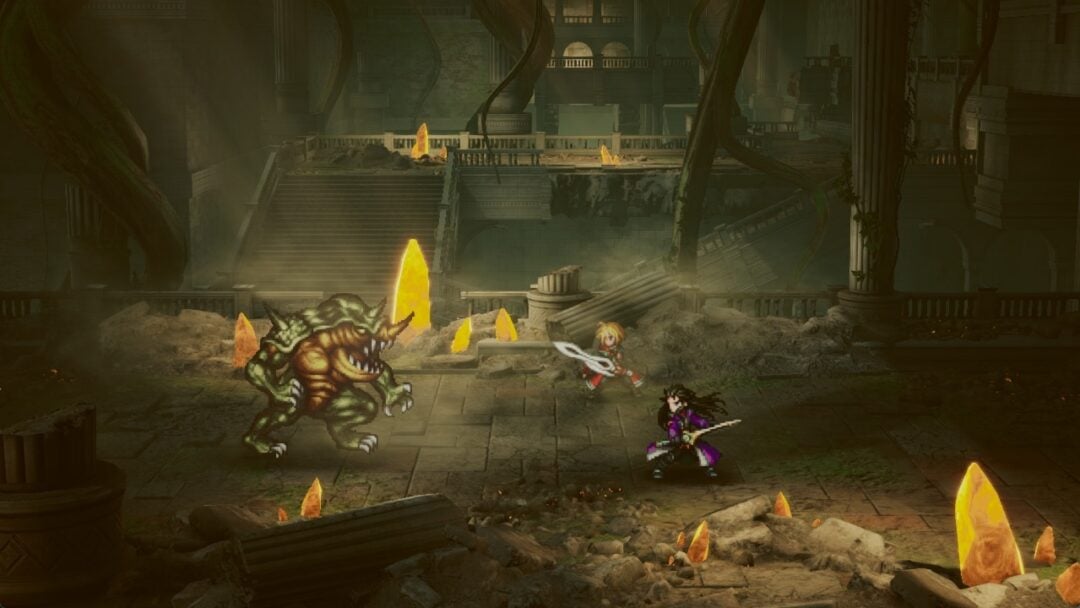
In Final Fantasy Resonance, each foe has a stagger gauge. Emptying it prevents that enemy from taking its turn and makes it more vulnerable to damage. A successful stagger also grants extra actions when the round ends; stagger all enemies together and the entire party gets one.
Quick answer: Target enemy weaknesses and choose skills marked with the bullet symbol that have strong stagger power to drain the gauge. Whoever causes the stagger earns an action in the bonus phase, while a sweeping stagger rewards the whole party with one.
How stagger works in Final Fantasy Resonance
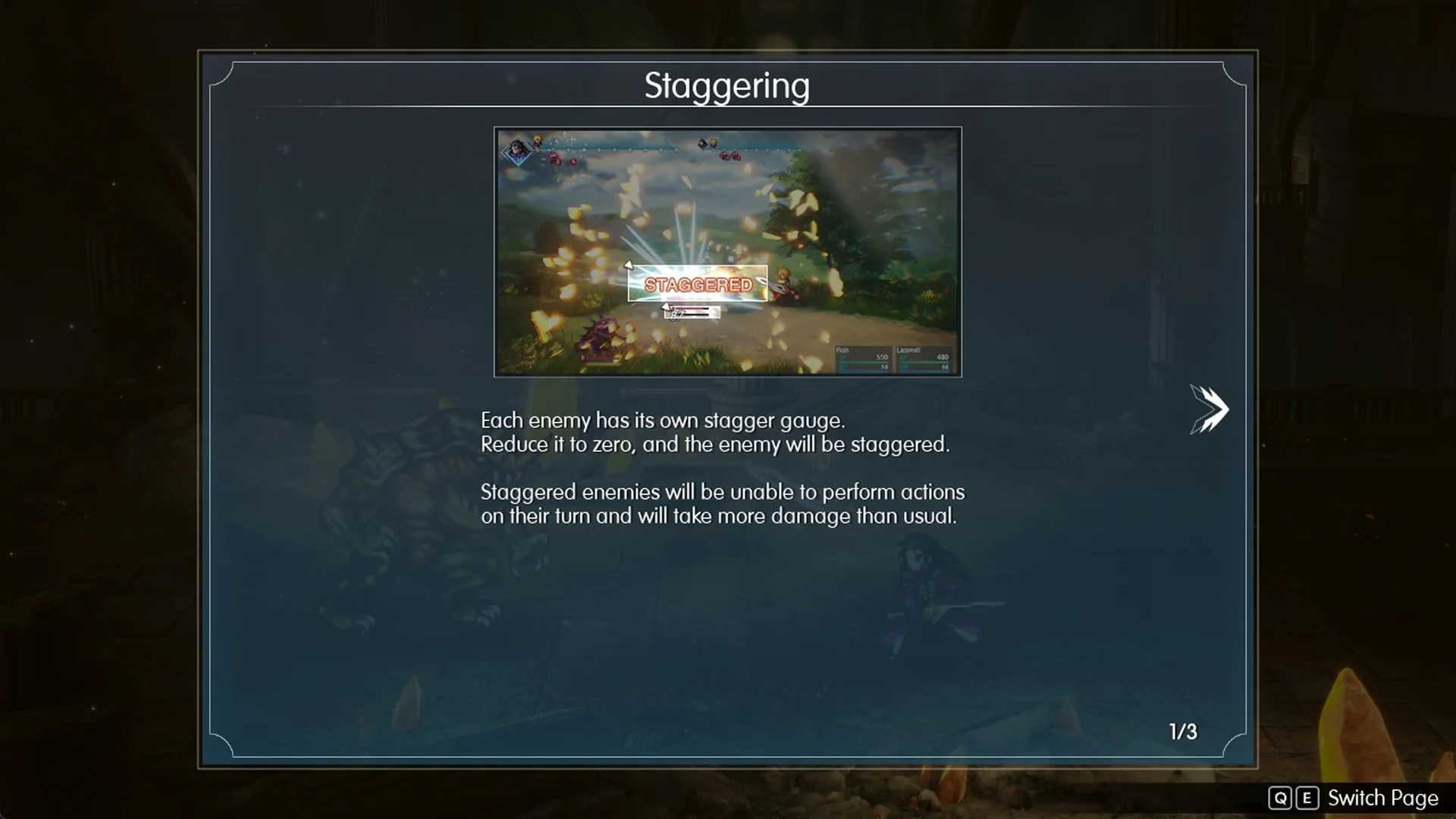
The game explains stagger in a set of tutorial pages during Chapter 1, “Tailing the Truth”, in the Earth Shrine fight against Belmodar, the Earth Shrine boss. The first page, “Staggering” (1/3), sets the rules: “Each enemy has its own stagger gauge. Reduce it to zero, and the enemy will be staggered.” It adds: “Staggered enemies will be unable to perform actions on their turn and will take more damage than usual.”
In battle, the stagger gauge is the second bar under the enemy’s HP bar. When it hits empty, the enemy flashes pink and the word STAGGERED takes that bar’s place.
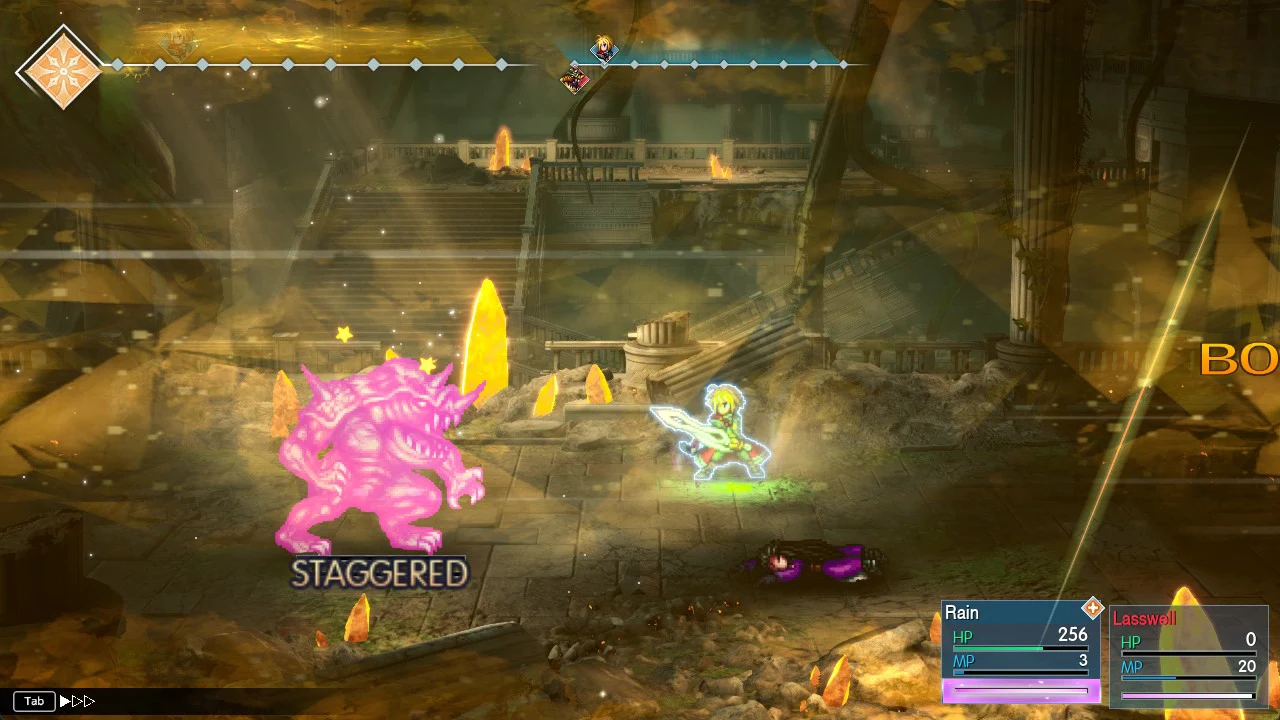
Rain dealt 82 damage to Belmodar with Fire before it was staggered. Afterward, Rain’s basic Attack dealt 175 damage to the same enemy.
How to read stagger power on a skill
Some skills deal damage. Others mainly drain the stagger gauge. The “Power of Skills” (3/3) tutorial page explains how to tell them apart: “Cursoring over a skill will show its description and effects.” Each tooltip uses these symbols:
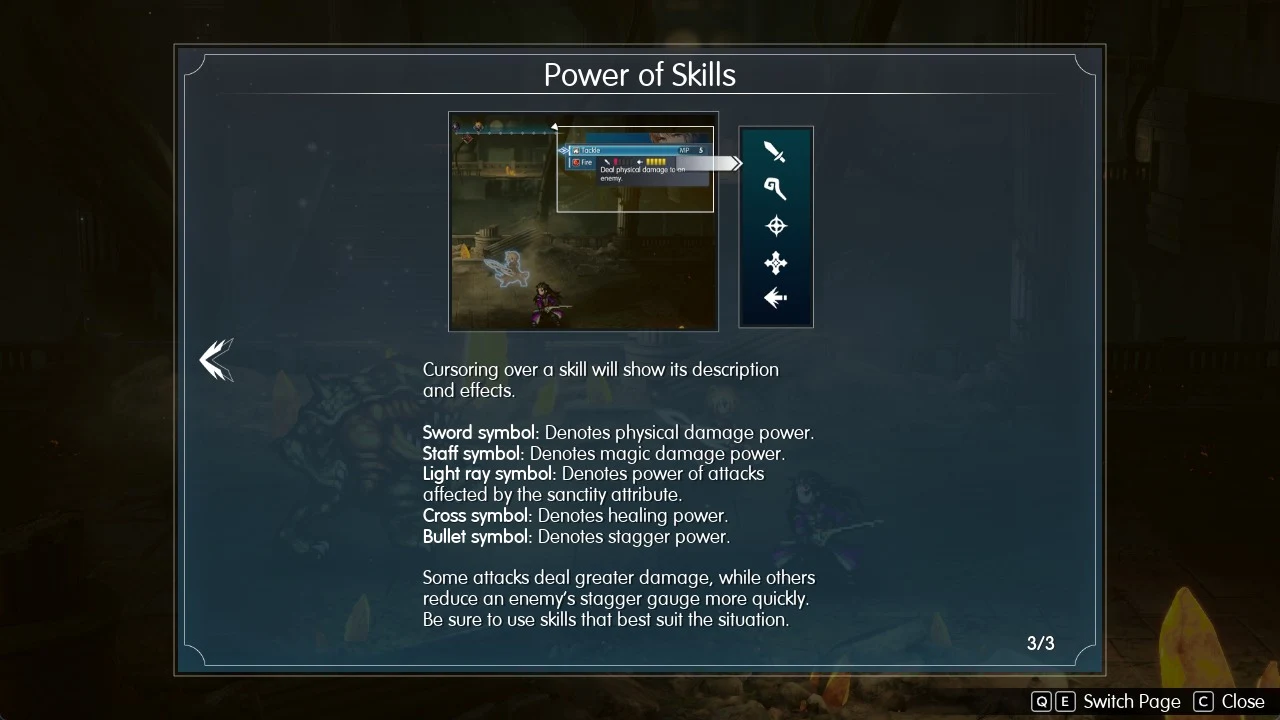
| Symbol | Meaning |
|---|---|
| Sword symbol | “Denotes physical damage power.” |
| Staff symbol | “Denotes magic damage power.” |
| Light ray symbol | “Denotes power of attacks affected by the sanctity attribute.” |
| Cross symbol | “Denotes healing power.” |
| Bullet symbol | “Denotes stagger power.” |
The same page sums up the trade-off: “Some attacks deal greater damage, while others reduce an enemy’s stagger gauge more quickly. Be sure to use skills that best suit the situation.” Each rating is shown as pips out of five. Red pips sit next to the damage symbol, and yellow pips sit next to the bullet symbol for stagger.
Stagger ratings for Lasswell and Rain’s skills
| Skill | Character | Damage | Stagger |
|---|---|---|---|
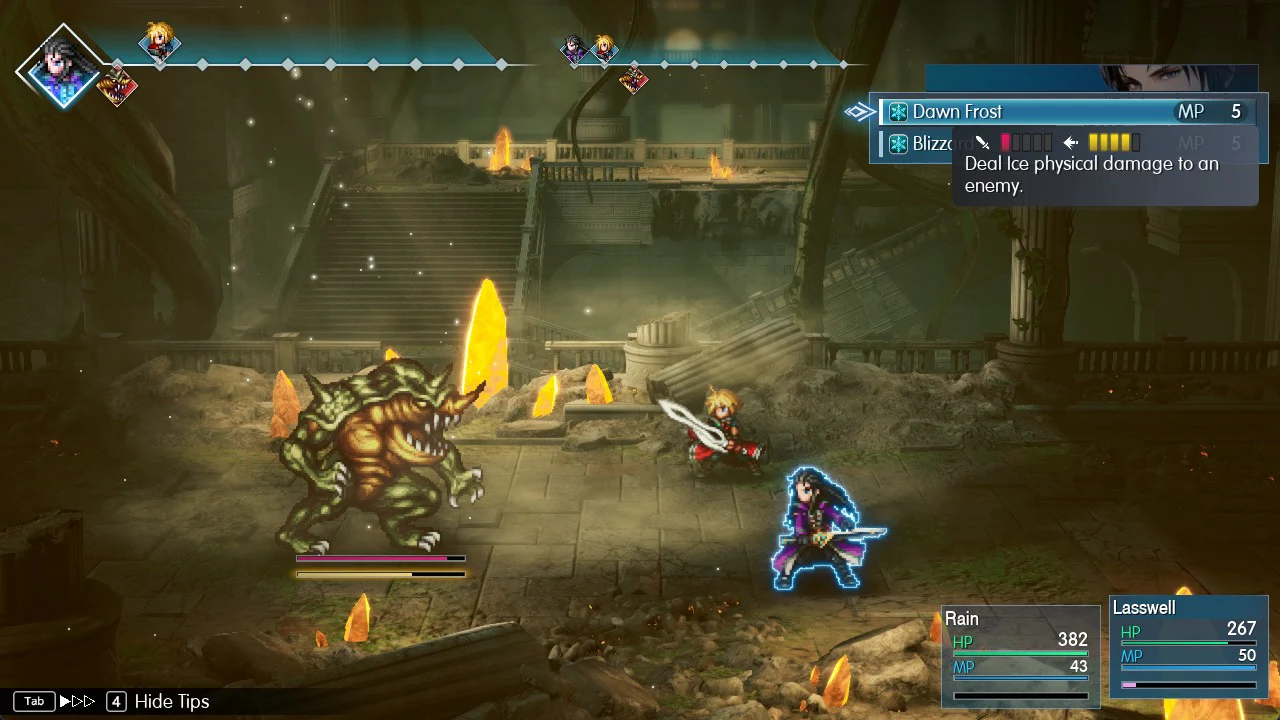
| Dawn Frost | Lasswell | Sword, 1 of 5 | 4 of 5 |
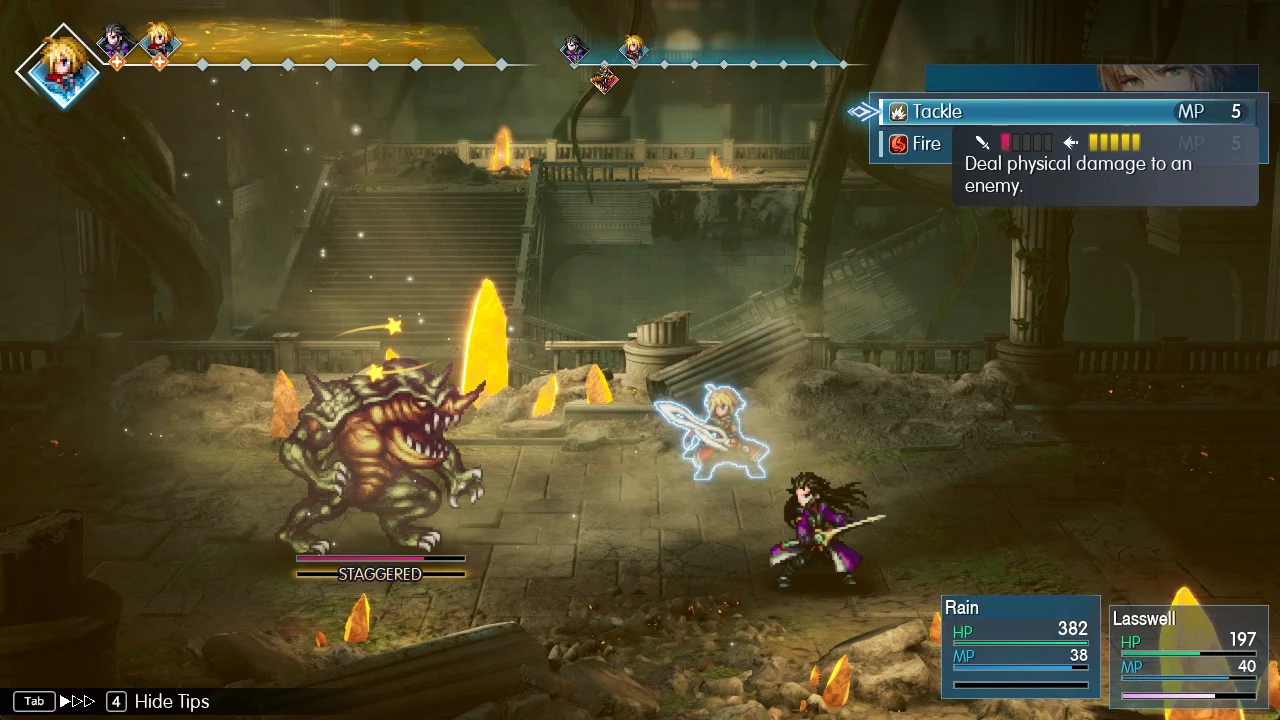
| Tackle | Rain | Sword, 1 of 5 | 5 of 5 |
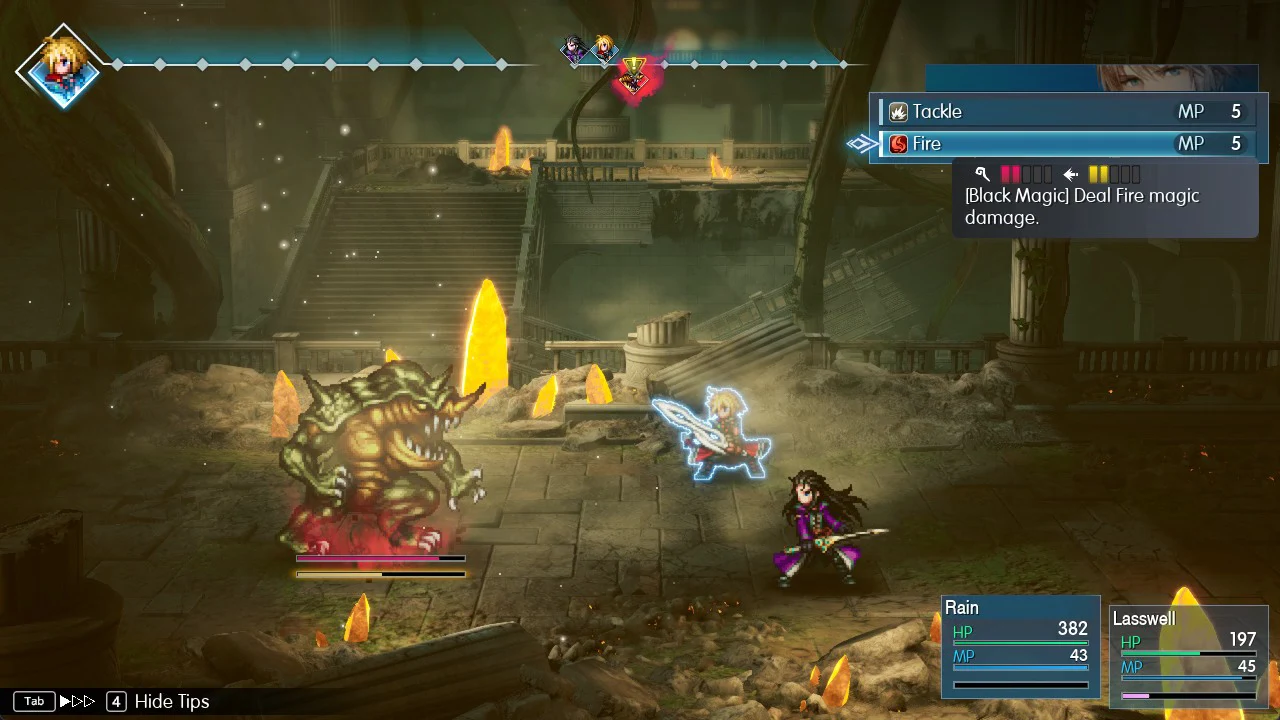
| Fire | Rain | Staff, 2 of 5 | 2 of 5 |
Dawn Frost reads “Deal Ice physical damage to an enemy.” and costs MP 5. It deals little damage but drains a lot of stagger.
Tackle costs MP 5 and is described as “Deal physical damage to an enemy.” Of the three, it carries the strongest stagger rating.
Fire reads “[Black Magic] Deal Fire magic damage.” and costs MP 5. Compared with the other two, it trades stagger for more damage.
Use weaknesses to empty the stagger gauge faster
Stagger power is only half of it. The “Stagger Gauge” (2/3) tutorial page says: “To effectively reduce an enemy’s stagger gauge, you must exploit its weaknesses.” It also points out a preview: “Before launching an attack, you will be able to see an estimate of its effect on the stagger gauge.” And it adds: “Be sure to take this into account to tip the balance in your favor.”
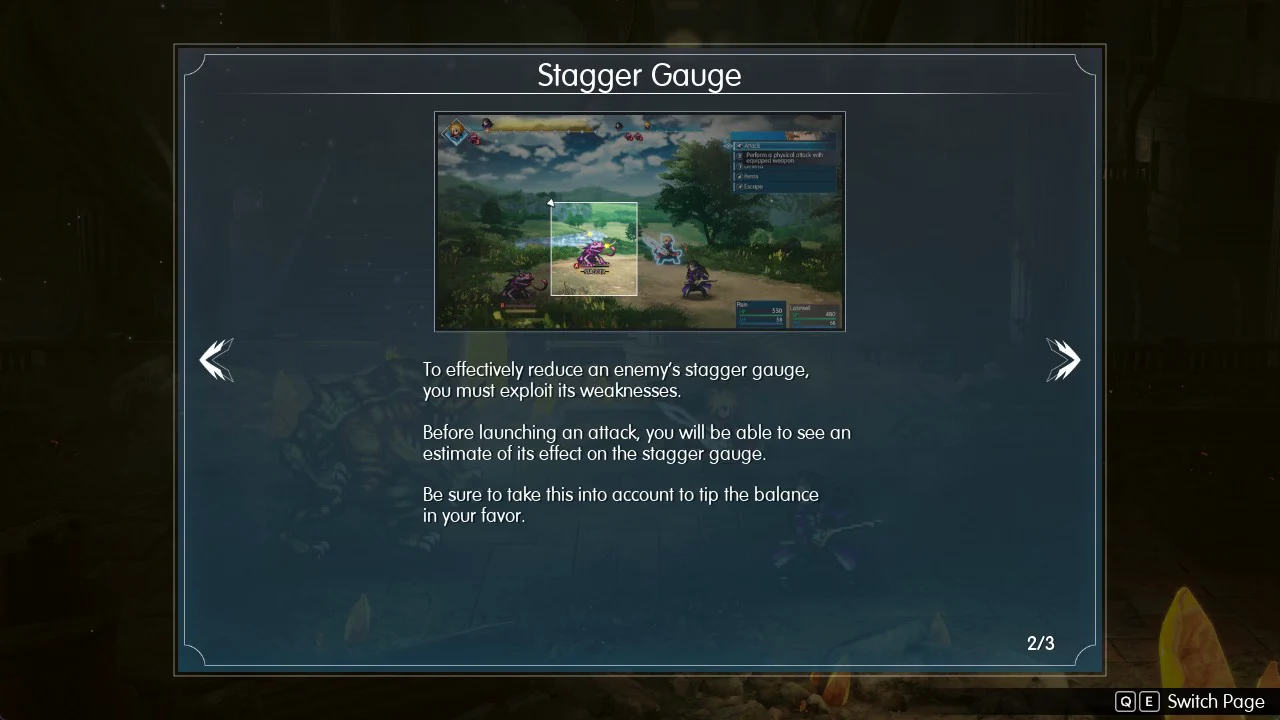
An enemy’s weaknesses stay hidden until you hit it with that element. Until then, the Affinities row in its target info shows “?” icons. Belmodar, for example, is weak to Fire, so Rain’s Fire shows “Weak” when aimed at it.
Bonus phase and sweeping stagger
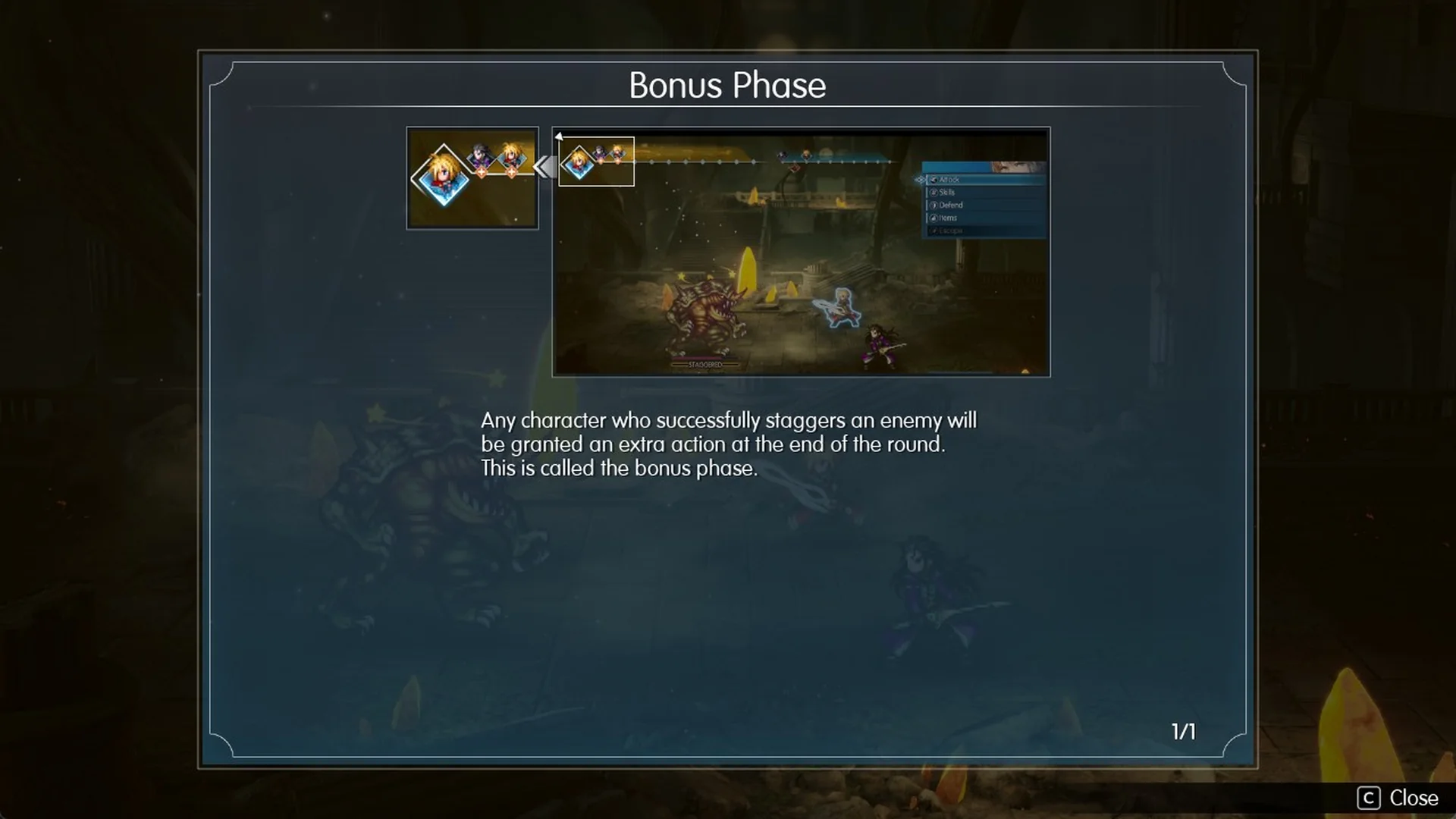
The “Bonus Phase” tutorial page says: “Any character who successfully staggers an enemy will be granted an extra action at the end of the round. This is called the bonus phase.” When it starts, a BONUS banner appears on screen. The “Sweeping Stagger” tutorial page says: “If you stagger all enemies in a single turn, you will trigger what is called a sweeping stagger. This will grant all party members an extra action during the bonus phase.”
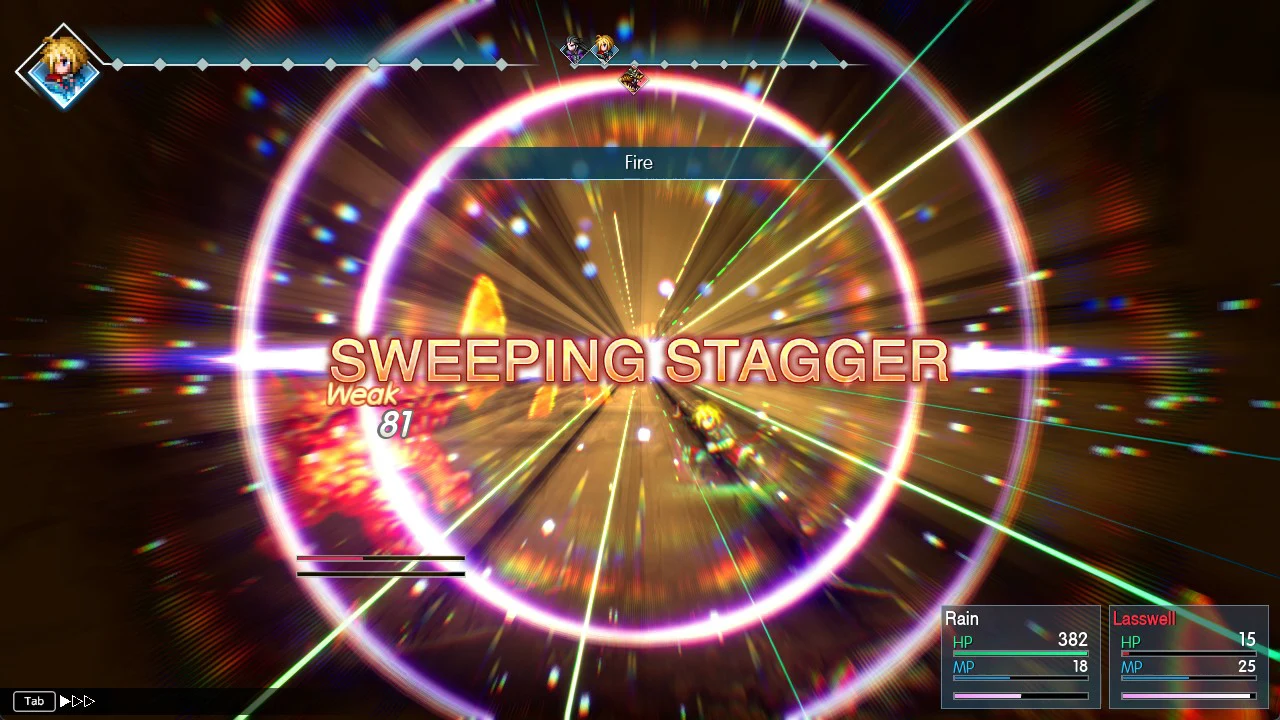
Belmodar is the only enemy in its fight, so any stagger on it counts as a sweeping stagger. You’ll know it worked when the words SWEEPING STAGGER fill the screen. This happens whether the finishing hit is Lasswell’s Dawn Frost or Rain’s Fire. Belmodar then shows STAGGERED, and the bonus phase begins.
Stop devastating attacks with a stagger
Stagger is also your main defense. The “Devastating Attacks” tutorial page warns: “Some enemies can unleash savage blows, which you can prevent by staggering them.” It goes on: “Doing so will require concerted effort, but if things are looking grim, remember that you can always select Defend to bolster your guard.”
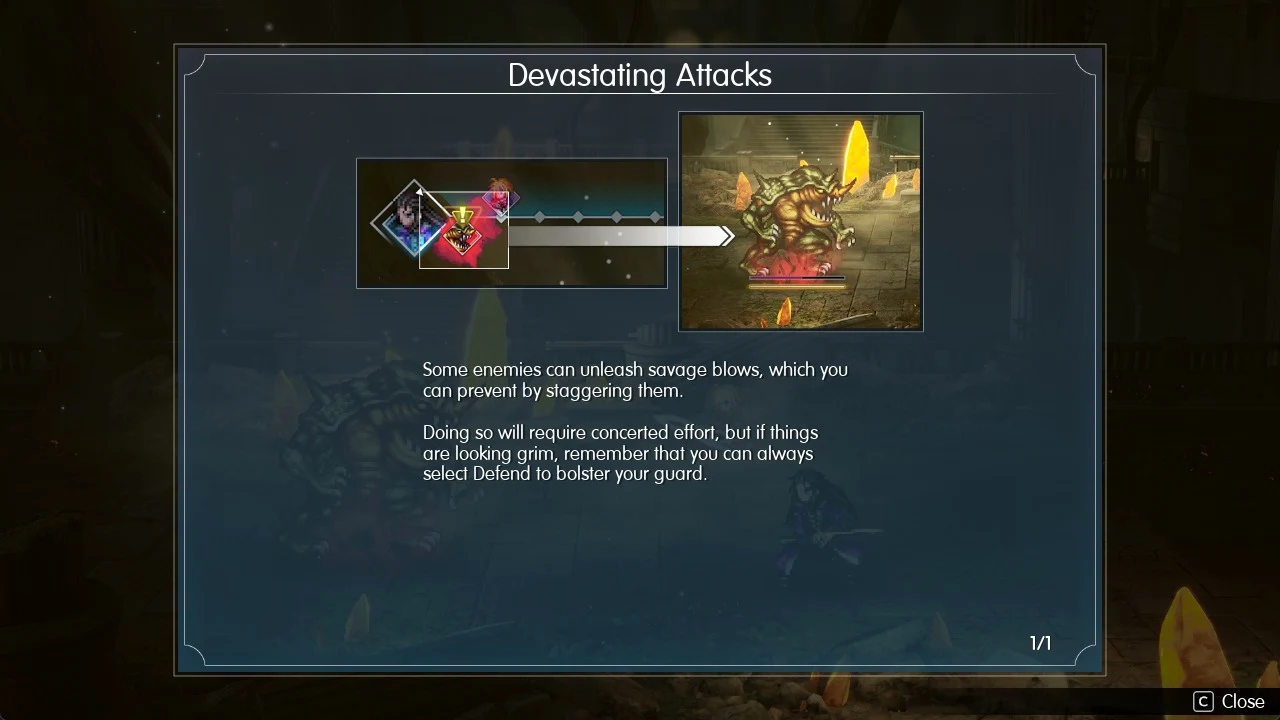
Watch for the warning signs. The enemy glows red, and its icon on the turn order bar gets a red flare with a yellow “!”. To stop the attack, stagger the enemy before its turn comes up. Against Belmodar, the red attack never lands as long as it is staggered first each time.