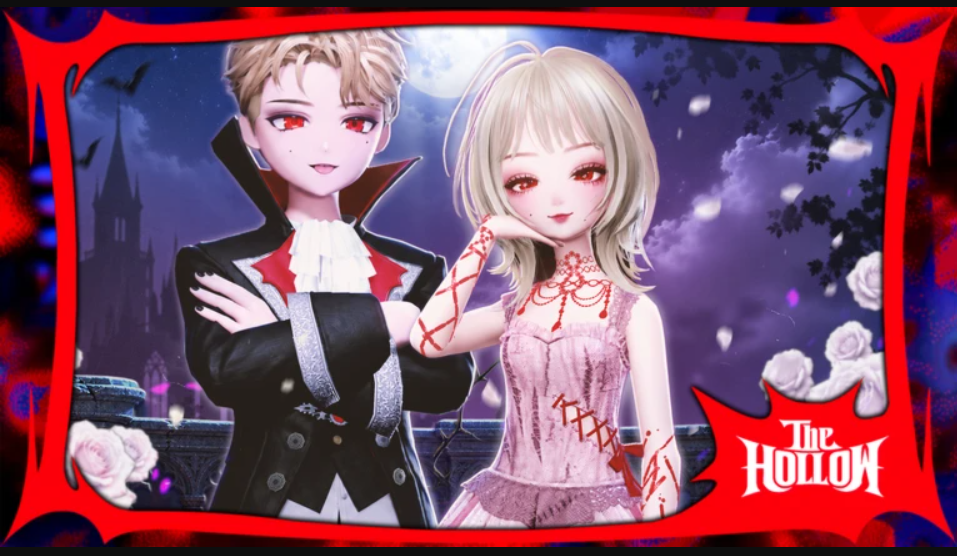
Prism Runway’s tie-in for The Hollow is one of the lighter quests in the event. You don’t fight anything, solve anything, or grind anything. You dress an avatar for a themed fashion show, walk the runway, vote on other players, and then do it all a second time. The event banner in the lobby reads “THE HOLLOW Spooky Pumpkin! Until Nov 11th,” so the quest is live now and stays open until November 11th.
Quick answer: Play two full Prism Runway shows, from styling through runway voting to the podium. The event banner states the rule directly: “Complete the runway twice to get the event badge!”
What The Hollow quest in Prism Runway requires
The game frames the requirement as completion, not performance. The banner text asks for two completed runways and says nothing about placement, score, or theme accuracy. Here is what you need going in:
- Time for two full shows, each with a styling timer, a runway walk, voting, and a podium.
- A styled avatar. Every show gives you a theme and a countdown to build a look.
- Patience for the voting phase. Each contestant walks the runway, and you rate them in turn.
- The event window. The Spooky Pumpkin event runs until November 11th.
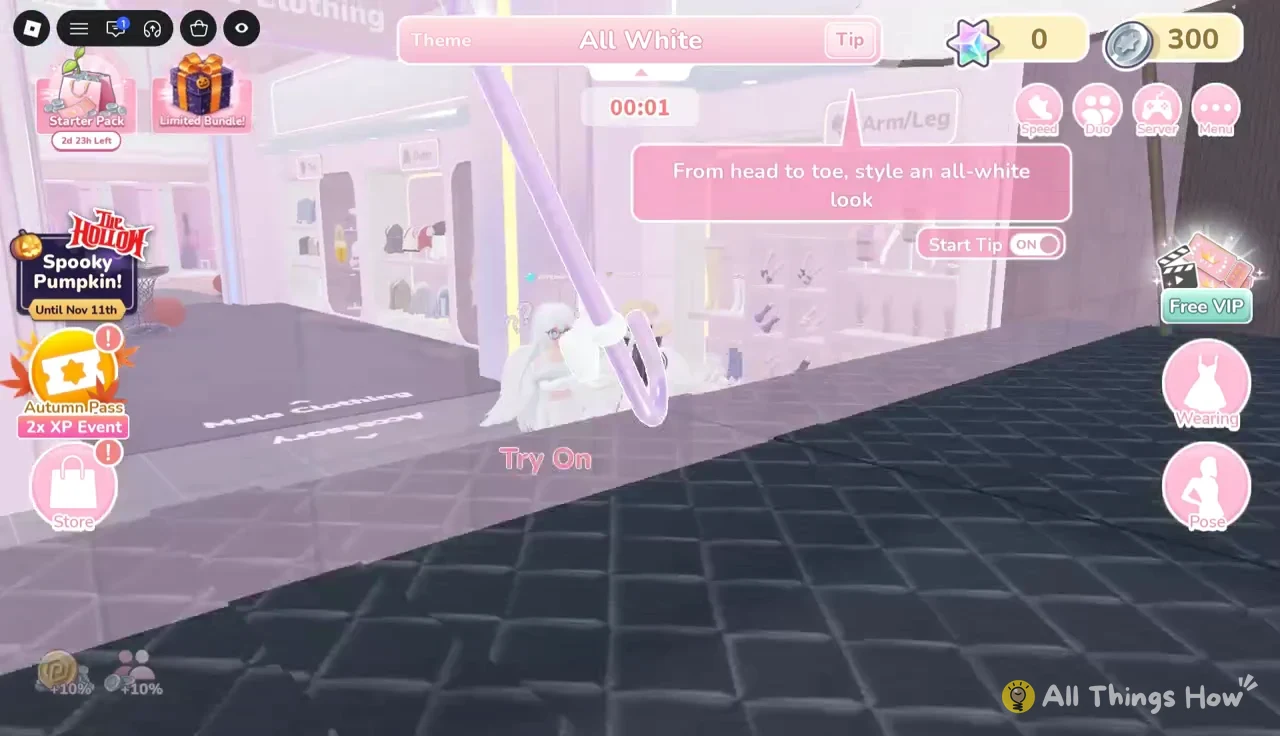
Some clothing shows an “Unlock VIP” tag, and trying it on returns “You can’t Try On.” Build your look from items that aren’t locked, since VIP gear isn’t part of the quest.
Styling your avatar before the timer runs out
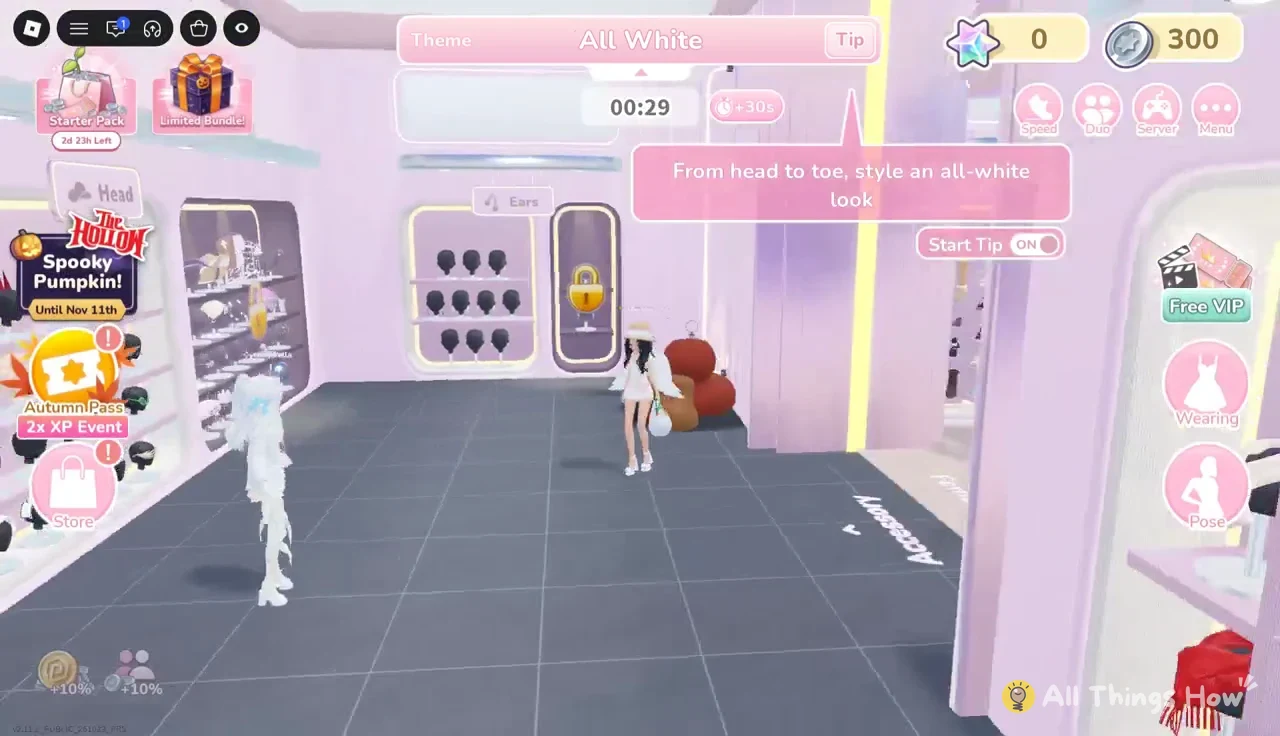
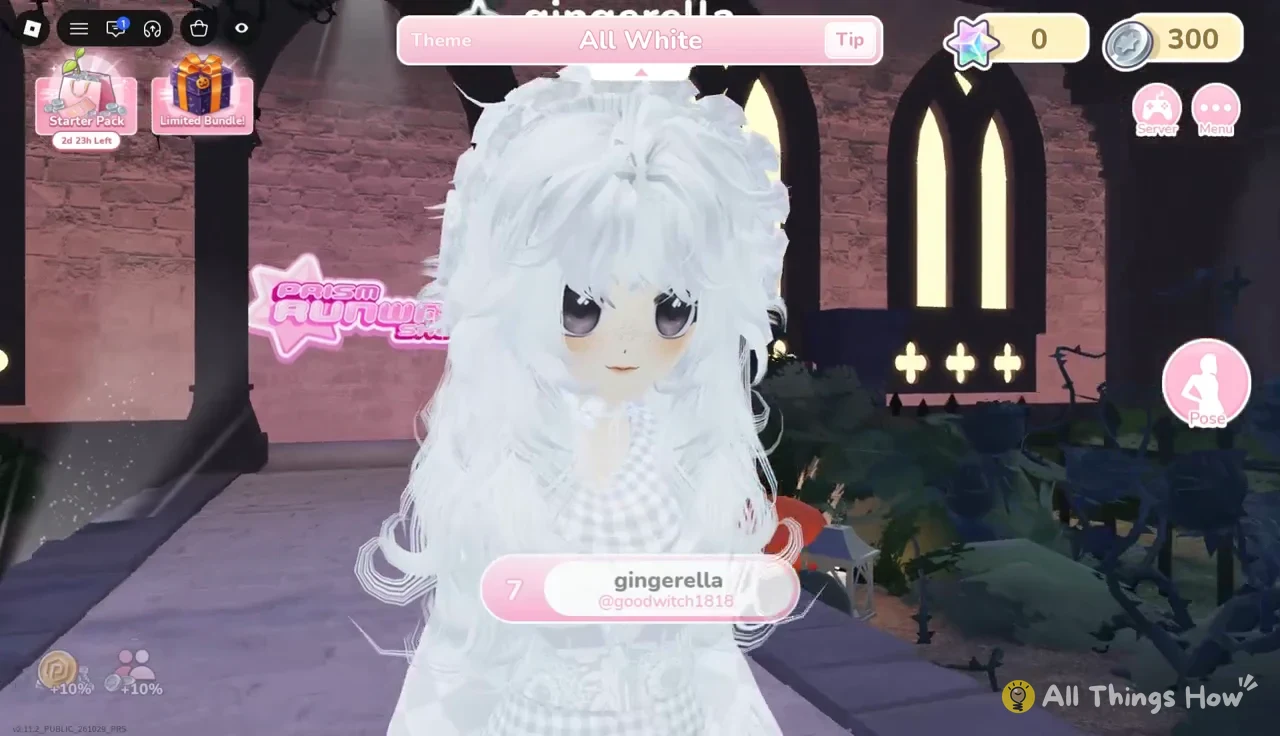
Each round opens in the backstage styling area with the theme pinned to the top of the screen. In the example round the theme is “All White,” with the tip “From head to toe, style an all-white look.” Floor arrows point toward the “Dress Room” and “Salon,” and every station has its own interaction prompt, such as “E Hair,” “E Makeup,” “E Nail,” “E Dress Room,” and “E Try On.” You don’t have to visit every station, but this is the full route in order.
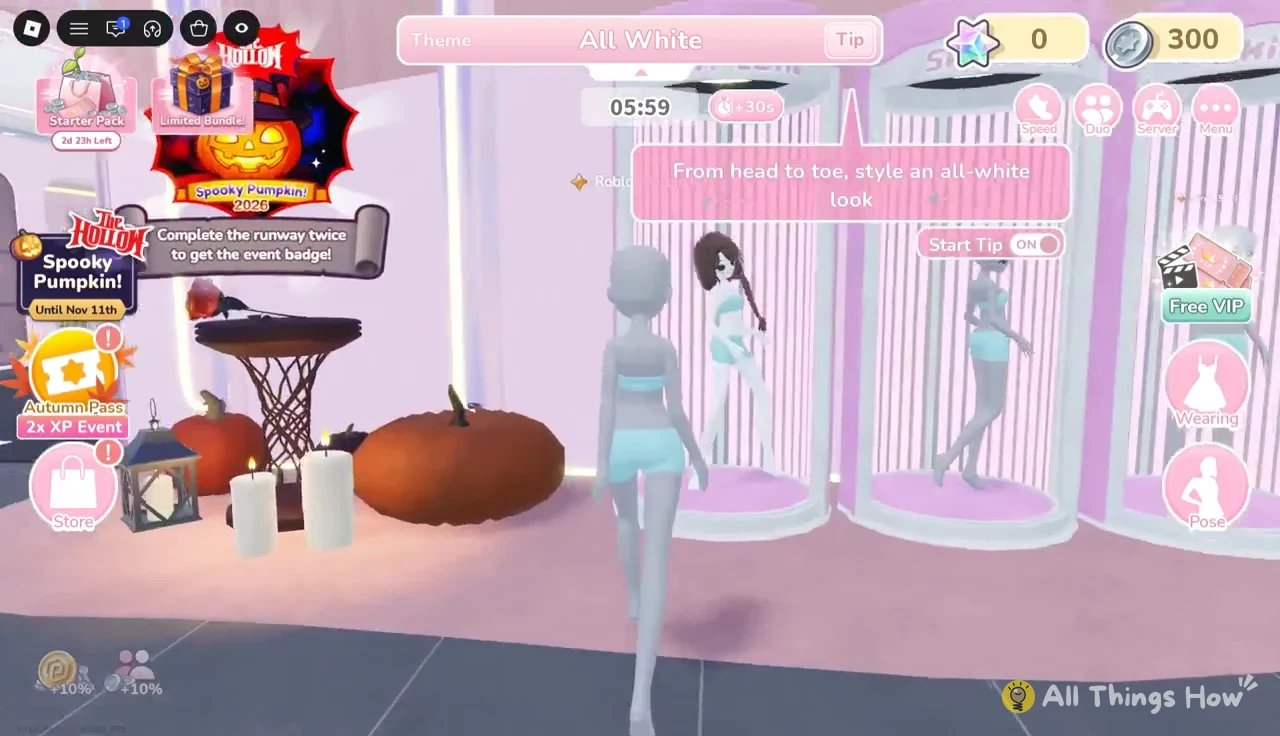
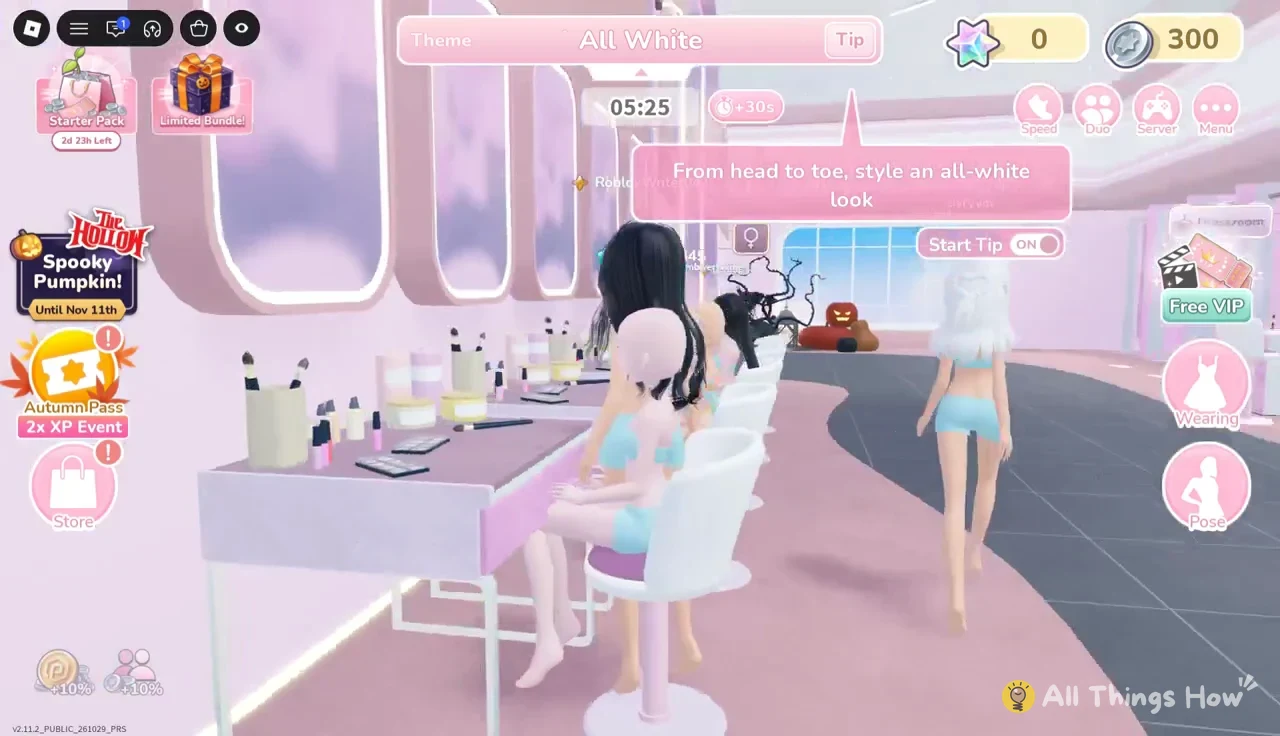
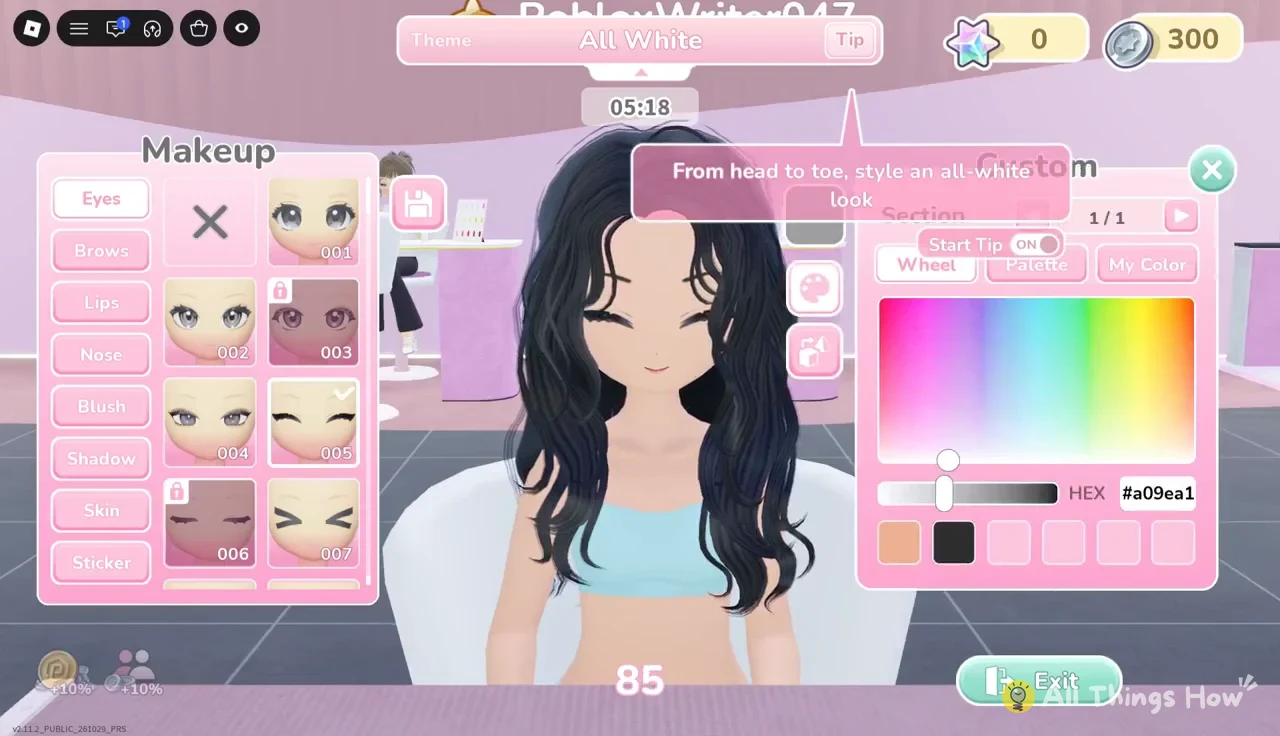
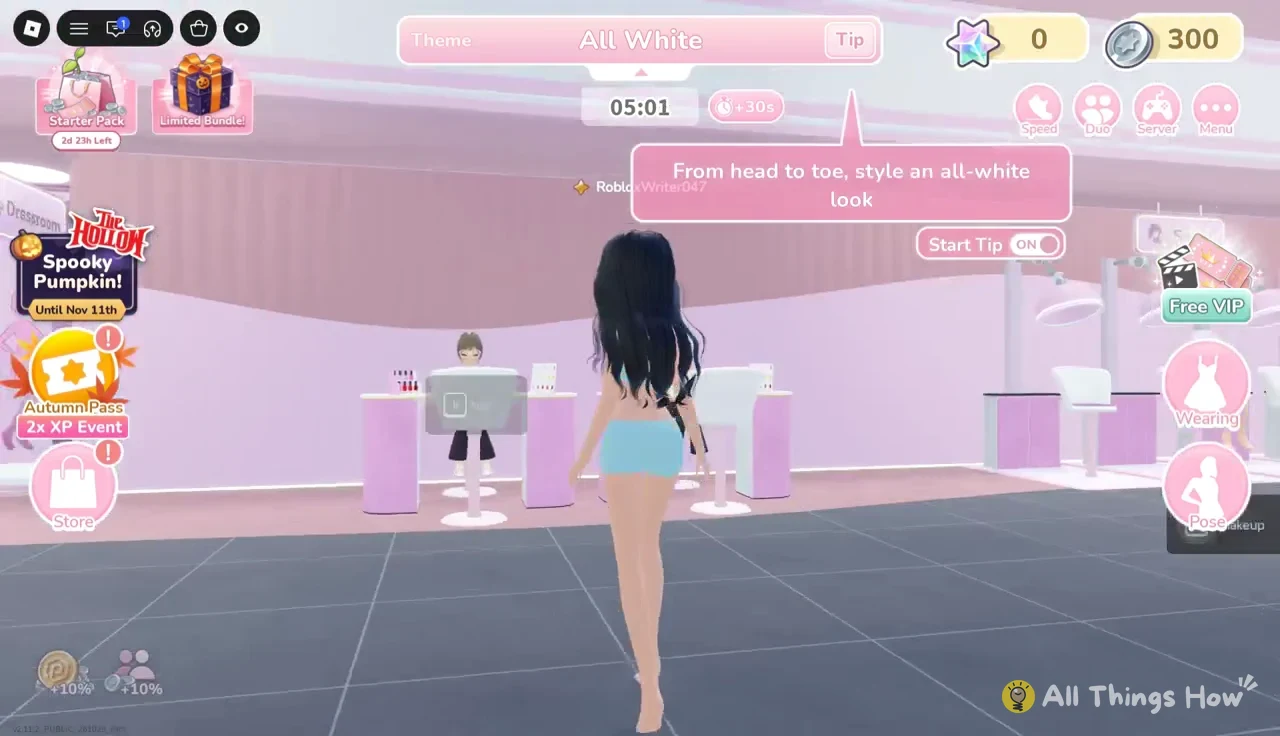
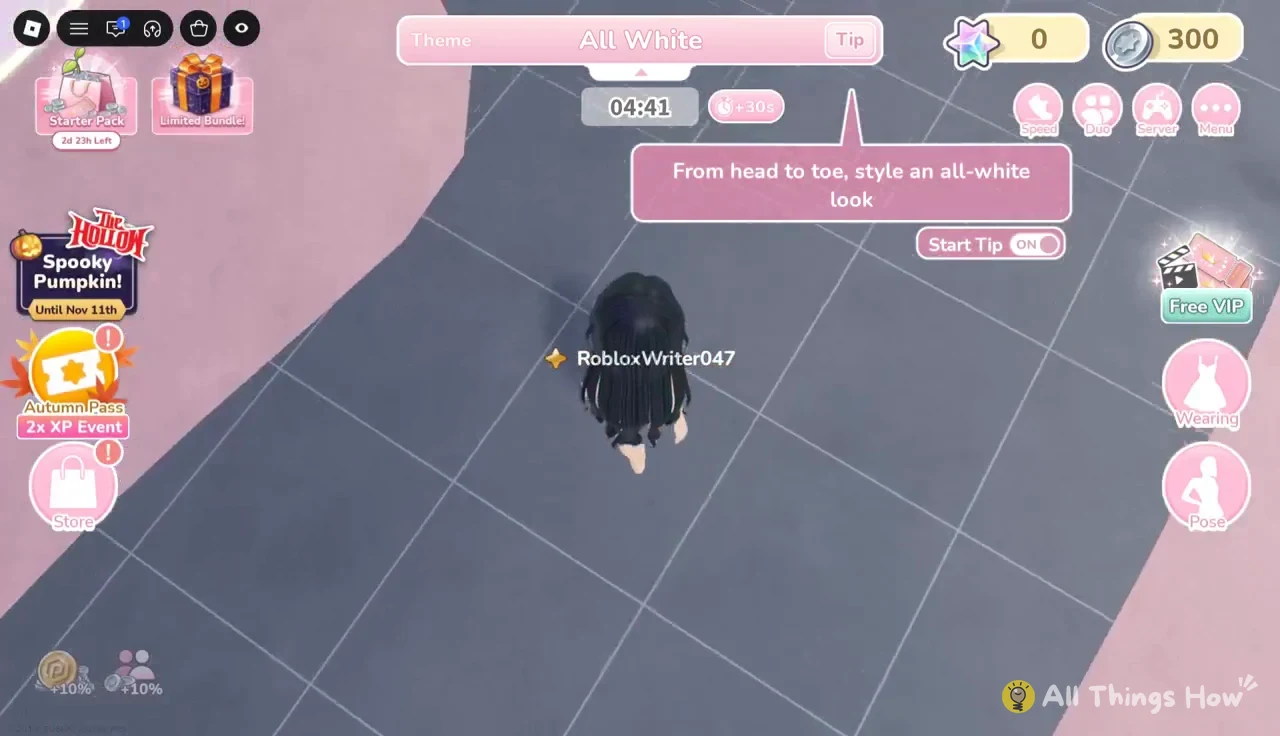
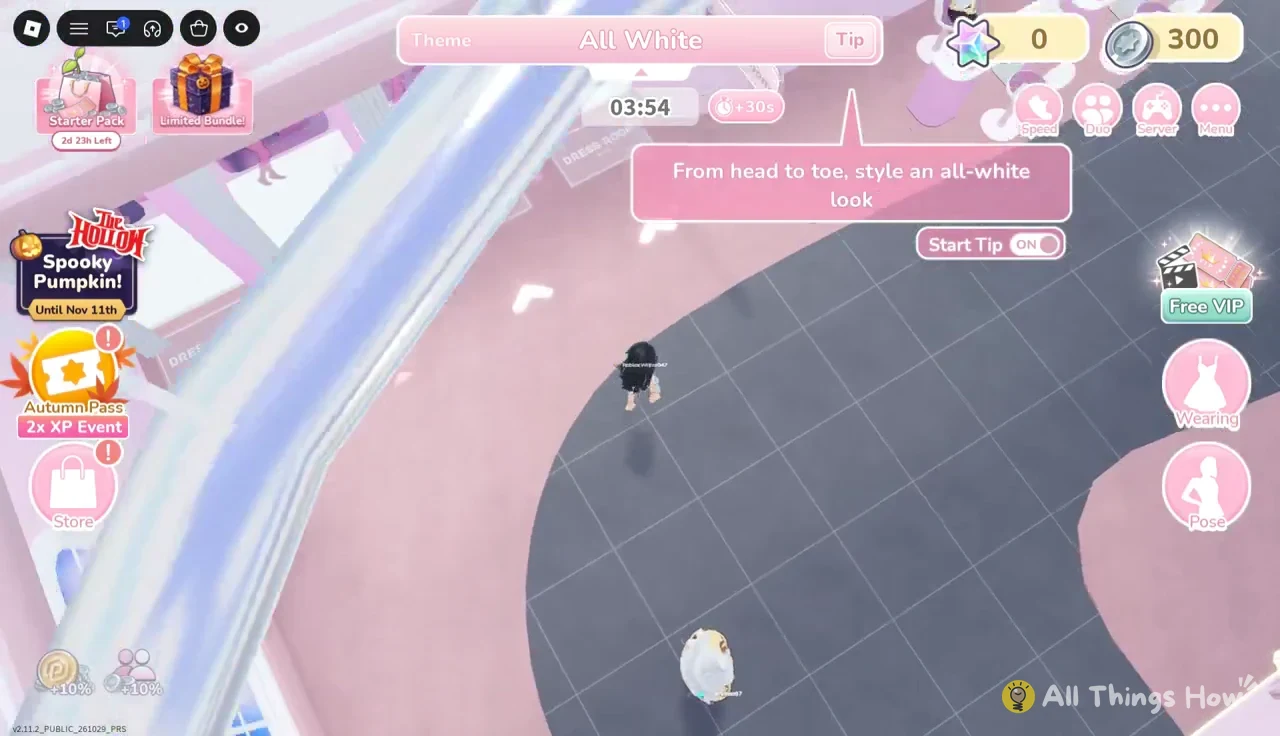
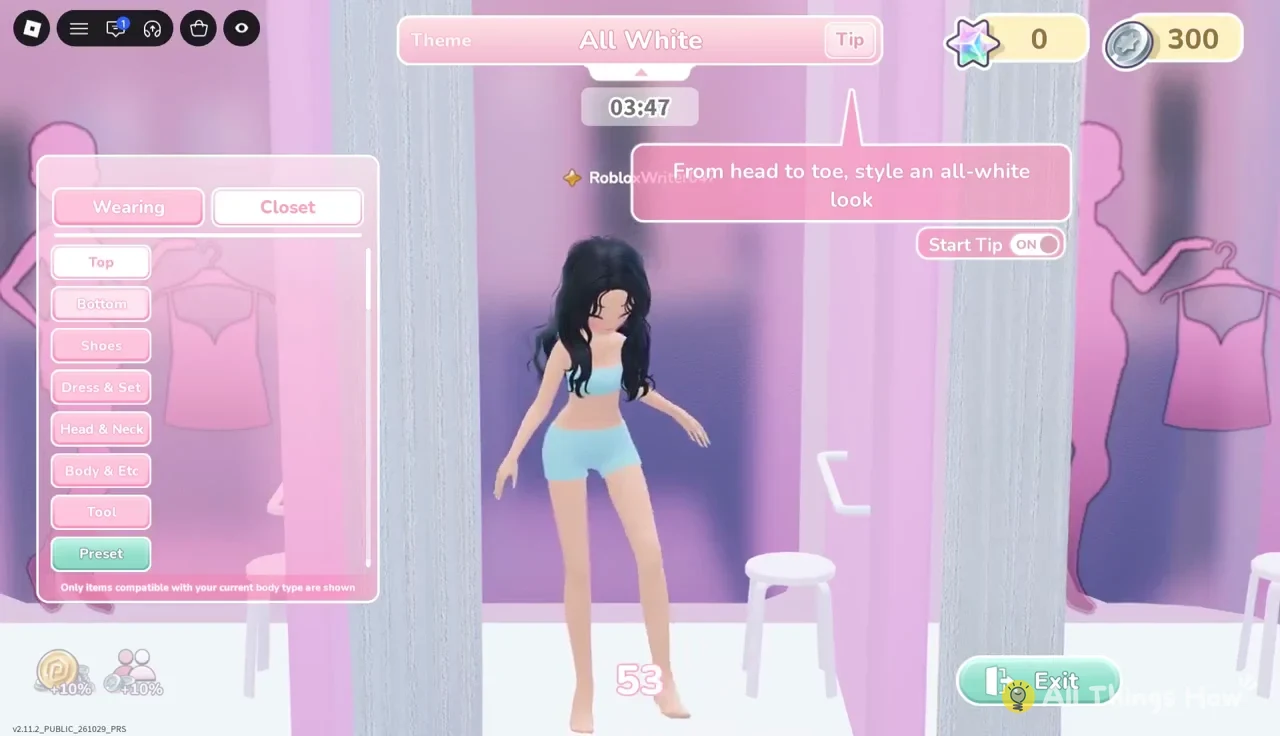
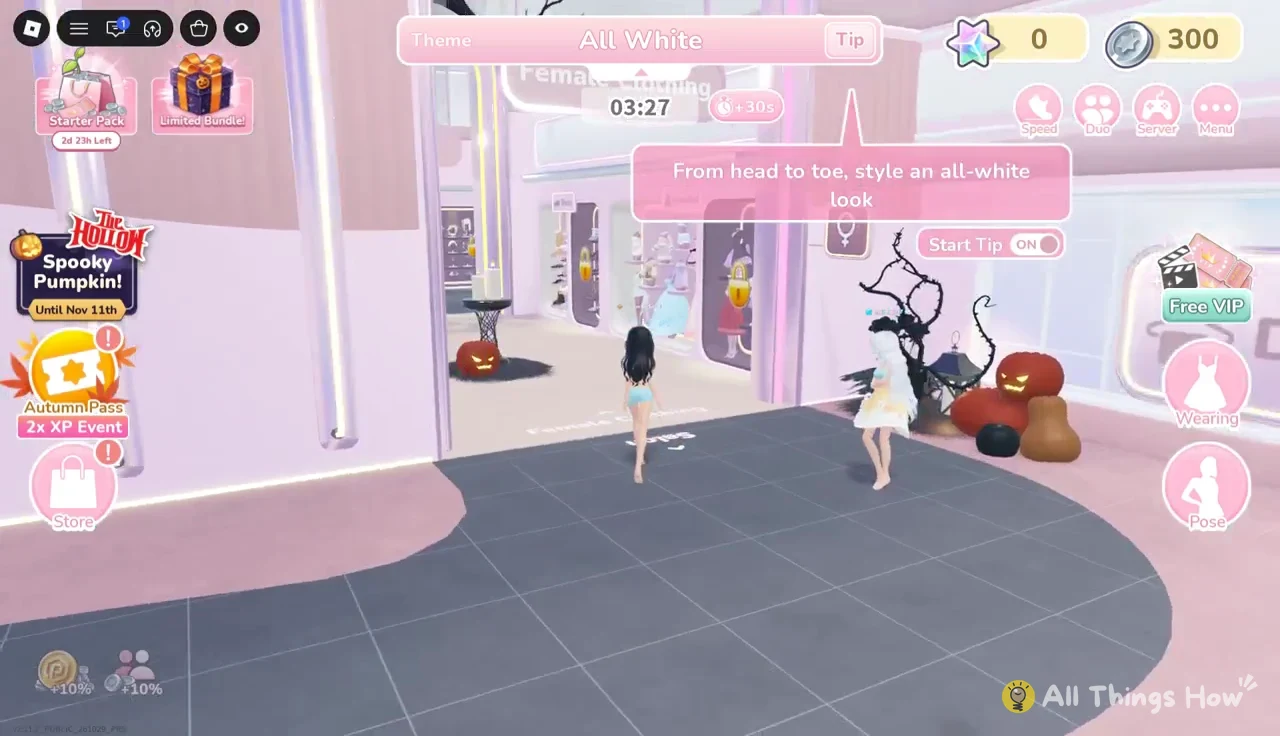
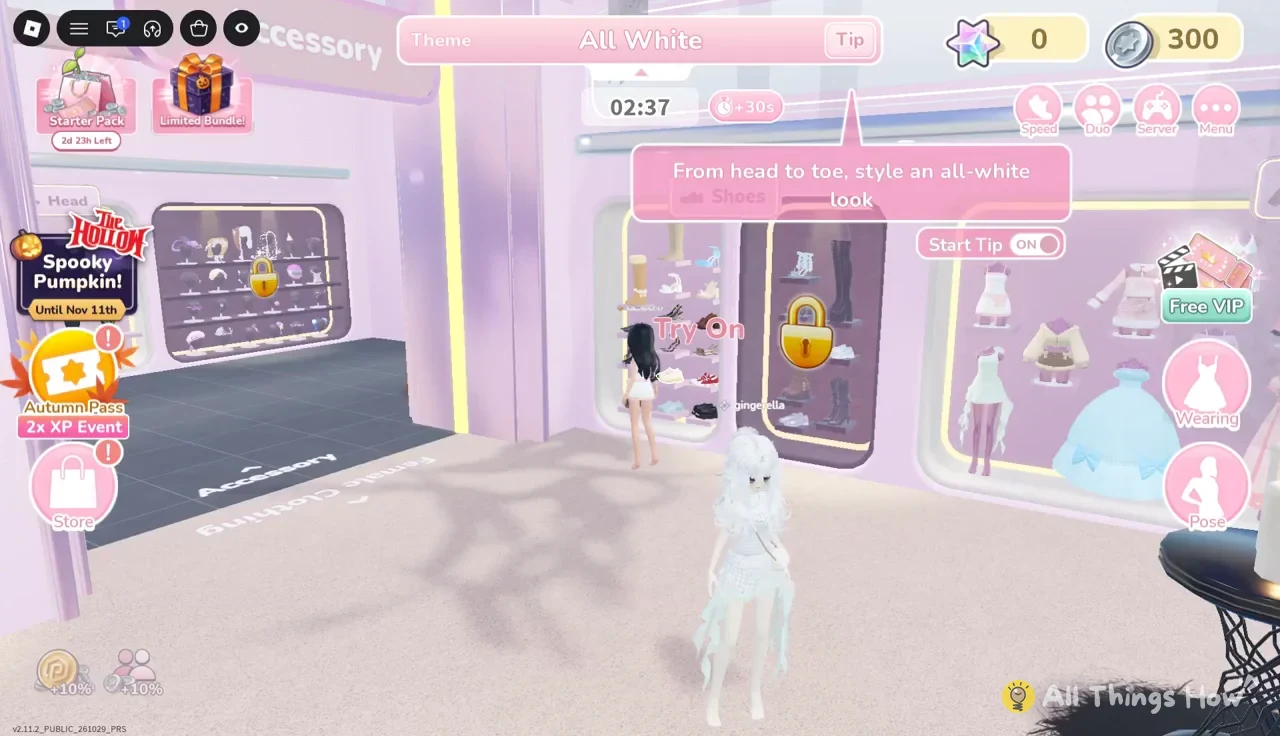
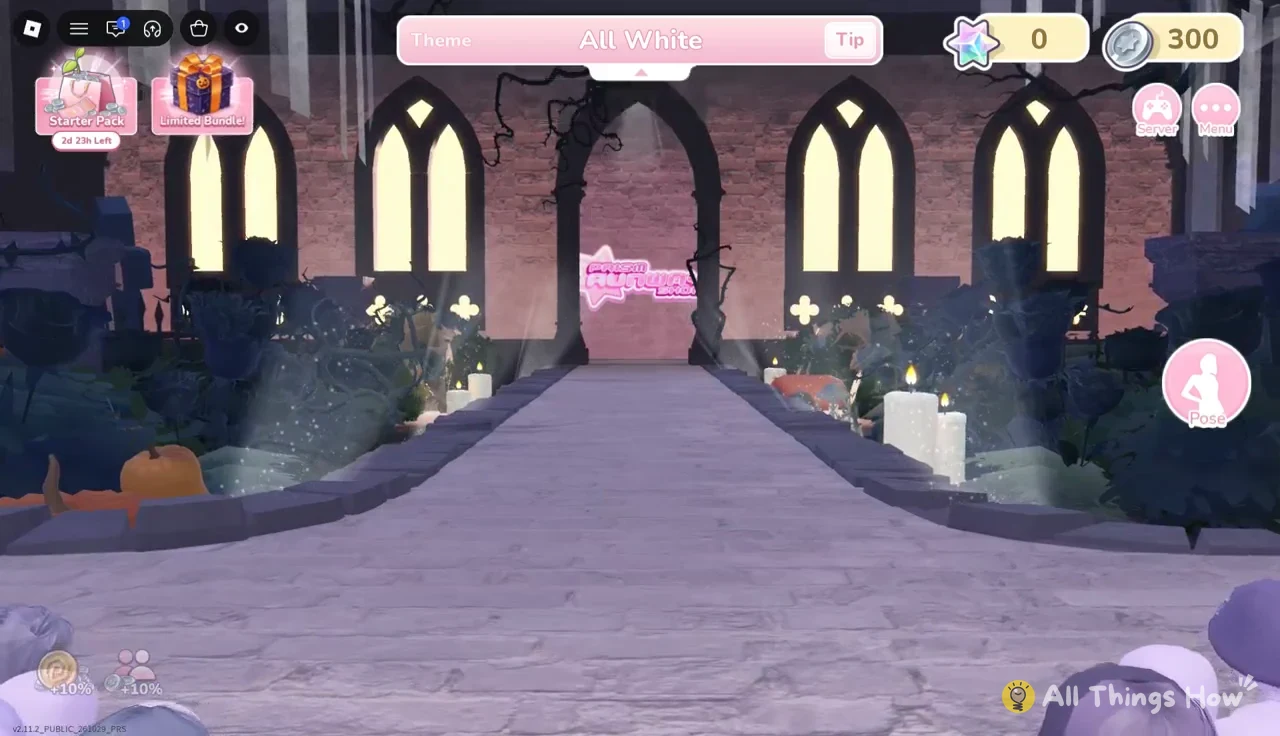
Once the countdown ends, the styling area closes and an intermission screen announces the runway show for the current theme. Whatever you’re wearing at that moment is your entry.
Walking the runway and voting
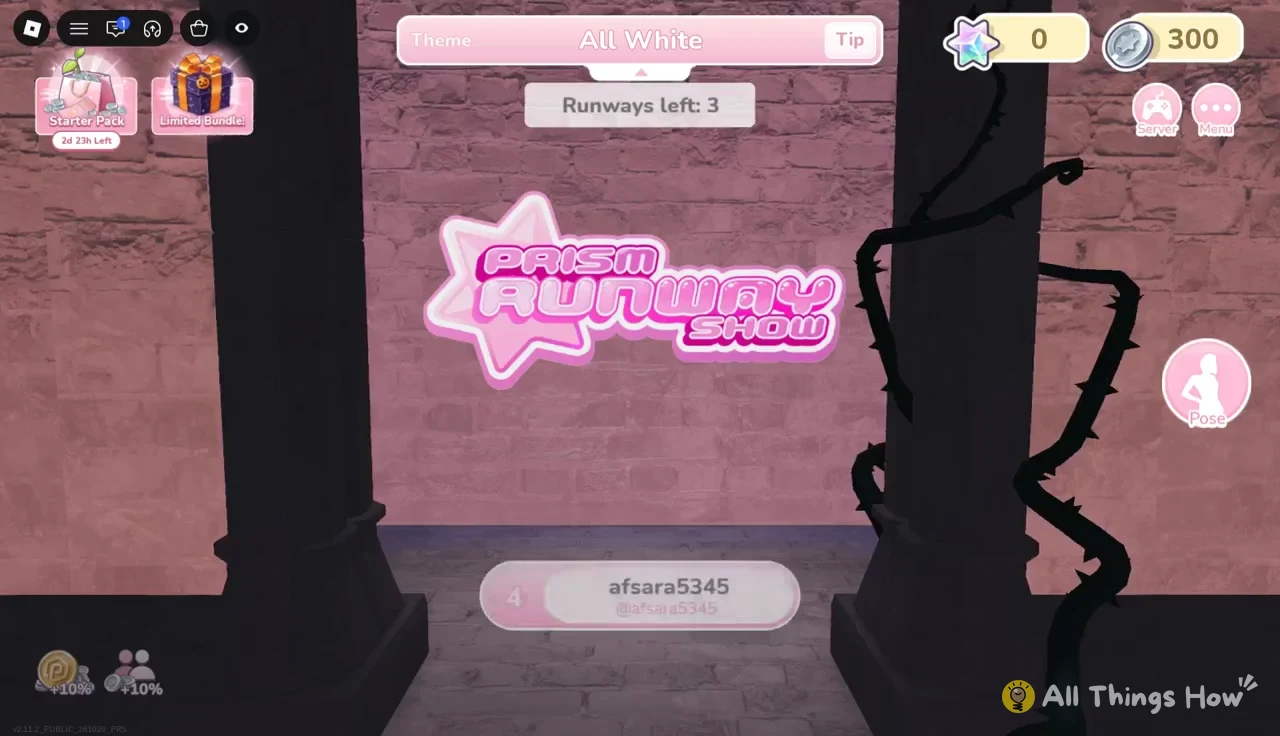
The Prism Runway Show runs one contestant at a time. Each model walks the stage under the theme banner, and a “Runways left” counter at the top ticks down as the lineup works through. That counter is your progress bar for the round: when it reaches 0, everyone has walked.
While other players walk, the game asks “Does this outfit match the theme well?” and you award between 1 and 5 stars. Every vote you cast fills the Bonus Progress meter. Getting it to 4/4 shows “Voting Complete!” and adds a +3 Prism Stars voting bonus to your round total.
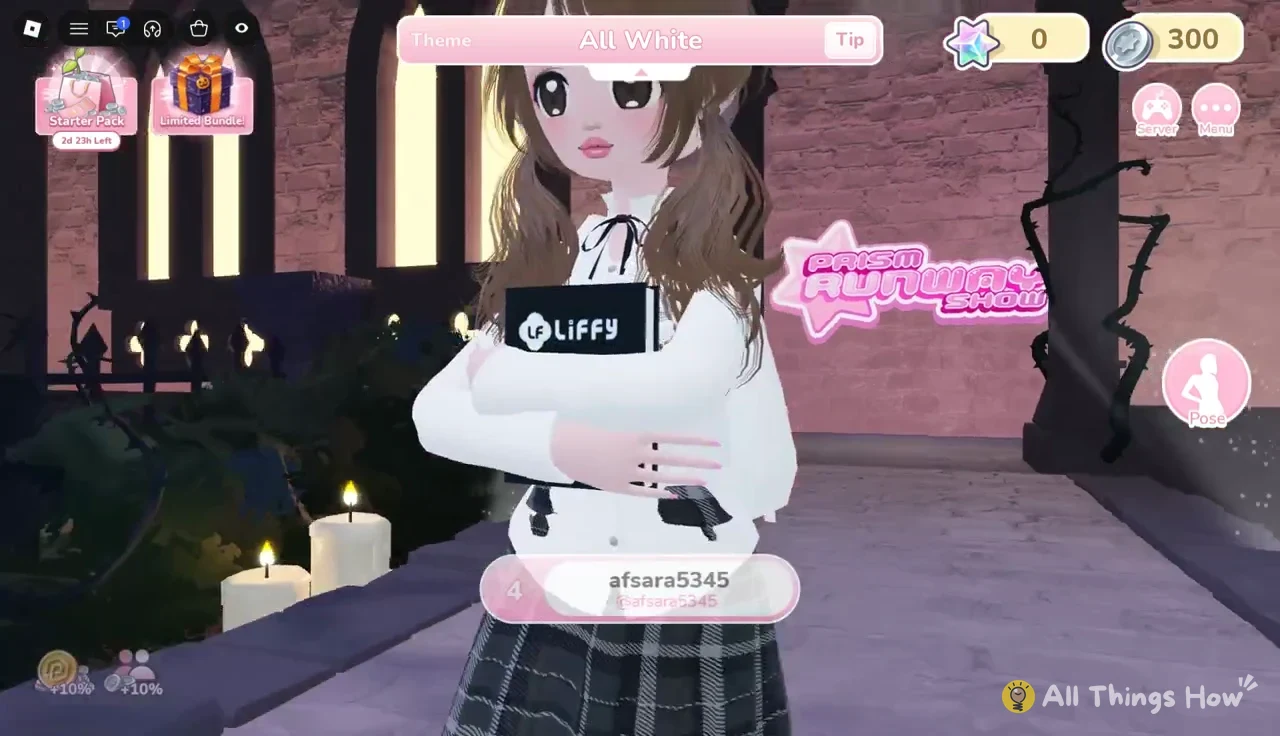
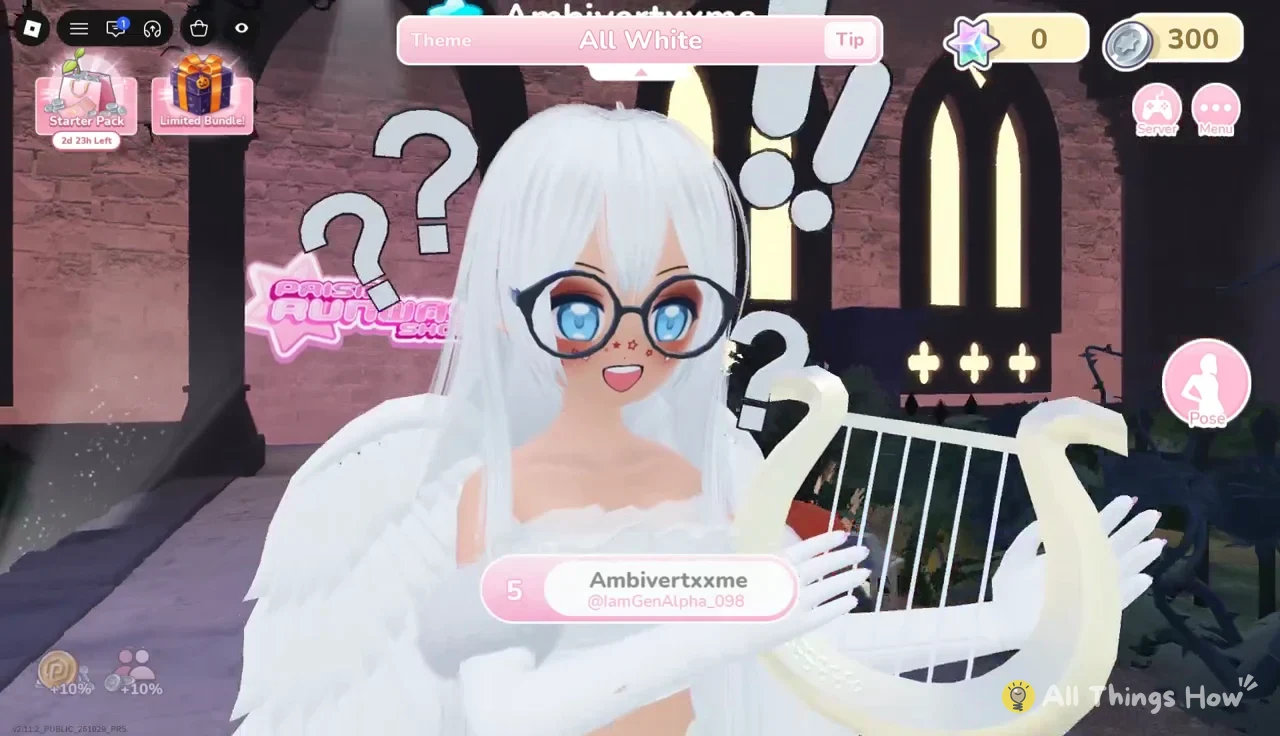
When your turn comes, your avatar walks automatically. The Pose button on the right opens a panel with Solo and Duo tabs, and you can fire off as many numbered poses as you like during the walk.
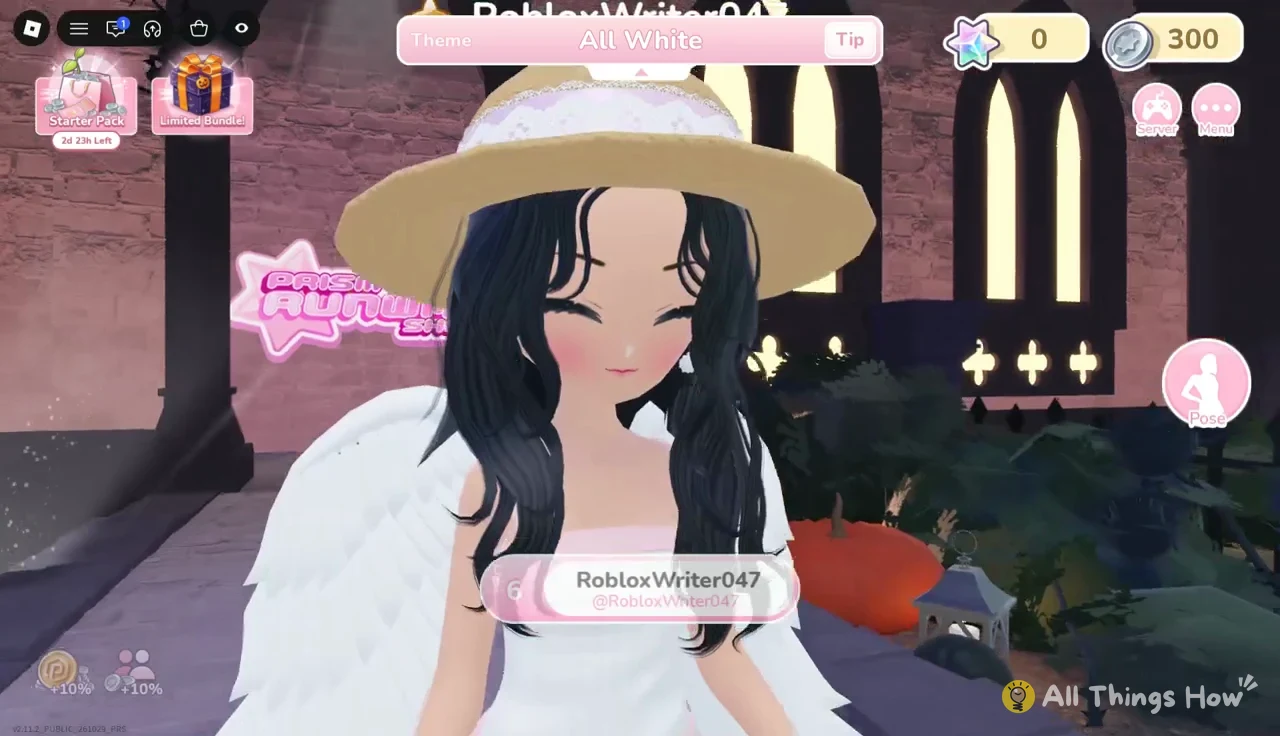
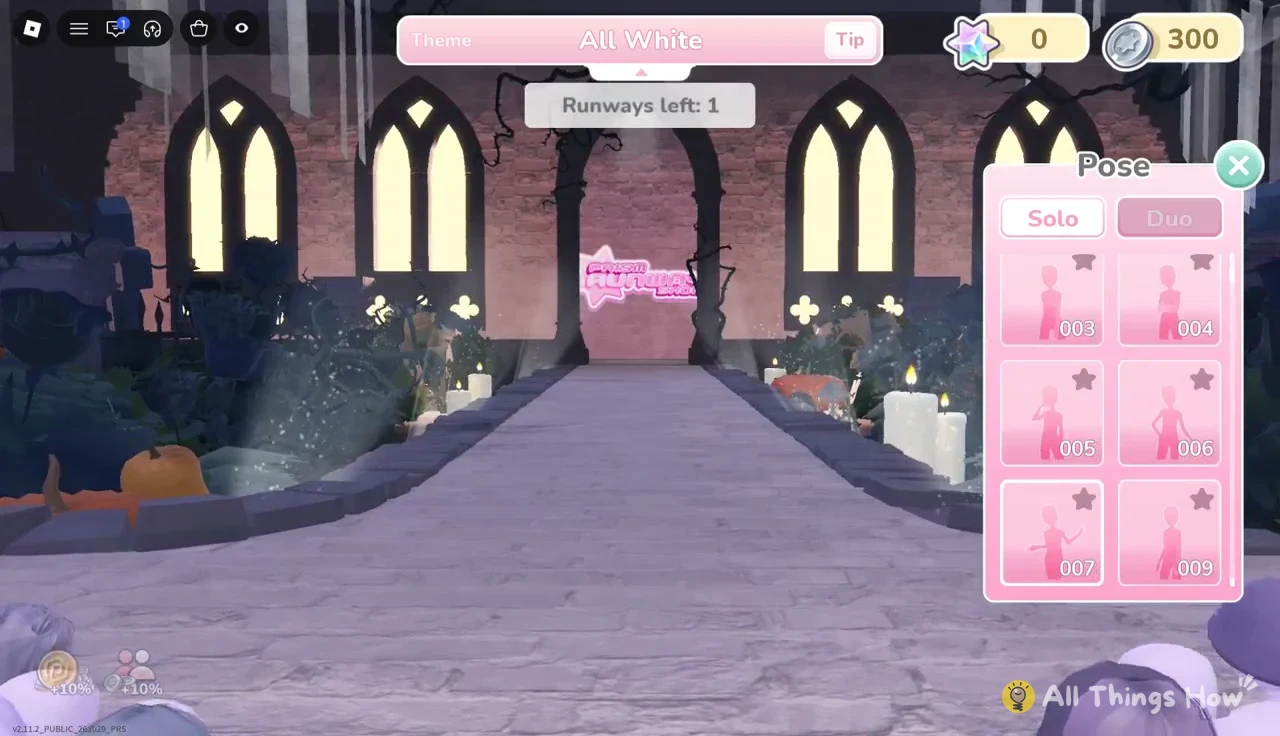
Stay in the server after your own walk. The show isn’t complete until the last contestant finishes, and the lineup can include players who go after you.
Podium, leaderboard, and the Runway Reward box
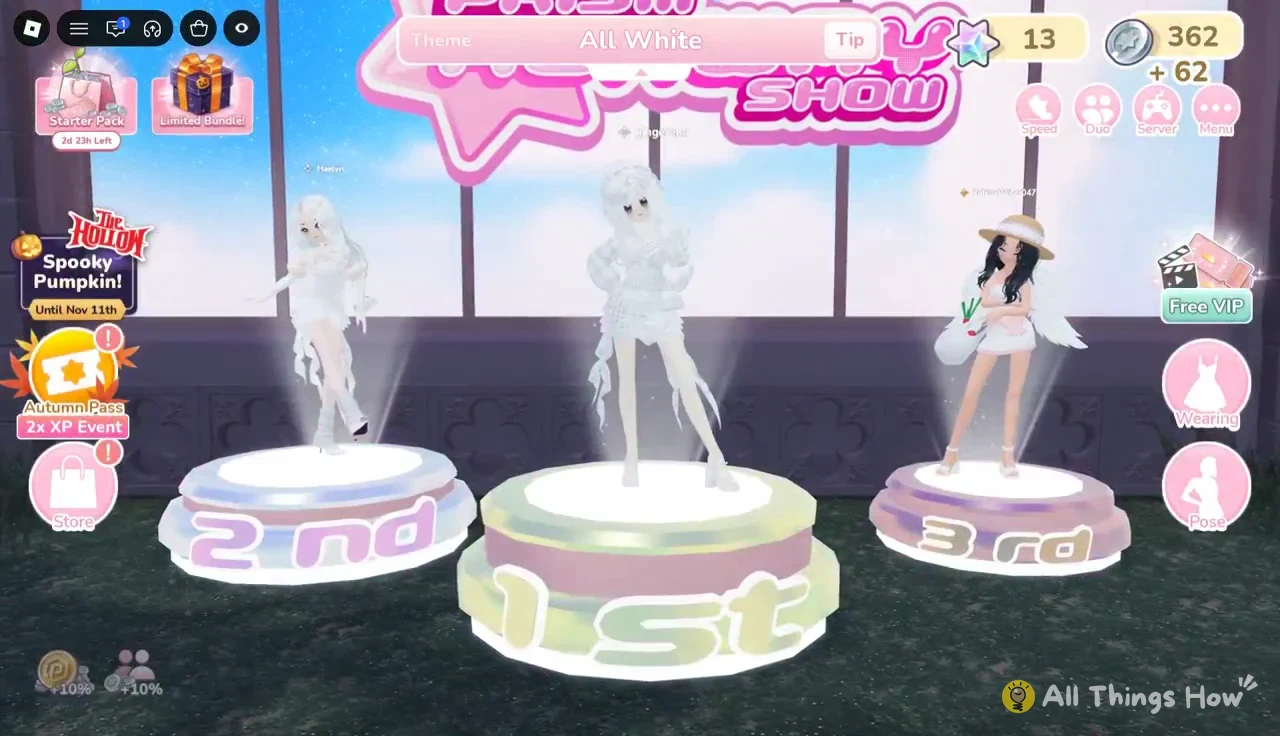
After the final walk, the top three players take the 1st, 2nd, and 3rd place podiums, and a round leaderboard lists silver coins and Prism Stars for each placement. Placement only affects those payouts. A third-place finish still counts as a completed runway.
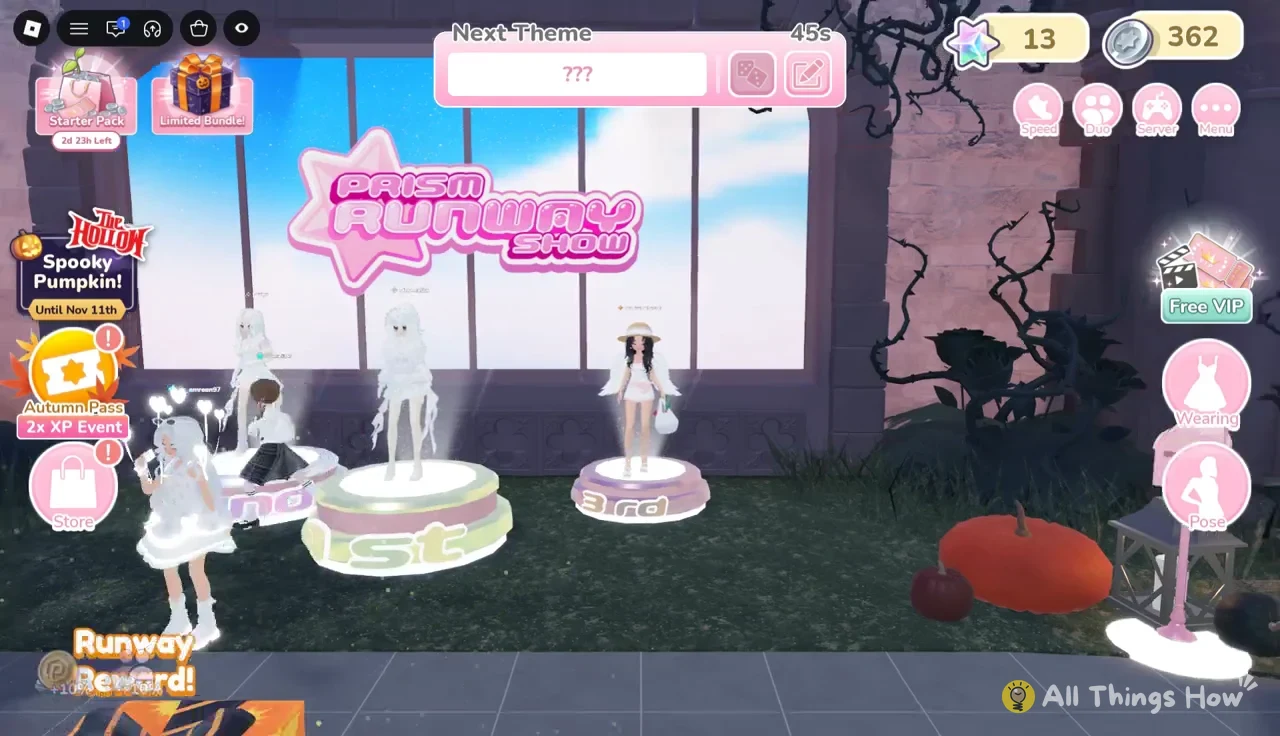
Then walk to the gift box labeled “Runway Reward!” on the stage path. It’s lit by a runway light beam, and pressing “E Open” pays out event currency for The Hollow. Tap anywhere to close the reward screen.
| Reward | How you get it |
|---|---|
| Spooky Pumpkin event badge | Complete the runway twice |
| 10 Pumpkin | Open the Runway Reward box after a show |
| +3 Prism Stars | Fill Bonus Progress to 4/4 by voting |
| Silver coins and Prism Stars | Round leaderboard, scaled by placement |
In the example round, the leaderboard paid 85 silver coins and 15 Prism Stars for first place, and 62 silver coins and 13 Prism Stars to each of the two players tied for second. Both tied players landed on the podium, and both completed the runway.
Second round and confirming the event badge
You don’t need to rejoin anything for the second show. Stay in the lobby and a “Next Theme” countdown starts right after the podium, showing “???” until the new theme is revealed. When the timer runs out, a fresh styling phase begins and you repeat the same loop: style, walk, vote, podium.
Once your second runway show completes, Roblox awards the Spooky Pumpkin event badge with its standard badge notification. You also collect a second Runway Reward box, which brings your Pumpkin haul from the quest to 20. If you want more Pumpkins after that, every extra show you finish before November 11th comes with another reward box.