Gaming How-To

Auction House Not Working in WoW Forever: 9 Steps for Listings and Searches

Simple checks to run in order when an auction listing or item search in World of Warcraft: Forever returns an error.

Simple checks to run in order when an auction listing or item search in World of Warcraft: Forever returns an error.

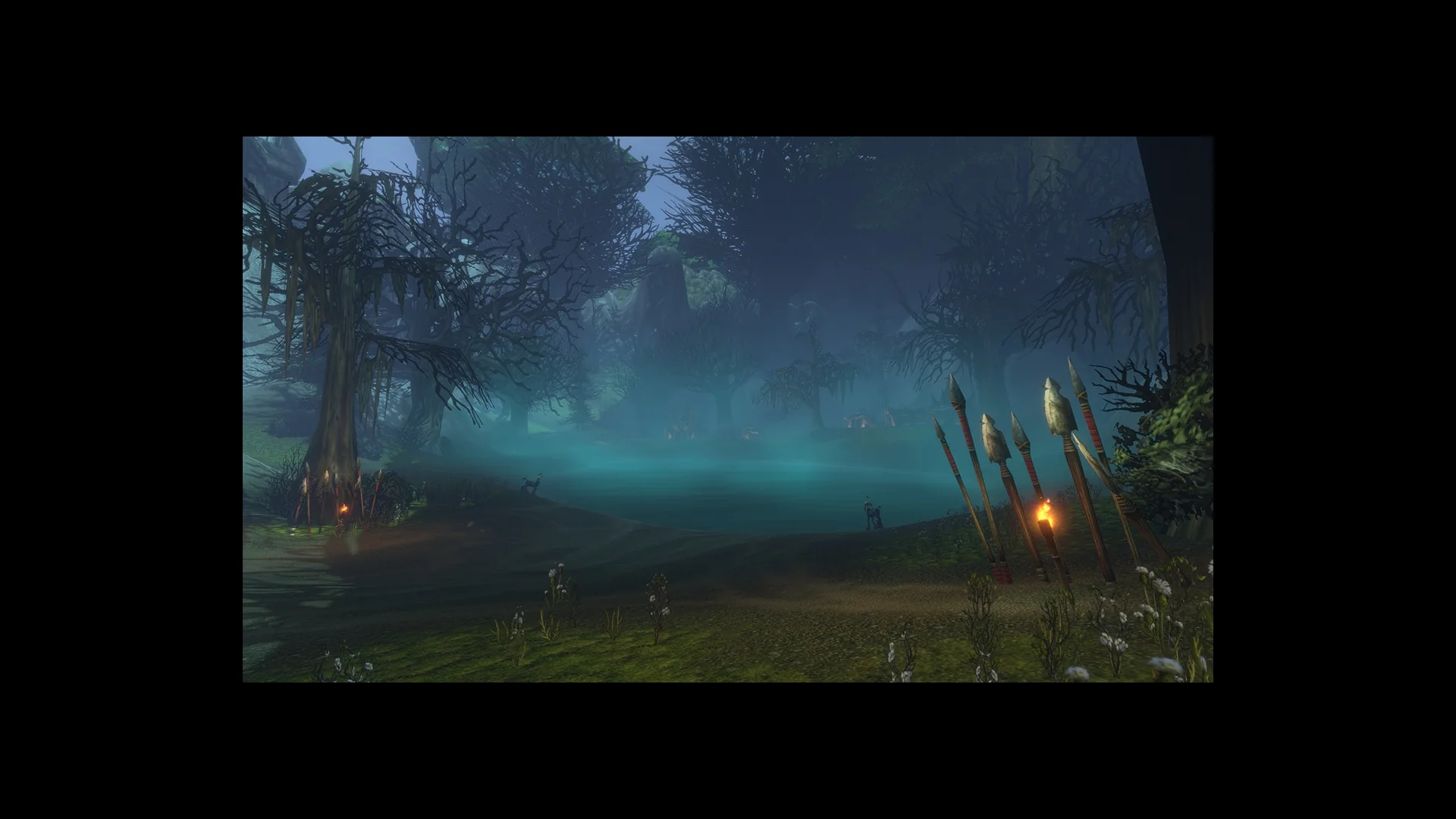
A misty teal swamp with dead trees and spears at the water's edge in World of Warcraft: Forever

Image: Blizzard Entertainment

Quick answer: Give it a minute, then try again. Reopen the Auction House, enter /reload, log out and back in, and make your search shorter. If those steps fail, wait until the next planned maintenance is over before trying again.

Since World of Warcraft: Forever launched on November 4, 2026, some players have run into errors at the Auction House. The error can appear when posting an item for sale or when searching for one. There is no confirmed cause, so the fixes are basic checks, and they work best in a set order.


How the WoW Forever Auction House problem shows up

The problem looks different depending on what you were doing at the auctioneer.

  • An error appears when you try to post a listing, but the item remains in your bags.
  • A search for an item that should be on sale comes back empty, or fails with an error.
  • The Auction House window responds slowly when it is busy.

Steps to fix failed Auction House listings and searches

Work through these in order. After each one, try the listing or search again. If the item leaves your bags and shows up as posted, or the search returns results, you can stop there.

Wait a minute, then repeat the listing or search. Failed requests happen most often during busy periods in capital cities.
Dismiss the Auction House window and move away from the auctioneer. Speak to the auctioneer again to bring the window back up.
In chat, enter /reload and confirm with Enter to refresh the interface; bring up the Auction House again. If an addon alters the Auction House, switch it off in the character screen’s AddOn List so you can test with the standard interface.

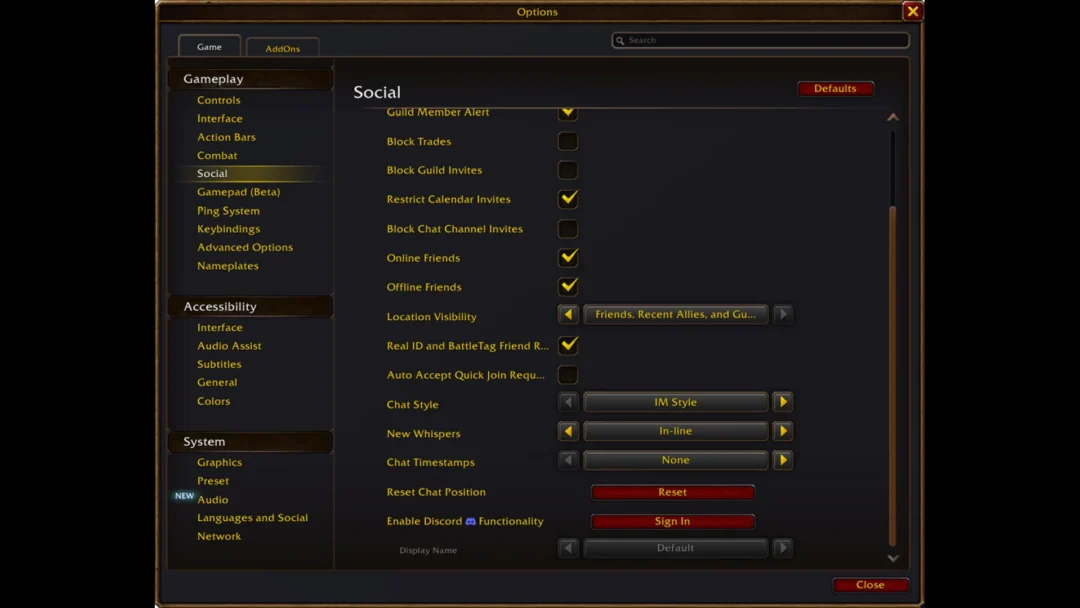
Return to the character screen by logging out, then sign back in and go to the auctioneer.
If a search is failing, search with a shorter name or the exact item name. Clear any filters as well, including level range, quality, and usable only.
When a listing will not go through, post one item rather than an entire stack. Changing the price or duration is another option.
Before making another attempt, look for service alerts or maintenance notices. You can find these in the Battle.net app or on X, where the Blizzard Customer Support account shares service status.
Should an item or gold appear to be missing following a failed listing or sale, check your mailbox. Auction House returns and payments are delivered by mail.
Send a report through the in-game bug report. That puts the problem in front of Blizzard.