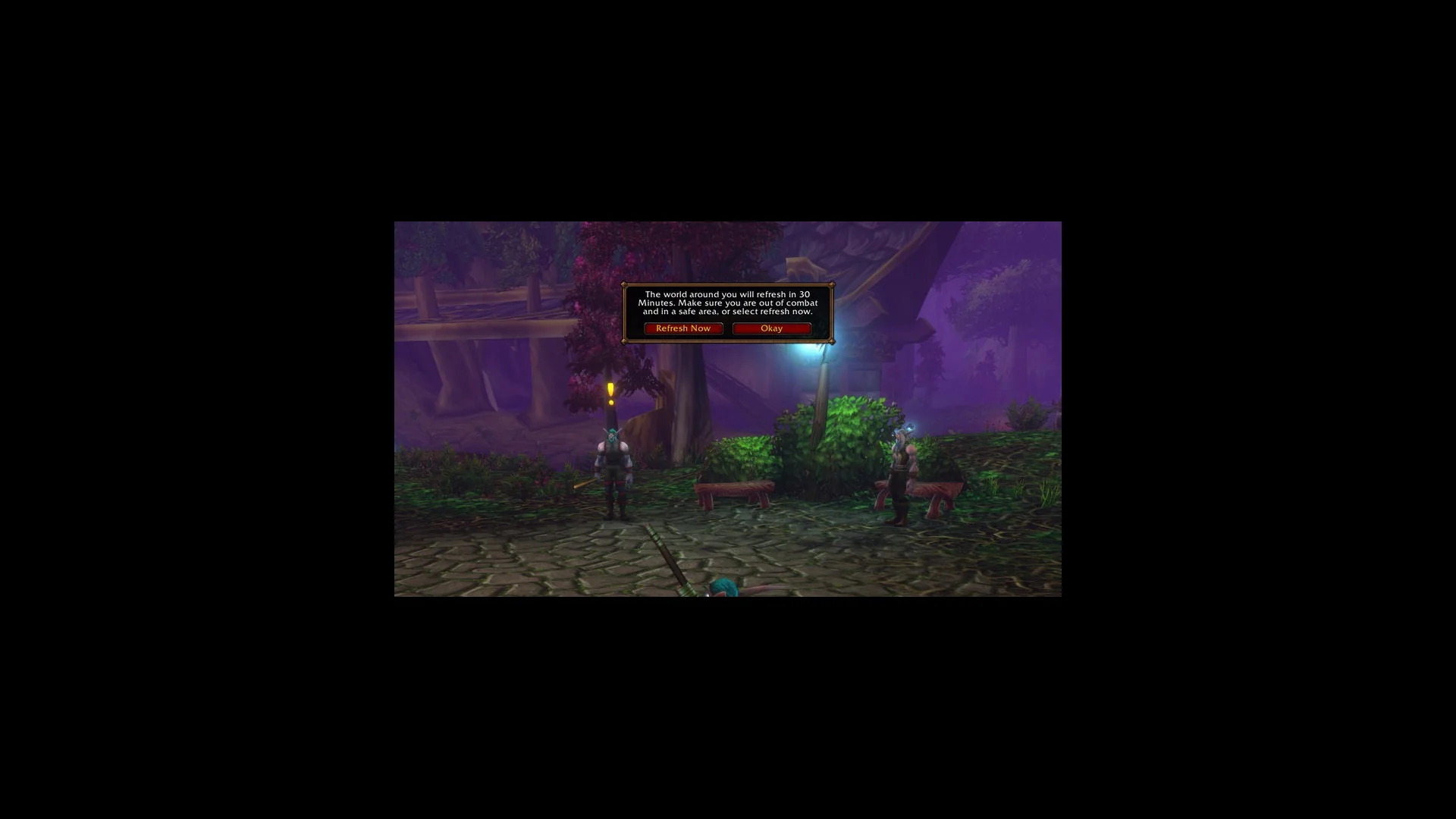
Quick answer: Join your friend’s party, leave combat, then use the lower-left notification and choose Refresh Now. The world reloads and places you on your party’s layer.
You’ve grouped up with a friend in World of Warcraft: Forever, but neither of you can see the other. The fix is a small notice in the corner of the screen that’s easy to miss.
Why party members in WoW Forever can’t see each other
In WoW Forever, each Ruleset has one vast world divided into separate copies known as layers. Even if you and your friend are in the same zone at the same location, you won’t see each other when you’re assigned to different copies.
Grouping is what fixes it. When you join a friend’s party, the game offers to move you into their copy of the world. It doesn’t do this instantly by default. Instead, it starts a timer of 30 Minutes and lets you skip the wait if you want.
How to use Refresh Now to join your party’s layer
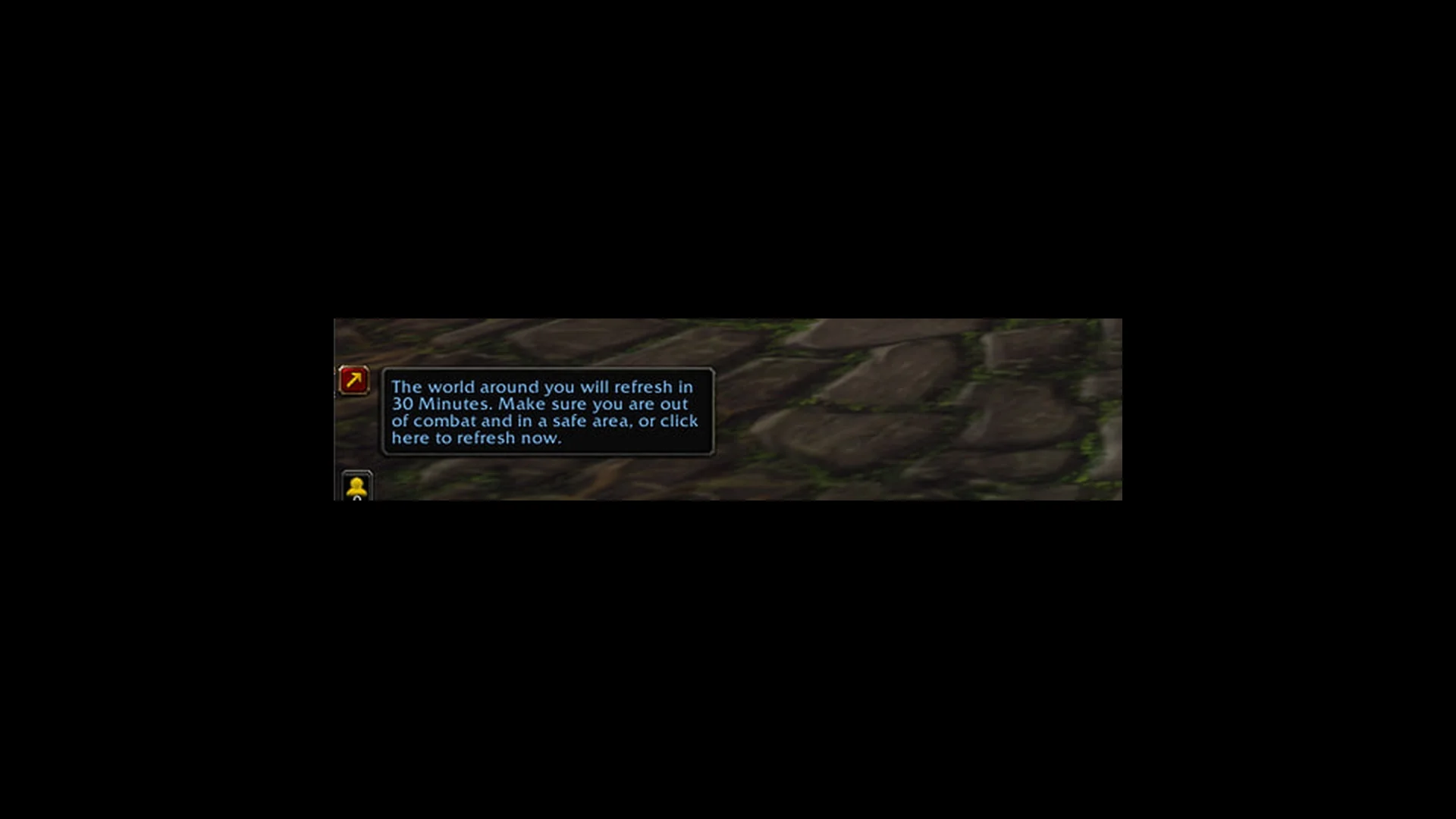
If you pick Okay instead, nothing happens right away. The notice shrinks to “World refresh in 30 Minutes”, and the world refreshes on its own when that timer runs out. That’s useful if you need to finish a fight or reach a safer spot first, but there’s no reason to wait if you’re already clear.
If the refresh notice doesn’t appear
Refresh Now is the intended way to get onto the same layer, so the notice is the thing to get back. If it never shows up after grouping, leave the party and rejoin it to trigger the notice again. If that still doesn’t bring it up, log out and log back in, then check whether you and your friend can see each other.