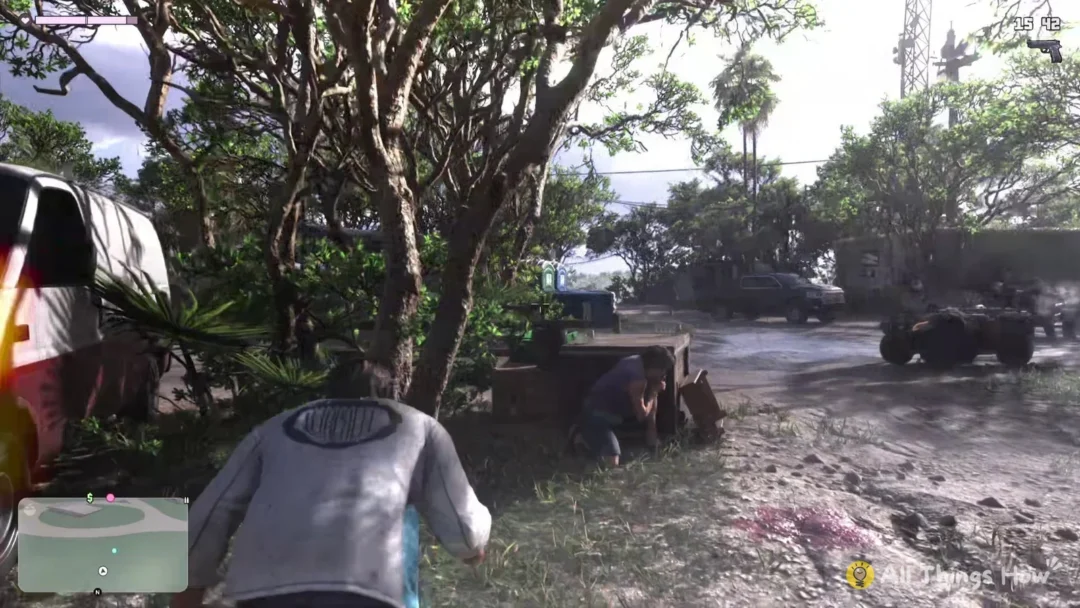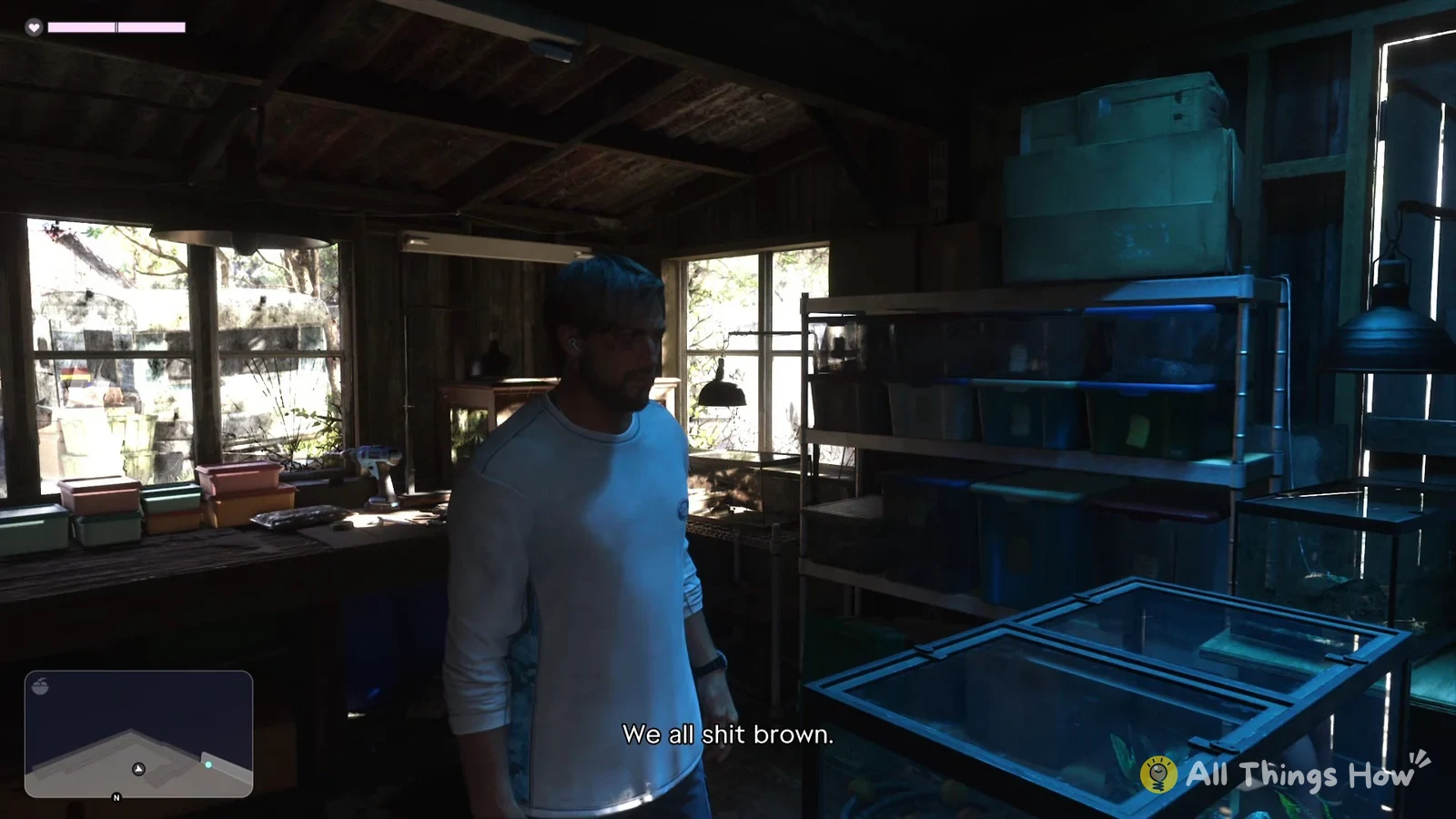
In GTA 6, your health appears in the bar at the screen’s top left, beside a heart icon. A fist fight or firefight can lower it, but you can use a healing item from the loadout wheel to recover right away. There’s no need to open a menu or leave the mission.
Quick answer: With at least one Zombix in stock, hold L1 to open the loadout wheel and press Square. That uses the red pill bottle with the heart icon and refills most of your health bar.
How to heal in GTA 6 with the loadout wheel
These steps use the default PS5 controls. The game first teaches healing during the Chapter 1 mission “Gone Fishing”, while you’re playing as Jason.
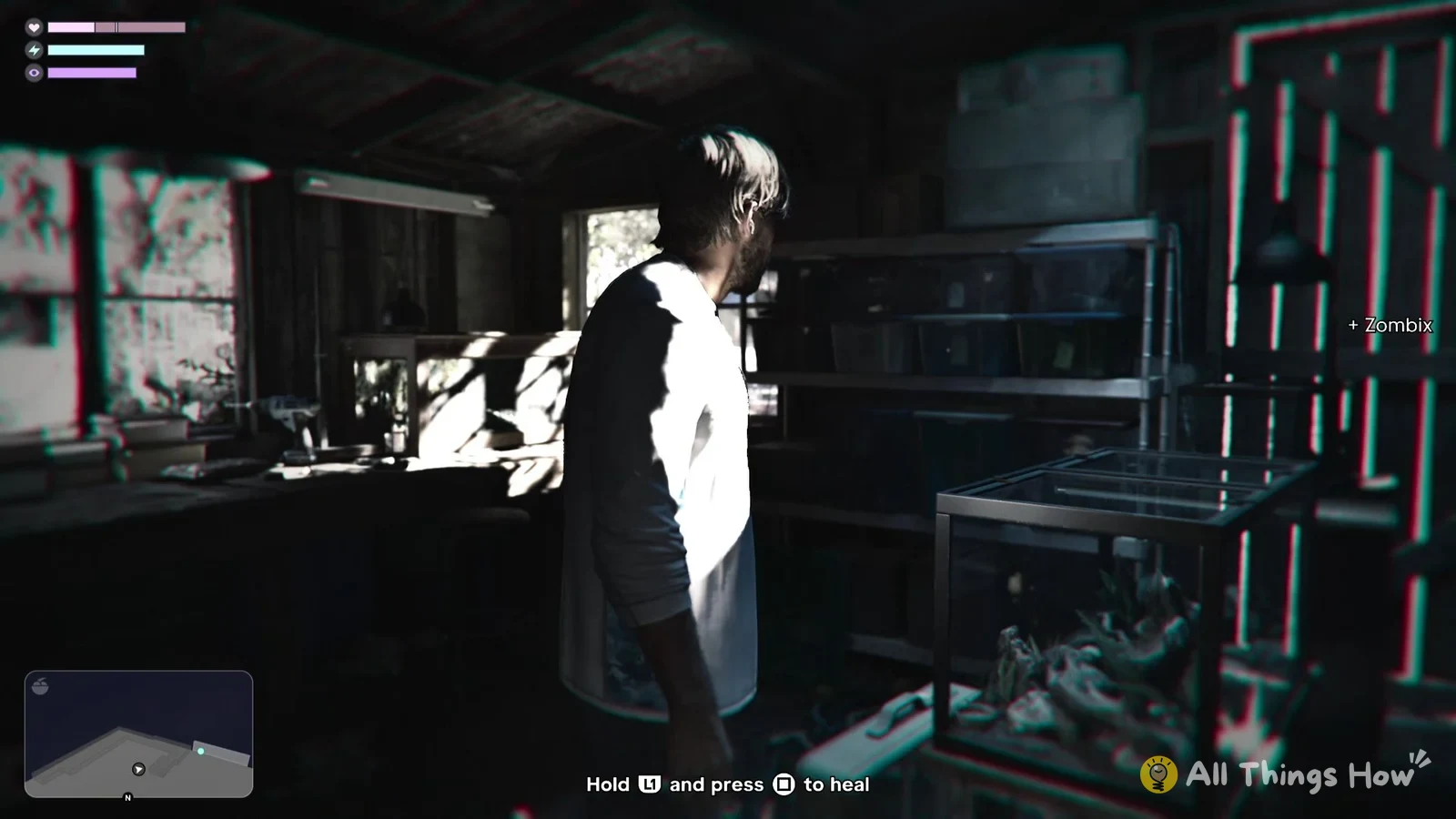
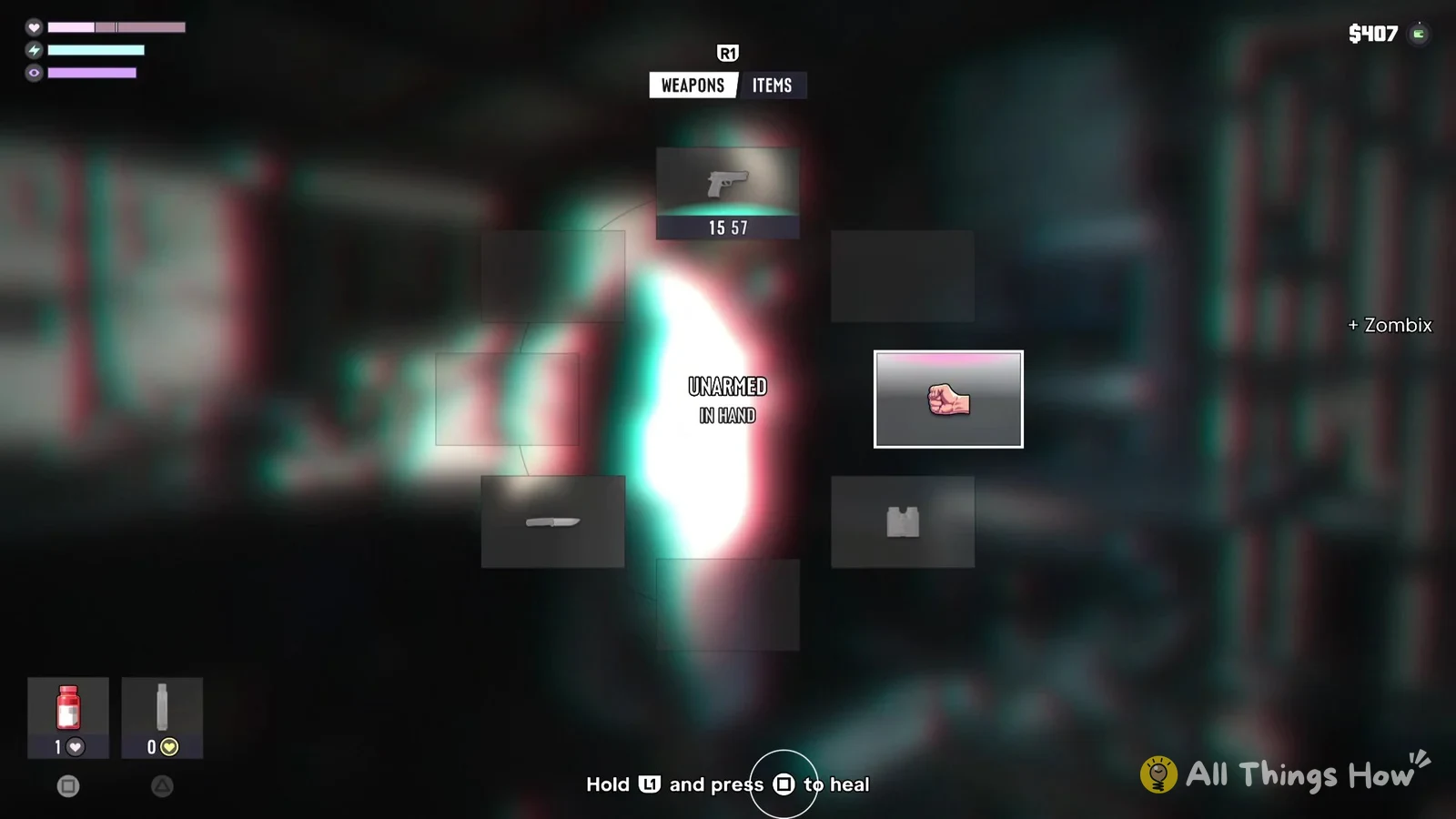
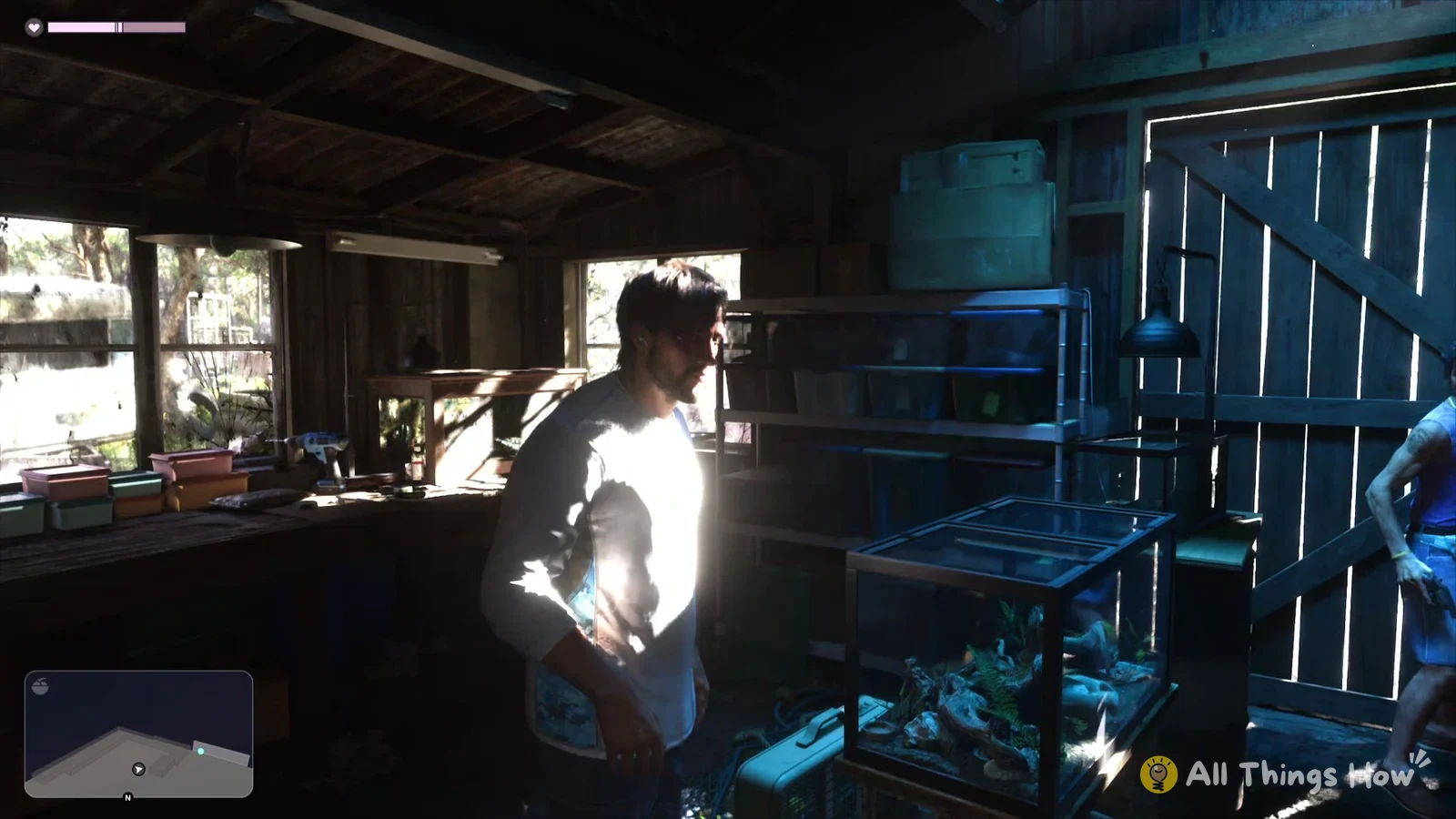
Checking your Zombix count and health bar
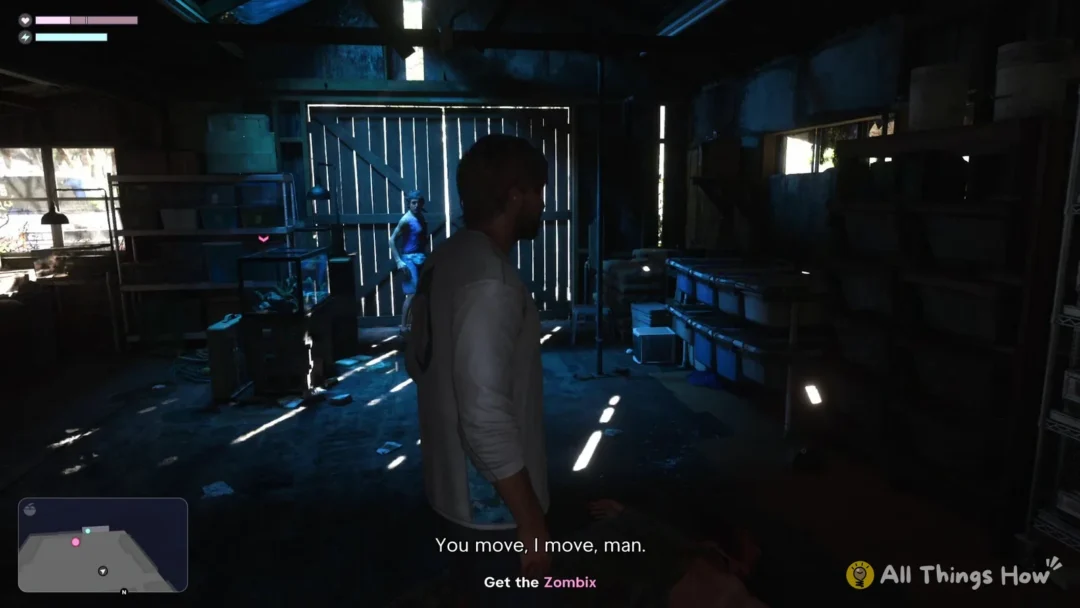
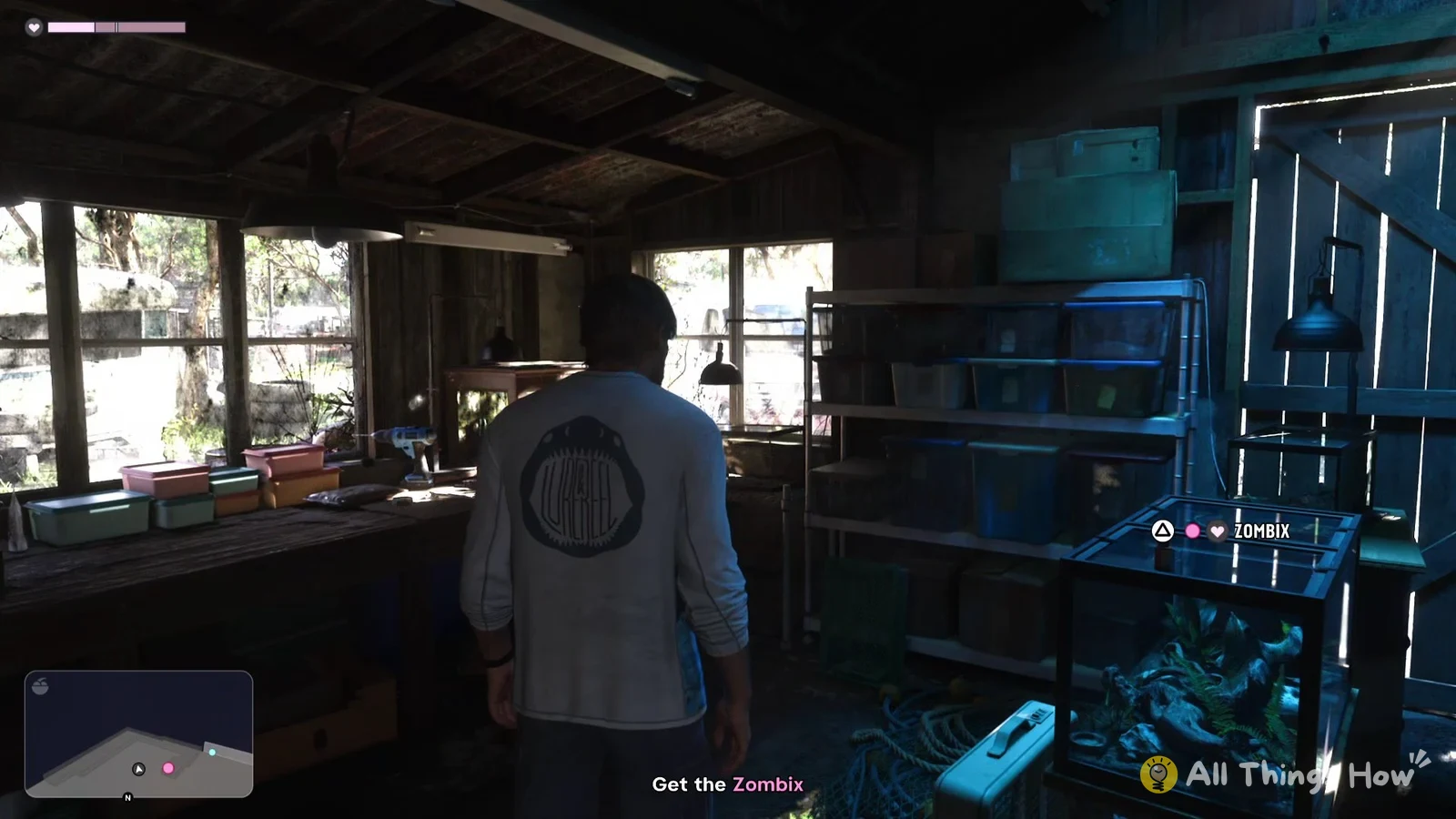
Your healing stock shows as a number next to the red pill bottle on the loadout wheel. In “Gone Fishing”, the slot reads 0 before you pick up the Zombix from the fish tank and 1 after. If it reads 0, you have none left, so pick up another Zombix first.
To check that the heal worked, look at the health bar in the top-left corner after you let go of L1. Right after a fight it sits well below full, and after you use the Zombix most of it is filled back in.