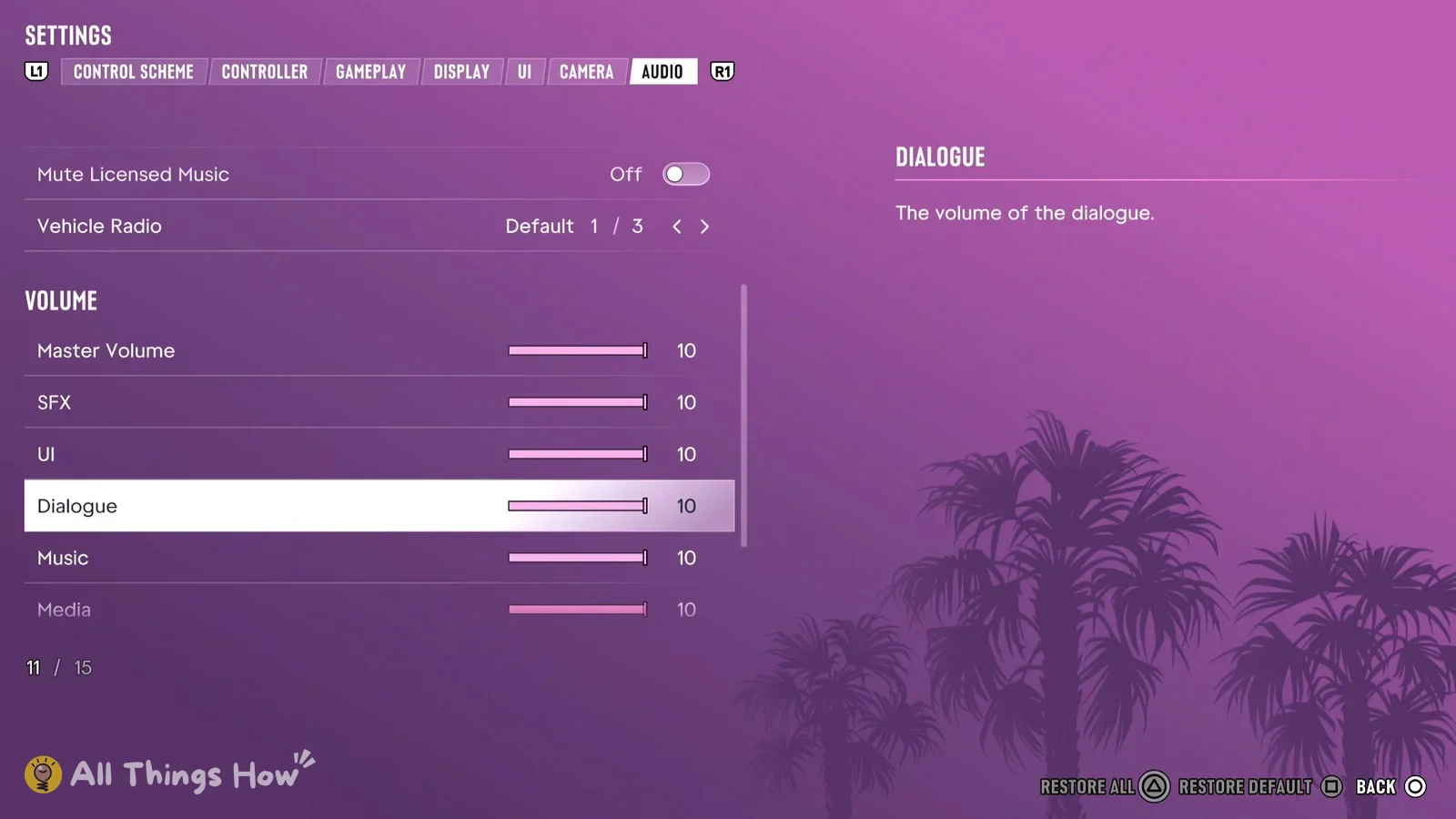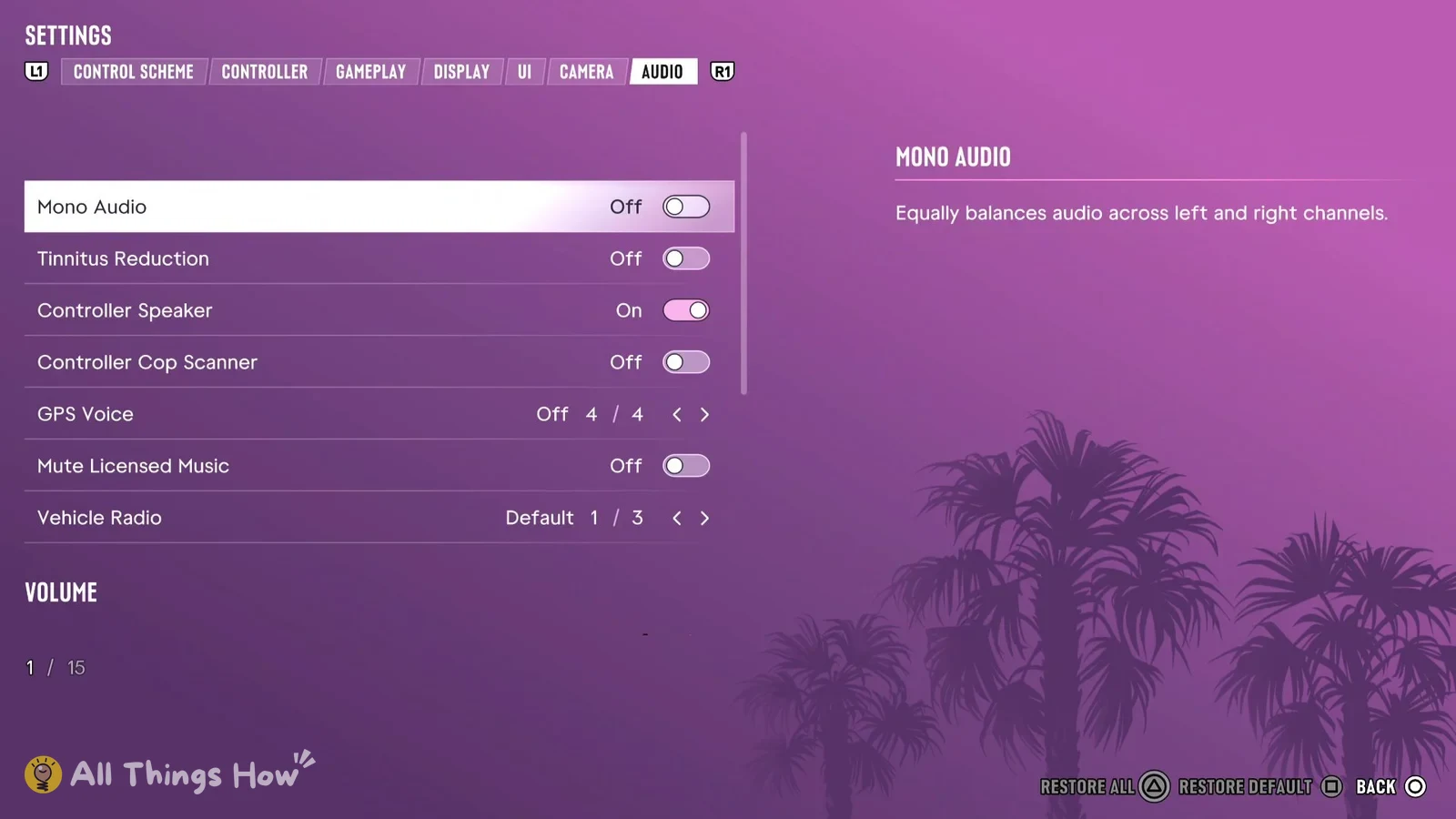
GTA 6 has a toggle that cuts licensed music from the game’s audio. It’s in the Settings menu on PS5, and on a fresh install it starts switched off, so you need to turn it on yourself before you start streaming.
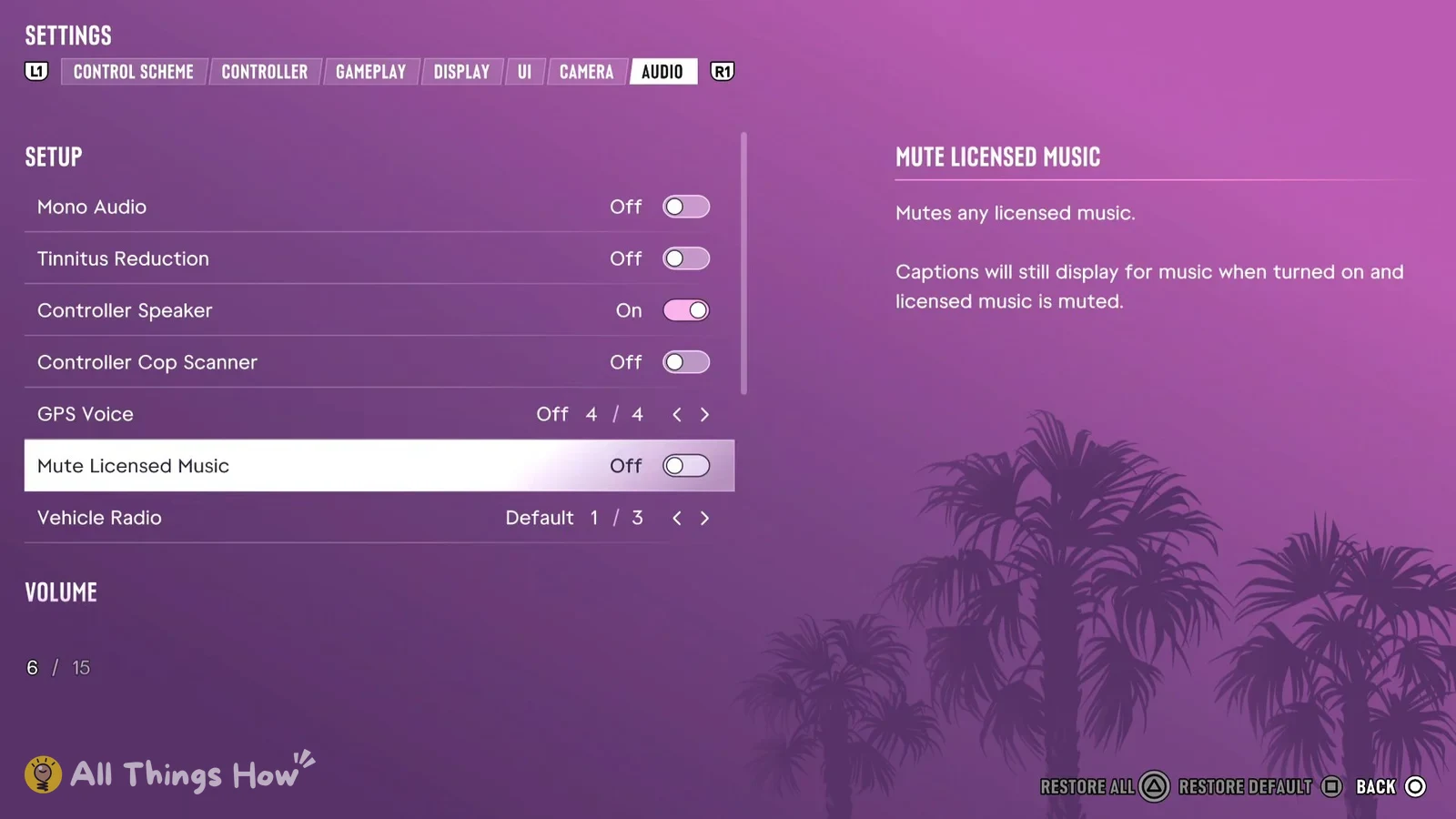
Quick answer: Pause, open Settings, press R1 to reach the Audio tab (the seventh tab), highlight Mute Licensed Music and set it to On.
How to turn on Mute Licensed Music in GTA 6
With the row highlighted, the game shows this description for it:
“Mutes any licensed music. Captions will still display for music when turned on and licensed music is muted.”
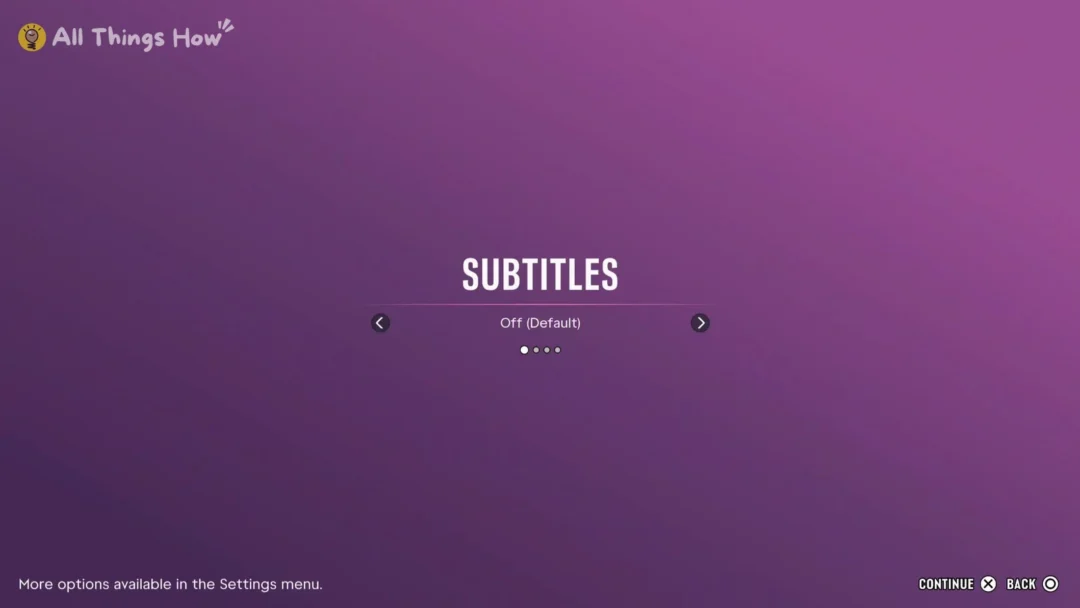
That second sentence refers to captions, which are set in a different tab. Go to the UI tab, open Subtitles & Captions and find the Closed Captions row. It’s Off by default and has four choices. If you turn captions on there, music captions keep showing up on screen even while licensed music is muted.
If you change your mind, highlight the row and press Square to put it back to its default, which is Off.
GTA 6 Audio tab settings and their defaults
SETUP holds the toggles and choice rows, including Mute Licensed Music, and VOLUME holds the sliders. Here’s what each row is set to on a fresh install.
| Setting | Group | Default |
|---|---|---|
| Mono Audio | SETUP | Off |
| Tinnitus Reduction | SETUP | Off |
| Controller Speaker | SETUP | On |
| Controller Cop Scanner | SETUP | Off |
| GPS Voice | SETUP | Off (4 choices) |
| Mute Licensed Music | SETUP | Off |
| Vehicle Radio | SETUP | Default (3 choices) |
| Master Volume | VOLUME | 10 |
| SFX | VOLUME | 10 |
| UI | VOLUME | 10 |
| Dialogue | VOLUME | 10 |
| Music | VOLUME | 10 |
| Media | VOLUME | 10 |
These volume sliders start at 10, which is the top of the bar. Mono Audio is described in-game as “Equally balances audio across left and right channels.” and the Dialogue slider as “The volume of the dialogue.” If you want the game’s music quieter on stream as well as muting licensed tracks, you can also pull the Music slider down from 10. That’s up to you, since Mute Licensed Music works on its own.