Gaming Codes

100 Days at Sea Codes (June 2026)

Redeem working codes for in-game rewards and freebies, updated as soon as Stranded Devs releases them.

Redeem working codes for in-game rewards and freebies, updated as soon as Stranded Devs releases them.

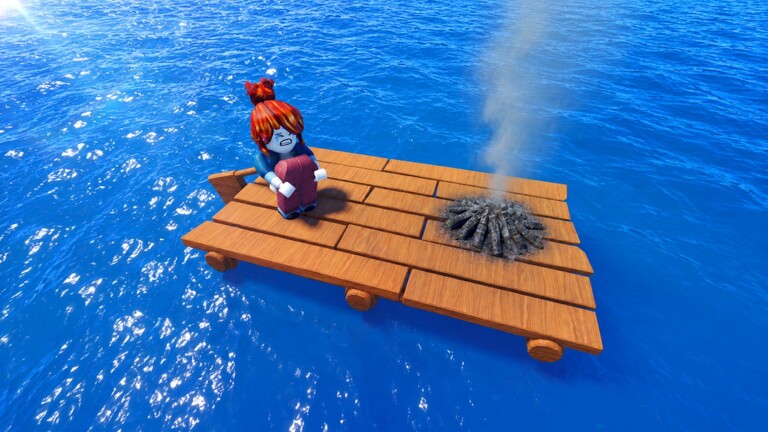
Image source: Roblox

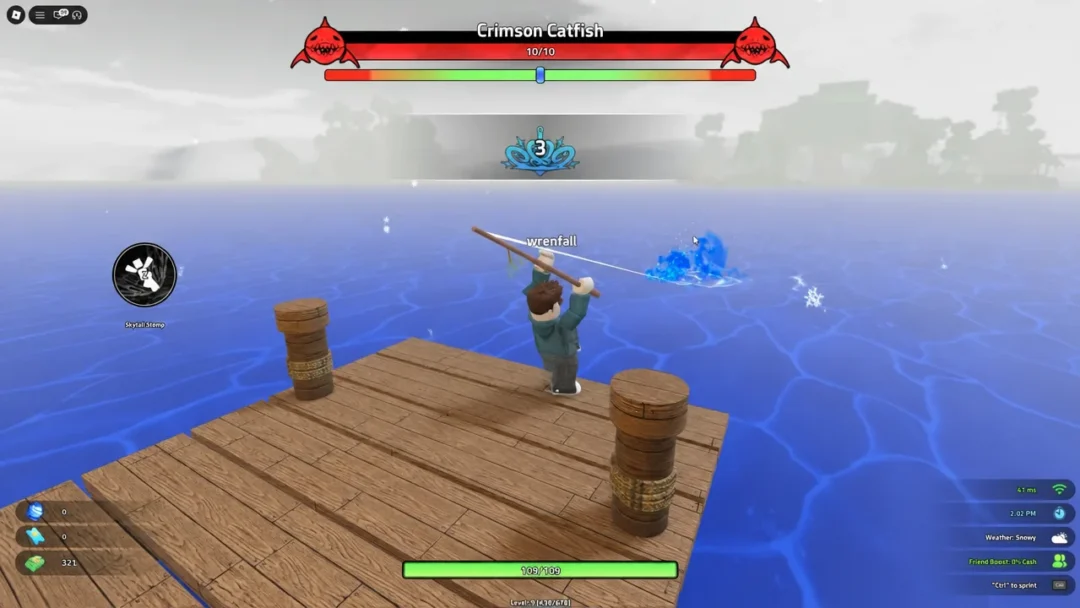
100 Days at Sea is an ocean survival experience on Roblox from Stranded Devs where you spawn in open water, gather resources with a harpoon, build out a raft base, and push toward the mystery lurking inside the Bermuda Triangle. Codes for the game, once released, are expected to deliver free currency, items, and other survival perks to help you last longer on the water.


Active 100 Days at Sea Codes

No codes are active for 100 Days at Sea right now. Stranded Devs has not released any public redemption codes, and the game does not yet have a confirmed in-game code entry box. A major update is scheduled to land on June 27, 2026, which is expected to introduce the first batch of codes — return here once it drops to grab any freebies before they expire.

  • No active codes yet — check back after the June 27, 2026 update

Tip: Code strings circulating on social media or video platforms right now have not been officially released by Stranded Devs. Any unverified code is almost certainly fake, so hold off until there is an official announcement before trying anything.


How to Redeem Codes in 100 Days at Sea

Redeeming 100 Days at Sea codes

An in-game redemption box has not been confirmed yet, but based on how comparable Roblox survival titles handle it, the steps below outline what the process will most likely look like once codes arrive.

Open Roblox and launch 100 Days at Sea, then wait for the lobby or main island area to finish loading completely before navigating any menus.
Look for a Codes button or a Twitter-bird icon, usually placed along the left side of the screen or tucked inside the settings menu. There is also a chance the redemption field appears inside the currency top-up screen — tap your in-game currency counter in the bottom-left corner and scan for a code input box there.
Click the text field and type or paste the code exactly as it appears. All codes are case-sensitive, so a single mismatched character will return an invalid code error.
Press the Redeem or Enter button to submit. A valid code will deposit the reward into your inventory or currency balance immediately. If nothing happens and no error appears, try restarting the game and attempting the code again.

Once the redemption feature goes live in 100 Days at Sea, the exact button location will be confirmed and these steps will be updated to reflect it.


Where New Codes Are Released

The official Stranded Devs Discord server is the most reliable place to catch new codes the moment they drop. To join, make sure your Roblox account has age verification enabled and chat permissions unlocked, then scroll to the bottom of the 100 Days at Sea game page on Roblox to find the Discord link.

Beyond Discord, codes tend to appear around major content updates, visit milestones, and seasonal events. With the game already past 54 million visits since its November 2025 launch, another milestone window is close — and that is typically when developers release a promotional code to pull players back in. Major holidays and community goals, such as hitting a target number of group members or Discord followers, are also common triggers.

Bookmark this page and return after June 27. The moment any working codes are released, they will be added here with their reward details so you can claim them right away.