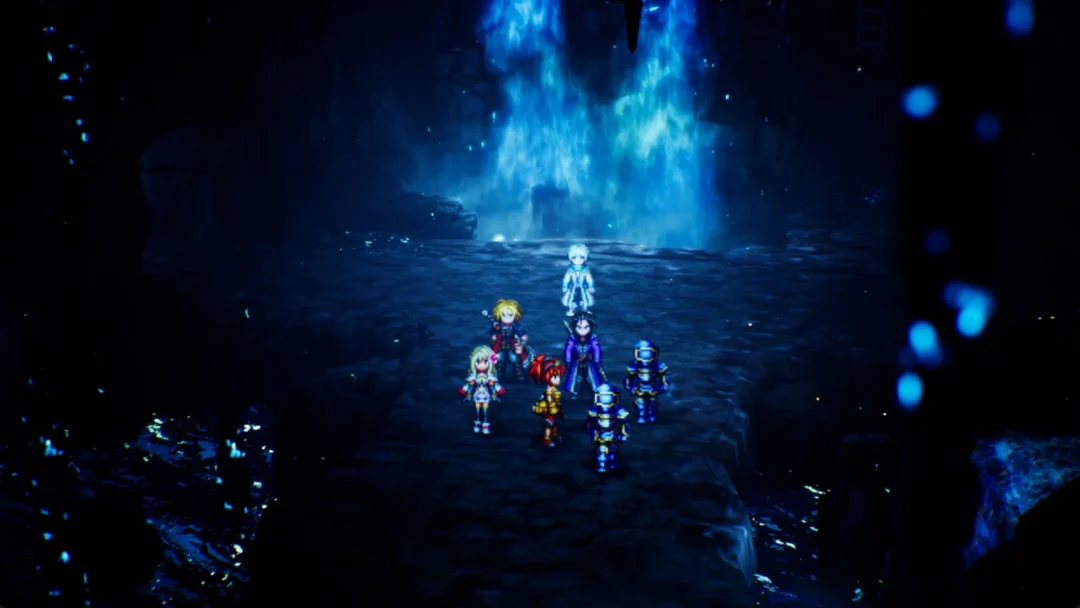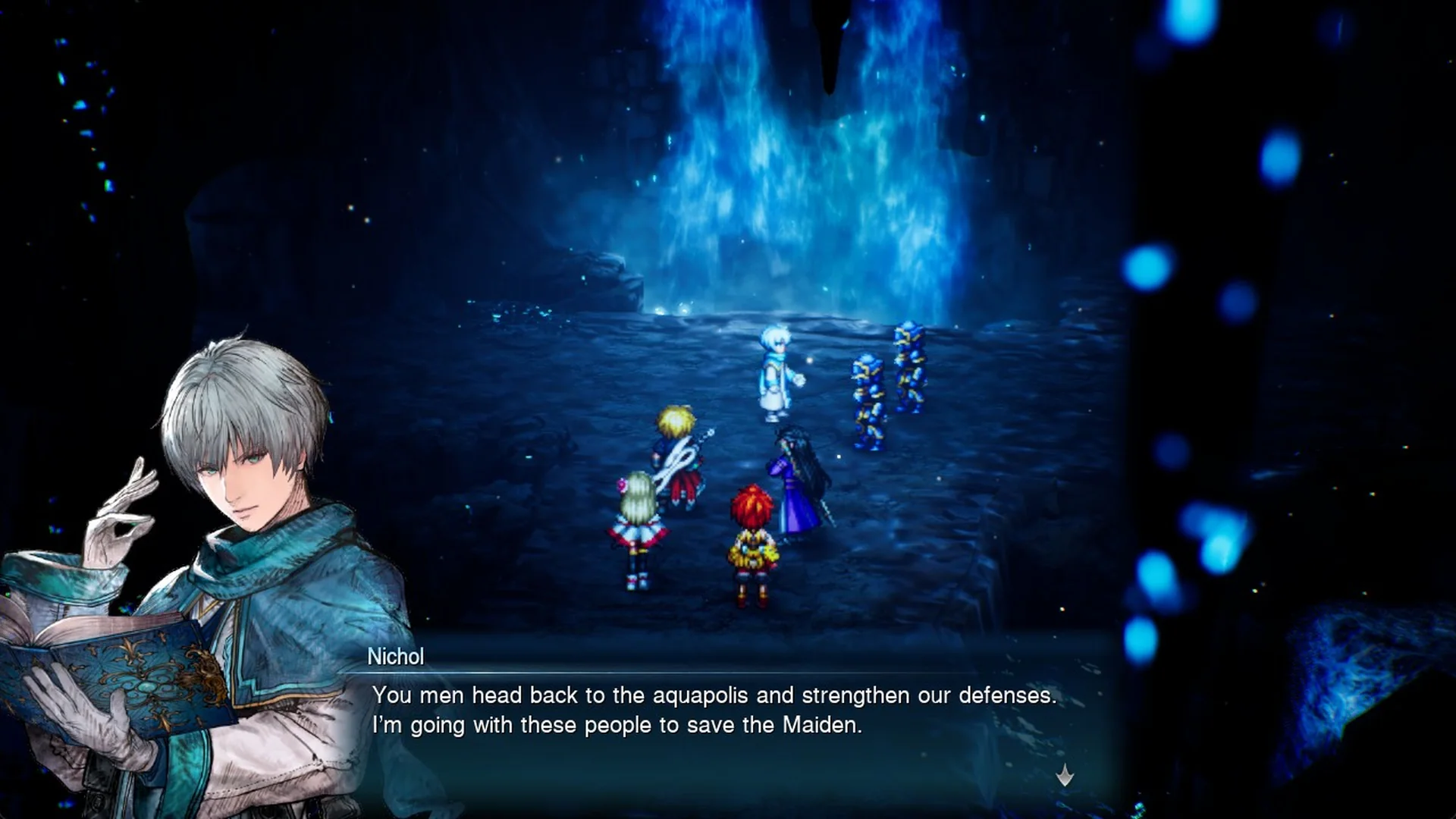
During Chapter 3, “Wardens of the Aquapolis”, Nichol becomes the party’s Synergist in the Cave of Waters. As a Warden of the Waters, he is the fifth character to join in Final Fantasy Resonance. Battles allow only four fighters, making this the first point where you must decide who to leave behind. For help with the fundamentals, check the beginner tips.
Quick answer: Press Tab to open Main Menu, enter Party, highlight an active member, and use F to choose Remove from Party. Next, highlight the benched character and use F to choose Add to Party.
Your active lineup can contain four members at most. A benched character becomes reachable with the cursor only after you free a spot, so remove someone first. Reserve members also receive EXP from battles and continue to keep pace.
| What you want | Where | How |
|---|---|---|
| Swap a party member | Main Menu > Party | F to Remove from Party, then F to Add to Party on the benched member |
| Move a Vision to another character | Main Menu > Equipment & Abilities > Visions | Pick the Vision, answer Yes to the equip prompt |
| Abilities | Main Menu > Equipment & Abilities > Abilities | Greyed abilities belong to the worn Vision and are already active |
| Heal outside battle | Main Menu, G for Quick Heal | Uses party Cure spells and MP, no revive |
How to add Nichol to the party
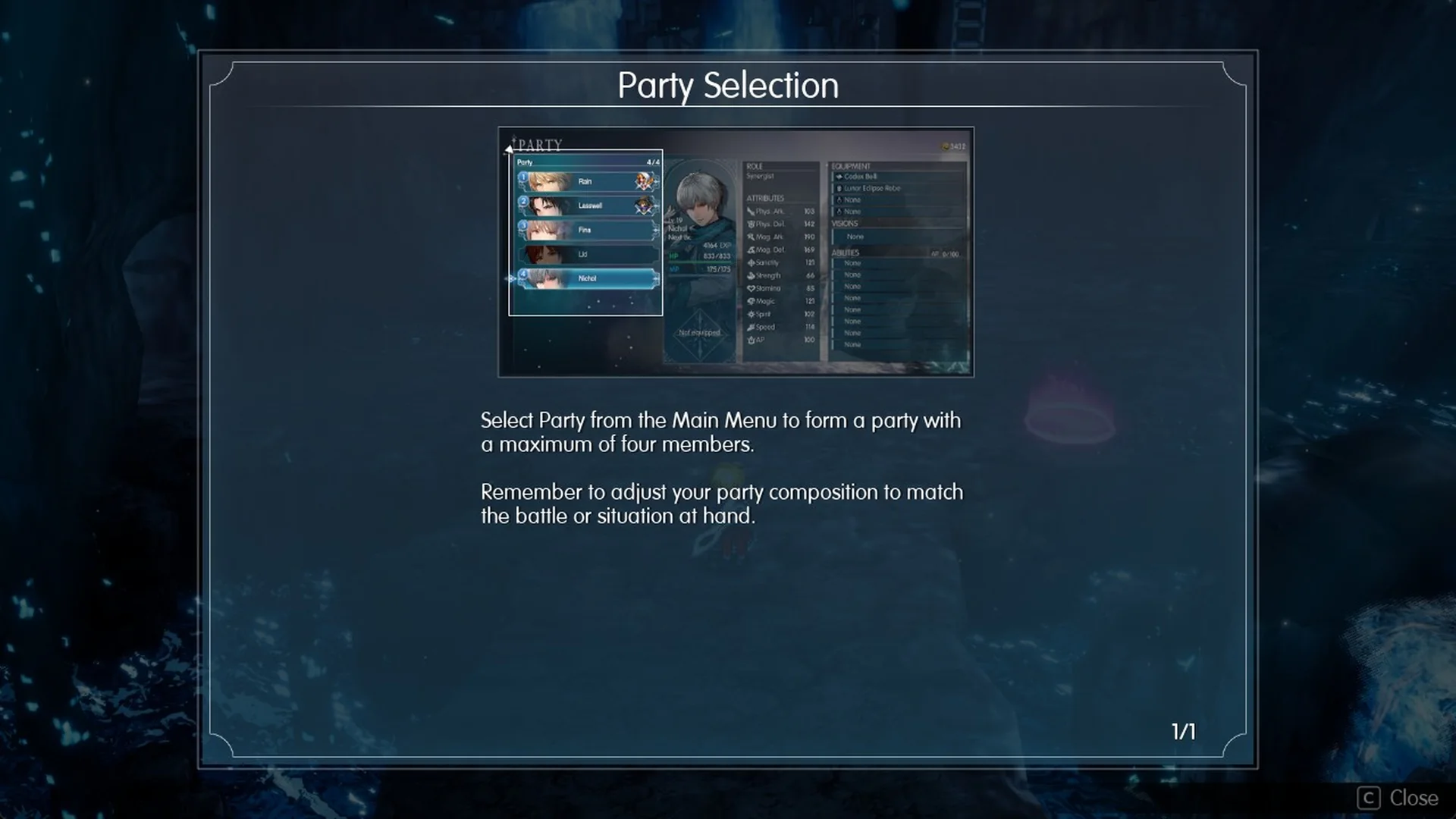
As soon as Nichol joins in the Cave of Waters, a Party Selection tutorial pops up. It tells you: “Select Party from the Main Menu to form a party with a maximum of four members.” It also reminds you: “Remember to adjust your party composition to match the battle or situation at hand.”
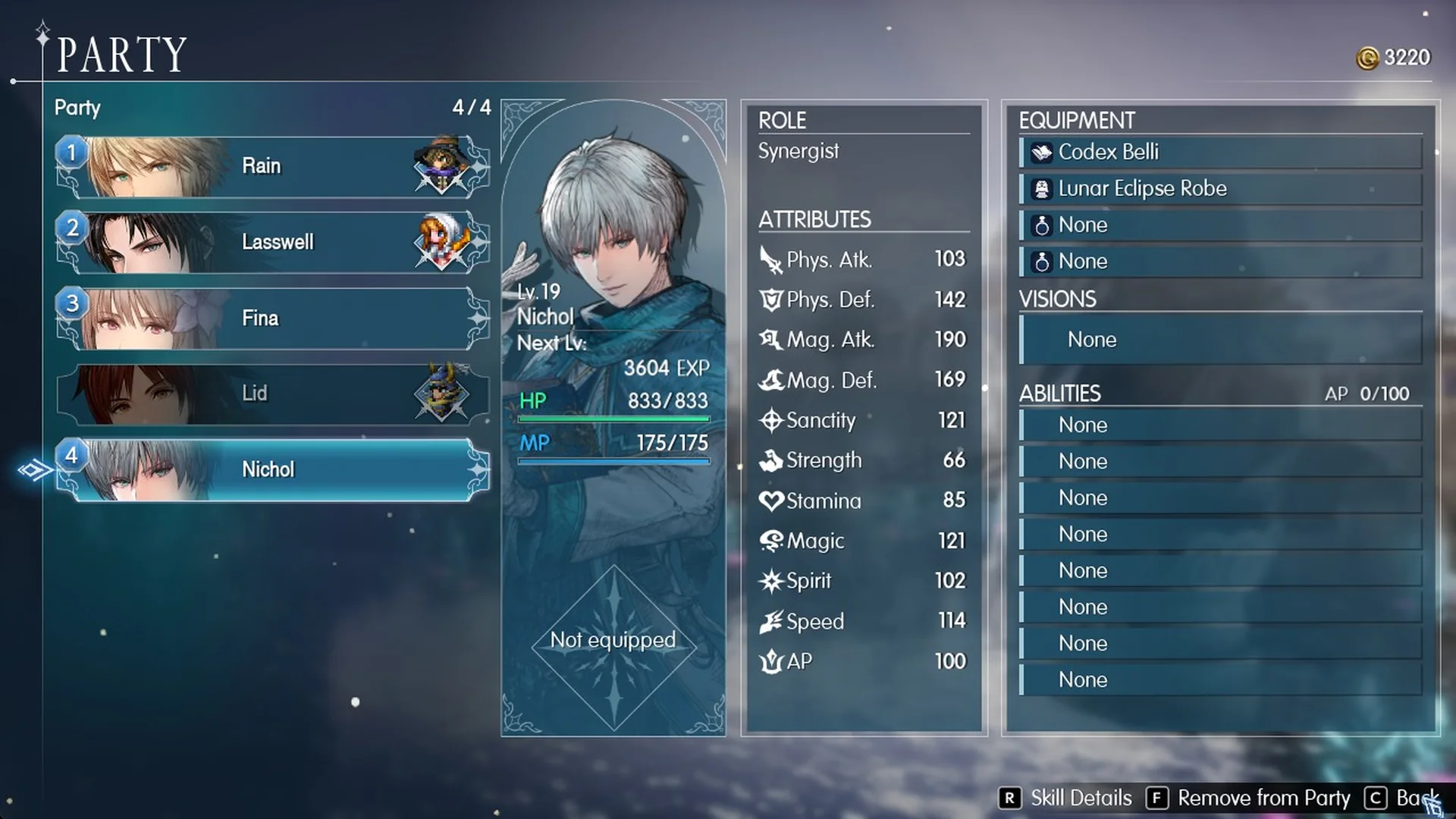
Open Main Menu > Party to view the roster. It shows Party 4/4, with the four active characters in positions 1 through 4 and Nichol greyed out beneath them. With Rain, Lasswell, Fina and Lid in the party, every slot is occupied; you cannot move the cursor down to Nichol until you make room.
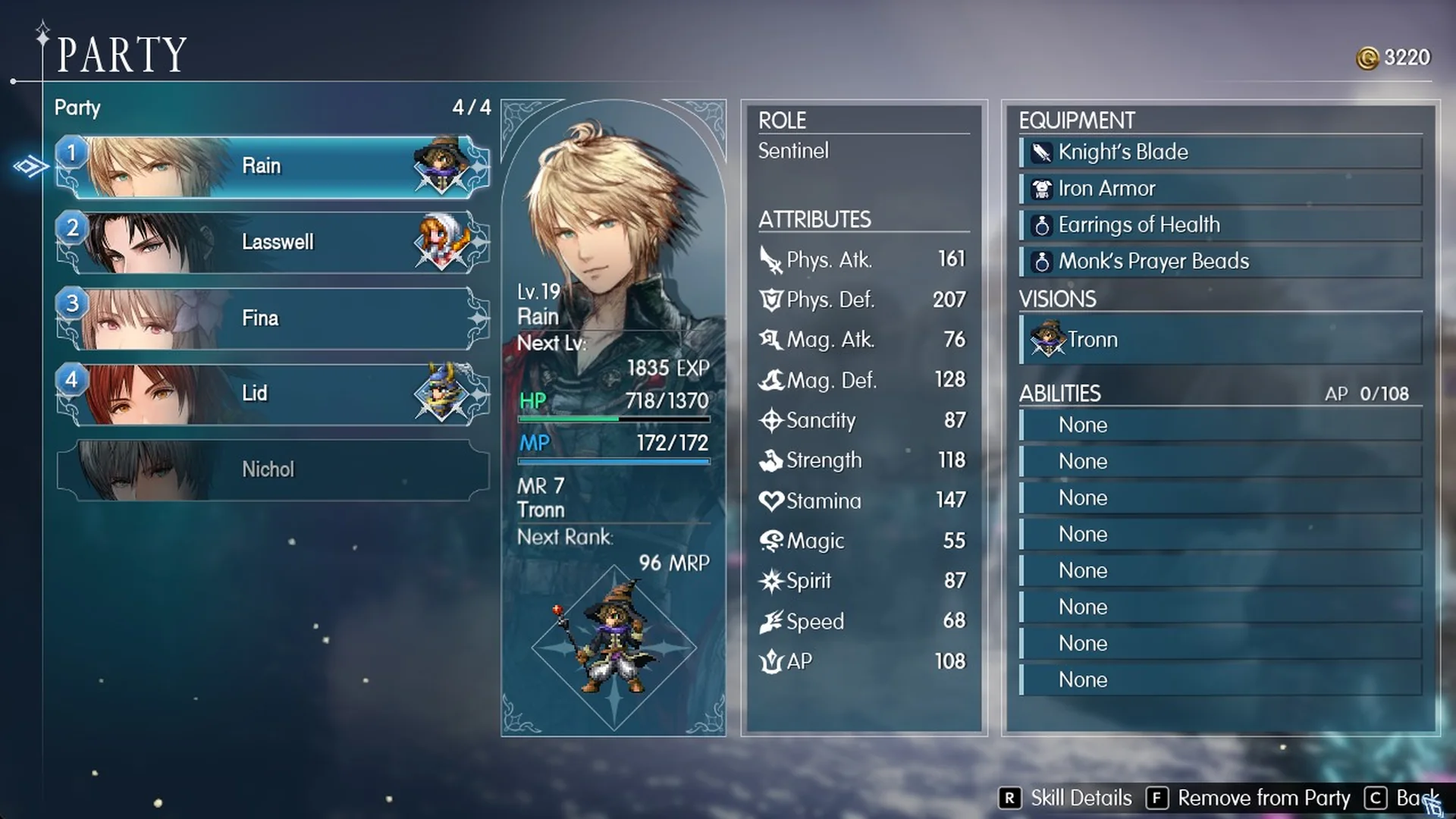
Step by step: Remove from Party, then Add to Party
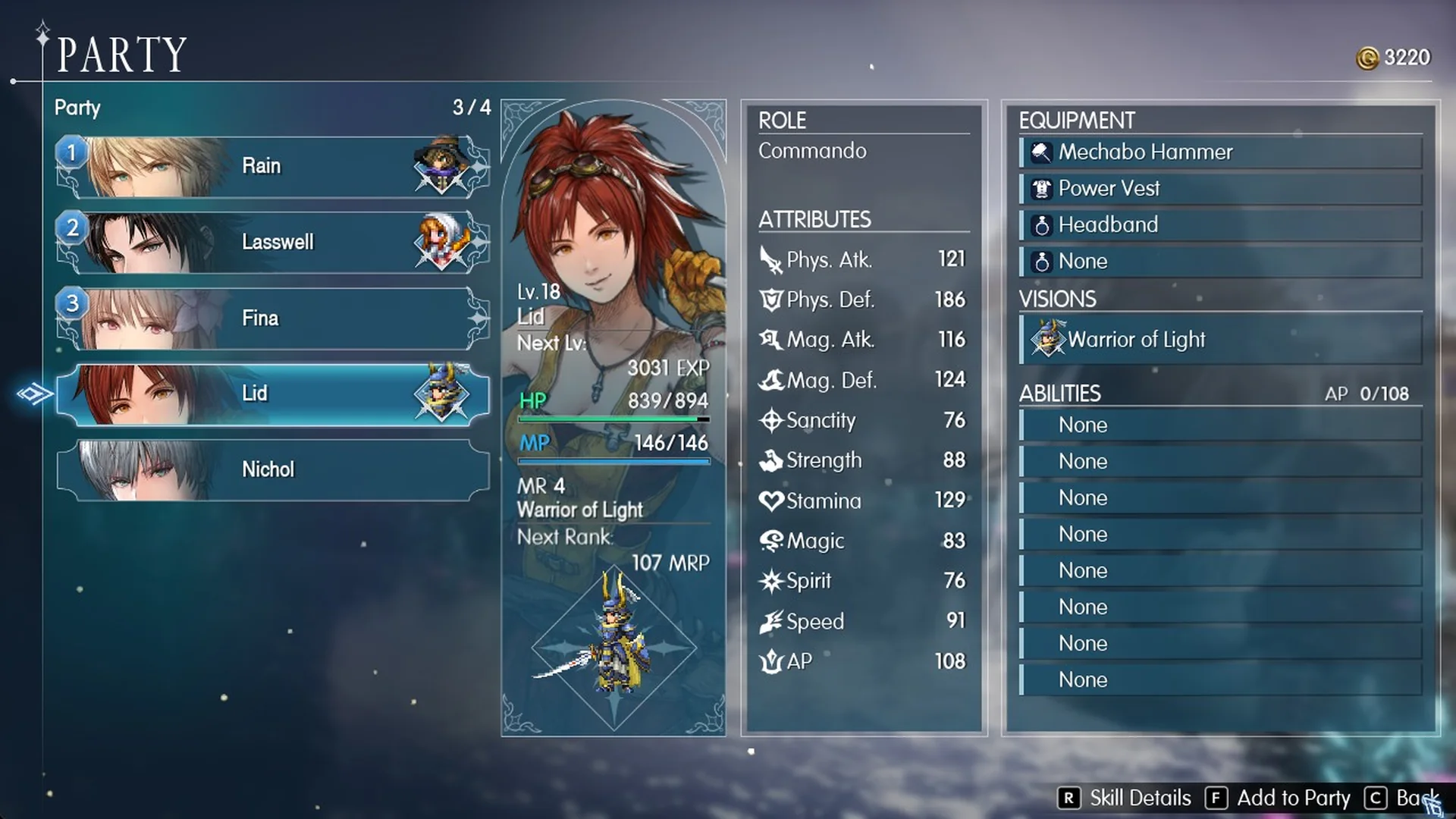
Nichol arrives as a Lv 19 Synergist with 833 HP and 190 Mag. Atk. His equipment is a Codex Belli and a Lunar Eclipse Robe. When you bench someone, their weapon, armor and accessories stay with that character.
Do benched party members get EXP?
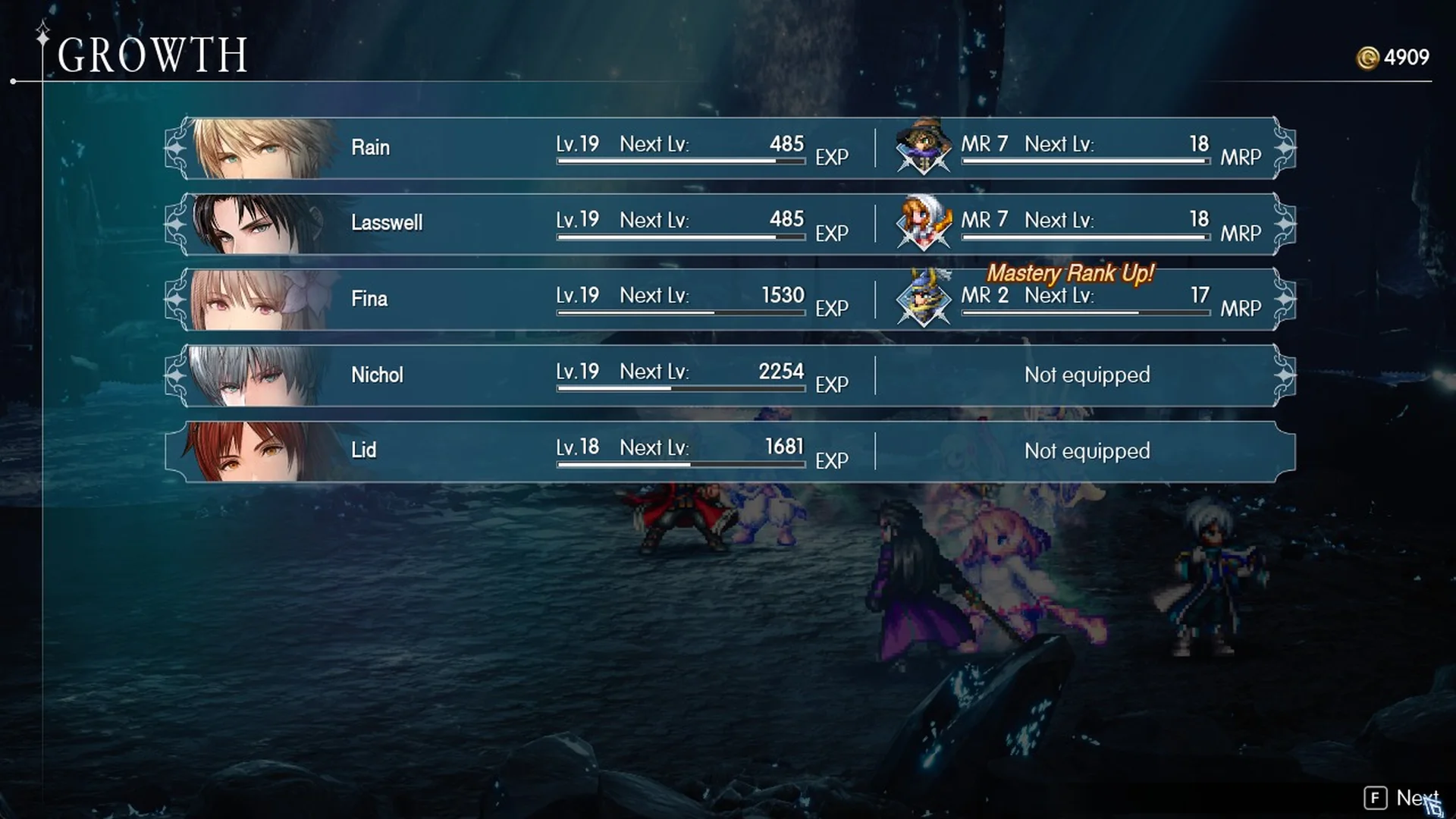
Yes. The Growth screen displays all five characters after the next battle, with Lid still earning EXP while benched. You can switch who fights and everyone will continue progressing in levels.
Why you can’t equip abilities, and what AP is for
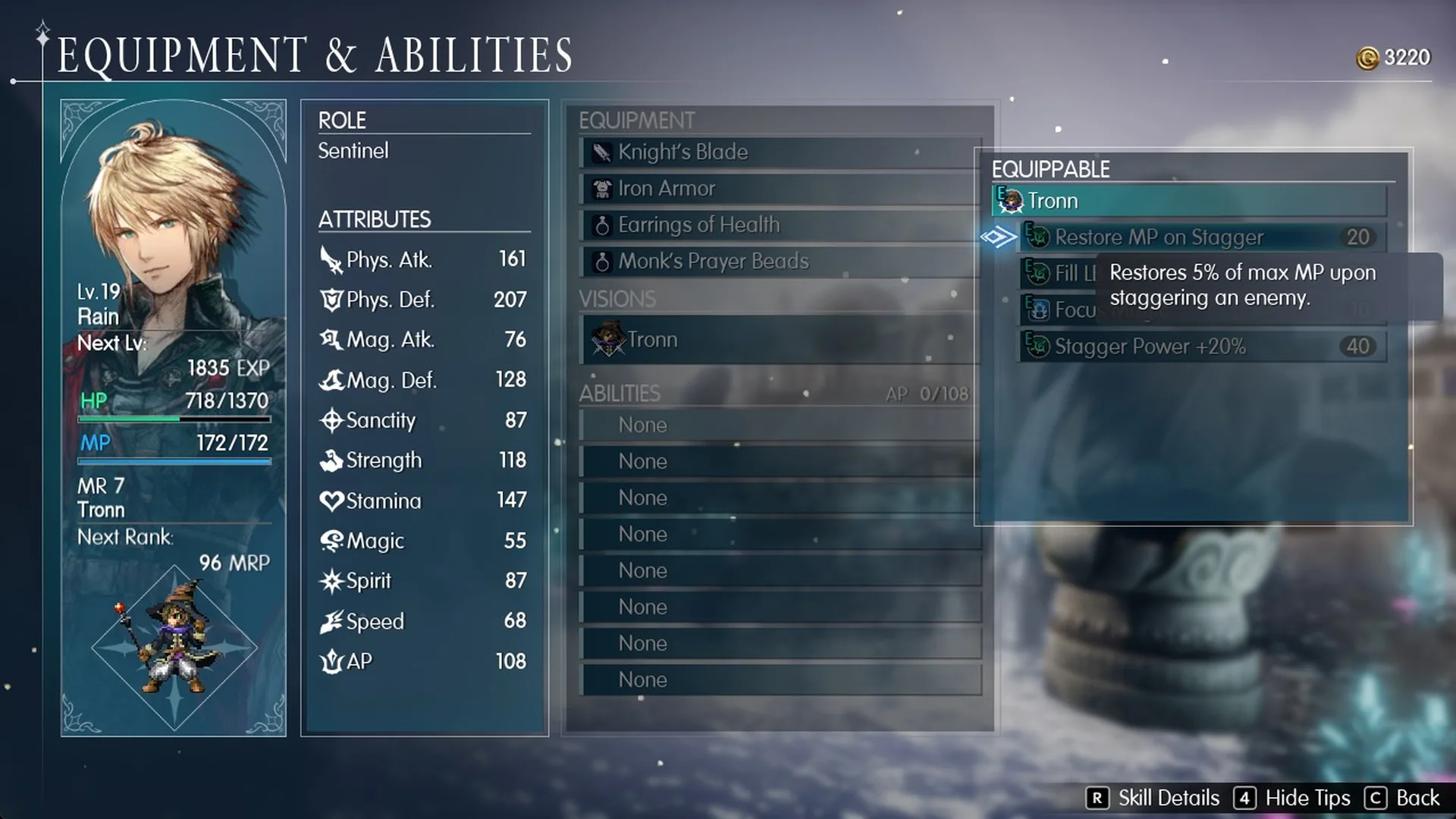
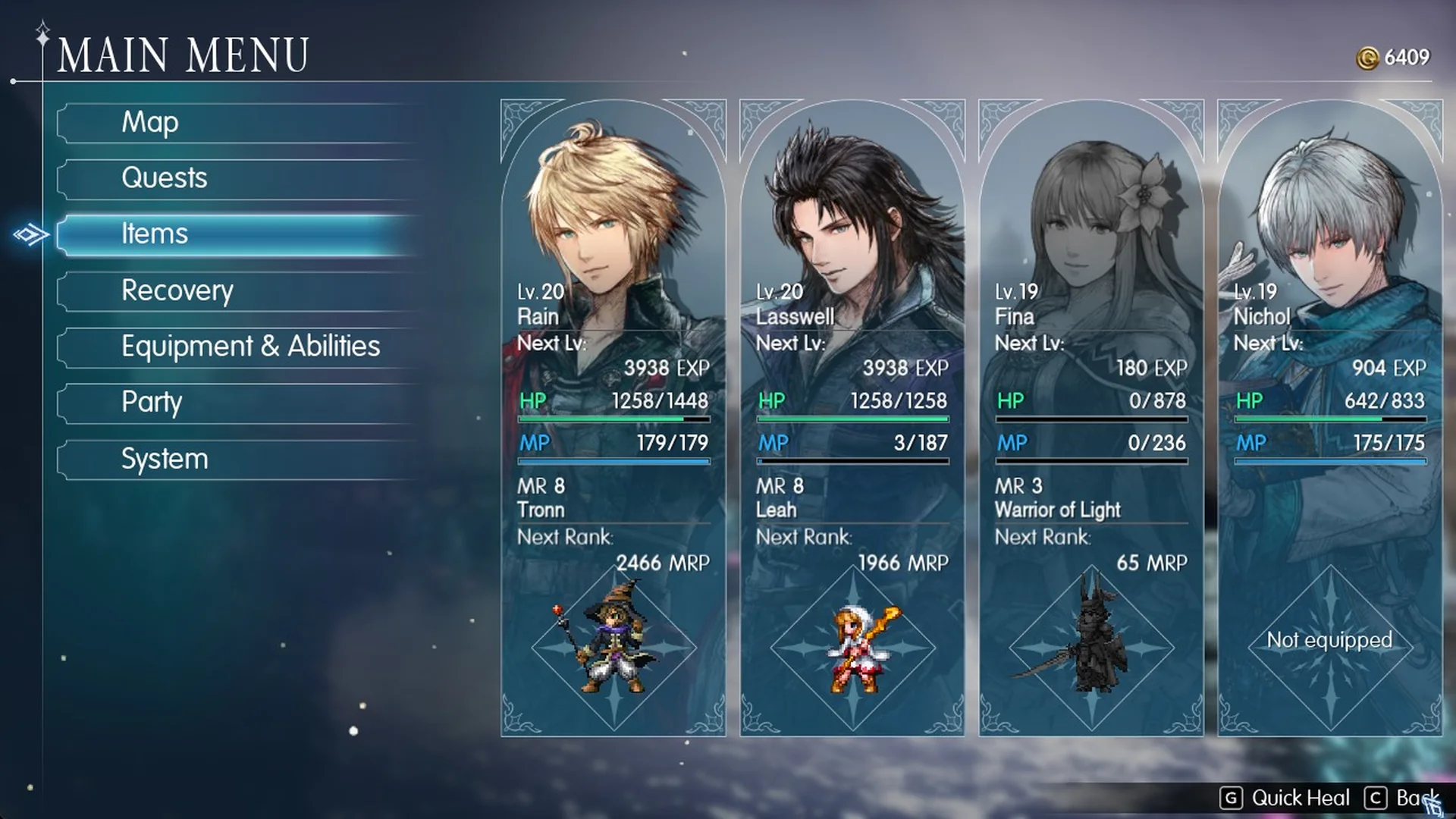
Open Main Menu > Equipment & Abilities and every character shows eight ability slots, all set to “None”, plus an AP counter. Rain, for example, sits at AP 0/108.
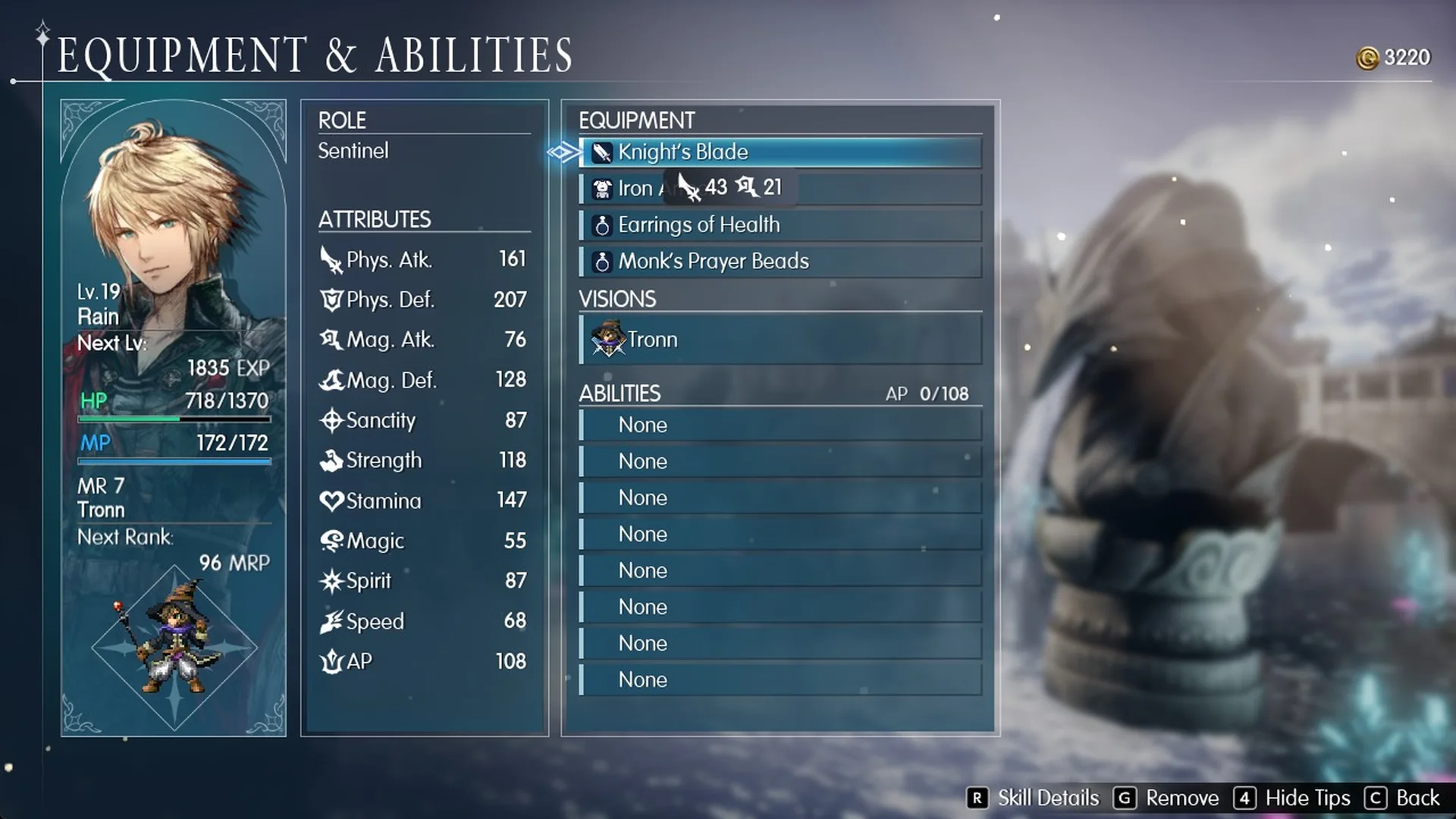
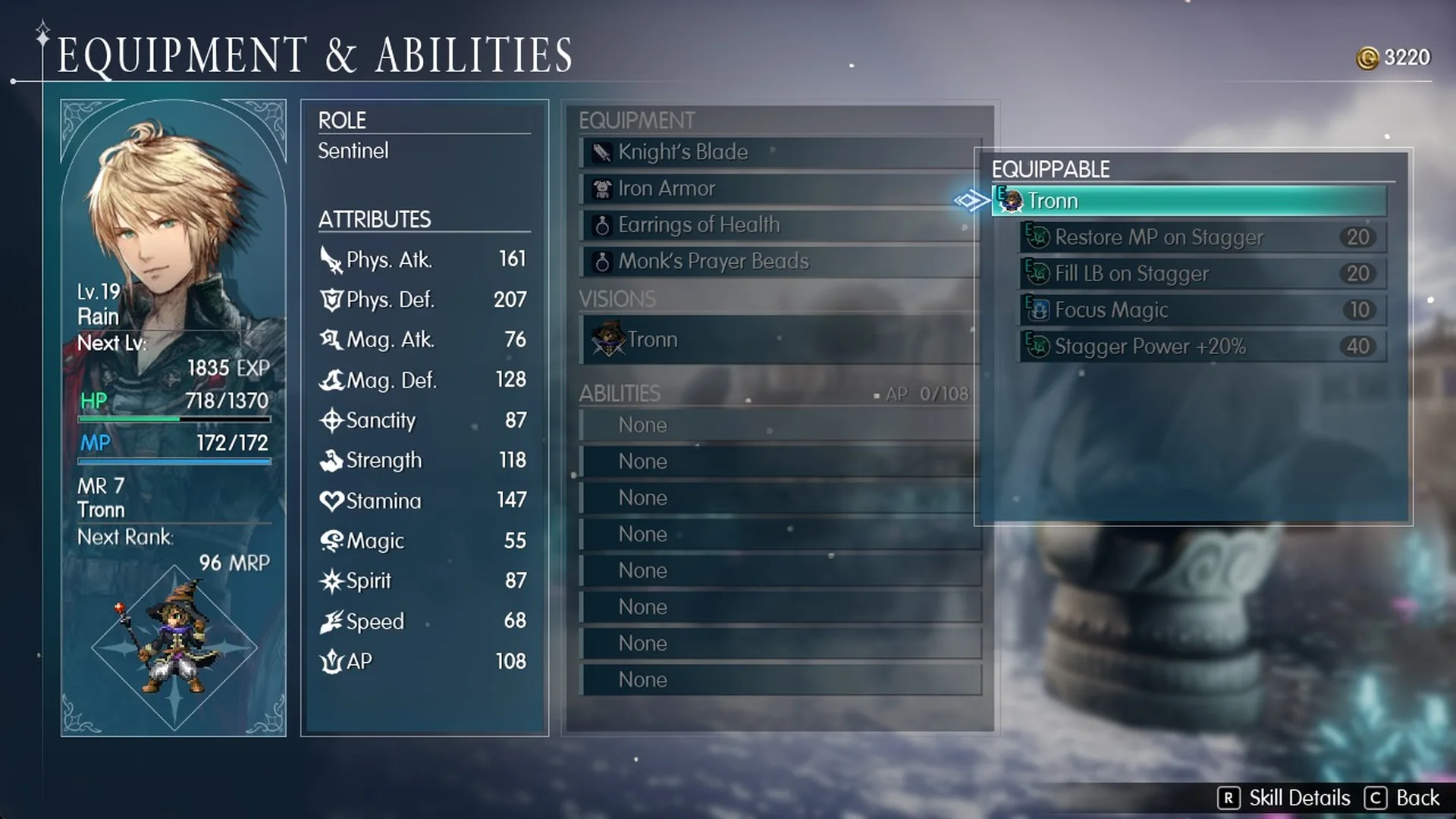
Selecting a slot only lists the abilities of the Vision that character is wearing, and all of them are greyed out. Rain wears Tronn, so his list shows these four, with their AP costs:
- Restore MP on Stagger (20)
- Fill LB on Stagger (20)
- Focus Magic (10)
- Stagger Power +20% (40)
The tooltip still explains each ability. Restore MP on Stagger, for instance, reads “Restores 5% of max MP upon staggering an enemy.”
Lasswell, who wears Leah, sees First Aid, Healing Magic +10%, Pass the Torch and Pharmacology in exactly the same greyed state.
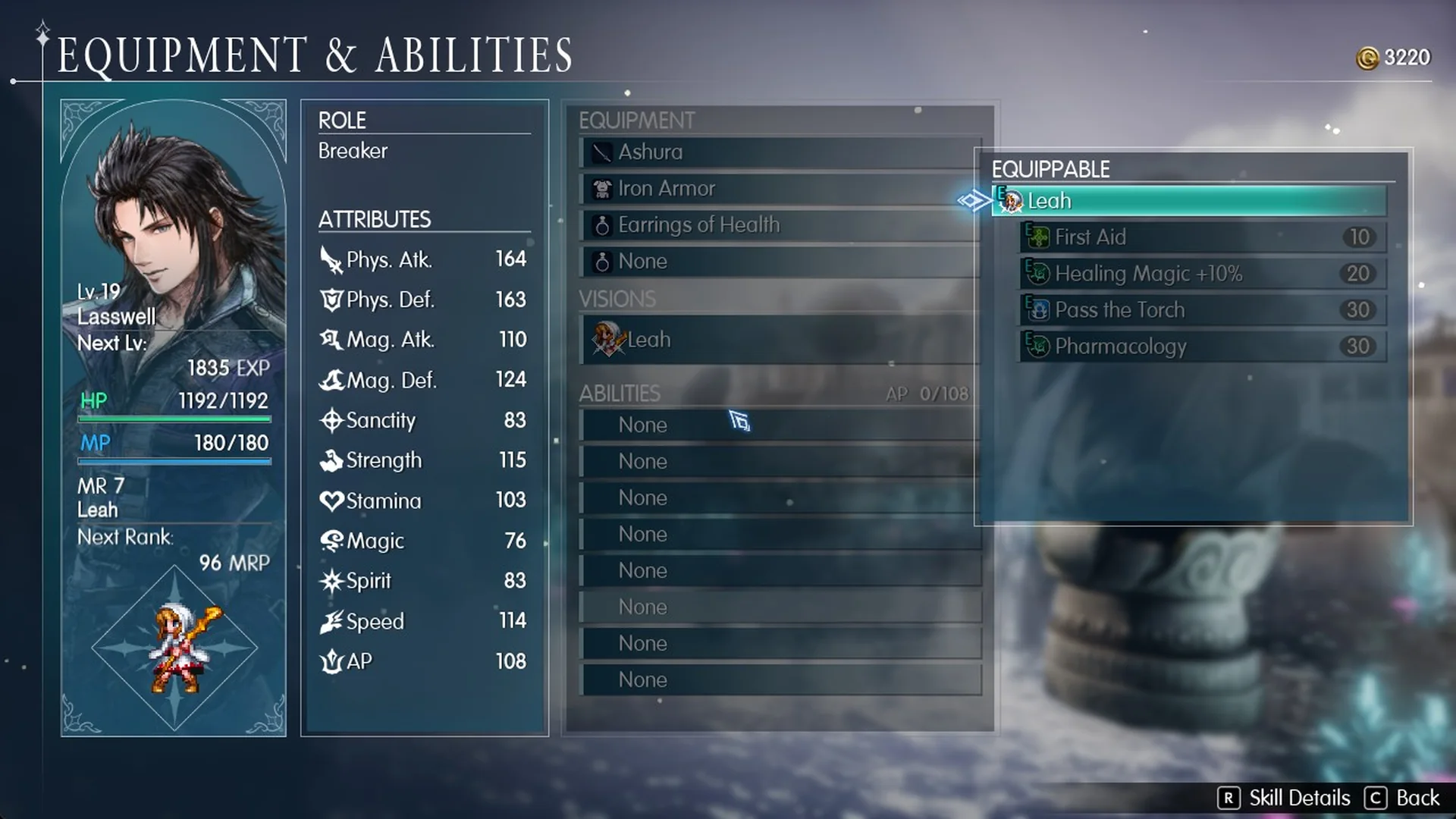
The greyed-out abilities are already provided by the equipped Vision, so you cannot add them to a slot. Leaving the ability list empty has no downside.
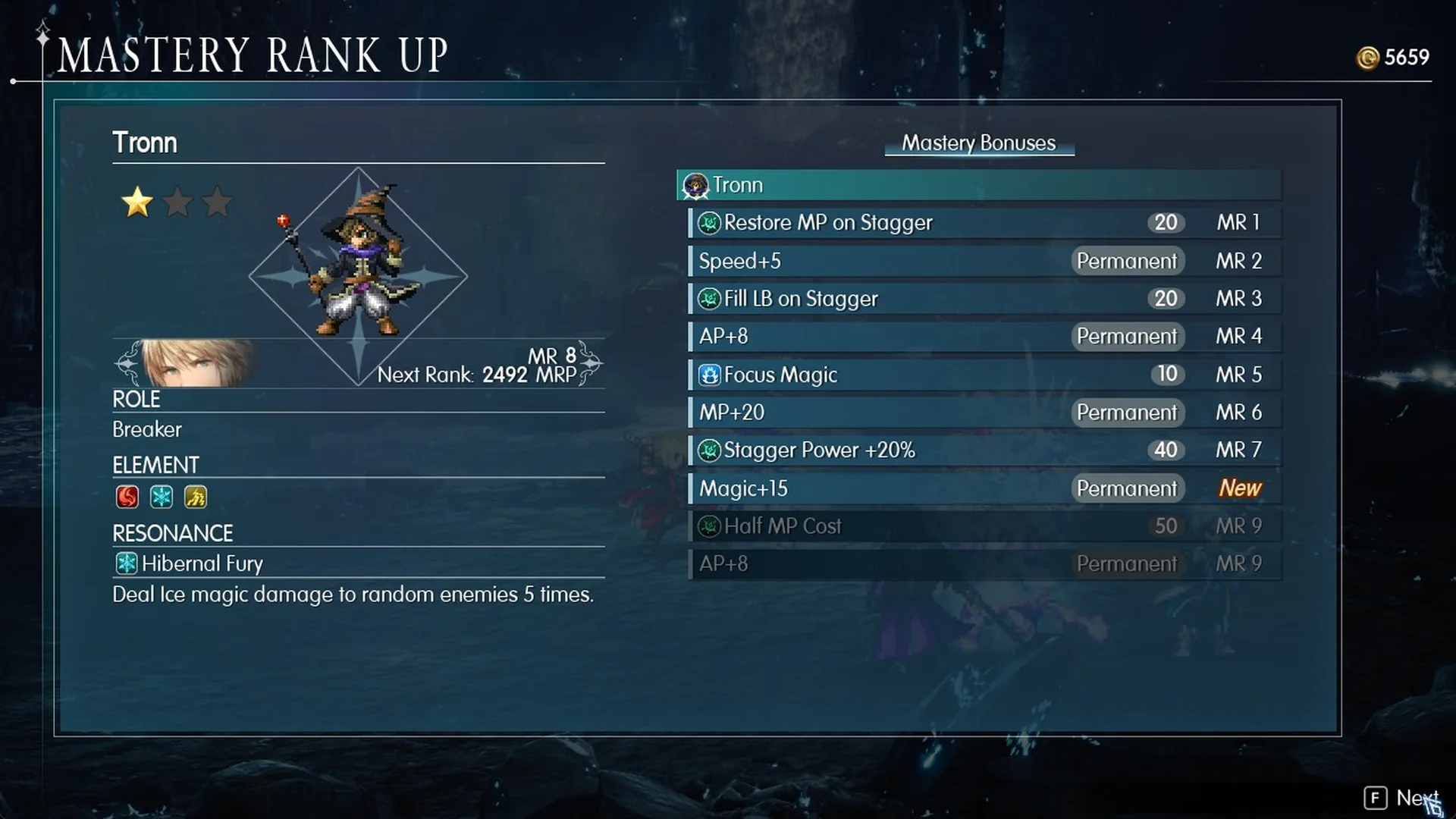
The figure shown beside an ability is its AP cost, and your AP total limits how many abilities you can slot. Mastery Rank rewards can increase that allowance; one example is “AP+8” (Permanent). Tronn’s bonuses at Mastery Rank 8 demonstrate this progression, and the Vision mastery rank guide explains how ranks work.
How to move a Vision to another character
Early in Chapter 3 you own only three Visions: Tronn, Leah and Warrior of Light. Every other entry shows “???” and a lock. Fina, for example, starts with no Vision at all, and her Vision list reads “Not equipped”.
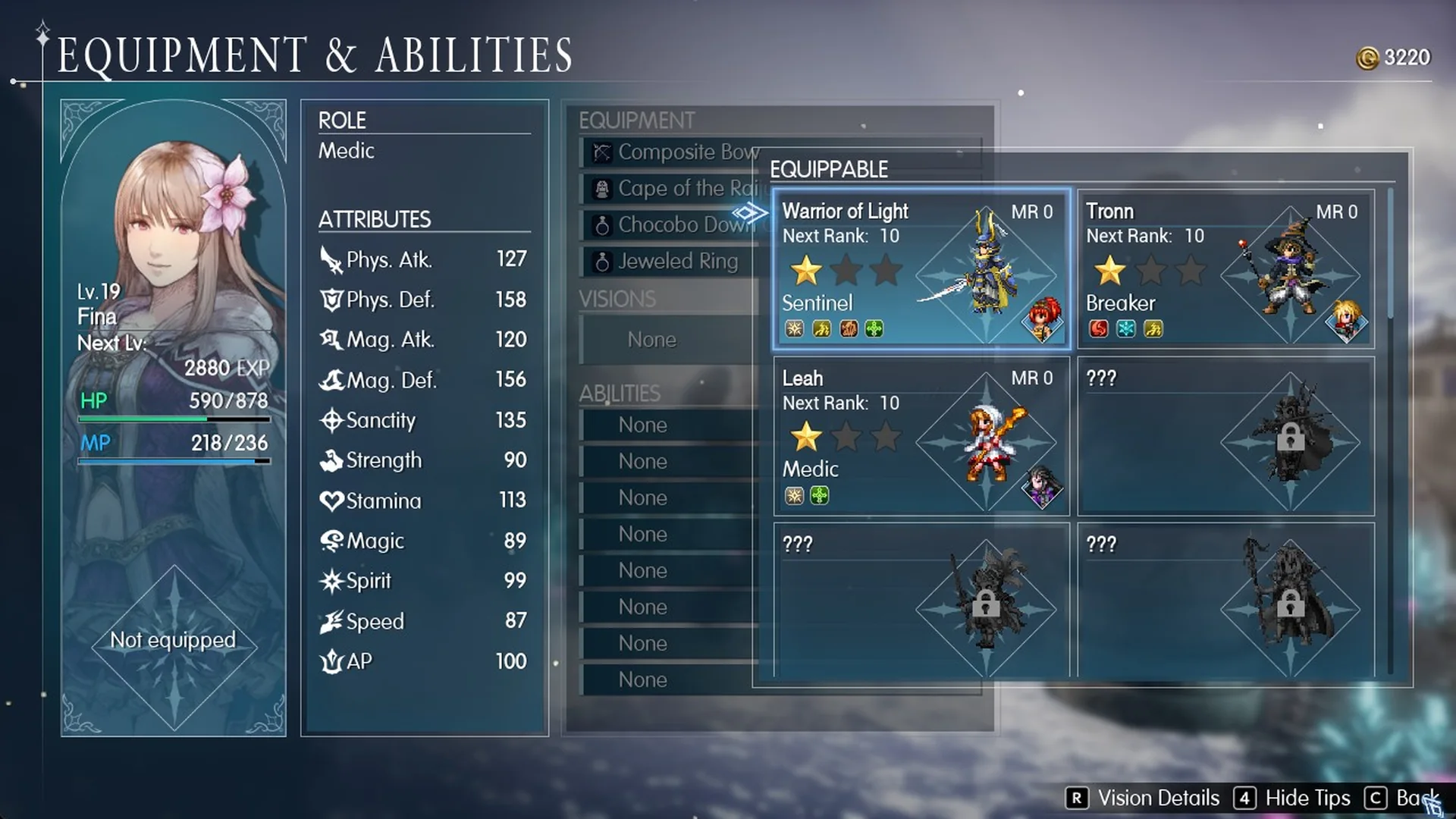
Go to Main Menu > Equipment & Abilities > Visions and pick a Vision another character is already wearing. The game asks “Warrior of Light is currently equipped by Lid. Equip vision?” with Yes and No, and the cursor starts on No.
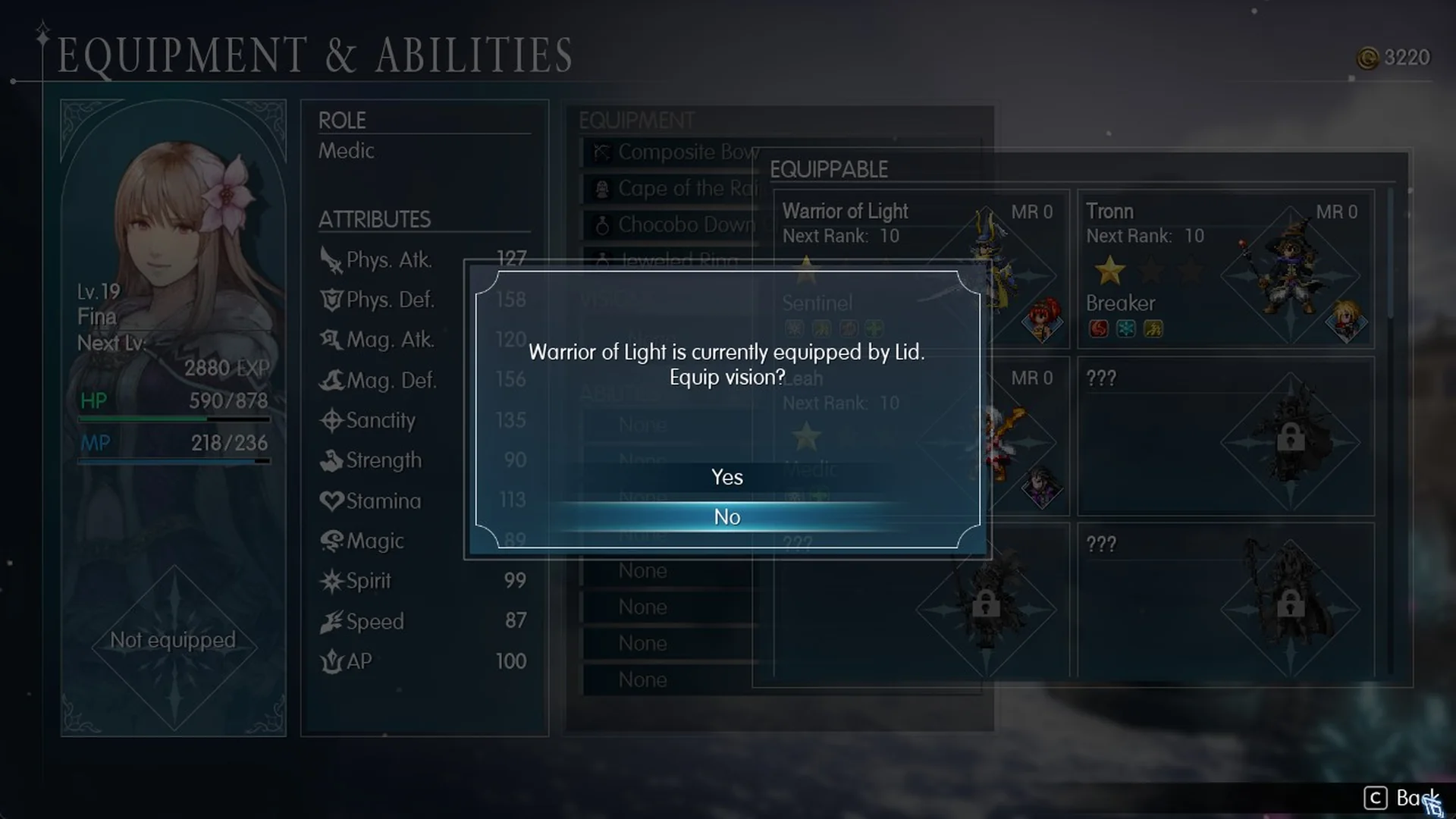
Select Yes to transfer it. Fina then uses Warrior of Light at Mastery Rank 0, while Lid no longer has a Vision equipped.
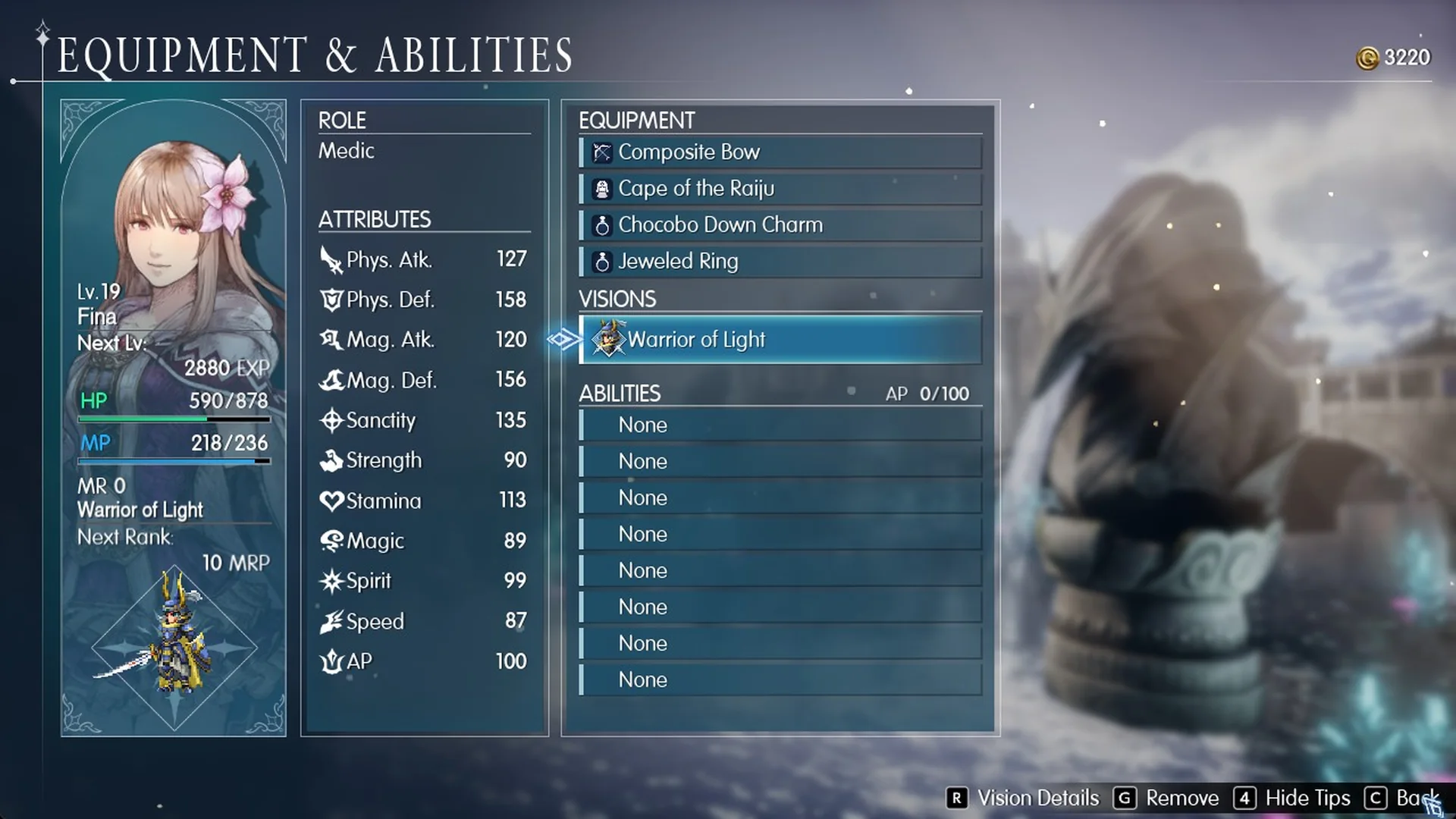
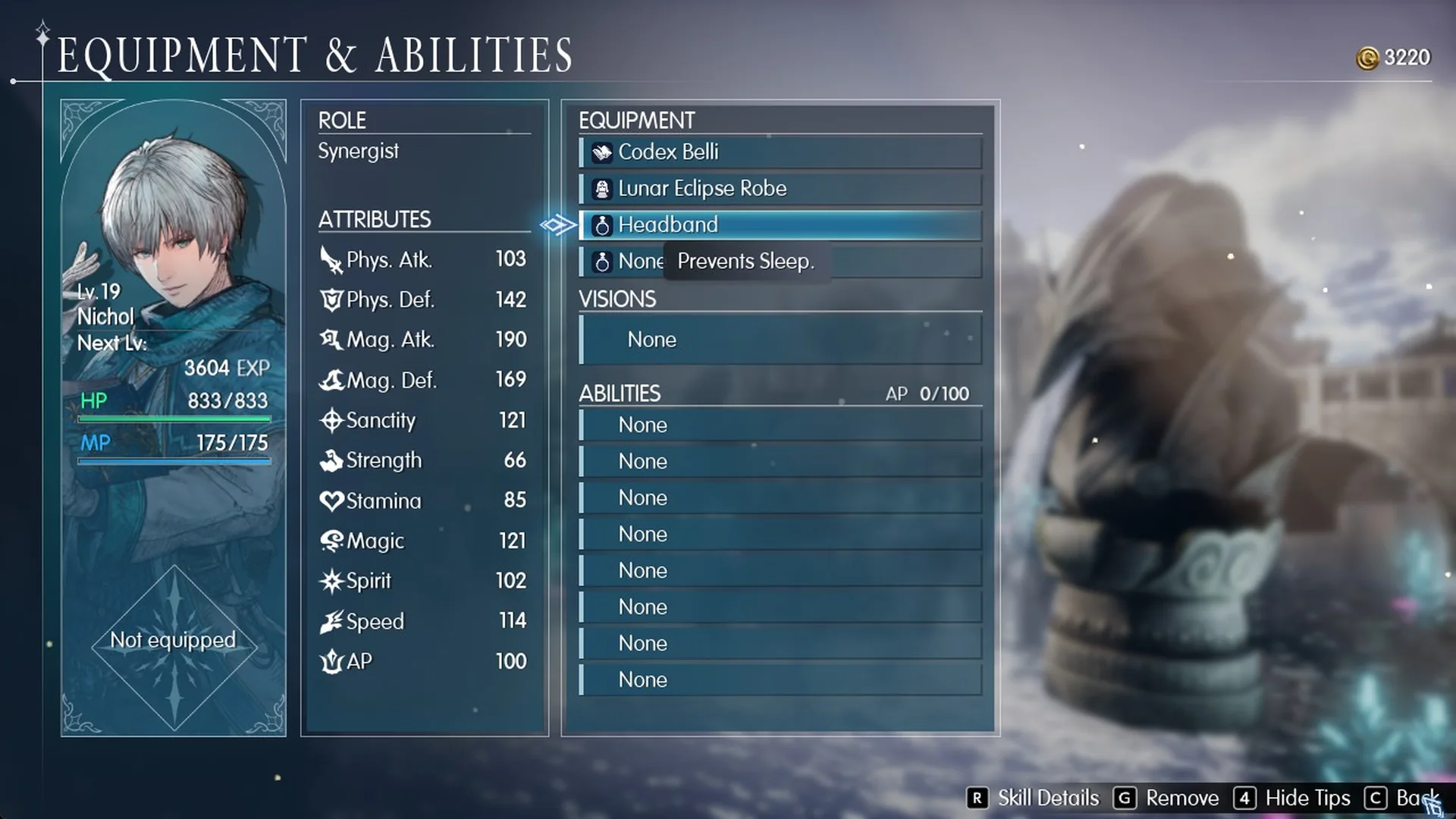
You can transfer accessories in the same way: for example, give Nichol, who has no Vision of his own, Lid’s Headband, which says “Prevents Sleep.” For the complete process and the game’s full Vision roster, see how to equip Visions and the Visions list.
Quick Heal from the Main Menu
In Main Menu, press G and confirm “Use Quick Heal?” to restore the party’s HP. Quick Heal casts your Cure spells and therefore consumes MP; after one use, Lasswell’s MP falls from 9 to 3.
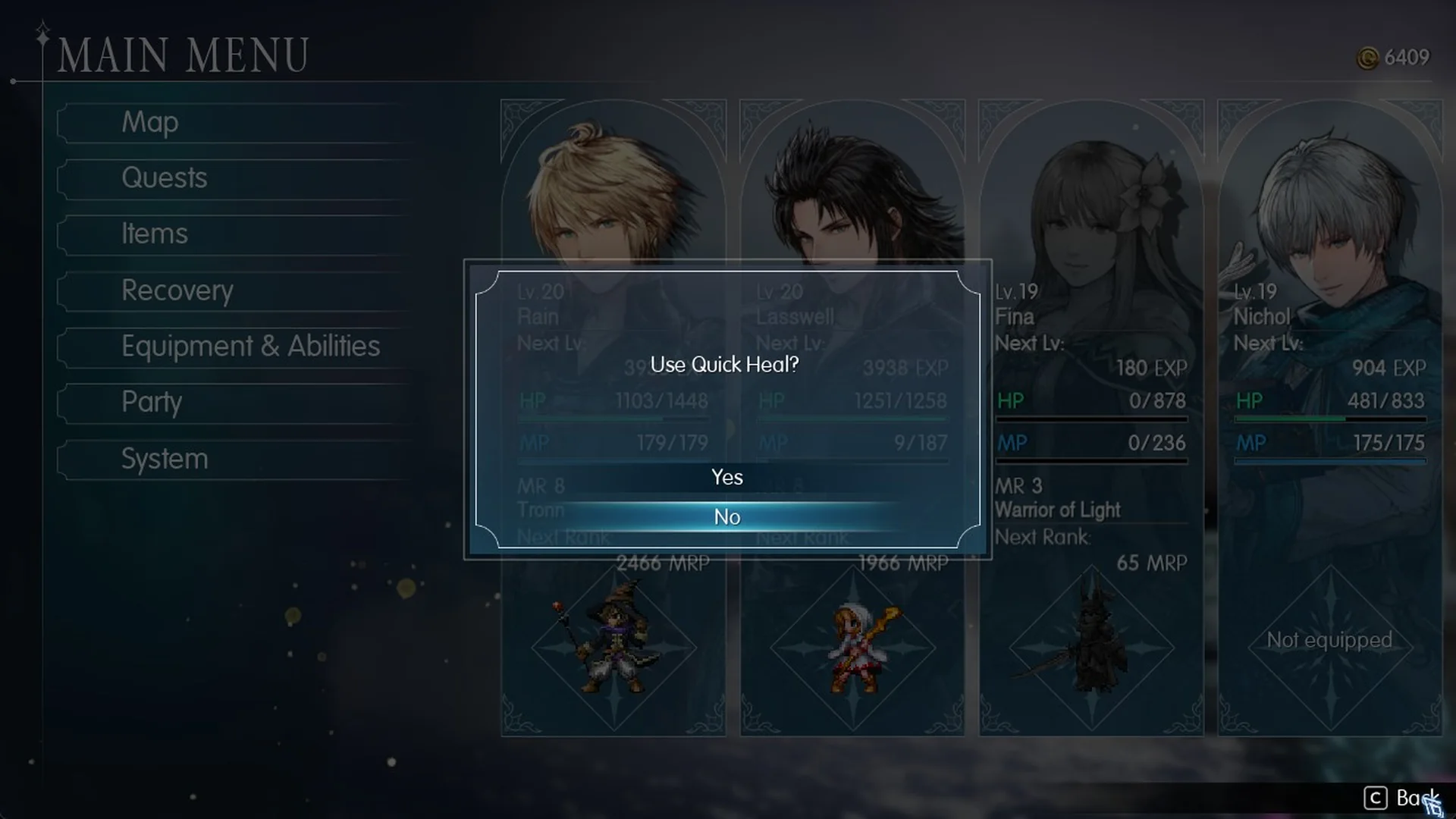
Quick Heal does not revive a knocked-out member. Fina stays at 0 HP after it runs, so open Items and use a Phoenix Down to bring someone back.
Who to bench for Nichol
Nichol is a Synergist, a role built around Formation skills that buff every ally, backed by Water magic. The roles guide breaks down how Synergists compare with the rest of the character list. His kit includes:
- Formation: Assail, for stagger power
- Formation: Charge, for critical hit rate
- Formation: Bulwark, for physical and magic defense
- Tactic: Fluid Warfare, for an extra action
His abilities make him a good choice for the Wave Lopros encounter that concludes the Cave of Waters. The party swap described above can make room for him by benching Lid. Follow the Cave of Waters walkthrough to reach the fight, and consult the Wave Lopros guide for the boss.