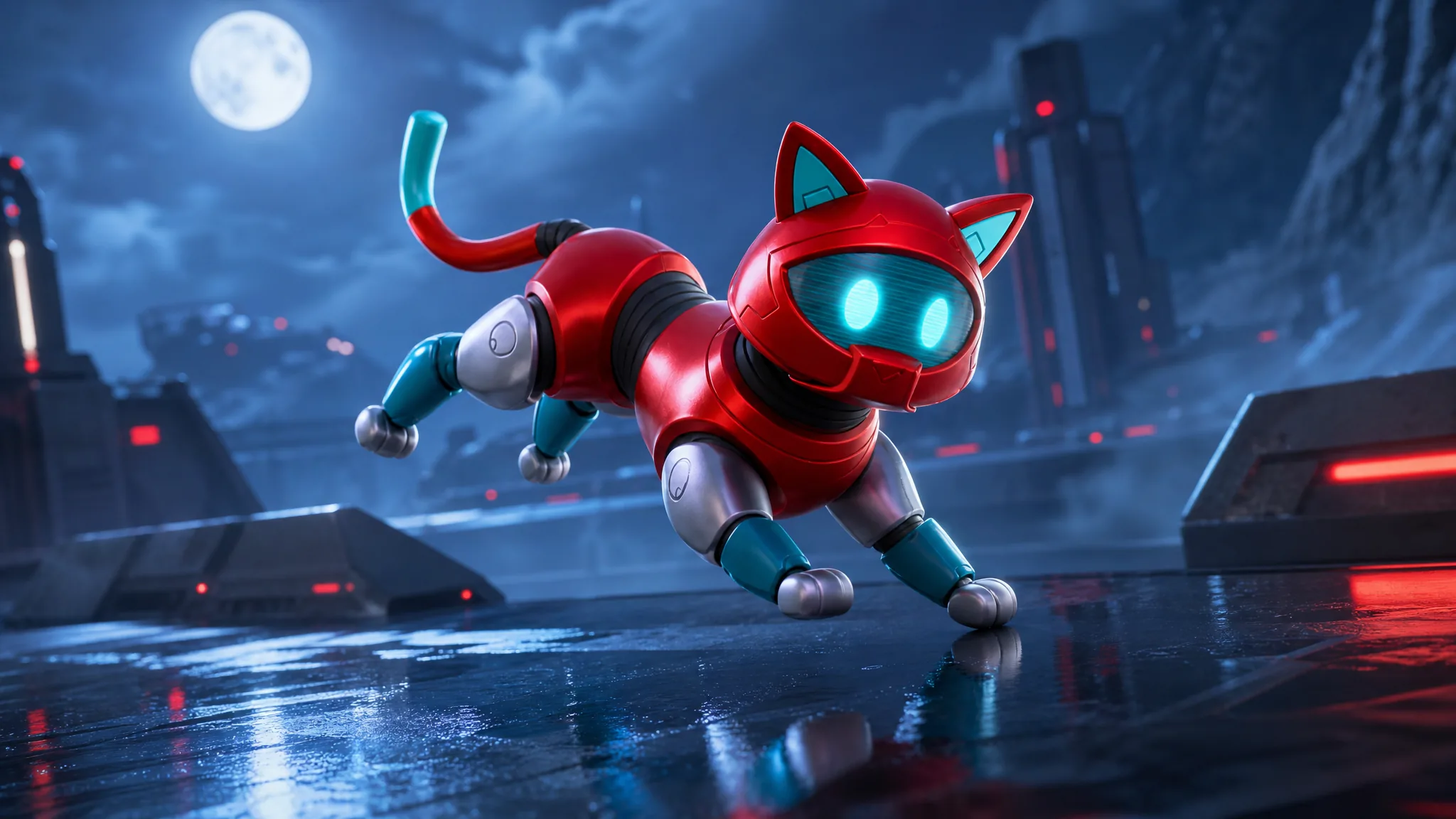
Epic Games keeps turning old Chapter 1 pets into full Sidekicks, and Kyo is the latest to make the jump. The tech-themed cat now follows you around the map as a companion instead of just sitting on your back. If you held onto the original Kyo pet back bling, you can add the Sidekick to your locker without spending a single V-Buck.
Quick answer: The Kyo Sidekick is granted free to any account that owns the original Kyo pet back bling from Chapter 1 Season 9. Log in, then check your locker under Sidekicks to confirm it arrived. Everyone else can buy it from the Item Shop for 1,200 V-Bucks.
Who qualifies for the free Kyo Sidekick
The free grant is tied to one thing only. You must own the original Kyo pet back bling, which was a Chapter 1 Season 9 Battle Pass reward unlocked at tier 28. If that cosmetic is in your locker, the Sidekick is yours at no extra cost.
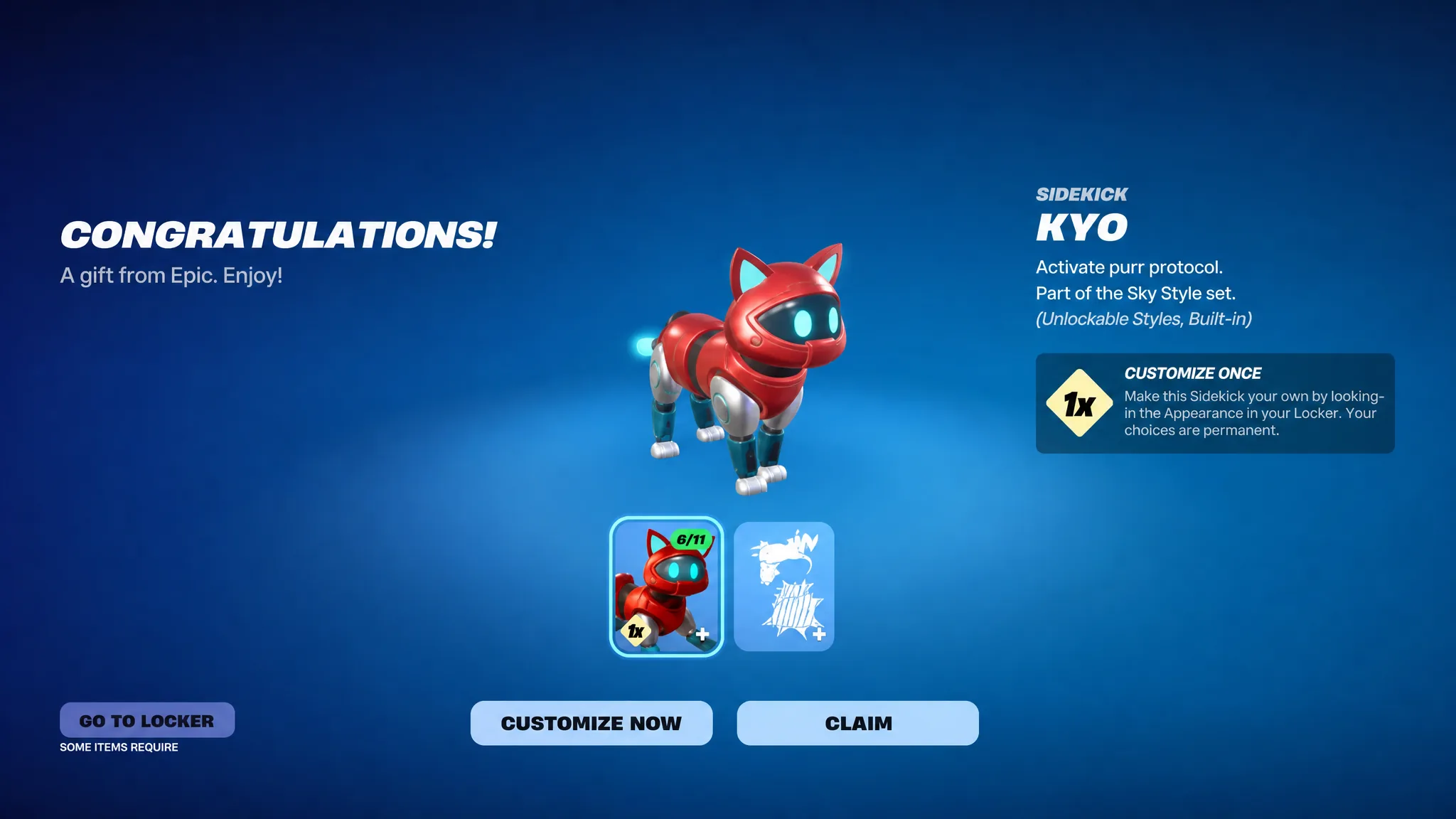
This follows the same pattern Epic used for other pet-turned-Sidekicks like Kitsune and Empress, where the original owners received the upgraded companion automatically. The Kyo Sidekick itself is an Uncommon item, part of the Sky Style set, with the in-game tagline “Activate purr protocol.”
| Detail | Kyo Sidekick |
|---|---|
| Rarity | Uncommon |
| Set | Sky Style |
| Free for | Owners of the Chapter 1 Season 9 Kyo back bling |
| Shop price | 1,200 V-Bucks |
| Compatible modes | Battle Royale, Zero Build, LEGO Fortnite |
How to claim the Kyo Sidekick
Customize once, and the choice sticks
Kyo comes with unlockable styles and built-in options you can set through the Customize screen in your locker. Be deliberate here. The customization is a one-time action, and once you confirm your appearance choices, they become permanent for that Sidekick.
Note: review every available style before you lock anything in. There is no redo on the permanent selections, so settle on the look you actually want before confirming.
Buying Kyo if you missed the original back bling
If you never owned the Chapter 1 Season 9 pet, the free grant does not apply to you. The Kyo Sidekick is heading to the Item Shop at a later date, where it will sell for 1,200 V-Bucks. There is no confirmed shop date right now, so watch the storefront rather than relying on any specific time.
How to confirm it worked
You know the grant succeeded when the Kyo Sidekick shows up in your Locker under the Sidekicks filter and can be equipped. If it is missing, the most common reason is a mismatch with the account. Double-check that you logged in on the exact profile that holds the original Kyo back bling, since the free version only goes to that account.
For owners of that classic pet, no extra effort is needed beyond logging in and equipping it. Everyone else can grab the same companion once it rotates into the shop.