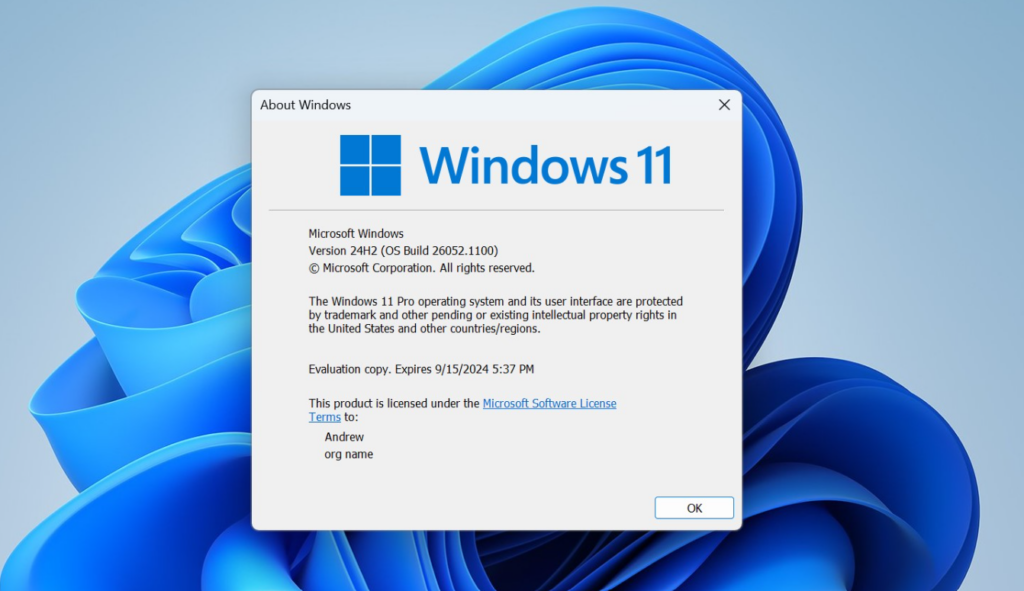
Windows 11 version 24H2 is running out of road for consumers. Microsoft has set a firm cutoff for the Home and Pro editions, after which those machines stop receiving the monthly patches that keep them protected. The fix is simple, because the newer release sits on the same foundation and installs like a switch flip rather than a full reinstall.
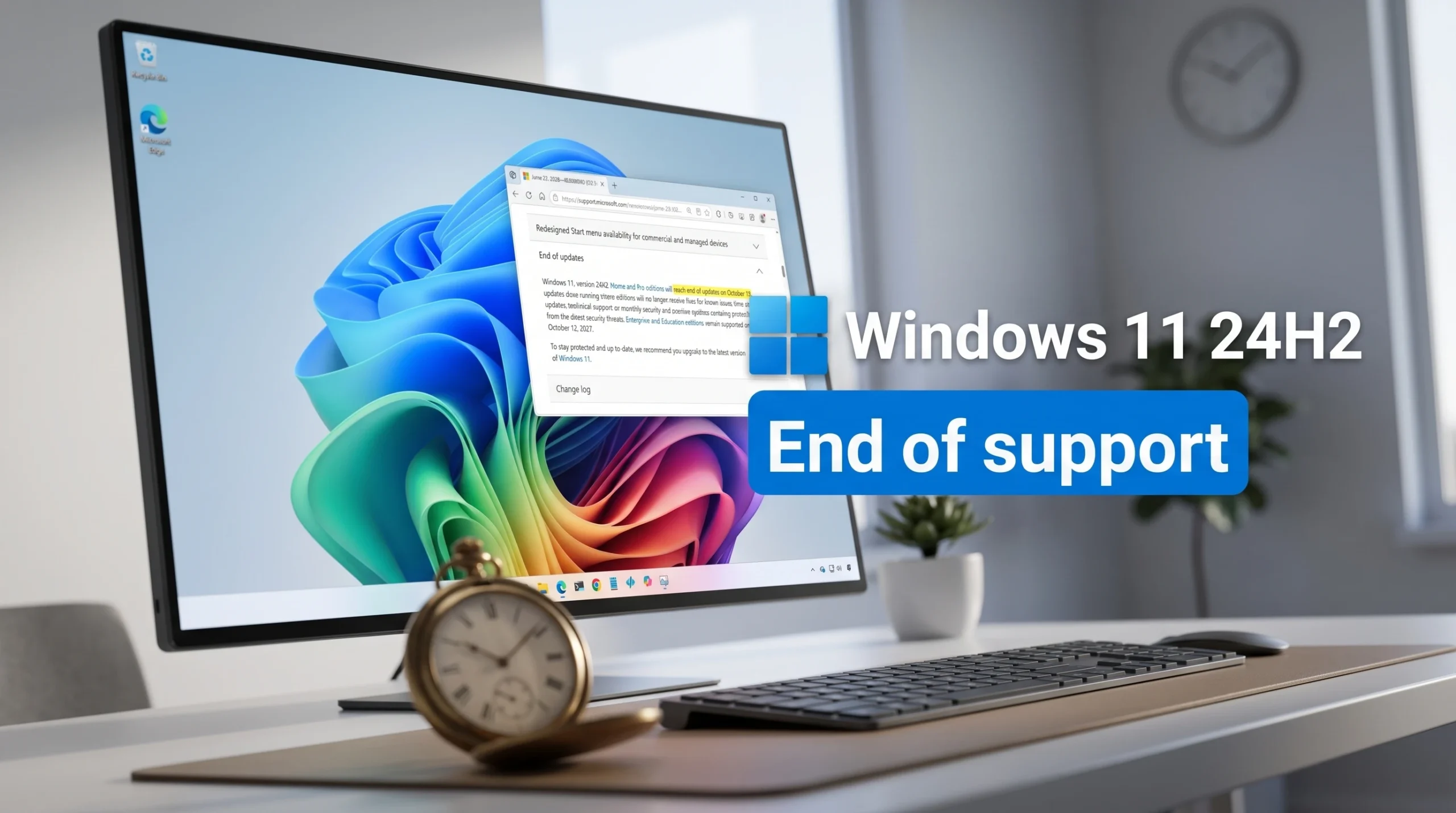
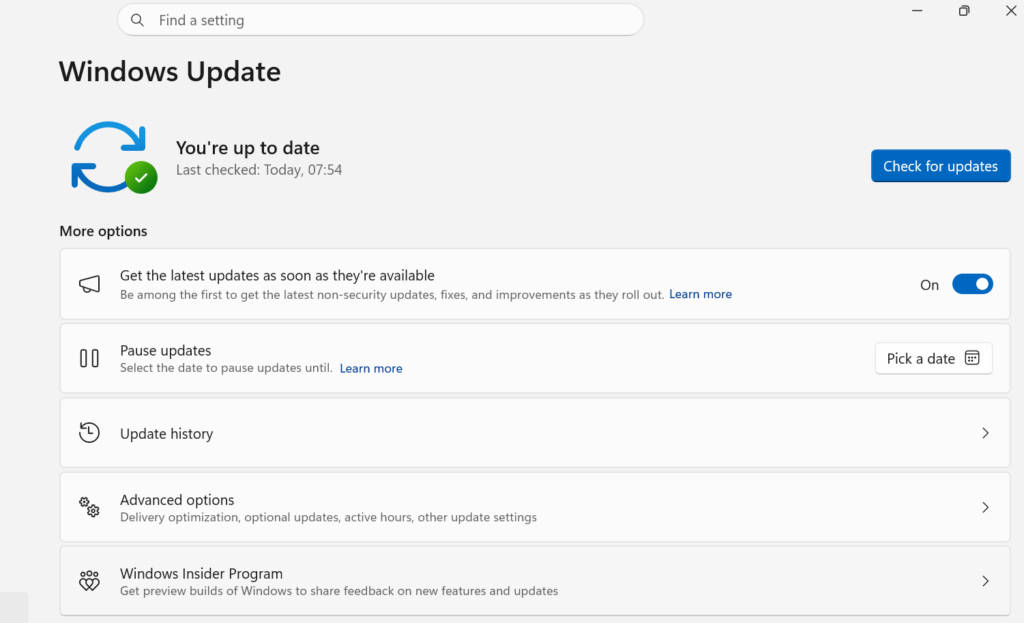
Quick answer: Windows 11, version 24H2 Home and Pro editions reach end of updates on October 13, 2026. To stay supported, open Settings > Windows Update, select Check for updates, and install Windows 11, version 25H2, which keeps Home and Pro supported until October 2027.
Windows 11 24H2 support dates by edition
Every Windows 11 feature release carries a fixed support window. Consumer editions get 24 months, and commercial editions get 36 months. Because 24H2 shipped in 2024, its consumer clock is now the one about to expire.
| Edition | End of support | Window |
|---|---|---|
| Home and Pro (consumer) | October 13, 2026 | 24 months |
| Enterprise, Education, IoT Enterprise (commercial) | October 12, 2027 | 36 months |
If you run 24H2 Home or Pro on a personal machine, the October 13, 2026 date applies to you. Commercial customers on the same version have more than a year of runway beyond that.
What stops after October 13, 2026
Devices on 24H2 Home and Pro keep booting and running after the deadline, but they no longer receive the maintenance that protects them. Over time, an unpatched system becomes more exposed to new threats.
- Monthly security updates with protections against the latest threats
- Preview (optional) updates
- Fixes for known issues
- Time zone updates
- Technical support
Upgrade to Windows 11 25H2 to stay supported
Version 25H2 is the current shipping release and shares the same underlying platform as 24H2, codenamed Germanium. It arrives as an enablement package, so the download is tiny, and the update mainly turns on features already present in the system. There is no large platform swap and no complex install process.
Home and Pro devices that are not managed by an IT department will also receive 25H2 automatically. You can pick when to restart or pause the update, but the offer will come to you even if you do nothing.
Because 24H2 and 25H2 run on the same codebase, the interface stays familiar after upgrading. Features such as the new Start menu and updated battery icons carry over, so the upgrade should not break existing apps.
How to confirm you are supported
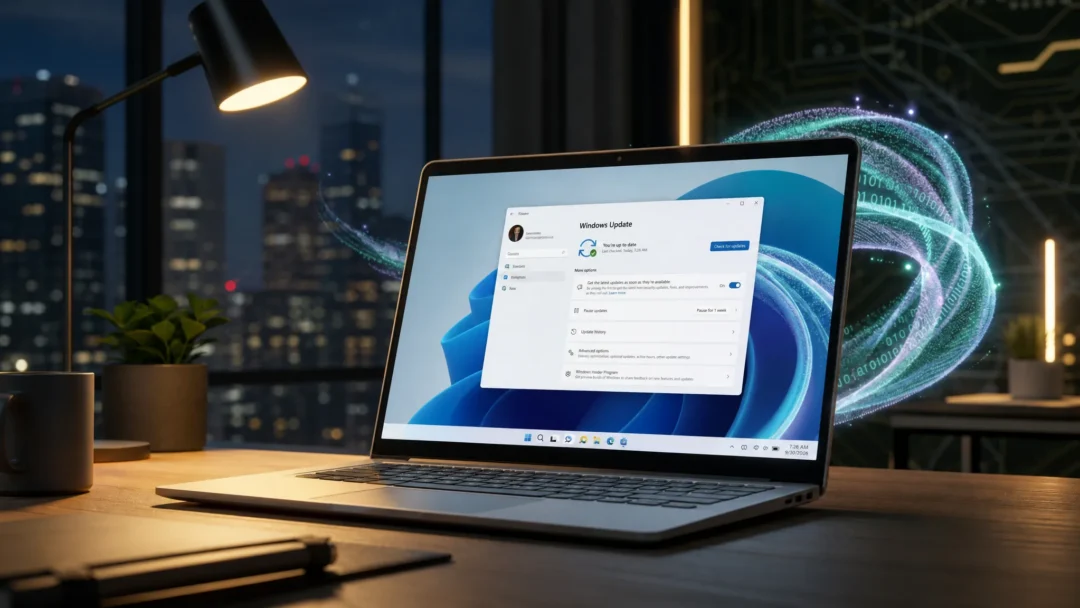
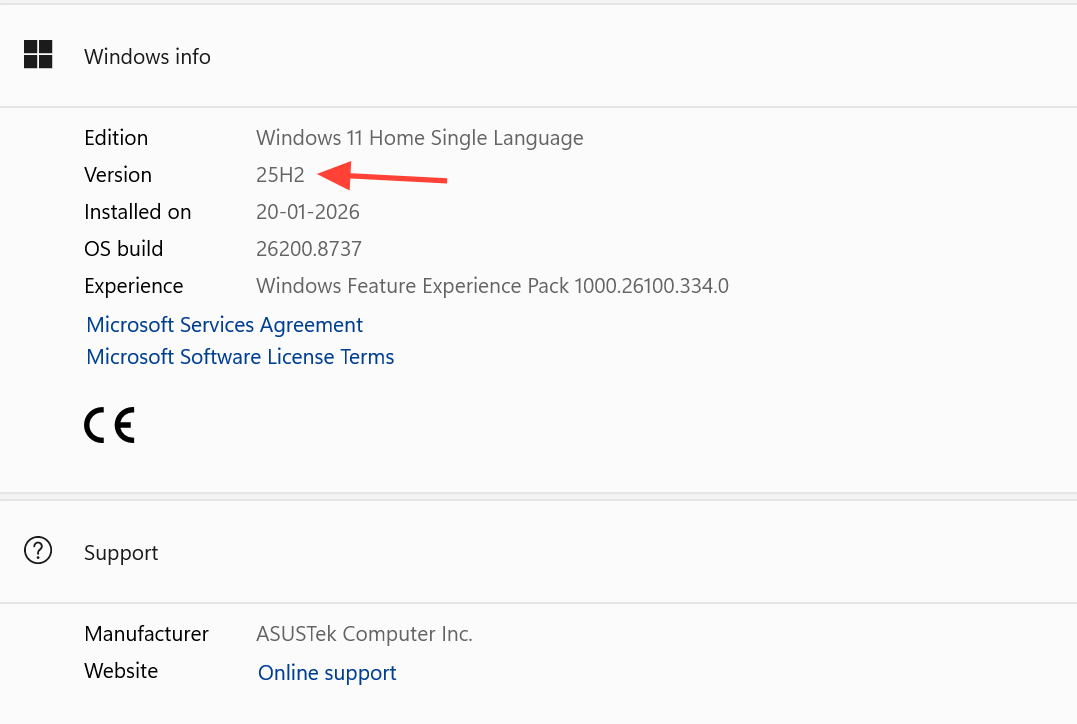
After the upgrade completes, return to Settings > Windows Update and check the version listed on your system. Once it reads Windows 11, version 25H2, your Home or Pro device is supported through October 2027 and will keep receiving monthly security updates.
Waiting for Windows 11 26H2 instead
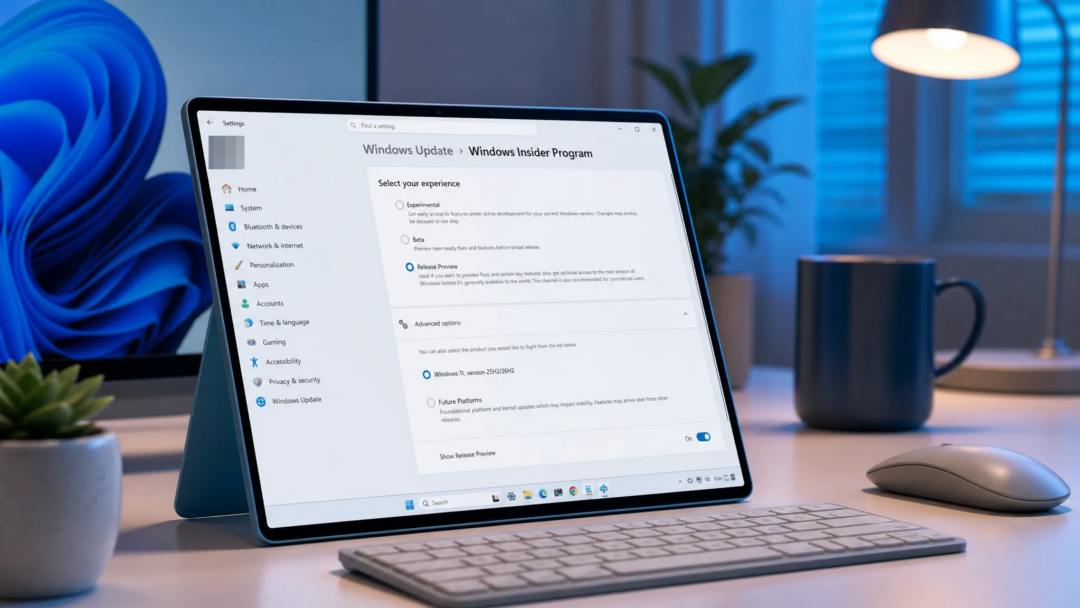
If you would rather skip 25H2, version 26H2 is expected to roll out in fall 2026 and also runs on the Germanium platform. Since 24H2, 25H2, and 26H2 share the same underlying operating system, moving between them carries far less risk than a full platform jump, and the enablement package is small for most devices.
For a personal PC on 24H2 Home or Pro, the choice is straightforward. Move to 25H2 now to stay protected, or wait for 26H2 later this year, but do not sit on 24H2 past October 13, 2026, when the security updates stop.