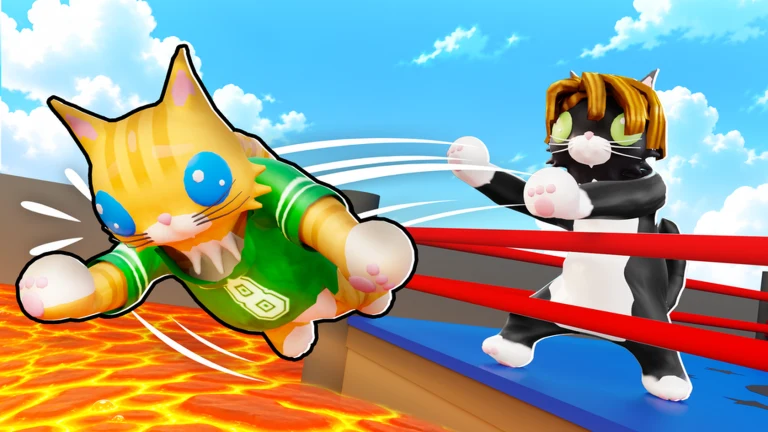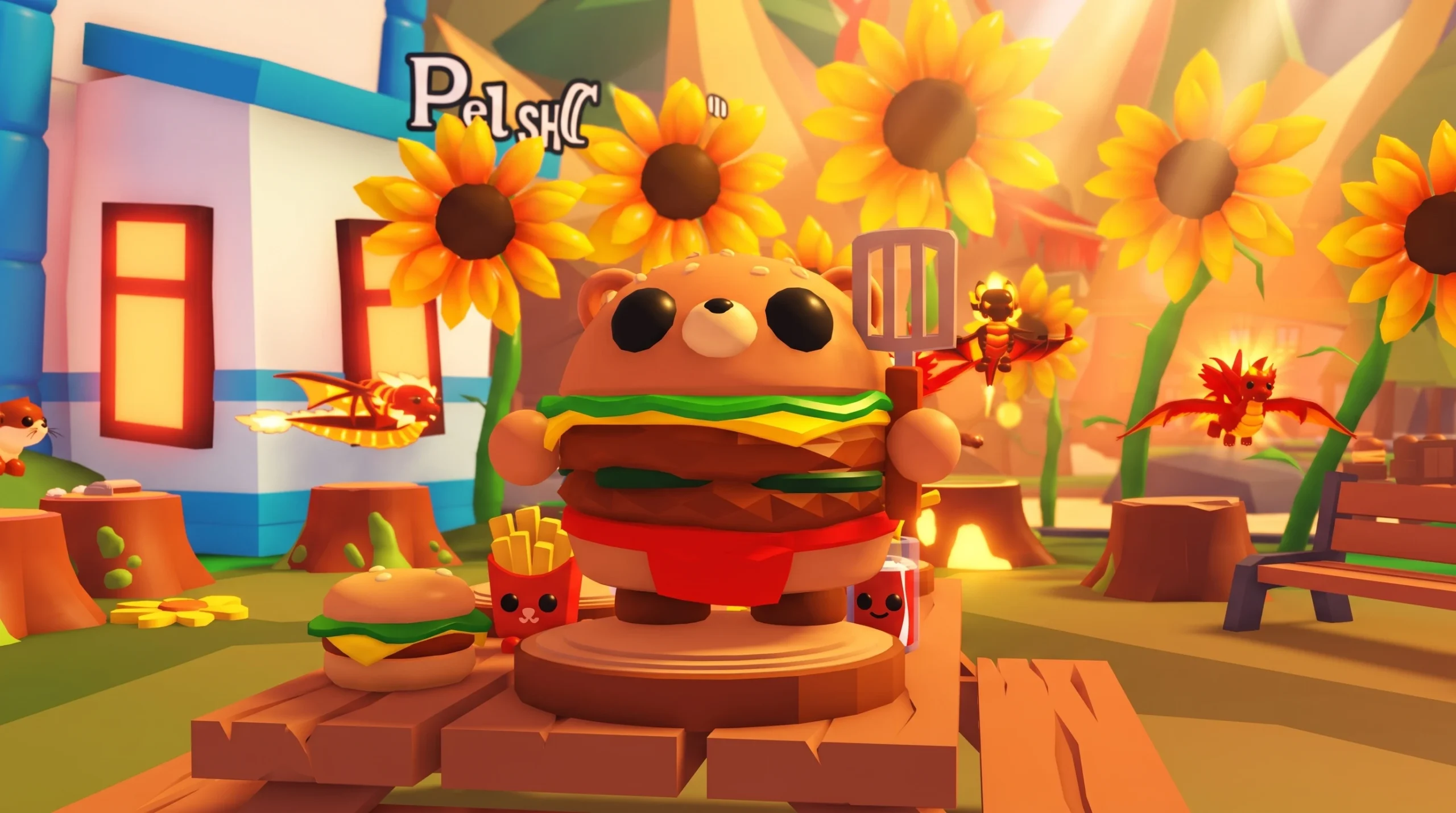
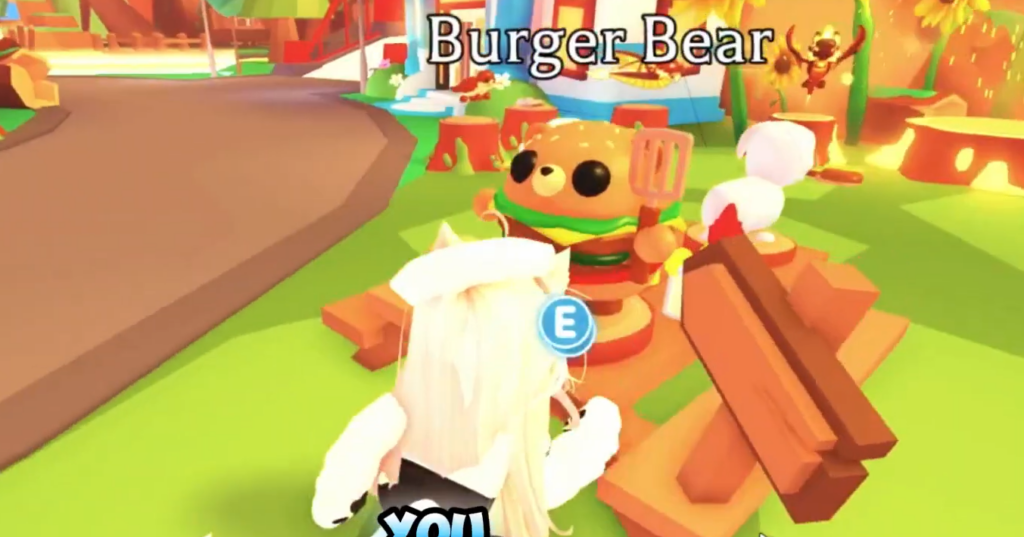
The Burger Bear is a limited ultra-rare pet in Adopt Me! tied to the Summer Camp Event (2026). It goes live on July 3, 2026, alongside the third week of the event, and it is bought with Robux rather than in-game Bucks.
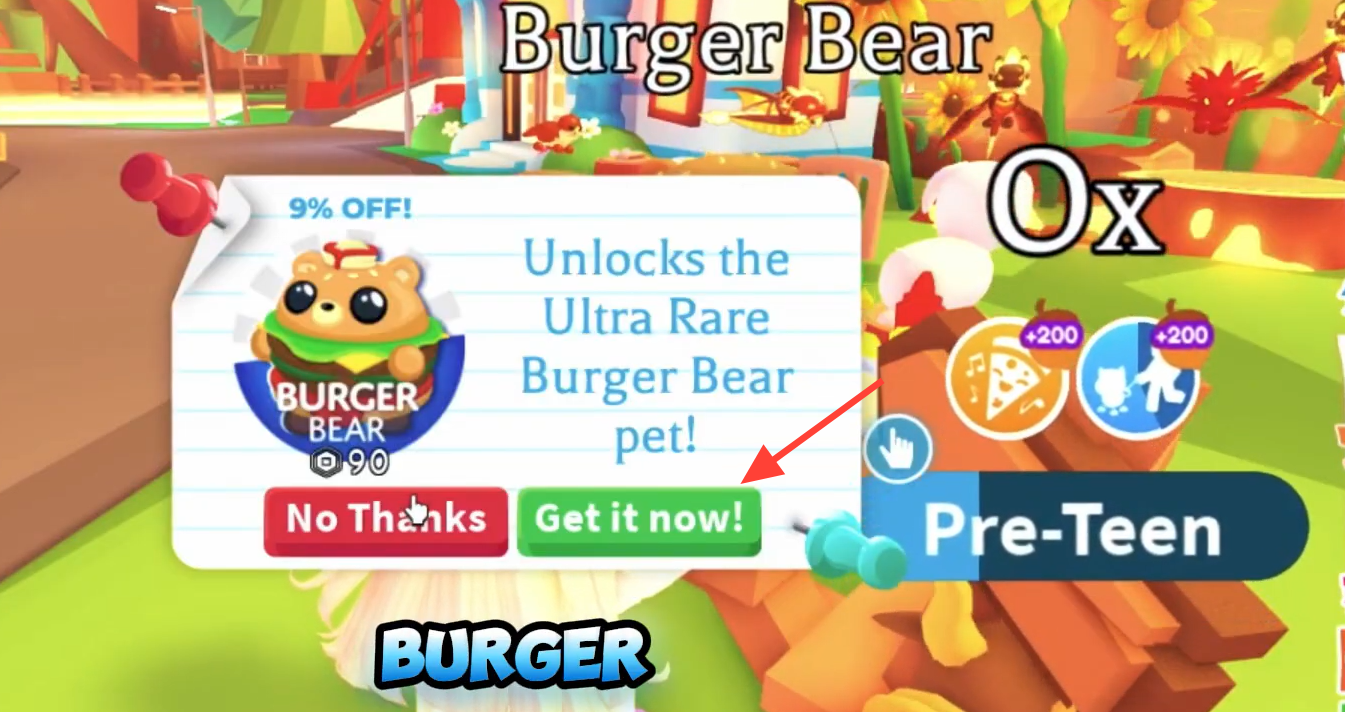
Quick answer: Open Adopt Me!, go to the Summer Camp Event area, and purchase the Burger Bear for 99 Robux. If you miss the window, you can only get it later by trading with another player.
Burger Bear price and how to buy it
The Burger Bear is sold as a Robux purchase for 99 Robux. This is a real-currency buy, so you need enough Robux on your account before you can claim the pet. Because it is a limited pet, it is only available directly during its release window in the Summer Camp Event.
You can start the game from the official Adopt Me! Roblox page if it is not already installed.
Getting Burger Bear through trading
Trading is the second route to the Burger Bear, and it becomes the only route once the release window closes. Since the pet is limited, its supply stops after the event, and every copy after that changes hands through player trades. Look for owners willing to trade and offer pets or items they consider a fair match.
Buying with Robux during the event is the cheapest and most reliable way to secure the pet. Waiting to trade later usually costs more as demand grows.
Burger Bear tricks by growth stage
Like other Adopt Me! pets, the Burger Bear learns tricks as it ages from Newborn to Full Grown. Each stage unlocks a new trick in a set order.
| Growth stage | Trick |
|---|---|
| Newborn | Sit |
| Junior | Joyful |
| Pre-Teen | Beg |
| Teen | Jump |
| Post-Teen | Trick 1 |
| Full Grown | Trick 2 |
Neon and Mega Neon status
There is no Neon or Mega Neon version of the Burger Bear at release. If you want those forms, you would need to raise the required number of Full Grown Burger Bears through the aging process yourself once the pet is in your possession.
How to confirm you got the Burger Bear
After the Robux purchase clears, the Burger Bear appears in your pet inventory as a Newborn. If it is not showing up, the most common reasons are an incomplete Robux transaction or trying to buy after the event window has ended. In those cases, the direct purchase option is no longer available, and trading is the remaining path.
With the pet secured, you can begin aging it through the tricks table above and hold onto it as a limited addition to your collection.