
Linking your Xbox Game Pass and Riot Games accounts unlocks immediate access to a wide range of premium content in titles like League of Legends, Valorant, Teamfight Tactics, Wild Rift, and Legends of Runeterra. Players see all champions, agents, or cards unlocked, receive XP boosts, and get day-one access to new characters—streamlining progression and removing the grind for unlocks. This account connection also ensures you receive exclusive monthly rewards tied to your Game Pass membership. The integration works on both PC and mobile, with some benefits rolling out at different times depending on the game.
How to Link Your Game Pass and Riot Games Accounts
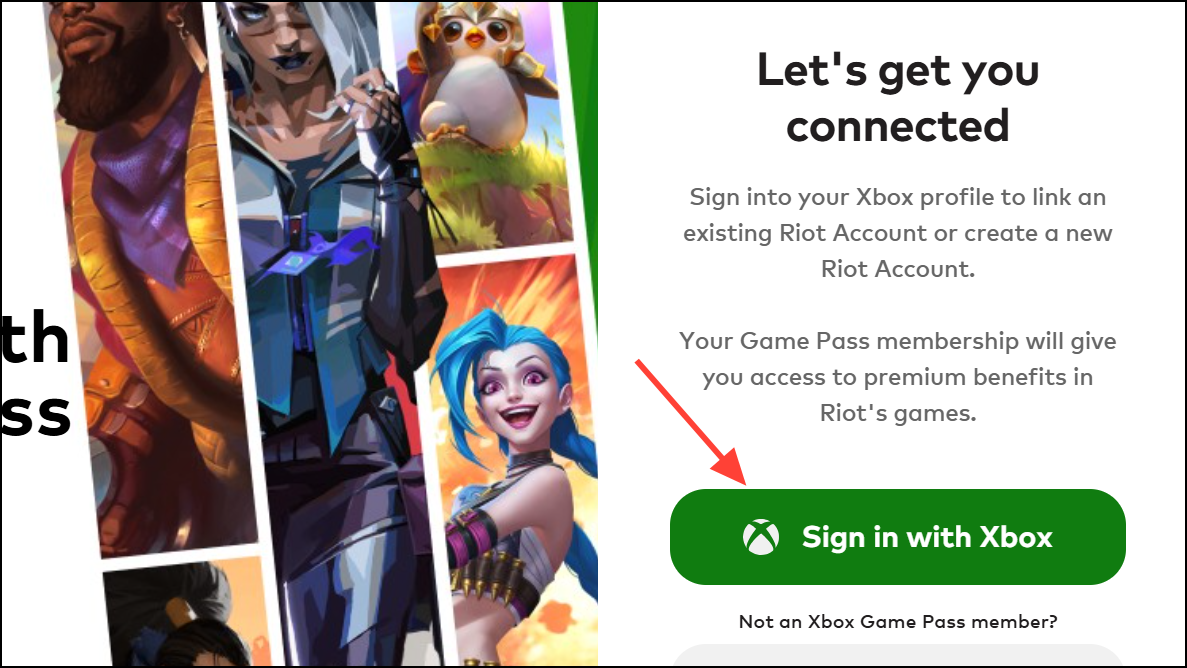
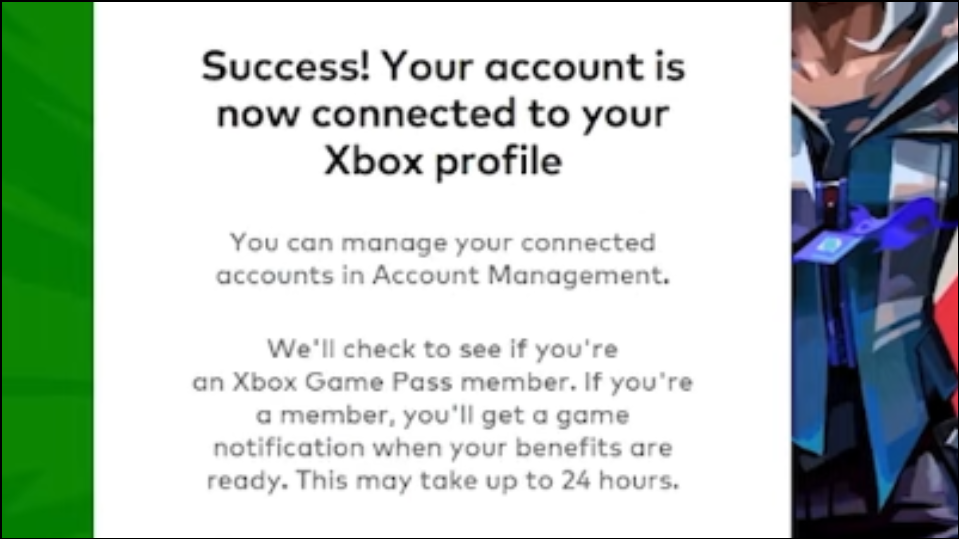
If you do not see your benefits after 24 hours, try restarting the Riot Client or your device. Persistent issues may require checking your account status on the Riot Account Management page under “Connected Accounts” or contacting Player Support.
What Benefits Do You Unlock?
Account linking delivers a range of in-game upgrades, including:
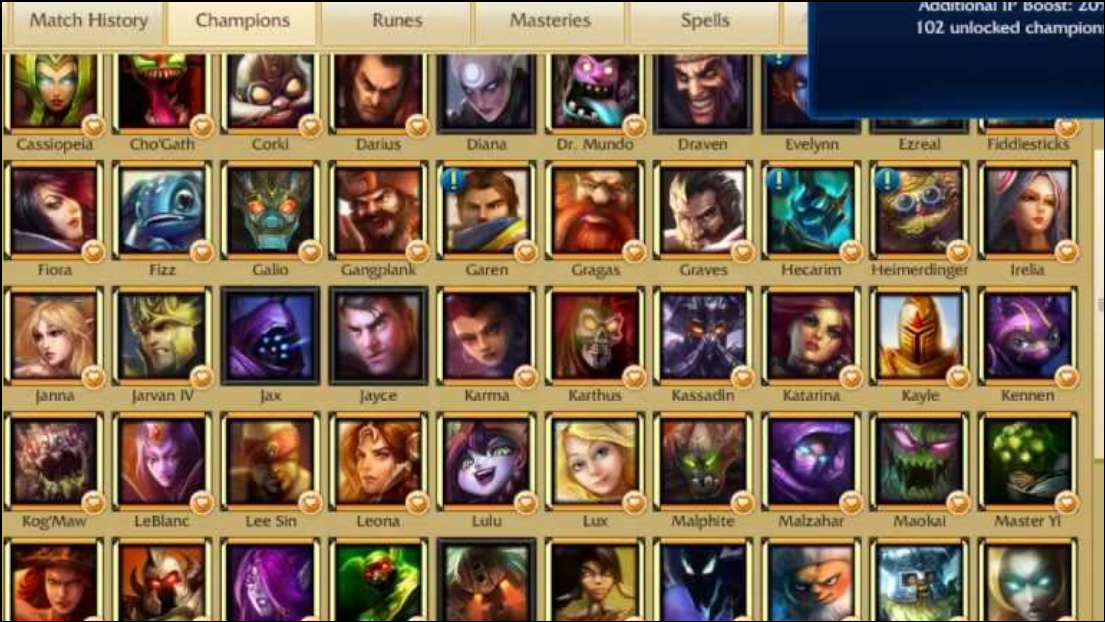
- All current and future champions in League of Legends, Wild Rift, and Teamfight Tactics.
- All current and future agents in Valorant.
- Immediate access to all cards in the Foundations set for Legends of Runeterra.
- 20% XP boosts in League of Legends, Wild Rift, and Valorant (applies to Summoner Level, Battle Pass, and Event content; does not stack with other XP boosts).
- Monthly rotating in-game rewards, such as skins, capsules, or Arena Skins.
- Day-one access to new champions or agents as they are released.
These benefits remain active only while your Game Pass subscription is current and your accounts remain linked. If your subscription expires or you unlink your accounts, you lose access to unlocked content unless you have purchased it separately.
How to Unlink Accounts or Check Status
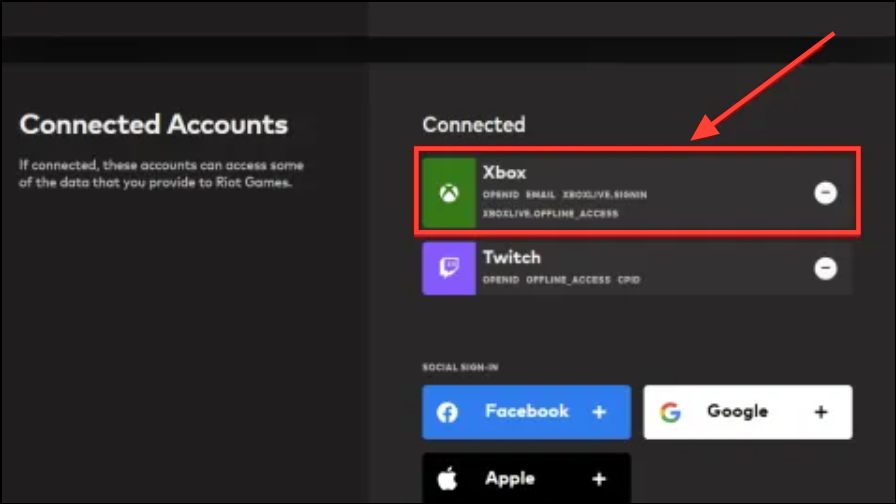
To view or manage your linked accounts, visit the Riot Account Management page and navigate to “Connected Accounts.” Here you can confirm if your Xbox profile is linked and see your Game Pass status. To unlink, simply click the minus icon next to your Xbox profile. Be aware that unlinking or letting your subscription lapse removes access to Game Pass-unlocked content, but you will retain any rewards, skins, or tokens you earned while benefits were active.
Platform and Regional Availability
Game Pass benefits for Riot Games titles are available in most supported regions, but some countries may have restrictions. For Wild Rift and other mobile games, make sure you are installing the correct app version from Google Play or the Apple App Store. If you have questions about regional eligibility, consult the official Riot Player Support article for up-to-date information.
Key Tips and Troubleshooting
- Benefits may take up to 24 hours to appear after linking or activating Game Pass.
- If you created your Riot account using your Xbox profile, you can use your Xbox credentials to sign in. You can also add or manage alternate sign-in methods from your Riot Account settings.
- Game Pass-unlocked champions and agents are only available while your subscription is active. To purchase skins, you must own the champion or agent outright.
- If you cancel Game Pass, your access to unlocked characters or cards is revoked, but you keep any rewards already earned.
- Data sharing between Riot and Microsoft is required for benefit eligibility. You may revoke this by unlinking accounts, but benefits will end immediately.
Connecting your Game Pass and Riot accounts removes barriers to premium content and speeds up access to the full roster in your favorite games. Stay subscribed and keep your accounts linked to continue receiving these valuable perks.





