
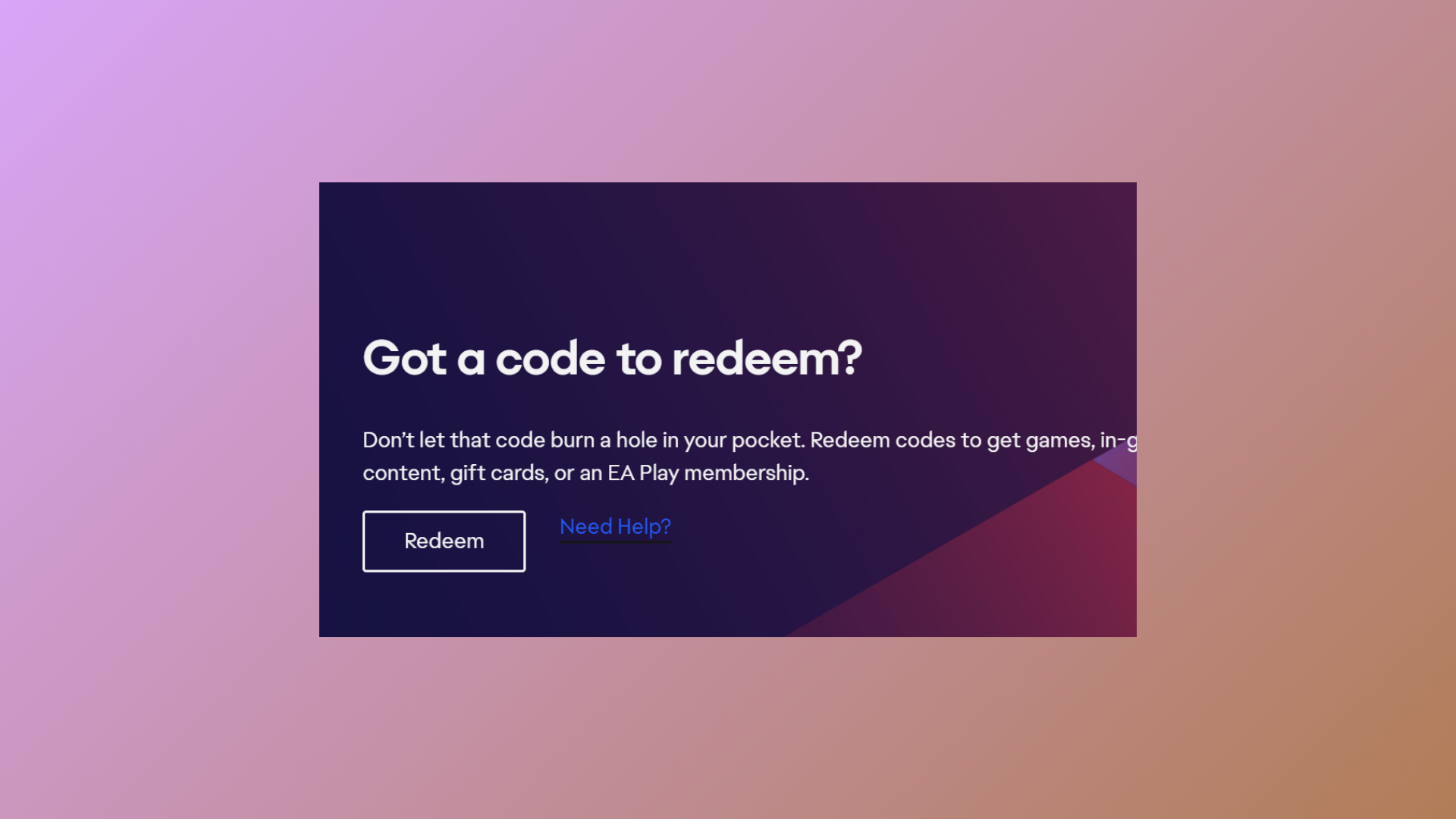
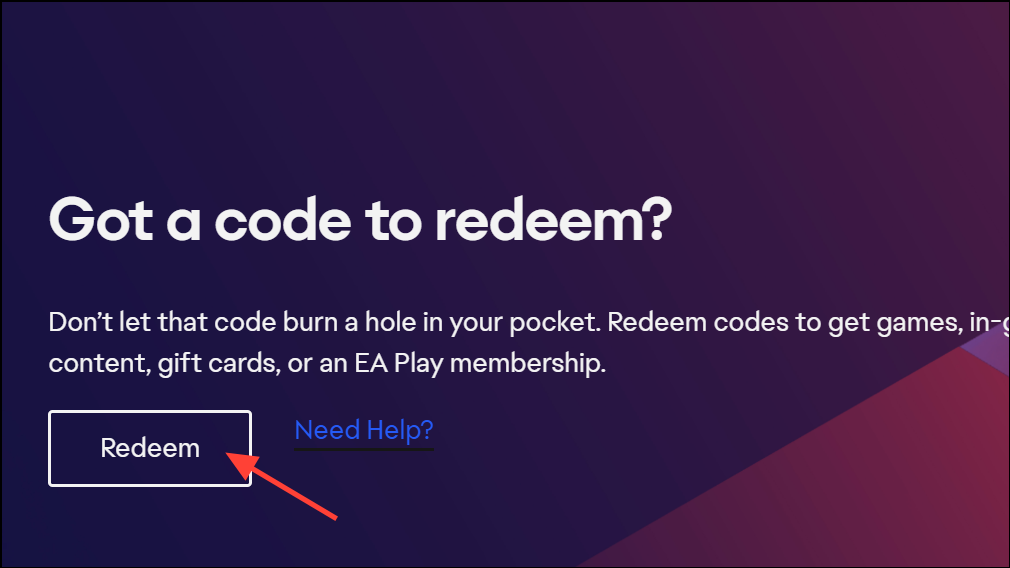
Redeeming a Battlefield 6 beta code grants early access to new maps and modes before the full game launches. Codes are distributed through Twitch Drops, giveaways, and select partner promotions. The process for entering and redeeming your code involves linking accounts and navigating the EA redemption portal, which can be confusing if you’re new to EA’s system or switching between PC, PlayStation, or Xbox.
How to Enter and Redeem a Battlefield 6 Beta Code via EA Account
Alternative Methods to Obtain a Battlefield 6 Beta Code
While Twitch Drops and official giveaways are the primary sources for beta codes, some users have reported success acquiring codes through third-party key resellers. Purchasing codes from unofficial sources carries risk, including invalid or already-used codes, so exercise caution and use secure payment methods like PayPal when necessary.
- Participate in hardware partner promotions (such as Intel or other gaming accessory brands) by signing up for newsletters or special events to receive codes.
- Monitor social media channels and community forums for code giveaways from creators and influencers.
- Check your Twitch notifications and inventory for delayed code delivery after watching eligible streams.
Troubleshooting Common Battlefield 6 Beta Code Issues
Several issues can arise during the code redemption process, including:
- Invalid Code Error: Double-check the code’s format, use all capital letters, and try manual entry instead of copy-paste.
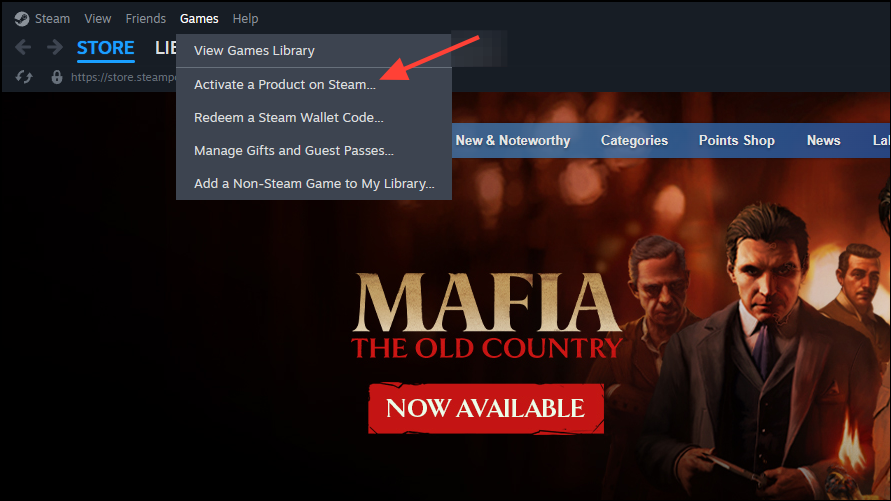
- Already Used Code: If the code is marked as redeemed but access is still locked, ensure you’ve completed the platform redemption step and that your accounts are linked.
- No Code Received from Twitch: Allow up to several hours for code delivery, and check both Twitch notifications and your Twitch inventory. Progress bars may disappear before the code appears.
- Content Still Locked After Redemption: Confirm your EA and platform accounts are linked, and check for any region-specific restrictions or delays.
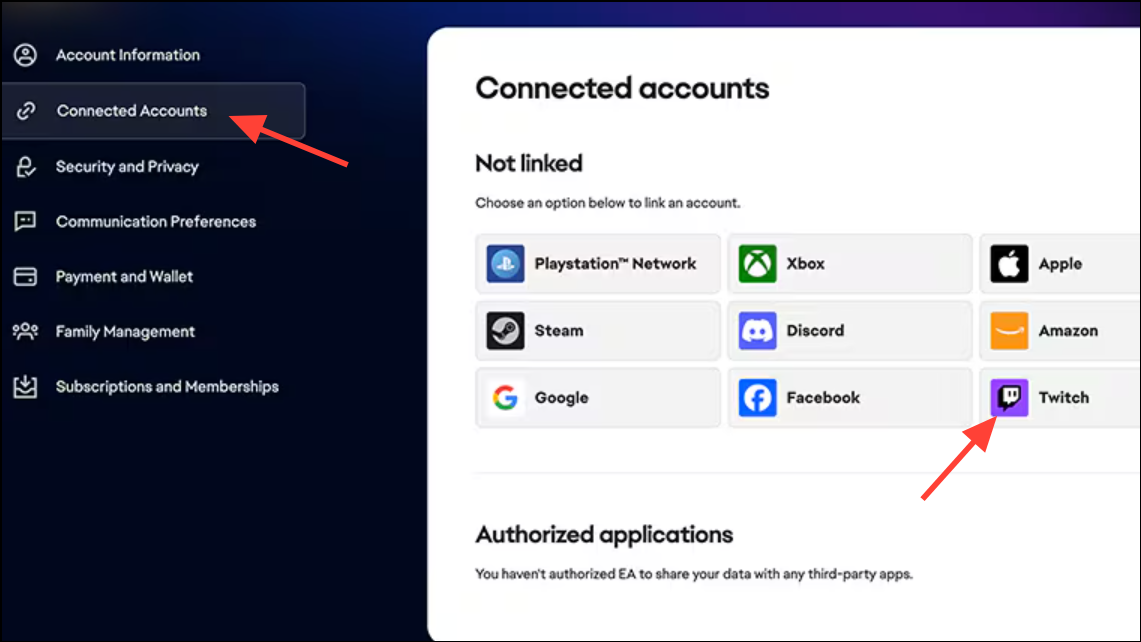
- Account Linking Problems: Use the EA Account “Connections” page to verify all linked accounts. If your platform account is associated with an old or disabled EA Account, you may need to contact EA Support for resolution.
- PS Plus or Xbox Game Pass Requirements: Access requirements may change during the beta period. Some users report being able to play without a subscription initially, then encountering a paywall later. Monitor official channels for updates on access policies.
Following these steps allows you to enter and redeem your Battlefield 6 beta code efficiently, unlocking early access to the latest maps and modes. Double-check account links and redemption steps for a smooth experience, and enjoy exploring everything the Battlefield 6 beta has to offer.





