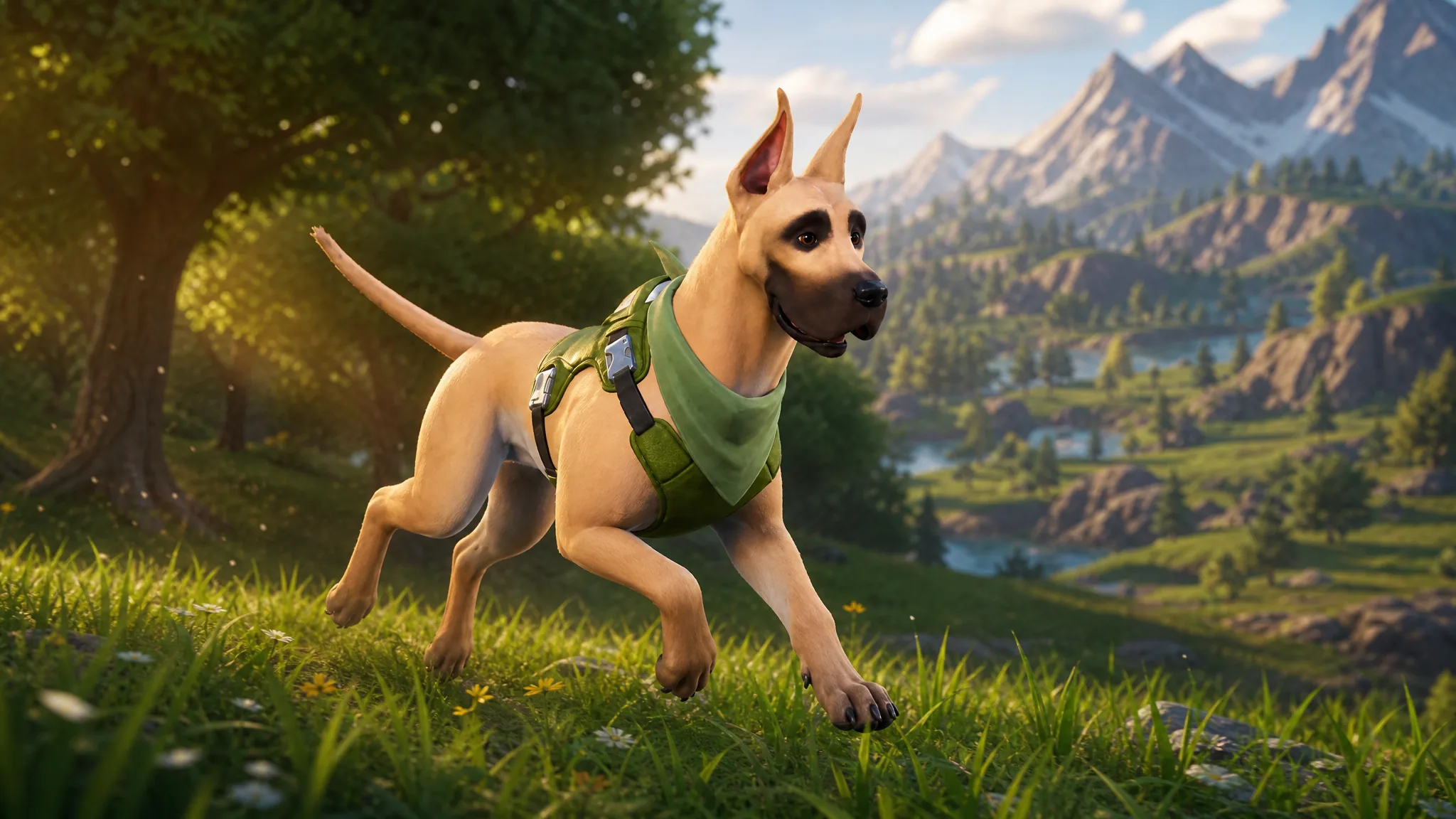
The Dane is an Uncommon Sidekick in Fortnite, a Great Dane companion that trots alongside your character in supported modes. Epic Games is handing it out at no cost as part of a wider push for pets, so there is nothing to buy and no progression to grind through.
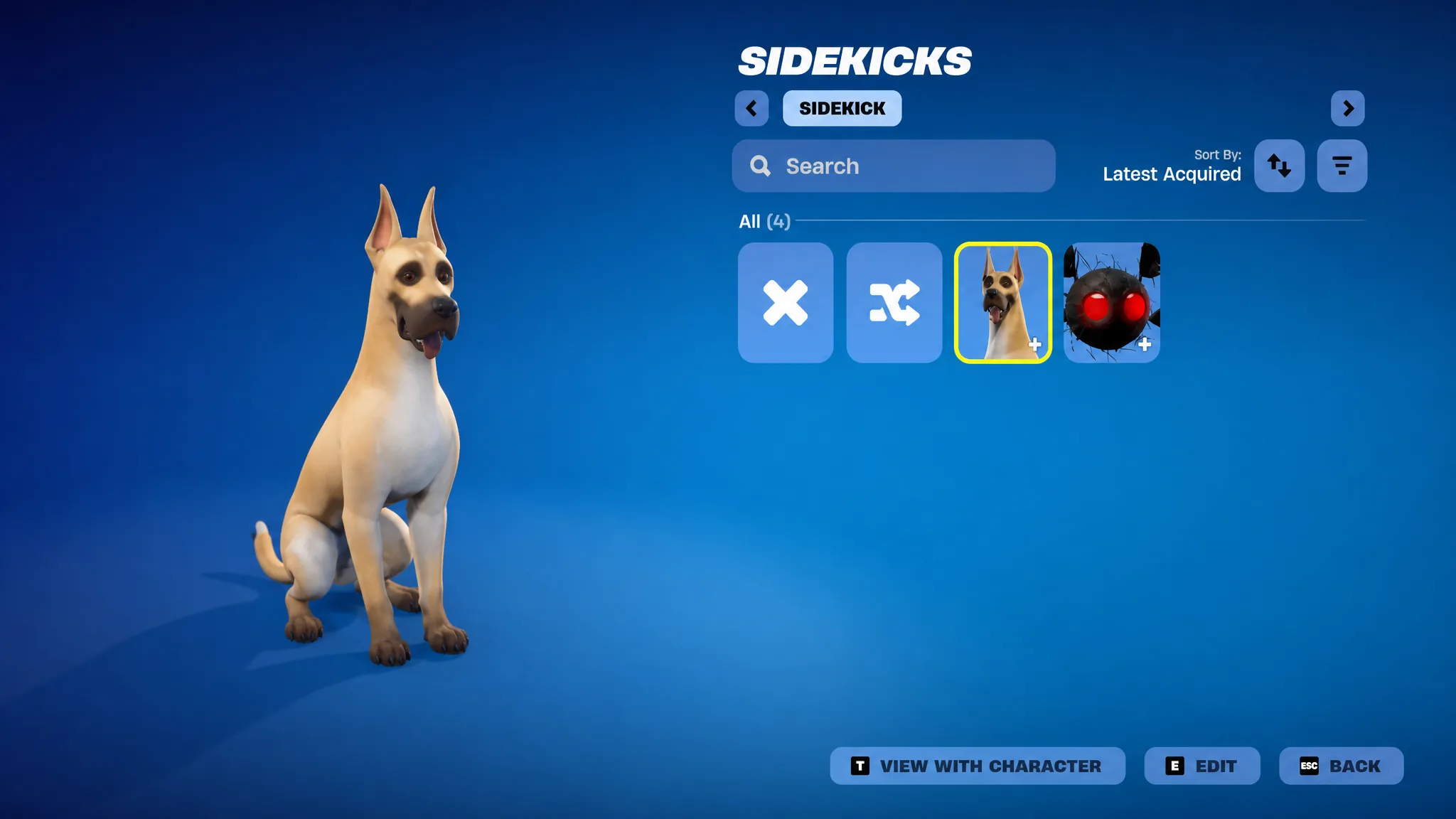
Quick answer: Update Fortnite to v41.20, launch the game, and log in. The Dane is granted automatically. If you don’t get the pop-up, open your Locker, filter by Sidekicks, and equip it from there.
What you need to unlock The Dane for free
The only real requirement is having the game updated to version 41.20. Unlike some other pets, this one does not lock behind an existing cosmetic, a Battle Pass tier, or a set of Weekly Quests. Every player who logs in on the current build is eligible.
| Detail | Value |
|---|---|
| Rarity | Uncommon Sidekick |
| Set | Big Dog |
| Cost | Free (no V-Bucks) |
| Requirement | Fortnite updated to v41.20 |
| Introduced | Chapter 7, Season 3 |
| Usable in | Battle Royale, LEGO Fortnite Odyssey, LEGO Fortnite Brick Life, Fortnite Festival, Reload |
Claim The Dane in your Locker
How to confirm it worked
You know the unlock succeeded when The Dane shows up under the Sidekicks filter in your Locker with the description “A gentle giant.” Equip it, and the dog appears next to your character in the lobby and follows you once you drop into a supported mode.
In a match, look at the pet to see the E PET and F EMOTE prompts above the label THE DANE. Pressing pet makes a heart float over its head, confirming the companion is active and equipped correctly.
Customization included with The Dane
The Dane arrives with its extra options already unlocked for everyone, so you don’t need to earn Sidekick Points to access them. Open Edit Styles in the Locker to switch between the two looks, pick a reaction, and set the emote.
| Option | What it does |
|---|---|
| Style | Toggle the green harness on or off (HARNESS OFF / HARNESS ON) |
| Sidekick Emote | Dane’s Target, where the dog sniffs the ground and a red holographic target appears |
| Reactions | Three heart-shaped reaction icons to choose from |
You can also rename the companion for free. In the customization menu, choose Rename, and the default name “The Dane” appears in the text box for you to change. Keep in mind the pet cannot be refunded, since it was granted as a free reward rather than purchased.
If The Dane isn’t in your Locker
Missing the pet after updating is rare. If it still isn’t showing after you filter by Sidekicks, wait a day or two before doing anything else, as reward delivery can lag behind. If it remains absent after that, submit a ticket through Epic Games support so your account can be checked.
Once equipped, The Dane behaves the same as any other companion. It reacts to chests opening, drops into a defensive crouch when you aim a weapon nearby, and bobs its head to the beat during traversal emotes, all without affecting your gameplay in any way.