

Windows Subsystem for Linux (WSL) provides a way to run Linux distributions like RHEL (Red Hat Enterprise Linux) or Fedora directly on Windows, removing the need for dual-booting or virtual machines. This setup streamlines workflows for developers and system administrators who need access to Linux tools while working in a Windows environment. Running RHEL or Fedora on WSL optimizes compatibility testing, package development, and command-line utilities without leaving Windows.
Install Fedora on Windows Subsystem for Linux (WSL)
powershell in Windows search and select Run as administrator.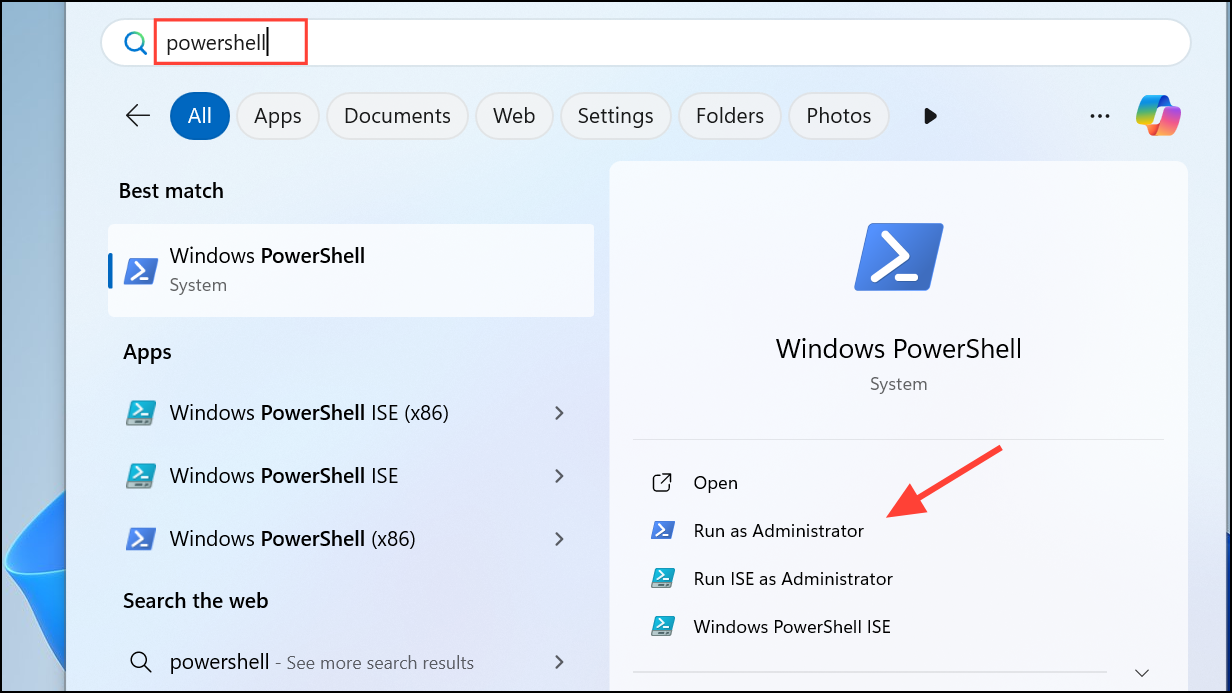
wsl --install
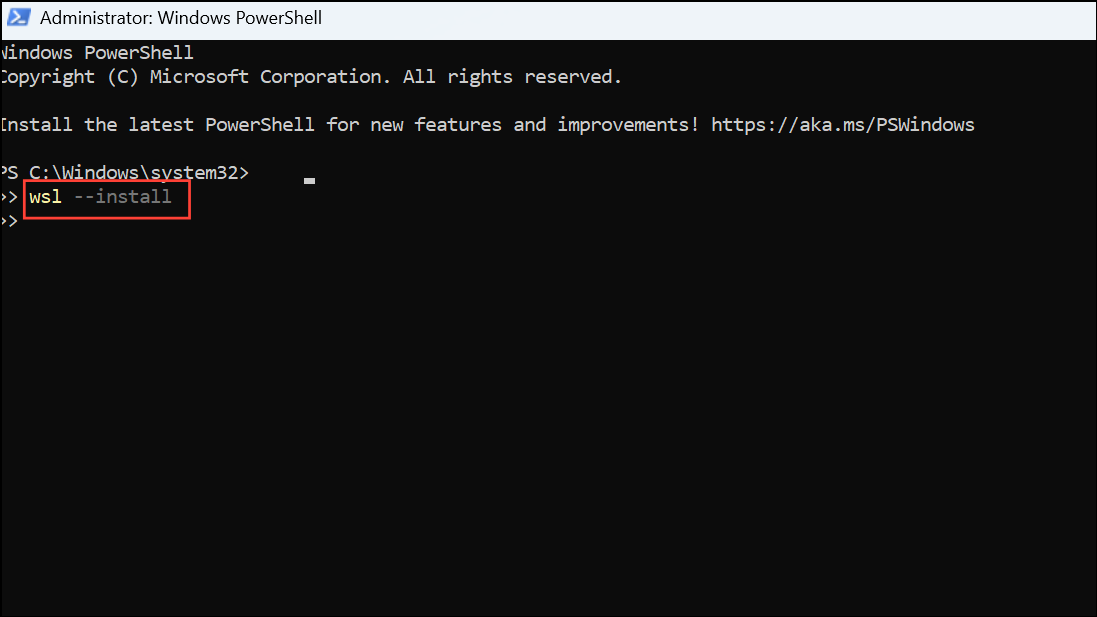
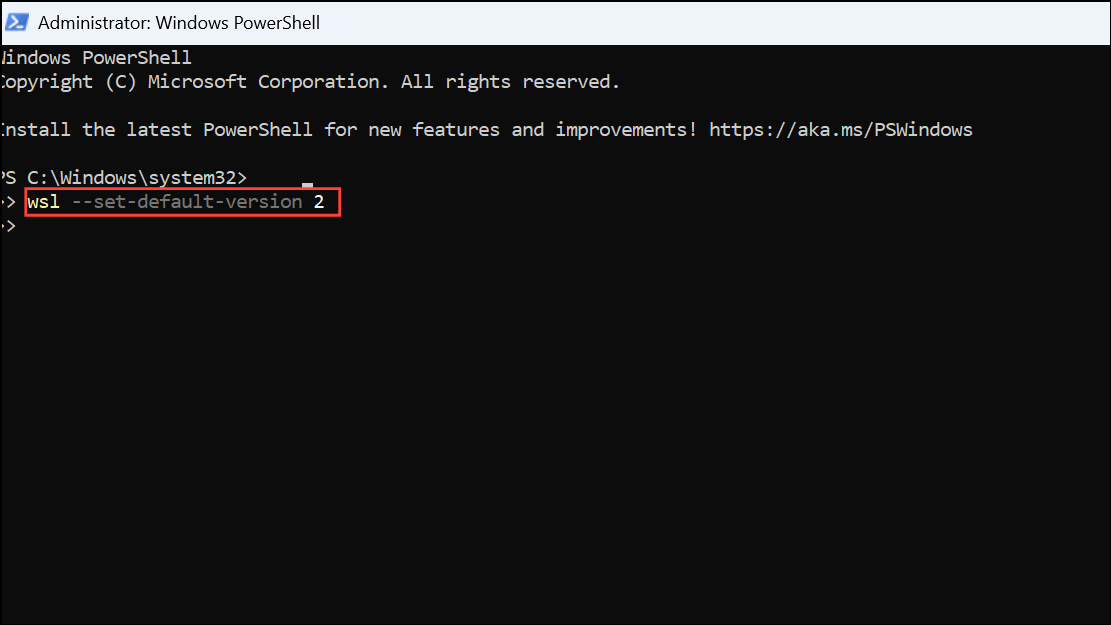
This command installs WSL and the default Ubuntu distribution. If you already have WSL enabled, you can skip this step. To ensure WSL 2 is being used, run:
wsl --set-default-version 2
Fedora-WSL.tar.xz).
mkdir C:\WSL\Fedora
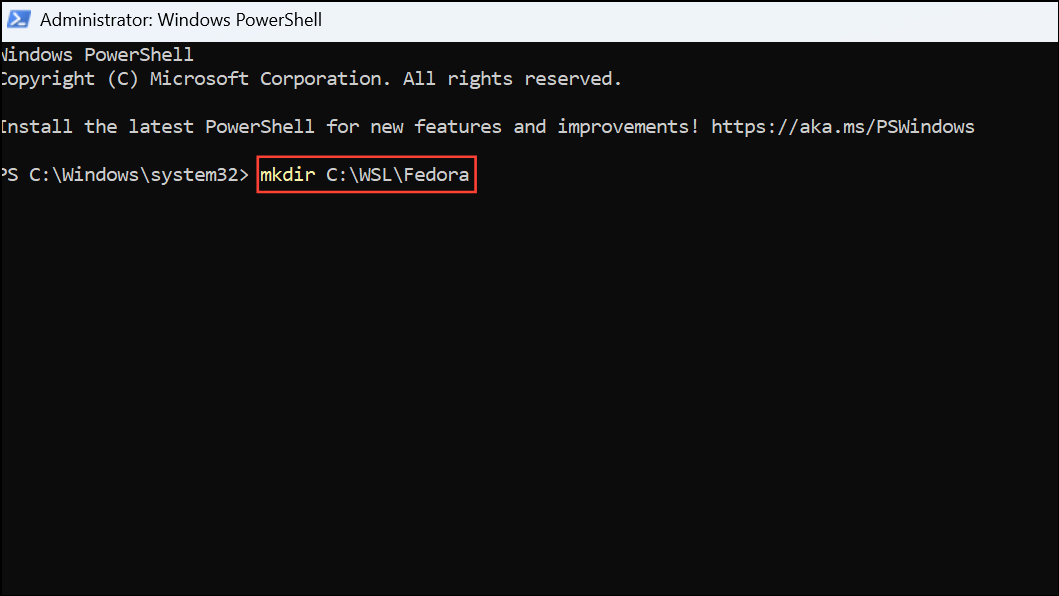
wsl --import command to register your Fedora distribution:
wsl --import Fedora C:\WSL\Fedora C:\path\to\Fedora-WSL.tar.xz --version 2
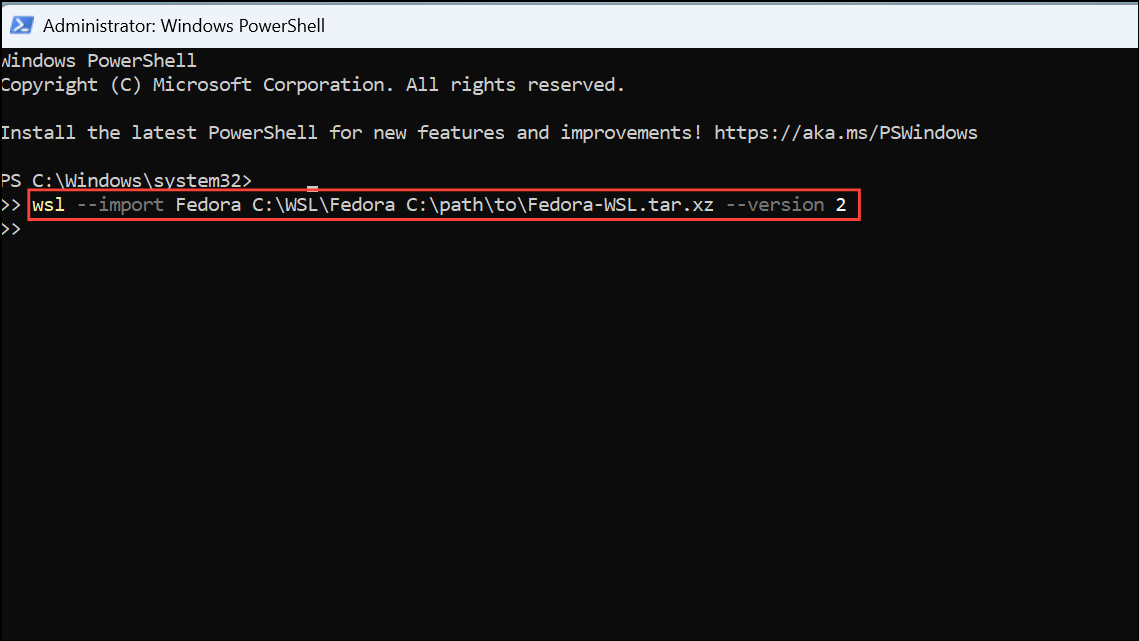
Replace C:\path\to\Fedora-WSL.tar.xz with the path to your downloaded tarball. This step sets up Fedora as a new WSL distribution using WSL 2.
wsl -d Fedora
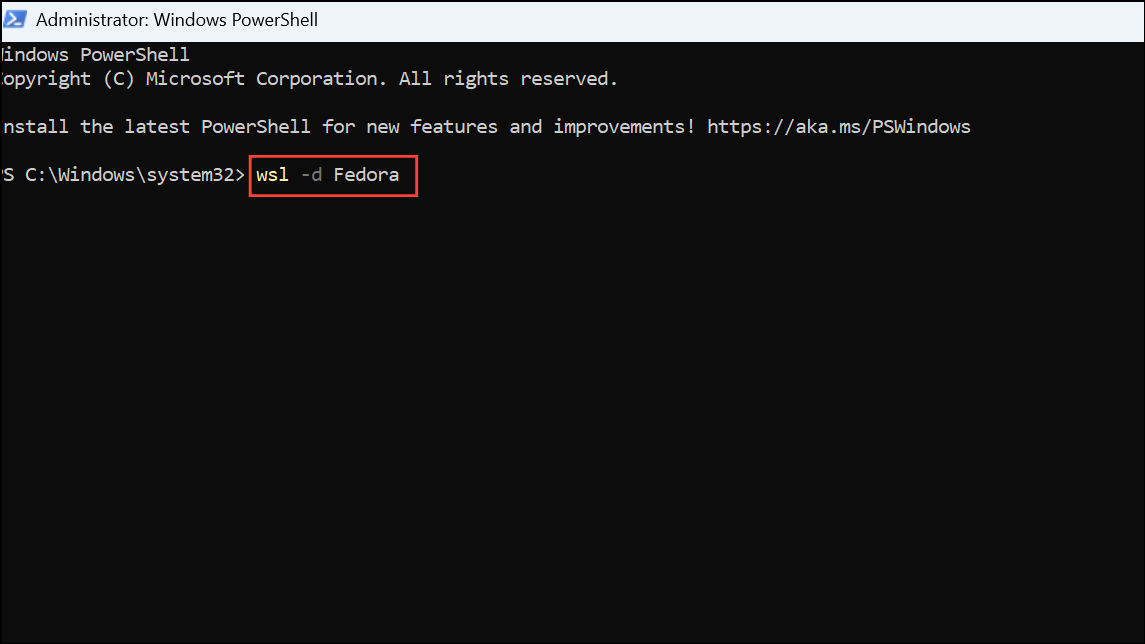
This opens a new shell session in your Fedora environment. On first launch, you may need to create a default user and set a password.
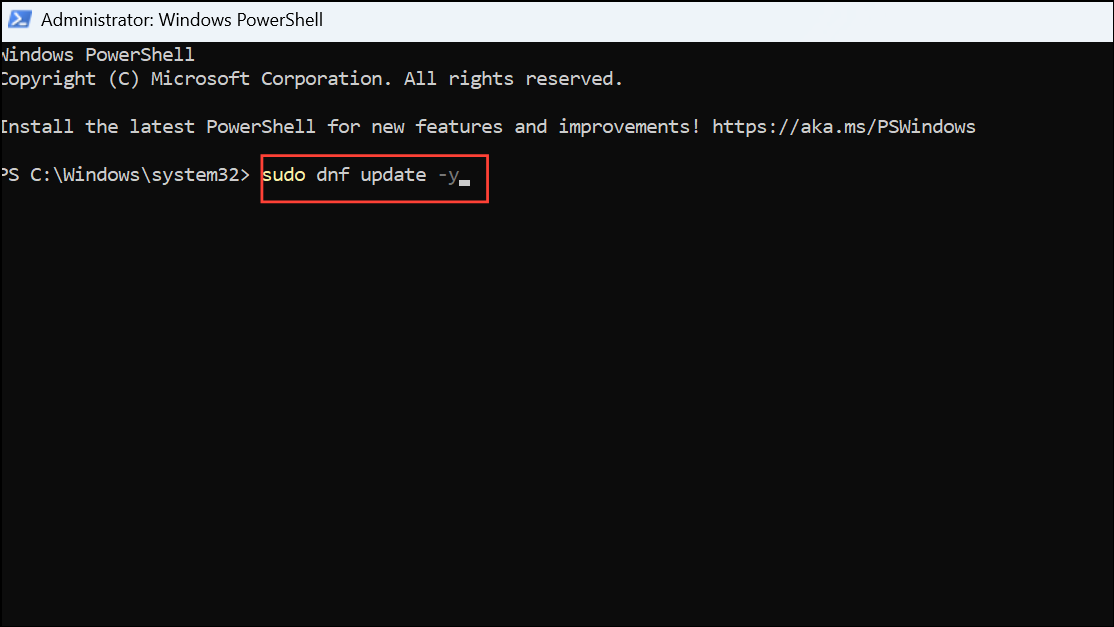
sudo dnf update -y
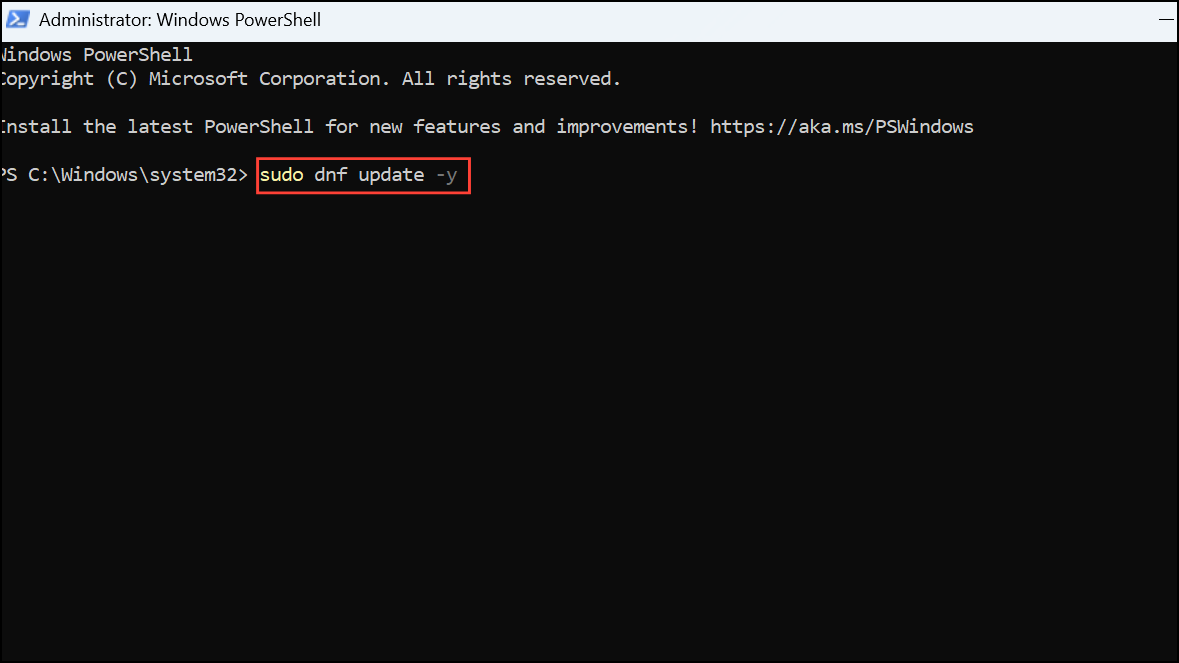
Install additional packages as needed for your workflow.
Install RHEL on Windows Subsystem for Linux (WSL)
wsl --set-default-version 2
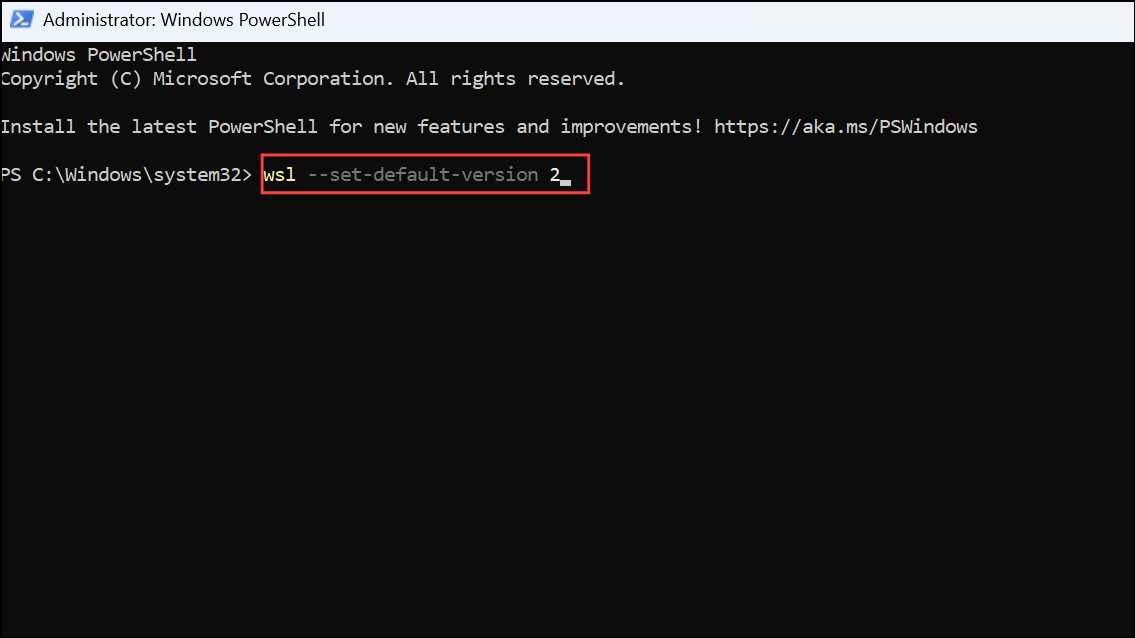
rhel-wsl.tar.xz).
mkdir C:\WSL\RHEL
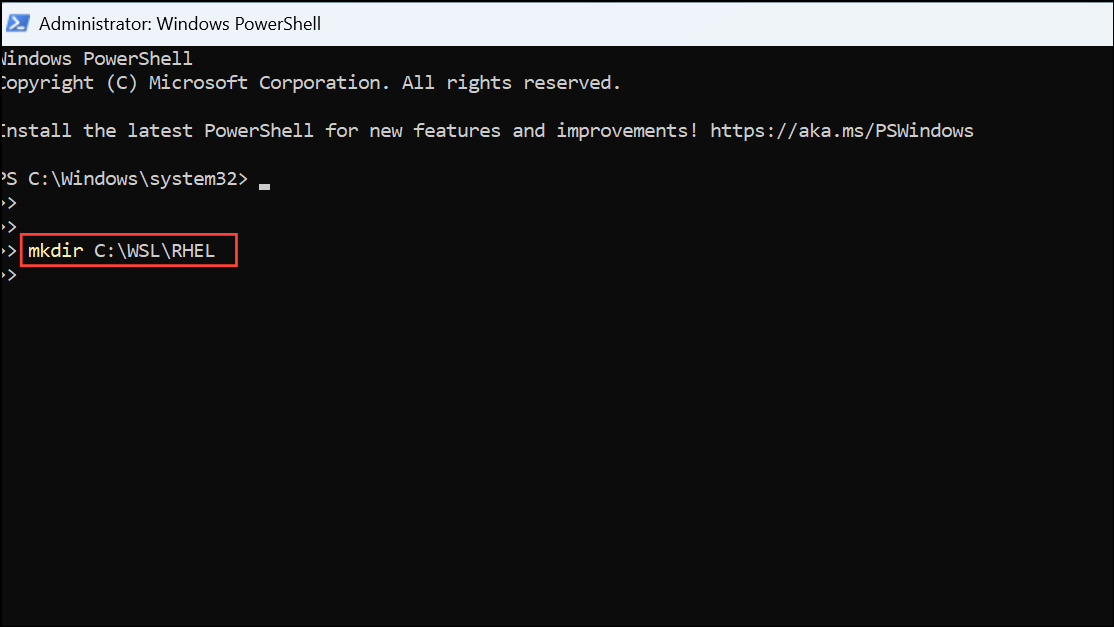
wsl --import RHEL C:\WSL\RHEL C:\path\to\rhel-wsl.tar.xz --version 2
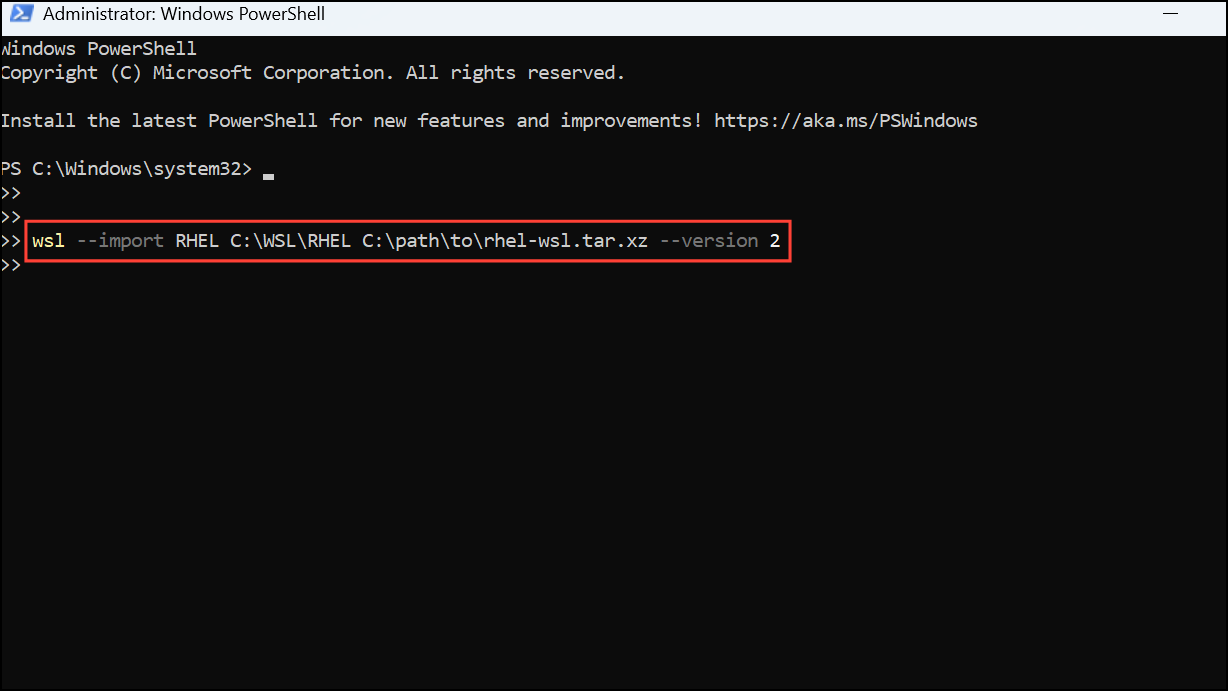
Replace C:\path\to\rhel-wsl.tar.xz with the path where you saved the image. This command registers RHEL as a new WSL distribution.
wsl -d RHEL
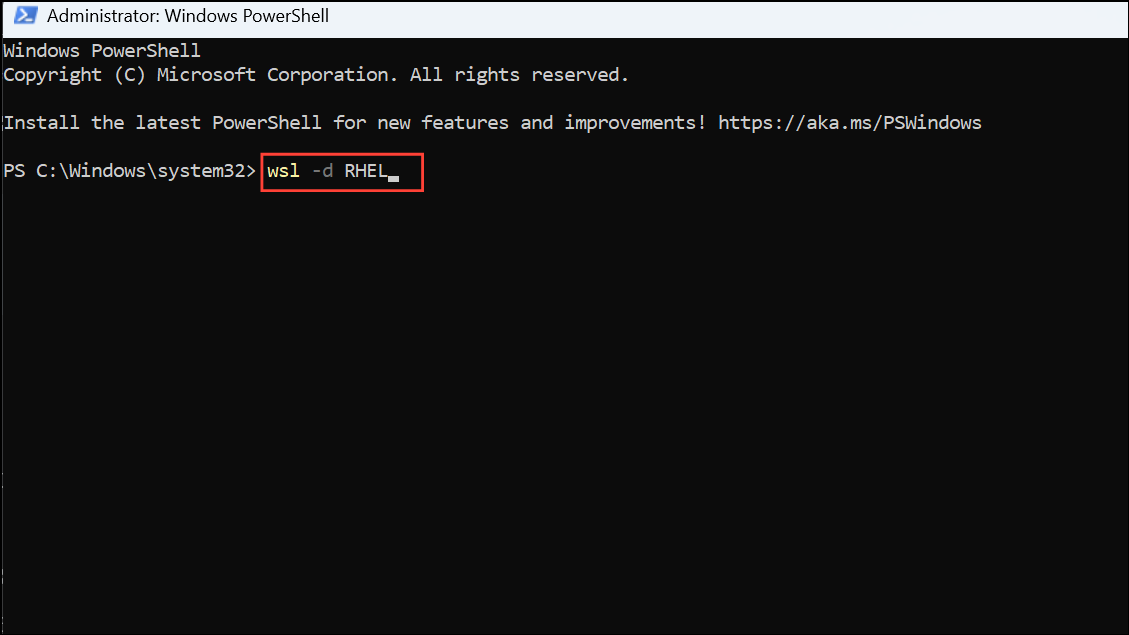
On first launch, set up your user account as prompted.
sudo subscription-manager register
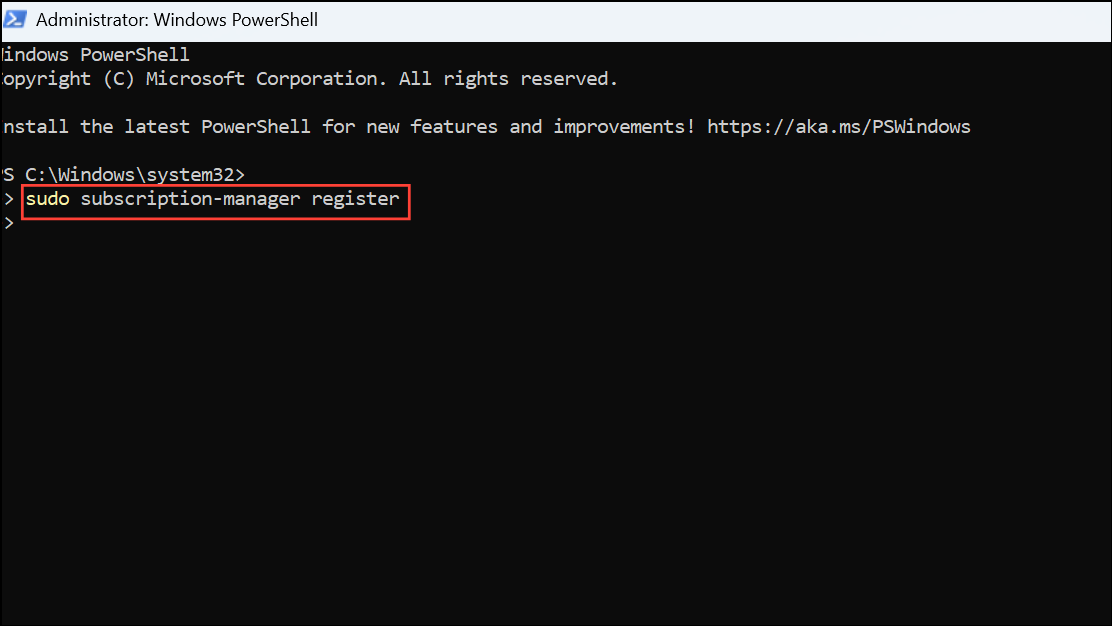
Follow the prompts to enter your Red Hat credentials.
sudo dnf update -y
Install any additional software as needed for your tasks.
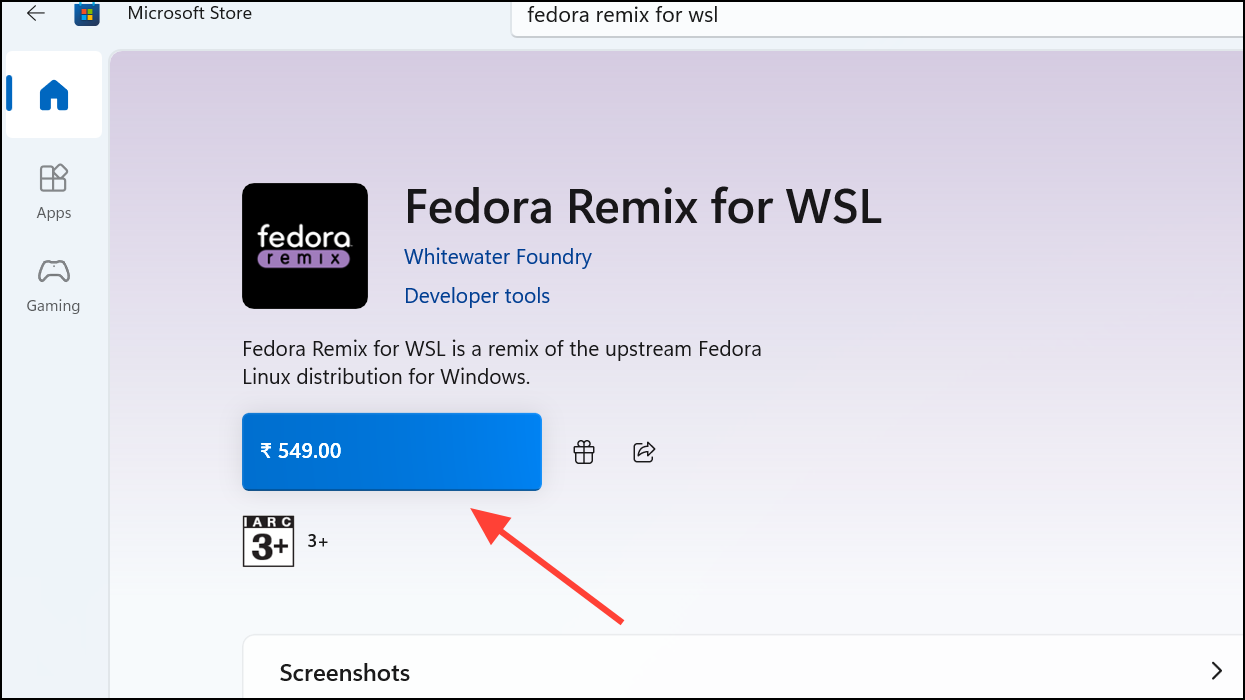
Alternative: Using Fedora Remix for WSL from Microsoft Store
Fedora Remix for WSL is a community-supported distribution available on the Microsoft Store. This method is simpler but may lag behind official Fedora releases.
sudo dnf update -y
This version provides a Fedora-like experience but may not be suitable for all enterprise or production use cases.
Running RHEL or Fedora on WSL streamlines Linux access within Windows, improving development speed and reducing system resource usage compared to traditional virtualization. For ongoing stability, periodically update your distributions and review WSL documentation for new features or compatibility changes.





