Anime Expeditions is a tower defense strategy game on Roblox where you summon anime-inspired units, place them on the map, and defend against waves of enemies and bosses. Clearing an Expedition run consistently comes down to three things you control before the match starts. The units you bring, how far you have leveled and evolved them, and the traits and stats rolled onto them.
Quick answer: Field a full team built around S-tier DPS units, add at least one farm or support unit for extra gold and utility, level and evolve those units, then reroll them toward strong traits and stats using Trait Crystals and Stat Reroll items before you queue an Expedition.
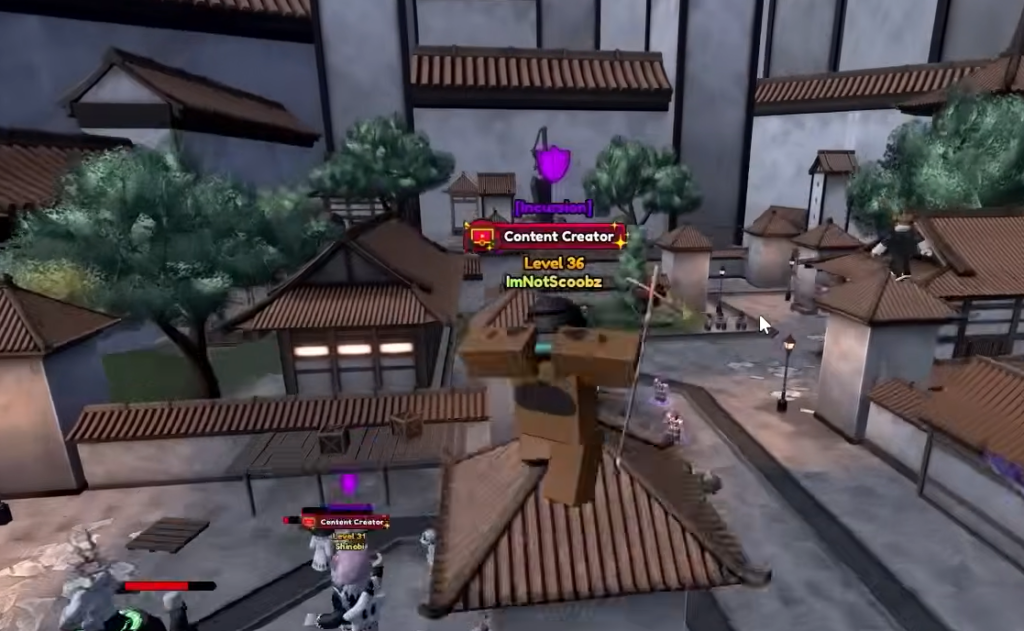
What decides an Expedition run
An Expedition is cleared when your placed units survive and defeat every wave, including the boss that closes out the run. Because damage output and gold income both scale with your unit roster, a run rarely fails because of the map itself. It fails when your damage cannot keep pace with enemy health, or when you run short on gold to place and upgrade units during the match.
The reliable fix is to bring high-damage DPS units for the waves and bosses, and pair them with a farm unit that boosts your gold so you can deploy and upgrade faster. Team play helps too, since you can join friends to combine damage against tougher waves.
Best units to bring for a clear
The meta lineup splits into damage dealers and farm/support units. Build your team around the S-tier options below, then fill the rest of your slots with A-tier picks if you have not pulled the top units yet.
| Unit | Role | Type |
|---|---|---|
| Shadow (Divine) | S-tier DPS | Dark / Magical |
| Puppet (Telekinetic) | S-tier DPS | Light / Psychic |
| 8th Sword (Berserk) | S-tier DPS | Neutral / Physical |
| Crimson (Brother) | S-tier DPS | Dark / Magical |
| Cursed Student (True Love) | S-tier DPS | Dark / Physical |
| Flame Emperor (Reincarnate) | S-tier DPS | Flame / Magical |
| Ramen Guy | S-tier Farm | Farm / Physical |
| Toy Maker | S-tier Support | Dark / Psychic |
| Salmon Sorcerer (Grade 1) | S-tier Support | Gale / Magical |
If those are not in your collection, strong A-tier substitutes include String Demon (Awakened), Reaper (Released), Lady Giant (Envy), The Hero, True Saint (Holy), Hollow (Blaze), and Elf Mage (Unleashed).
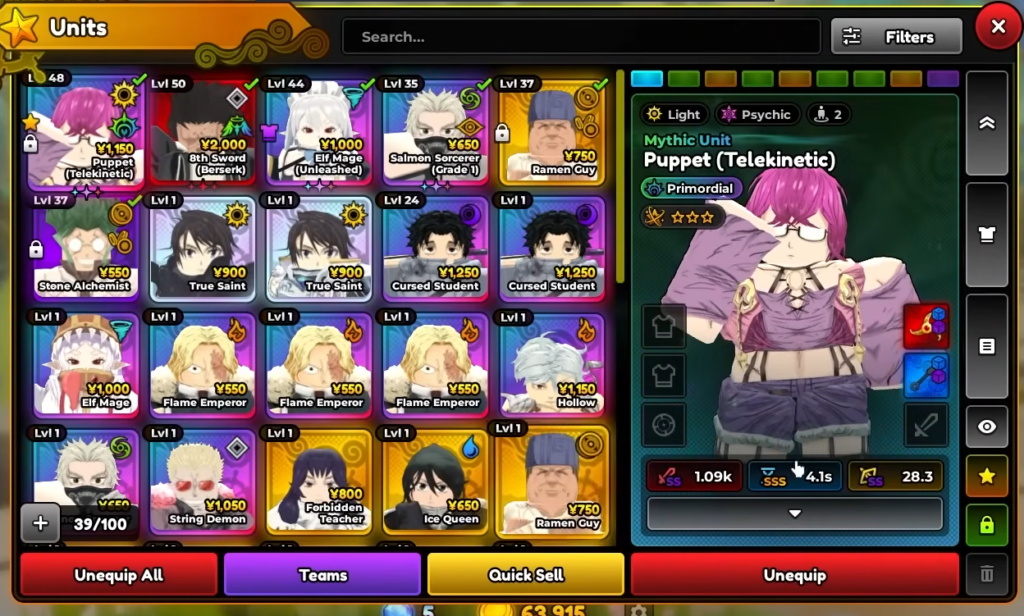
Strengthen units before every run
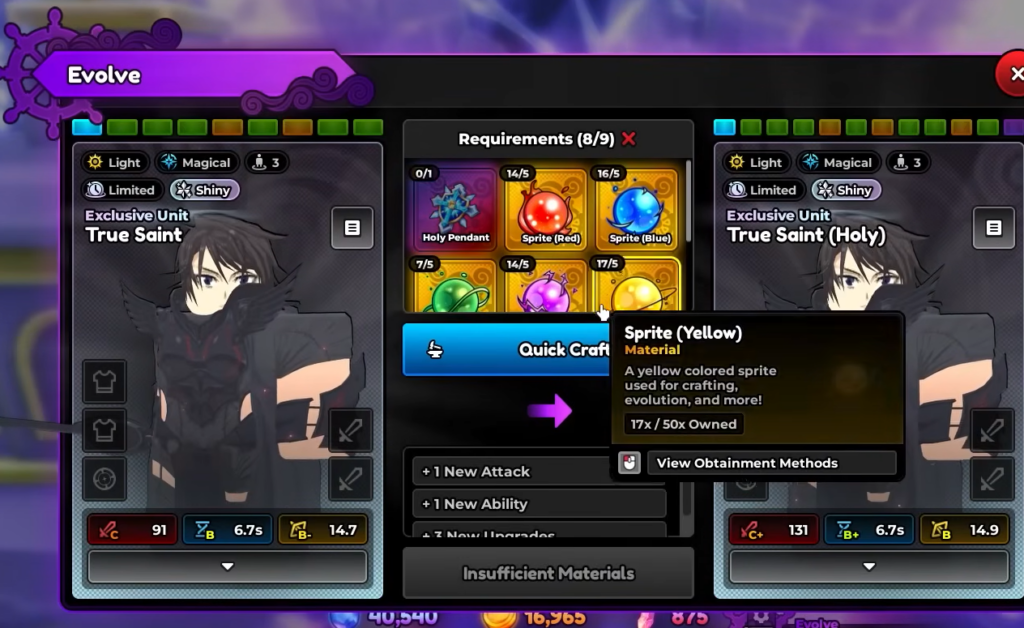
A good unit list only wins if the units are actually upgraded. Take each of your main DPS units through leveling and evolution to unlock their stronger abilities, then tune their traits and stats so their damage holds up in later waves.
Lock a trait or stat only after you land a roll you are happy with, since locking protects it from being lost on the next reroll.
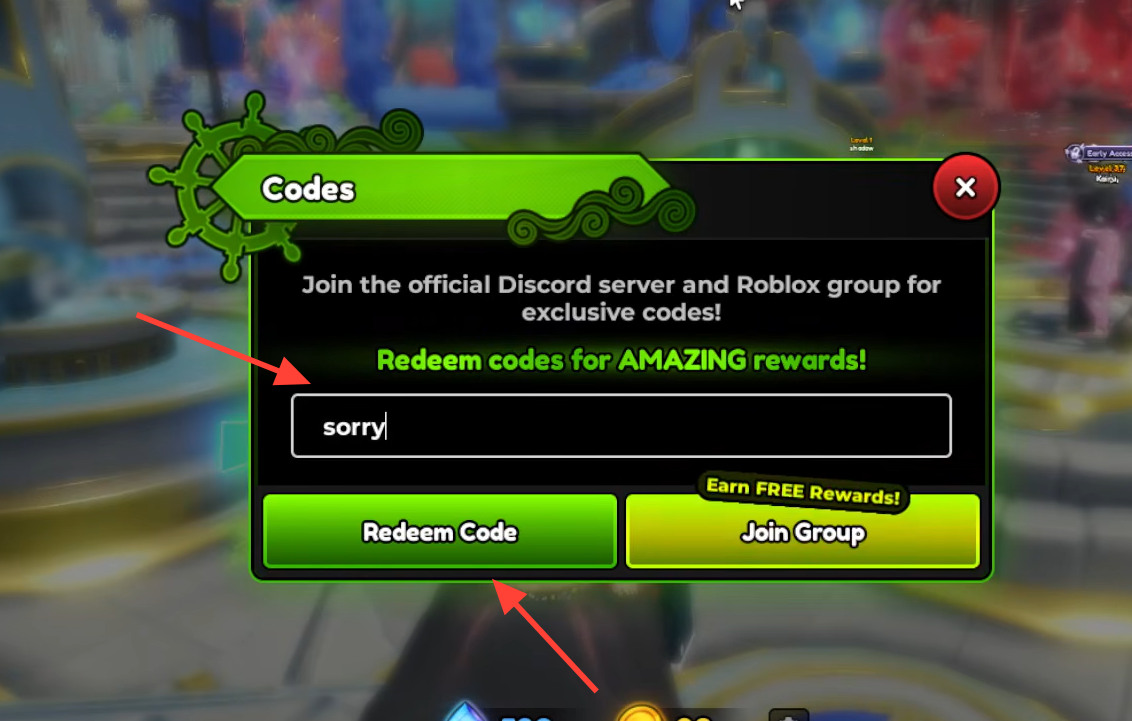
Redeem codes for free upgrade materials
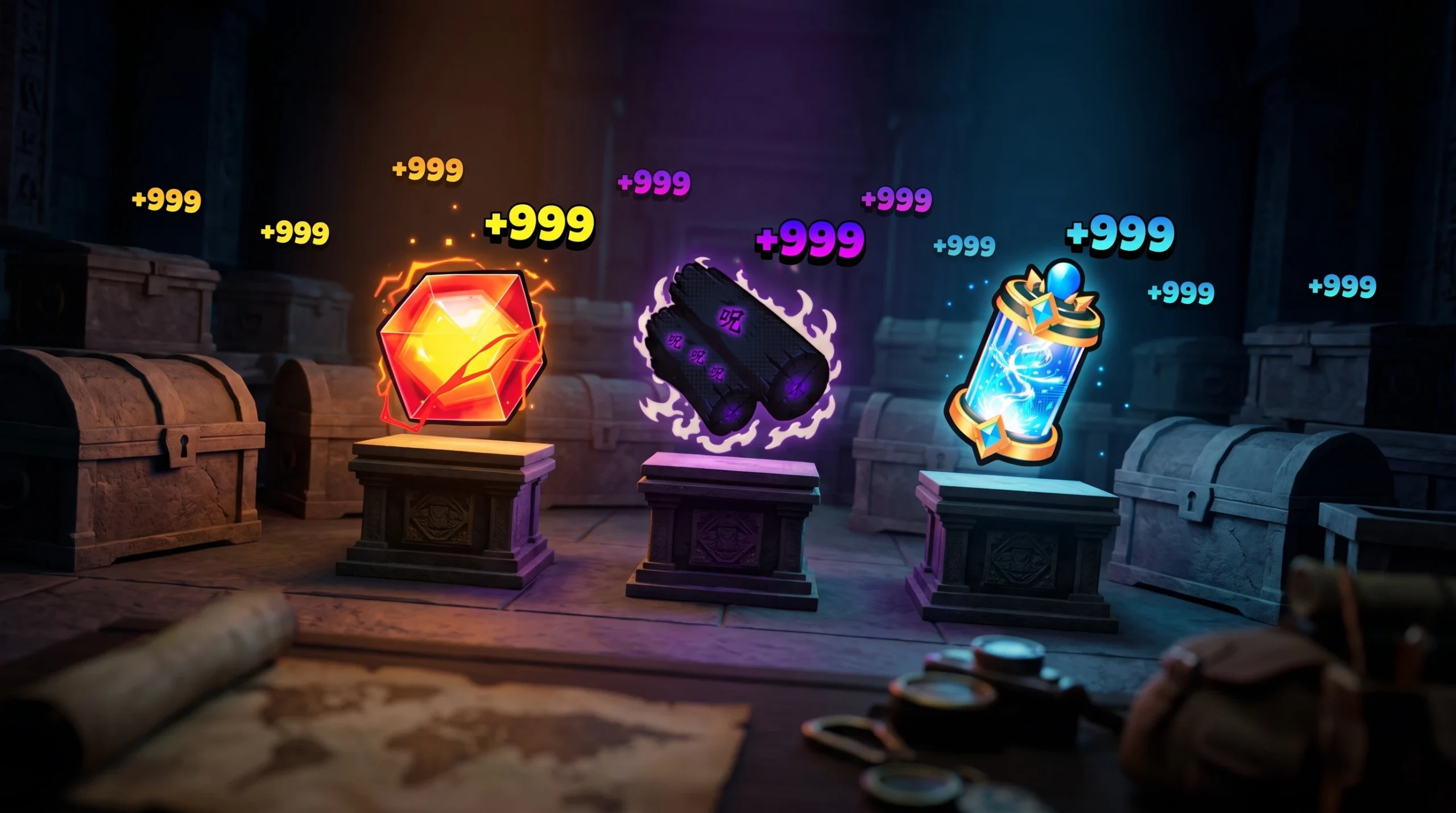
Codes hand you the exact resources that make units run-ready, including Gems for summons plus Trait Crystals, Stat Rerolls, Stat Locks, and Equipment items for tuning. Redeem them early so you have materials on hand before you push Expeditions.
| Code | Rewards |
|---|---|
| AE#1 | 5x Equipment Lock, 5x Equipment Reroll, 5x Stat Lock, 5x Stat Reroll, 1,000 Gems |
| Release | 100 Trait Crystal, 2,500 Gems |
| 100K! | 50 Trait Crystal, 20 Stat Lock, 20 Stat Reroll, 2,500 Gems |
| 30KLIKES! | 2,500 Gems |
| EXPEDITIONS | Redeemable only after you unlock the Expeditions game mode |
| SorryForBugs | Bonus rewards |
Use the Beginner’s Path for early units and gems
New accounts can build a working team quickly by starting the Beginner’s Path event. Speak to the True Saint (Holy) NPC near the Story portal to begin its quests, which hand out free rewards and reliable starter units to get your first Expedition team going.
Round out your free income by claiming the daily Reward Calendar every login for Gems, and by opening the Index and pressing Claim All to collect Gems for units you have already summoned. Those Gems fuel more pulls, which is how you eventually land the S-tier units at the top of the roster.
Put together, the pattern is straightforward. Bring meta DPS backed by a farm unit, level and evolve them, lock in strong traits and stats with your code materials, and use free Gems to keep improving your pulls. Do that before each Expedition and your runs will clear their waves and bosses far more consistently.