Microsoft has pushed out an emergency Windows 11 patch, KB5121767, to clean up a mess left behind by this month’s Patch Tuesday. The July 2026 cumulative update, KB5101650, clashed with an Intel driver on a group of Dell PCs and triggered unexpected shutdowns, overheating, drained batteries, and sluggish performance. Rather than let more machines break, Microsoft blocked the update on affected hardware and then shipped a targeted fix a few days later.
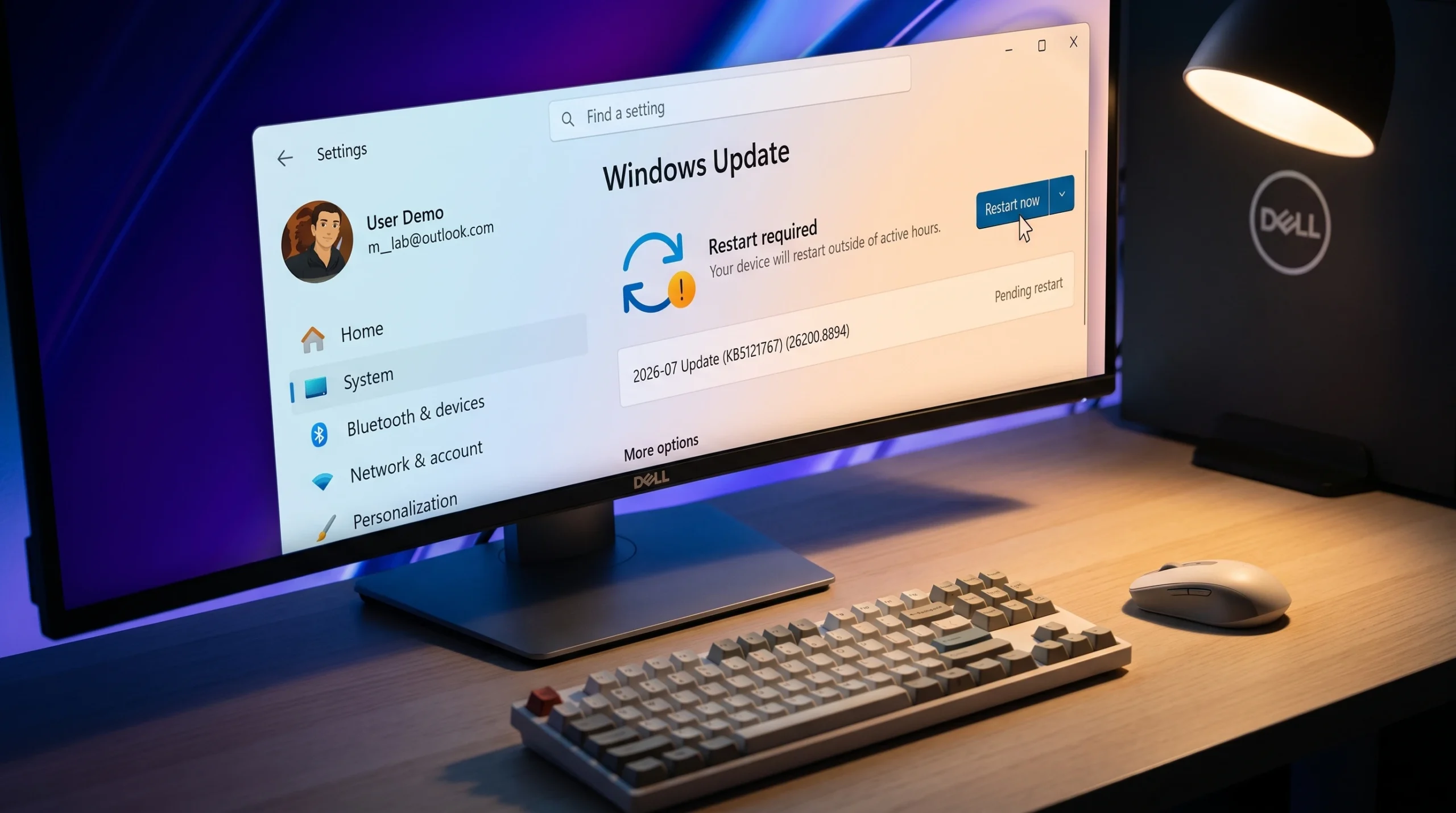
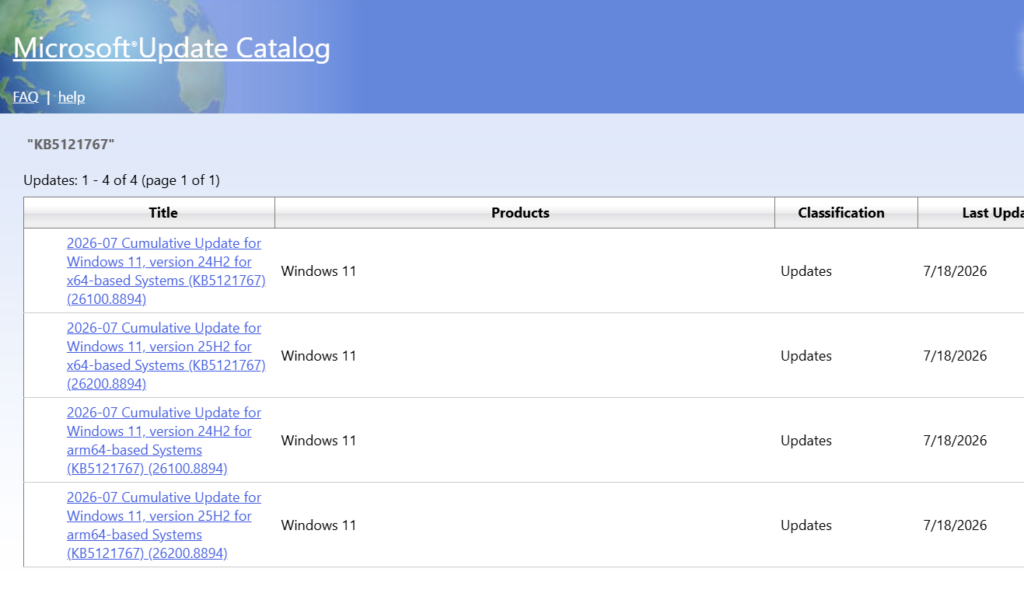
Quick answer: Install KB5121767 only if you own a Dell PC that was held back from July’s update. Grab it through Windows Update or the Microsoft Update Catalog, then confirm your build reads 26100.8894 (24H2) or 26200.8894 (25H2). If your Dell already installed July’s update without trouble, you don’t need it.
What the Intel IPF bug actually did
The trouble started with KB5101650, the July 14, 2026 cumulative update for Windows 11 versions 24H2 and 25H2. That release patched 570 security flaws, including three zero-days, but it did not sit well with the Intel Innovation Platform Framework driver found on certain Dell laptops.
Intel IPF handles low-level power and thermal jobs. It bundles Intel Dynamic Tuning, which adjusts performance and fan behavior based on workload and temperature, and Intel Context Sensing, which powers features like Wake on Approach and Walk Away Lock. When the July update disrupted how Windows talked to this driver, the affected machines could no longer manage power correctly. Microsoft described the symptoms as changes in performance, power consumption, or overall system behavior. In practice, users reported crashes, black screens, startup failures, severe overheating, and batteries that emptied fast.
A machine caught by this bug may show a yellow exclamation mark in Device Manager next to the Intel Innovation Platform Framework Processor Participant driver. That is the clearest on-screen sign your PC was affected.
Dell models confirmed to be affected
The problem centers on Dell hardware running the Intel IPF driver, and Dell stopped shipping the July update to those configurations. The following models have confirmed issues, though other Dell PCs with the same driver could be affected as well.
| Dell model |
|---|
| Dell Pro Max 14 Premium MA14250 |
| Dell Pro Max 16 Premium MA16250 |
| Dell Pro Precision 7 14 PW714260 |
| Dell Pro Precision 7 16 PW716260 |
| Precision 5470 / 5480 / 5490 / 5770 |
| XPS 17 9720 and XPS 17 9730 |
KB5121767 and KB5121768: the two out-of-band updates
Microsoft released two fixes on July 18, 2026. Which one applies depends on how your device gets its updates. Both carry a single change that clears the Intel IPF block, and both are cumulative, so you don’t need to install any earlier update first.
| Update | For | Resulting build |
|---|---|---|
| KB5121767 | Standard Windows 11 25H2 and 24H2 devices | 26200.8894 (25H2) / 26100.8894 (24H2) |
| KB5121768 | Devices enrolled in hotpatching, including Windows 11 Enterprise LTSC 2024 | 26200.8893 / 26100.8893 |
KB5121767 rolls in every previous security and non-security improvement plus the compatibility fix, so a blocked Dell can jump straight to it. Managed enterprise machines on the hotpatching channel get the same correction through KB5121768 without a full update install. The separate Windows 10 Patch Tuesday release, KB5099539, is not touched by this issue.
How to install KB5121767 and confirm it worked
Who should skip this update
Most Windows 11 users can ignore KB5121767 entirely. It is aimed only at the limited set of Dell devices that hit the Intel IPF conflict. If your machine already took July’s security update cleanly, or it isn’t a Dell running the affected driver, there is nothing to do.
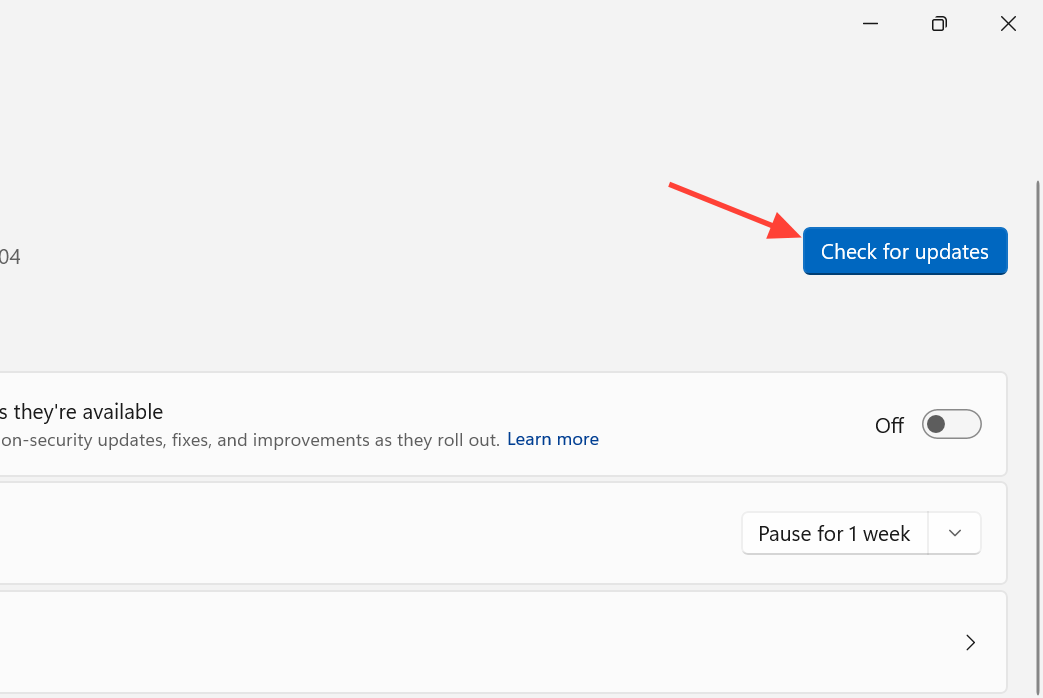
One caveat matters if you like being on the latest builds. With the “get the latest updates as soon as they’re available” toggle switched on in Windows Update settings, an unaffected PC can still pull down KB5121767 automatically. Installing it shouldn’t cause harm, but if you want to avoid an unnecessary update, you can turn that switch off. Because Microsoft blocked the July update before it ever reached vulnerable machines, the only people who likely saw the crashes are those who installed June’s optional preview update or manually sideloaded July’s patch.